
- Age rating4+
- CategoryUtilities
- DeveloperHsin Huei Huang
- LanguagesEnglish
- Size1.3 MB
Links to the official App Store page
Download.org hosts no file of LinkPad. The button opens its official App Store page, published by Hsin Huei Huang. Listing last checked on Nov 10, 2026.
Screenshots
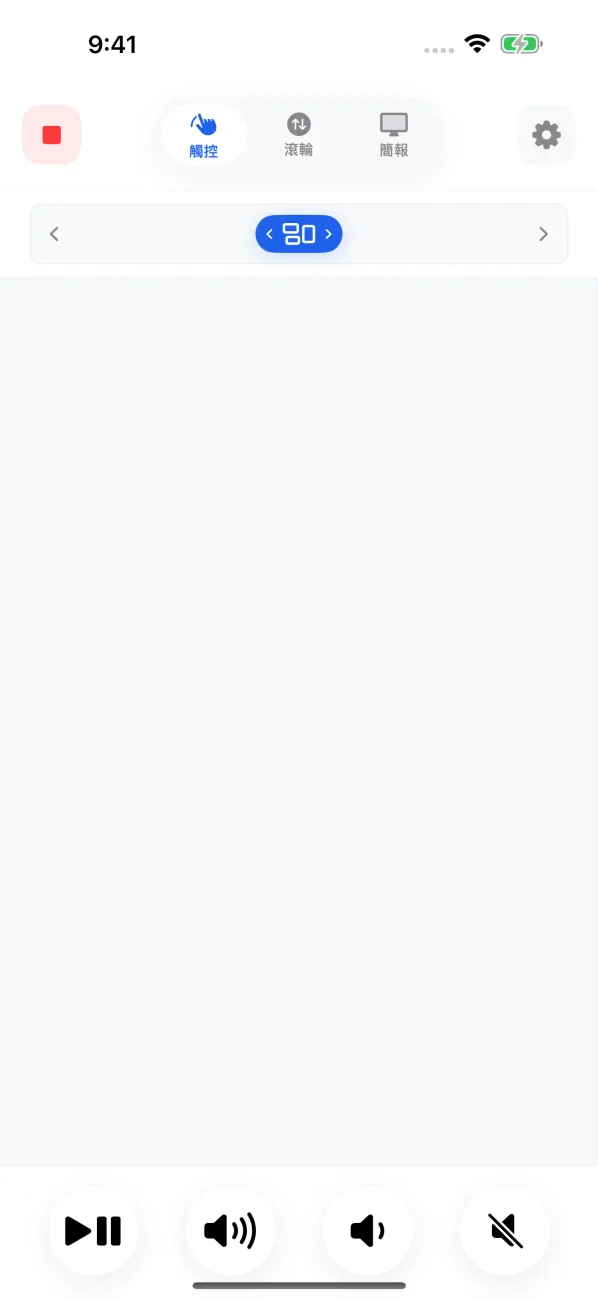

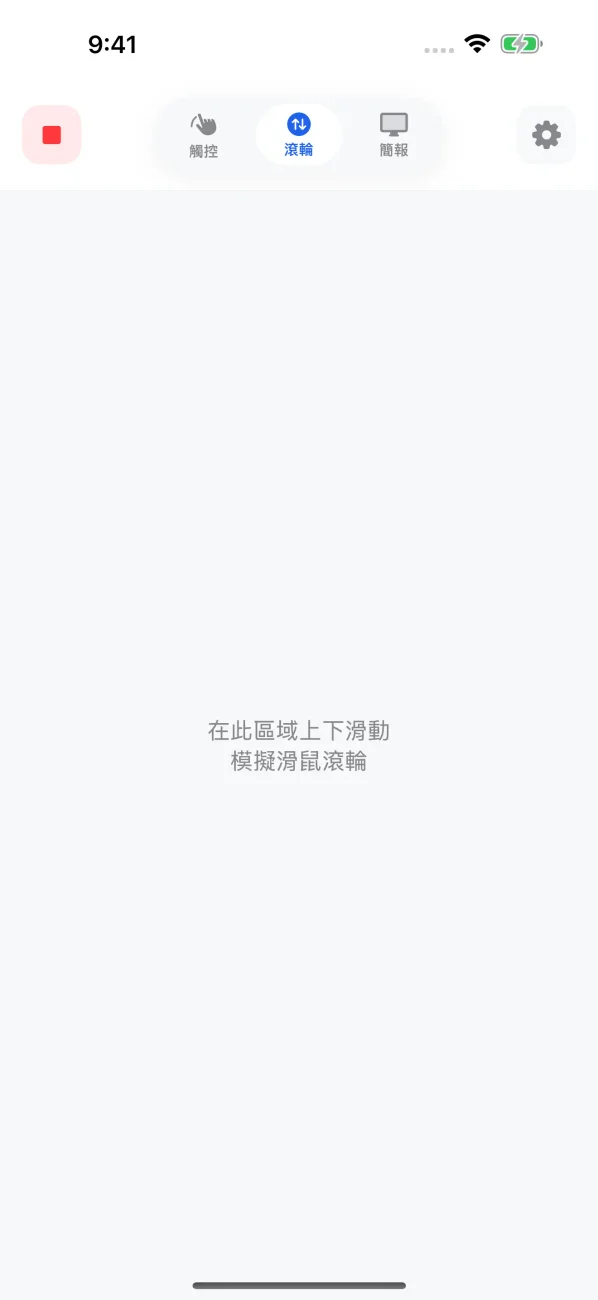
About
The developer has not provided this text in your language.
先安裝 Mac 接收端,再用 iPhone 控制 Mac。
Mac 接收端下載與圖解教學:https://tool.davidhuanglab.com/LinkPad/
只安裝 iPhone App 無法連線;舊版 Mac 接收端也無法與 LinkPad 3 配對。
開始使用:
1. 在 Mac 開啟下載頁,下載 ZIP,解壓縮後將 LinkPad.app 拖進「應用程式」並開啟。
2. 允許 Mac 的輔助使用與本機網路權限;iPhone 也允許本機網路,兩邊開啟 Wi-Fi 和藍牙。
3. 在 iPhone 選擇 Mac,於 Mac 允許連線,再把 Mac 顯示的六位配對碼輸入 iPhone。
4. 配對成功後,即可用 iPhone 移動游標、捲動、控制媒體和簡報。首次配對可選擇持續信任,之後再次連線不必每次輸入配對碼;Mac 可隨時撤銷信任。
主要功能:
• 觸控板、左右鍵點擊與雙指捲動。
• 播放、暫停、音量與靜音控制。
• 簡報上一頁、下一頁、切換桌面與 Mission Control。快捷鍵效果依 Mac 前景 App 而異。
• Apple Watch 經配對的 iPhone 轉送指令。
• 加密附近連線;裝置名稱和連線紀錄保存在本機。
iPhone 需 iOS 18.5 或更新,Mac 需 macOS 15.5 或更新;Apple Watch 需 watchOS 11.5 或更新。iPhone 進入背景或鎖屏後,連線可能中斷,請開啟 App 重新連線。
LinkPad 由黃信惠的瘋狂教室製作。不需帳號,不含廣告或第三方分析 SDK,也不將控制指令傳給開發者伺服器。
What’s new
Version 3.0.2 · Nov 3, 2026
更新 App 圖示。
App privacy
What Hsin Huei Huang declares on the App Store about how this app handles data.
-
Data not collected
The developer does not collect any data from this app.
Privacy practices may vary, for example with the features you use or your age.
Information
- Seller
- Hsin Huei Huang
- Category
- Utilities
- Version
- 3.0.2
- Updated
- Nov 3, 2026
- Released
- Sep 21, 2026
- Size
- 1.3 MB
- Requires
- iOS 18.5 or later
- Age rating
- 4+
- Languages
- English
- Copyright
- © 2026 瘋狂教室有限公司
You might also like
-
 VBCC - VibeCoding remoteSpeech recognition & keybinds
-
 Unzip Files - ZIP RAR 7z ToolUnzip Compress PDF Extractor
-
 琦琦輸入法Utilities
-
 Boccia Score&TimerUtilities
-
 SogaTypeSpeak, and it types it right
-
 Panda ZhuyinBopomofo & Taiwanese Hokkien
-
 ReplySense: AI Agent KeyboardRizz, Replies, Voice Dictation
-
 Scutter Photo Clean & OrganizeDelete Similar & Duplicates
-
 Protractor: Angle FinderCamera Level, Slope Meter
-
 Camzy: Smart Dashcam for TeslaView, Trim, Management, Export