
Vector Ink
SVG Editor, Drawing & Design
Designed for iPhone, iPad, Mac, iPod touch
Free · In-app purchases
- Age rating4+
- CategoryGraphics & Design
- DeveloperVector Ink LLC
- LanguagesEnglish
- Size191.1 MB
Links to the official App Store page
Download.org hosts no file of Vector Ink. The button opens its official App Store page, published by Vector Ink LLC. Listing last checked on Nov 23, 2026.
Screenshots
About
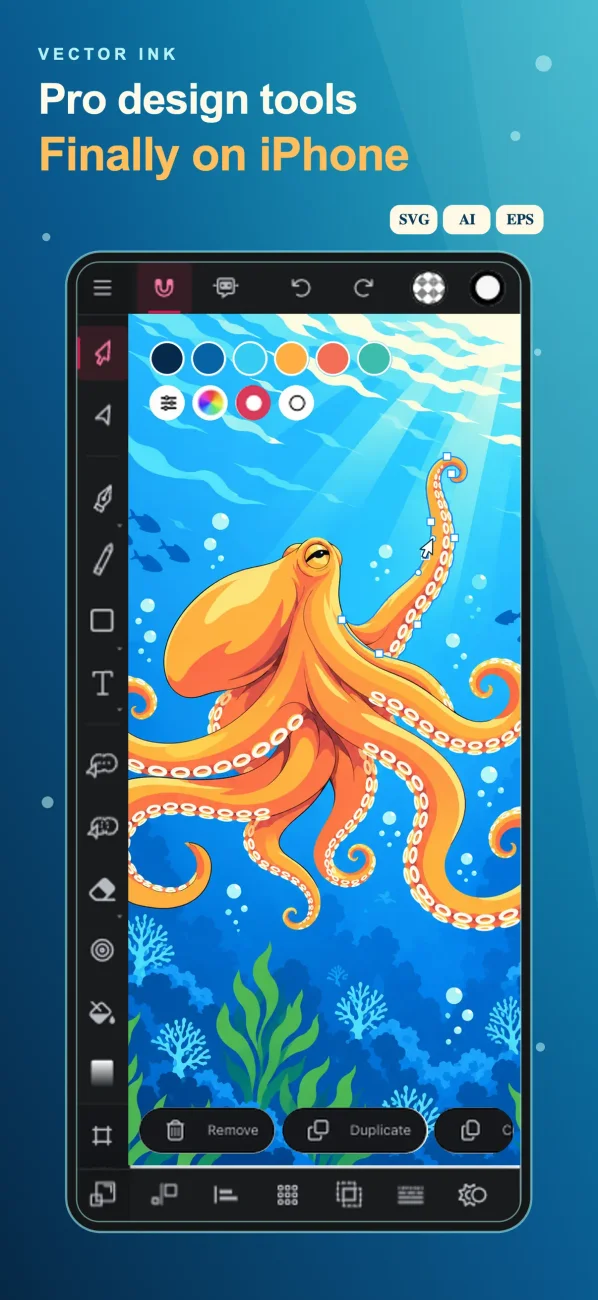
Create logos, illustrations, and vector art on your iPhone and iPad.
Start with a sketch, a photo, a few shapes, or a prompt. Vector Ink brings precision drawing, flexible editing, and AI tools together so you can take an idea all the way to a finished design. Shape every curve, build your own brushes and fonts, and make every detail yours.
DRAW AND SHAPE YOUR IDEAS
- Draw precise paths with the Pen tool or sketch freely with freehand drawing
- Fine-tune nodes, curve handles, and corners for full control over every shape
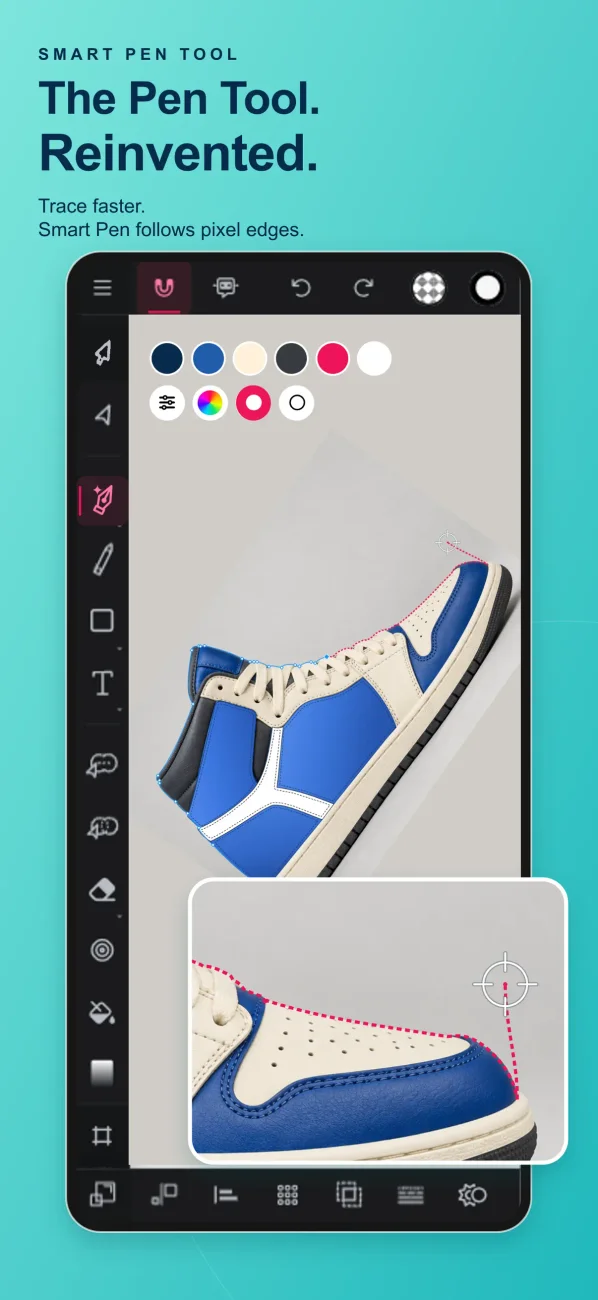
- Trace faster with Smart Pen, which follows pixel edges as you tap along an image
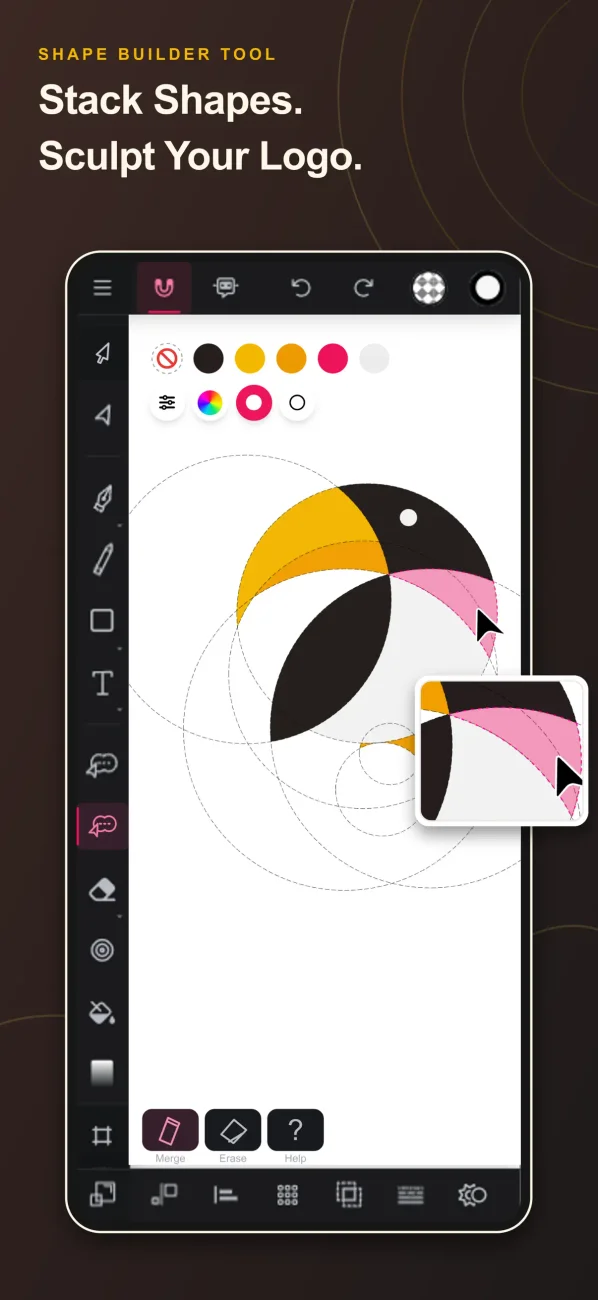
- Combine and remove overlapping regions with Shape Builder to sculpt logos and illustrations
- Draw once and mirror instantly with Live Symmetry
BEND, POSE, AND PERSONALIZE
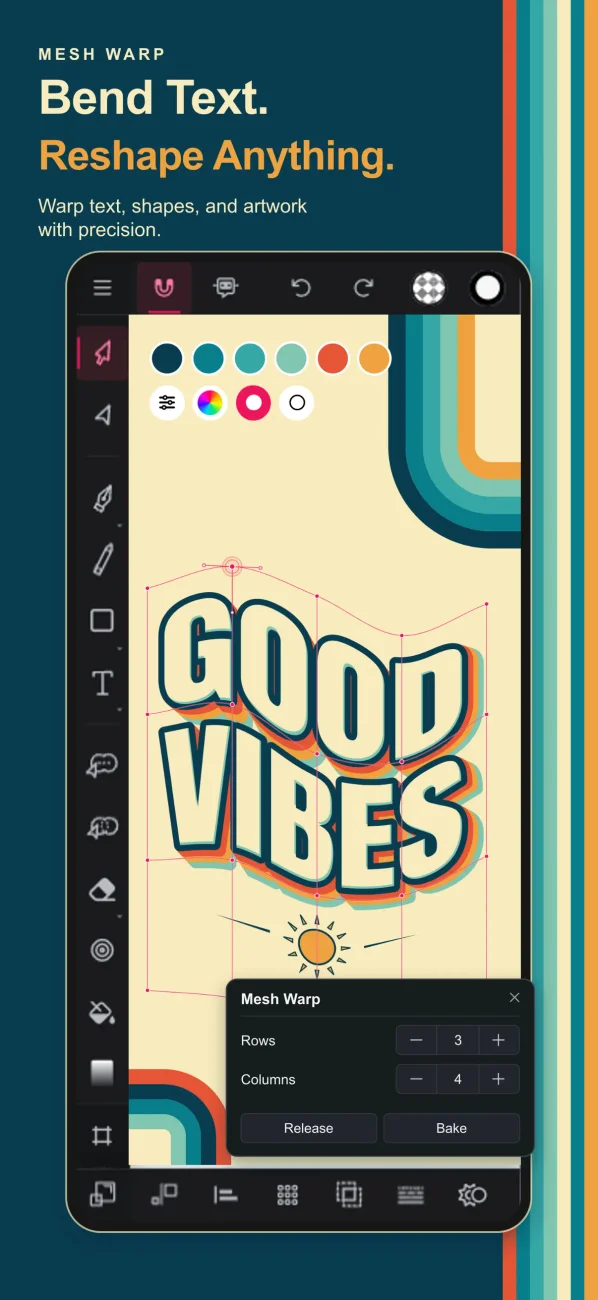
- Bend text, shapes, and artwork with Mesh Warp
- Move joints with Puppet Warp to bend an arm, tilt a head, or give a character a new stance
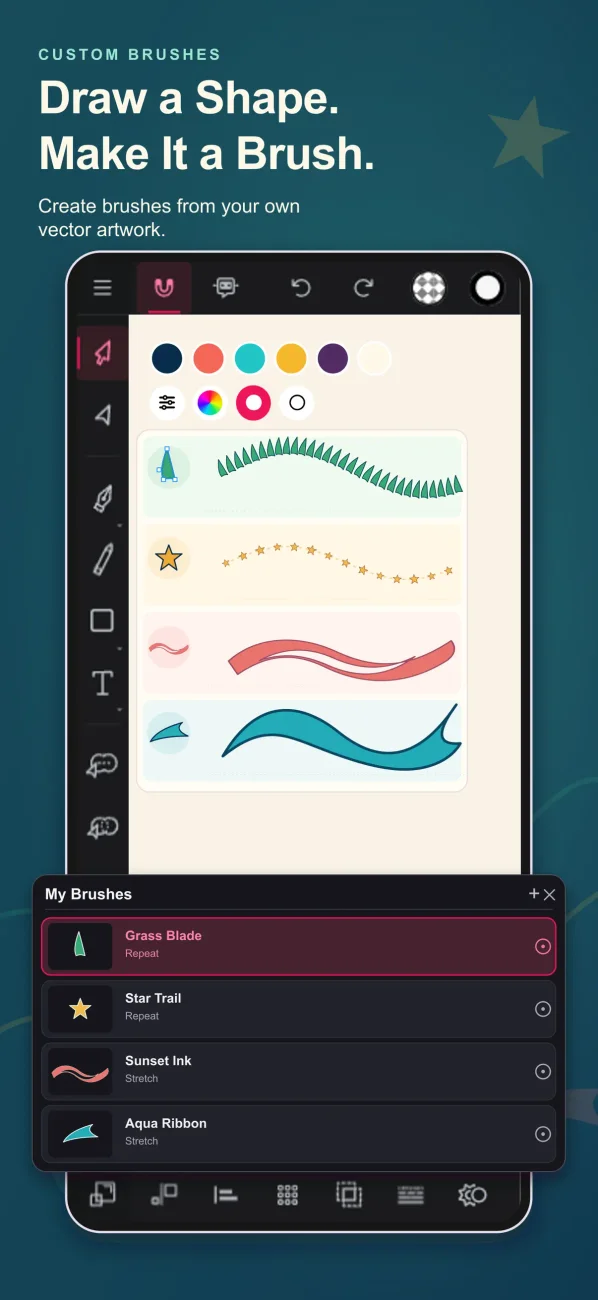
- Turn your own vector artwork into custom brushes for decorative strokes and repeating details
- Design characters, adjust spacing, and create your own fonts with Font Builder
CREATE WITH AI
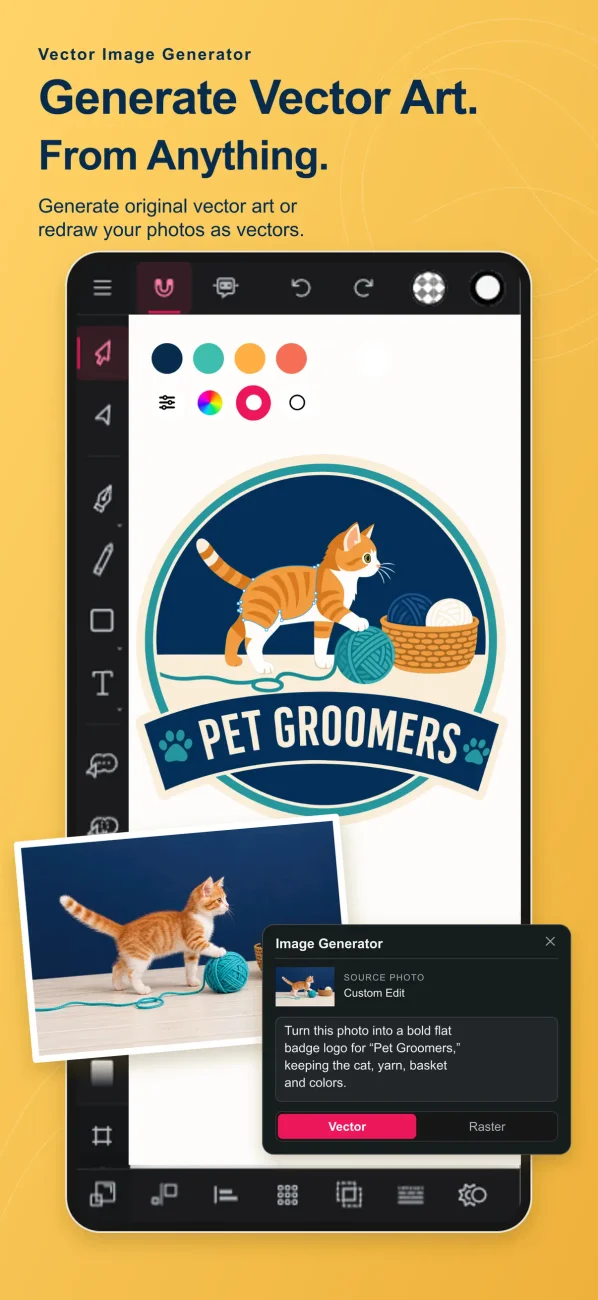
- Generate original, editable vector art from a prompt with Vector Image Generator
- Redraw your photos as vectors and make the results your own
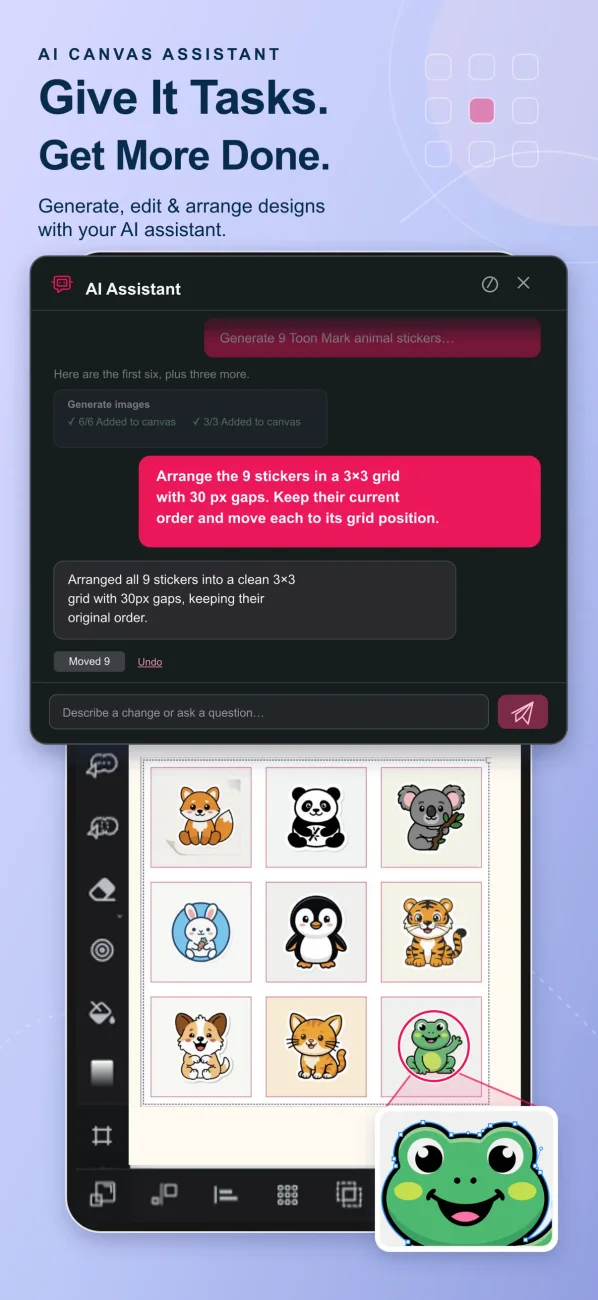
- Give AI Canvas Assistant tasks to generate, edit, and arrange designs on your canvas
REFINE EVERY DETAIL
- Add color with gradients, palettes, and fills
- Style outlines and details with strokes and dashed lines
- Organize your artwork with layers and position objects with alignment and distribution tools
- Keep variations, layouts, and pages together with multiple artboards
EDIT, SAVE, AND SHARE
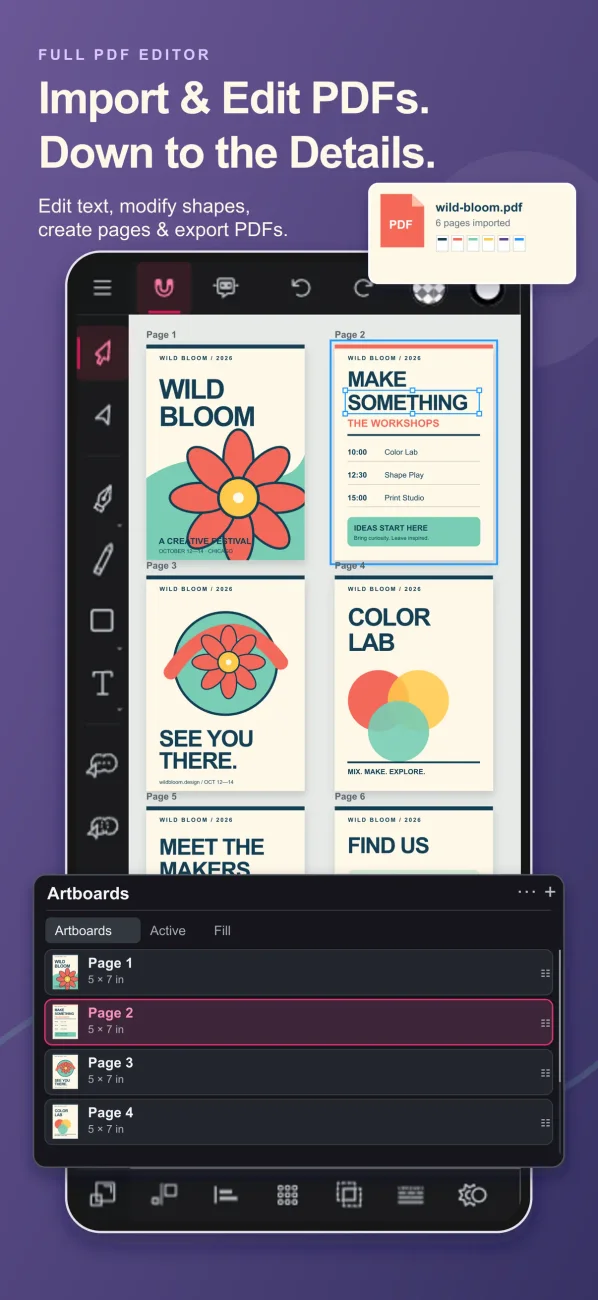
- Import PDFs and edit vector shapes and outlined lettering
- Arrange PDF pages as artboards and export your finished document
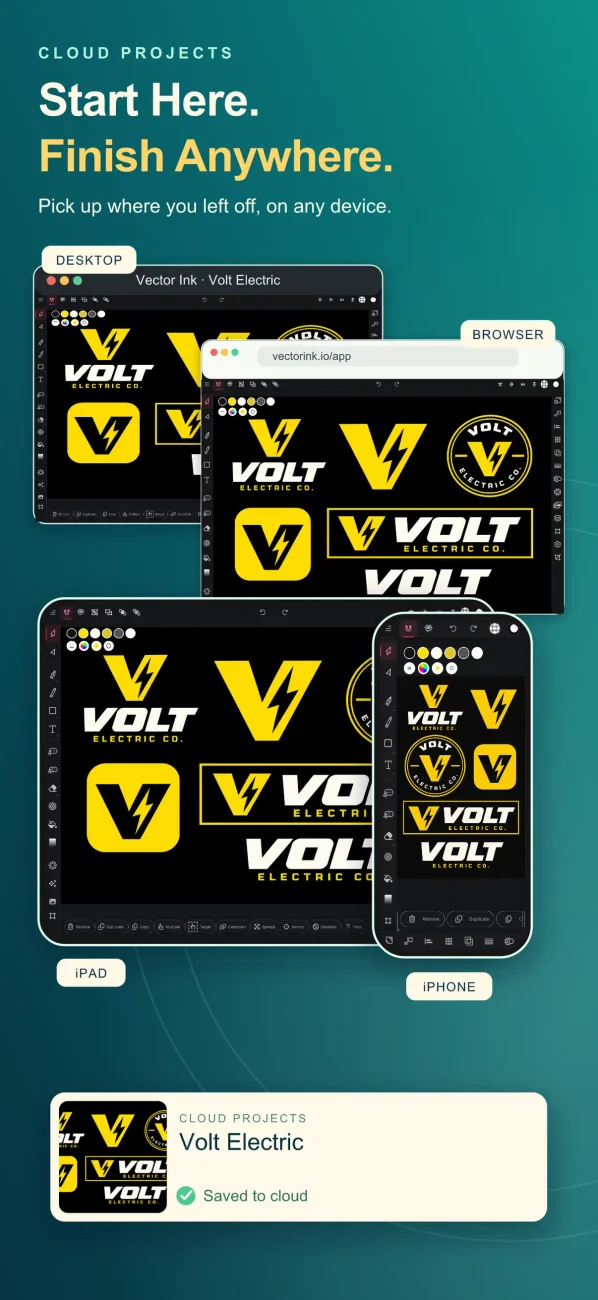
- Save projects in the cloud and continue across phone, tablet, desktop, and browser
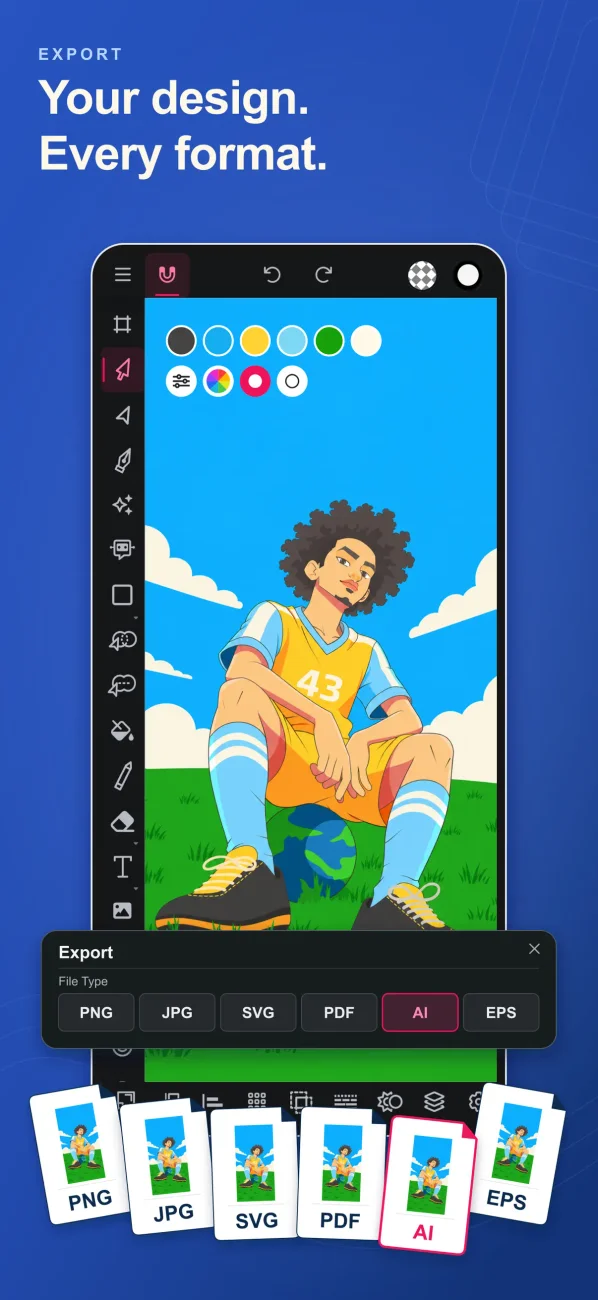
- Export SVG, PDF, AI, EPS, PNG, and JPG files
Privacy Policy: https://vectorink.io/privacy-policy
Terms of Use: https://vectorink.io/terms
What’s new
Version 6.1.7 · Nov 11, 2026
Vector Ink is now on iPhone and iPad. Draw precise vector art, trace photos and turn ideas into finished designs.
• Smart Pen follows image edges as you tap.
• Puppet Warp bends artwork with pins; Mesh Warp reshapes it with a grid.
• Live Symmetry mirrors strokes as you draw. Shape Builder, Contour and custom brushes add more ways to create.
• Work across multiple artboards, edit multi-page PDFs, and design your own fonts.
• Generate vector art and ask Pete, the AI assistant, to create, edit and arrange designs.
• Save projects and assets in the cloud, then continue across devices. Export SVG, PDF, AI, EPS, PNG and JPG.
App privacy
What Vector Ink LLC declares on the App Store about how this app handles data.
-
Data linked to you
May be collected and linked to your identity.
- Purchases
- Contact info
- User content
- Usage data
- Diagnostics
Privacy practices may vary, for example with the features you use or your age.
Information
- Seller
- Vector Ink LLC
- Category
- Graphics & Design
- Version
- 6.1.7
- Updated
- Nov 11, 2026
- Released
- Nov 5, 2026
- Size
- 191.1 MB
- Requires
- iOS 14.0 or later
- Age rating
- 4+
- Price
- Free
- In-app purchases
- Yes
- Languages
- English
- Copyright
- © 2026 Vector Ink LLC
You might also like
-
 Vector CurveDraw Vector Illustrations
-
 PaintlustratorGraphics & Design
-
 Sable: Pixel • Draw • VectorPixel & vector drawing studio
-
 Lineova: Drawing & PaintingSketch, Vector Art & Animate
-
 BladeDraw – Vector DrawingEvery stroke stays editable
-
 LineForge: Vector SVGDraw, Export SVG & PDF
-
 SVG Illustrator - PolySVGVector Design & SVG Creator
-
 ModulatorStart Creating
-
 DrawingCanvas - Draw anythingPowerful whiteboard
-
 Boxy SVG for iOSVector graphics editor