Vector3D: Math Plotter
Interactive 3D Math Visualizer
Designed for iPhone, iPad
In-app purchases
- Age rating4+
- CategoryEducation
- DeveloperTin Chi Chan
- LanguagesEnglish
- Size11.6 MB
Links to the official App Store page
Download.org hosts no file of Vector3D: Math Plotter. The button opens its official App Store page, published by Tin Chi Chan. Listing last checked on Nov 16, 2026.
Screenshots
About
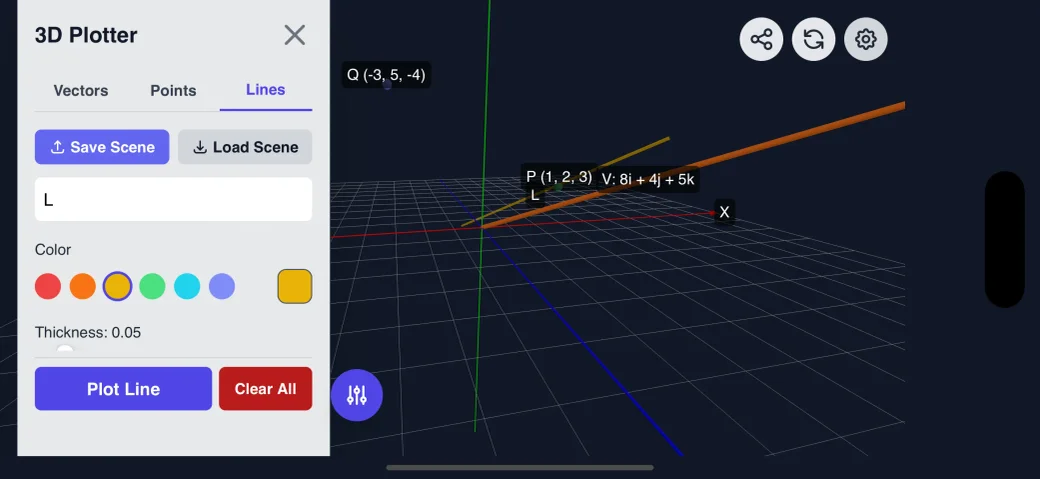
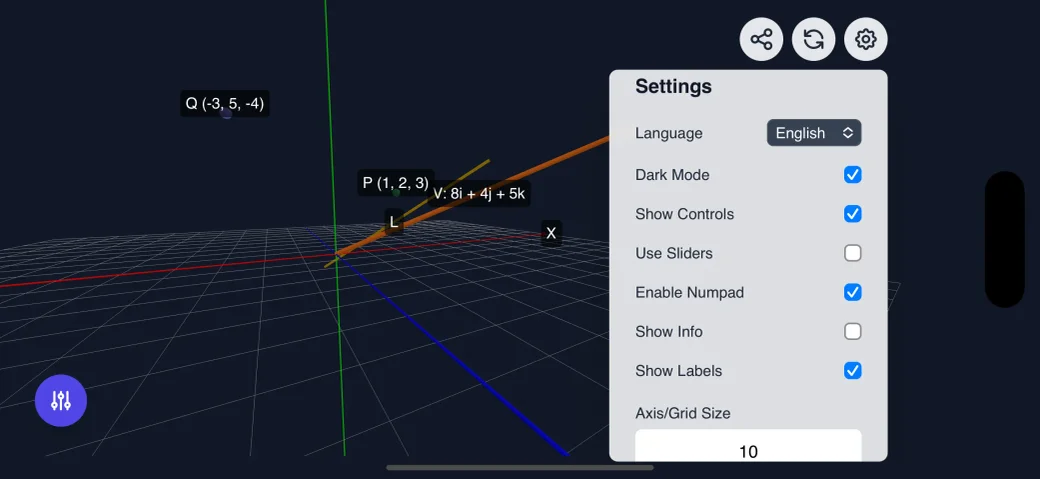
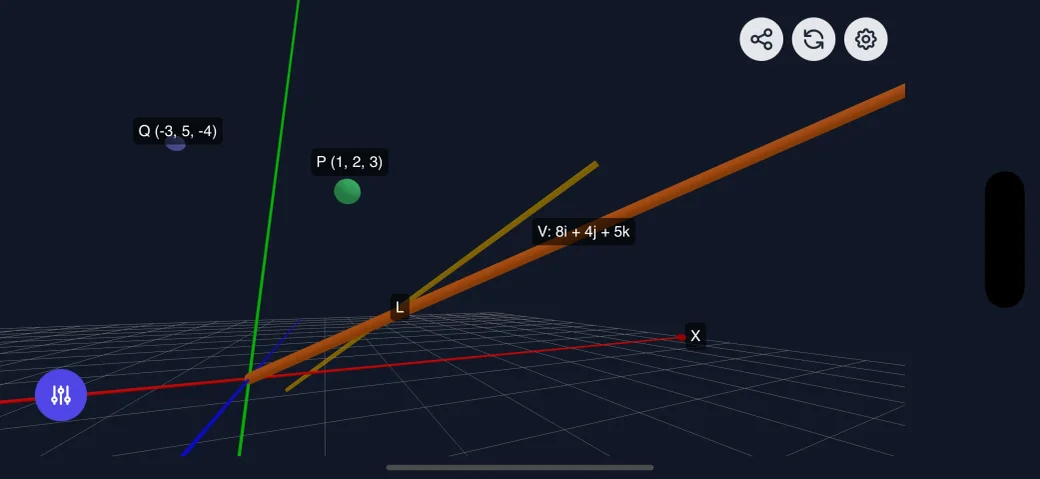
Vector3D: Math Plotter brings your math to life — plot vectors, points, and line segments in interactive 3D space, right on your iPad or iPhone.
Whether you're a student tackling linear algebra, a teacher preparing classroom demonstrations, or a physics enthusiast exploring 3D geometry, Vector3D gives you an intuitive tool to visualise mathematical objects the way they really look.
FEATURES
• Plot vectors with custom start points, components, colours, and thickness
• Visualise points and line segments in full 3D
• Display vectors in i, j, k notation with automatic magnitude calculation
• Labels follow each object in 3D space for easy identification
• Adjust axis and grid size to fit any scale
• Save scenes as .vviz files and reload them anytime
• Share scenes via AirDrop, Files, or any app
• Capture and share screenshots of your 3D scene
• Dark mode and light mode support
• Available in English, Traditional Chinese, and Japanese
• Works completely offline — no account required, no data collected
FREE vs PRO
Free: Plot up to 10 objects per day, save up to 3 scenes
Pro (one-time purchase): Unlimited objects and unlimited scene saves
PRIVACY
Vector3D collects zero data. No analytics, no ads, no tracking. Everything stays on your device.
Perfect for:
• High school and university students studying vectors, linear algebra, or calculus
• Math and physics teachers creating visual aids
• STEM learners curious about 3D geometry
What’s new
Version 1.1 · Nov 9, 2026
Calculate vector sums, differences, dot products, cross products, and angles. Undo and redo scene edits, and switch between camera presets to see your work from different angles.
Pro now includes planes defined by an equation or three points, unit normals, and vector projections with their perpendicular components.
Plane labels preserve the coefficients you enter.
App privacy
What Tin Chi Chan declares on the App Store about how this app handles data.
-
Data not collected
The developer does not collect any data from this app.
Privacy practices may vary, for example with the features you use or your age.
Information
- Seller
- Tin Chi Chan
- Category
- Education
- Version
- 1.1
- Updated
- Nov 9, 2026
- Released
- Jul 11, 2026
- Size
- 11.6 MB
- Requires
- iOS 16.6 or later
- Age rating
- 4+
- In-app purchases
- Yes
- Languages
- English
- Copyright
- © 2026 Tin Chi Chan
You might also like
-
 Vector FieldsMultivariable calculus in AR
-
 Calculatrice 3DSurfaces in your own room
-
 SniplystMath flashcards with LaTeX
-
 SnackLab: Math GraphingFrom algebra to engineering
-
 Complex Vector Calc-LITEVector math for everyone
-
 Principia: One Equation a DayMath & Science, Made Simple
-
 Diploma GDCOffline graphing calculator
-
 Plott: Graphing Calculator3D Grapher, Scientific & Math
-
 Clef Trainer GridLearn to read sheet music!
-
 Math Formulas with Flow ChartsSchool level math formulas