
- Age rating12+
- CategoryBusiness
- DeveloperVerizon Wireless
- LanguagesEnglish
- Size225.3 MB
Links to the official App Store page
Download.org hosts no file of Verizon One Talk. The button opens its official App Store page, published by Verizon Wireless. Listing last checked on Nov 28, 2026.
Screenshots

About
Verizon One Talk:
Voice, video and messaging business solution
Your business is constantly evolving, so you need a phone and collaboration solution that can keep up. We have you covered for how you work today and in the future.
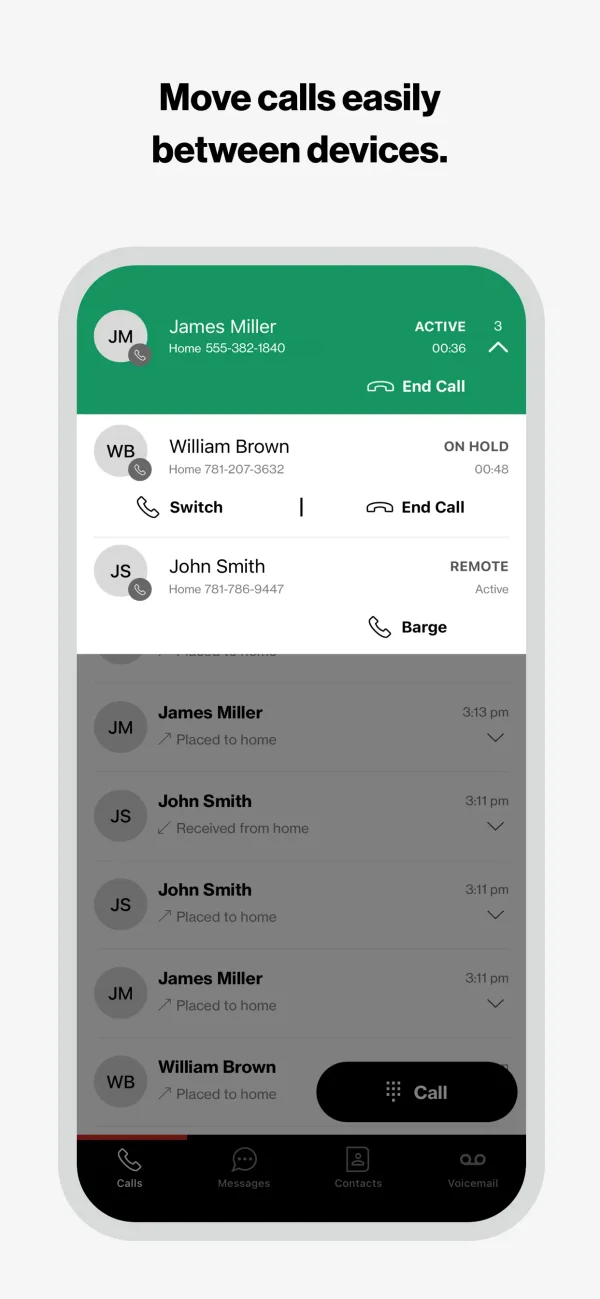
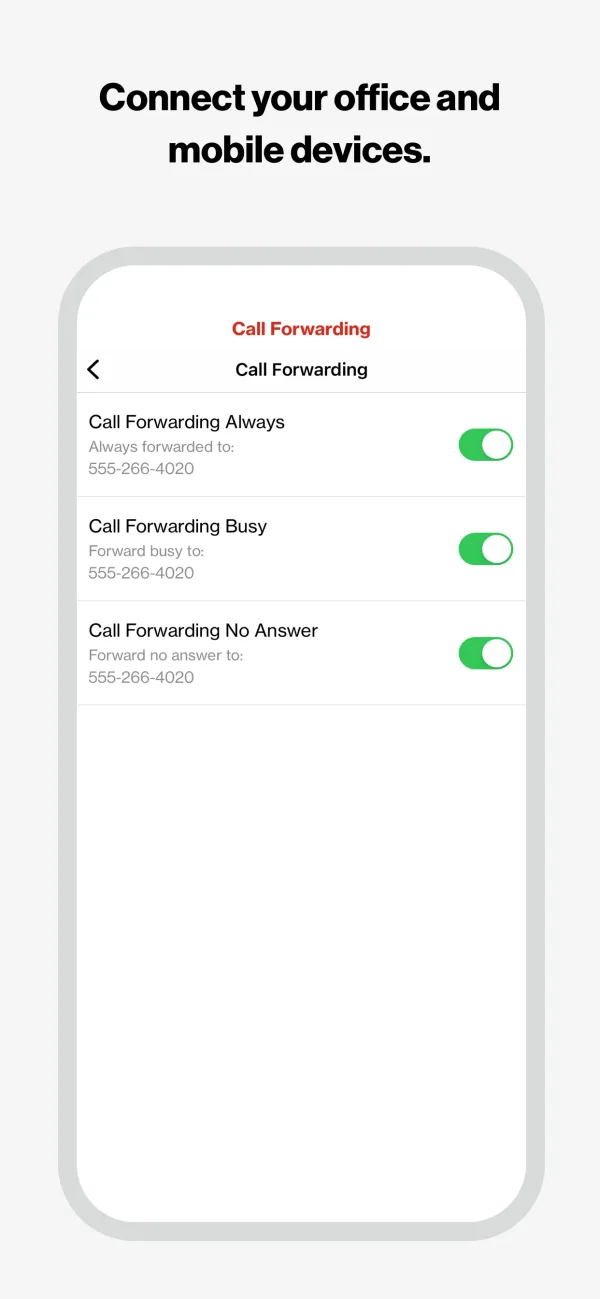
One Talk is a mobile-first business phone solution built for how you work today, allowing you to connect with customers, employees and others in the office or on-the-go. Easily manage 50+ business and user features from the Verizon One Talk web portal or mobile app.
One Talk includes multiple user device & app options:
* Smartphone Native Dialer. Connect mobile employees to the office and customers from their smartphone native keypad— all over the reliable and award-winning Verizon network.
* Desk, conference, and cordless phones. Enhance calling and collaboration with a range of Voice over Internet Protocol (VoIP) phones, including the nation’s first 4G cellular enabled desk phone, and accessories for your office-based employees.
* Mobile App for smartphones and tablets. Enable employees using business-owned or personal smartphones and tablets (including other carrier devices) to access One Talk features from a single number.
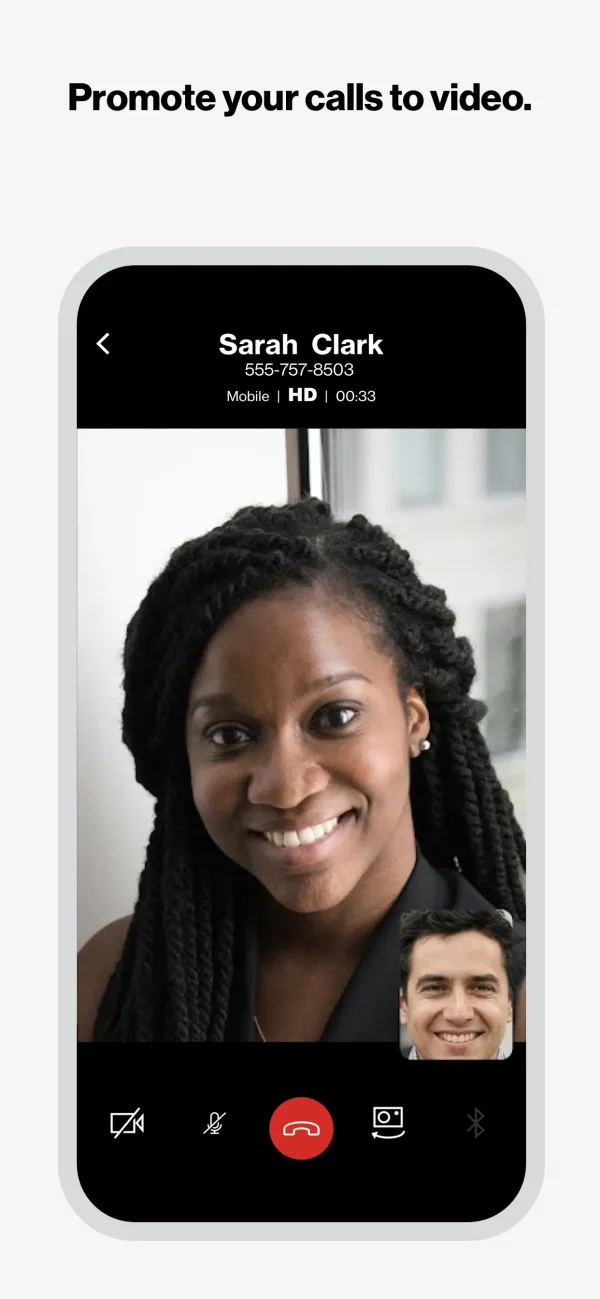
* Desktop App for computers. Easily make and receive voice/ video calls and SMS/text messages on your computer (PC or Mac®), similar to using your smartphone.
One Talk has 50+ powerful features to enhance communications, providing:
* Anywhere calling. Provide flexibility and a better calling experience with business-grade features like Caller ID and Simultaneous Ring.
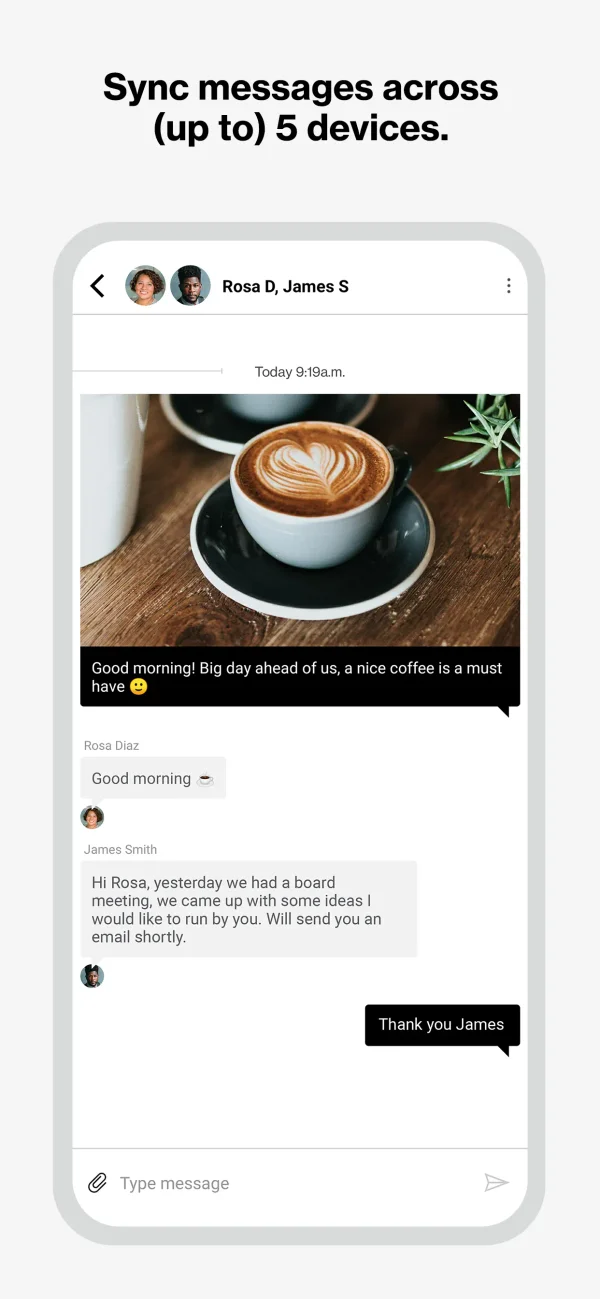
* Easy collaboration. Boost your employees’ ability to collaborate more effectively with messaging (chat, SMS and IM) and video conferencing from BlueJeans by Verizon on a single unified app.
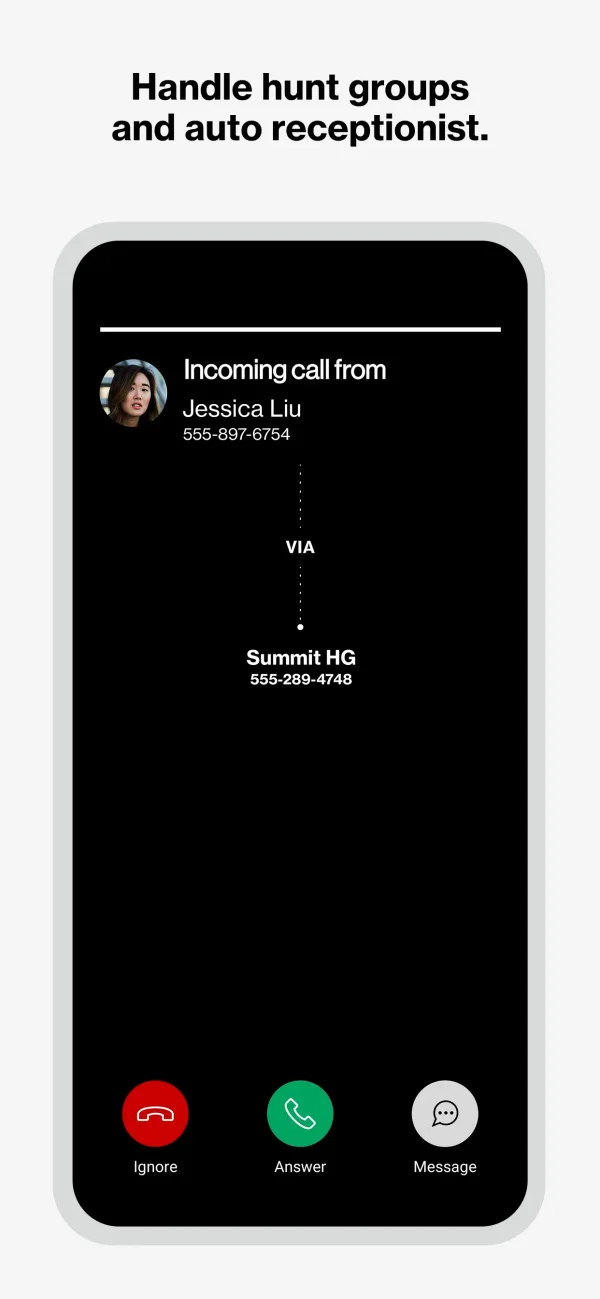
* Engaging customer experience. Connect callers to the people they need with features like Auto Receptionist, Hunt Groups and more.
Get started:
1. Subscribe to the Verizon One Talk service
2. Install the One Talk app. Enter your One Talk phone number. Request PIN
3. An email will be sent to the email associated with your number with an activation PIN. Enter your PIN and complete setup
4. Start using the One Talk App for calling, video and messaging.
One Talk Terms and Conditions Apply. See OneTalk.com for more information.
What’s new
Version 11.2.5 · Jul 8, 2026
Fixes for voicemail greetings and visual voicemail display
App privacy
What Verizon Wireless declares on the App Store about how this app handles data.
-
Data linked to you
May be collected and linked to your identity.
- Contact info
-
Data not linked to you
May be collected but is not linked to your identity.
- Location
- Contacts
- User content
- Identifiers
- Usage data
- Diagnostics
Privacy practices may vary, for example with the features you use or your age.
Information
- Seller
- Verizon Wireless
- Category
- Business
- Version
- 11.2.5
- Updated
- Jul 8, 2026
- Released
- Sep 8, 2016
- Size
- 225.3 MB
- Requires
- iOS 18.0 or later
- Age rating
- 12+
- Price
- Free
- Languages
- English
- Copyright
- © Verizon 2018
You might also like
-
 Spotlight by Verizon ConnectBusiness
-
 BroadSoft RecorderProductivity
-
 Comcast BusinessBusiness
-
 DialpadA modern phone system
-
 NextivaONEBusiness Phone Calls & Texts
-
 Vonage Business CommunicationsProductivity
-
 GrasshopperVirtual Phone System
-
 Ooma OfficeSmall Business Phone
-
 Housecall Pro: Field ServiceQuote, Estimate, Invoice App
-
 AT&T Office@HandBusiness