
Verso Writer
Clean, focused word processing
Designed for iPad, Mac
Free · In-app purchases
- Age rating4+
- CategoryProductivity
- DeveloperTomasz Smieja
- LanguagesEnglish+ 15 more
- Size19.8 MB
Links to the official App Store page
Download.org hosts no file of Verso Writer. The button opens its official App Store page, published by Tomasz Smieja. Listing last checked on Nov 23, 2026.
Screenshots

About
Verso Writer is a word processor for iPad and Mac. It opens Word documents as Word left them, lets you edit them with touch, a keyboard or Apple Pencil, and saves them back as .docx.
Free trial with full editing: 14 days of use, within 60 days. Then one purchase unlocks Verso on iPad and Mac with the same Apple ID. No subscription, no account.
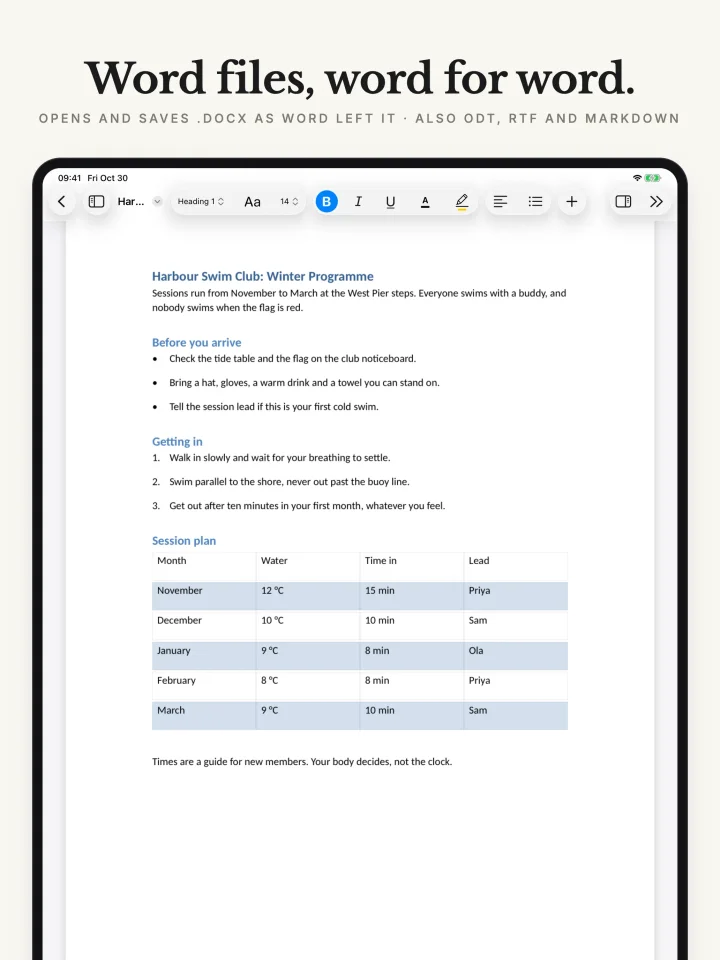
WORD FILES, WORD FOR WORD
Open and save .docx in place, from On My iPad, iCloud Drive or any provider in the Files app. Also opens OpenDocument (.odt), RTF, Markdown and plain text. Styles, tables, images, footnotes and endnotes, headers and footers, section breaks and page numbers come through intact.
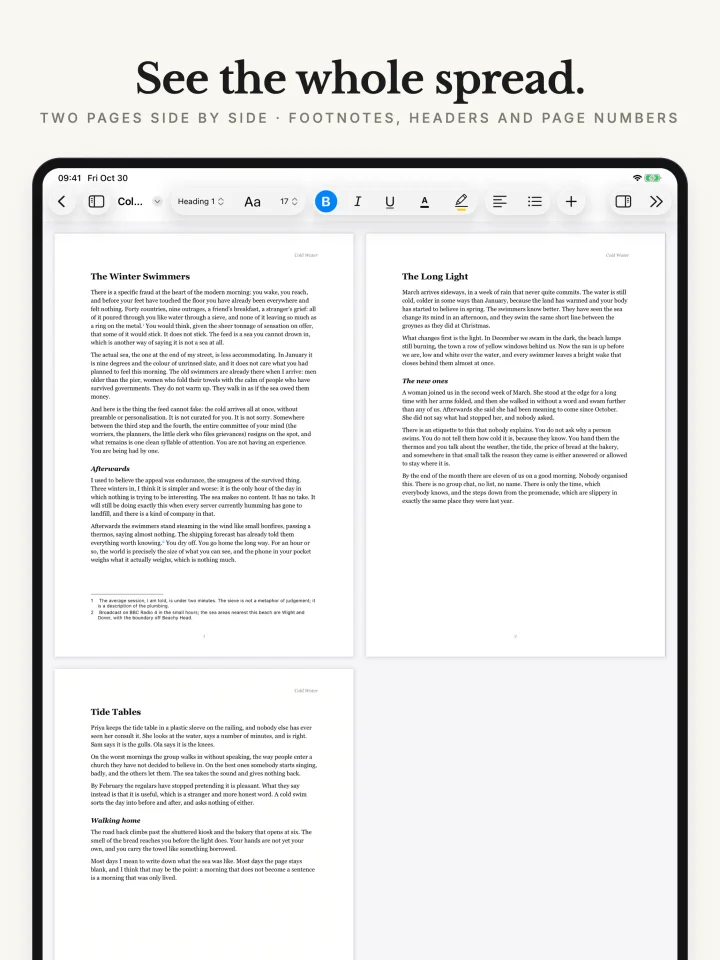
A REAL PAGE
Page view shows your document as it will print, with its margins, headers, footers and footnotes. Two Pages puts facing pages side by side. Screen View reflows the text to fit the window when you just want to write.
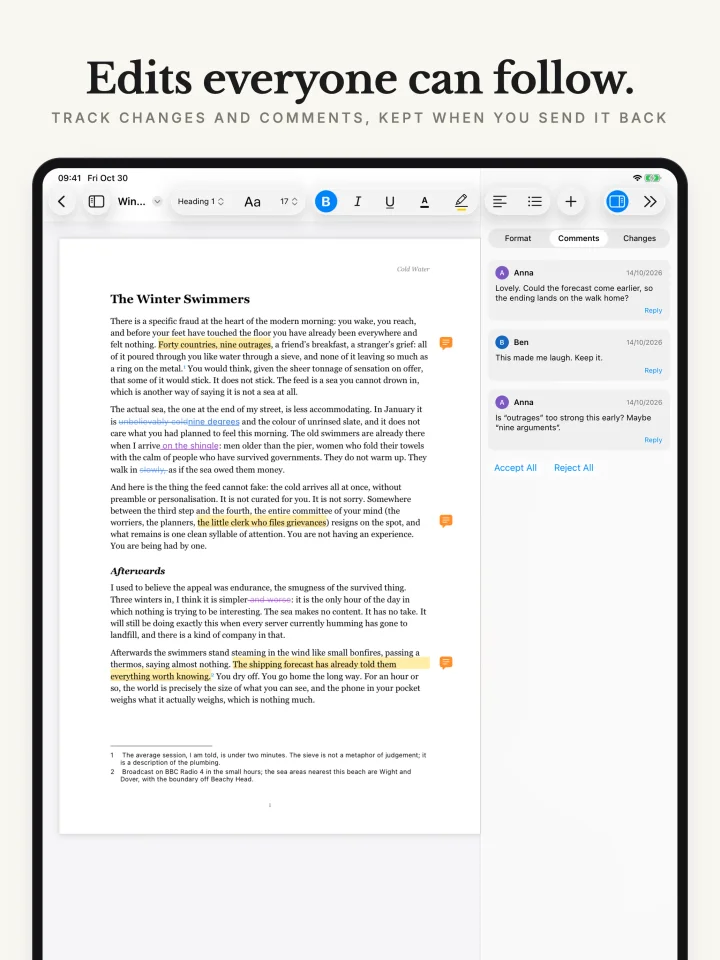
EDITS EVERYONE CAN FOLLOW
Track Changes and comments with replies. Accept or reject each change, and everything is kept when you send the file back to someone using Word.
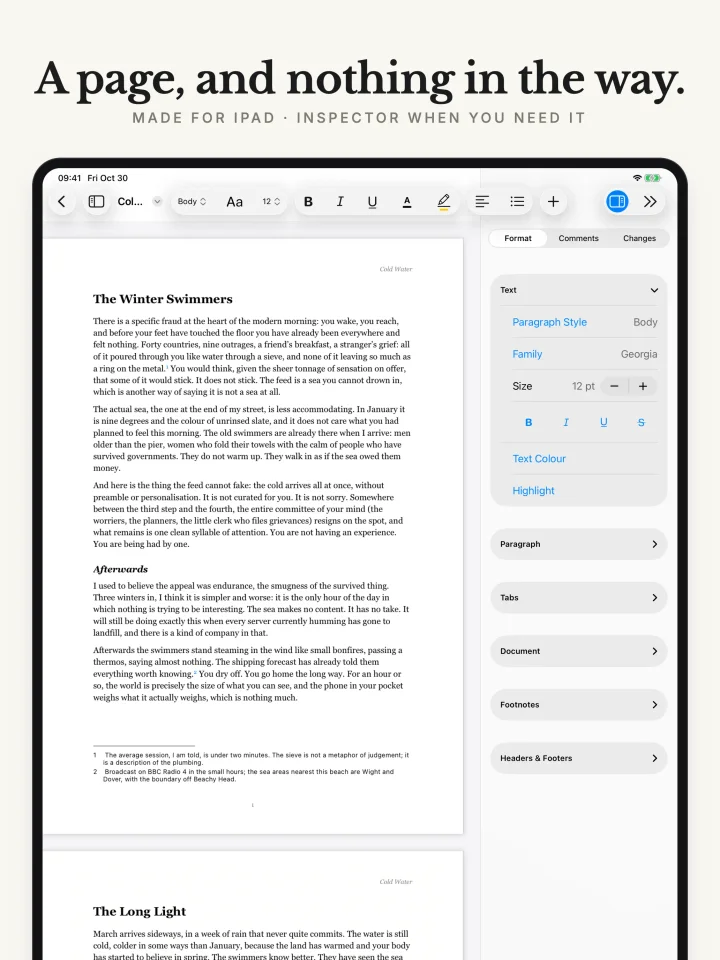
MADE FOR IPAD
A toolbar laid out like the Mac's, with every formatting control in reach. An inspector beside the page for text, paragraph, document and section settings. The full menu bar and the keyboard shortcuts you know from the Mac. Scribble with Apple Pencil. Works side by side with other apps and in windows of any size.
EVERYTHING YOU NEED
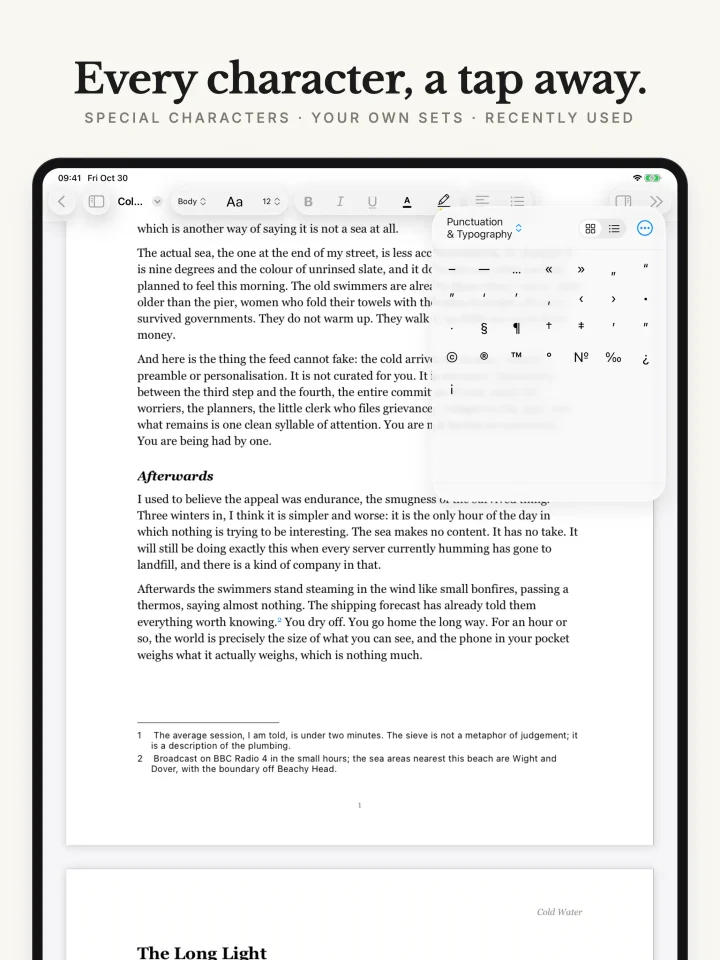
Paragraph styles, fonts, text colours and highlights, lists you can customise, tables, images, links, bookmarks, page and section breaks, landscape sections, find and replace with special characters, Select All Matches, a Special Characters palette, an outline with headings that fold away, word count, export to PDF and printing.
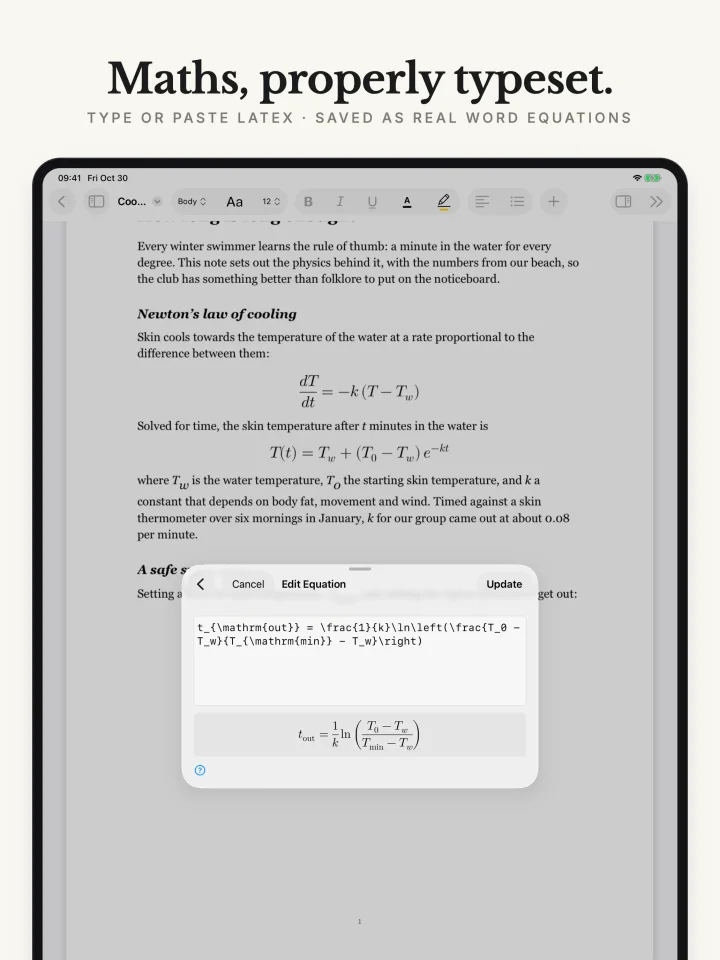
MATHS, PROPERLY TYPESET
Type or paste LaTeX and it is saved as a real Word equation that Word can edit.
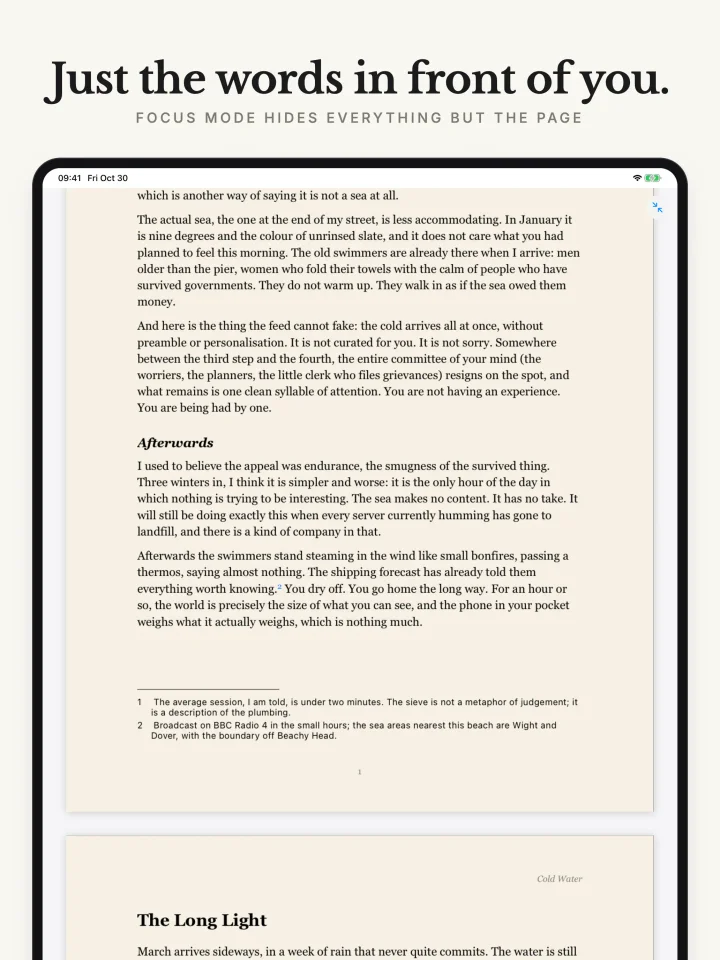
FOCUS MODE
Hide everything but the page. Choose the page colour: white, grey, sepia or dark.
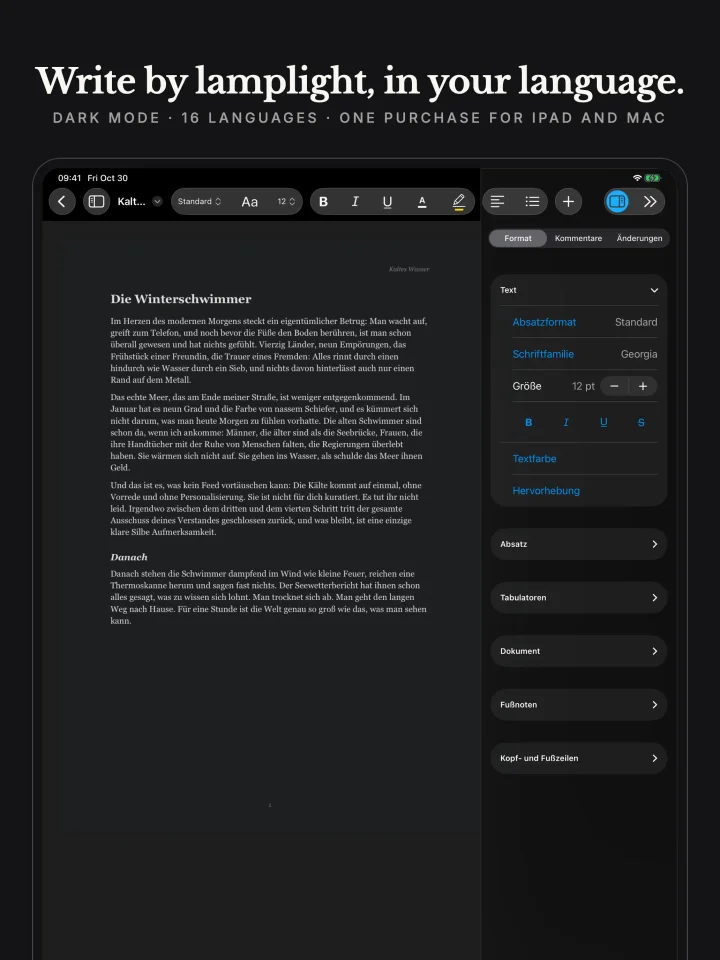
WRITES IN YOUR LANGUAGE
The whole interface in 16 languages: English, Deutsch, Français, Español, Português (Brasil), Italiano, Nederlands, Polski, Svenska, Русский, Türkçe, 简体中文, 繁體中文, 日本語, 한국어 and العربية.
PRIVATE
No account, no tracking and no cloud of its own. Your documents stay where you keep them.
Built by one developer, natively for iPad and Mac.
What’s new
Version 1.0.3 · Nov 15, 2026
New:
• Table of contents: Insert > Table of Contents builds one from your headings, with page numbers that keep up as you write. Tap in it and the inspector shows its options: style, heading levels, page numbers, leader, links and title. A table of contents from a Word file updates too.
• Touch and hold a heading to leave it out of the table of contents.
• Tables: choose a new table's size on a grid. Move rows and columns, select a row, column or cell, sort, and turn text into a table or a table into text.
• Cells copied from Numbers or Excel are pasted as a table.
• The inspector has a Table section: styles, header row, cell borders, cell fill, rows and columns.
• Password-protected Word documents (.docx) now open: Verso asks for the password. Verso cannot save password protection yet; to change such a document, tap Edit… and choose Save Without Password.
Fixed:
• The dots between a title and its page number in a table of contents are now drawn.
• Page breaks and tab stops set by a style are now followed when a Word file opens.
• A password-protected document that was damaged is not opened, and Verso says why.
App privacy
What Tomasz Smieja declares on the App Store about how this app handles data.
-
Data not collected
The developer does not collect any data from this app.
Privacy practices may vary, for example with the features you use or your age.
Information
- Seller
- Teze Ltd
- Category
- Productivity
- Version
- 1.0.3
- Updated
- Nov 15, 2026
- Released
- Apr 9, 2026
- Size
- 19.8 MB
- Requires
- iOS 17.0 or later
- Age rating
- 4+
- Price
- Free
- In-app purchases
- Yes
- Languages
- English, Arabic, Dutch, French, German, Italian, Japanese, Korean, Polish, Portuguese, Russian, Simplified Chinese + 4 more
- Copyright
- © 2026 TeZe
You might also like
-
 Sealed Tasks - Privacy FirstSecure Offline To-Dos
-
 Time Tracker - PomodoroFocus on what really matters
-
 Dotted: Digital PlannerJournal App & Notes
-
 Notelane - Markdown EditorYour notes, your own storage
-
 eSterownikProductivity
-
 PinNote - Lock Screen NotesSticky Note Widget & Reminder
-
 CanvasNoteThe ultimate note-taking app
-
 Note.s Taking App - NotesUNotepad & School Notes Taker
-
 PeplinkProductivity
-
 Pinning – Days Until CountdownCount down to what matters