
Video Compressor: ClipKit
Media Converter, MP4 to MP3
Designed for iPhone, iPad
Free · In-app purchases
- Age rating4+
- CategoryPhoto & Video
- DeveloperMarian Yakubets
- LanguagesEnglish+ 20 more
- Size67.2 MB
Links to the official App Store page
Download.org hosts no file of Video Compressor: ClipKit. The button opens its official App Store page, published by Marian Yakubets. Listing last checked on Nov 25, 2026.
Screenshots
About
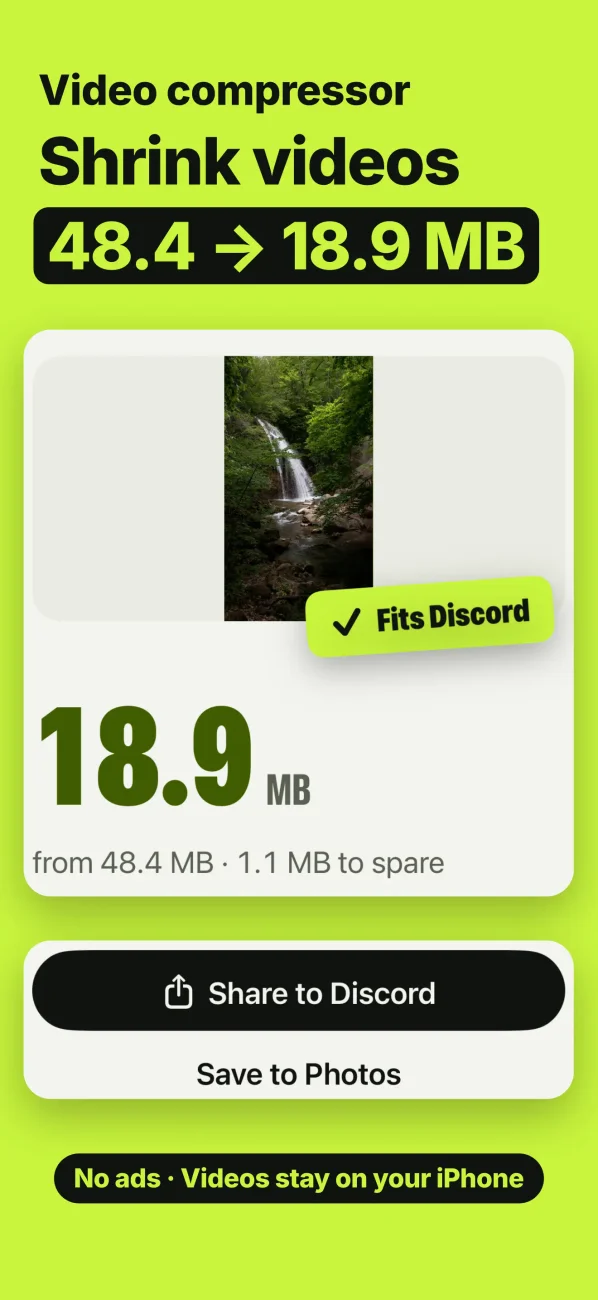
Video too big to send? Tell ClipKit where it’s going. It makes the file fit, on your iPhone, without uploading anything.
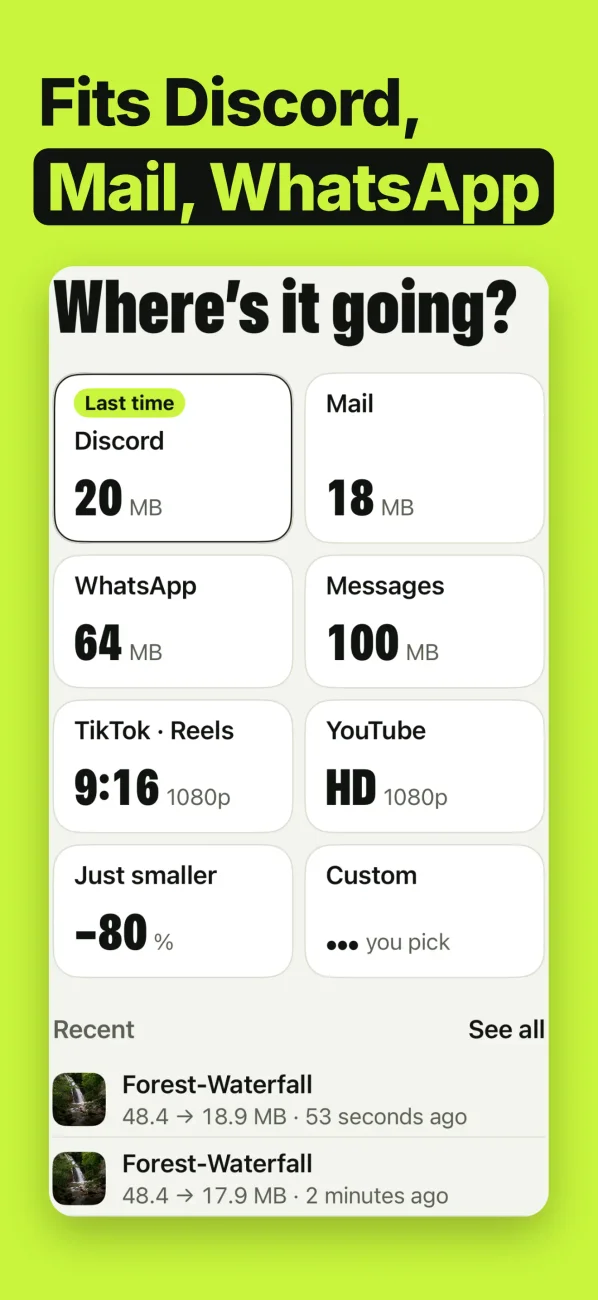
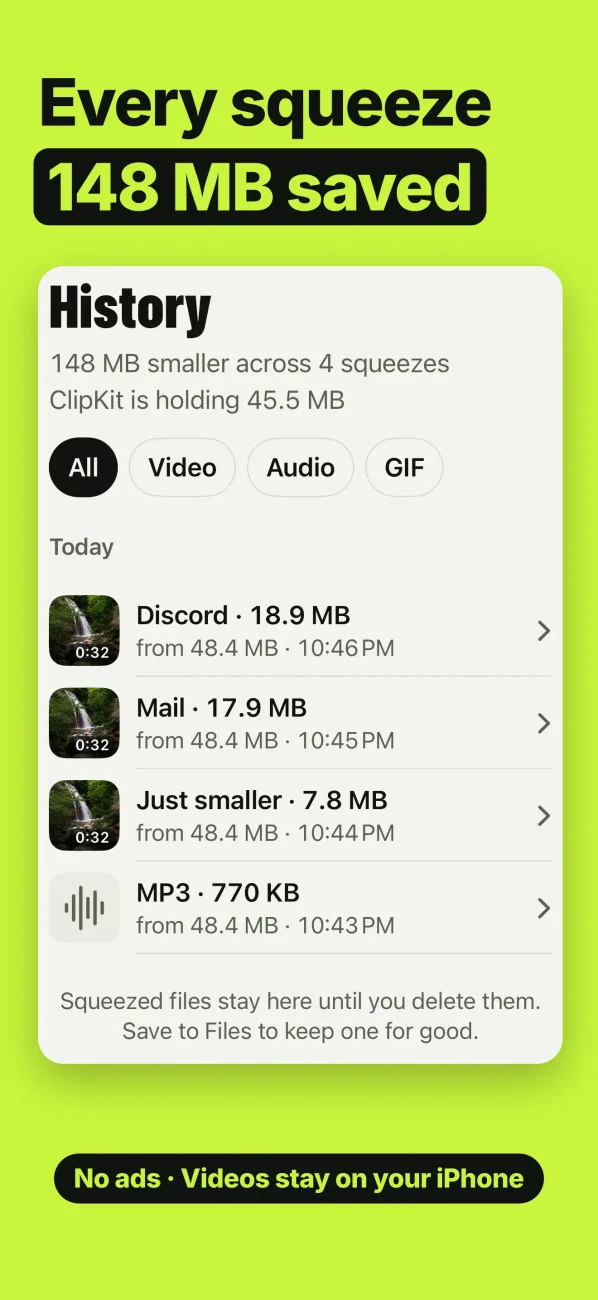
Discord, Mail, WhatsApp and Messages all limit attachment size, and big clips fill your iPhone storage. Pick a video, tap where it’s going, and ClipKit shrinks it to fit. Then send it, or save it to Photos.
HOW IT WORKS
• Pick a video from Photos or Files, or tap Share > ClipKit in Photos
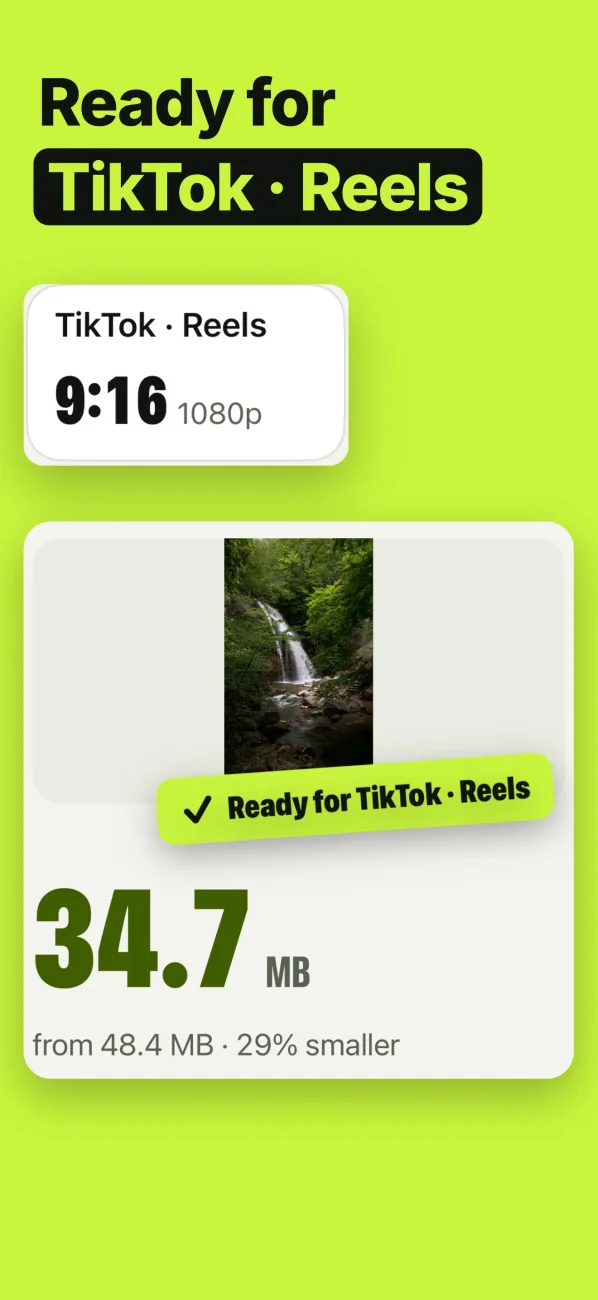
• Tap a destination: Discord, Mail, WhatsApp, Messages, TikTok · Reels, YouTube, or Just smaller
• Share it to that app or any other app, including Files. Or save it to Photos
• Your original stays unchanged
MORE CONTROL
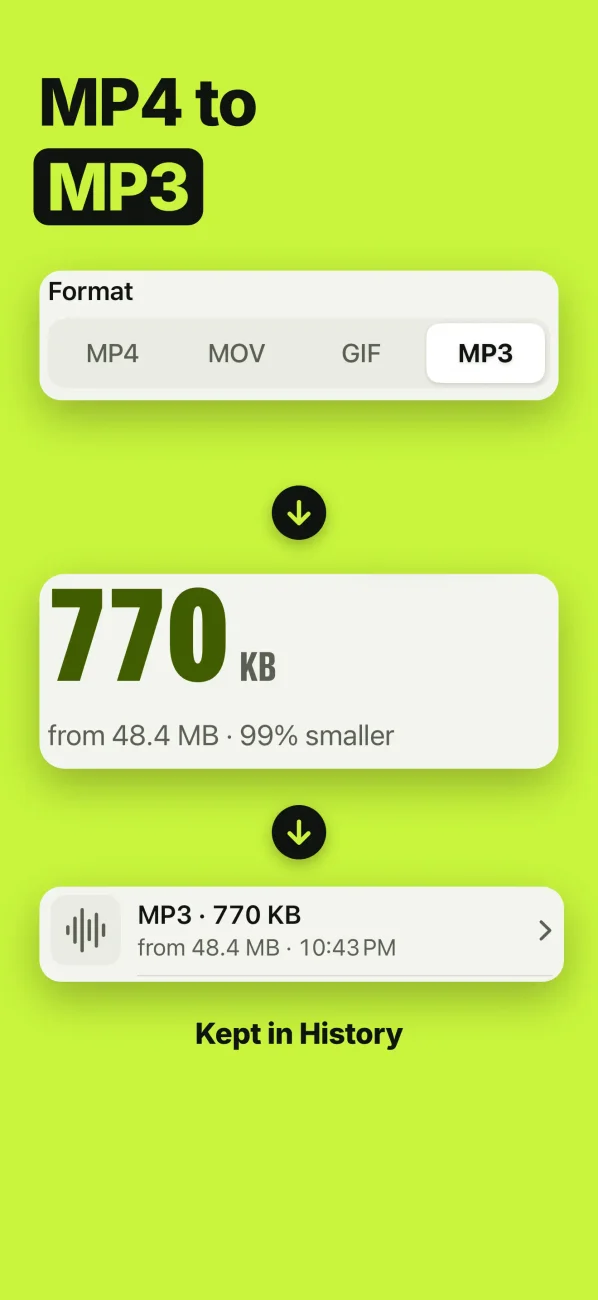
• Custom: choose a size limit from 1 to 500 MB, format (MP4, MOV, GIF or MP3), resolution and frame rate
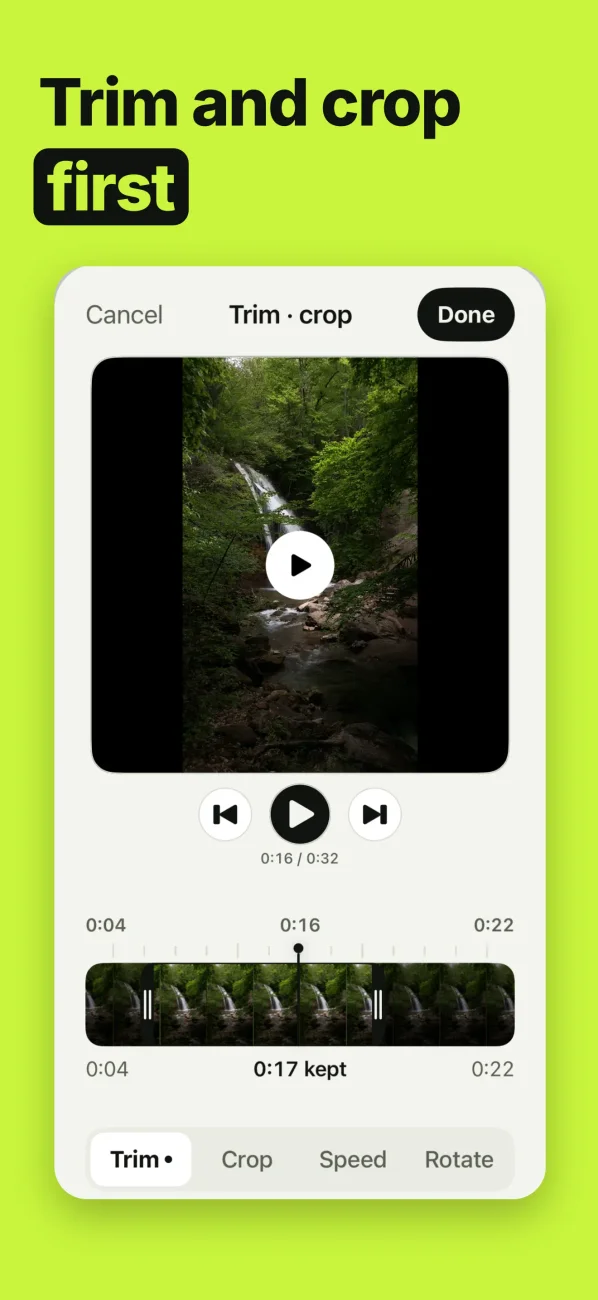
• Trim, crop, rotate, or change speed from 0.5x to 4x
• Extract the audio from a video as MP3, or convert an audio file
• Prefer the older layout? Turn off New look in Settings to get Classic, with the side-by-side comparison of original and result
PRIVATE
Your videos are processed on your device. No uploads, no watermark, no account needed.
FREE AND PRO
Your first export is free. More exports need ClipKit Pro.
CLIPKIT PRO
ClipKit Pro is available as a yearly or weekly auto-renewing subscription, or as a one-time Lifetime purchase. Plans, prices and billing periods are shown on the Pro screen before you buy.
• Payment is charged to your Apple Account when you confirm the purchase.
• A subscription renews automatically unless you cancel at least 24 hours before the end of the current period. Your account is charged for the next period within 24 hours before the end of the current period.
• Manage or cancel in Settings > your name > Subscriptions. Deleting the app does not cancel it.
• A free trial, if offered, is shown on the Pro screen. Any unused part of it ends when you buy a subscription.
• Lifetime is a single payment, not a subscription.
• Restore is on the Pro screen and in Settings.
Terms of Use: https://yakuapps.com/clipkit/terms-of-service/
Privacy Policy: https://yakuapps.com/clipkit/privacy-policy/
What’s new
Version 2.0.2 · Nov 24, 2026
New: optional Sale alerts in Settings. They stay off unless you turn them on. Clearer Pro status in Settings and small fixes.
App privacy
What Marian Yakubets declares on the App Store about how this app handles data.
-
Data linked to you
May be collected and linked to your identity.
- Contact info
- User content
- Diagnostics
-
Data not linked to you
May be collected but is not linked to your identity.
- Purchases
- Usage data
Privacy practices may vary, for example with the features you use or your age.
Information
- Seller
- Marian Yakubets
- Category
- Photo & Video
- Version
- 2.0.2
- Updated
- Nov 24, 2026
- Released
- Jun 23, 2026
- Size
- 67.2 MB
- Requires
- iOS 18.0 or later
- Age rating
- 4+
- Price
- Free
- In-app purchases
- Yes
- Languages
- English, Arabic, Czech, Dutch, French, German, Greek, Hebrew, Hungarian, Italian, Japanese, Korean + 9 more
- Copyright
- © 2026 Yakuapps
You might also like
-
 TinyVid - Video CompressorVideo Compression Made Easy
-
 FrameSmoother: 60fps SlowMoAI Frame Interpolation 120fps
-
 SNS Video Fixer - FPSuke -Fix FPS, ratio, size for SNS
-
 TpixSave and manage images easily.
-
 ClipKitYour private video tool
-
 Studio Cut - Video EditorCrop, Merge & Export Videos
-
 Master MotionSkill-building media player
-
 TC Calculator - TimecodeFast drop-frame & SMPTE math
-
 Trace Camera - Stop Motion CamStop Motion with Overlay Mode
-
 Gifsky: Video to GIF MakerPrivate, No Ads or Watermarks