
Video Compressor & Converter
Reduce 90% with N Visible Loss
Designed for iPhone, iPad, iPod touch
Free · In-app purchases
- Age rating4+
- CategoryUtilities
- Developer建辉 杨
- LanguagesEnglish+ 1 more
- Size63.3 MB
Links to the official App Store page
Download.org hosts no file of Video Compressor & Converter. The button opens its official App Store page, published by 建辉 杨. Listing last checked on Nov 15, 2026.
Screenshots

About
We are dedicated to building professional, high-performance tools for video compression and conversion.
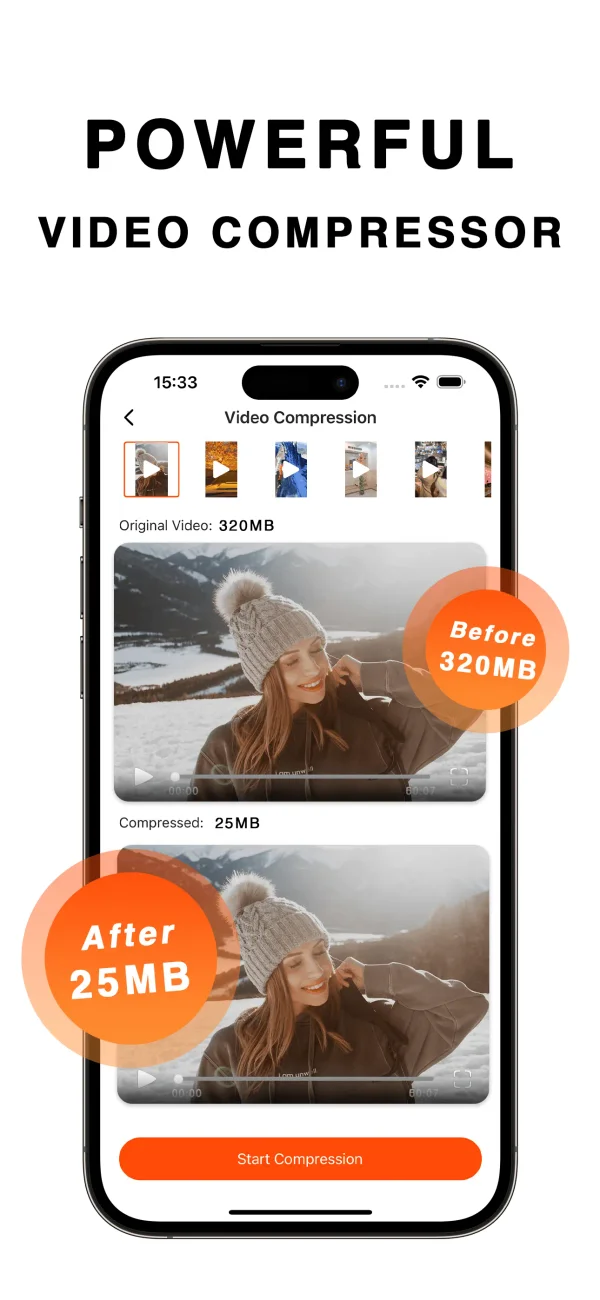
It makes your video files smaller, of higher quality, and more efficient! No matter the video format, uses advanced algorithms to perform lossless or high-quality compression, minimizing space usage while maintaining sharp clarity. Additionally, it offers a range of powerful features to meet various video processing needs, enhancing your workflow efficiency.
Key Features:
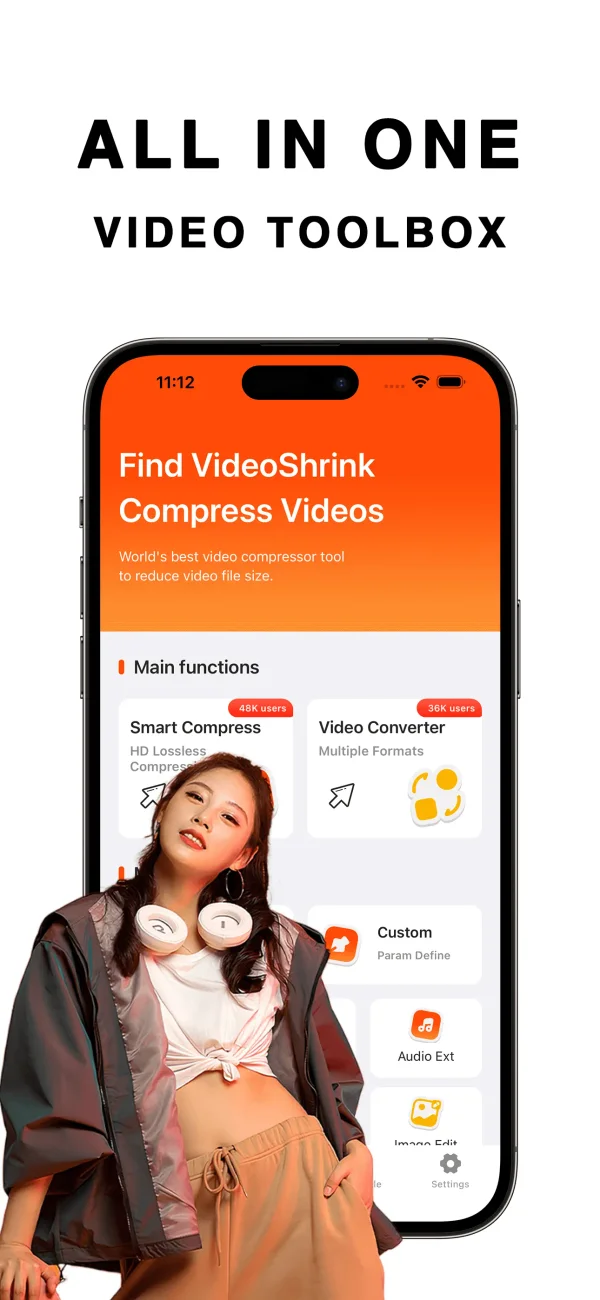
- Smart Compression - Automatically analyzes video content and intelligently optimizes compression for the best balance between quality and file size.
- Batch HD Compression - Process multiple files with a single click, saving time and offering high efficiency.
- Custom Compression - Allows users to set compression parameters as needed for precise control over the output.
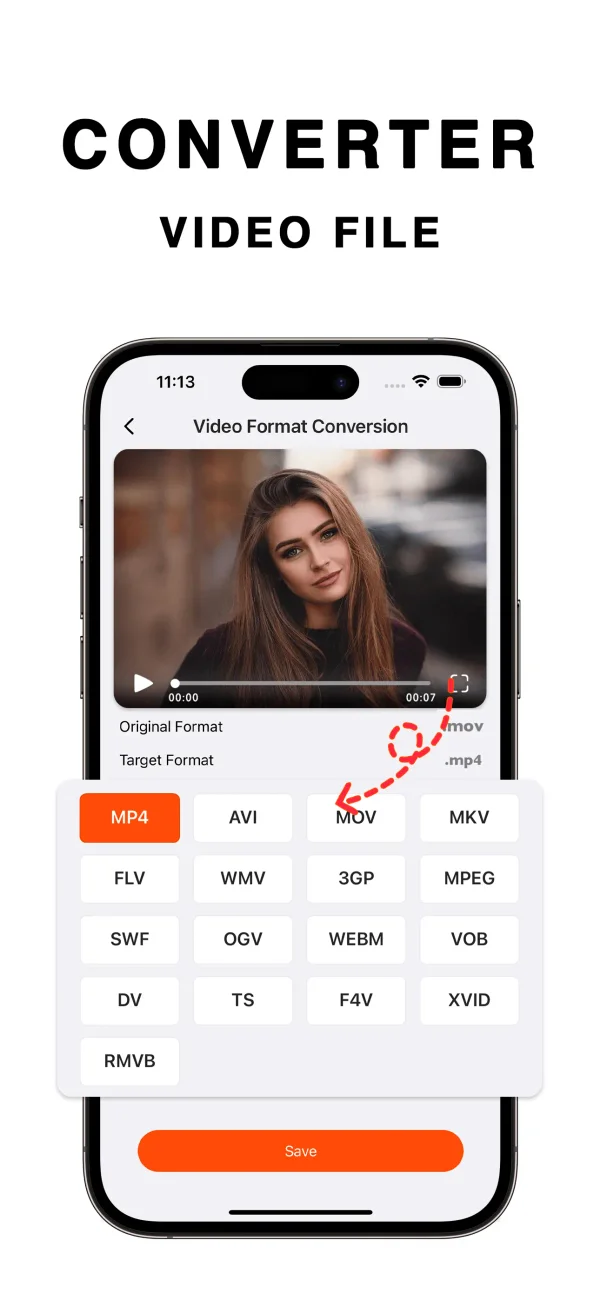
- Format Conversion - Supports conversion between mainstream video formats, making it easy to convert to your desired format.
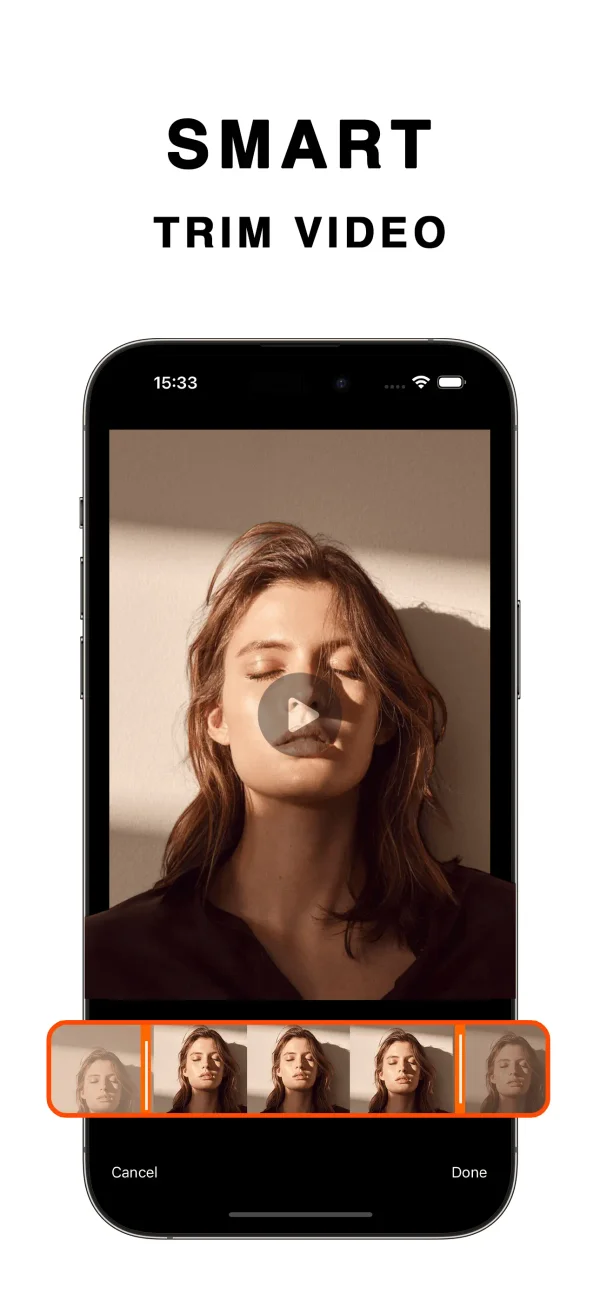
- Video Clipping - Quickly extract video segments, keeping only the parts you need.
- Audio Extraction - Extract audio from videos for easy editing or standalone use.
- Save Storage Space - Helps reduce file sizes, freeing up storage on your device for more important content.
- Multi-format Support - Fully compatible with various video formats to meet diverse needs.
Whether you're a professional user or using it for daily tasks, It provides fast, intelligent solutions to effortlessly handle all your video files. Download now to experience cutting-edge compression technology and convenient video processing tools!
Subscription Information
- You can view subscription prices and upgrade to unlock all features through the in-app purchase page.
- Payment: Payment will be charged to your iTunes account upon purchase confirmation.
- Renewal: For monthly subscriptions, Apple iTunes will charge your account 24 hours before the subscription period ends. After a successful charge, the subscription period will be extended.
- Cancellation: To cancel auto-renewal, go to "iTunes Store & App Store," tap "Apple ID," select "View Apple ID," and then access the "Account Settings" page. Tap "Subscriptions" and choose the subscription you wish to cancel.
Privacy Policy: https://docs.qq.com/doc/p/5ca0a482b11c95028e3a5a75662d6428e22e1560
User Agreement: https://docs.qq.com/doc/p/0e60a8136e7abe9b7fa50e35f39a18c25202465c
What’s new
Version 1.2.1 · Apr 8, 2026
1. Fixed known bugs.
2. Optimized feature experience.
App privacy
What 建辉 杨 declares on the App Store about how this app handles data.
-
Data not linked to you
May be collected but is not linked to your identity.
- Diagnostics
Privacy practices may vary, for example with the features you use or your age.
Information
- Seller
- 建辉 杨
- Category
- Utilities
- Version
- 1.2.1
- Updated
- Apr 8, 2026
- Released
- Mar 27, 2025
- Size
- 63.3 MB
- Requires
- iOS 13.0 or later
- Age rating
- 4+
- Price
- Free
- In-app purchases
- Yes
- Languages
- English, Simplified Chinese
- Copyright
- © VideoShrink
You might also like
-
 Media Converter: MP3 VideoRingtone Maker & Compressor
-
 Video Compressor - ConverterSafe, Fast, Lossless and Batch
-
 aivoxUtilities
-
 Smart File ConverterConvert Smart. Stay Private.
-
 Konvertly: File ConverterHEIC to JPG & MOV to MP4
-
 Sound Scribe Voice TranscriberVoice memo & business notes
-
 格式转换 -图片、视频格式转化Utilities
-
 AUDIO CuUtilities
-
 AI视频生成-图生视频文生视频创作助手Utilities
-
 Compresser: Compress & ConvertOn-device file compression