
Video Compressor, Image Resize
Reduce Video Size & Save Space
Designed for iPhone, iPad
Free · In-app purchases
- Age rating4+
- CategoryUtilities
- DeveloperShadat Tonmoy
- LanguagesEnglish
- Size50.9 MB
Links to the official App Store page
Download.org hosts no file of Video Compressor, Image Resize. The button opens its official App Store page, published by Shadat Tonmoy. Listing last checked on Nov 14, 2026.
Screenshots
About
Video Compressor – Video & Photo
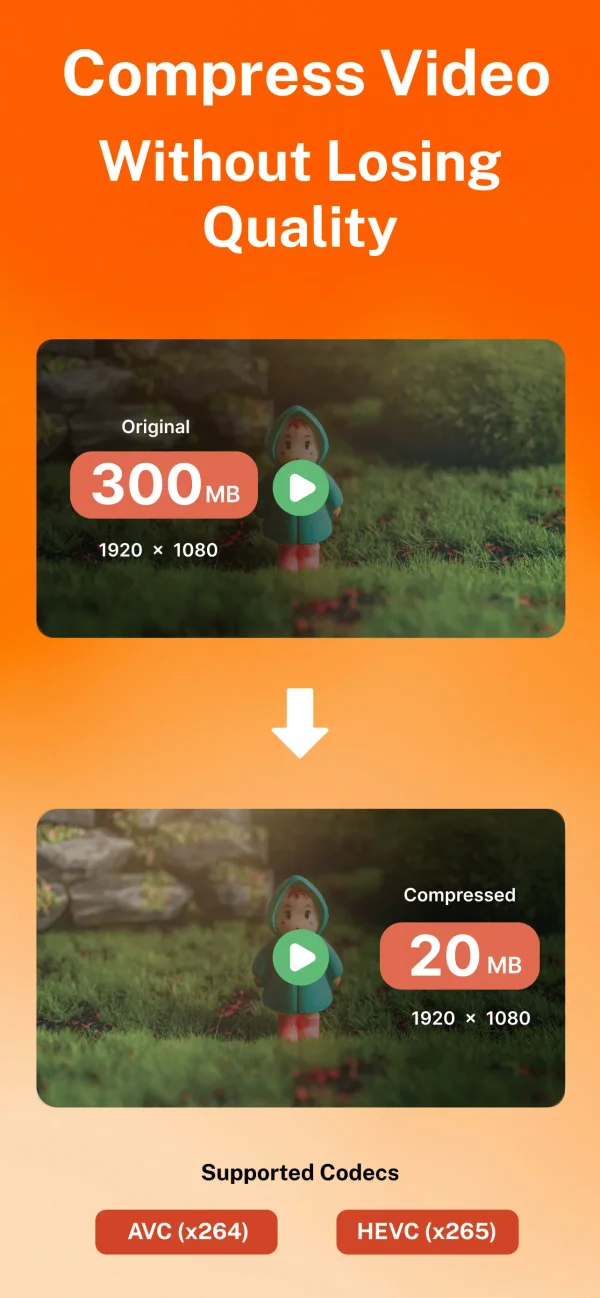
Need more storage space or want to share large videos more easily? Compress videos and photos, batch process multiple files, trim video clips, and convert media formats—all in one convenient app. Reduce file sizes, save device storage, and simplify everyday media management.
【 VIDEO & PHOTO COMPRESSION 】
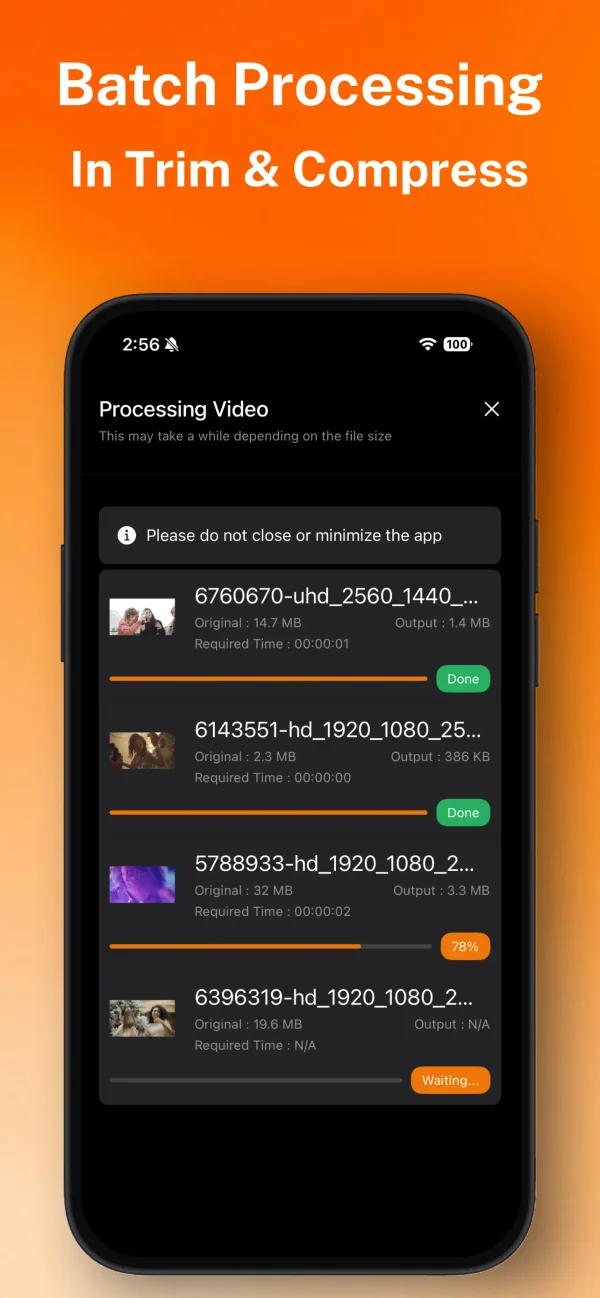
● Compress single videos or batch compress multiple videos
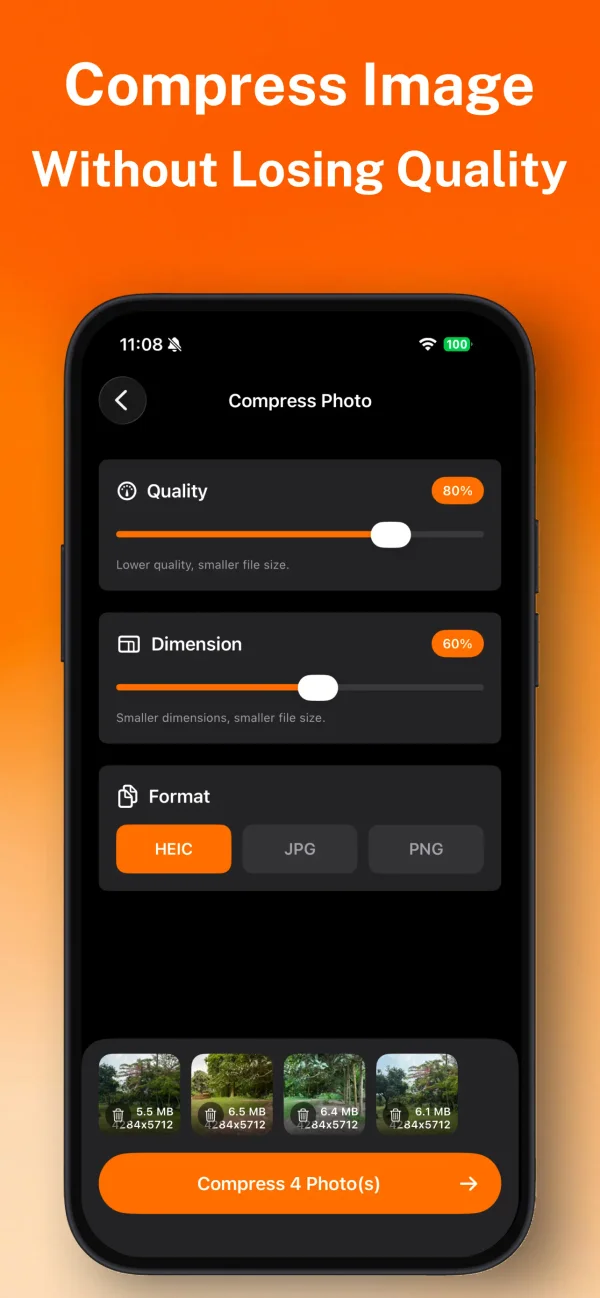
● Compress individual photos or batch compress multiple images
● Reduce video file sizes from GB to MB and image sizes from MB to KB, depending on the original file and settings
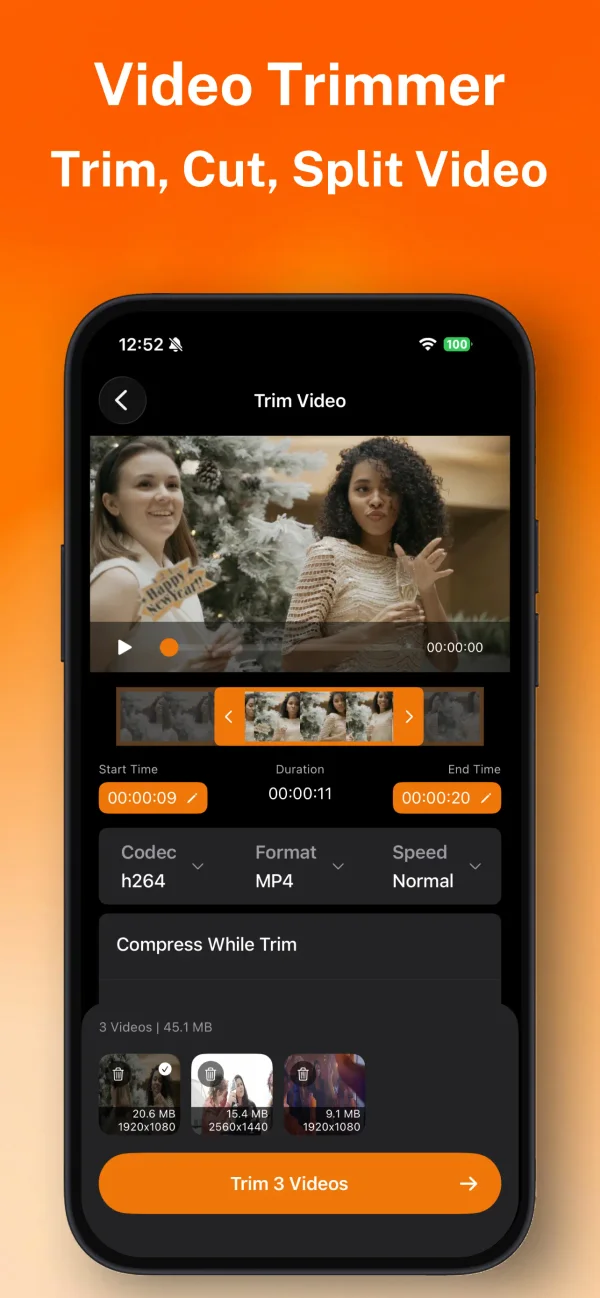
● Trim videos, cut unwanted footage, and shorten clips
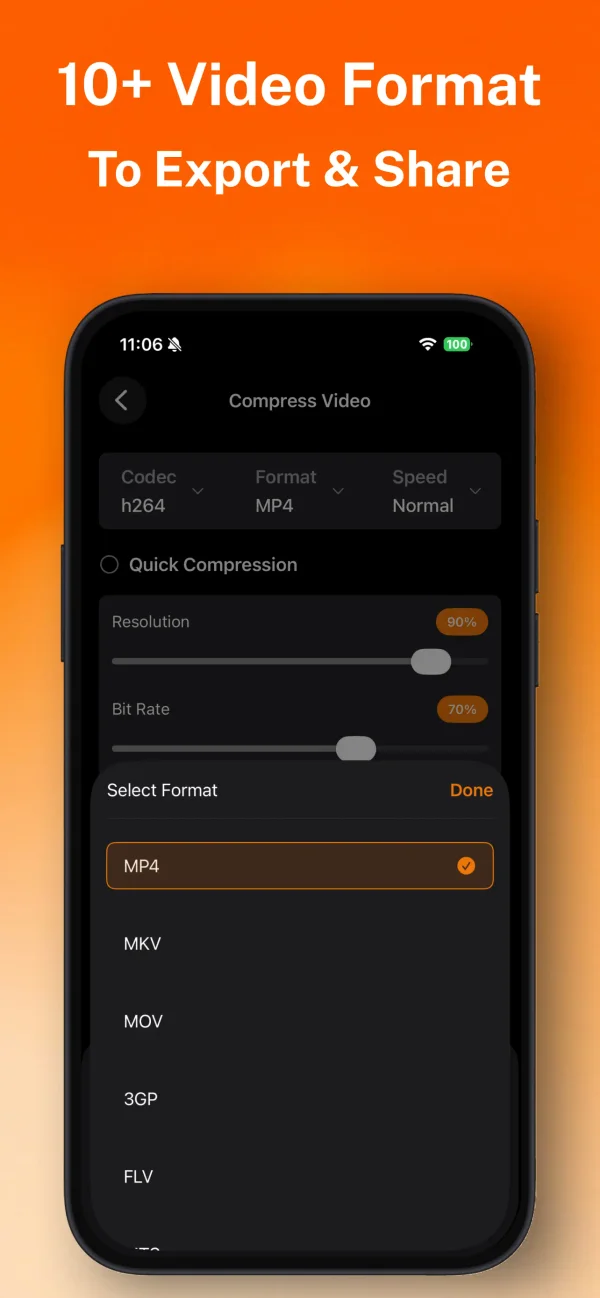
● Convert videos between supported formats, including MP4, MOV, MKV, AVI, and more
● Convert images between supported formats, including JPG, PNG, and HEIC
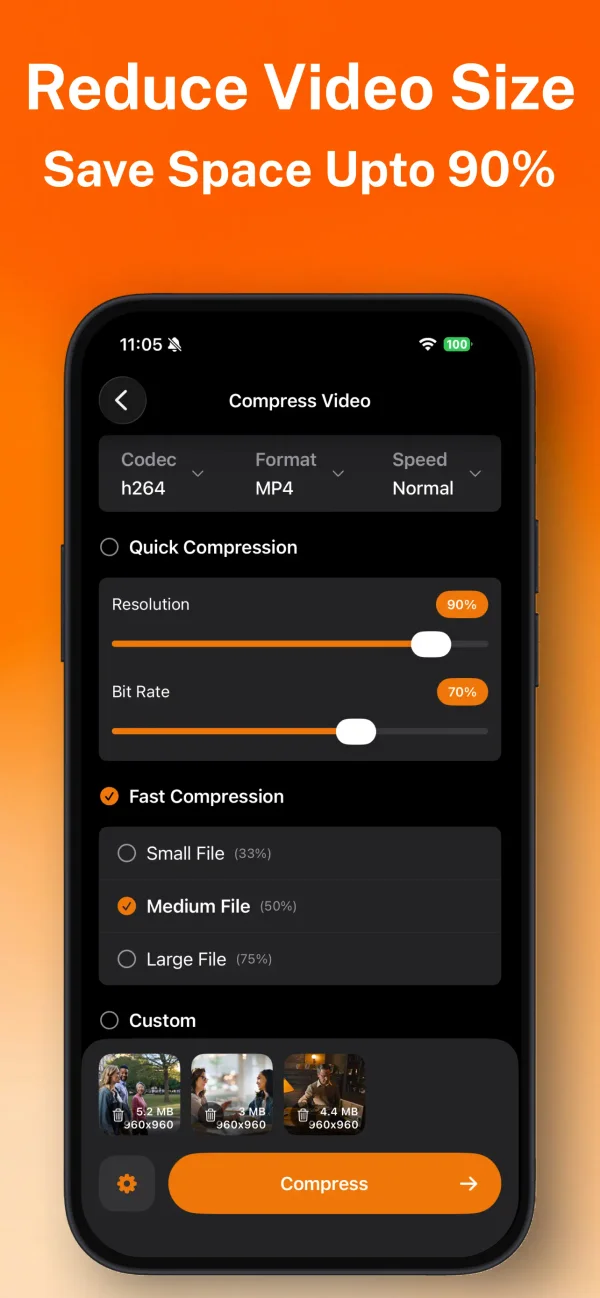
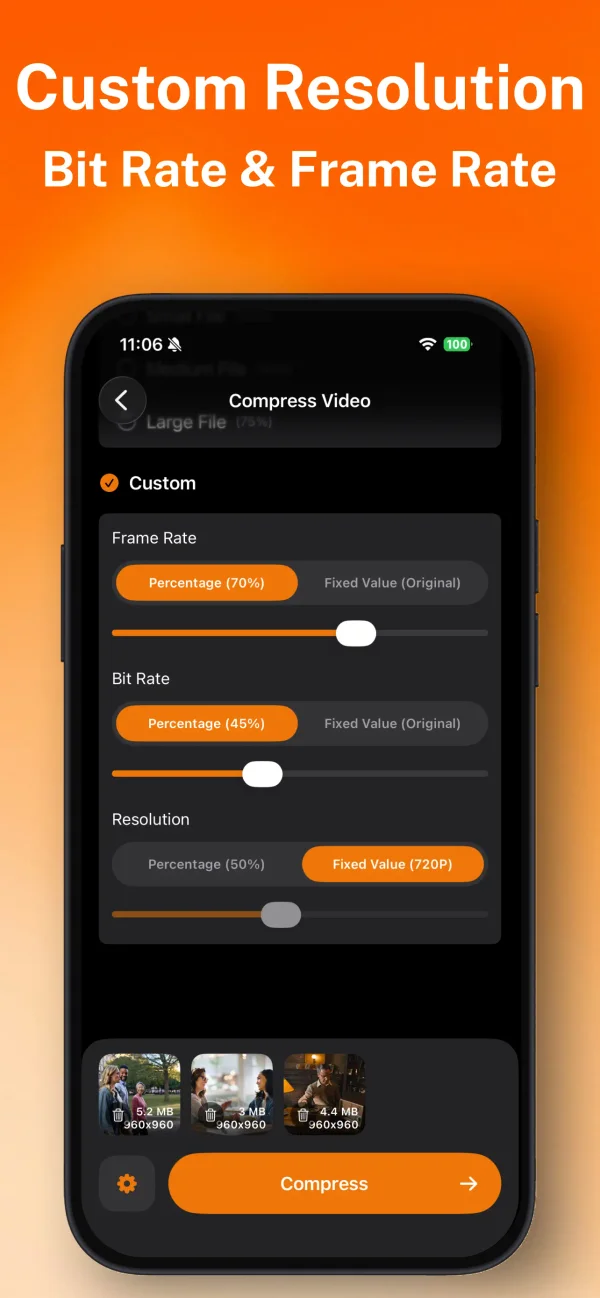
● Customize video quality, resolution, bitrate, and available codec settings
● Save storage space and prepare compressed media for email, messaging, uploads, and social sharing
【 VIDEO COMPRESSOR & BATCH COMPRESSION 】
Reduce video file sizes with convenient compression tools. Choose available quality and resolution settings to balance file size and visual quality. Compress a single video or batch process multiple videos in one workflow. Make large recordings easier to store, upload, and share.
【 PHOTO & IMAGE COMPRESSOR 】
Compress photos individually or batch compress multiple images. Reduce image file sizes to help manage photo collections and save device storage. Prepare compressed images for email attachments, websites, online forms, messaging, and social media.
【 VIDEO TRIMMER & FORMAT CONVERTER 】
Trim video clips, remove unwanted footage, and shorten recordings before saving or sharing.
Convert videos to a format that suits your needs. Depending on the formats supported by your app, conversion options may include MP4, AVI, FLV, RMVB, 3GP, MPEG, WebM, WMV, MOV, and MKV.
Choose from available video codecs, such as H.264, HEVC (H.265), and VP9, where supported. Codec and format options can help you balance compatibility, file size, and video quality.
Convert supported image formats, including JPG, PNG, and HEIC, for compatible uses.
【 SAVE STORAGE & SHARE EASILY 】
Large media files can take up valuable device storage and require more data to transfer. Compress videos and photos to help free up space and make uploads and sharing more convenient.
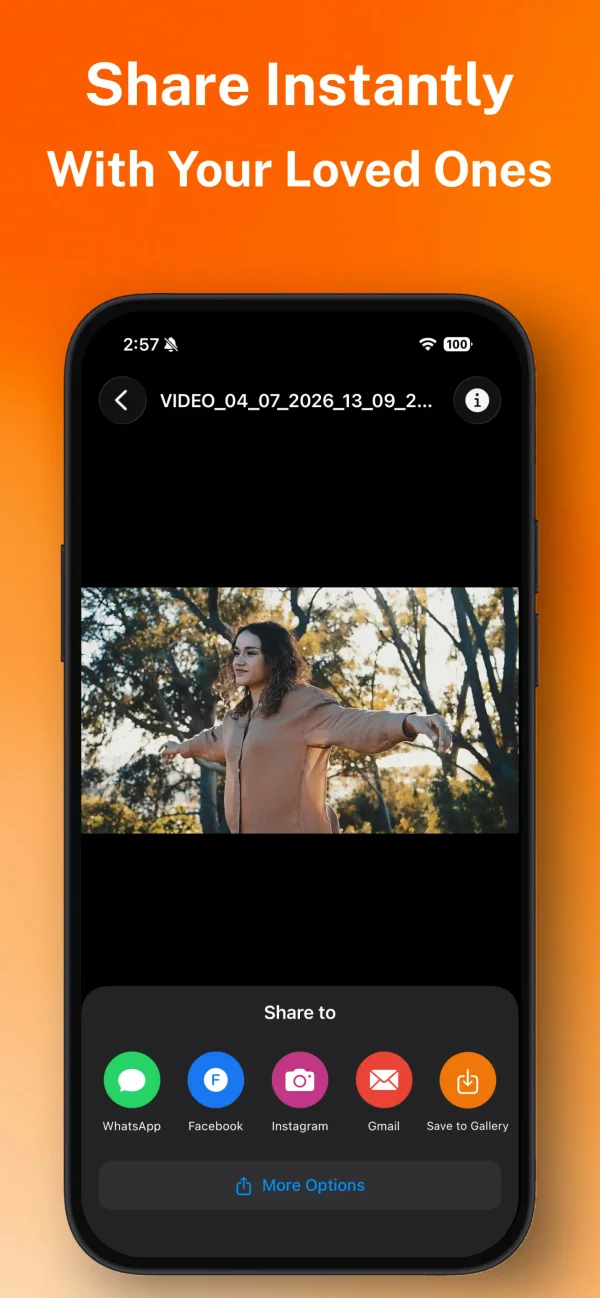
Share your compressed media through supported apps and services, including WhatsApp, YouTube, Instagram, Facebook, and email. Smaller files can be easier to send, upload, and store.
【 SIMPLE & CONVENIENT WORKFLOW 】
Select a video or photo.
Choose compression, batch processing, trimming, or format conversion.
Adjust the available settings.
Process, review, and save your file.
Manage videos and photos in one place with practical tools for everyday media compression and conversion.
SUBSCRIPTION INFORMATION
• Subscribe weekly or monthly to remove ads for the duration of your subscription.
• Payment will be charged to your Apple Account upon confirmation of purchase.
• Subscriptions automatically renew unless auto-renewal is turned off at least 24 hours before the end of the current subscription period.
• Your account will be charged for renewal within 24 hours before the end of the current period.
• You can manage your subscription and turn off auto-renewal in your Apple Account Settings after purchase.
Terms of Use: https://sites.google.com/view/stcodesapp/terms-of-usage/video-compressor-ios
Privacy Policy: https://sites.google.com/view/stcodesapp/apps/ios/video-compressor-ios
What’s new
Version 1.2.0 · Nov 3, 2026
• Improved video compression performance for a smoother and more reliable experience.
• Added new Image Converter and Video Converter tools.
• Enhanced overall app performance and stability.
• Refined the user interface for a cleaner and more intuitive experience.
App privacy
What Shadat Tonmoy declares on the App Store about how this app handles data.
-
Data used to track you
May be used to track you across apps and websites owned by other companies.
- Identifiers
-
Data not linked to you
May be collected but is not linked to your identity.
- Identifiers
- Usage data
- Diagnostics
Privacy practices may vary, for example with the features you use or your age.
Information
- Seller
- Shadat Tonmoy
- Category
- Utilities
- Version
- 1.2.0
- Updated
- Nov 3, 2026
- Released
- May 16, 2025
- Size
- 50.9 MB
- Requires
- iOS 18.0 or later
- Age rating
- 4+
- Price
- Free
- In-app purchases
- Yes
- Languages
- English
- Copyright
- © STCodesApp
You might also like
-
 Video Compressor | Reduce SizeShrink videos & Save Storage
-
 Compresso - Video CompressorReduce File Size, Save Storage
-
 Video Compressor: OfflineCompress videos, save space
-
 Compress AI : Video CompressorSmart AI Video Size Reducer
-
 Video Compressor: Reduce sizesShrink clips to an exact MB
-
 Resize VideoUtilities
-
 Video Compressor - CrushVidCompress Videos Fast & Easy
-
 Media Converter: MP3 VideoRingtone Maker & Compressor
-
 ضاغط الاستوديوUtilities
-
 Video compress - VideoSqueezeShrink or Reduce Video Sizes .