Video Compressor - Save Space+
HandBrake, Batch Converter
Designed for iPhone, iPad, iPod touch
Free · In-app purchases
- Age rating4+
- CategoryUtilities
- Developer文昊 孙
- LanguagesEnglish+ 19 more
- Size64.4 MB
Links to the official App Store page
Download.org hosts no file of Video Compressor - Save Space+. The button opens its official App Store page, published by 文昊 孙. Listing last checked on Nov 20, 2026.
Screenshots
About
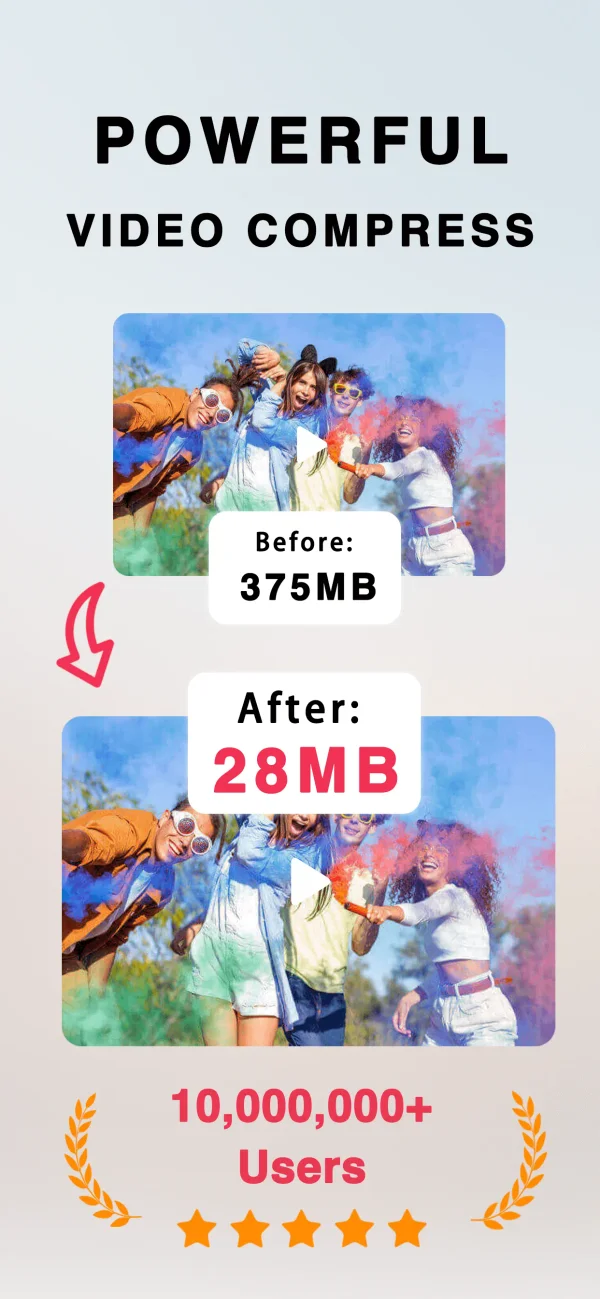
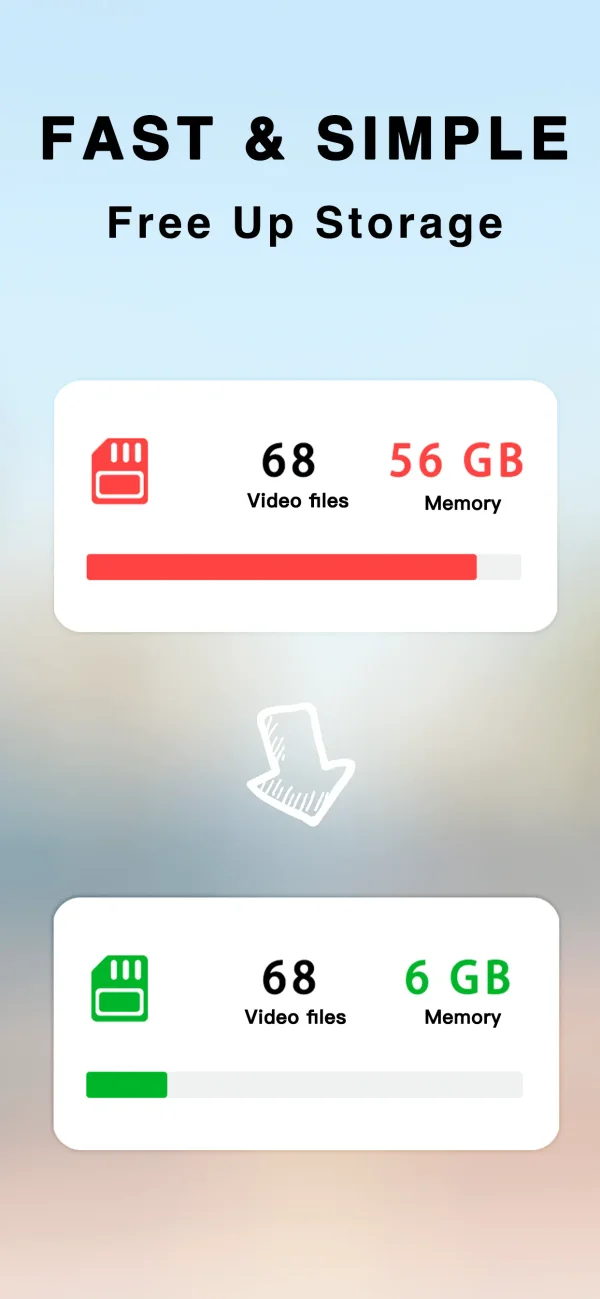
Welcome to our app — the next-generation ultimate video compressor designed exclusively for iPhone users! Using cutting-edge encoding technology, it achieves extreme compression and conversion without compromising image quality — helping you save valuable storage space effortlessly.
Our Advantages:
- Smart Lossless Compression: Reduce file size by up to 90% while maintaining original image quality.
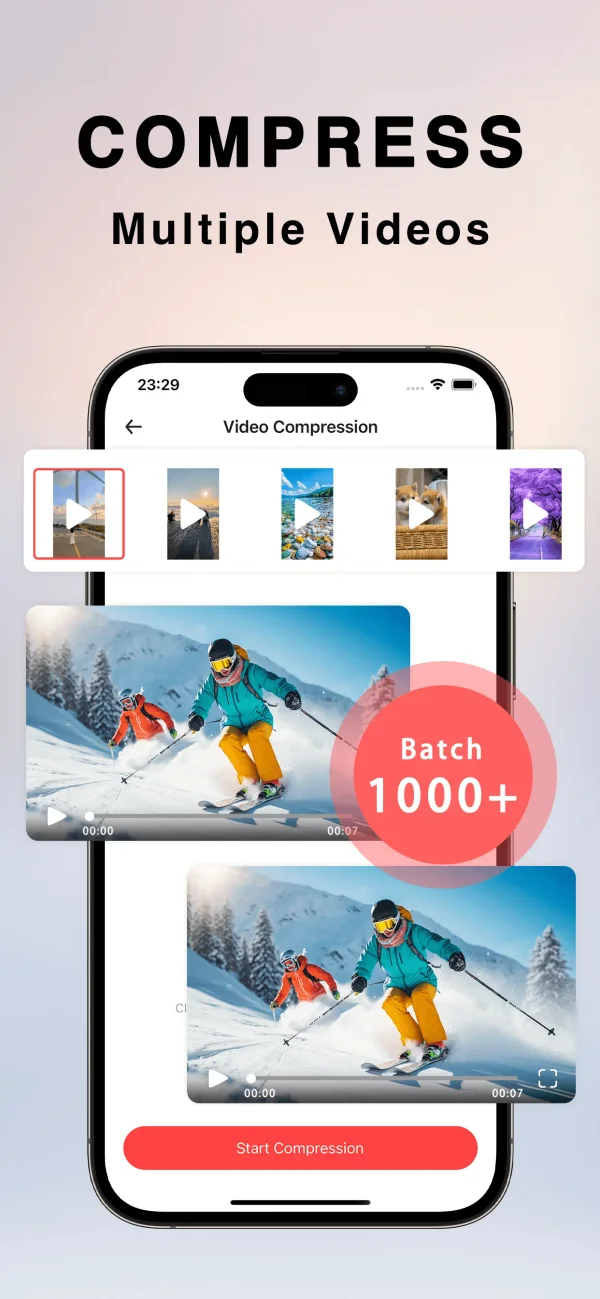
- One-Tap Batch Compression: Efficiently compress multiple videos at once — easy to use, perfect for quick sharing and storage.
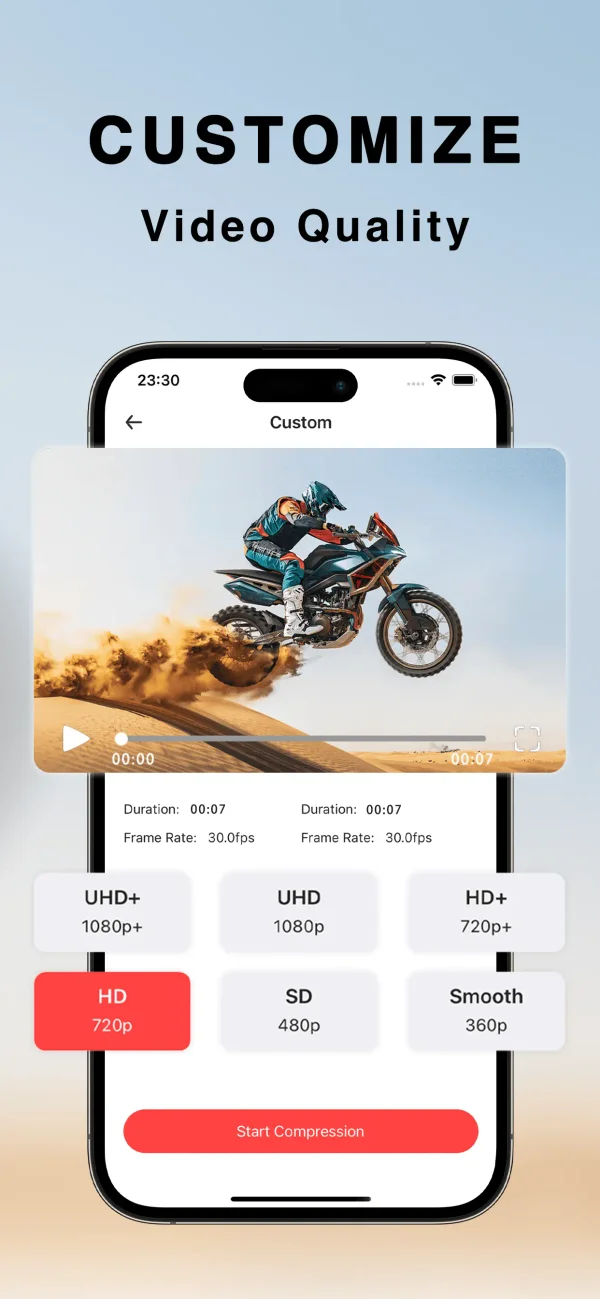
- Custom Compression: Set your own compression parameters with multiple clarity options for professional, efficient results.
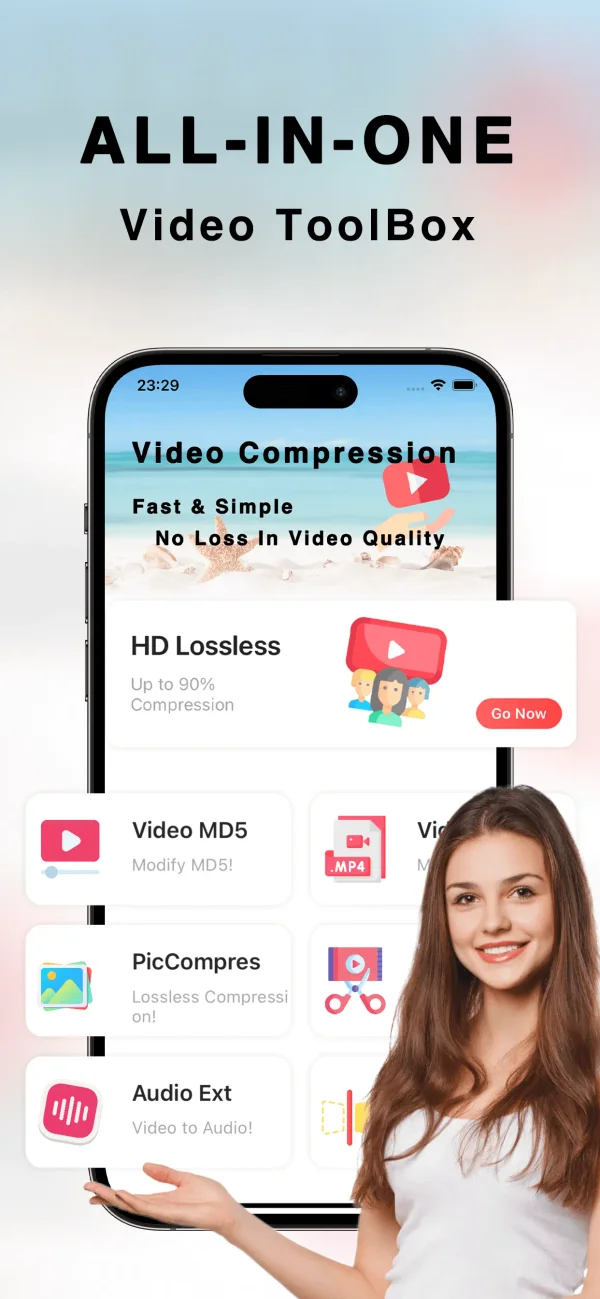
- Batch Image Compression: Quickly shrink image files while preserving sharpness and saving storage space.
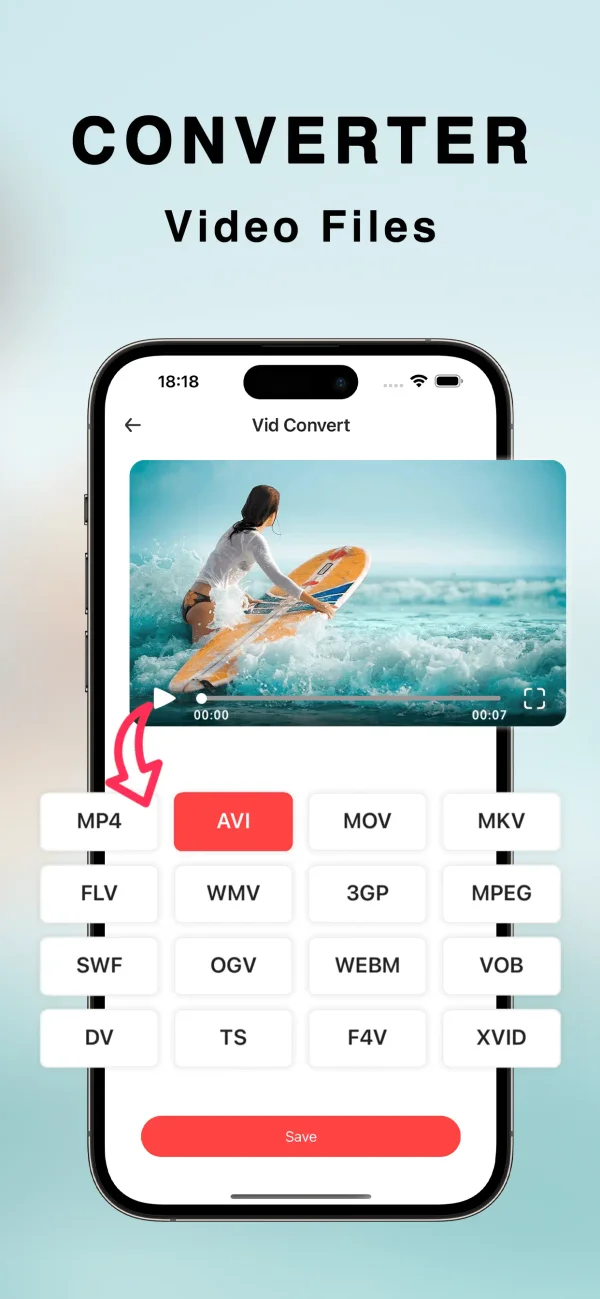
- Format Conversion: Supports encoding and decoding of over 60 video formats.
- ZIP Compression: Easily create and manage ZIP files for convenient sharing and fast file transfers.
- Video Trimming & Cropping: Precisely cut unwanted parts and customize your video content.
- Video Muting: Remove original audio to give you more freedom in post-production and editing.
- Audio Extraction: Extract high-quality audio from videos, supporting a wide range of popular audio formats.
- GIF Conversion: Convert videos into GIFs for use across different platforms and devices.
Why Choose Us?
- High-Efficiency Processing: Powered by advanced algorithms that handle large files quickly without sacrificing quality.
- Professional Tools: A complete set of powerful features designed to simplify complex tasks and boost productivity.
- Intuitive Interface: User-friendly interface for simple, intuitive operation — no technical skills required.
Whether you’re handling personal videos or performing bulk processing and conversions, this app is your perfect choice.
Download now and experience fast, convenient, and powerful video and image processing!
Subscription description
• You can view the appropriate subscription price through the in-app purchase page, upgrade and unlock all our features.
• Payment: The purchase is confirmed by the user and the payment is credited to the iTunes account
• Renewal: If you purchase a continuous monthly membership account, Apple iTunes will deduct the fee within 24 hours before the expiration date, and the subscription period will be extended after the successful deduction.
• Cancel your subscription: To cancel your subscription, go to the iTunes Store and App Store 24 hours before the current subscription period expires, click on Apple ID, and select View Apple ID. Enter the "Account Settings" page, click "Subscribe", select the corresponding subscription item to cancel.
Privacy Policy: https://docs.qq.com/doc/p/30f507dfce7c4d37e79afbbed9ddba3c4c8bc5cd
User Agreement: https://docs.qq.com/doc/p/9919f74a067b176a23d15aca23c395752688cbdc
What’s new
Version 1.0.9 · Aug 5, 2026
1. Fixed bugs
2. Optimized video encoder
App privacy
What 文昊 孙 declares on the App Store about how this app handles data.
-
Data not linked to you
May be collected but is not linked to your identity.
- Diagnostics
Privacy practices may vary, for example with the features you use or your age.
Information
- Seller
- 文昊 孙
- Category
- Utilities
- Version
- 1.0.9
- Updated
- Aug 5, 2026
- Released
- Jul 8, 2024
- Size
- 64.4 MB
- Requires
- iOS 12.1 or later
- Age rating
- 4+
- Price
- Free
- In-app purchases
- Yes
- Languages
- English, Czech, Danish, French, German, Indonesian, Italian, Japanese, Korean, Polish, Portuguese, Romanian + 8 more
- Copyright
- © videocompress
You might also like
-
 The Video Compressor : ZippyCompress Videos & Resize Video
-
 Compress Videos: HandbrakeVideo compressor Audio Extract
-
 The Video ConverterConvert to MP4, MOV, and MP3
-
 FFmpeg Command GeneratorEasily make FFmpeg commands
-
 Remux - Video ConverterVideo Compressor & Converter
-
 Media Converter - video to mp3convert mp4,m4a, extract audio
-
 Video Compressor - VidPressCompress Videos: MP4 Converter
-
 Video Compressor: Reduce sizesShrink clips to an exact MB
-
 Compressly: Videos or PhotosReduce File Size for Sharing
-
 Audio Compressor - MP3 ShrinkEfficient audio compression