
Video Compressor Save Storage
Shrink, resize, free up space
Designed for iPhone, iPad, Mac
Free · In-app purchases
- Age rating4+
- CategoryPhoto & Video
- DeveloperSwiftLee
- LanguagesEnglish+ 17 more
- Size48.8 MB
Links to the official App Store page
Download.org hosts no file of Video Compressor Save Storage. The button opens its official App Store page, published by SwiftLee. Listing last checked on Nov 27, 2026.
Screenshots
About
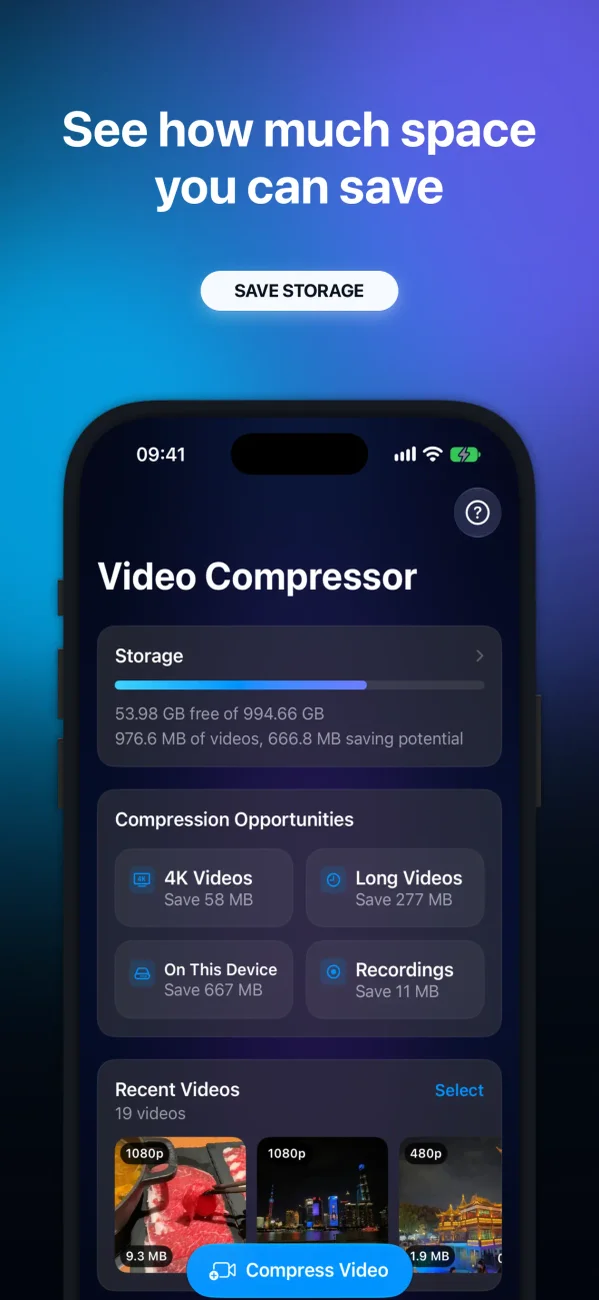
Running out of iPhone storage? Video Compressor helps you reduce the size of videos in your Photos library and recover space—without uploading your photo or video content to SwiftLee servers.
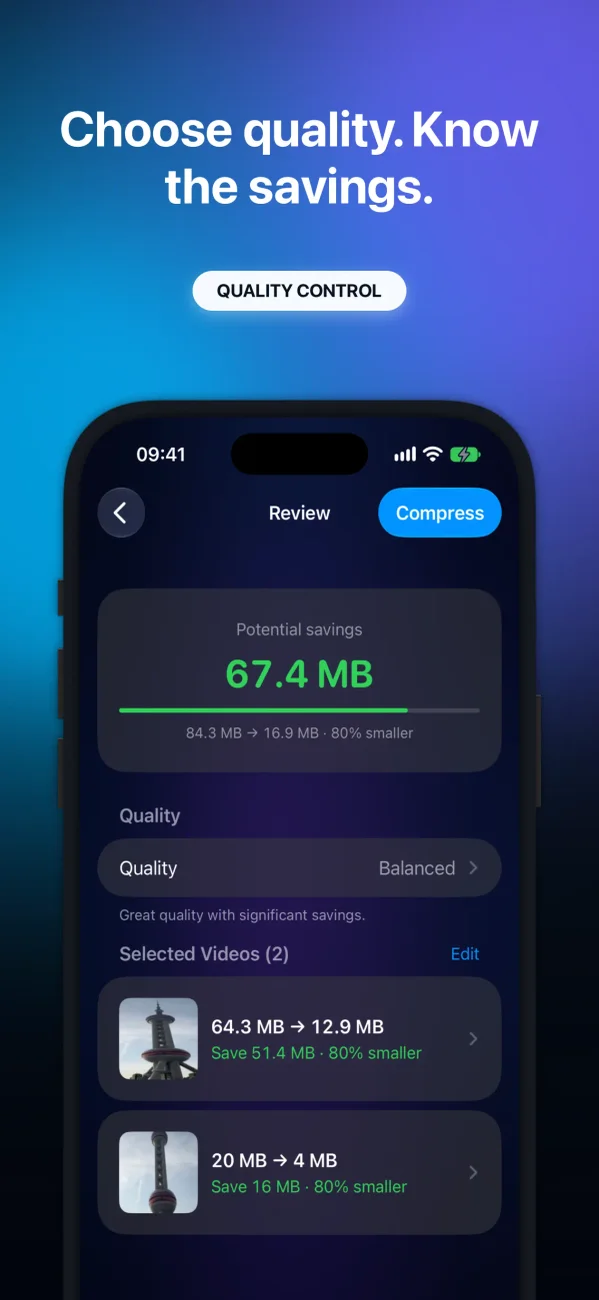
See your potential savings before changing anything. Choose the videos you want to compress, select the quality that works for you, and compare the real result before deciding what happens to the original.
HOW IT WORKS
1. Scan your library to see how much storage your videos use and what you could save
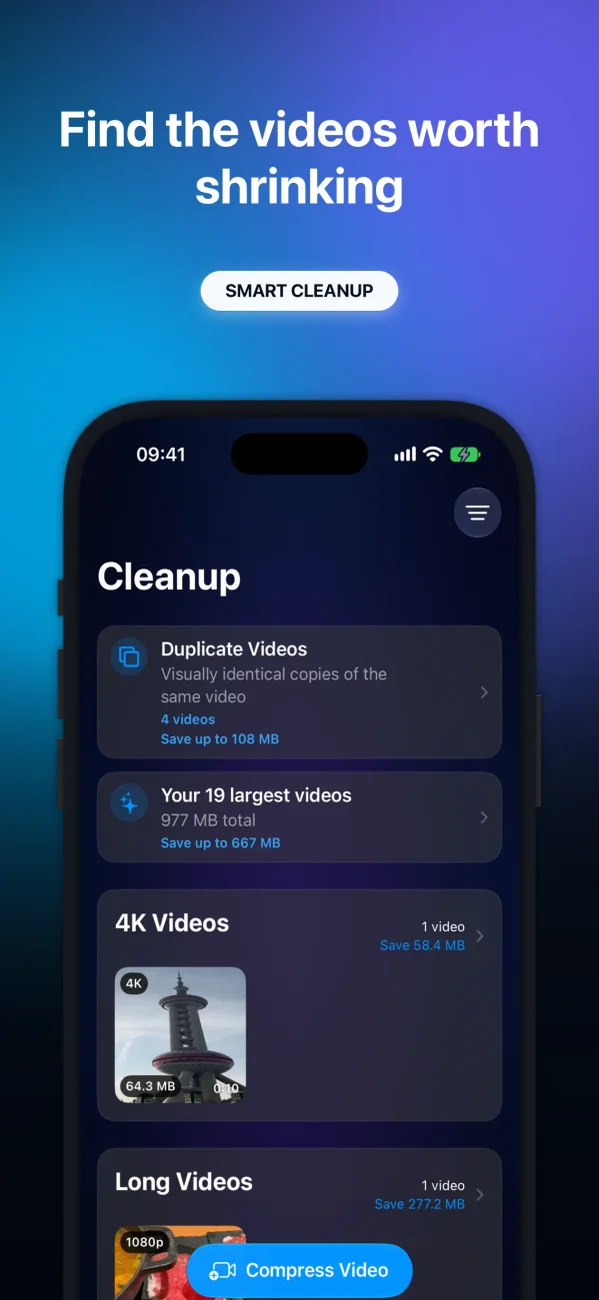
2. Pick one or more videos, or start with smart collections such as Recent, Long, Large, or 4K
3. Choose High Quality, Balanced, or Max Saving
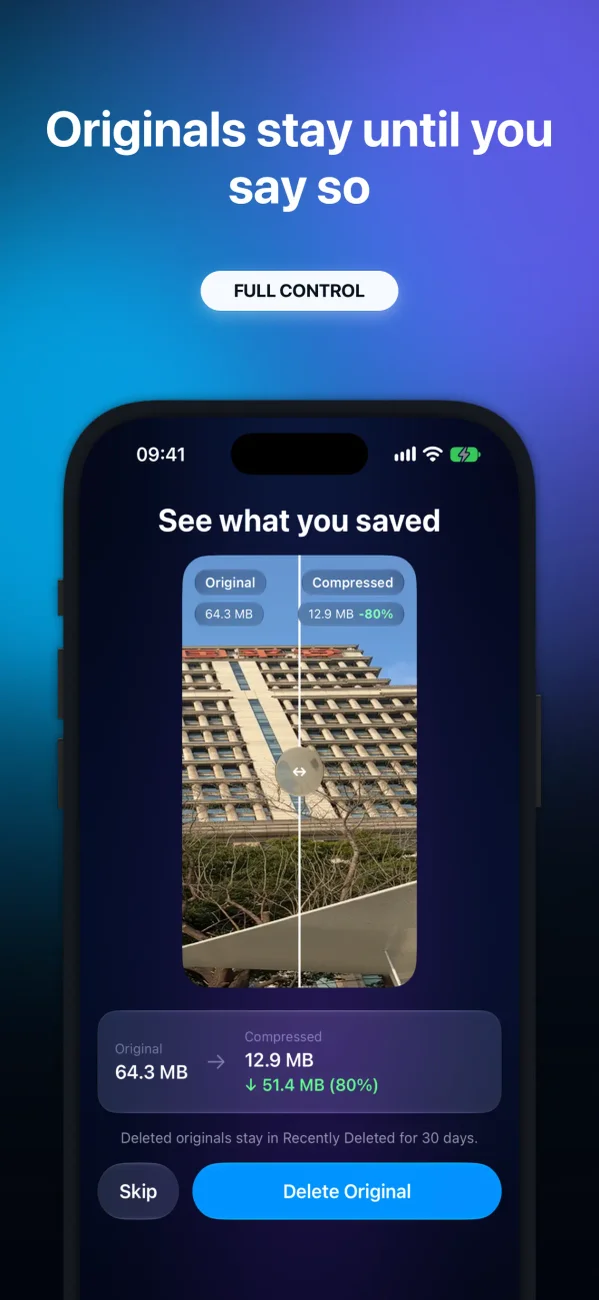
4. Compare your original and compressed video side by side
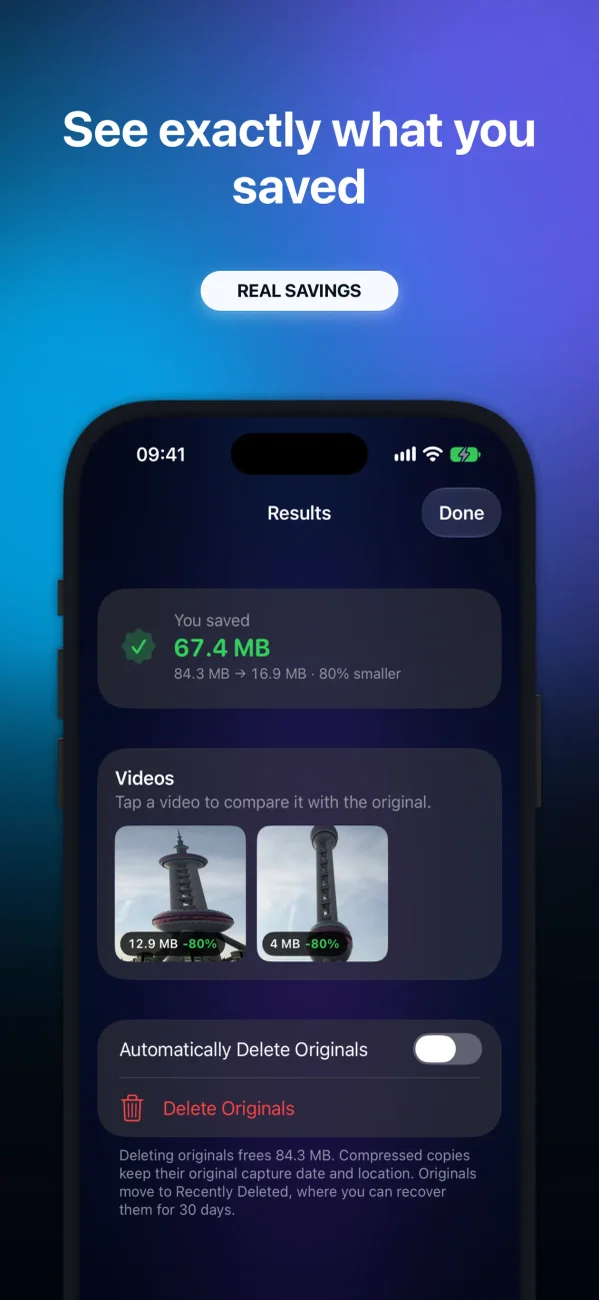
5. Keep the original, or delete it only after you explicitly confirm
WHY VIDEO COMPRESSOR
• On-device HEVC compression helps reduce video size while preserving strong visual quality
• Estimated savings are shown before compression starts
• Compress multiple selected videos in one session
• Compare the actual result using your own video—not stock footage
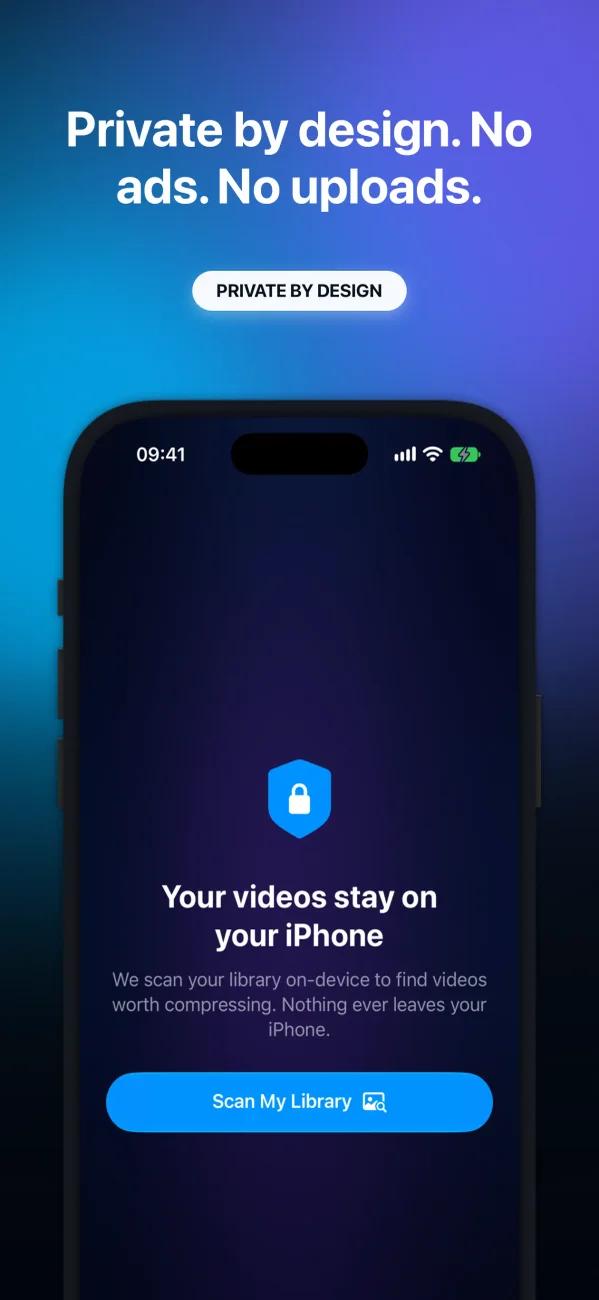
• No account, no advertising, and no media uploads to SwiftLee servers
• iCloud originals are downloaded through Apple PhotoKit and processed one at a time with clear progress
• Your originals remain untouched until you choose otherwise
SIRI, SPOTLIGHT AND SHORTCUTS
• Ask Siri how much storage you could save, or how much you have already saved, without opening the app
• Start from Siri, Spotlight, or the Action Button to review your recent, large, long, or 4K videos for compression. The app opens on the review screen, so you stay in control
• Find the actions in the Shortcuts app and add them to your own automations
PRIVACY AND CONTROL
Scanning, analysis, and compression happen on your iPhone. If a video is stored in iCloud, Apple PhotoKit downloads it for local processing. Video Compressor never deletes an original automatically.
Privacy Policy:
https://videocompression.app/privacy
Terms of Use:
https://videocompression.app/terms
What’s new
Version 1.5.0 · Nov 18, 2026
Fixed:
• The compression screen no longer looks stuck at 0% while it analyzes a video, or near the end while it checks the result.
• Compressing a very large selection stays smoother, and the results screen opens faster afterwards.
• Scrolling a long Ask conversation is smoother.
New:
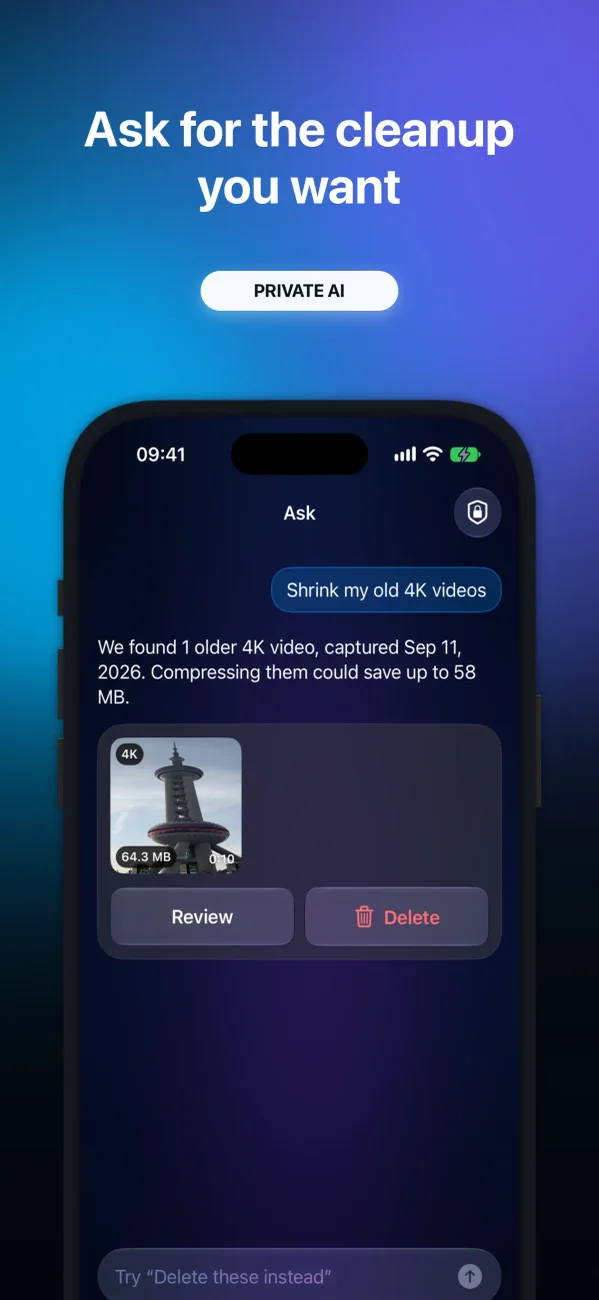
• Ask is now its own tab. Describe the cleanup you want in plain words and Ask Smart Cleanup plans it for you. It uses Apple's Private Cloud Compute on iPhones that support Apple Intelligence (iOS 27): your videos never leave your iPhone, and the tab only appears on supported iPhones.
• Ask reads like a conversation: it answers questions about your library, adjusts its last plan ("make it 10 instead"), finds duplicates and plans deletions. It never deletes on its own: you review and confirm, and favorites and videos in your albums are never included.
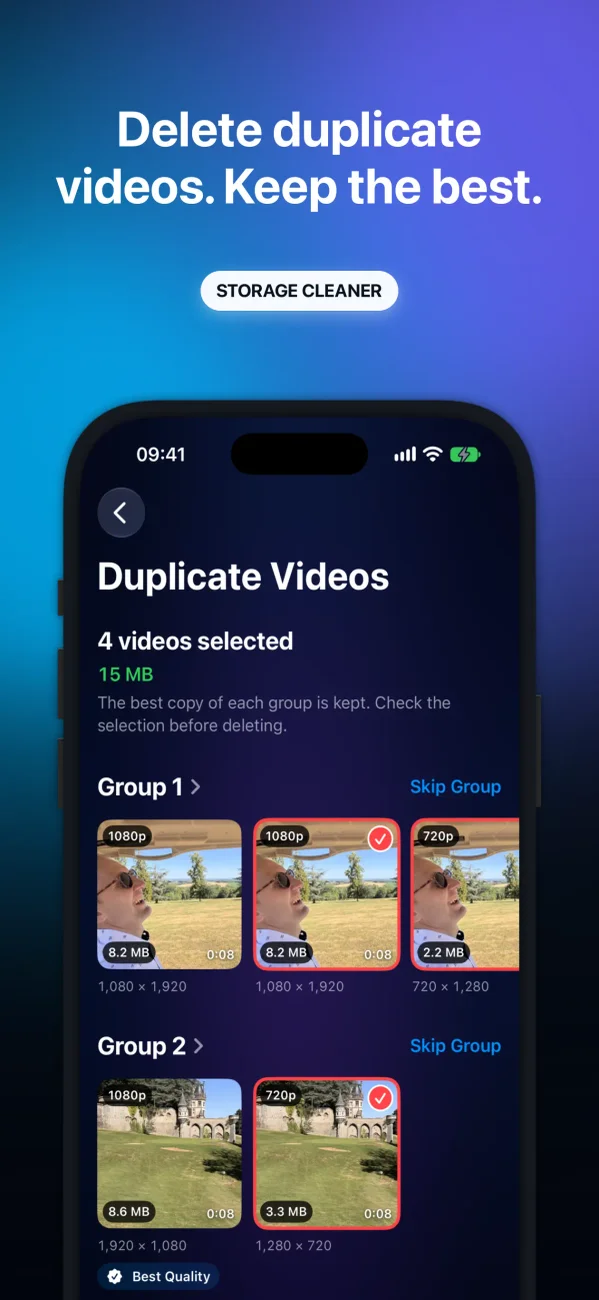
• The Videos tab is now the Cleanup tab. It leads with duplicates and suggested cleanups, so Home stays focused on compressing.
• The compression screen shows progress on the video itself: its thumbnail flips into place tile by tile and the file size counts down.
• Videos that first download from iCloud now fill in piece by piece while they arrive.
• A help button on Home opens Report an Issue, now a form in the app.
• Select Videos has a Recents filter, and you can delete videos right from it.
App privacy
What SwiftLee declares on the App Store about how this app handles data.
-
Data linked to you
May be collected and linked to your identity.
- Usage data
-
Data not linked to you
May be collected but is not linked to your identity.
- Identifiers
- Usage data
- Diagnostics
Privacy practices may vary, for example with the features you use or your age.
Information
- Seller
- SwiftLee
- Category
- Photo & Video
- Version
- 1.5.0
- Updated
- Nov 18, 2026
- Released
- Sep 24, 2026
- Size
- 48.8 MB
- Requires
- iOS 17.0 or later
- Age rating
- 4+
- Price
- Free
- In-app purchases
- Yes
- Languages
- English, Arabic, Dutch, French, German, Hindi, Indonesian, Italian, Japanese, Korean, Polish, Portuguese + 6 more
- Copyright
- © 2026 SwiftLee B.V.
You might also like
-
 Video Compressor: Size DownOn-Device, No Ads or Watermark
-
 Compress Photos VideoResize Images & Videos
-
 Video Compressor - HEVCutShrink Photos & Free Up Space
-
 Video Compressor Video ResizerCompress Videos, Converter
-
 Video Compressor, Size ReducerCompress Videos, Free Up Space
-
 iResize Video CompressorResize Video and Photo
-
 Video Compressor : Save SpaceReduce Size, Resize & Shrink
-
 Video Compressor - resize allSimple batch vids size reducer
-
 Compress Videos & Resize VideoCompress videos, save space
-
 Video Compress - Shrink VideosVideo Compressor, Reduce Size