
Video Cutter – Trim & Split
Easy Video Editor & Crop Tool
Designed for iPhone, iPad
Free · In-app purchases
- Age rating4+
- CategoryPhoto & Video
- DeveloperInverse.AI
- LanguagesEnglish
- Size40.1 MB
Links to the official App Store page
Download.org hosts no file of Video Cutter – Trim & Split. The button opens its official App Store page, published by Inverse.AI. Listing last checked on Nov 18, 2026.
Screenshots

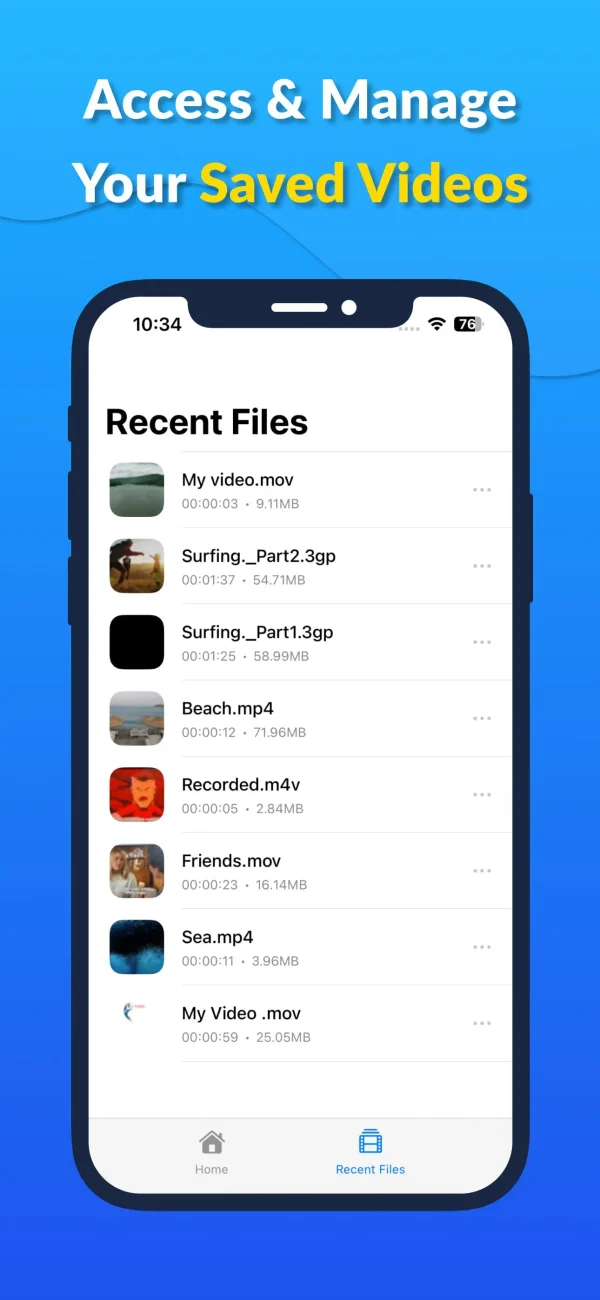
About
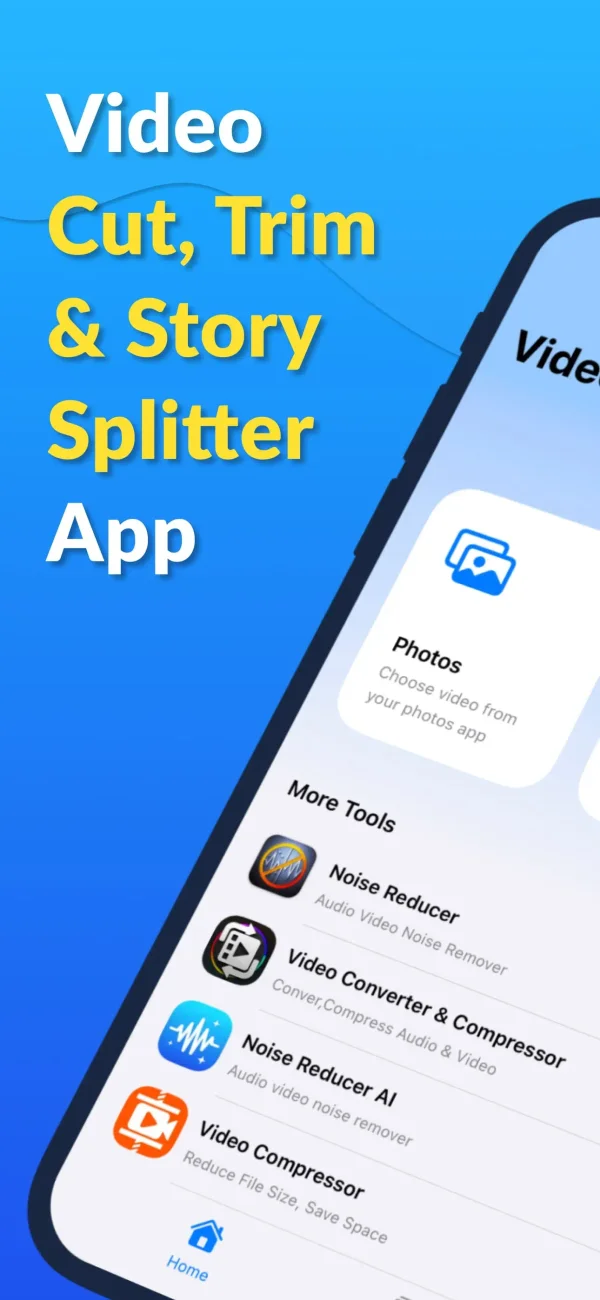
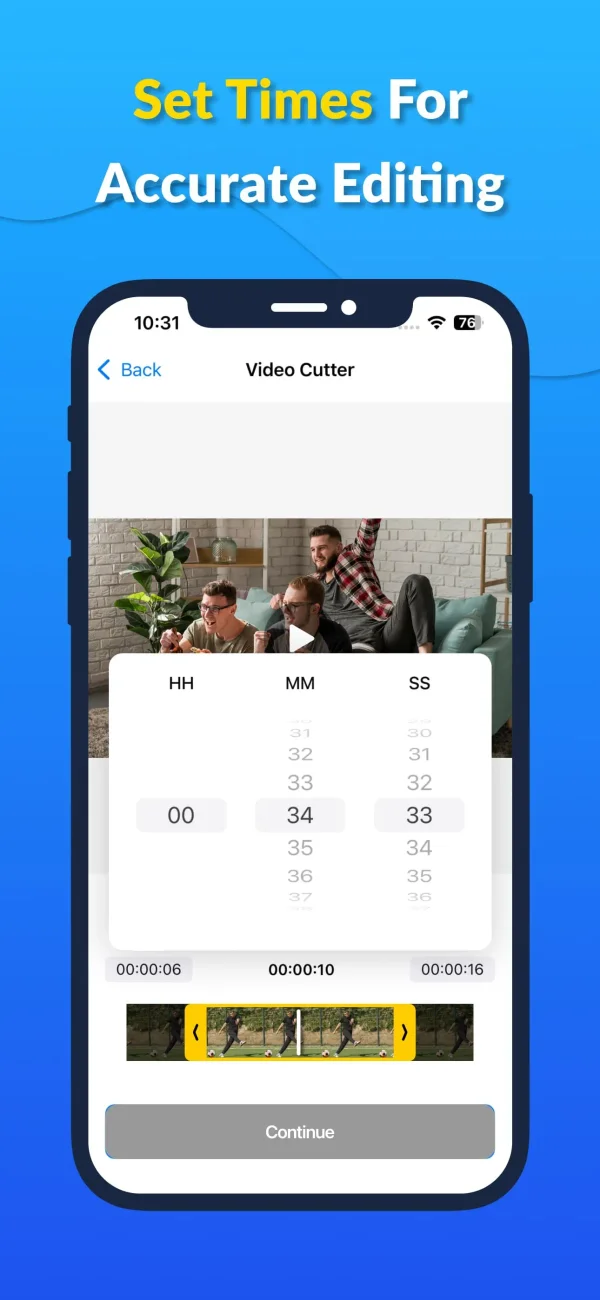
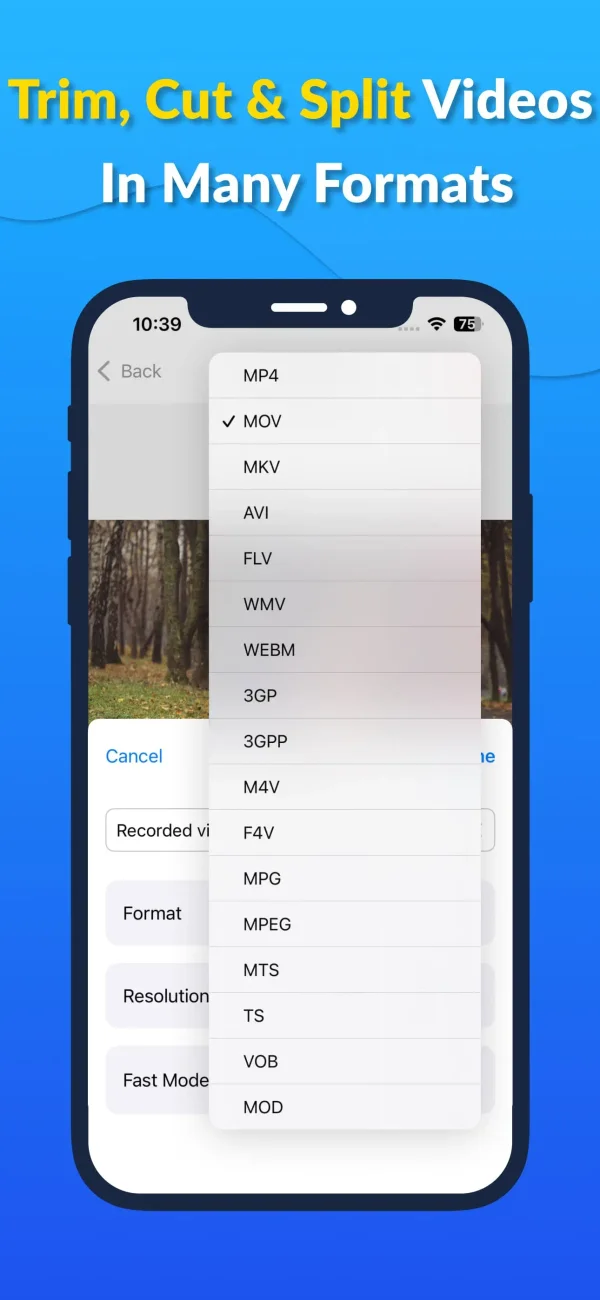
Video Cutter: Trim & Split Video is a fast, easy-to-use video cutter and video trimmer that lets you cut videos, trim clips, and crop videos in seconds. Whether you want to edit videos, trim video length, or split videos into smaller clips, this app makes video editing simple and precise.
With our video crop app, you can crop video to remove unwanted parts, adjust the frame, or focus on the perfect scene. It’s a complete solution for anyone looking to cut video, trim, or edit video clips effortlessly.
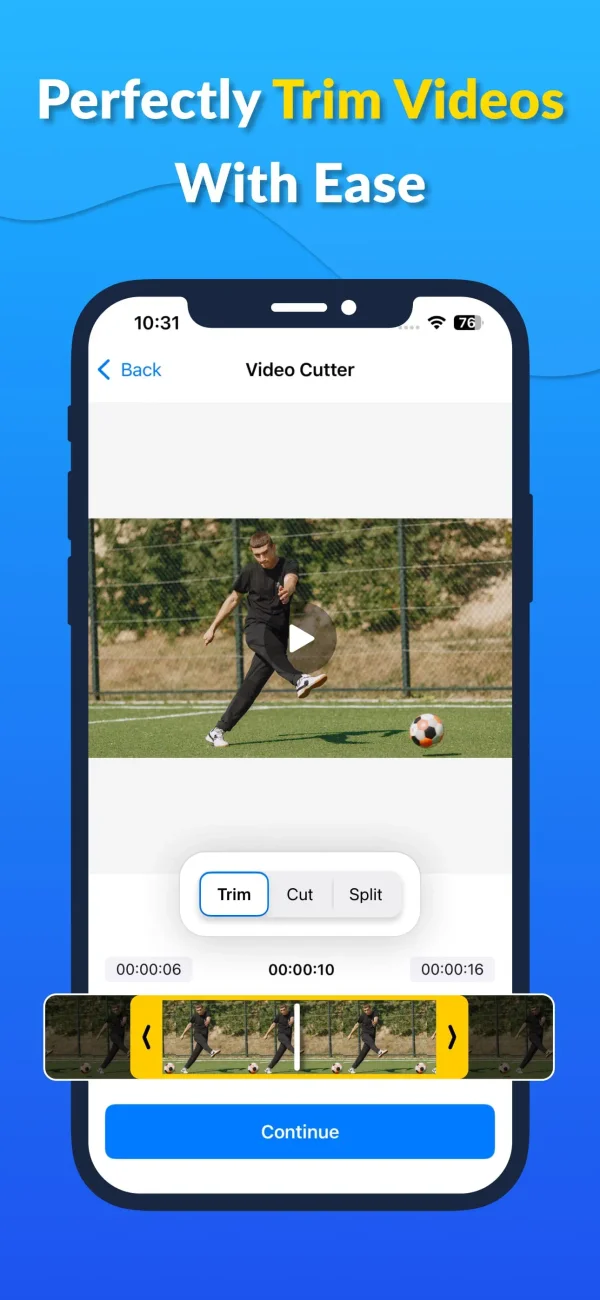
Trim Videos Easily
Use the video trimmer to trim your videos and remove unwanted sections. Perfect for creating short clips for social media or personal sharing.
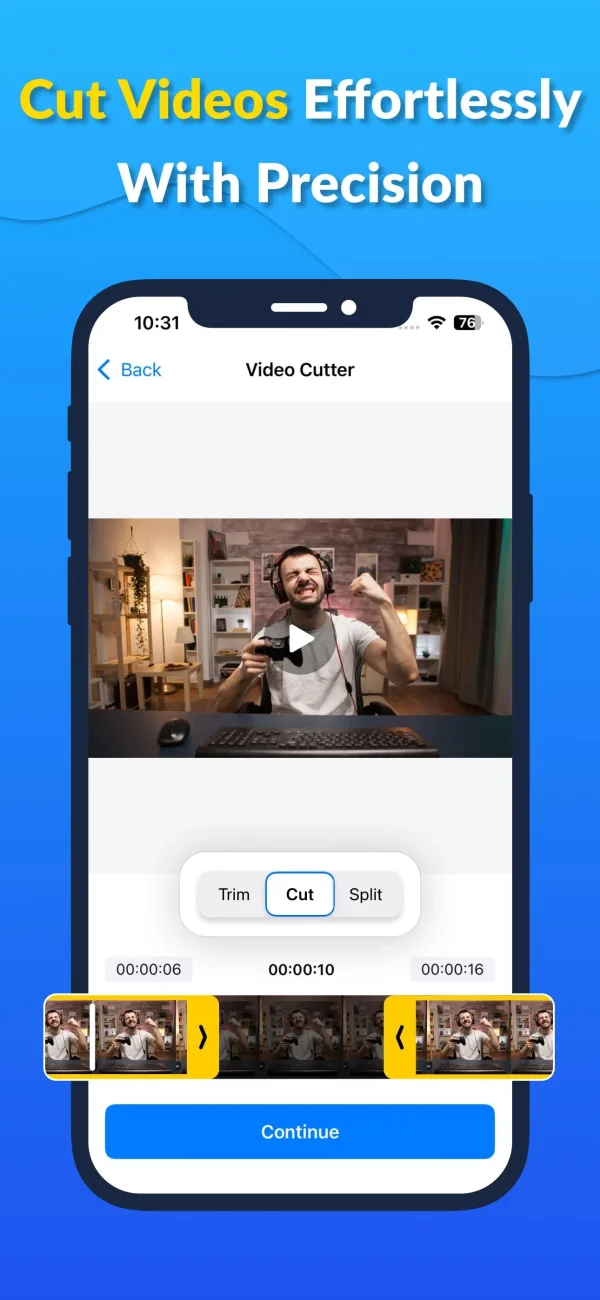
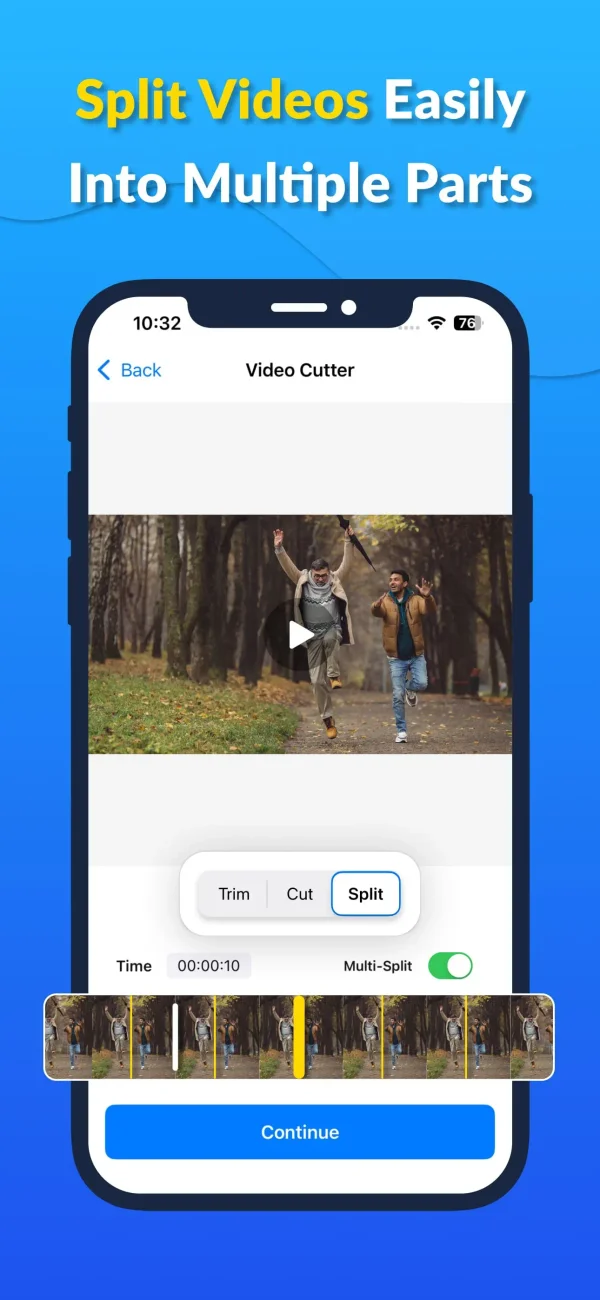
Split & Cut Videos
Break your videos into multiple segments using the video cutter. Quickly cut videos, create highlights, or split long videos into shareable clips. By this app, users can split multiple clips at a glance, making batch editing simple and fast.
Crop Videos with Precision
Our video cropper and video crop app features allow you to crop video to focus on what matters most. Adjust the size and frame for any project.
Fast & Easy Video Editing
No complicated software needed — just select the section you want to cut video, trim, or edit video, and save instantly. Ideal for quick edits on the go.
High-Quality Export
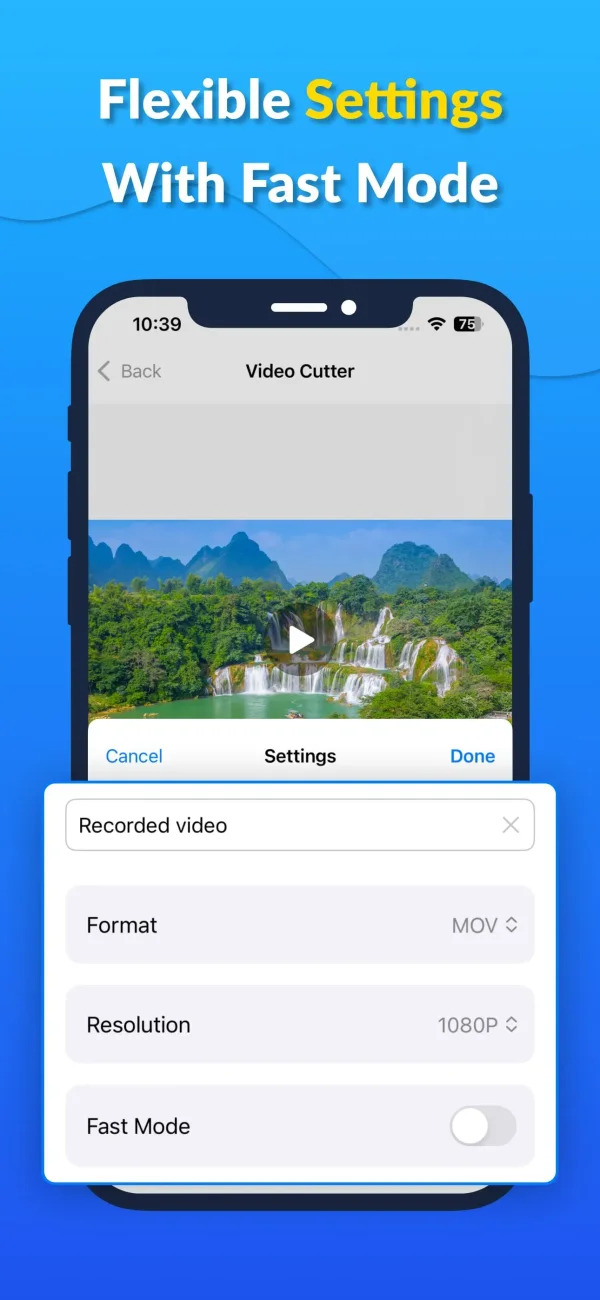
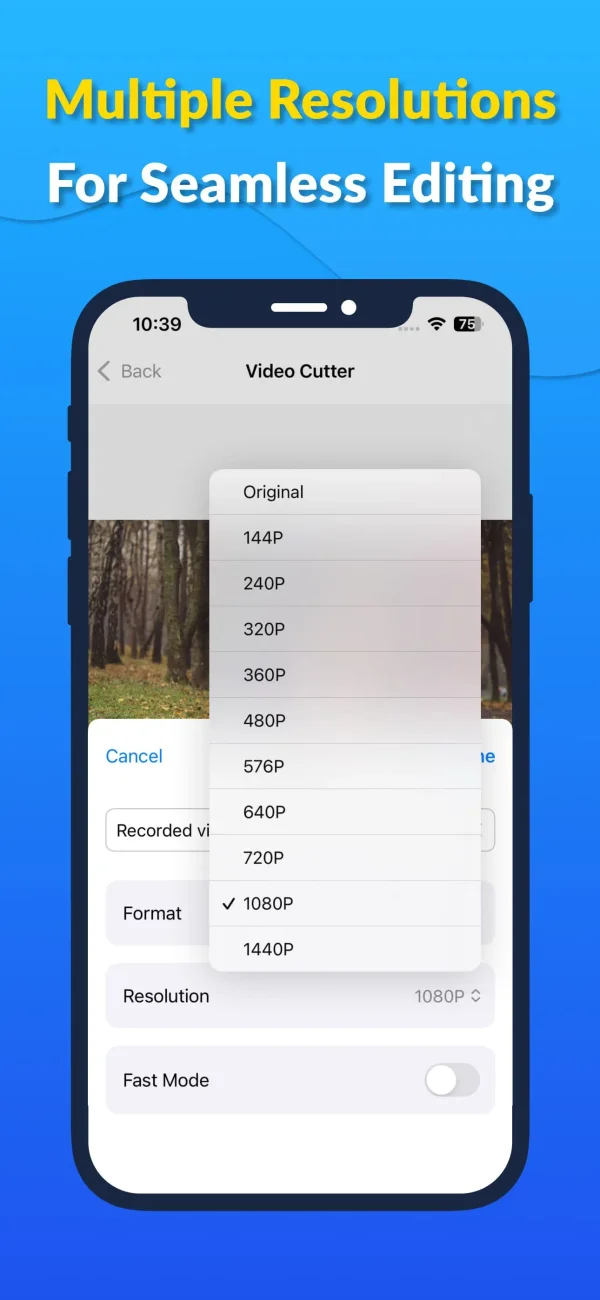
Export trimmed, cut, and cropped videos without losing quality. Keep your clips sharp and ready to share with friends or on social media.
Key Features
Video cutter & trimmer
Cut videos & edit video clips
Trim video length precisely
Split multiple clips at a glance
Video cropper & crop video app
Split videos into multiple clips
High-quality export for all videos
Simple and user-friendly interface
Perfect For
Social media short clips
Quick video edits
Cutting unwanted video parts
Trimming long recordings
Cropping video for highlights
Privacy Policy: https://docs.google.com/document/d/1ynFVHiRCZ10givyaSNHIFzHVmVesftraZjp5hiwr5UE/edit?usp=sharing
Terms of Use: https://docs.google.com/document/d/19_65tUXAMNYfKjdYOSVzXfcO-2wrK-5GEJ1jLJ1TN_Y/edit?usp=sharing
What’s new
Version 1.7 · Mar 19, 2026
+ Bug Fixes
+ UI Improvements
+ Stability Enhancements
App privacy
What Inverse.AI declares on the App Store about how this app handles data.
-
Data not collected
The developer does not collect any data from this app.
Privacy practices may vary, for example with the features you use or your age.
Information
- Seller
- Inverse.AI
- Category
- Photo & Video
- Version
- 1.7
- Updated
- Mar 19, 2026
- Released
- Nov 27, 2024
- Size
- 40.1 MB
- Requires
- iOS 16.0 or later
- Age rating
- 4+
- Price
- Free
- In-app purchases
- Yes
- Languages
- English
- Copyright
- © Inverse.AI all rights reserved
You might also like
-
 Video Cutter: Trim and Merge#1 Video Editing App
-
 Video Cutter & TrimmerCut, Trim & Split Videos
-
 Video Splitter : Video TrimmerPost long videos to Stories
-
 Video Trimmer - with secondsSpecify the number of seconds
-
 ChotCut - Fast video trimmingFast, lossless, multiple parts
-
 Video Trimmer: Batch EditorMerge Clips & Capture Photos
-
 SplitEase: Video SplitterSplit Video, Trim Video
-
 Easy Video Cutter and MergerPhoto & Video
-
 VTrimmer - Trim Video EditorTrim Video to the Exact Second
-
 Trim & Cut Videos video editorClip Trimmer cutter Speed Crop