
Video Toolbox:Player & Editor
Private Video Keeper, Cut Pro
Designed for iPhone, iPad
Free · In-app purchases
- Age rating4+
- CategoryPhoto & Video
- Developer晓航 郑
- LanguagesEnglish+ 6 more
- Size178.8 MB
Links to the official App Store page
Download.org hosts no file of Video Toolbox:Player & Editor. The button opens its official App Store page, published by 晓航 郑. Listing last checked on Nov 20, 2026.
Screenshots
About
Video Toolbox is a comprehensive video toolkit app that features an all-purpose media player, video editing and clipping tools, GIF and Live Photo creation, ringtone maker, and more.
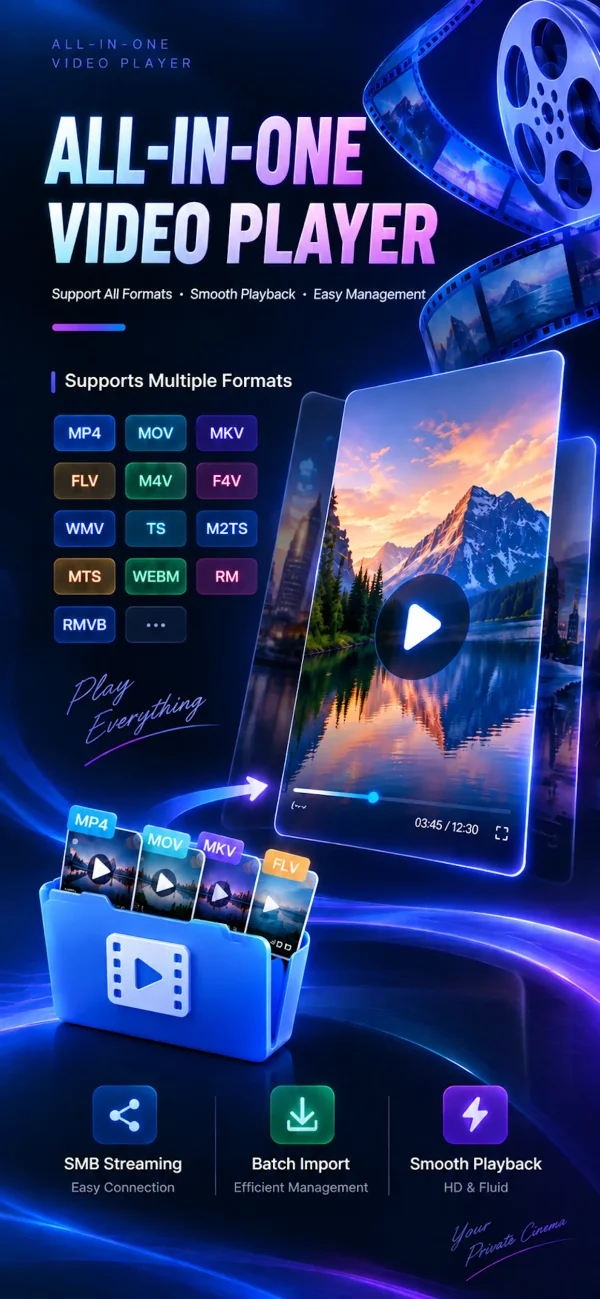
All-Format Video Player
- Supports playback of a wide range of video formats (MOV, MP4, MKV, AVI, FLV, F4V, WMV, TS, M2TS, MTS, WEBM, RM, RMVB, etc.)
- Supports batch import and export of files
- Private vault with encryption and Face ID unlock for secure file storage
- Simple and user-friendly video player with gesture controls (slide to adjust brightness and volume, variable playback speed, auto-fit screen, and more)
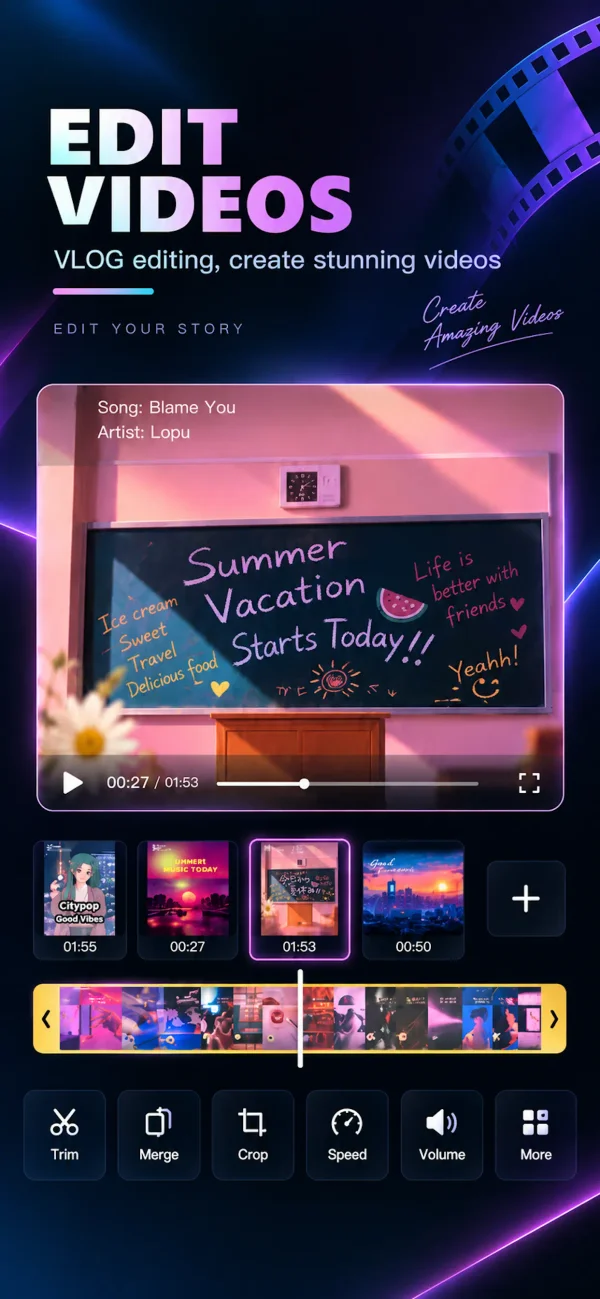
Video Editor
- Customizable canvas aspect ratio and dimensions
- Merge and edit multiple video clips
- Rotate, crop, and resize videos to any dimension
- Supports picture-in-picture overlay and portrait cutout (green-screen/chroma-key style)
- Apply global filter effects (built-in library of hundreds of filter options)
- Add artistic text overlays
- Add stickers
- Add background music from your music library, video files, or imported files
- Custom video watermarking
Utility Toolbox
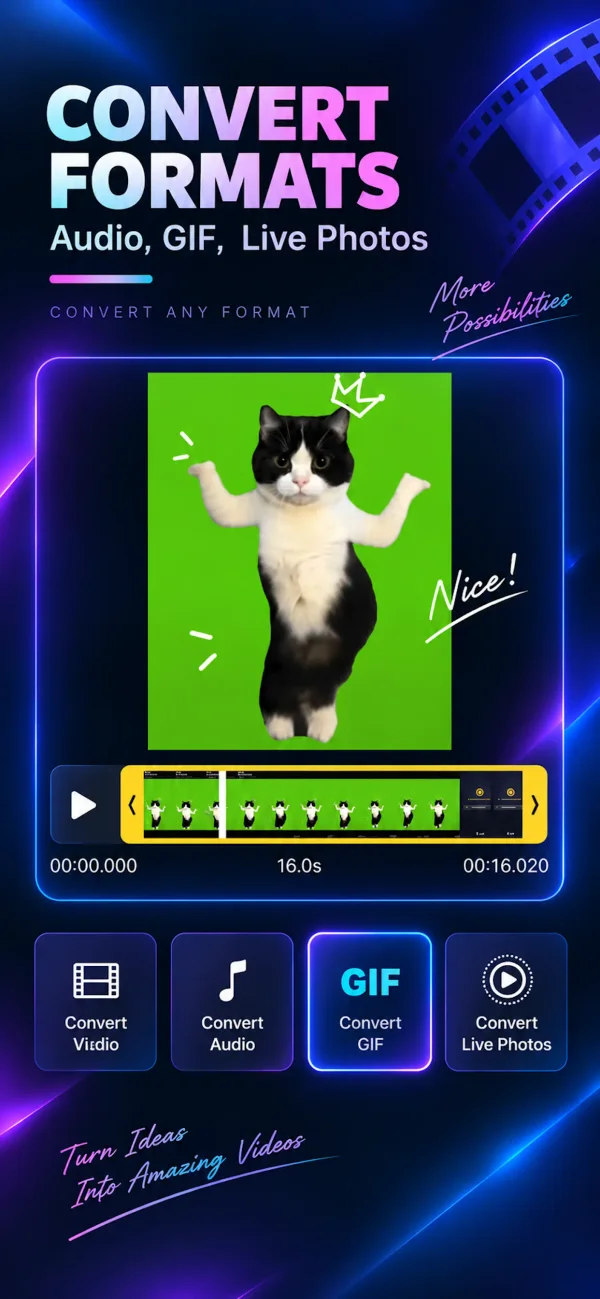
- Video format conversion (convert video to audio, GIF, Live Photo, or ringtone)
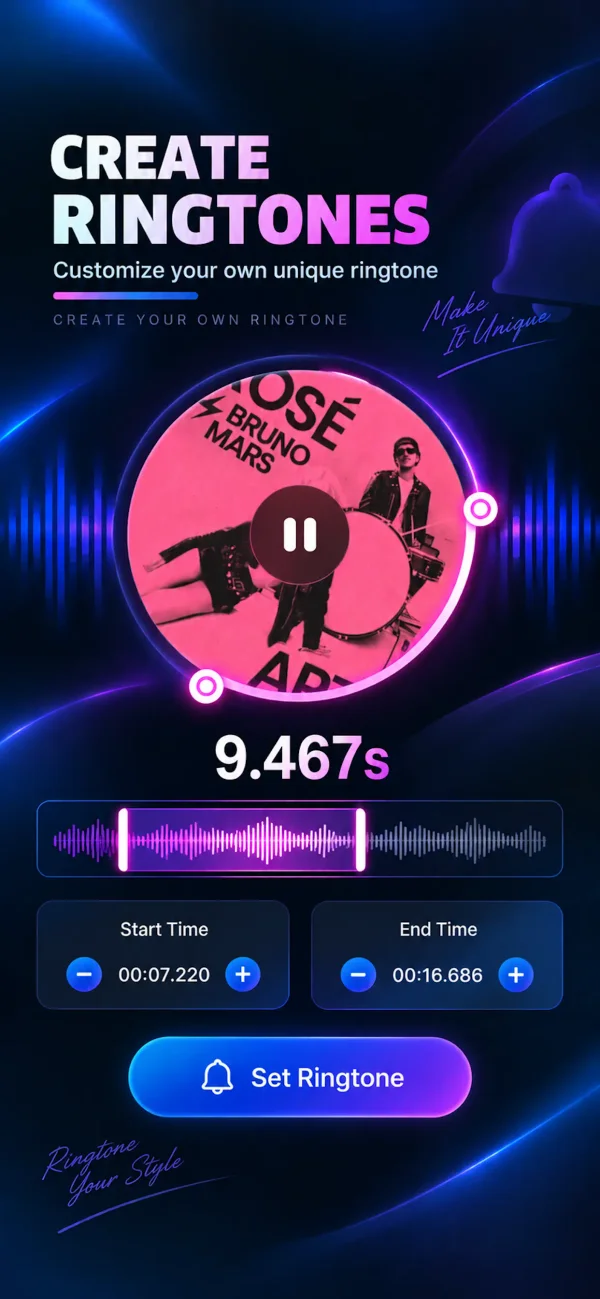
- Ringtone maker: create ringtones for your phone with one tap
- GIF animator: make animated GIFs
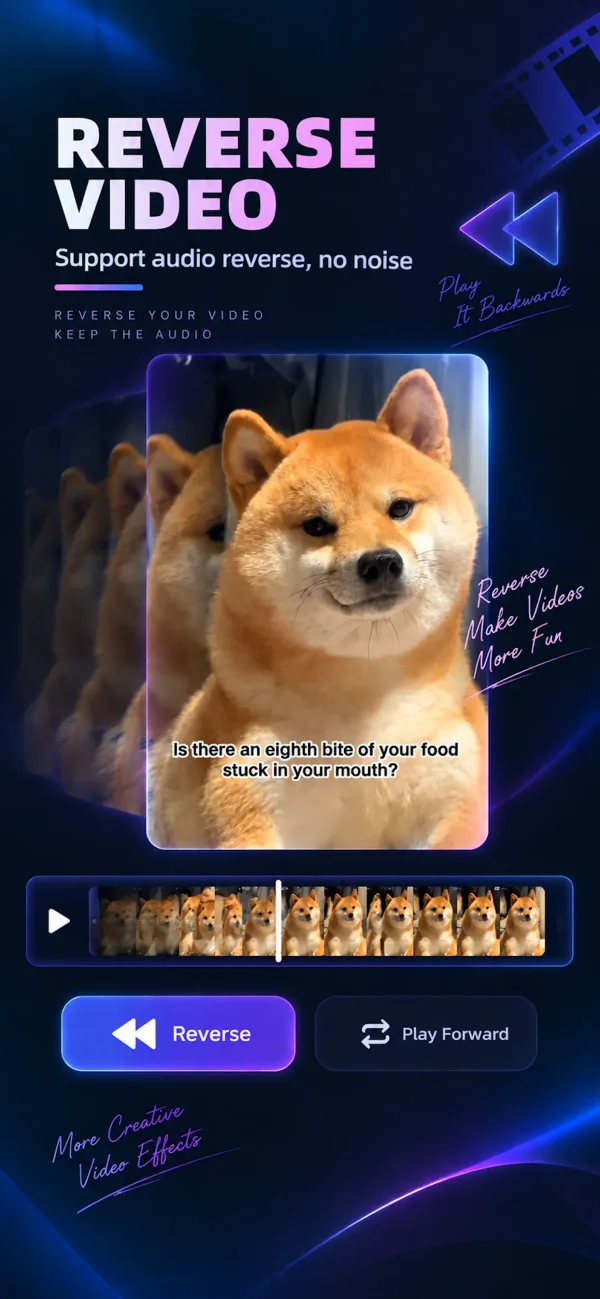
- Video reverse tool: play videos backward
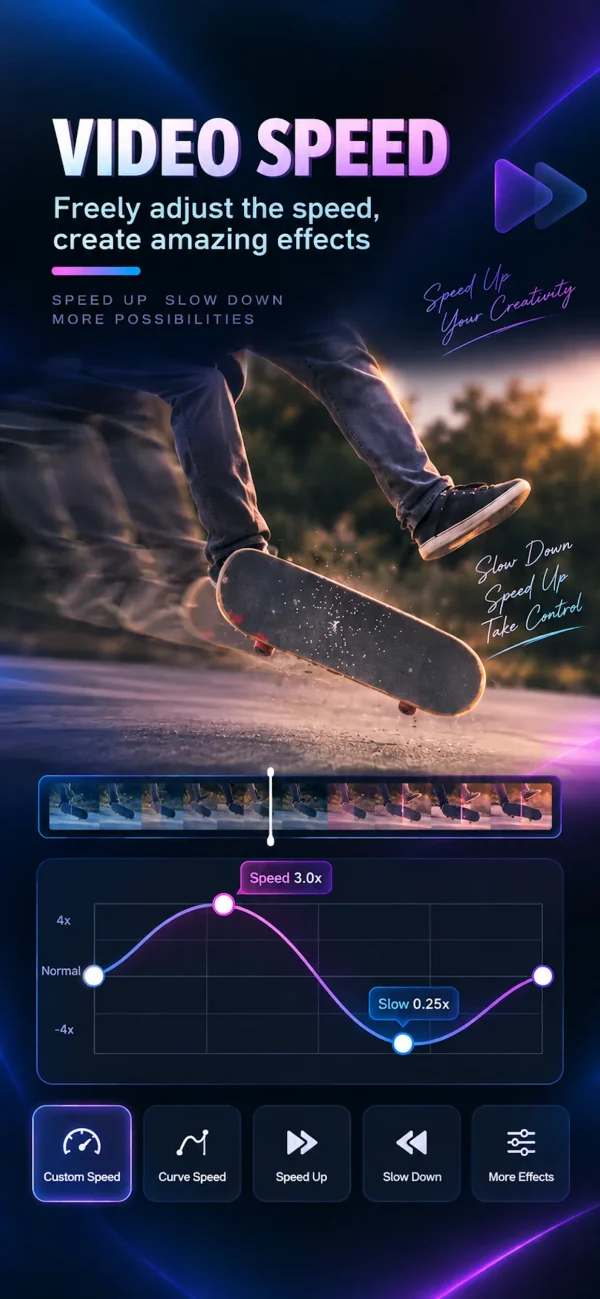
- Variable speed curve control for videos
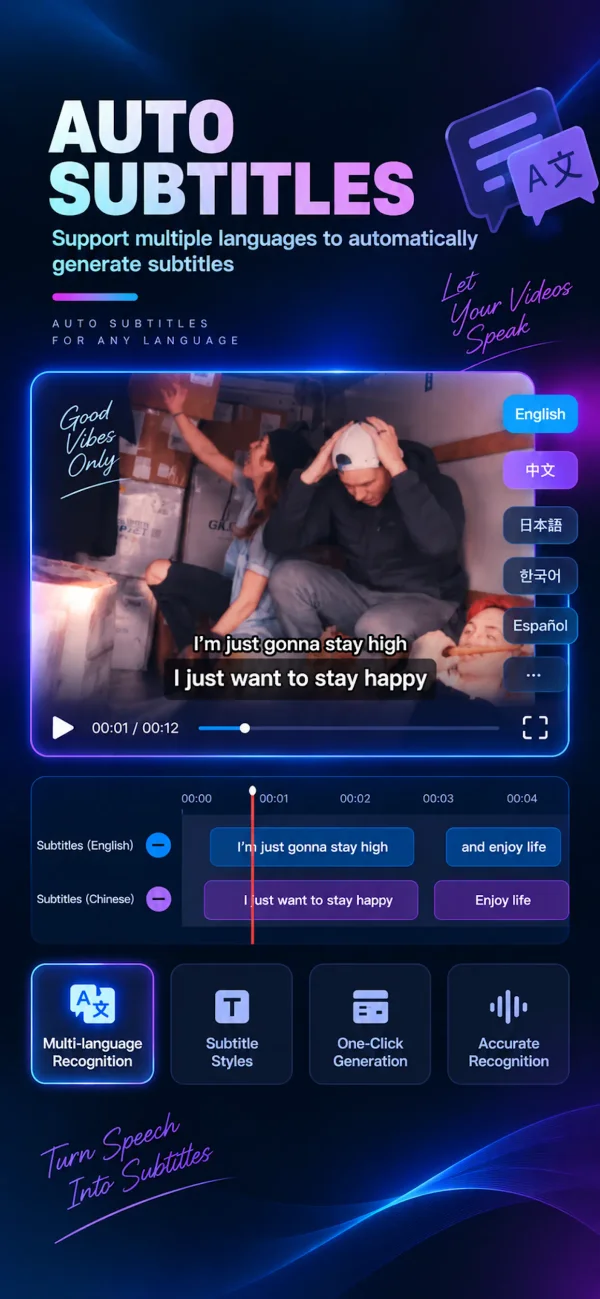
- Subtitle tool: auto-generate subtitles via speech recognition
- Background remover for videos
- Picture-in-picture mode – combine two videos for split or overlay display
- Meme/repeat effect – create loop/repeat video clips
- Change video cover thumbnail
Privacy Policy: https://note.youdao.com/share/?id=1f01872c58fc37296e8af7b138d85b55&type=note#/
Terms of Service: http://note.youdao.com/noteshare?id=f7617bdf6549adc58ef0a973d65b913b
This app includes auto-renewable subscription content. Auto-renewal details:
Subscription fees will be charged to your iTunes account upon confirmation of purchase. Subscriptions will automatically renew unless auto-renewal is turned off at least 24 hours before the end of the current subscription period. Your account will be charged for renewal within 24 hours prior to the end of the current period, at the rate of your selected plan. After purchase, you can manage or turn off auto-renewal at any time in your Apple ID account settings.
What’s new
Version 6.2.0 · Sep 7, 2026
- Optimize the user interface
- Fix some bugs
App privacy
What 晓航 郑 declares on the App Store about how this app handles data.
-
Data used to track you
May be used to track you across apps and websites owned by other companies.
- Identifiers
- Usage data
- Diagnostics
-
Data linked to you
May be collected and linked to your identity.
- Identifiers
- Usage data
- Diagnostics
Privacy practices may vary, for example with the features you use or your age.
Information
- Seller
- 晓航 郑
- Category
- Photo & Video
- Version
- 6.2.0
- Updated
- Sep 7, 2026
- Released
- May 28, 2018
- Size
- 178.8 MB
- Requires
- iOS 16.0 or later
- Age rating
- 4+
- Price
- Free
- In-app purchases
- Yes
- Languages
- English, Japanese, Korean, Portuguese, Simplified Chinese, Spanish, Traditional Chinese
- Copyright
- © 剪辑工具箱 2023
You might also like
-
 Clipop: Video Editor & MakerAdd music to video
-
 Squarely - Multi Video EditorEditing tools for video photo
-
 Filmmo - Video Editor & MakerAesthetic,Retro,Filter,Effect
-
 SlidezillaPhoto & Video
-
 Video Editor: Make Music VideoEdit, Cut & Add Songs to Video
-
 OviCut Video EditorVideo Design & Movie Effects
-
 Vmoon - Video Editor & MakerPowerful yet Simple Editor
-
 Over.Video: Add Text to VideosFont Overlay, Music & Stickers
-
 Vlogr - Video Editor & MakerCombine, Edit, Crop, Add Music
-
 VideoPad - Video EditorPhoto & Video