
- Age rating4+
- CategoryPhoto & Video
- DeveloperEnrique Garcia
- LanguagesEnglish+ 13 more
- Size255.4 MB
Links to the official App Store page
Download.org hosts no file of VideoLUT. The button opens its official App Store page, published by Enrique Garcia. Listing last checked on Nov 15, 2026.
Screenshots





About
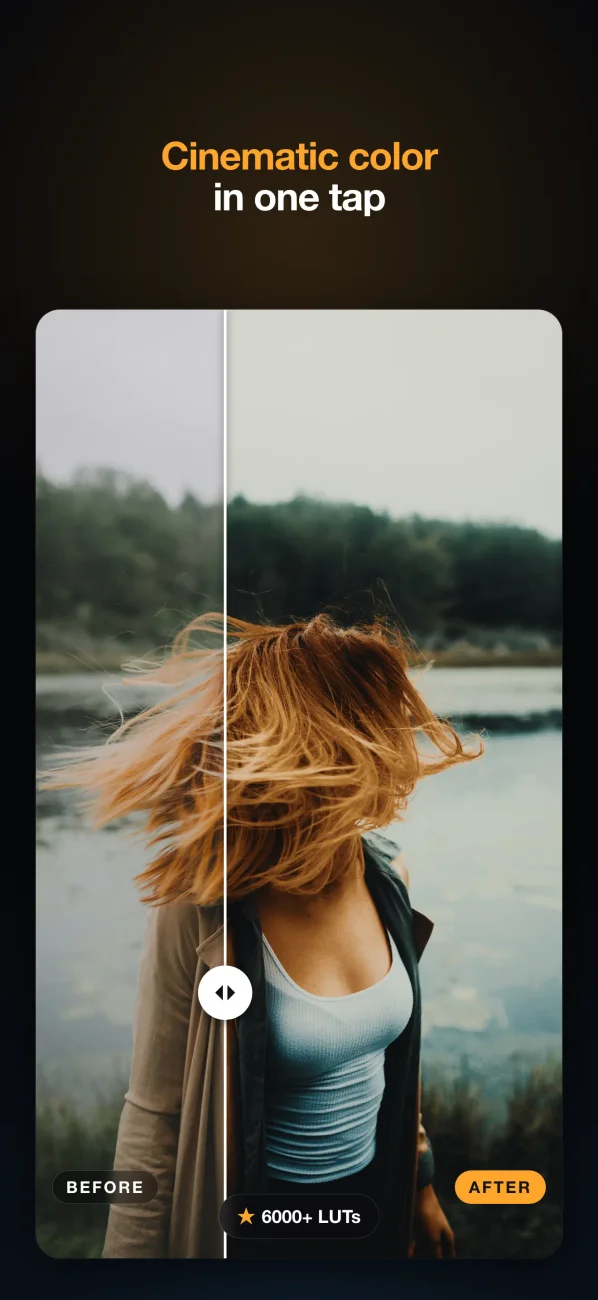
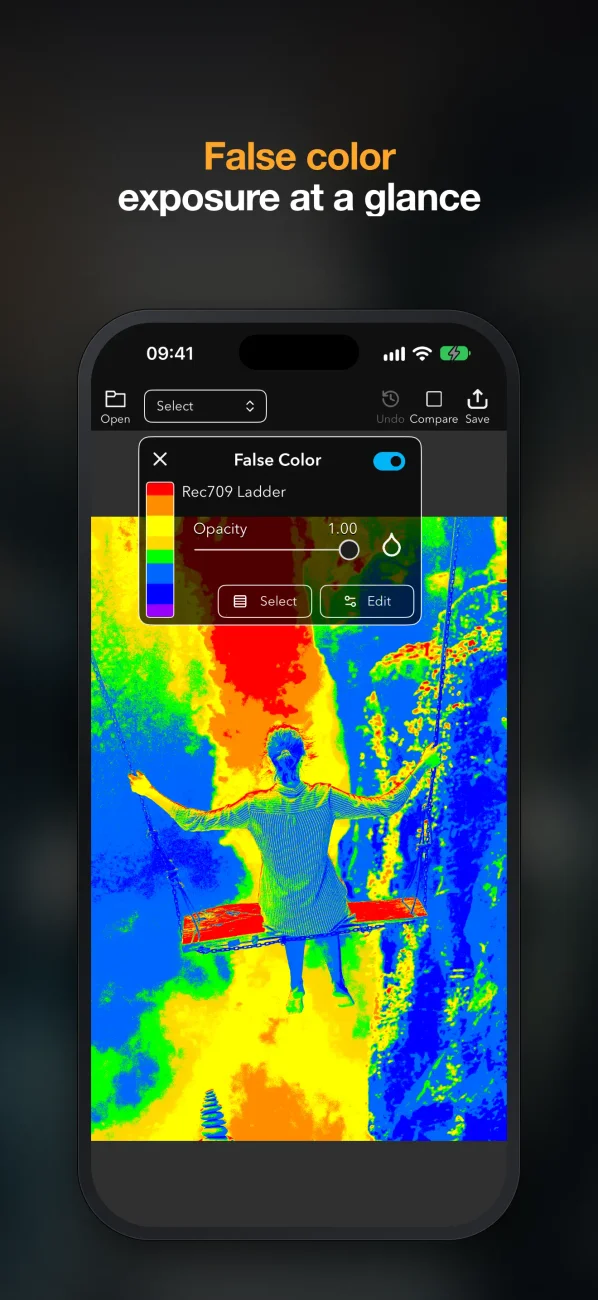
Transform your videos and images into cinematic masterpieces with VideoLUT, the ultimate color-grading app! With over 6000 presets, you can easily import, edit, and apply LUTs to create stunning videos and photos. Plus, VideoLUT allows you to record videos and take photos with your imported LUTs, giving you the ultimate creative control.
217 film emulations — Kodak Portra, Kodachrome, Ektar, Fuji Velvia, Provia, Ilford HP5, Tri-X and more.
Import 20+ LUT formats — .cube, .3dl, .look, .csp, .clf, .spi3d, .icc, CDL, Hald PNG, Lightroom .xmp/.lrtemplate — and export float .cube, .3dl, .look.
Whether you're a professional filmmaker or a casual iPhone photographer, VideoLUT is the perfect app for you. It comes with powerful editing tools that allow you to color grade your videos and images with ease. You can even create your own LUTs and share them with other users via QR codes or apps like Lumafusion.
VideoLUT supports a variety of LUT formats, including DaVinci Resolve 3D Cube LUT (.cube) and Autodesk 3D LUT (.3dl). You can import .cube, .3dl, and 512x512 .png LUT tables, and save or import cube files to iCloud, Dropbox, and other storage apps. It also converts Adobe Lightroom preset files (`.xmp` and `.lrtemplate`) into LUTs during import. This feature is currently in beta; only supported colour adjustments and processing versions can be converted.
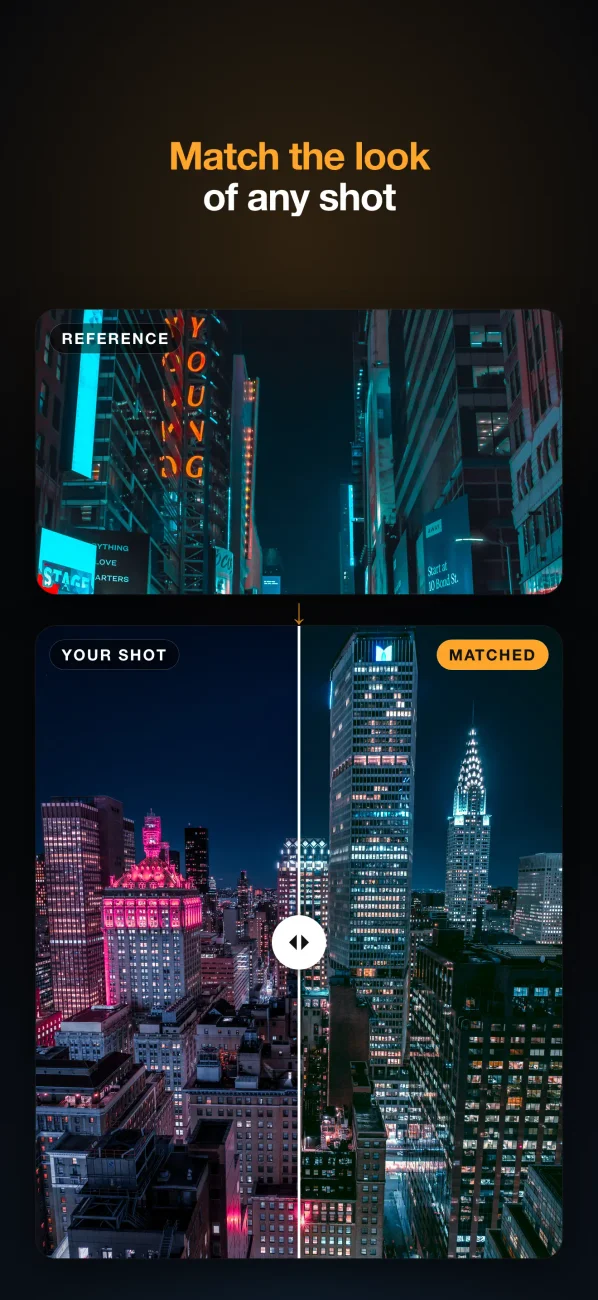
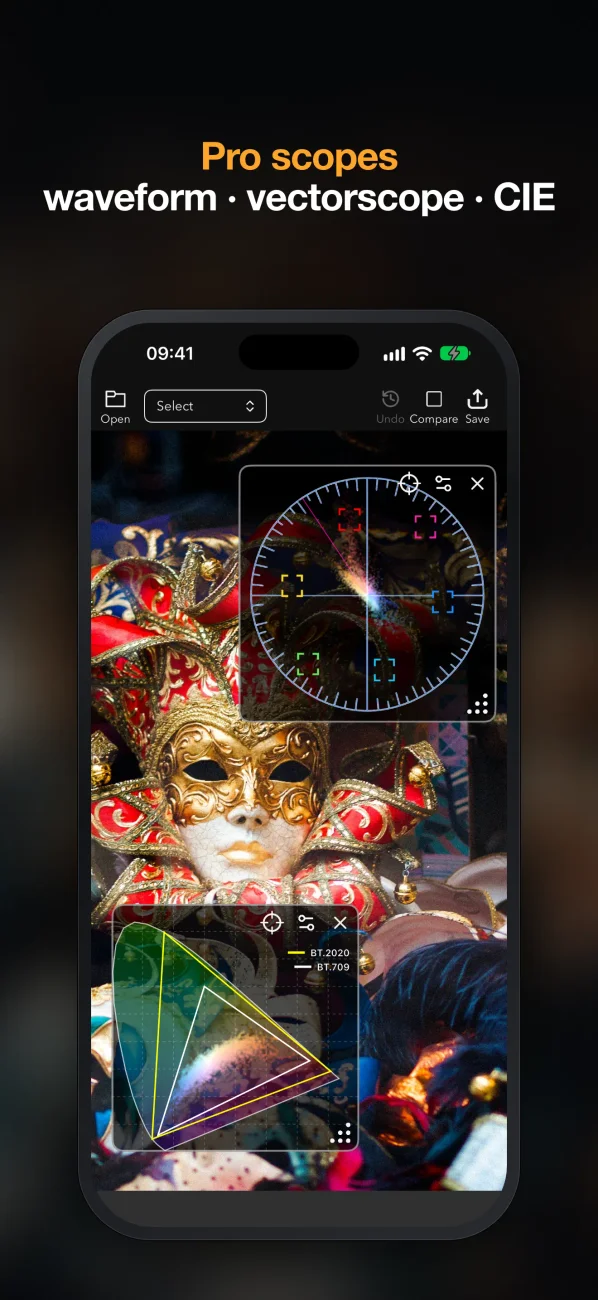
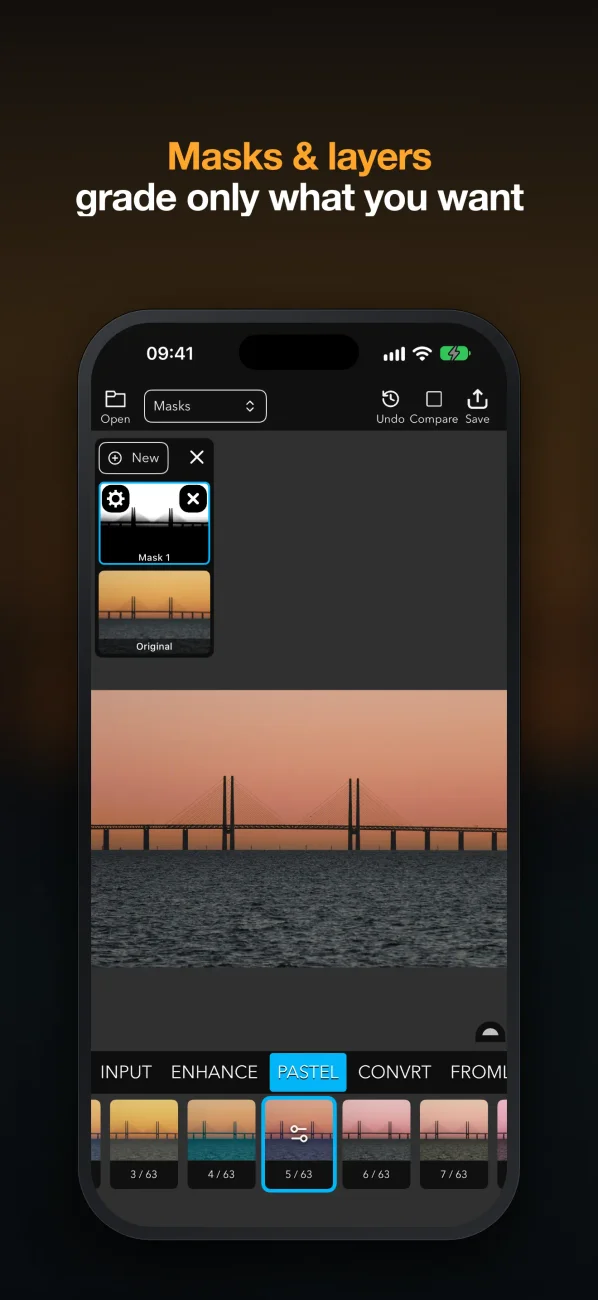
But that's not all – VideoLUT also lets you visualize LUTs in 3D, export them as LUT images (.png), and share them as .cube 16, 32, or 33 (DaVinci Resolve 3D Cube LUT) with other apps or your desktop. You can also match colors from images and build new LUTs from the result, and use RGB, HSL, CMYK, LAB, and Skin Masks and Curves for added control.
With VideoLUT's auto white balance, Macbeth table detection and correction, split toning, color wheels, and other adjust tools, you have everything you need to perfect your videos and images. Mix multiple LUTs to create new ones, convert Filmic Pro LUTS, and even preprocess RAW photos for added flexibility.
Download VideoLUT today and transform your videos and images into true works of art!
Terms of Use (EULA): https://www.apple.com/legal/internet-services/itunes/dev/stdeula/
What’s new
Version 4.68 · Nov 15, 2026
What's new in this version:
• Better stability when saving videos.
If you have any problem, do not hesitate to contact us: Open → Settings → Contact.
App privacy
What Enrique Garcia declares on the App Store about how this app handles data.
-
Data not linked to you
May be collected but is not linked to your identity.
- Purchases
- User content
- Identifiers
- Usage data
- Diagnostics
Privacy practices may vary, for example with the features you use or your age.
Information
- Seller
- Enrique Garcia
- Category
- Photo & Video
- Version
- 4.68
- Updated
- Nov 15, 2026
- Released
- Jul 22, 2016
- Size
- 255.4 MB
- Requires
- iOS 16.6 or later
- Age rating
- 4+
- Price
- Free
- In-app purchases
- Yes
- Languages
- English, French, German, Italian, Japanese, Korean, Polish, Portuguese, Russian, Simplified Chinese, Spanish, Swedish + 2 more
- Copyright
- © Enrique Garcia
You might also like
-
 Color Grade Video - PeekLutCinematic LUTs & Log Grading
-
 LUT Studio: Color Grading AppCinematic Filters for Video
-
 Dehancer Film EmulationFilm Filters, Cinematic Preset
-
 MatchColors AIPhoto & Video Color Matching
-
 ColorPix - Color GradingPhoto & HDR Video & DaVinci
-
 Pearla Verana - Pro CameraFilm Emulation, RAW, Log
-
 LumaFusionPro video editing and effects
-
 Cinema P3 Pro CameraProfessional Cinematic Video
-
 GyroflowGyro-based video stabilization
-
 Kino - Pro Video CameraGrade Log Movies with LUTs