VidKit - Video Editor
Video editor — offline & fast
Designed for iPhone, iPad
Free
- Age rating4+
- CategoryPhoto & Video
- DeveloperBurak Bebek
- LanguagesEnglish+ 37 more
- Size8.0 MB
Links to the official App Store page
Download.org hosts no file of VidKit - Video Editor. The button opens its official App Store page, published by Burak Bebek. Listing last checked on Nov 13, 2026.
Screenshots

About
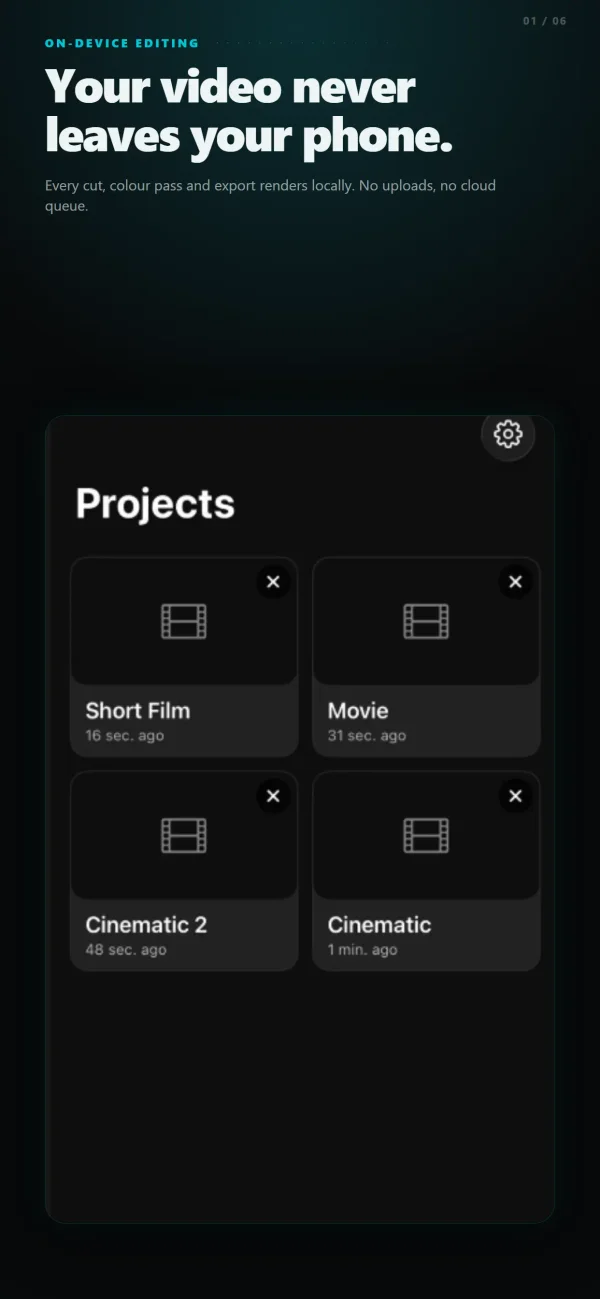
VidKit is a fast, private, offline video editor. Everything happens on your iPhone — no account, no upload, no server.
EDITING
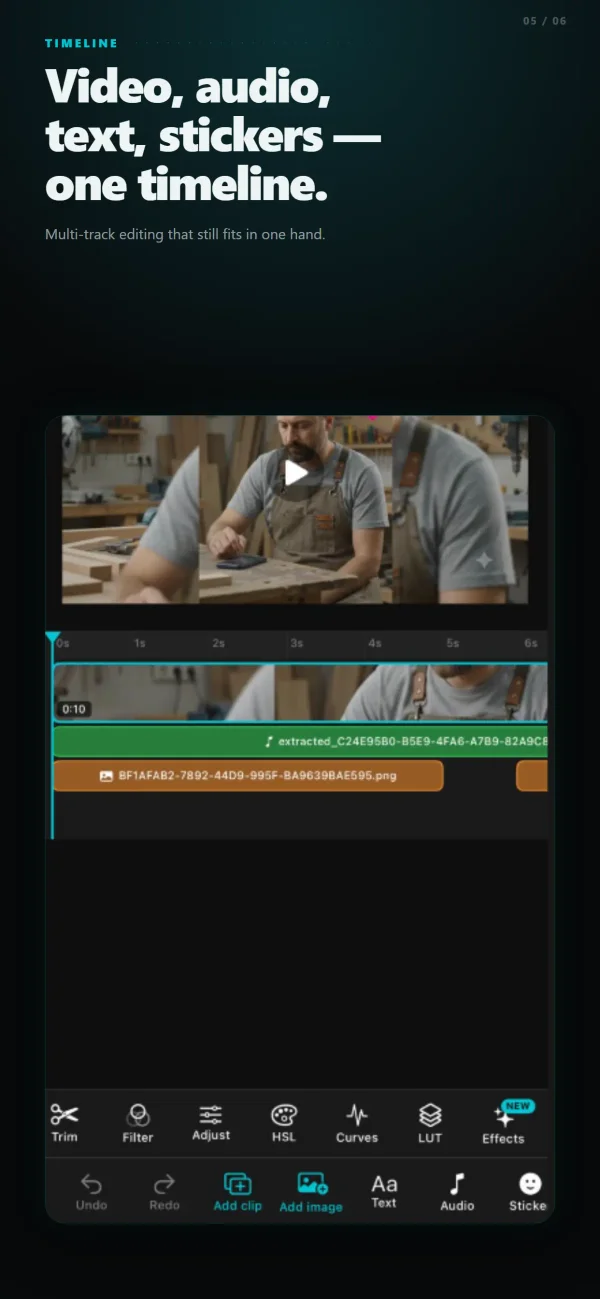
• Trim, split, and reorder clips on a multi-track timeline
• Add still images with adjustable display duration
• 24+ transitions: dissolve, fade, slide, zoom, wipe, pixelize, radial, diagonal and more
• Per-clip speed (0.1× – 4×), reverse, freeze frame
• Rotate, flip, crop, mask (circle / rectangle)
TEXT & OVERLAYS
• Customizable text with font, size, color, bold, italic, alignment
• Keyframeable position, scale, opacity, and rotation
• Image and video overlays with chroma key (green screen)
• Per-layer blend modes
COLOR & FILTERS
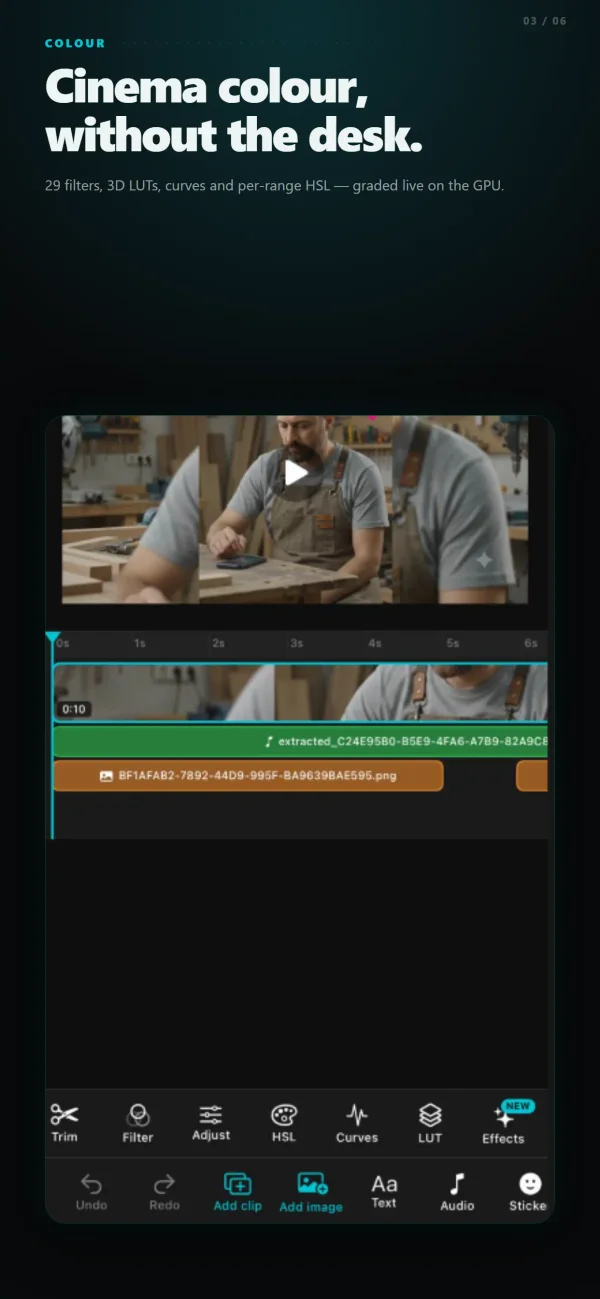
• Brightness, contrast, saturation, hue
• HSL grading per color range
• Curves with per-channel control
• Import your own .cube 3D LUTs
• Non-destructive — all adjustments are stored, never baked
AUDIO
• Multi-track audio (music, voiceover, extracted audio)
• Per-track fade in/out, EQ (bass/treble), echo, reverb
• Beat sync — auto-detect BPM and snap clips to the beat
• In-app voiceover recording
EXPORT
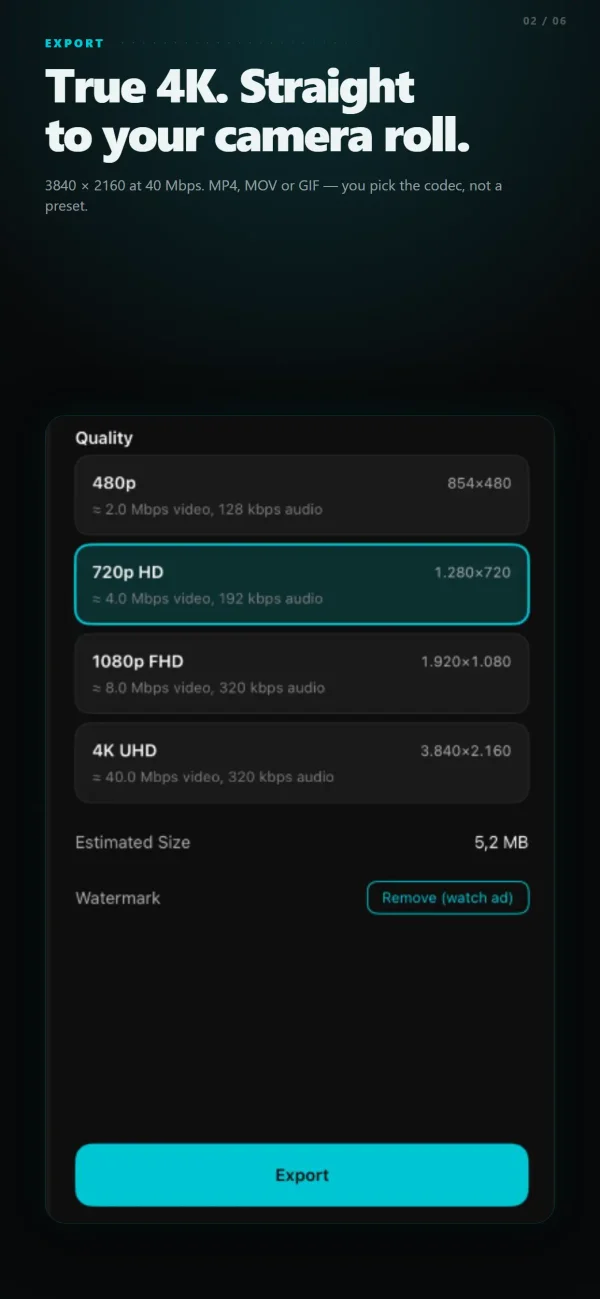
• MP4 / MOV
• Up to 4K at 60fps
• Real bitrate control (not just presets)
• Output saved to Photos
PRIVACY
• All processing happens on your device
• No account or sign-in required
• No analytics or tracking beyond ad requirements
• Remove watermark with one short video ad
Built for creators who want a full-featured editor without the subscription fatigue. Free with ads.
What’s new
Version 1.0.5 · Aug 1, 2026
This update closes the gap between what you see in the preview and what lands in the exported file, and adds a new set of creative tools.
EXPORT NOW MATCHES THE PREVIEW
• Transitions between clips are rendered into the final video.
• Picture-in-picture overlays — images, stickers and video — export with their blend modes and chroma key.
• Keyframe animation on text and overlays is burned into the export.
• Reverse, speed curves and freeze frames export correctly.
• Mask, crop, flip and rotation are applied on export.
• The project aspect ratio is honoured — 9:16, 1:1 and 4:5 no longer fall back to the source ratio.
• Audio effects — EQ, reverb, echo, pitch, noise reduction and vocal isolation — are baked into the exported track.
NEW
• 14 creative effects that render live while you scrub: glitch, VHS, RGB split, blur, zoom blur, tilt-shift, duotone, posterize, halftone, invert, thermal, sharpen, bloom and edge detect.
• Export as GIF alongside MP4 and MOV.
• Save your own filter presets from any combination of adjustments, HSL and curves.
• Remove the background from behind a person in an overlay clip, on device.
• Auto-captions now work across multiple clips, transcribing only the part of each clip you kept.
• Drag clips to reorder them on the timeline.
• Deleted projects go to a trash that keeps them for 30 days.
• Project backups now include the media files, so a restore brings back the whole edit.
TIMELINE
• The playhead follows playback and the timeline scrolls with it.
• Tap anywhere on the ruler to seek there.
• Audio, text, sticker and overlay bars can be selected and dragged; each type gets its own row instead of stacking on top of one another.
• Dragging a bar past the edge scrolls the timeline instead of stopping.
• Bars stay inside the timeline and can no longer be dragged out of view or duplicated by accident.
• Effect and filter panels no longer cover the preview, so you can see what you are applying.
FIXES
• Stickers now appear in the preview and in the exported video.
• Undo and redo keep working after switching projects.
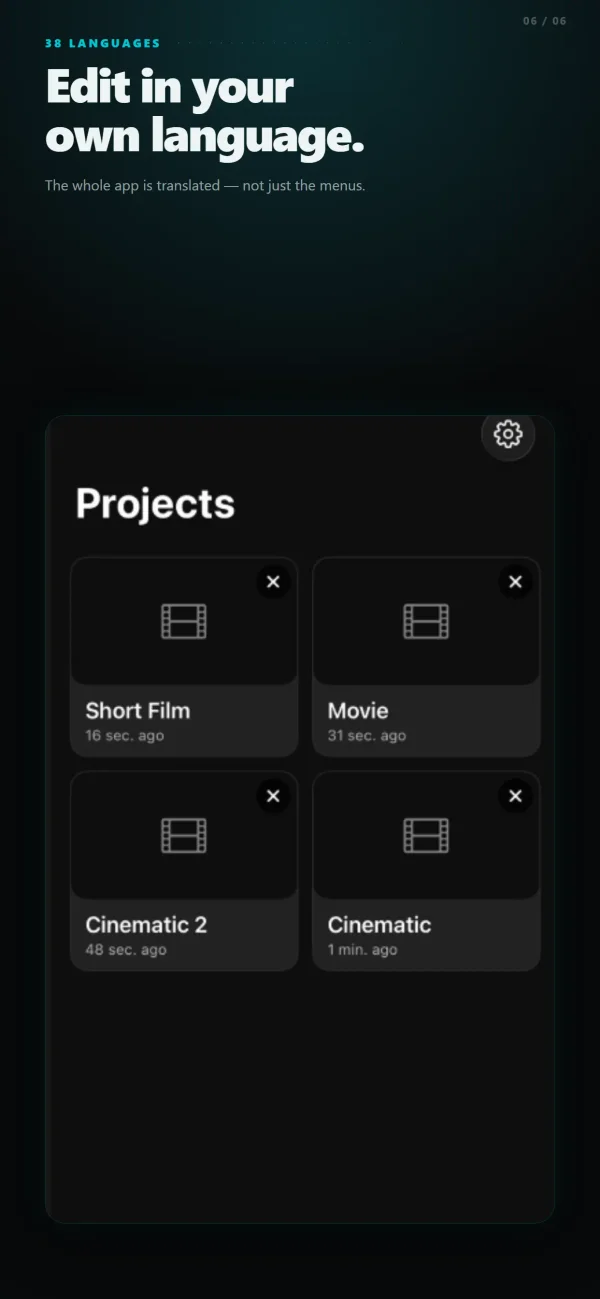
• The whole interface, including the user guide, is translated into all 38 supported languages.
App privacy
What Burak Bebek declares on the App Store about how this app handles data.
-
Data used to track you
May be used to track you across apps and websites owned by other companies.
- Identifiers
- Usage data
- Diagnostics
-
Data not linked to you
May be collected but is not linked to your identity.
- Identifiers
- Usage data
- Diagnostics
Privacy practices may vary, for example with the features you use or your age.
Information
- Seller
- Burak Bebek
- Category
- Photo & Video
- Version
- 1.0.5
- Updated
- Aug 1, 2026
- Released
- Apr 22, 2026
- Size
- 8.0 MB
- Requires
- iOS 16.0 or later
- Age rating
- 4+
- Price
- Free
- Languages
- English, Amharic, Arabic, Bengali, Burmese, Cambodian, Czech, Dutch, Filipino, French, German, Greek + 26 more
- Copyright
- © 2026 VidKit
You might also like
-
 Video Editor ViLineMake Video with AI Agents
-
 pixLux - Video EditorMusic, Captions & Colour
-
 VisionCut: Pro Video Editor4K multitrack, no watermark
-
 ExpoCut - Video Editor & ReelsVideo Editor for Reels & Cuts
-
 Smoothie: AI Video Enhancer4K Upscale & 120FPS Boost
-
 Syn-FX: Video Editor & EffectsVFX, Filters, Slow Motion, GIF
-
 FlipagṙamFlipagṙam: Video Maker&Editor
-
 PopCut:AI Video Editor & MakerVlog Creator: Add Music & Text
-
 YT CreateCreate Videos in Minutes
-
 Video Editor ‧Cut, Crop, Trim & Edit Videos