
VisionCut: Pro Video Editor
4K multitrack, no watermark
Designed for iPhone, iPad, Mac
$1.99
- Age rating4+
- CategoryPhoto & Video
- DeveloperByoungho Kim
- LanguagesEnglish+ 4 more
- Size47.8 MB
Links to the official App Store page
Download.org hosts no file of VisionCut: Pro Video Editor. The button opens its official App Store page, published by Byoungho Kim. Listing last checked on Nov 23, 2026.
Screenshots


About
A full desktop-class video editor that runs entirely on your iPhone and iPad. No account, no subscription, and no watermark burned into what you export.
EDIT LIKE A REAL NLE
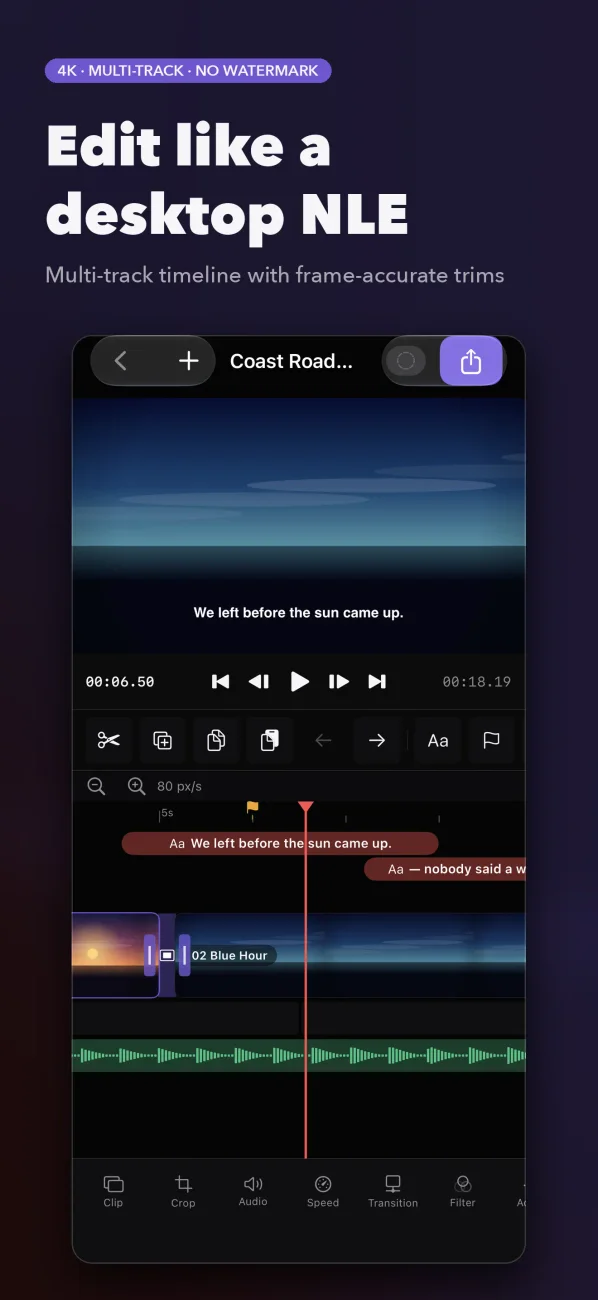
- Multi-track timeline: video, audio, picture-in-picture, text, shapes and stickers each on their own lane
- Frame-accurate trim, split, duplicate and copy/paste
- Speed ramps with bezier easing
- Keyframe position, scale and rotation on any clip or overlay
- Pinch to zoom the timeline; the playhead stays centred while the cut scrolls
- Unlimited undo, and every change autosaves as you work
COLOR THAT LOOKS FINISHED
- Color wheels for lift, gamma and gain
- Exposure, contrast, saturation, temperature and tint
- Import your own .cube LUTs, or start from the built-in film looks
- Match the color of one clip to another in a single tap
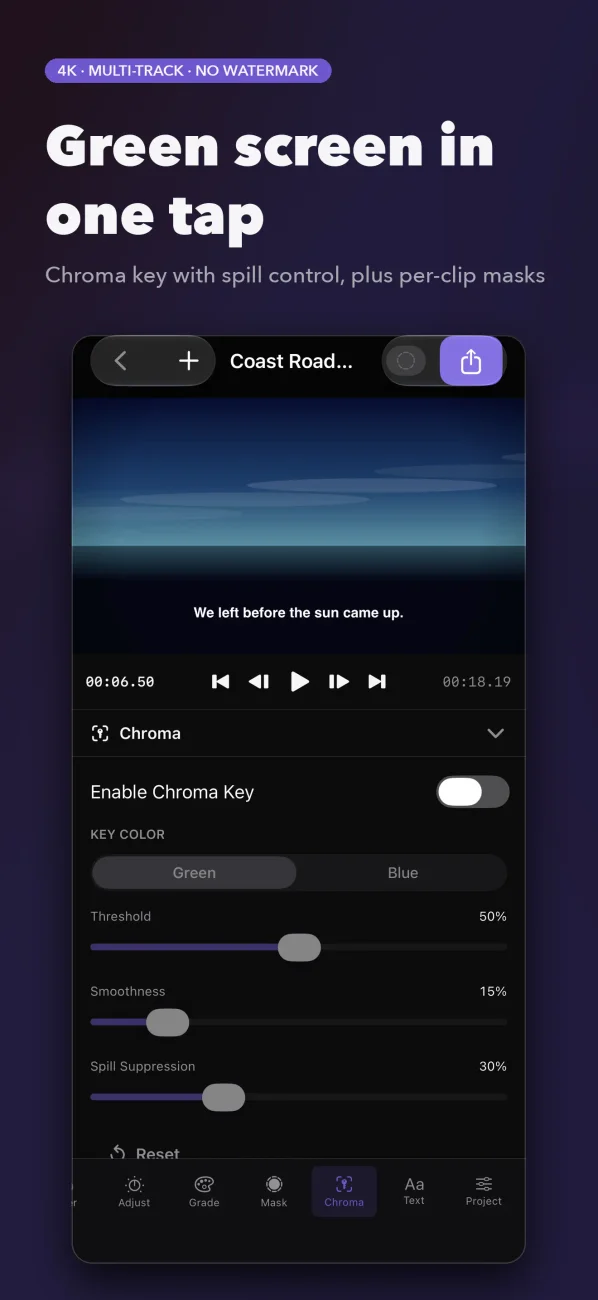
- Chroma key with spill control, plus shape masks per clip
SOUND THAT SITS RIGHT
- Detach audio from any clip and edit it on its own track
- Volume curves, fades, EQ and ducking
- Record voiceover straight onto the timeline
- Auto Music analyses your cut and picks the best fit from the built-in tracks and anything you imported
- Noise reduction, normalization, beat markers and one-tap silence removal
- Multi-camera audio sync
Built in
- 36 background tracks: vlog, energetic, chill, cinematic, emotional, corporate, travel, playful and tension
- 16 sound effects: transitions and interface sounds
- 64 stickers: reactions, arrows, speech bubbles, celebration, nature, everyday and studio
- All of it ships inside the app - no download, no connection, no extra purchase
SUBTITLES WITHOUT TYPING
- Automatic subtitles generated from your clip's speech, processed on device
- Import and export .srt
- Text style presets, animations, and captions that stack into separate lanes when they overlap
BUILT FOR THE iPad CANVAS
- Timeline, player and inspector all visible at once on the large screen
- 4K HEVC export with a background export queue, so you can keep editing
- 540p proxies keep scrubbing smooth on long projects while exports still use the originals
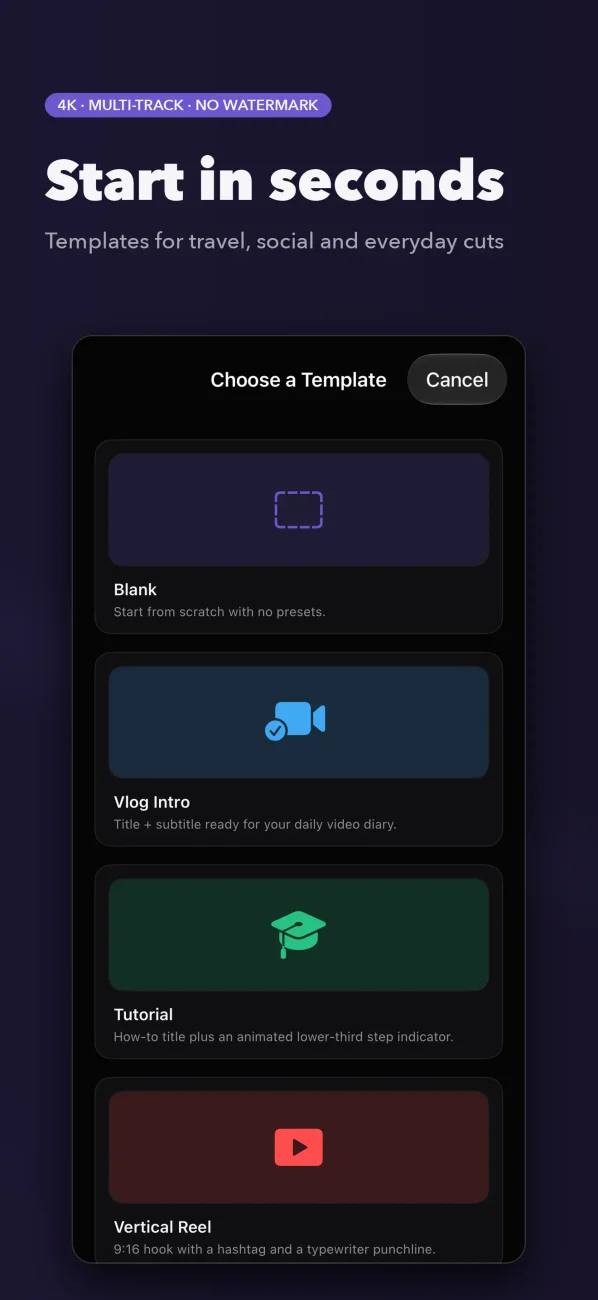
- Motion tracking, stabilization, transitions, watermarks, chapter markers and project templates
- Still photos drop straight onto the main track as clips, so pan-and-zoom works with the same keyframes as video
PRICE
VisionCut is a one-time purchase. There is no subscription, no in-app purchase, and nothing is watermarked.
PRIVACY
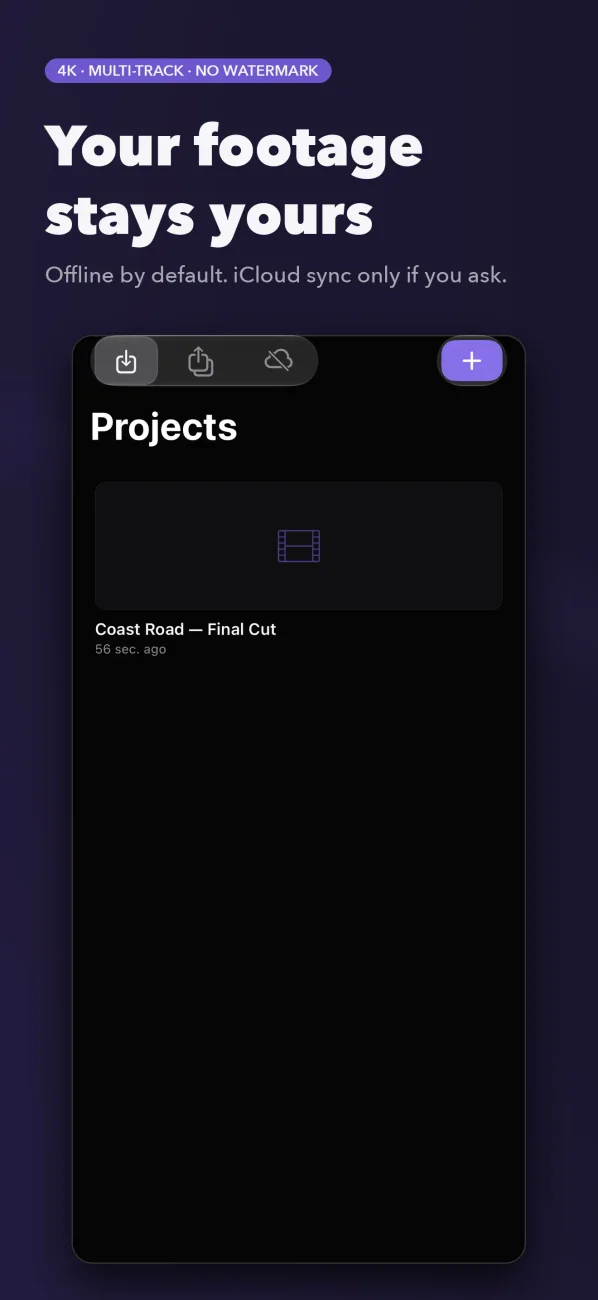
VisionCut has no servers of its own, no analytics and no advertising. Your footage is copied into the app's own project folder on your device. iCloud Drive sync is optional and off by default; when you turn it on, projects sync through your own iCloud account and nowhere else.
Privacy policy: https://blue-code.github.io/legal/visioncut/privacy.html
Support: https://blue-code.github.io/legal/visioncut/support.html
What’s new
Version 1.4.0 · Nov 20, 2026
• Keyframes do much more: besides position, scale, rotation and opacity, you can now animate filters, adjustments, grading, masks, chroma key, blend mode and volume. The keyframe button is in the editing toolbar.
• Picture-in-picture clips get the same filters, adjustments, masks, chroma key, blend modes and keyframes as the main track, and overlapping ones stack into lanes on the timeline.
• Titles can be scaled, rotated, faded and keyframed.
• Drag, pinch and twist a clip right on the preview.
• Fixed stickers, titles and PiP clips flickering or slipping away from your finger while you moved them.
• Fixed exported videos missing title text, and PiP clips and "Rotate Right" turning the wrong way.
App privacy
What Byoungho Kim declares on the App Store about how this app handles data.
-
Data not collected
The developer does not collect any data from this app.
Privacy practices may vary, for example with the features you use or your age.
Information
- Seller
- Byoungho Kim
- Category
- Photo & Video
- Version
- 1.4.0
- Updated
- Nov 20, 2026
- Released
- Aug 18, 2026
- Size
- 47.8 MB
- Requires
- iOS 17.0 or later
- Age rating
- 4+
- Price
- $1.99
- Languages
- English, Japanese, Korean, Simplified Chinese, Traditional Chinese
- Copyright
- © 2026 blue-code
You might also like
-
 RawlitRAW Photo Editor with Masks
-
 Video Upscale ProAI Enhancer up to 8K
-
 CrossFrame Dual Format CamFront Rear PiP Split Record
-
 Lumora: Photo Cleaner & FeedSwipe to sort & delete dupes
-
 ImagePress: Local CompressOn-device photo compression
-
 TV Watch S: Video ComplicationPlay your own clips on Watch
-
 myGPS Map CameraStamp location on photos
-
 AlbumX: Photo CleanerFind Similar Photos & Organize
-
 Latent – RAW Film CameraFilm-first RAW camera
-
 PreReel: Pre-Record CameraRecord moments before you tap