
VidTools: Video Compressor
Fit clips under upload limits
Designed for iPhone, iPad
In-app purchases
- Age rating4+
- CategoryPhoto & Video
- DeveloperDidactic Initiatives LLC
- LanguagesEnglish
- Size10.1 MB
Links to the official App Store page
Download.org hosts no file of VidTools: Video Compressor. The button opens its official App Store page, published by Didactic Initiatives LLC. Listing last checked on Nov 18, 2026.
Screenshots

About
Video too large to send or upload? VidTools helps you make a smaller file and check the result before sharing.
CHOOSE YOUR LIMIT
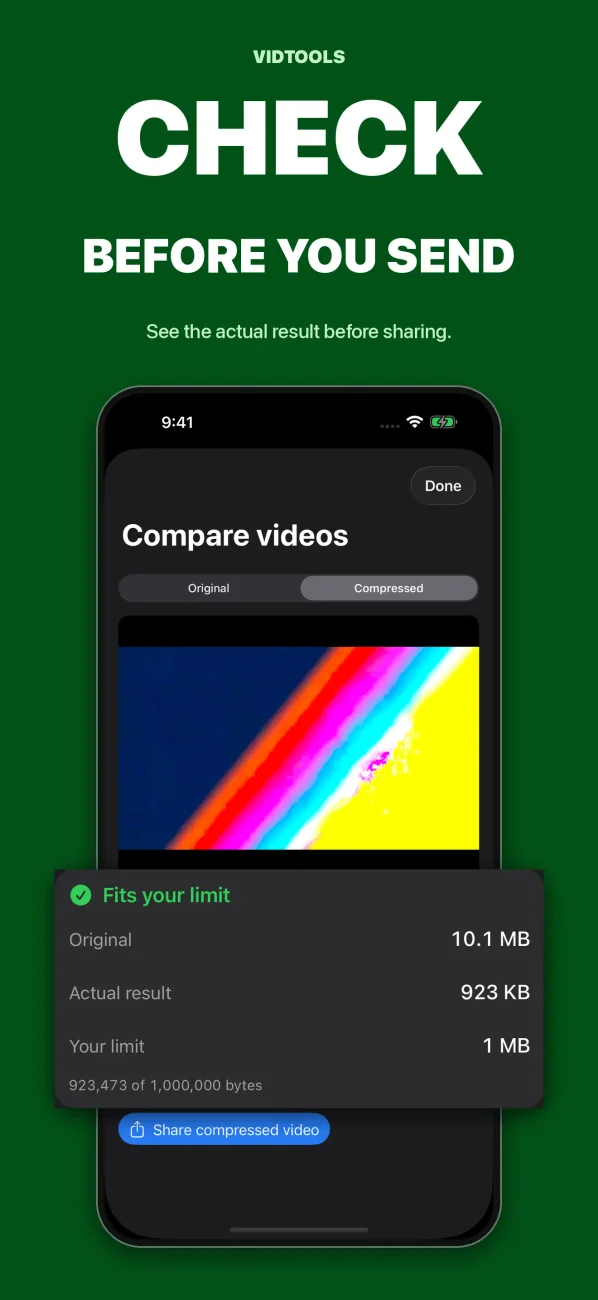
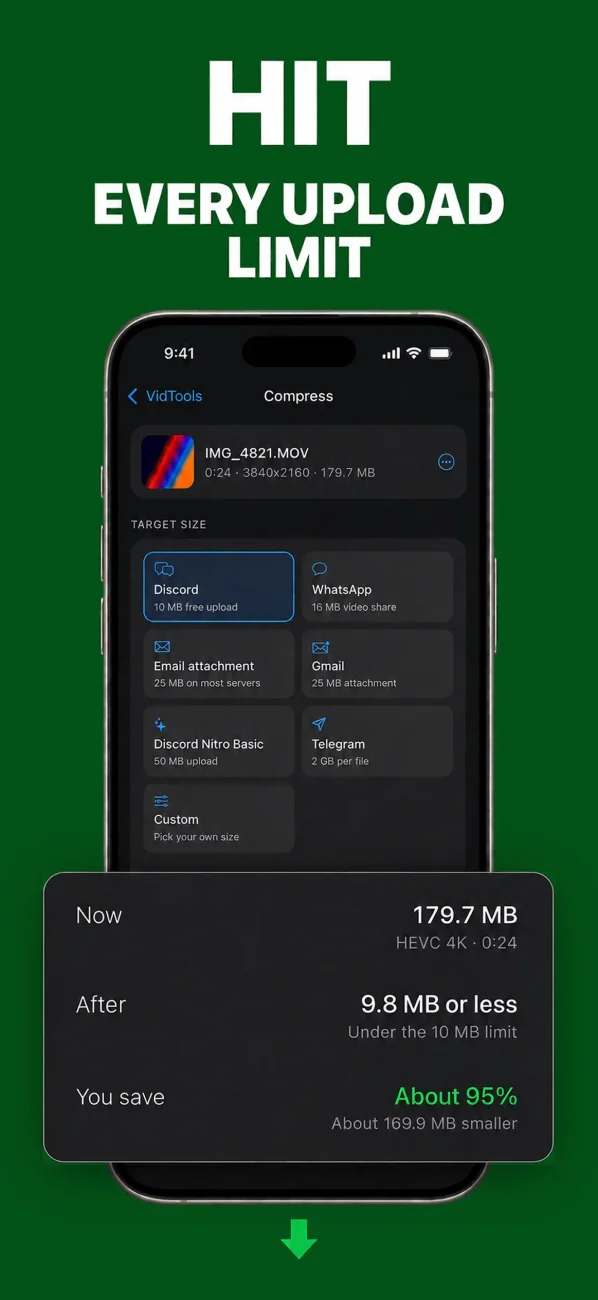
Set a target file size or save a preset for an attachment or upload limit. Trim the part you need and compress it in one flow. See the actual output size and whether it fits your chosen limit. If a clip is still too large, trim it further or split it into smaller parts.
PREVIEW BEFORE YOU SEND
Compare the original and compressed video, then share the smaller file or save it to Photos or Files. Your original stays available.
COMPRESS SEVERAL VIDEOS
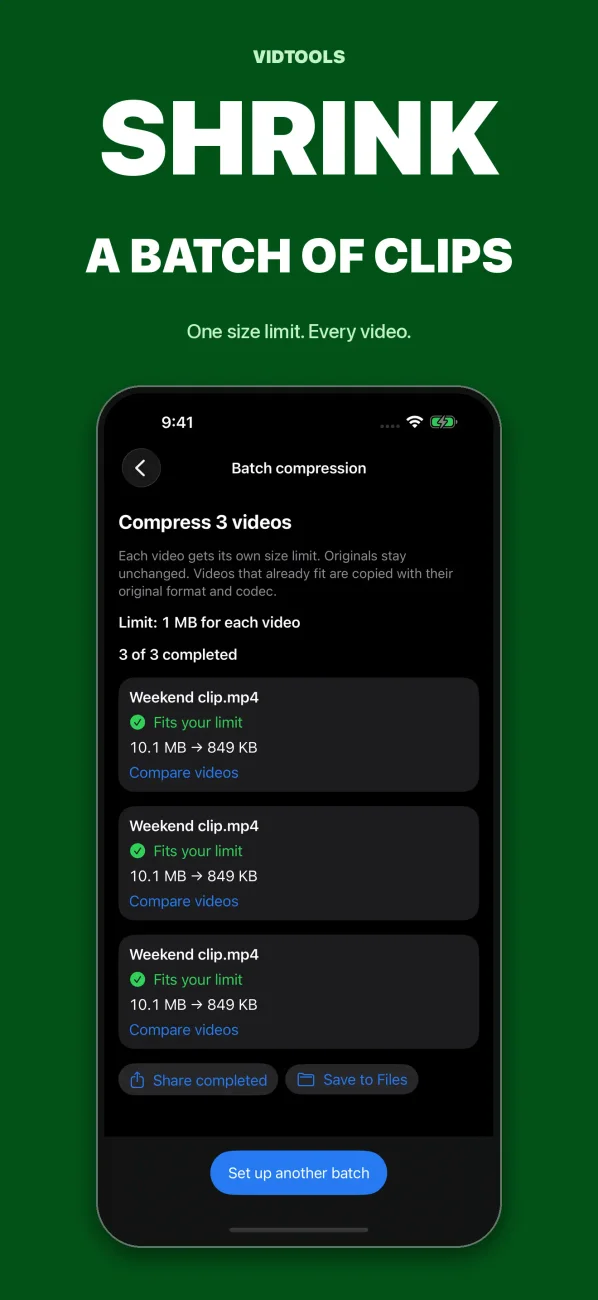
Select multiple clips and compress each to the same target in a queue. Import videos directly from the Photos or Files share sheet.
MAKE VIDEOS READY TO SHARE
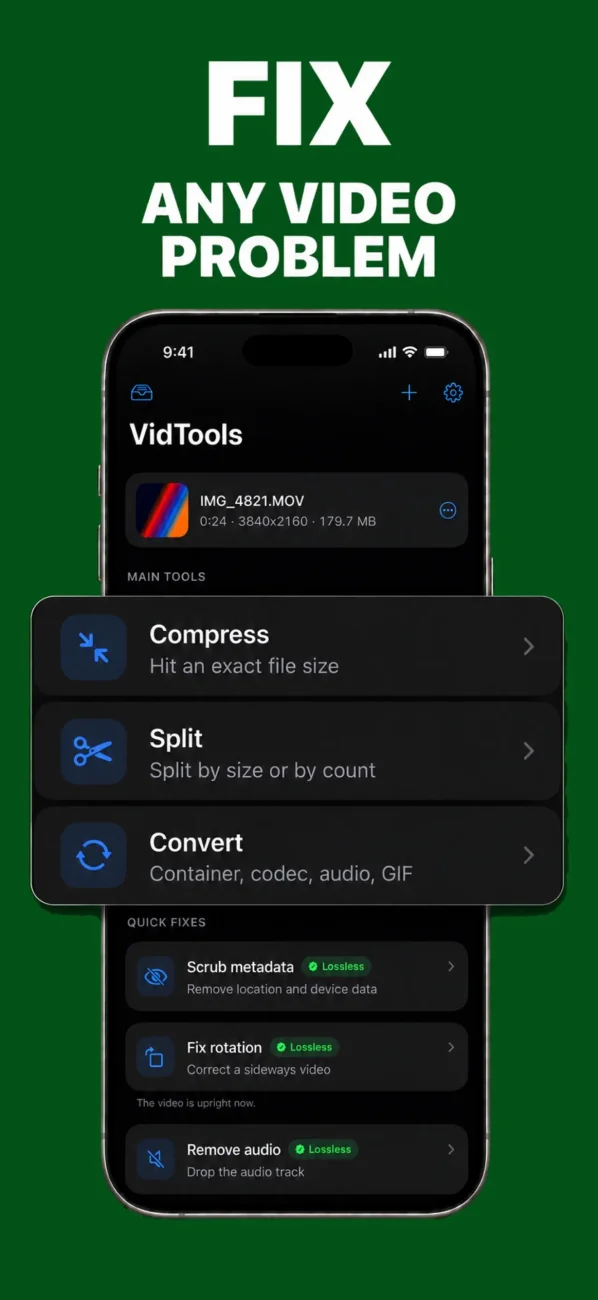
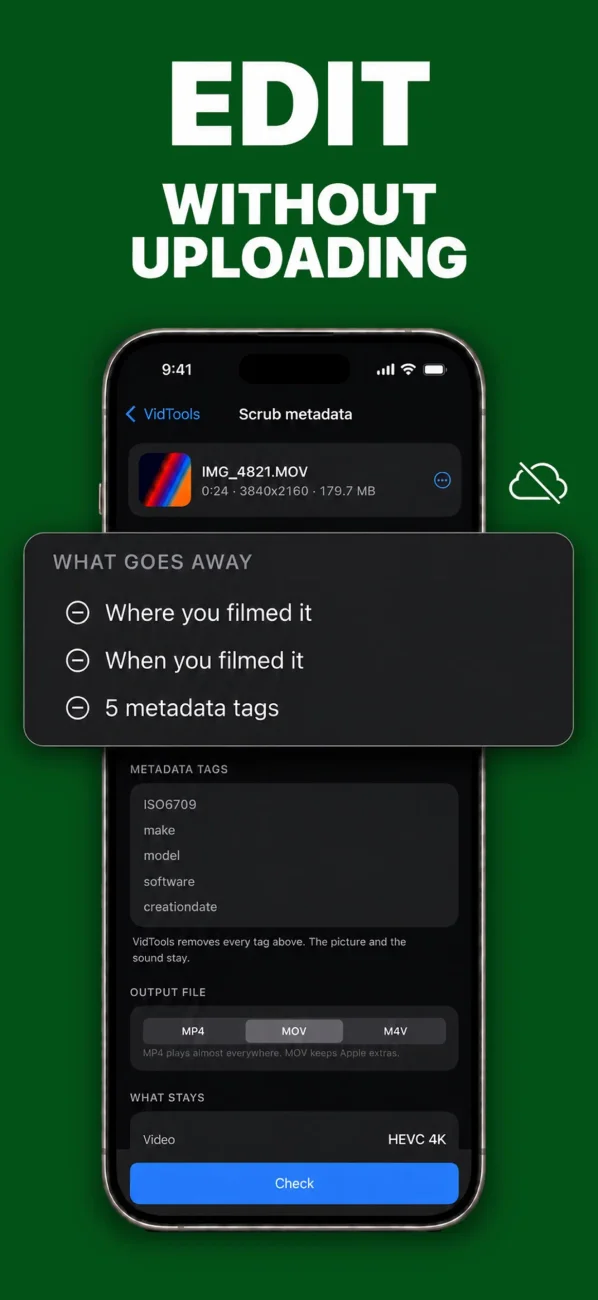
Split, convert, resize, crop, trim, remove audio, fix rotation, and reframe. Convert HDR to SDR, export audio or GIFs, capture a frame, adjust playback speed, remove metadata, and inspect video details.
PROCESS ON YOUR DEVICE
Your videos are processed on your iPhone or iPad. No account or login is required.
Every tool is available without a subscription. VidTools Pro is a one-time purchase that removes ads.
What’s new
Version 1.1 · Oct 14, 2026
Make videos easier to send and upload.
• Compare original and compressed videos before sharing.
• Check the actual file size against your chosen limit, with trim and split options when needed.
• Save your own size presets.
• Trim and compress in one flow.
• Compress multiple videos in a batch.
• Import videos from the Photos and Files share sheet.
• New crop, resize, playback speed, and frame capture tools.
App privacy
What Didactic Initiatives LLC declares on the App Store about how this app handles data.
-
Data used to track you
May be used to track you across apps and websites owned by other companies.
- Identifiers
-
Data linked to you
May be collected and linked to your identity.
- Location
- Identifiers
- Usage data
-
Data not linked to you
May be collected but is not linked to your identity.
- Location
- Identifiers
- Diagnostics
Privacy practices may vary, for example with the features you use or your age.
Information
- Seller
- Didactic Initiatives LLC
- Category
- Photo & Video
- Version
- 1.1
- Updated
- Oct 14, 2026
- Released
- Sep 9, 2026
- Size
- 10.1 MB
- Requires
- iOS 18.0 or later
- Age rating
- 4+
- In-app purchases
- Yes
- Languages
- English
- Copyright
- © 2026 Didactic Initiatives LLC
You might also like
-
 VideoSizeResize videos
-
 Splitify - Cut Your VideosCut long videos for socials
-
 3D Phone ConnectSpatial Motion & Touch Remote
-
 Video Metadata EraserRemove GPS & camera tags
-
 Dronie: Hyperlapse & Timelapsespeed up videos the fast way
-
 Long Video CutSplit Long Videos Instantly
-
 Find My Frame: Frame GrabberFind perfect photos from video
-
 StoryParts: Video SplitterFor your stories and statuses
-
 Compress Video: Free Up SpaceReduce Video Size & Photo Size
-
 Video Resizer : ResizeResize, Crop & Compress