
VidZip: Video Compressor
Compress Videos, Shrink Size
Designed for iPhone
In-app purchases
- Age rating4+
- CategoryUtilities
- Developer静 李
- LanguagesTraditional Chinese+ 3 more
- Size3.6 MB
Links to the official App Store page
Download.org hosts no file of VidZip: Video Compressor. The button opens its official App Store page, published by 静 李. Listing last checked on Nov 10, 2026.
Screenshots
About
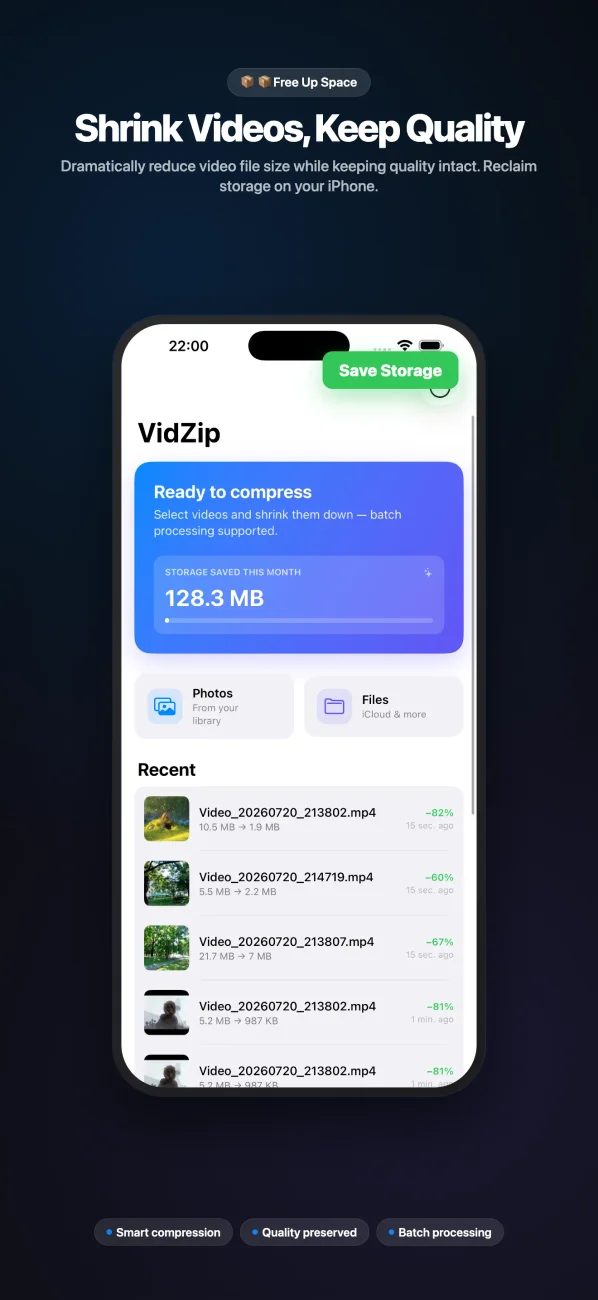
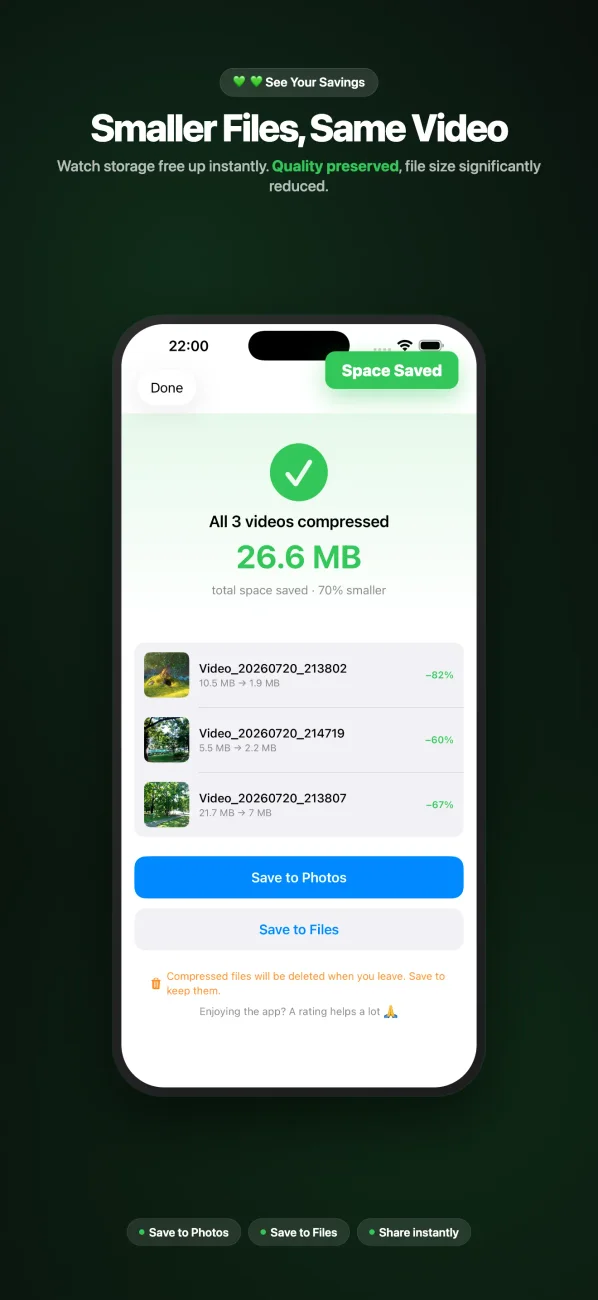
VidZip is the video compressor built for iPhone. Shrink your videos by up to 85% without visible quality loss — reclaim storage, fit videos under email and messaging limits, and share faster. All processing happens on your device. No uploads, no accounts, no watermark, ever.
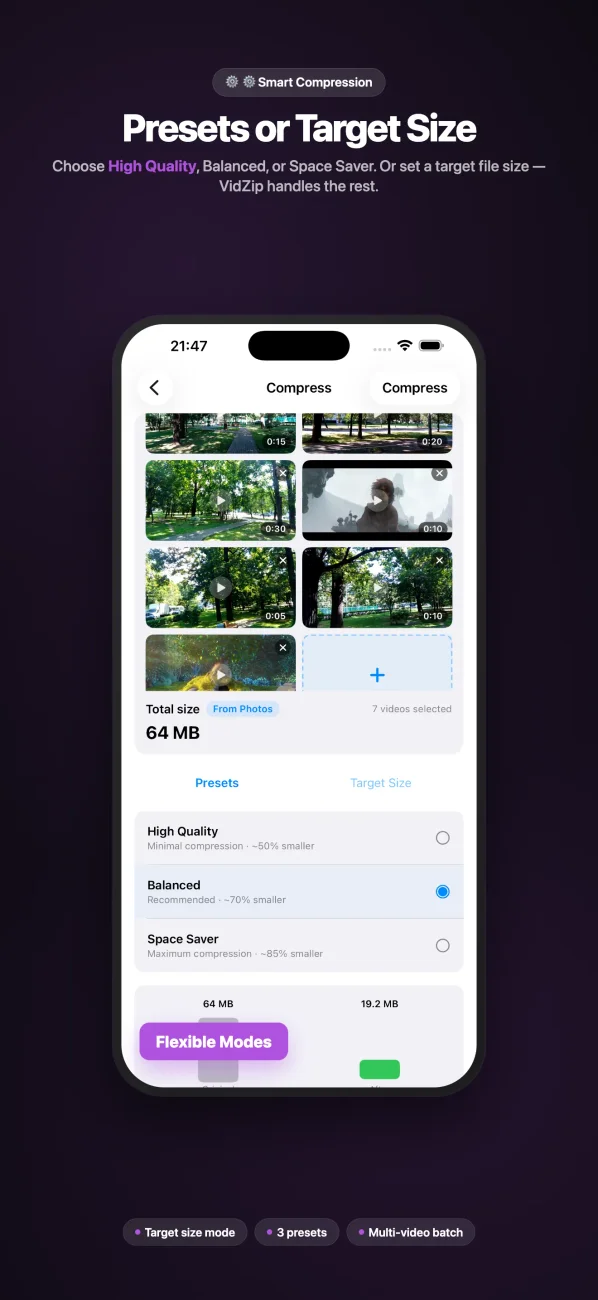
► THREE QUALITY PRESETS
Pick how aggressively to compress:
• High Quality — ~50% smaller, near-lossless
• Balanced — ~70% smaller, visually identical to most eyes
• Space Saver — ~85% smaller, maximum shrinkage
► TARGET SIZE MODE (PRO)
Need a video under 25 MB for email, or under 100 MB for upload? Enter an exact file size and VidZip calculates the right bitrate to hit it. No guessing, no trial and error.
► BATCH PROCESSING (PRO)
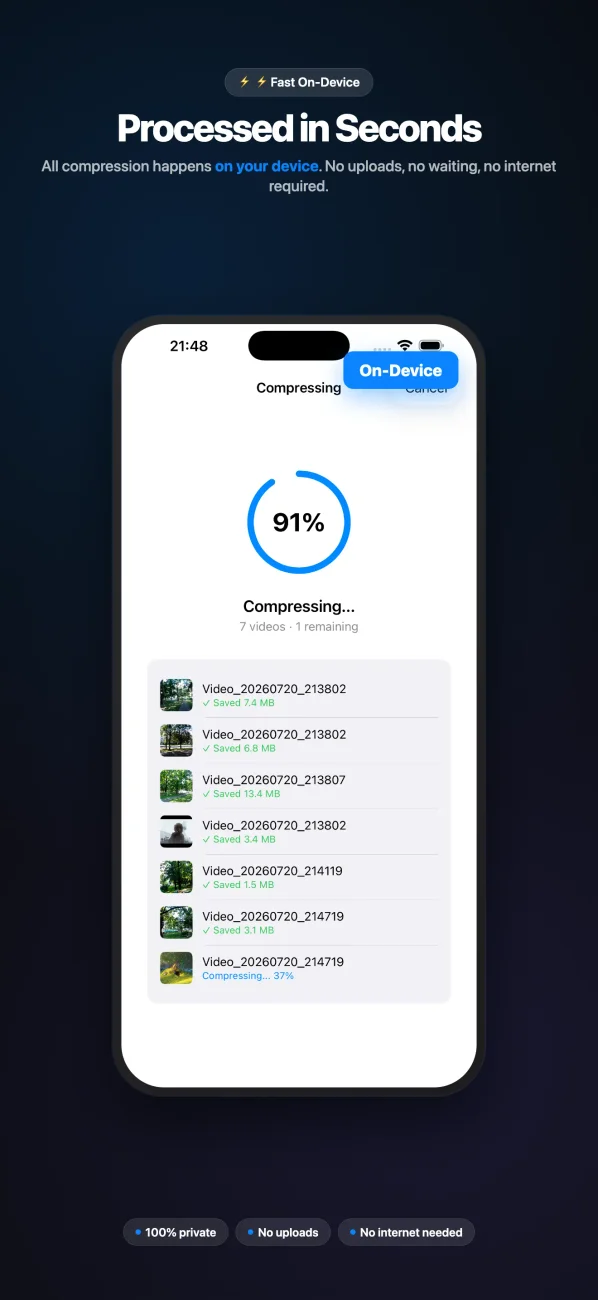
Compress 10, 20, or more videos at once. Drop in a whole trip's worth of footage and let it run. Each video shows its own progress and result.
► KEEPS YOUR RESOLUTION
VidZip lowers bitrate, not resolution. Your 4K video stays 4K — just smaller. No ugly downscaling, no soft picture, no surprise quality loss.
► NO WATERMARK, EVER
Other free compressors stamp their logo on your video. VidZip never will. Clean output, always, even in the free version.
► 100% ON-DEVICE
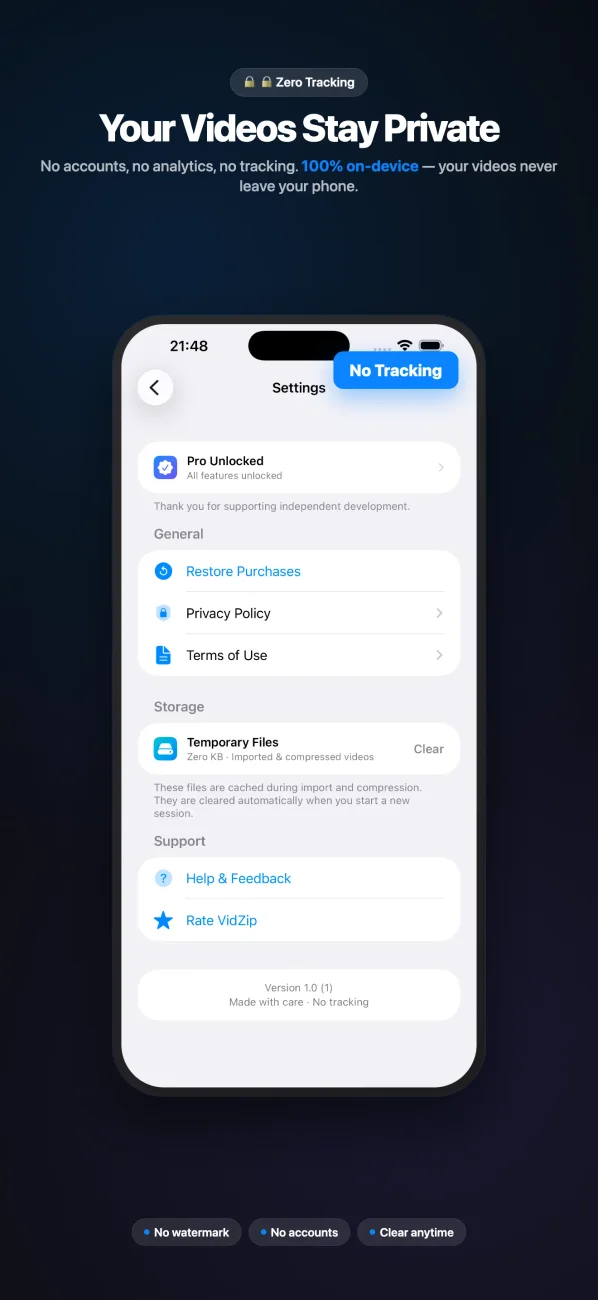
Every byte is processed locally on your iPhone. Nothing uploads to any server — there is no server. Your videos stay private, and the app works fully offline.
WHY VIDZIP?
• Keeps original resolution — bitrate-only compression
• Save to Photos or Files in one tap
• Beautiful, modern interface designed for iPhone
• Works offline — perfect for travel and weak connections
• Light & dark themes
FREE VS PRO
Free:
• 3 compressions per day
• Up to 2 videos per batch
• All quality presets
• Save to Photos and Files
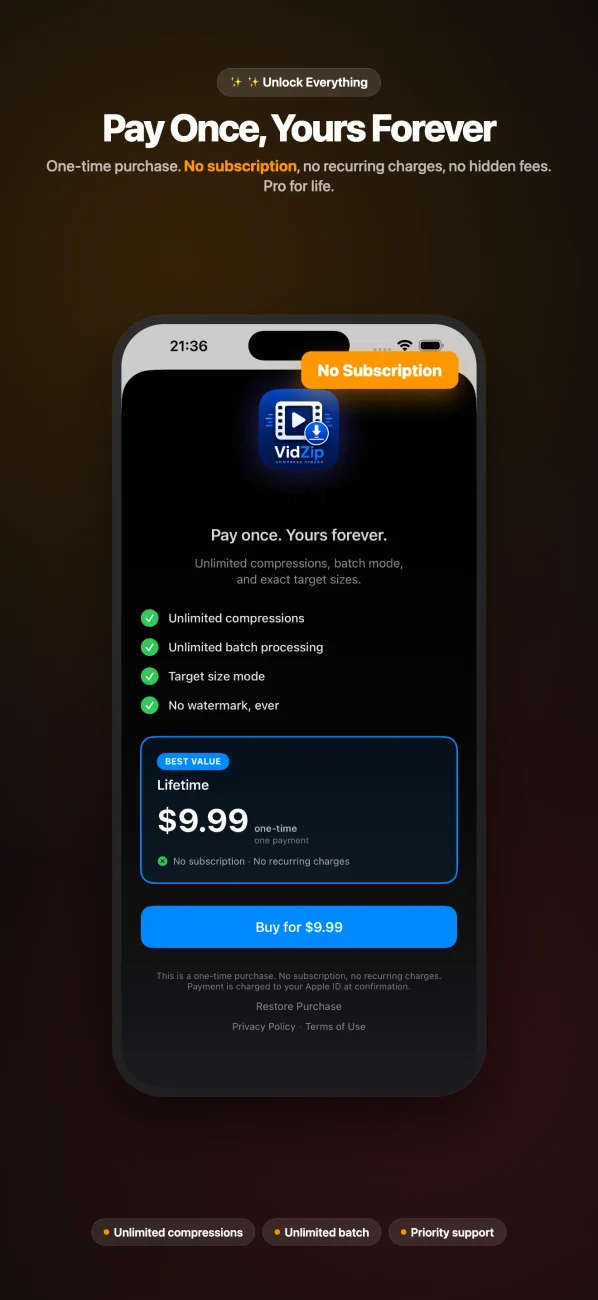
Pro (one-time $9.99, no subscription):
• Unlimited compressions
• Unlimited batch size
• Target size mode
• No watermark, ever
• All future updates
No subscription. No recurring charges. Pay once, own forever.
USE CASES
• Free up iPhone storage — videos are the #1 storage hog
• Fit videos under email limits (Gmail/Outlook 25 MB)
• Share videos over messaging apps with size caps
• Upload to platforms with file size limits
• Send long videos over AirDrop or Messages faster
• Archive old videos without paying for iCloud storage
FORMATS
Input: MP4, MOV, MPEG, AVI
Output: MP4 (H.264 video + AAC audio) for maximum compatibility
SUPPORTED DEVICES
iPhone and iPad running iOS 16.0 or later.
PRIVACY
VidZip collects zero personal data. No analytics, no tracking, no accounts. All videos are processed on your device and never leave it. See our full Privacy Policy in Settings.
Questions or feedback? Email vidzip-support@12533.uk — we read every email.
What’s new
Version 1.2 · Oct 18, 2026
NEW: H.265 (HEVC) output — same quality, files ~30% smaller
NEW: Optional resolution downscale (1080p / 720p) for maximum space savings
NEW: "Share or Save" — send compressed videos straight to Messages, email, or AirDrop
• Saved videos now keep their original date — your photo library stays in order
• Target size mode divides the budget fairly across multiple videos
• Improved translations (Chinese Simplified/Traditional, Japanese)
• Stability fixes
App privacy
What 静 李 declares on the App Store about how this app handles data.
-
Data not collected
The developer does not collect any data from this app.
Privacy practices may vary, for example with the features you use or your age.
Information
- Seller
- 静 李
- Category
- Utilities
- Version
- 1.2
- Updated
- Oct 18, 2026
- Released
- Aug 6, 2026
- Size
- 3.6 MB
- Requires
- iOS 17.0 or later
- Age rating
- 4+
- In-app purchases
- Yes
- Languages
- Traditional Chinese, Japanese, Simplified Chinese, English
- Copyright
- © 2026 jnprd
You might also like
-
 Video Compressor: OfflineCompress videos, save space
-
 Audio Extractor - FFmpegExtract audio from video
-
 Pocket Reels: Save VideosNever lose that TikTok again
-
 文字提取-图片转文字&视频转文字&音频转文字&OCR扫描Utilities
-
 VideoDuck: Video CompressorShrink Videos, Free Up Space
-
 Feather: Video CompressorKeep memories, save space
-
 Video Editor - FFmpeg ProEdit, Trim, Merge & Compress
-
 FileLuSync - Auto File BackupFile syncing and cloud backup
-
 布丁五笔助手: 学五笔反查跟打练习Utilities
-
 作文大全-语文作文 满分作文 精选文集 作文精选Utilities