Video Editor - FFmpeg Pro
Edit, Trim, Merge & Compress
Designed for iPhone, iPad
Free · In-app purchases
- Age rating4+
- CategoryUtilities
- DeveloperNishaben Patel
- LanguagesEnglish
- Size34.7 MB
Links to the official App Store page
Download.org hosts no file of Video Editor - FFmpeg Pro. The button opens its official App Store page, published by Nishaben Patel. Listing last checked on Nov 23, 2026.
Screenshots
About
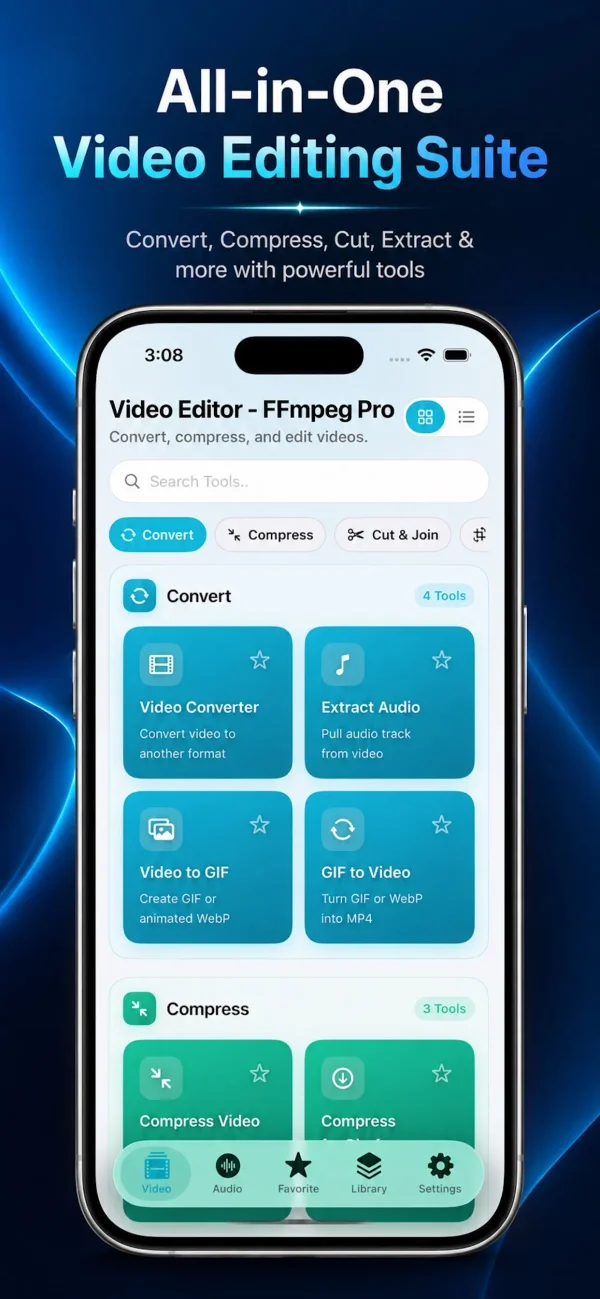
Transform your videos and audio files with the most powerful all-in-one media editor for iOS. this app gives you professional-grade editing tools powered by FFmpeg
**VIDEO EDITING TOOLS**
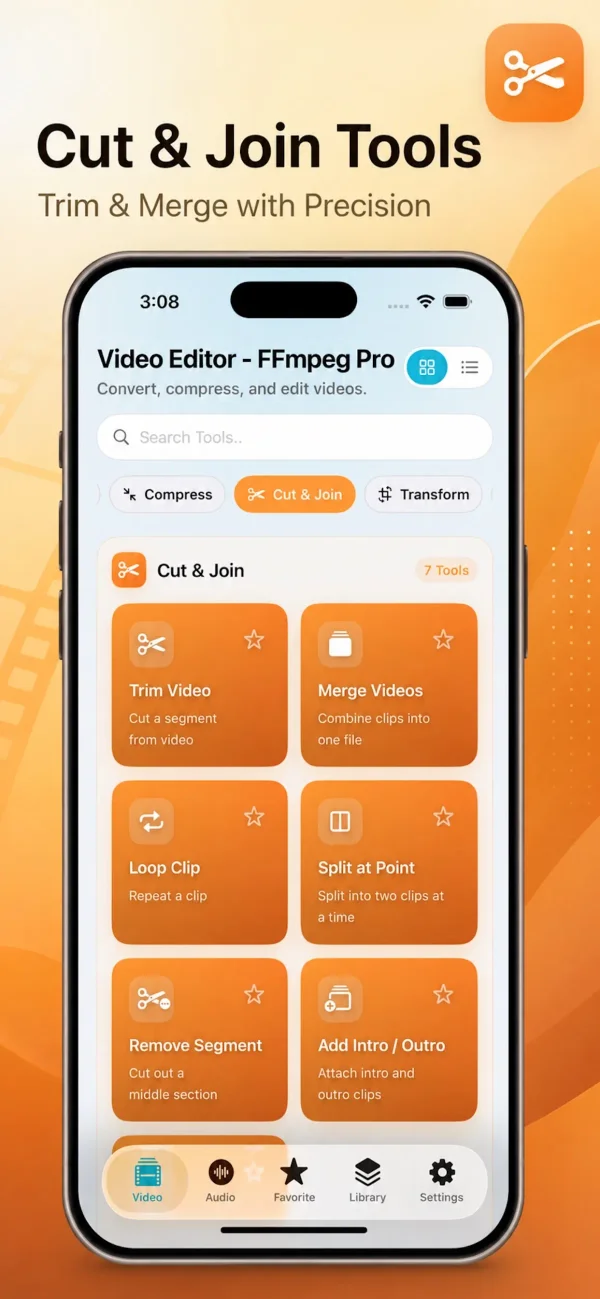
• Trim & Cut Video - Precisely trim clips to the perfect length
• Merge Videos - Combine multiple clips with smooth transitions (fade, dissolve, wipe)
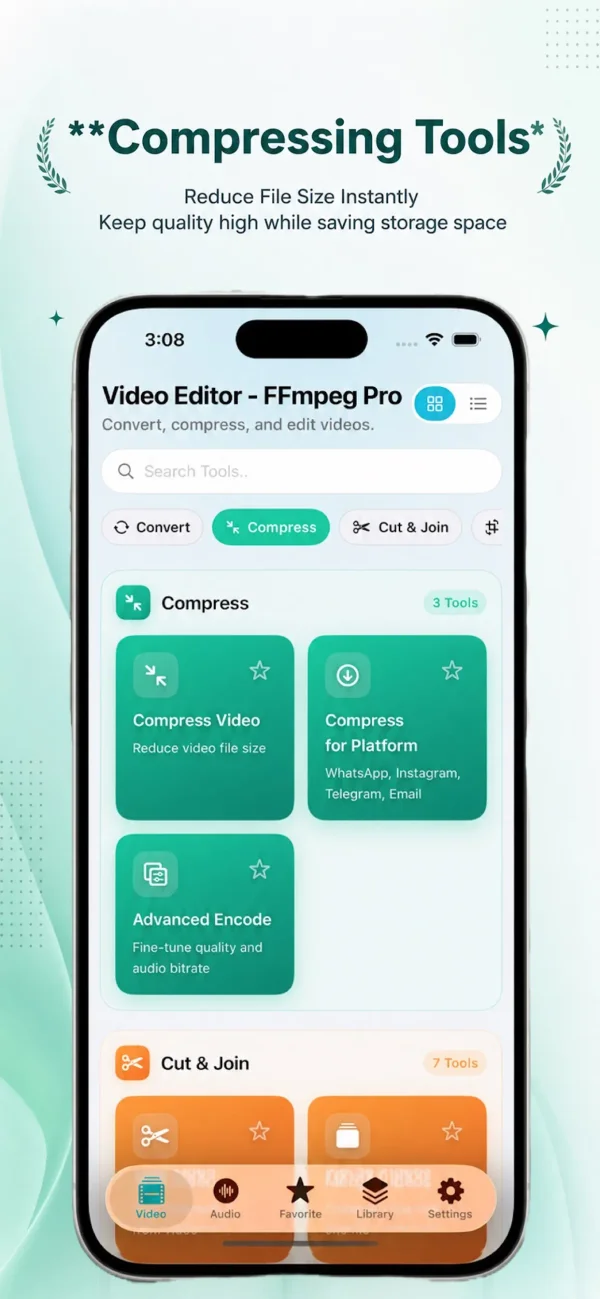
• Compress Video - Reduce file size while maintaining quality
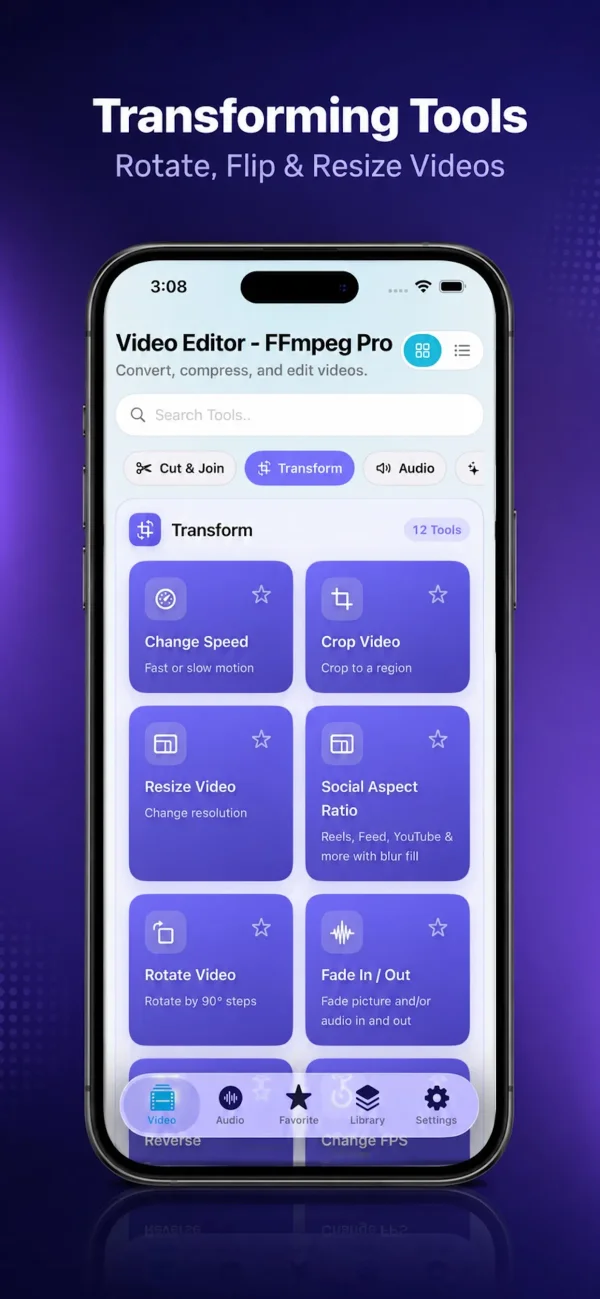
• Rotate & Flip Video - Fix orientation instantly
• Crop Video - Remove unwanted areas with multiple aspect ratios
• Resize Video - Scale to any dimensions
• Change Speed - Create slow motion or time-lapse effects
• Smooth Slow-Mo - AI-powered frame interpolation for buttery smooth slow motion
• Reverse Video - Play clips backward
• Loop Video - Repeat your favorite moments
• Stabilize Video - Remove camera shake
• Remove Silence - Automatically cut silent parts from videos
• Split Video - Divide clips at any point
• Remove Middle - Delete unwanted segments
• Freeze Frame - Hold a moment in time
• Change FPS - Adjust frame rate (24, 30, 60, 120 fps)
**CREATIVE & EFFECTS**
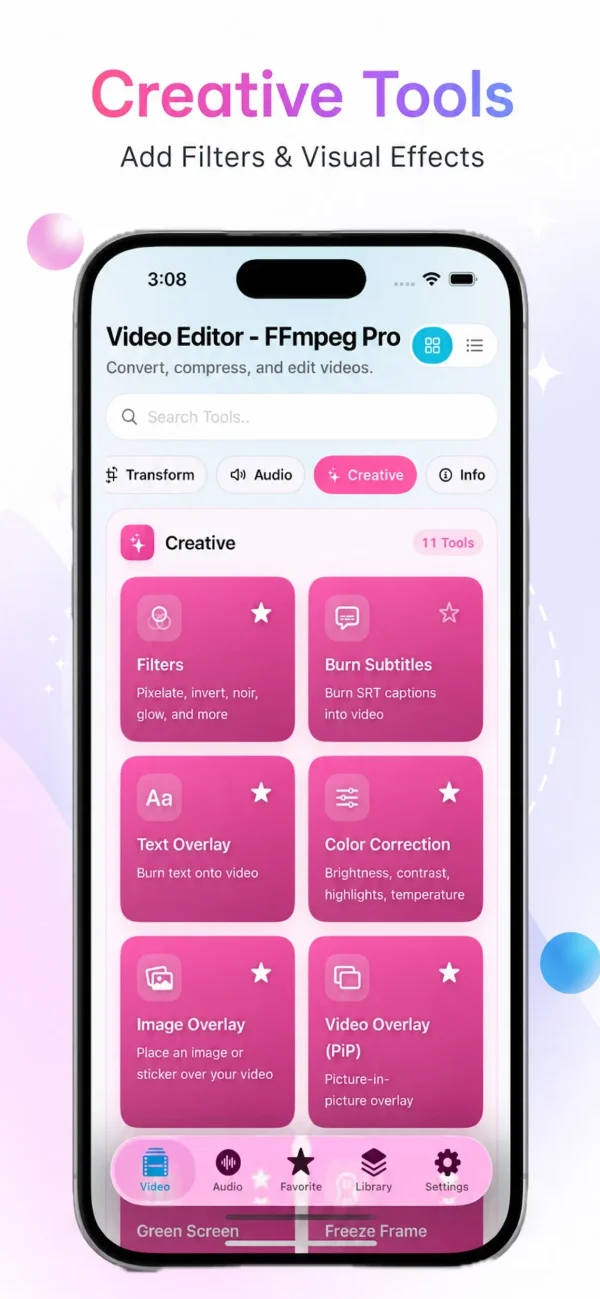
• Video Filters - Apply 17 stunning filters: Blur, Grayscale, Sepia, Noir, Warm, Cool, Comic, Sketch, Glow, Grain, Vignette, and more
• Color Correction - Adjust brightness, contrast, saturation, highlights, shadows, temperature & tint
• Text Overlay - Add custom text with 50+ fonts, colors, shadows & backgrounds
• Image Overlay - Layer images with rotation, scale, opacity controls
• Video Overlay - Picture-in-picture effects with full positioning
• Watermark - Protect your content with logo overlays
• Burn Subtitles - Hardcode SRT subtitles with customizable fonts and styles
• Chroma Key - Green screen background replacement (solid, image, or video)
• Video to GIF - Create animated GIFs or WebP stickers
• GIF to Video - Convert GIFs back to video format
• Images to Video - Build slideshows with Ken Burns effects and transitions
• Video Collage - Side-by-side, stacked, or grid layouts
• Extract Frame - Capture perfect still images
**SOCIAL MEDIA OPTIMIZATION**
• Fit to Aspect - Resize for Instagram Reels (9:16), Feed (4:5), TikTok, YouTube (16:9), Stories, Square (1:1)
• Platform Compress - One-tap optimization for WhatsApp, Instagram, Telegram, Email
• Blur Fill, Letterbox, or Crop Fill modes
• Multiple aspect ratio presets: 9:16, 1:1, 4:5, 16:9, 3:4, 2:3, 1.91:1
**AUDIO EDITING TOOLS**
• Trim Audio - Cut audio files precisely
• Merge Audio - Combine multiple tracks
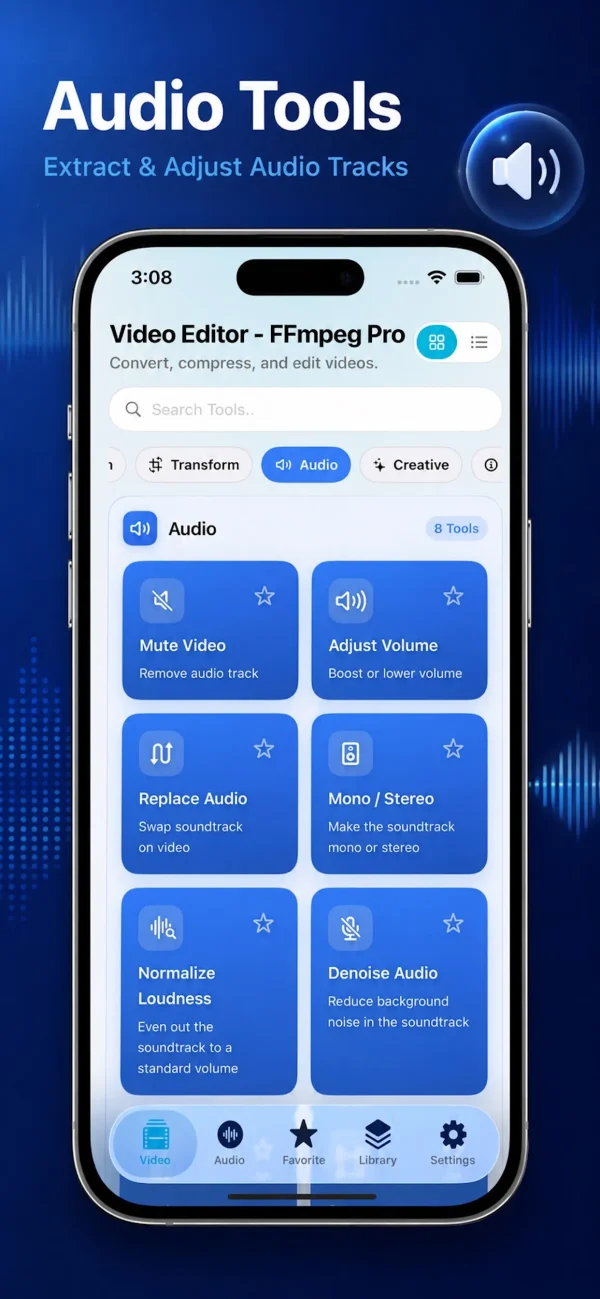
• Adjust Volume - Boost or reduce audio levels
• Fade In/Out - Smooth audio transitions
• Replace Audio - Swap video soundtracks
• Mute Audio/Video - Remove sound completely
• Change Audio Speed - Speed up or slow down audio
• Extract Audio - Pull audio from videos (MP3, M4A, AAC, WAV, FLAC, OGG)
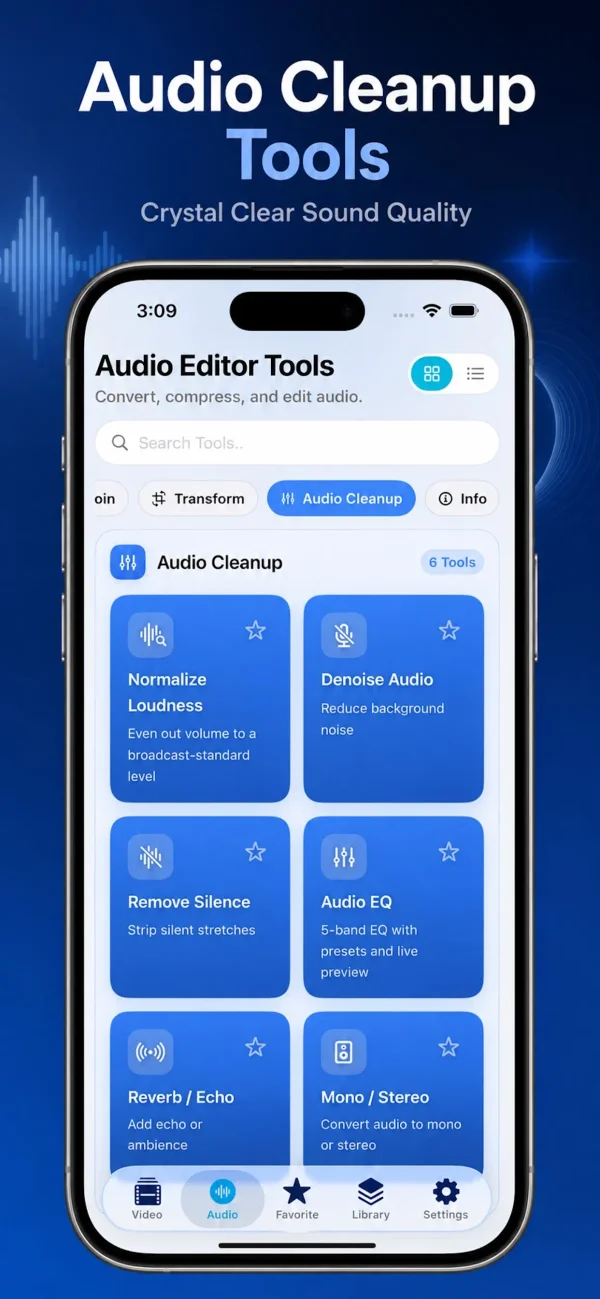
• Audio EQ - 5-band graphic equalizer with presets (Bass Boost, Voice, Podcast, Treble Boost)
• Audio Reverb - Add ambience (Soft Echo, Hall, Cave effects)
• Denoise Audio - Remove background noise
• Loudness Normalization - Consistent volume levels (EBU R128)
• Remove Silence - Strip quiet segments from audio
• Channel Remap - Convert stereo to mono or vice versa
**FORMAT CONVERSION**
• Video Converter - MP4, MOV, AVI, MKV, WebM, MPEG, 3GP, FLV, WMV, OGV
• Audio Converter - MP3, M4A, AAC, WAV, FLAC, OGG, WMA, AMR
• Batch Processing - Convert multiple files at once
• Advanced Encoding - Custom CRF, bitrate, codec settings
**METADATA EDITOR**
• Edit Video/Audio Metadata - Title, artist, album, genre, year
• Album Cover Art - Add custom cover images
• Preserve or strip metadata
**WHY CHOOSE THIS APP?**
• 60+ Professional Tools - Everything you need in one app
• FFmpeg Engine - Industry-standard processing power
• Offline Processing - No internet required, complete privacy
• Fast & Efficient - Optimized for iOS performance
• Regular Updates - New features added frequently
## Privacy Policy URL
https://videoconvertercompressorios.blogspot.com/2026/08/privacy-policy.html
What’s new
Version 1.0.3 · Nov 19, 2026
Turn the speech in your videos into captions and subtitles, automatically.
NEW: Auto Captions/Subtitle
• Generate captions from your video's audio in seconds, in many languages
• Word-by-word highlight styles: Classic, Boxed, Karaoke, Pop Word, One Word and Neon
• Customize font, colors, size, outline, position and words per caption, with a live preview
• Burn captions into your video, or export subtitle files: SRT, VTT and TXT. You can also do both at once.
• Translate captions into other languages (iOS 18 and later)
Improvements
• Performance and stability improvements
Love the update? A quick review helps us a lot!
App privacy
What Nishaben Patel declares on the App Store about how this app handles data.
-
Data used to track you
May be used to track you across apps and websites owned by other companies.
- Identifiers
- Usage data
-
Data linked to you
May be collected and linked to your identity.
- Identifiers
- Usage data
Privacy practices may vary, for example with the features you use or your age.
Information
- Seller
- Nishaben Patel
- Category
- Utilities
- Version
- 1.0.3
- Updated
- Nov 19, 2026
- Released
- Aug 30, 2026
- Size
- 34.7 MB
- Requires
- iOS 16.6 or later
- Age rating
- 4+
- Price
- Free
- In-app purchases
- Yes
- Languages
- English
- Copyright
- © 2026 DarkBlueApps. All rights reserved.
You might also like
-
 ffmworkAI & local audio-video tools
-
 Audio Extractor - FFmpegExtract audio from video
-
 Lumina Bible: AI Study & AudioDaily quizzes & devotions
-
 Media joinerJoin files without transcoding
-
 Dual Camera Record ProtectScreen Lock for Safe Recording
-
 TublyBrowser with sale reminders
-
 Video Tools: Edit & ConvertCompress, Trim, Merge & Resize
-
 Fluxio: Video Compress & TrimOffline Batch Video Compressor
-
 PDF Under: PDF CompressorCompress to exact MB or KB
-
 VidZip: Video CompressorCompress Videos, Shrink Size