ViewDWG
DWG/DXF 2D CAD Viewer
Designed for iPhone, iPad, iPod touch
Free · In-app purchases
- Age rating4+
- CategoryUtilities
- DeveloperEunsoo Kim
- LanguagesEnglish+ 15 more
- Size40.7 MB
Links to the official App Store page
Download.org hosts no file of ViewDWG. The button opens its official App Store page, published by Eunsoo Kim. Listing last checked on Nov 13, 2026.
Screenshots

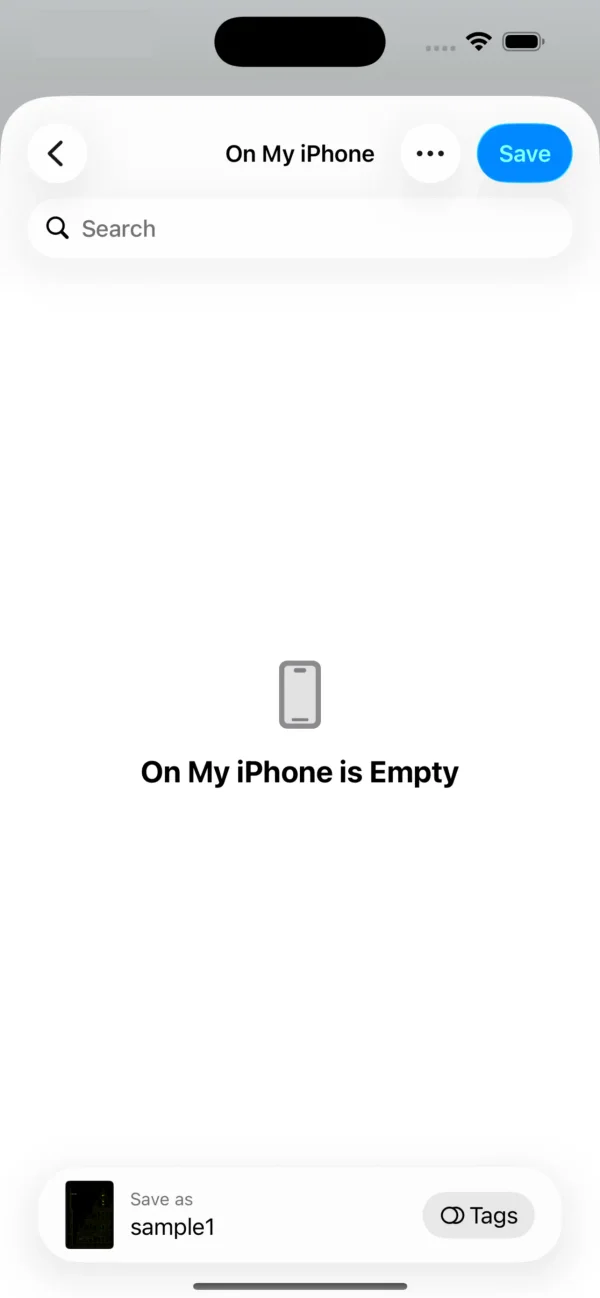
About
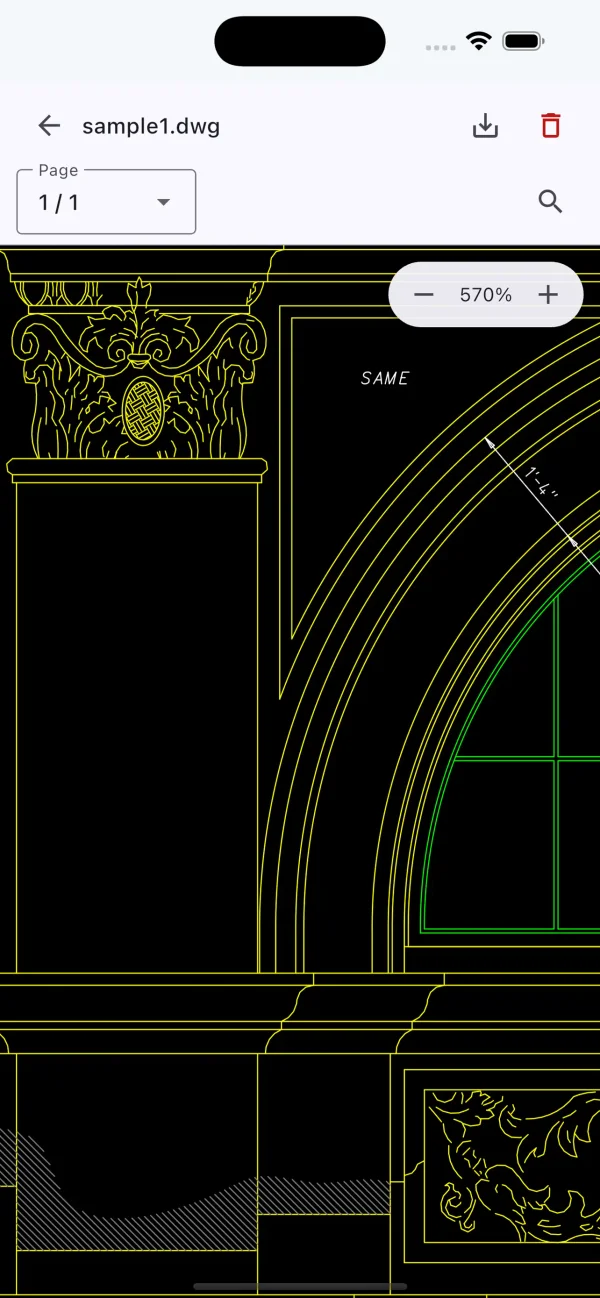
ViewDWG is a simple viewer for opening DWG and DXF drawings on iPhone and iPad.
Open a drawing from the system file picker and explore it with controls designed for technical documents.
KEY FEATURES
• Open DWG and DXF files
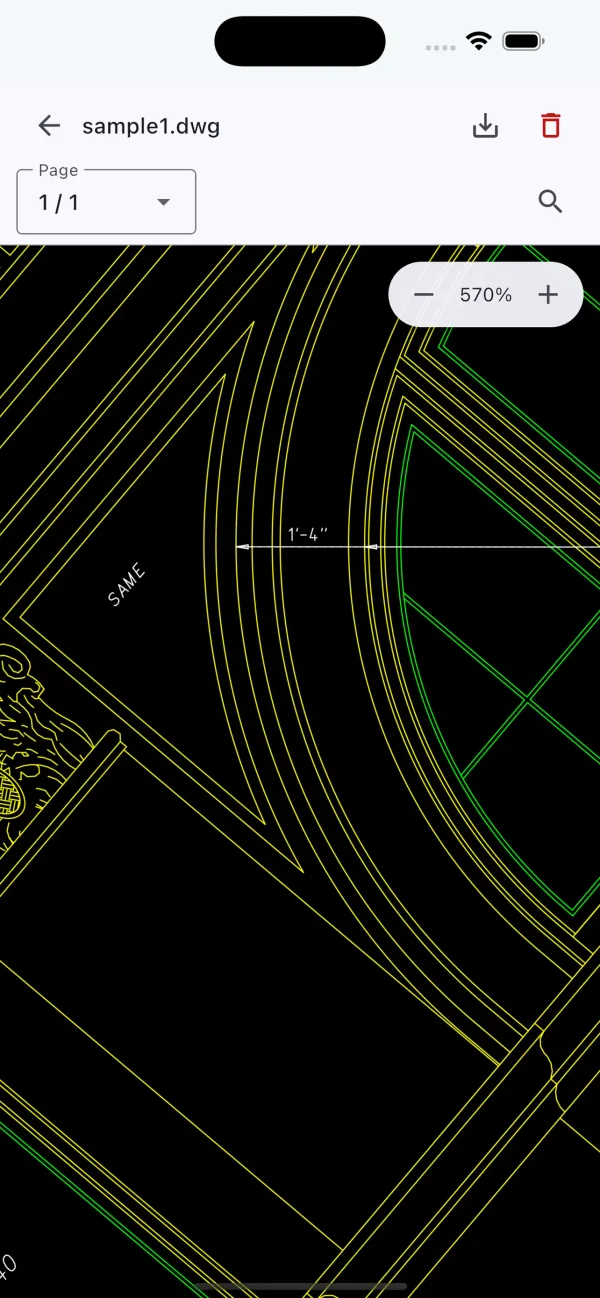
• Pan, zoom, and rotate drawings
• Switch between drawing pages
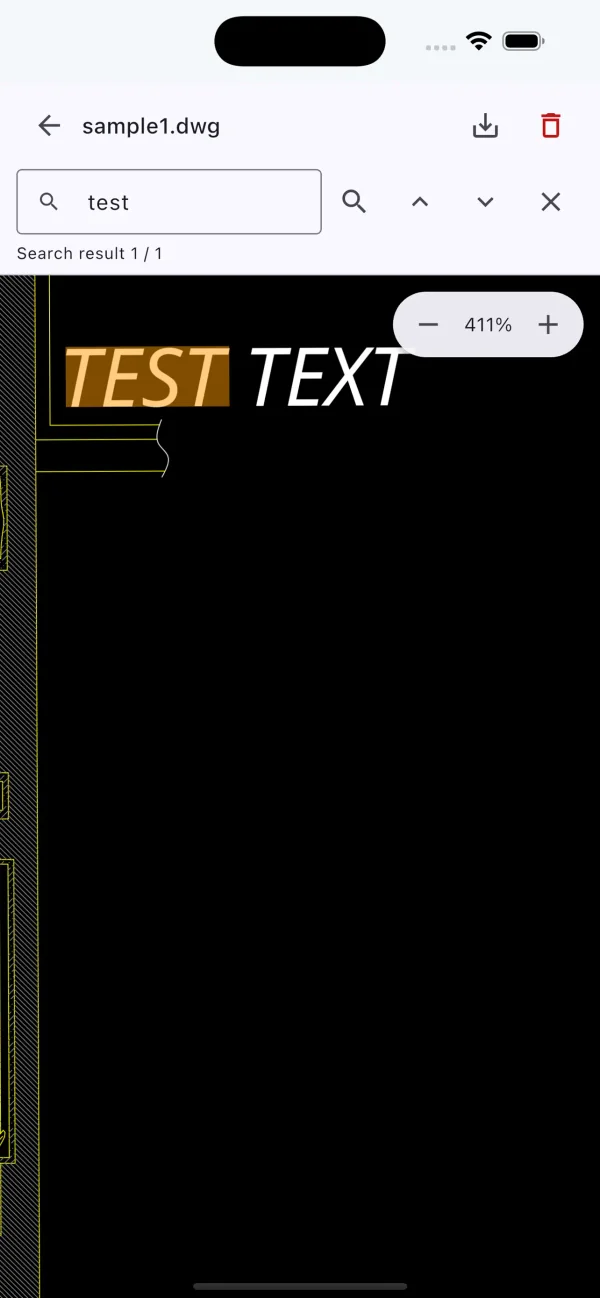
• Search and highlight text on the current page
• Save converted drawings as PDF files
• Receive optional push notifications when conversion is complete
• Keep a local list of recently opened drawings
• Remove local drawing data from the app
HOW IT WORKS
DWG and DXF files are sent to the ViewDWG conversion service and prepared for viewing. You can close the processing screen and receive an optional notification when the drawing is ready.
Selected drawings and generated output are scheduled for deletion approximately 24 hours after conversion is completed.
ADVERTISING
ViewDWG is supported by advertising. Saving a drawing as a PDF requires completing a rewarded advertisement. An interstitial advertisement may also be shown after an upload.
PRIVACY
ViewDWG does not require your name, email address, phone number, or an account profile.
The app uses a randomly generated installation identifier to operate the service, secure requests, verify advertisement rewards, and manage optional notifications. Advertising privacy choices can be managed through the privacy options provided in the app when required.
Please review a drawing before uploading it, as the file itself may contain information added by its author.
Auto-Renewable Subscription
ViewDWG Pro is an auto-renewable subscription with a monthly billing period.
Payment will be charged to your Apple ID account upon confirmation of purchase. The subscription automatically renews unless it is canceled at least 24 hours before the end of the current subscription period. Your Apple ID account will be charged for renewal before the end of the current period.
You can manage or cancel your subscription in your App Store account settings. The actual subscription price is displayed on the purchase screen and may vary by country or region.
Terms of Use (Standard Apple EULA):
https://www.apple.com/legal/internet-services/itunes/dev/stdeula/
What’s new
Version 2.2.0 · Sep 19, 2026
This update includes the following improvements:
- Added a retry feature for failed conversion.
- Updated the display of subscription plans.
- Improved overall app stability and reliability.
App privacy
What Eunsoo Kim declares on the App Store about how this app handles data.
-
Data used to track you
May be used to track you across apps and websites owned by other companies.
- Identifiers
-
Data not linked to you
May be collected but is not linked to your identity.
- Identifiers
- Usage data
Privacy practices may vary, for example with the features you use or your age.
Information
- Seller
- Eunsoo Kim
- Category
- Utilities
- Version
- 2.2.0
- Updated
- Sep 19, 2026
- Released
- Jan 28, 2022
- Size
- 40.7 MB
- Requires
- iOS 15.0 or later
- Age rating
- 4+
- Price
- Free
- In-app purchases
- Yes
- Languages
- English, Arabic, Bengali, French, German, Hindi, Indonesian, Italian, Japanese, Korean, Portuguese, Russian + 4 more
- Copyright
- © 2026 Toho Tech
You might also like
-
 DWG Converter, DWG to PDFConvert DWG files
-
 DWG Reader Converter PDF CADDWG File Reader Convert CAD
-
 PDF to CAD ConverterPDF to CWG
-
 Wonder CAD - DWG EditorDwg Fastview
-
 CAD Viewer & PDF ConverterConvert CAD files to PDF
-
 Glovius - 3D CAD File ViewerView CAD files on iPhone, iPad
-
 Aspose.PDF – Converter, ViewerPDF Converter,Scanner & Signer
-
 KML Viewer and ConverterCSV KMZ GPX GeoJson TopoJson
-
 Map CoordinateSmart tool for you
-
 AutoCDR-CDR Viewer SoftCDRFile Viewer