Map Coordinate
Smart tool for you
Designed for iPhone, iPad
Free · In-app purchases
- Age rating12+
- CategoryUtilities
- DeveloperXuan Luong Do
- LanguagesEnglish
- Size43.6 MB
Links to the official App Store page
Download.org hosts no file of Map Coordinate. The button opens its official App Store page, published by Xuan Luong Do. Listing last checked on Nov 17, 2026.
Screenshots
About
NOTE:
* Application won't save or send any user information to any where.
* Quick feature: Touch on map to find coordinate & direction
* Location address name in application is provided by Google Service, it's just relatively. But GPS latitude-longitude is detected by your device and it is exactly.
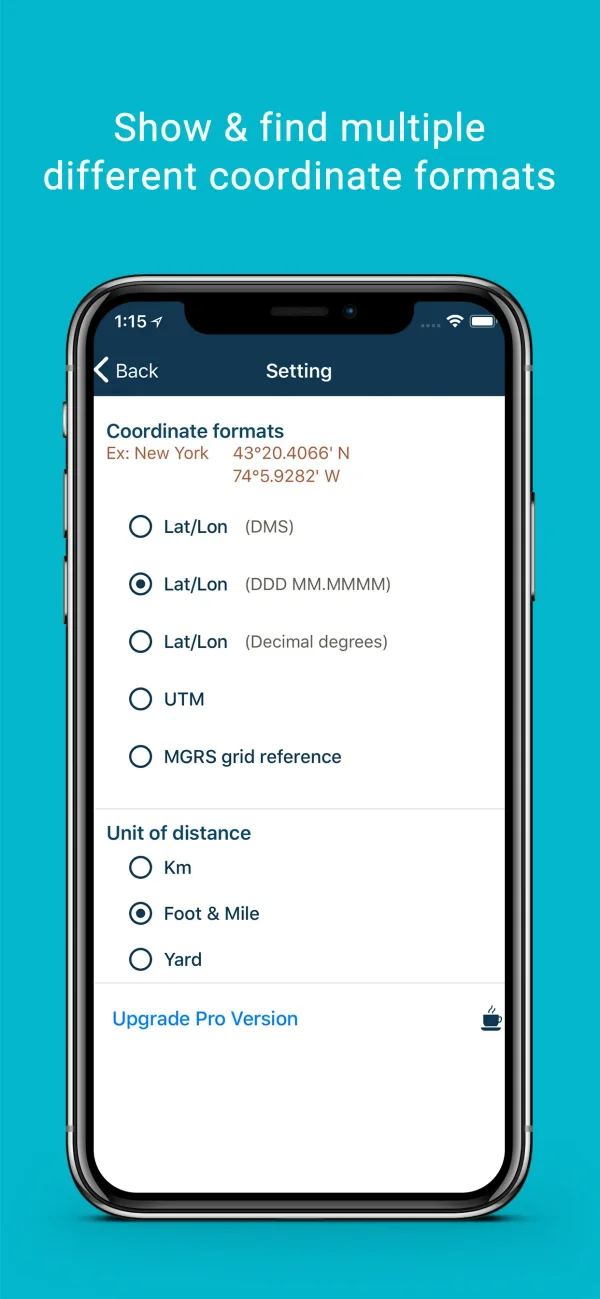
Support finding and showing position via 5 types:
1. Decimal degrees (DD)
2. Degrees°minute’ seconds" (DMS)
3. Degrees° minute.decimal’ (DM)
4. The Universal Transverse Mercator (UTM)
5. The Military Grid Reference System (MGRS)
Map Coordinate is application compass and google map work together, is a navigational instrument that shows directions in a frame of reference that is stationary relative to the surface of the Earth. And will help you retrieve the coordinates and/or address of a specific location on the map. The frame of reference defines the four cardinal directions (or points) – north, south, east, and west. Intermediate directions are also defined.
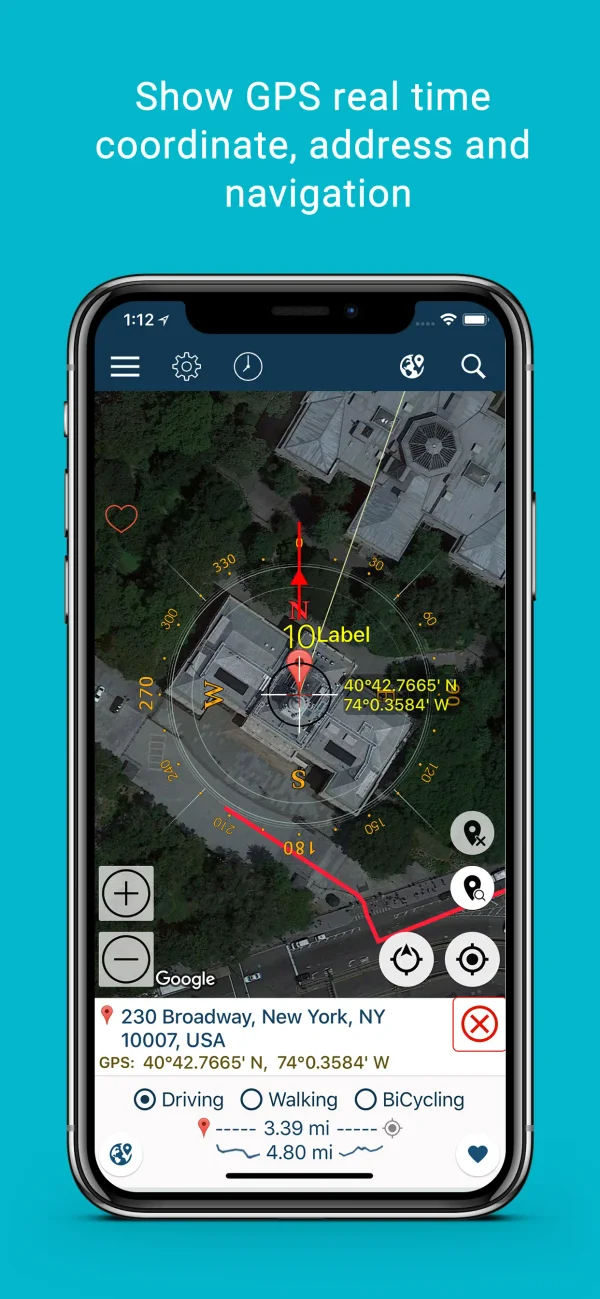
+ You can quick get direction by tap on screen via 3 types: Driving, Walking & BiCycling
+ You can use it in operations at sea, in the forest, desert, direction of flight of the aircraft ...
+ You can quick to search address or find out exactly location by enter Coordinates or enter Latitude & longitude.
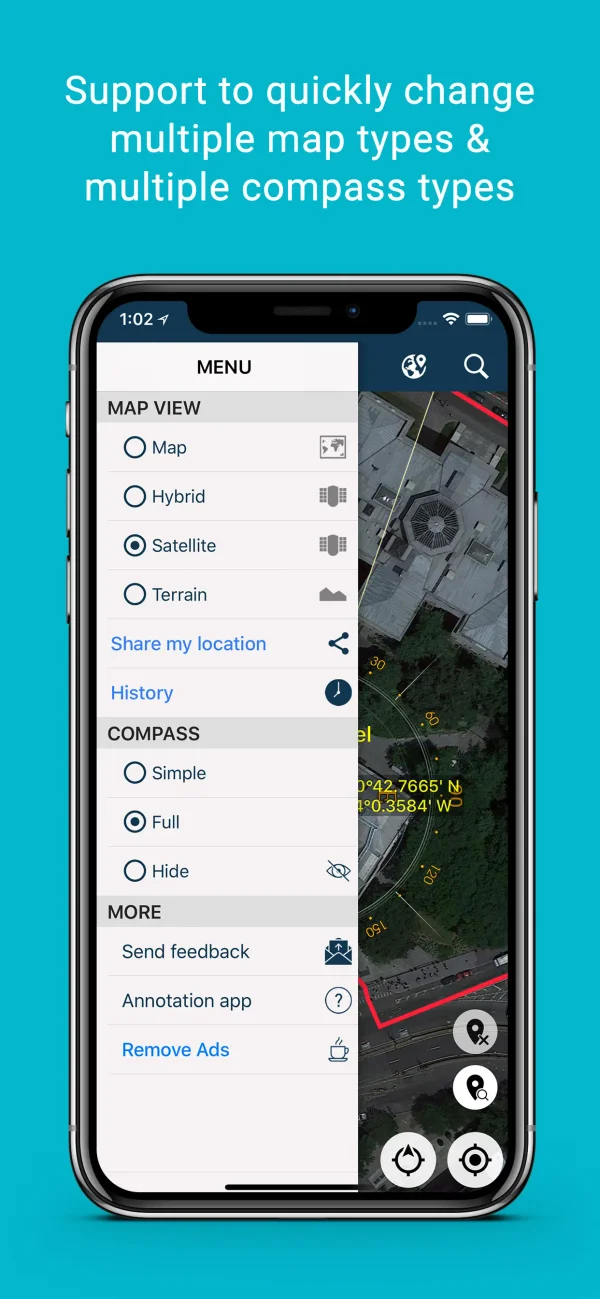
+ You can quick to switch 4 types of maps:
- normal
- satellite
- terrain
- hybrid
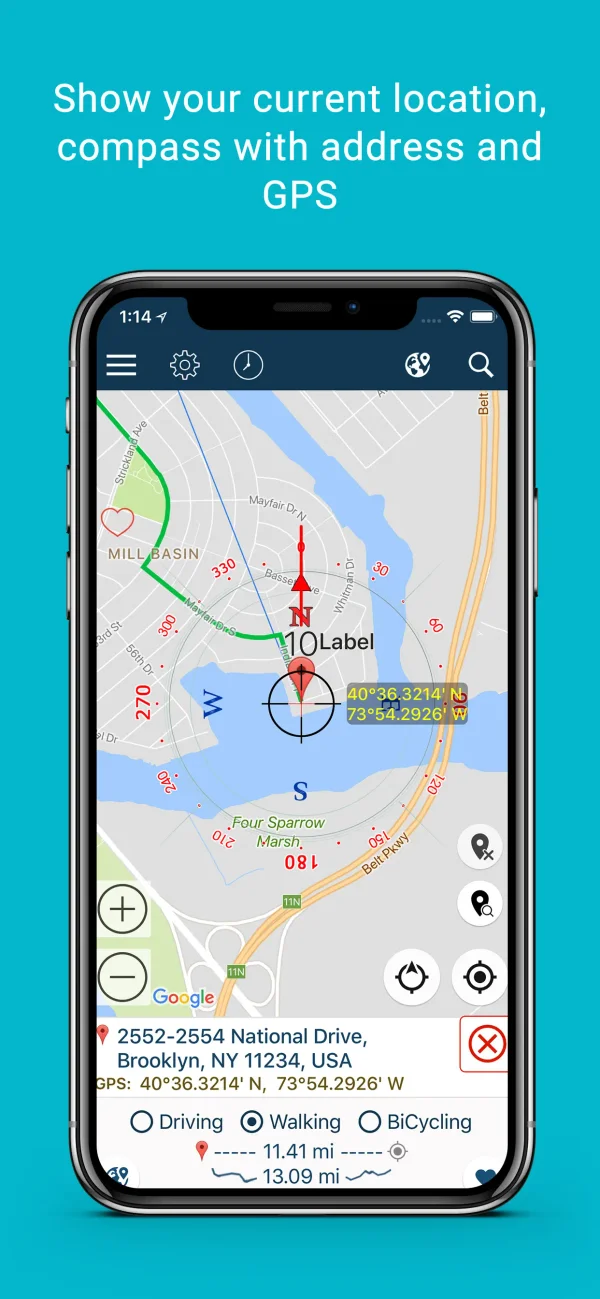
"Map Coordinate" can use GPS to find your location and address you standing. You can connect directly via Google Map by push on button "direction" on the bottom left screen when you activate this feature.
FEATURES
- A tool to find the directions when you fear to lost your directions via direction Google Map
- Support Zoom out by push on Marker or
- Show your position on Google Map background with latitude - longitude
- Shows degrees in “side window”
- Display latitude, longitude and altitude
- GPS Location update
- Select the best network connection automatically (Wifi, 3G, GPS)
- True north/Magnetic north
- 2 compass design/styles and 3 themes to select
- Quick Calibration
- Customizable coordinate format, sensor rate, text size, text color, unit
- Menu shortcut button on main screen
- Keep screen awake
- Rotating bezel
- Support Map Coordinates
- Find easiest and fastest route for your destination.
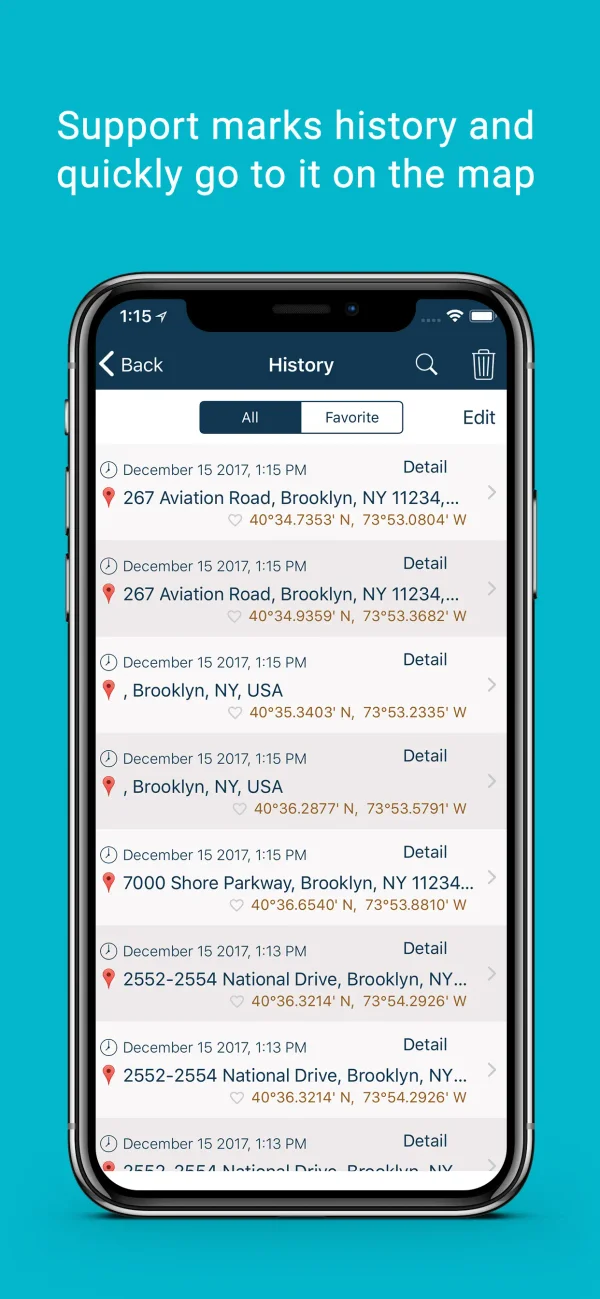
- Easily track all the locations you have visited.
- Find Address of any area in map by search option or touch on map.
- Easily delete your complete location history just by one click.
- Best GPS Route Finder app for your mobile.
- GPS Route Finder is completely.
- The application use some icons and design from website:
# icons8.com
# freepik.com
# clipartbro.com
# Pixeden.com
- The Application use third party open source from website:
# github.com/scalessec/Toast-Swift
# github.com/Alamofire/Alamofire
# github.com/volkerv/GeoCoordinateConverter
# github.com/AssistoLab/DropDown
# github.com/yukiasai/Gecco tutorial
# github.com/jonkykong/SideMenu
# github.com/groue/GRDB.swift
# github.com/CosmicMind/Material
# github.com/hackiftekhar/IQKeyboardManager
# github.com/tobihagemann/THLabel
# github.com/bizz84/SwiftyStoreKit
# pixeden.com/psd-mock-up-templates/psd-iphone-xs-max-mockup
---
Thank you for your using my app !
---
Terms of Use: https://www.apple.com/legal/internet-services/itunes/dev/stdeula/
Privacy Policy: https://policy651661124.wordpress.com/privacy-policy-map-coordinate/
Terms of Service: https://policy651661124.wordpress.com/terms-of-service-map-coordinate/
What’s new
Version 2.1.25 · Oct 18, 2026
Update UI
App privacy
What Xuan Luong Do declares on the App Store about how this app handles data.
-
Data used to track you
May be used to track you across apps and websites owned by other companies.
- Location
- Identifiers
- Usage data
- Diagnostics
-
Data linked to you
May be collected and linked to your identity.
- Location
- Identifiers
- Usage data
- Diagnostics
Privacy practices may vary, for example with the features you use or your age.
Information
- Seller
- Xuan Luong Do
- Category
- Utilities
- Version
- 2.1.25
- Updated
- Oct 18, 2026
- Released
- May 25, 2017
- Size
- 43.6 MB
- Requires
- iOS 16.0 or later
- Age rating
- 12+
- Price
- Free
- In-app purchases
- Yes
- Languages
- English
- Copyright
- © BlueStar
You might also like
-
 UTM MGRS MapUTM MGRS Map
-
 Measure Map ProArea, distance and topography
-
 Area Measure & GIS GPS GMapperLand Surveying, Map Calculator
-
 Go Map!!Utilities
-
 GPS Fields Area Measure on MapCalculate Land Size & Distance
-
 GPS Status ∞ CoordinatesAltitude, Speed, Compass & UTM
-
 Free Map ToolsMeasure Area, Distance & More
-
 GPS Land Measurement & SurveyField Area & Distance Measure
-
 Planimeter for map measureMeasure area / distance on map
-
 Compass Maps - Digital CompassNavigate with Compass & GPS