
- Age rating17+
- CategoryPhoto & Video
- DeveloperPawel Szydlowski
- LanguagesEnglish
- Size3.3 MB
Links to the official App Store page
Download.org hosts no file of ViewItOnce. The button opens its official App Store page, published by Pawel Szydlowski. Listing last checked on Nov 15, 2026.
Screenshots

About
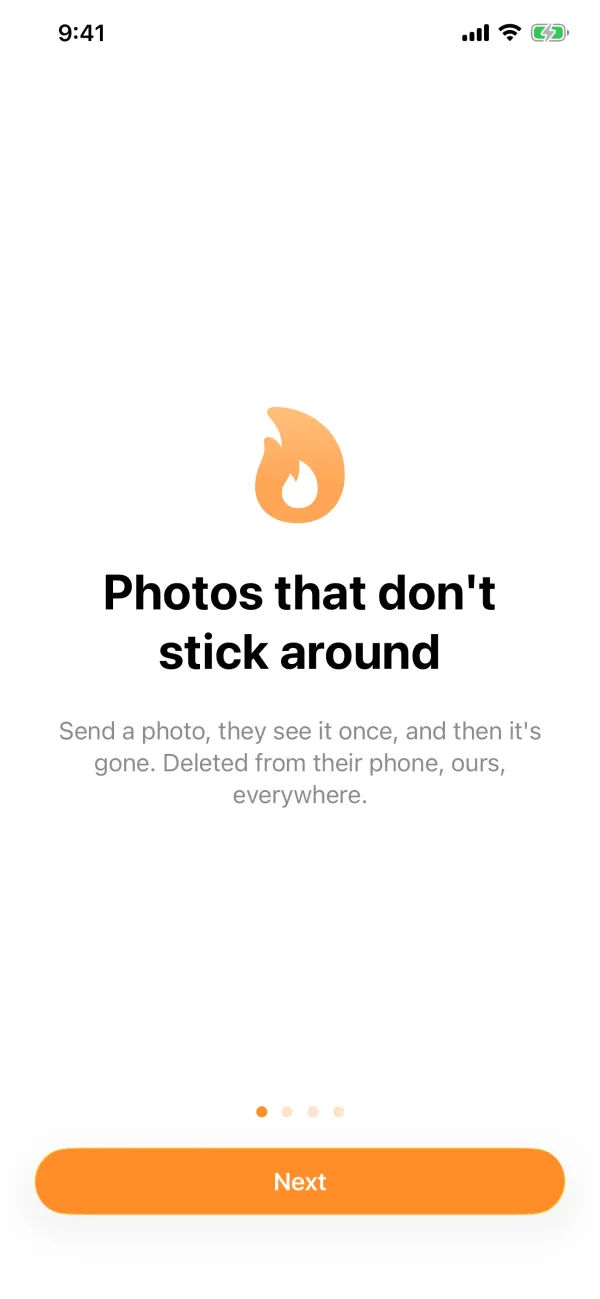
ViewItOnce sends photos that actually disappear, right inside your iMessage conversations.
Most "disappearing photo" apps still keep a copy somewhere. ViewItOnce doesn't. Your photo is encrypted on your phone before it leaves, our servers only ever hold scrambled bytes they can't read, and the moment your photo has been seen, it's deleted. Not hidden. Deleted.
HOW IT WORKS
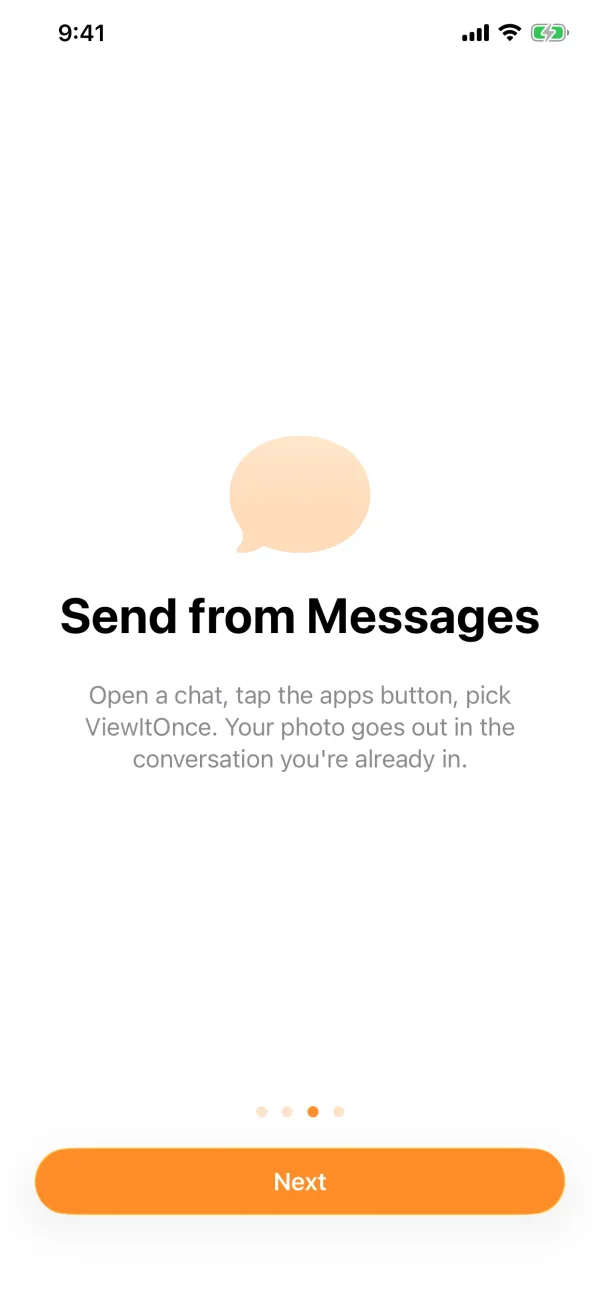
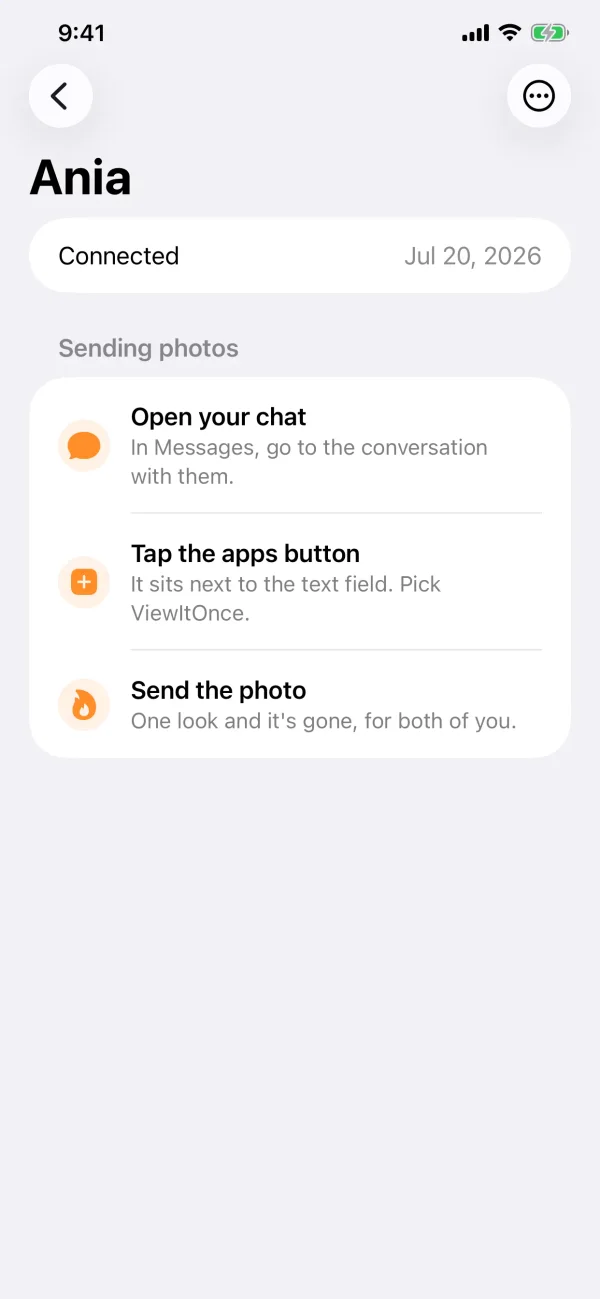
Open a chat in Messages, tap the apps button next to the text field, and pick ViewItOnce. Choose a photo, pick how long it lives, and send. Your friend gets a card in the conversation; when they tap it, the photo appears for one look and then burns.
One button switches between "View once", "One replay" for people who blink at the wrong moment, and "Keep in chat" when you just want to send a normal photo.
THE APP IS FOR PAIRING
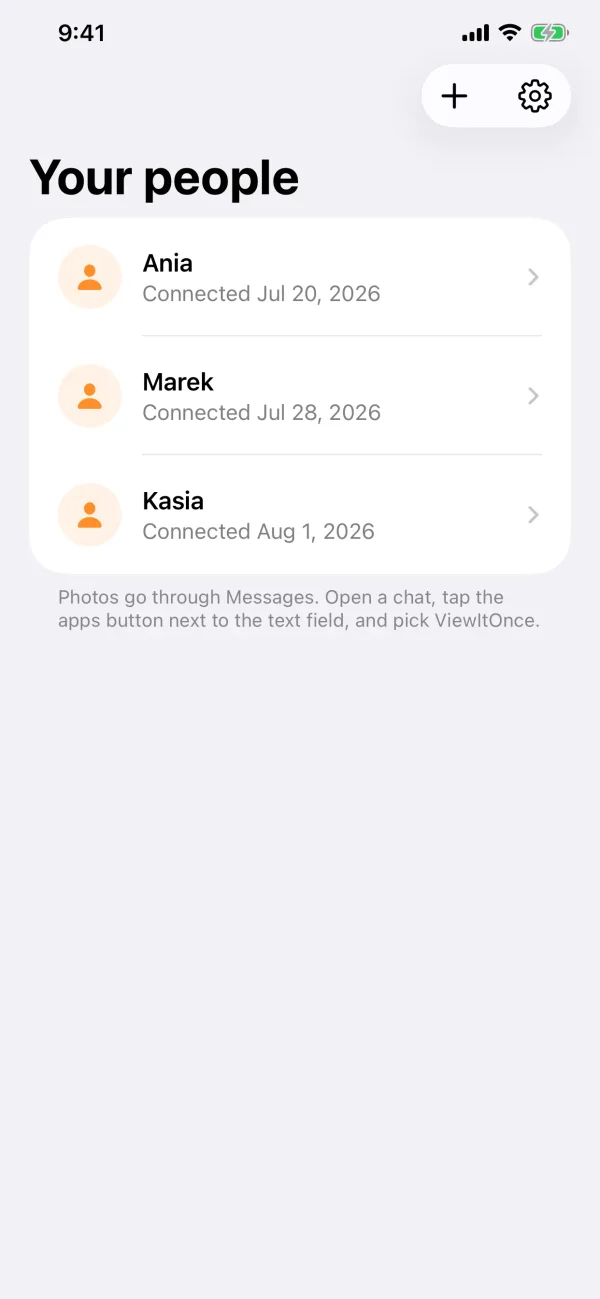
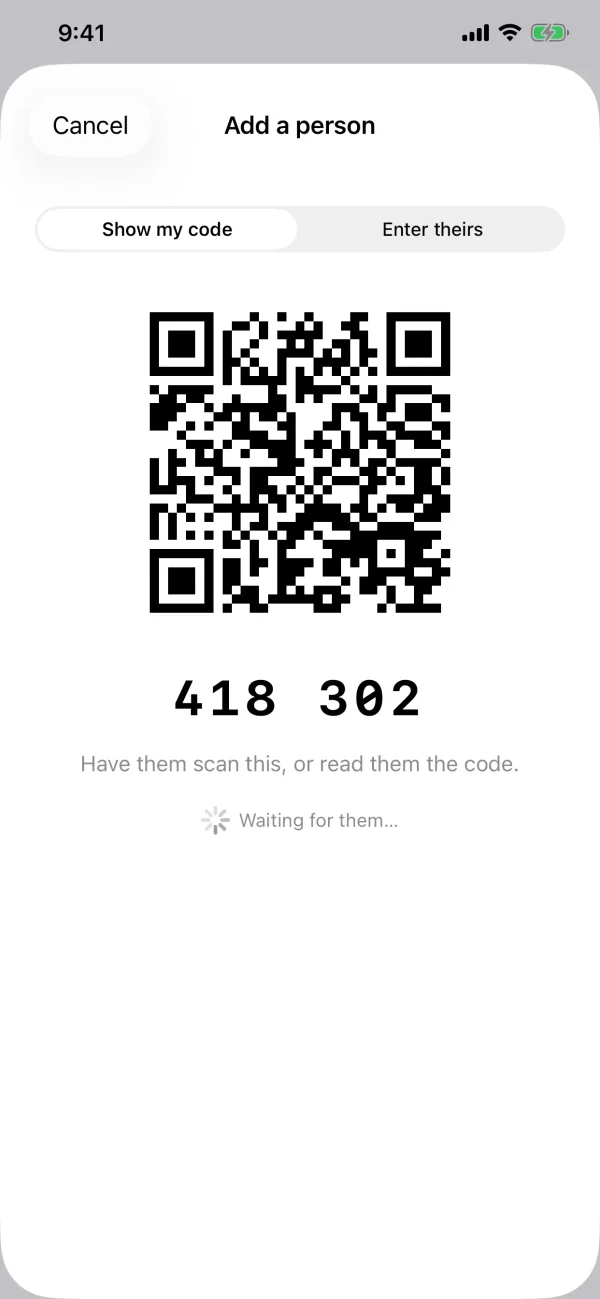
Open the ViewItOnce app to connect with someone using a QR code or a six-digit code. You don't need an account, a phone number, or an email. Pairing is optional for sending, but it's how you and one specific person confirm you're talking to each other and nobody in between.
WHAT MAKES IT DIFFERENT
The photo itself never travels through the message. Your recipient gets a small card in the chat; the actual photo sits encrypted on our servers, gets fetched when they tap, and is destroyed after viewing. Nothing usable is left behind in the conversation, in backups, or with us.
Photos are never saved to disk unencrypted on either phone. Location data and other photo metadata are stripped before sending.
A word of honesty: no app can stop someone from taking a screenshot, and nothing stops a person from pointing another camera at their screen. ViewItOnce keeps copies of your photo from existing; it can't control the person you sent it to. Send accordingly.
WHAT WE KNOW ABOUT YOU
Almost nothing, by design. No accounts. Your device makes up a random ID and cryptographic keys on first launch, and that's all we ever see. We can't read your photos even if we wanted to.
VIEWITONCE PLUS
Sending disappearing photos is a subscription: ViewItOnce Plus costs $9.99 a year and starts with a free week. Opening photos other people send you is free and always will be, as is pairing and the "Keep in chat" option.
Payment is charged to your Apple Account at confirmation of purchase. The subscription renews automatically unless you turn off auto-renew at least 24 hours before the period ends, and you can manage or cancel it any time in your Apple Account settings. Any unused part of a free trial is forfeited if you buy a subscription during the trial.
Terms of Use (EULA): https://www.apple.com/legal/internet-services/itunes/dev/stdeula/
Privacy Policy: https://viewitonce.pawels-apps.workers.dev/privacy
What’s new
Version 1.0.2 · Oct 26, 2026
Fixed a bug where opening a photo you sent could use up the other person's view.
App privacy
What Pawel Szydlowski declares on the App Store about how this app handles data.
-
Data not linked to you
May be collected but is not linked to your identity.
- Identifiers
Privacy practices may vary, for example with the features you use or your age.
Information
- Seller
- Pawel Szydlowski
- Category
- Photo & Video
- Version
- 1.0.2
- Updated
- Oct 26, 2026
- Released
- Aug 23, 2026
- Size
- 3.3 MB
- Requires
- iOS 26.0 or later
- Age rating
- 17+
- Price
- Free
- In-app purchases
- Yes
- Languages
- English
- Copyright
- © 2026 Pawel Szydlowski
You might also like
-
 Floutix – Blur Photo & VideoBlur and sign your photos
-
 Video Stabilizer, StabivioStabilize & Fix Shaky Videos
-
 Fix Old Photos - Revana AIBring Your Photos to Life
-
 NoLight: Black Screen CameraRecord Without Screen Glow
-
 IPTV Player – M3U & XtreamLive TV M3U Xtream Codes
-
 RawCut: AI Video Editor&MakerScript & clips to short video
-
 LibreCam: Manual RAW CameraPure DNG. No AI processing.
-
 Face Cam: Camera RecorderRecording screen reactions
-
 Daitem CapturePhoto & Video
-
 BeeRoll: Video CreatorPhoto & Video