NoLight: Black Screen Camera
Record Without Screen Glow
Designed for iPhone
Free · In-app purchases
- Age rating17+
- CategoryPhoto & Video
- DeveloperSang Cao
- LanguagesEnglish
- Size2.9 MB
Links to the official App Store page
Download.org hosts no file of NoLight: Black Screen Camera. The button opens its official App Store page, published by Sang Cao. Listing last checked on Nov 13, 2026.
Screenshots

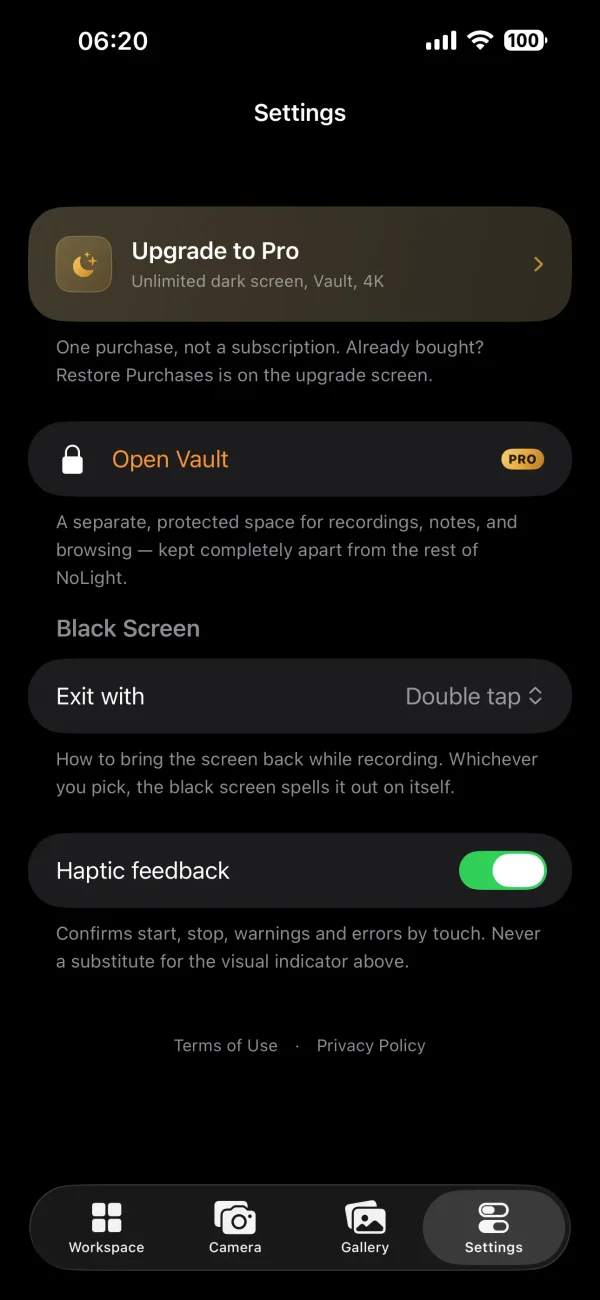
About
NoLight is a black screen camera and recording workspace designed for focused, distraction-free video capture.
Record video while keeping your screen dark, or continue working inside NoLight with useful tools like Web, Notes, and Clock.
KEY FEATURES
BLACK SCREEN RECORDING
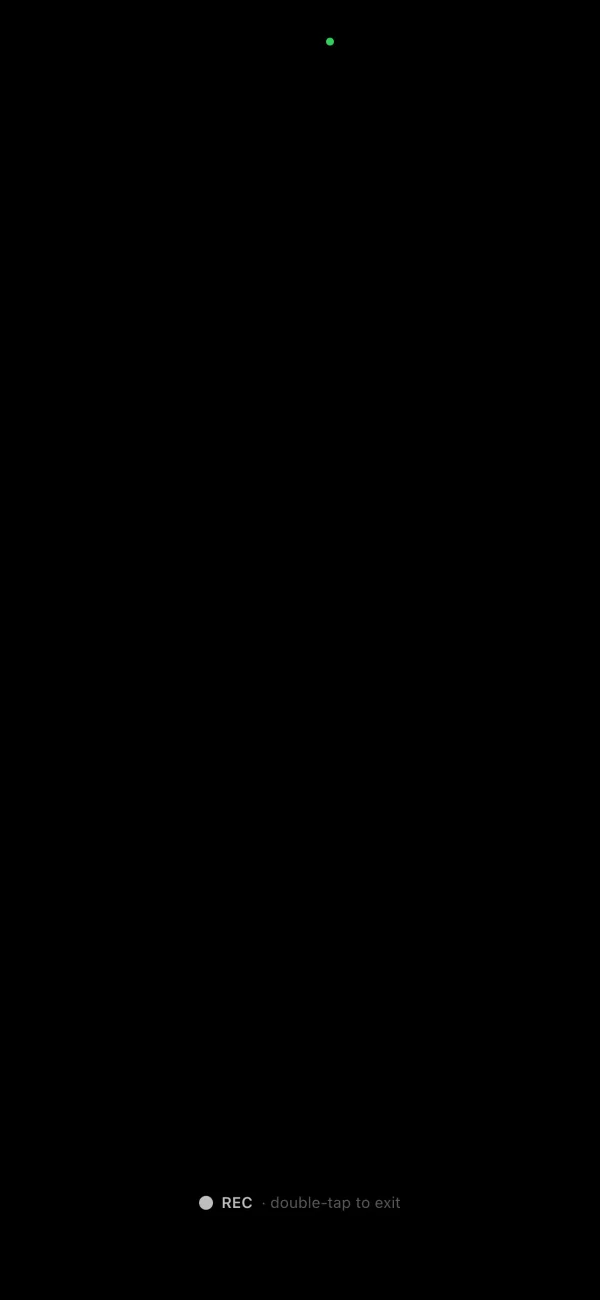
Start recording and switch to a completely black display whenever you want. Restore the screen instantly without stopping your recording.
ALWAYS-VISIBLE RECORDING INDICATOR
While NoLight is recording, an on-screen indicator is shown at all times - including while the screen is black. It cannot be turned off, and there is no setting or gesture that hides it.
RECORDING WORKSPACE
Keep recording while using built-in tools:
• Web browser
• Notes
• Clock
• Vault
CAMERA CONTROLS
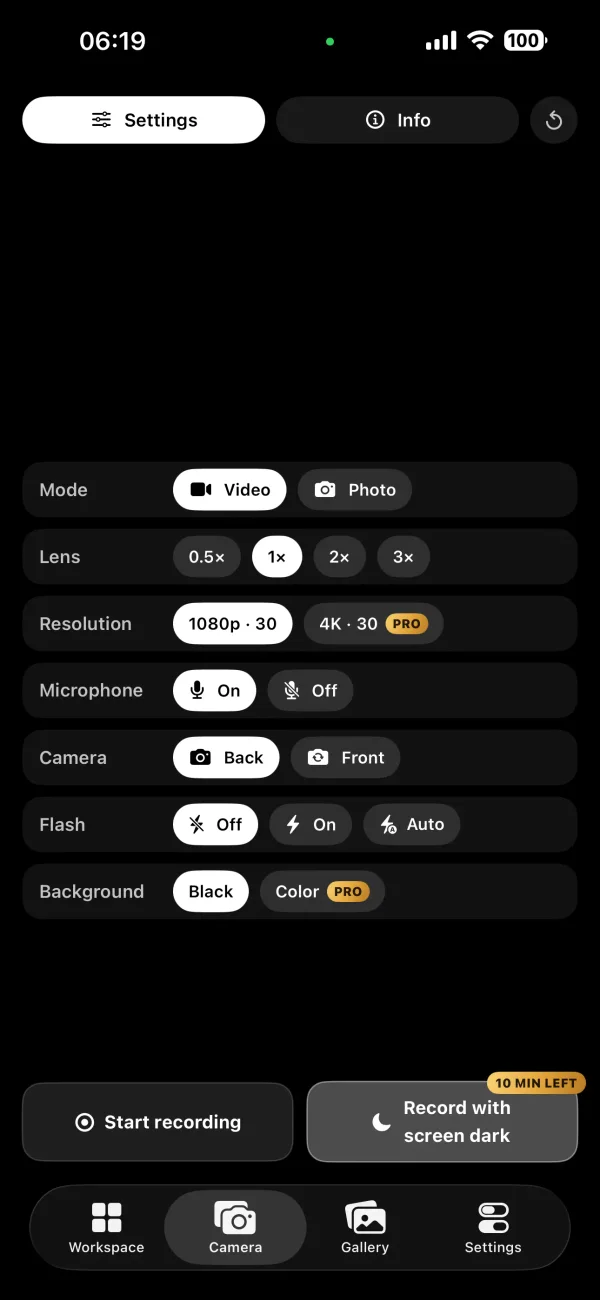
Choose the settings that fit your session:
• Video or photo
• Front or back camera
• 1080p and 4K on supported devices
• Microphone control
• Recording background options
QUICK BLACKOUT
Start directly in blackout mode, or switch to the black screen while recording using supported controls.
NOTES WHILE RECORDING
Capture ideas, reminders, or research notes without ending your recording session.
VAULT
A separate space inside NoLight, unlocked with Face ID or a PIN you choose, for your own recordings, notes and browsing — much like the Hidden album in Photos or a Face ID–locked folder in Notes. It protects your own material from someone else picking up your unlocked phone. It does not change how recording is indicated.
STORED ON YOUR DEVICE
Recordings are saved on your device. NoLight has no accounts and uploads nothing; files leave your device only when you choose to export or share them.
BUILT FOR REAL SESSIONS
NoLight is useful for lectures, meetings, research, events, presentations, long recording sessions, and other situations where a bright camera screen can be distracting.
NoLight respects iOS camera and microphone permissions and system privacy indicators.
What’s new
Version 1.1 · Sep 11, 2026
NoLight Pro is here — one purchase, not a subscription.
• Unlimited dark screen while recording
• Vault: a separate space for recordings and browsing, behind Face ID or a PIN
• Keep working in Workspace while a recording runs
• 4K video, and export to Files
• A coloured dark screen instead of plain black
The free version still records video and photos with no time limit, and includes 10 minutes of dark screen so you can see how it works before deciding.
Also in this update:
• Choose how to bring the screen back: double tap, triple tap, or press and hold. Whichever you pick, the dark screen says so on itself.
• Clearer feedback by touch when a recording starts, stops, or the screen goes dark.
If you downloaded NoLight before this update, every Pro feature stays unlocked for you at no cost.
App privacy
What Sang Cao declares on the App Store about how this app handles data.
-
Data not linked to you
May be collected but is not linked to your identity.
- Usage data
- Diagnostics
Privacy practices may vary, for example with the features you use or your age.
Information
- Seller
- Sang Cao
- Category
- Photo & Video
- Version
- 1.1
- Updated
- Sep 11, 2026
- Released
- Sep 7, 2026
- Size
- 2.9 MB
- Requires
- iOS 17.0 or later
- Age rating
- 17+
- Price
- Free
- In-app purchases
- Yes
- Languages
- English
- Copyright
- © 2026 Sang Cao
You might also like
-
 Blackout Camera: Black ScreenNight video & astrophotography
-
 BlackOut: Black Screen CameraSilent Discreet Video Recorder
-
 Black Screen Camera QuietCamSilent Screen Off Recorder
-
 Screet - Black Screen CameraSilent Photos & Discreet Video
-
 Kemra - Black Screen CameraDiscreet Pro Photo Camera
-
 Perfect Black Screen Video PRONo-Light, Browser-Style Camera
-
 Float Cam - Background cameraUse phone while recording
-
 Black Screen Video CameraCapture personal moments
-
 InviCam: Black Screen CameraHidden Spy & Secret Recorder
-
 Discreet - Black screen cameraCapture without attention