
Visual IQ: Image Intelligence+
Photo to Events, Tasks & OCR
Designed for iPhone, iPad
Free · In-app purchases
- Age rating4+
- CategoryProductivity
- DeveloperCromulent Labs
- LanguagesEnglish
- Size46.6 MB
Links to the official App Store page
Download.org hosts no file of Visual IQ: Image Intelligence+. The button opens its official App Store page, published by Cromulent Labs. Listing last checked on Nov 14, 2026.
Screenshots



About
Turn photos into actions. Visual IQ saves you time by converting pictures and screenshots into real results in seconds using cutting-edge visual intelligence.
Front and center is the app's tight integration into iOS to help you get things done with incredible ease.
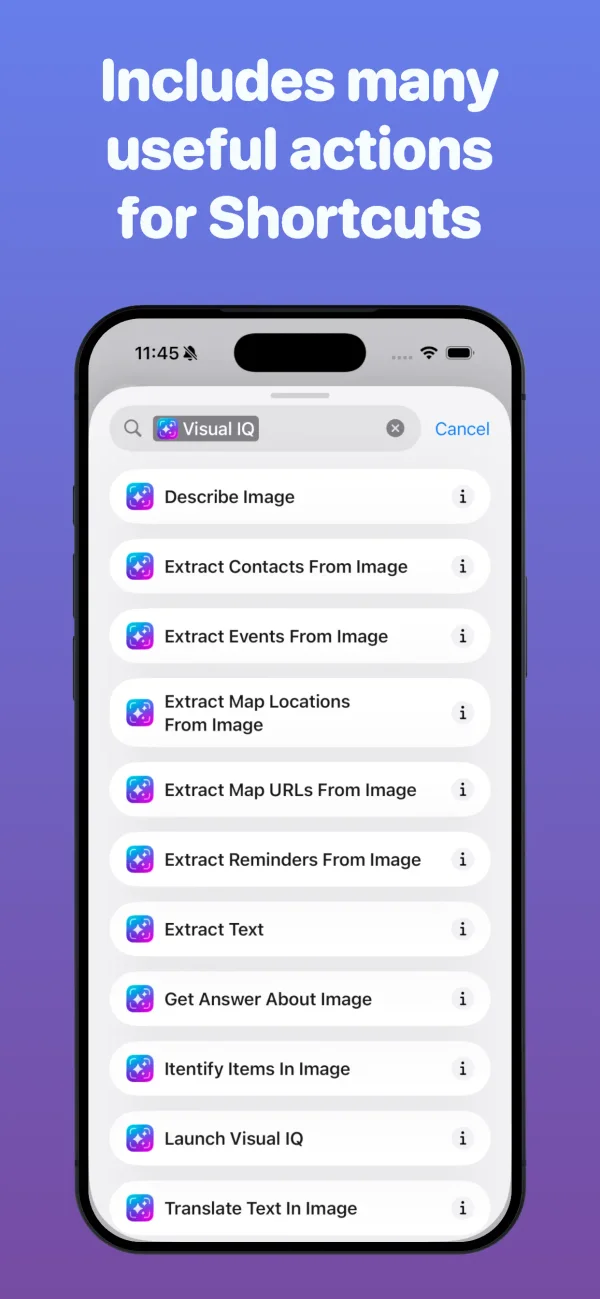
Take a photo or screenshot and easily import its events into Calendar, people into Contacts, tasks into Reminders, or locations into Maps. You can also extract or translate text, identify items, get an answer to a question, or a detailed description of the image. Included are useful actions for Shortcuts, a share extension, and the app be opened using control widgets in Control Center or your Lock Screen as well as pressing the Camera Control button.
Features:
• Capture multiple events from schedules, calendars, event posters, and more into Calendar.
• Import multiple people from business cards, posters, and more into Contacts.
• Snap multiple tasks from grocery, to-do lists, etc. into Reminders.
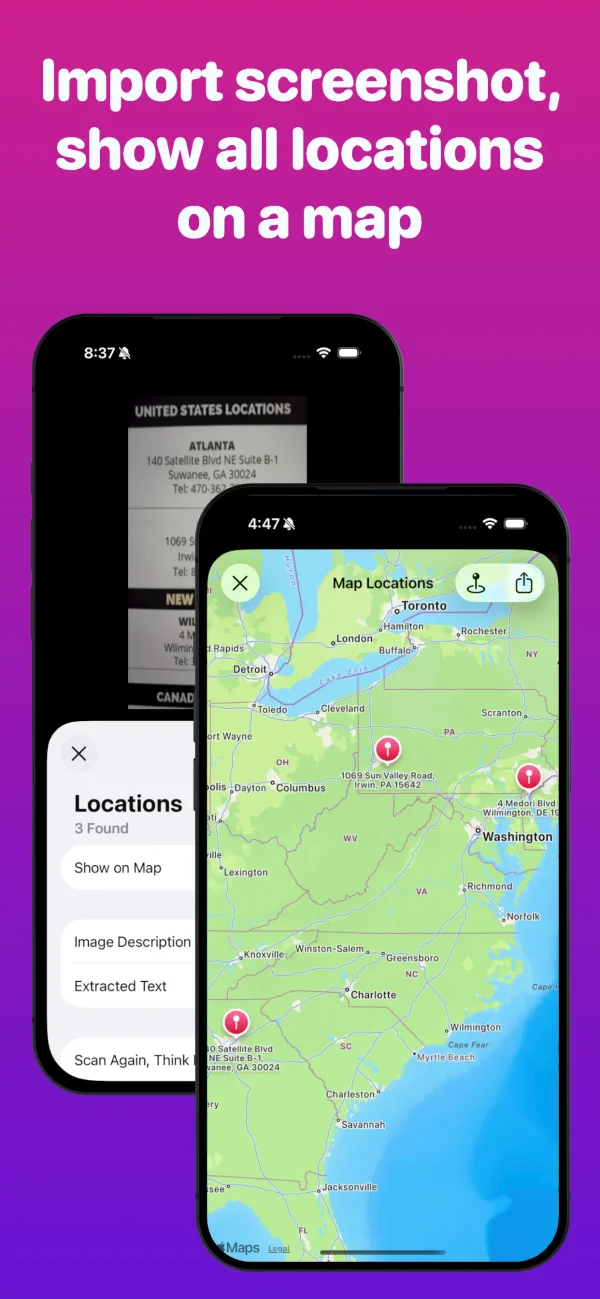
• Grab multiple locations from lists of addresses into Maps or Google Maps.
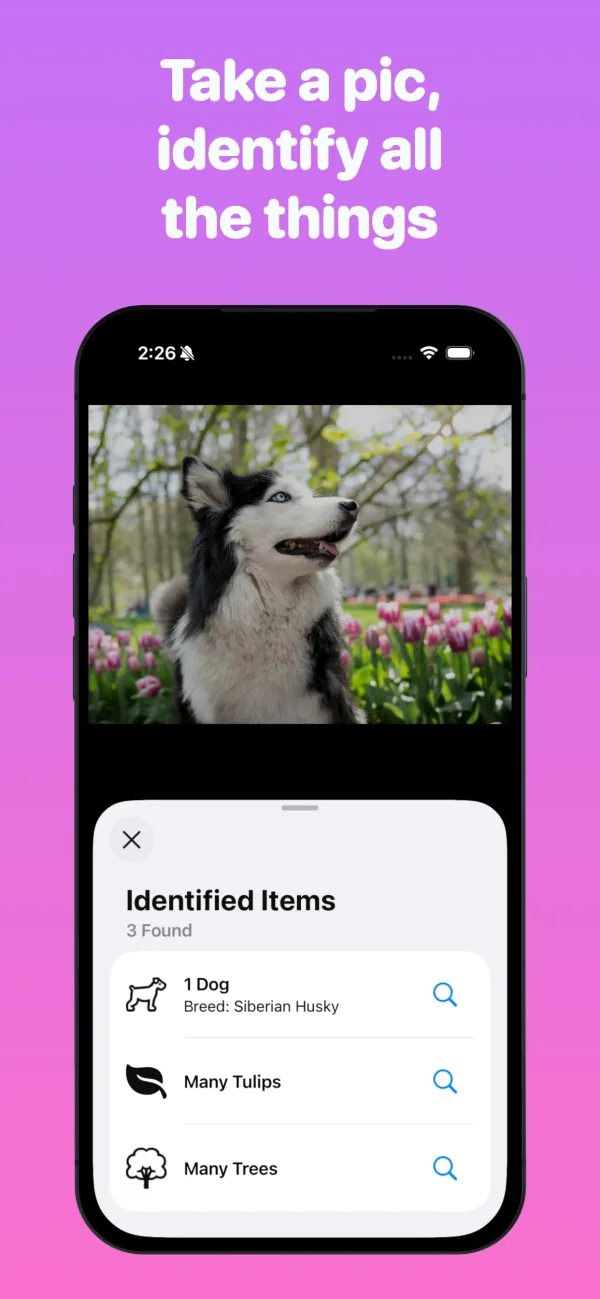
• Identify anything in an image such as a dog's breed or a plant's species.
• Lookup accurate translations of text in a picture to over 40 languages.
• Get a detailed description or answer questions about any photo or screenshot.
Visual IQ is free to use for up to 5 scans a day and 50 scans per month. There are optional upgrades to increase these rate limits, access more accurate models, and unlock access to scan history.
Try out Visual IQ today and start saving time.
Subscriptions renew automatically unless canceled at least 24 hours before the end of the current period. You can cancel anytime in your Apple account settings.
Privacy Policy: https://www.cromulentlabs.com/visualiq/privacy/
Terms of Use: https://www.apple.com/legal/internet-services/itunes/dev/stdeula/
What’s new
Version 1.2.2 · May 6, 2026
- Added support for PDF files.
- Fixed a bug where copying selected text copied all of the text.
App privacy
What Cromulent Labs declares on the App Store about how this app handles data.
-
Data not linked to you
May be collected but is not linked to your identity.
- Purchases
- User content
- Usage data
- Diagnostics
Privacy practices may vary, for example with the features you use or your age.
Information
- Seller
- Cromulent Labs, Inc
- Category
- Productivity
- Version
- 1.2.2
- Updated
- May 6, 2026
- Released
- Dec 3, 2025
- Size
- 46.6 MB
- Requires
- iOS 17.0 or later
- Age rating
- 4+
- Price
- Free
- In-app purchases
- Yes
- Languages
- English
- Copyright
- © 2026 Cromulent Labs, Inc.
You might also like
-
 Beck: AI Assistant for WorkMeeting Notes, Calendar, Tasks
-
 Chatform: AI Writing KeyboardSpeak & Rewrite anywhere
-
 Together: Organize LifeShared Family Calendar & Lists
-
 SpeakType: AI Voice KeyboardDictate polished text fast
-
 Quip - Clipboard SuperchargerSmarter copy and paste
-
 Visual Intelligence PlatformProductivity
-
 ParrotNote-AI Note TakerTranscribe.Record.AI notes
-
 Kora - Family AI AssistantA new way to live organized.
-
 Quick Notes (easy voice notes)Dictate notes, privately
-
 Be My Widget: Home ScreenWidget Editor & Custom Themes