- Age rating4+
- CategoryProductivity
- LanguagesEnglish+ 5 more
- Size26.0 MB
Links to the official App Store page
Download.org hosts no file of Voice Blogger. The button opens its official App Store page, published by . Listing last checked on Nov 18, 2026.
Screenshots
About
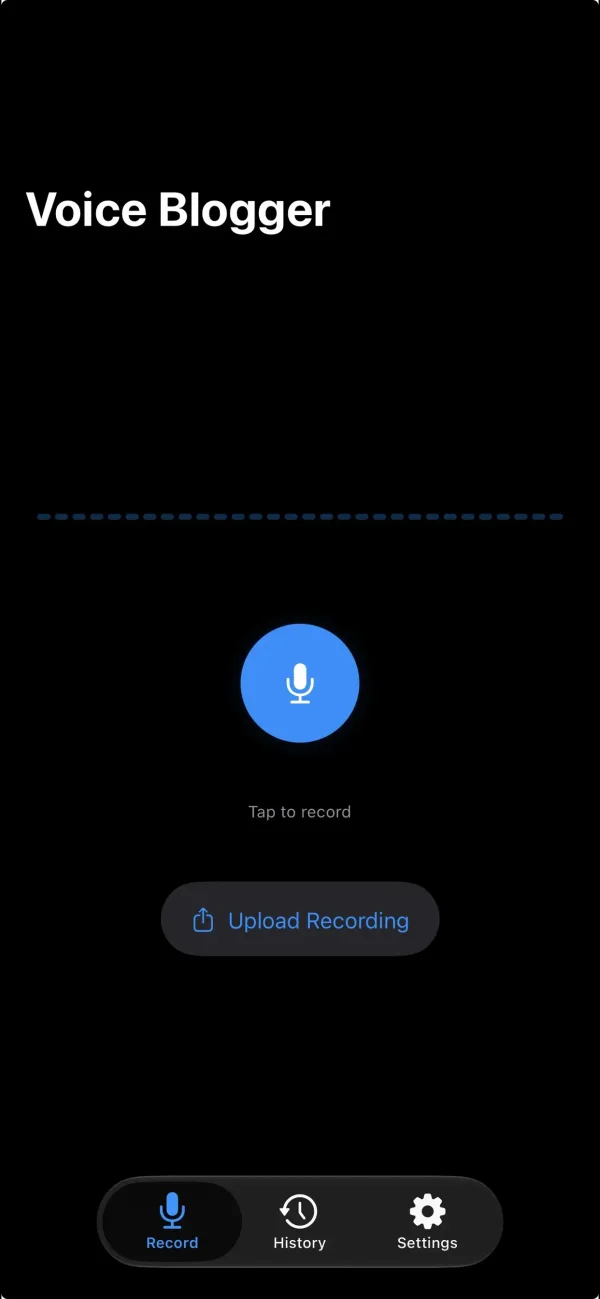
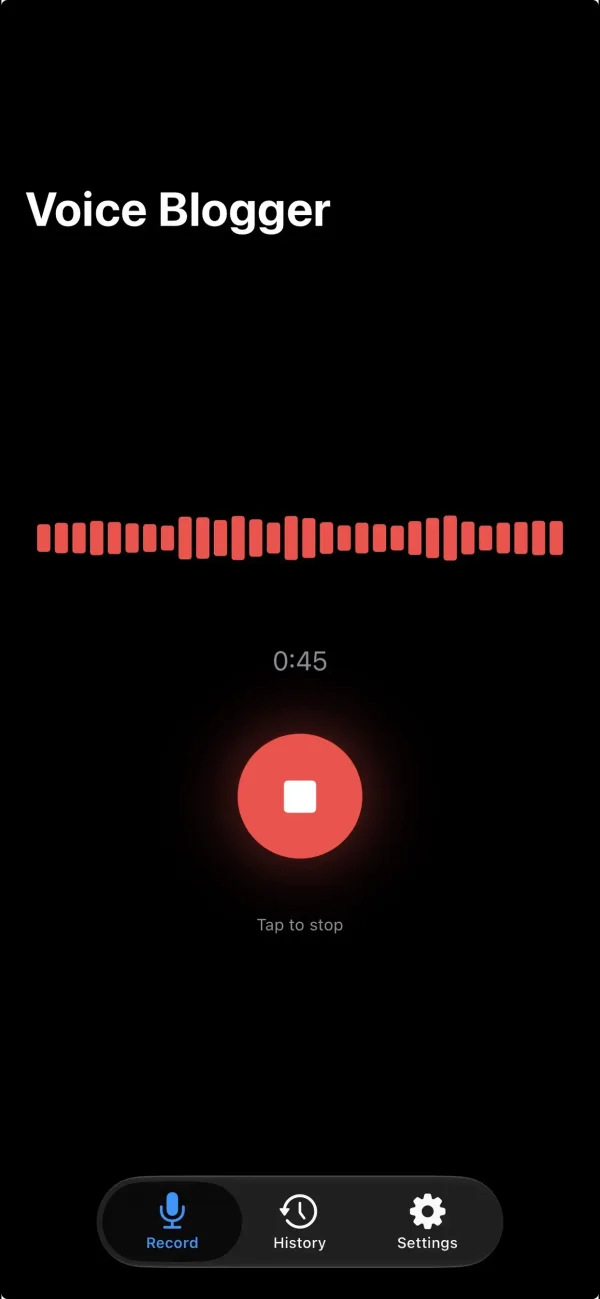
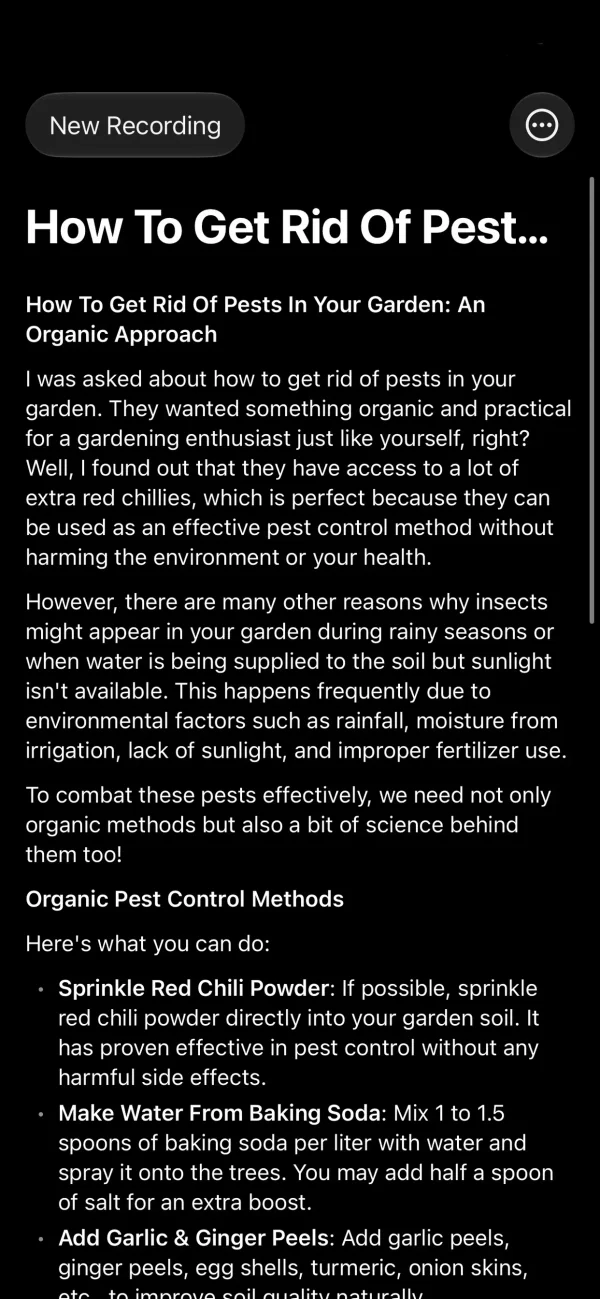
VoiceBlogger turns voice recordings into written blog posts using on-device AI. Record yourself talking, and it transcribes your speech and writes it up into a structured, readable post, no typing required.
All processing happens on your device. Nothing is sent to a server.
How it works
Tap record and speak. When you're done, VoiceBlogger transcribes the audio using Whisper, then passes the transcript to a local language model that writes it up as a blog post with a title, headings, and paragraphs. The whole thing runs offline after an initial model download.
You can also import an existing audio file if you already have a recording you want to convert.
Features
• Record voice and generate a blog post in a few taps
• Import audio files from your device
• Transcription that filters out background noise while supporting 90+ languages
• Edit the generated post before sharing
• Share the blog as text or export the original audio
• Generate Instagram captions or LinkedIn post from your voice.
• All past posts saved to a local history
• Works entirely offline no account, no cloud, no tracking
• Free, No account, Forever.
Good for
Bloggers, note-takers, anyone who thinks out loud. Also useful for capturing ideas on the go, turning voice memos into drafts, or just getting thoughts out of your head and onto a page without sitting down to write.
What’s new
Version 2.1 · Nov 2, 2026
This update fixes recordings that looked missing after they were saved.
• Audio that iCloud had moved into a duplicate folder, such as “recordings 2,” is put back with your other recordings.
• Files iCloud renamed, such as “name 2.m4a,” are restored to the original name when that name is free.
• Notes in History can be played and shared again, including takes saved just before iCloud was ready.
• Nothing is overwritten. If the original file is already there, the extra copy is kept.
Open VoiceBlogger once after updating so your library can be repaired. No data has been lost
App privacy
What declares on the App Store about how this app handles data.
-
Data not collected
The developer does not collect any data from this app.
Privacy practices may vary, for example with the features you use or your age.
Information
- Seller
- Aqua Green Strategies Inc
- Category
- Productivity
- Version
- 2.1
- Updated
- Nov 2, 2026
- Released
- Jun 17, 2026
- Size
- 26.0 MB
- Requires
- iOS 18.0 or later
- Age rating
- 4+
- Price
- Free
- Languages
- English, French, Gujarati, Hindi, Simplified Chinese, Spanish
- Copyright
- © Aqua Green Strategies 2026, All rights reserved
You might also like
-
 NearNotes: Location AlertsReminders Where They Matter
-
 ReferralGenius: Business CardAI Digital Business Card Maker
-
 ScreenFolio: Screenshot OCRSearch, Manage, Reminders
-
 SleepPublish - Blog AutomationAI Blog Writer, Auto Publisher
-
 Tell Me For WatchGet answers from your Watch
-
 PresstoAI Blog Post Generator
-
 ListenUp DictationSpeak instead of typing
-
 NoteScreen: Lock Screen NotesSticky Reminders & Widgets
-
 ReceptAI AssistantAI Call Assistant & Follow-ups
-
 Jotline – Timestamped NotesQuick journal, diary & log