
VoiceBear
Speak instead of typing.
Designed for iPhone, iPad, Mac
Free · In-app purchases
- Age rating4+
- CategoryProductivity
- DeveloperCHIA JEN LIN
- LanguagesEnglish+ 1 more
- Size60.1 MB
Links to the official App Store page
Download.org hosts no file of VoiceBear. The button opens its official App Store page, published by CHIA JEN LIN. Listing last checked on Nov 19, 2026.
Screenshots


About
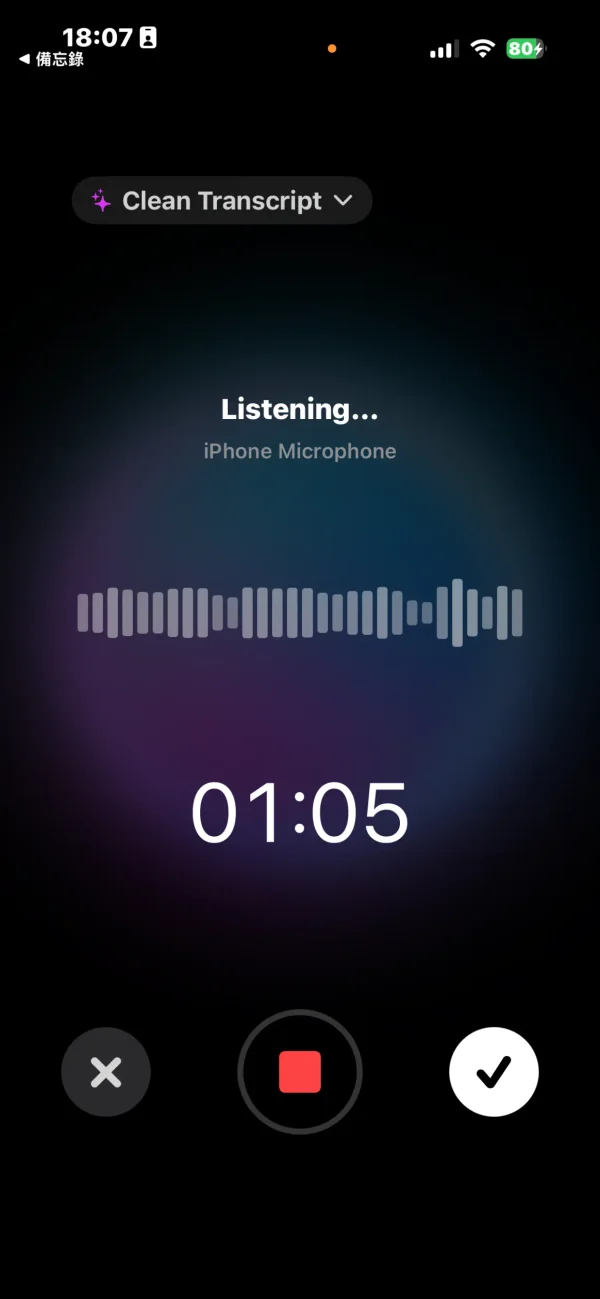
VoiceBear turns speech into usable text, so you can move faster than typing.
Whether you’re chatting with AI, writing, or turning recordings into text, VoiceBear helps you capture ideas naturally with your voice.
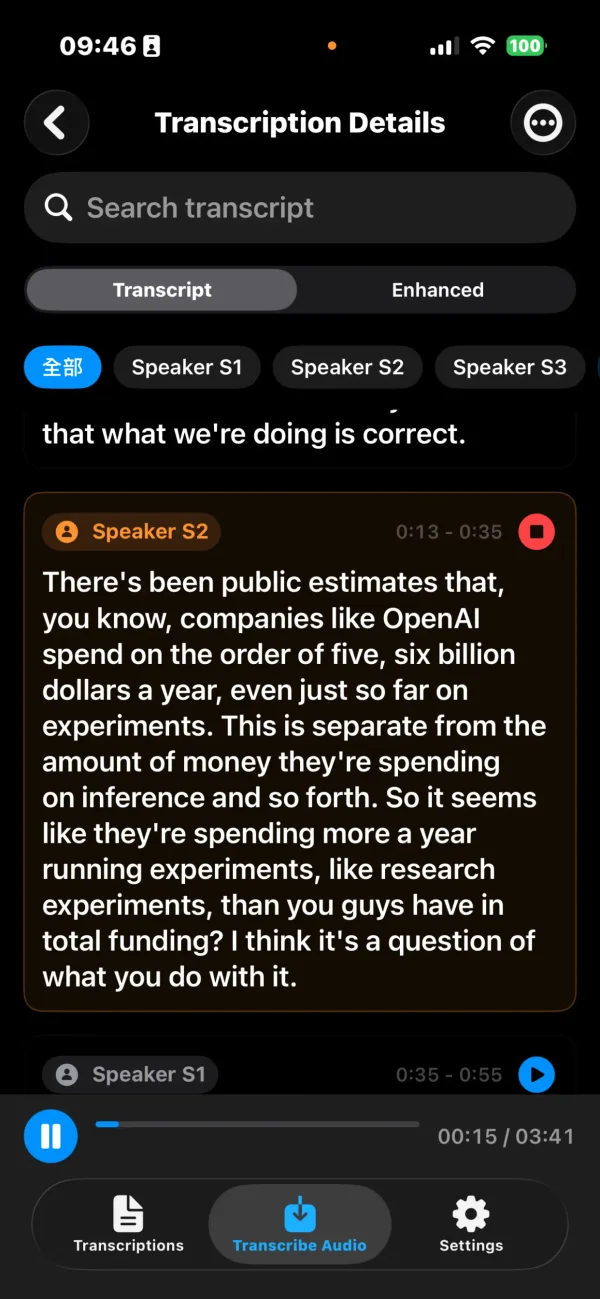
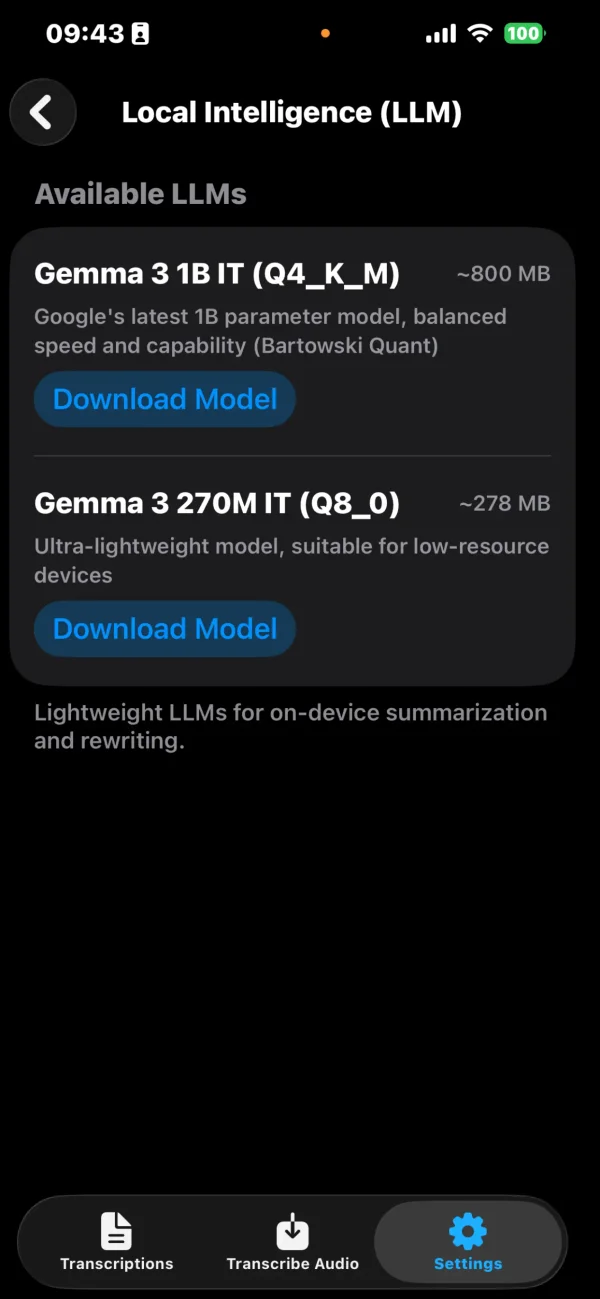
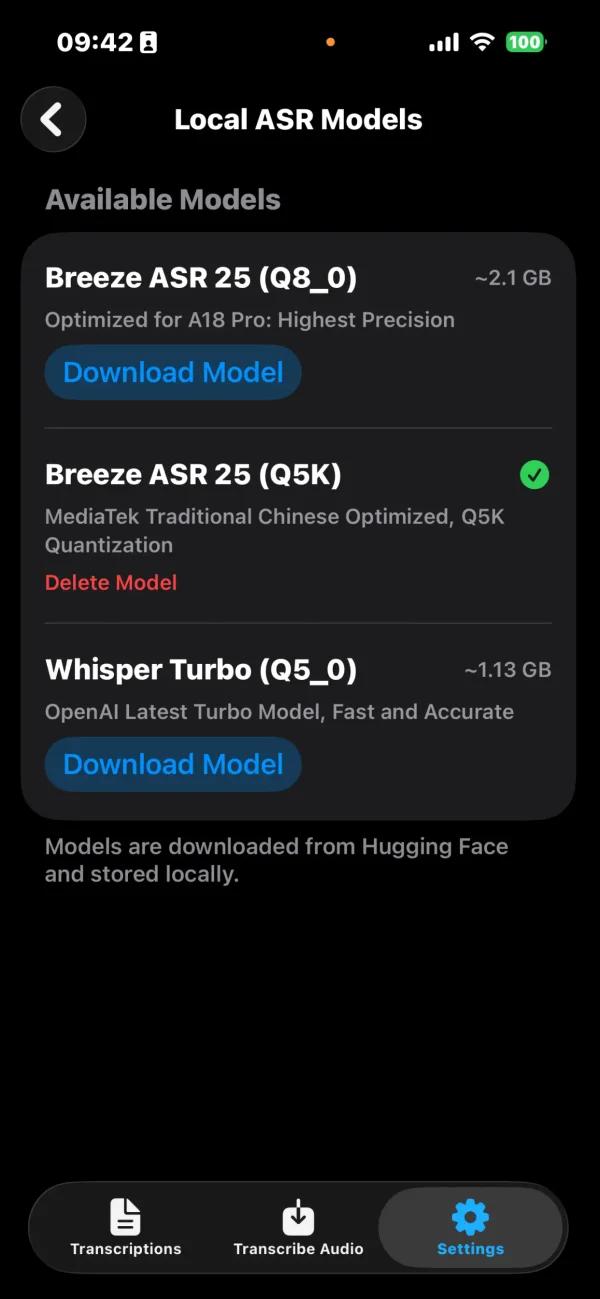
The iPhone app includes a built-in local language model for on-device transcription, and also supports cloud-based ASR and LLM services for advanced post-processing.
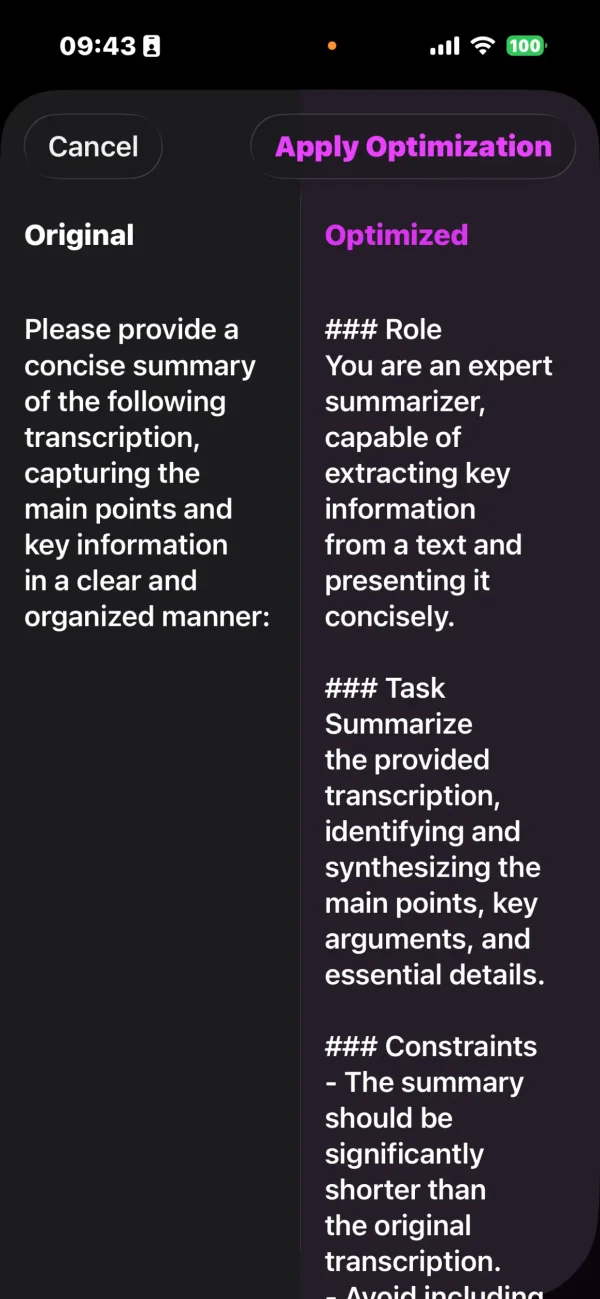
Apply summaries, rewrites, translations, or custom prompt templates to transform raw transcripts into polished content.
From real-time dictation to audio file transcription and smart text optimization, VoiceBear fits seamlessly into everyday workflows on your iPhone.
What’s new
Version 1.4 · May 3, 2026
Speech transcription stability improvement.
App privacy
What CHIA JEN LIN declares on the App Store about how this app handles data.
-
Data not linked to you
May be collected but is not linked to your identity.
- User content
- Usage data
- Diagnostics
Privacy practices may vary, for example with the features you use or your age.
Information
- Seller
- CHIA JEN LIN
- Category
- Productivity
- Version
- 1.4
- Updated
- May 3, 2026
- Released
- Jan 21, 2026
- Size
- 60.1 MB
- Requires
- iOS 18.0 or later
- Age rating
- 4+
- Price
- Free
- In-app purchases
- Yes
- Languages
- English, Traditional Chinese
- Copyright
- © 2025 VoiceBear. All rights reserved.
You might also like
-
 OffNote AIPrivate AI Notebook
-
 Scribla: Voice Typing KeyboardSpeech to Text in Any App
-
 Talkie PhoneVoice Notes, Dictation & AI
-
 PromptSmithAI Prompt Creation Assistant
-
 Resonote - Save QuotesCommonplace Book & Reflections
-
 FocusFrogProductivity
-
 CardmaAI-Cards & Knowledge Builder
-
 Job PocketProductivity
-
 FiveNotes MobileYour five notes in your pocket
-
 AutoPlan 2: Tiny Pomodoro TodoYour Tomato Clock Anywhere