
VoiceDrop AI
Talk to your AI. Don't type.
Designed for iPhone, iPad, iPod touch
Free · In-app purchases
- Age rating4+
- CategoryProductivity
- DeveloperGUSTAV T0STIE
- LanguagesEnglish+ 12 more
- Size65.8 MB
Links to the official App Store page
Download.org hosts no file of VoiceDrop AI. The button opens its official App Store page, published by GUSTAV T0STIE. Listing last checked on Nov 17, 2026.
Screenshots

About
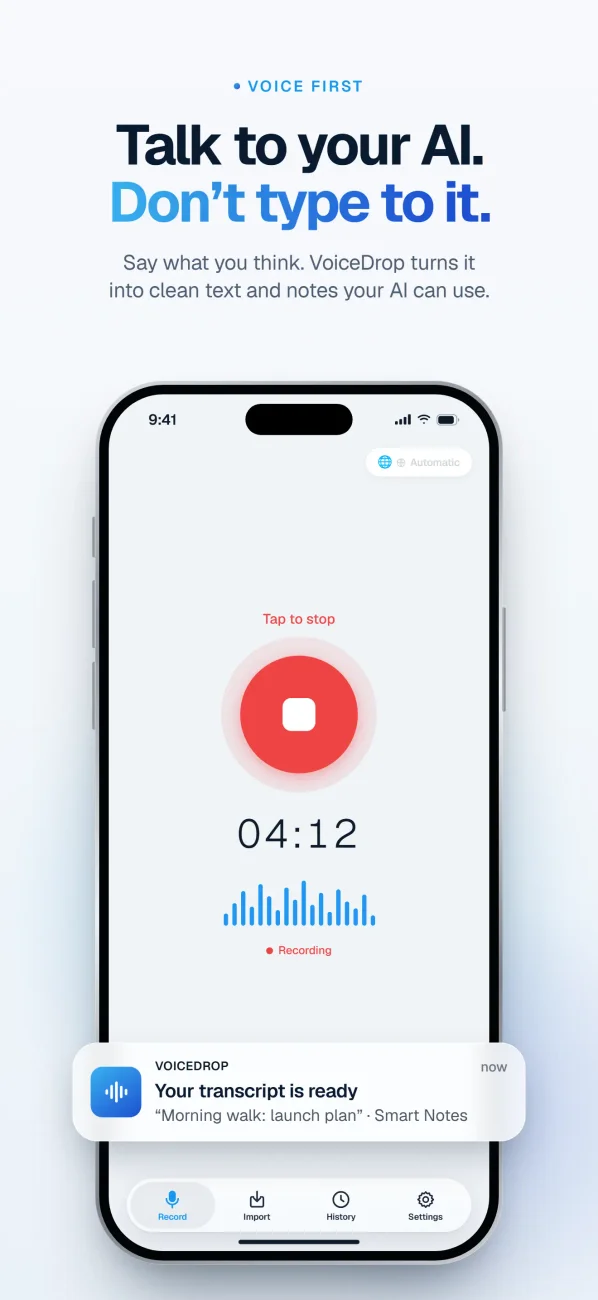
Talk to your AI. Don't type to it.
VoiceDrop turns what you say into clean text, transcripts and Smart Notes. Walk and talk on your iPhone, dictate on your computer, and let your AI assistant work with everything you have recorded.
WALK AND TALK ON IPHONE
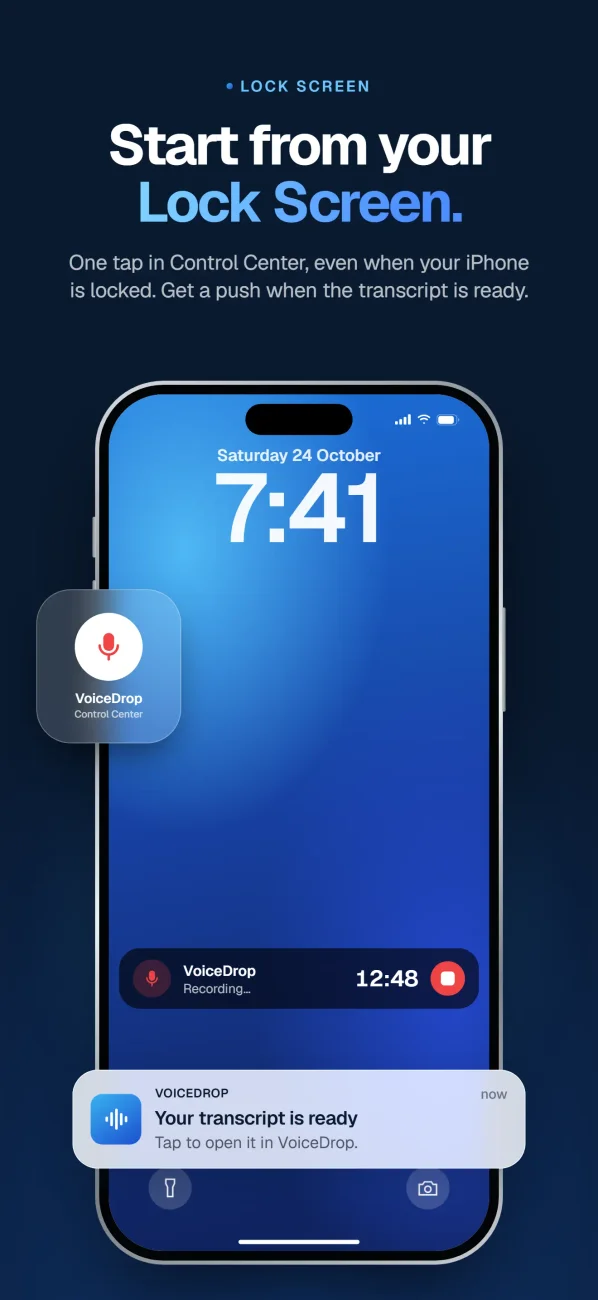
• Start and stop a recording from Control Center, even when your iPhone is locked, without opening the app
• A Live Activity shows that you are recording
• VoiceDrop uploads and transcribes in the background
• Get a push notification when the transcript is ready
• No signal? Record offline. VoiceDrop uploads when you are back online
• Answer a call and VoiceDrop stops and transcribes what you recorded
• Also start with Siri, Shortcuts or the Action button, import audio from Files, or share from Apple Voice Memos
• Also on iPad, and start or stop a recording from your Apple Watch
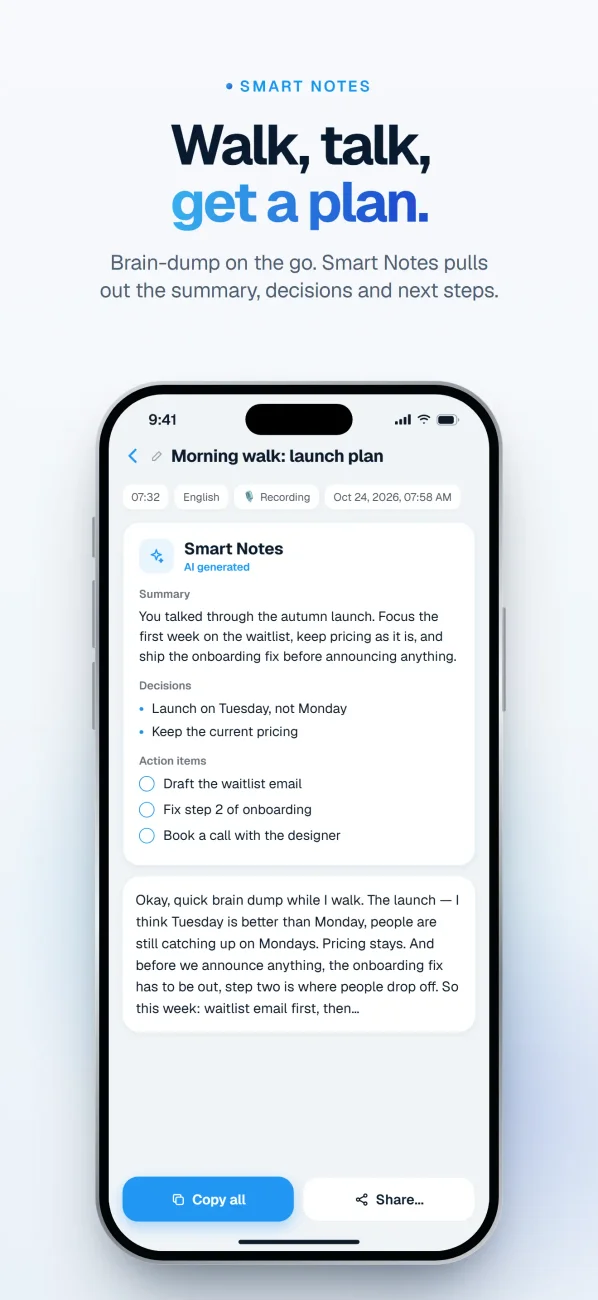
SMART NOTES
Every transcript comes with a short summary, decisions and next steps. A brain-dump on a walk becomes a plan for the week.
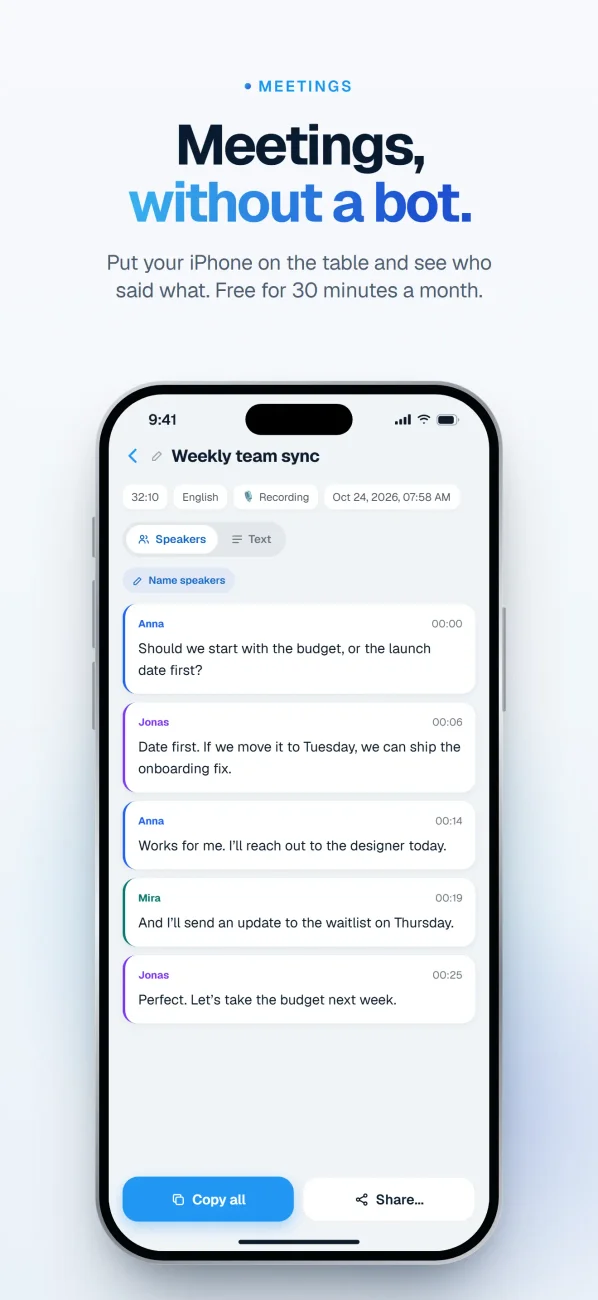
MEETINGS WITHOUT A BOT
Put your iPhone on the table. VoiceDrop separates speakers with timestamps so you can see who said what. Nothing joins your call.
DICTATE INTO ANY APP ON WINDOWS AND MAC
With VoiceDrop for desktop, hold a shortcut, talk and let go. Your words appear as text in the app you are using: email, documents, AI chats and coding assistants. Download it at tryvoicedrop.com and sign in with the same account.
YOUR AI READS YOUR NOTES
Connect your AI assistant to VoiceDrop and ask about anything you have recorded. The connector has read-only access to your history.
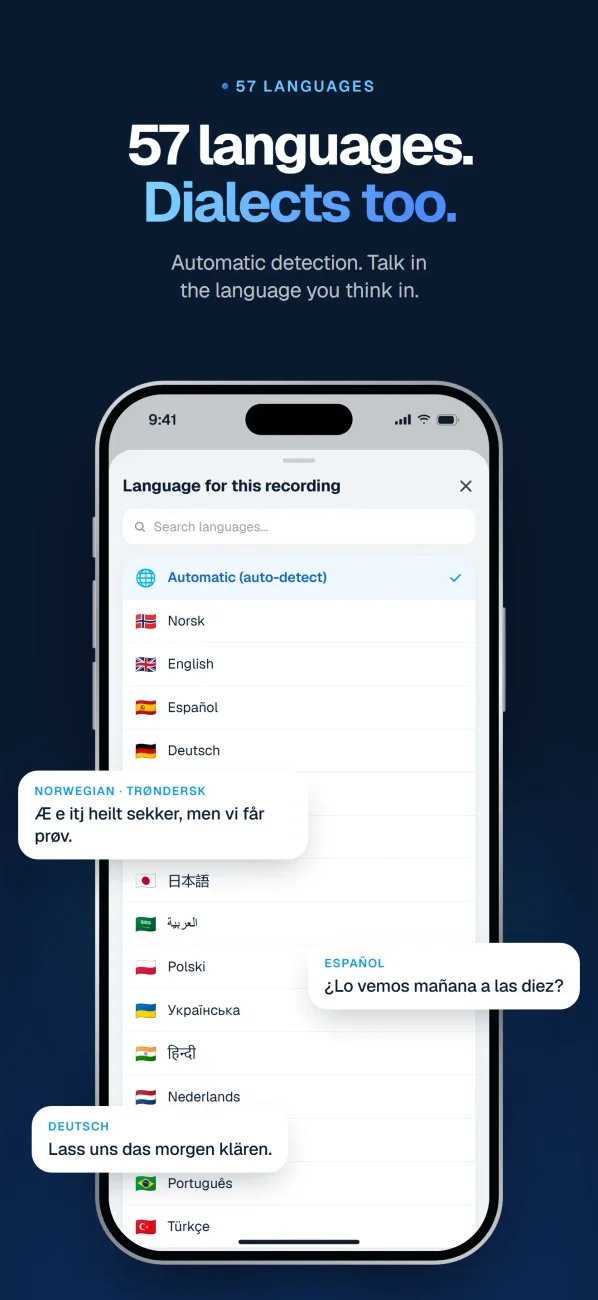
57 LANGUAGES
Automatic language detection in 57 languages, including dialects and conversations that mix languages. The app itself is available in 13 languages.
PRIVACY
Audio is used for transcription and is not kept in your VoiceDrop account after a successful transcription. Your transcripts and Smart Notes are saved to your account. If processing is interrupted, a local recording may remain on your iPhone for up to seven days so you can retry, save or delete it.
PLANS
• Free: 30 minutes per month, up to 10 minutes per recording
• Pro: $7.99 per month for 1,200 minutes per month, up to 60 minutes per file (longer files can be split into parts)
• Max: $13.99 per month for 2,400 minutes per month, up to 3 hours per file
Long recordings and large audio files are compressed automatically on your iPhone before upload.
Pro and Max are also available as annual subscriptions. Prices are shown in USD and may vary by country. The price in your currency is shown before you buy.
SUBSCRIPTION TERMS
Payment is charged to your Apple Account when you confirm the purchase. Subscriptions renew automatically unless cancelled at least 24 hours before the end of the current period. Your account is charged for renewal within 24 hours before the end of the current period. You can manage or cancel your subscription in your Apple Account settings.
Terms of Use (EULA): https://tryvoicedrop.com/terms
Privacy Policy: https://tryvoicedrop.com/privacy
What’s new
Version 1.2.10 · Oct 28, 2026
• VoiceDrop speaks your language: the app is now available in 13 languages, including Italian, Spanish, Portuguese, Romanian, Polish and Dutch
• Apple Watch: start and stop a recording from your wrist
• iPad: start recording from Control Center, even when your iPad is locked. A Live Activity shows it’s recording
• Recordings you stop from Control Center or the Lock Screen are now transcribed right away, without opening the app
• Large files are compressed automatically before upload. On Pro, files that are still too long can be split into parts
• Max now handles recordings and files up to 3 hours
• Siri phrases in all 13 languages
• A friendly reminder if you haven’t recorded anything for a few days
App privacy
What GUSTAV T0STIE declares on the App Store about how this app handles data.
-
Data linked to you
May be collected and linked to your identity.
- Purchases
- Contact info
- Identifiers
-
Data not linked to you
May be collected but is not linked to your identity.
- User content
Privacy practices may vary, for example with the features you use or your age.
Information
- Seller
- GUSTAV T0STIE
- Category
- Productivity
- Version
- 1.2.10
- Updated
- Oct 28, 2026
- Released
- Apr 28, 2026
- Size
- 65.8 MB
- Requires
- iOS 15.1 or later
- Age rating
- 4+
- Price
- Free
- In-app purchases
- Yes
- Languages
- English, Danish, Dutch, Finnish, French, German, Italian, Norwegian Bokmål, Polish, Portuguese, Romanian, Spanish + 1 more
- Copyright
- © 2026 Gustav Tøstie
You might also like
-
 SkjermvettProductivity
-
 Dis/AssembleRemember your Disassembly
-
 Audio to Text Converter ZeepitTranscribe lectures & meetings
-
 Retail RinglessProductivity
-
 ShellXPro Automation Control
-
 PrivaNota: Private AI NotesMeeting Audio Transcription
-
 Wiersholm EventsProductivity
-
 SayableProductivity
-
 Reels Off: Reels BlockerWe block the reels
-
 Talent.ExchangeAI Copilot for Staffing Pros