- Age rating4+
- CategoryUtilities
- DeveloperChristopher Dieckmann
- LanguagesGerman+ 4 more
- Size5.8 MB
Links to the official App Store page
Download.org hosts no file of VoiceLog. The button opens its official App Store page, published by Christopher Dieckmann. Listing last checked on Nov 23, 2026.
Screenshots


About
In the car. The perfect email pops into your head. You can’t type.
On the couch. You know what you want to write, but not how.
On your Apple Watch. A thought, before it’s gone.
VoiceLog turns your speech into finished text, in seconds.
Just speak. AI transcribes and shapes the text to exactly the tone you need. No editing required.
Five modes, one tap:
• Professional: Clear and factual, ideal for emails and reports
• Natural: Smooths out filler words, preserves your tone
• Chat: Short and direct for WhatsApp & iMessage
• Emoji: Casual and lively for social media
• Markdown: Structured notes with lists and headings
You can switch modes in the results at any time without re-recording.
On-device (beta):
With Apple Intelligence (iPhone 15 Pro or later, iOS 26 or newer), VoiceLog can also transcribe and format recordings right on the device, with no OpenAI key and, once the language data is downloaded, offline too. The on-device model is smaller than GPT and does not support every language. OpenAI stays the default, and the app never switches on its own.
Apple Watch:
Record right from your wrist, even when your iPhone isn’t nearby. Recording can start automatically when you open the app, or with a tap on the complication. Markdown recordings automatically save to your Notes app as soon as you’re connected.
Quick to start, always with you:
• Home screen widget and Shortcuts
• Record directly from Control Center (iOS 18+)
• Live Activity on the lock screen
• Apple Watch complications
More control:
• Choose your output language: German, English, Spanish, French, and more
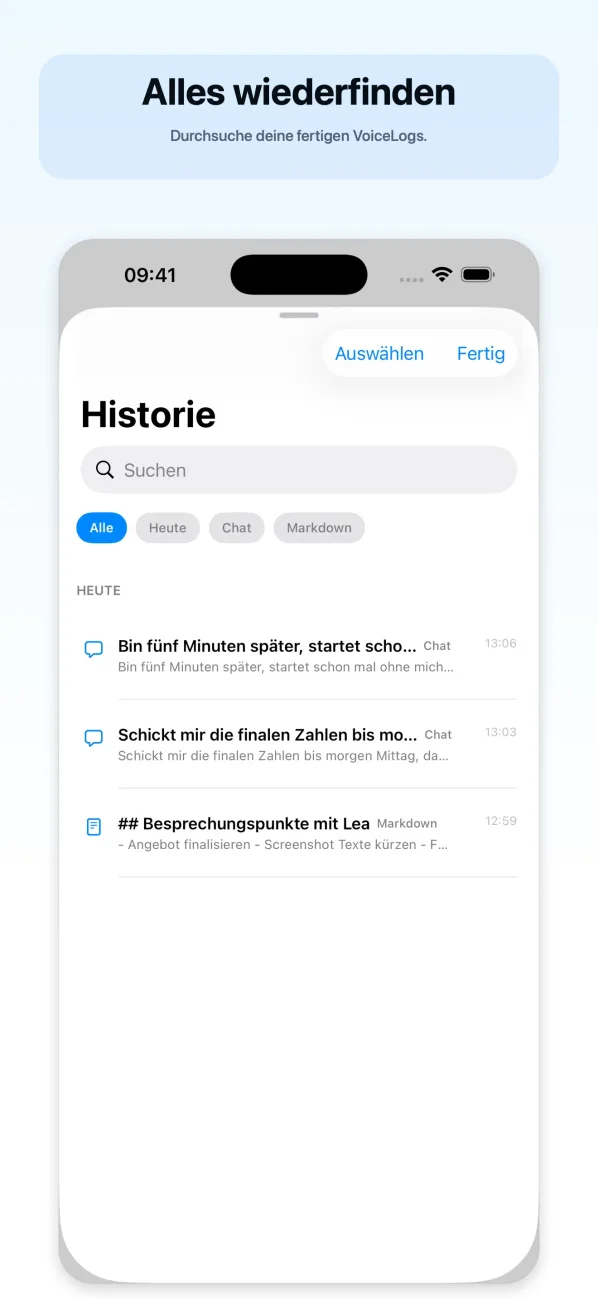
• History with search and filters. Nothing gets lost
• Custom terms for better recognition of names and technical terms
• Accent colors and Dark Mode
Your data, your choice:
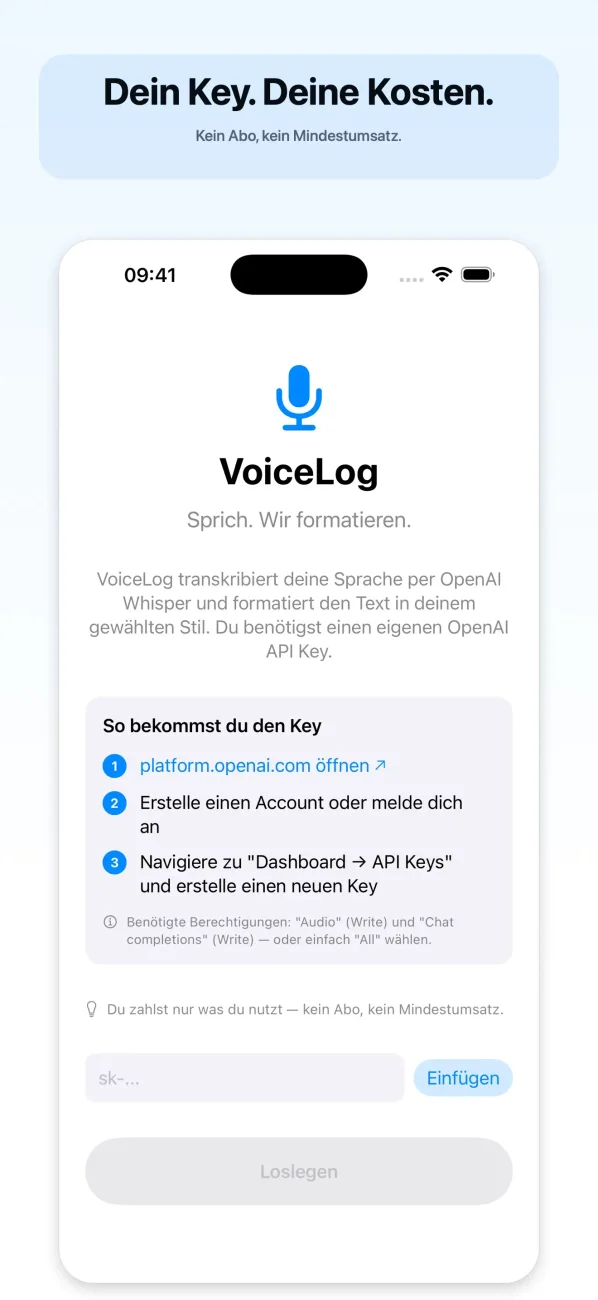
VoiceLog works either with your own OpenAI API key or on the device. With OpenAI: no subscription, no intermediary servers, costs are billed directly and transparently through your account, and your key remains secure in the iOS Keychain. On the device, recordings and text stay on the device.
Requirements: either your own OpenAI API key (platform.openai.com) and an internet connection, or an iPhone with Apple Intelligence (iPhone 15 Pro or later, iOS 26 or newer) for on-device mode.
What’s new
Version 1.8 · Nov 10, 2026
New in version 1.8:
Clearer before you record
The home screen now shows which mode and language your text will be created in. The mode bar starts on the left, fades at the edge to show that it scrolls, and when you reformat, the current mode is marked with a checkmark.
View the original
Under every result you can now expand the recognized original (the speech recognition text). That makes it quick to check whether the app understood a name or technical term correctly.
History
The filters are now three menus: period, mode and tags. The sections are called "Today" and "Yesterday". Delete is in the "..." menu of the detail view, with a confirmation first.
Settings
Reorganized: processing is at the top, followed by everything about OpenAI (models, key and this month's cost), then recording and output.
Notifications
The app no longer asks for notifications at launch. It explains what they are for first, when the first recording from your Apple Watch arrives.
App privacy
What Christopher Dieckmann declares on the App Store about how this app handles data.
-
Data not collected
The developer does not collect any data from this app.
Privacy practices may vary, for example with the features you use or your age.
Information
- Seller
- Christopher Dieckmann
- Category
- Utilities
- Version
- 1.8
- Updated
- Nov 10, 2026
- Released
- Jun 12, 2026
- Size
- 5.8 MB
- Requires
- iOS 17.6 or later
- Age rating
- 4+
- Languages
- German, English, French, Italian, Spanish
- Copyright
- © 2026 Christopher Dieckmann
You might also like
-
 Guard: Privacy & Family SafetyPrivacy audit + family safety
-
 Ward - Phone Guard & AlarmMotion & Charger Theft Alert
-
 MultiBrowMultiple accounts per site
-
 Rydop: Photo & Storage CleanerClean up duplicate photos
-
 Anti Spy Sneak My Phone – WTMPAnti-Theft & Spy Protection
-
 AI Chat Assistant - SwitchGPTchatgpt,gemini,meta you choose
-
 AIBench - Test SpeedEvaluate Top LLMs AI chat
-
 Side Space: Multiple AccountsClone App, Dual & Parallel
-
 Phone Health CheckUtilities
-
 Clipboard: OnePasteCopy Paste Keyboard