
- Age rating17+
- CategoryUtilities
- DeveloperChalet Kaiserblick GmbH & Co KG
- LanguagesEnglish+ 1 more
- Size3.2 MB
Links to the official App Store page
Download.org hosts no file of MultiBrow. The button opens its official App Store page, published by Chalet Kaiserblick GmbH & Co KG. Listing last checked on Nov 13, 2026.
Screenshots

About
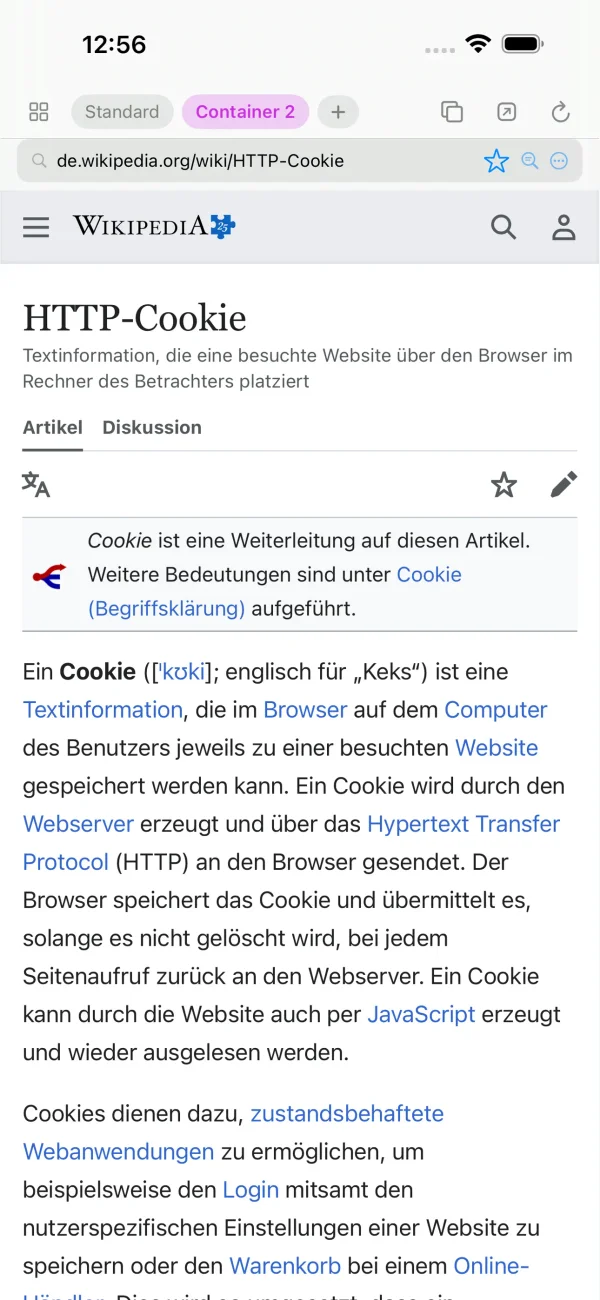
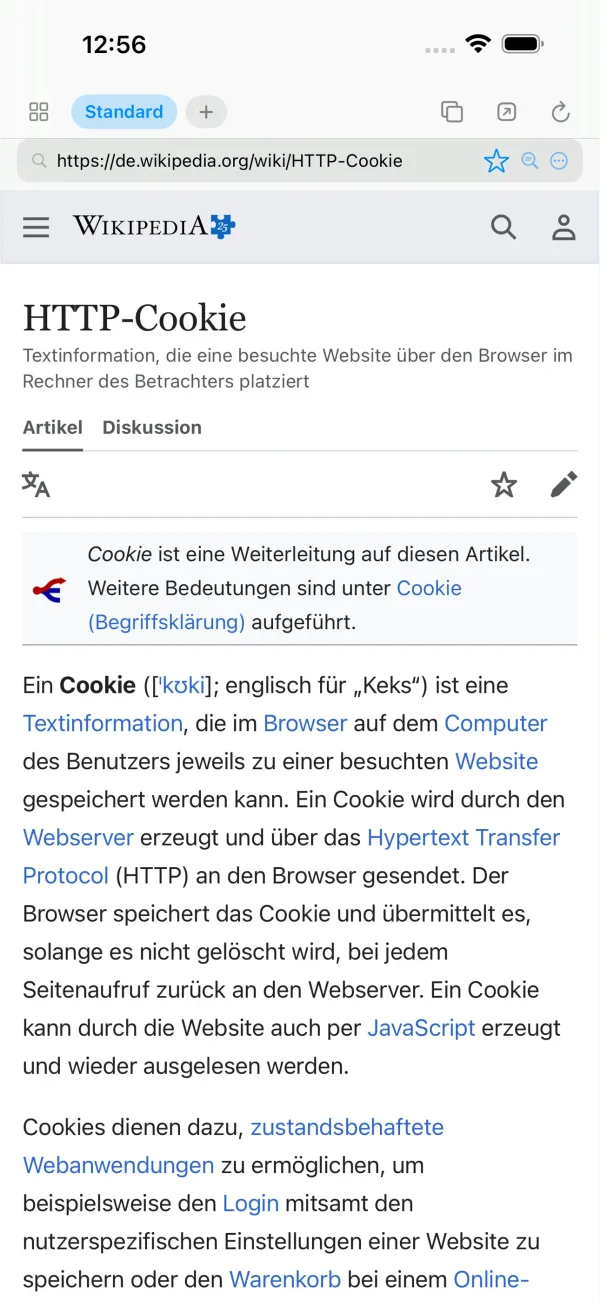
MultiBrow is a browser in which every container has its own cookies and its own sign-ins. Stay signed in to the same service with several accounts at once and switch with a single tap, instead of signing out and back in over and over.
Safari cannot do this: all Safari tabs share a single cookie store, so a second sign-in to the same service ends the first. Private Browsing separates sessions but discards them on close. MultiBrow keeps every sign-in persistent and isolated — using a separate WebKit data store per container, a system feature introduced with iOS 17.
WHAT IT IS FOR
• A personal and a work account on the same service, side by side
• Several clients or tenants, each in its own container
• Keeping a test and a production login apart
• A second account without disturbing the first one in Safari
FEATURES
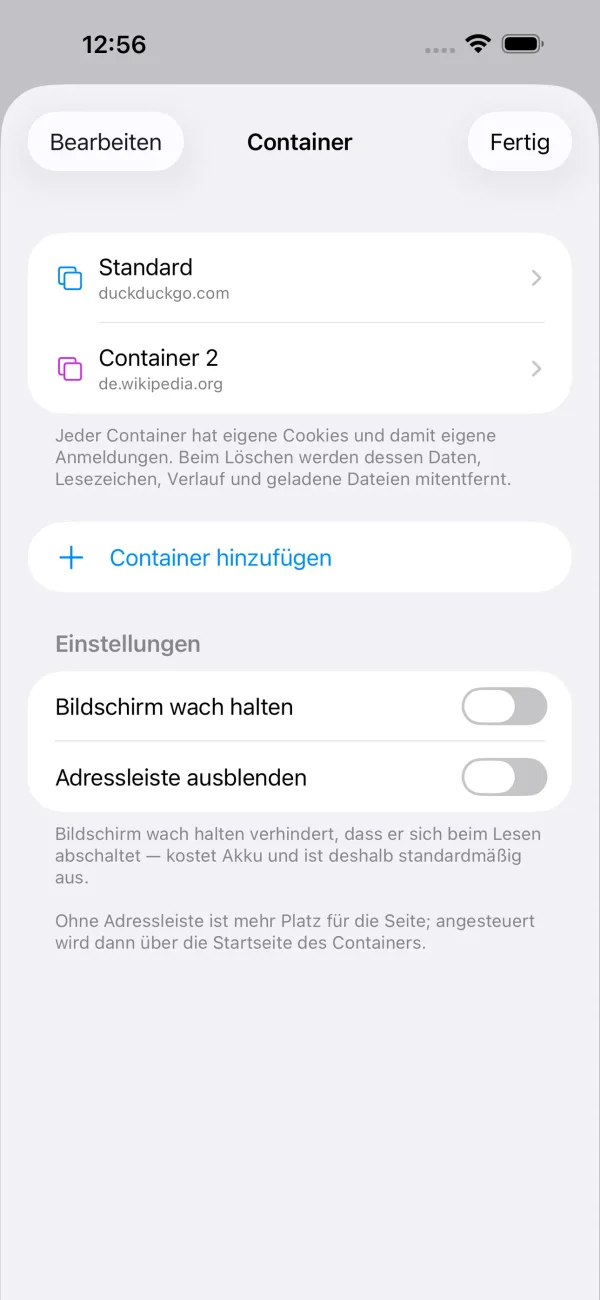
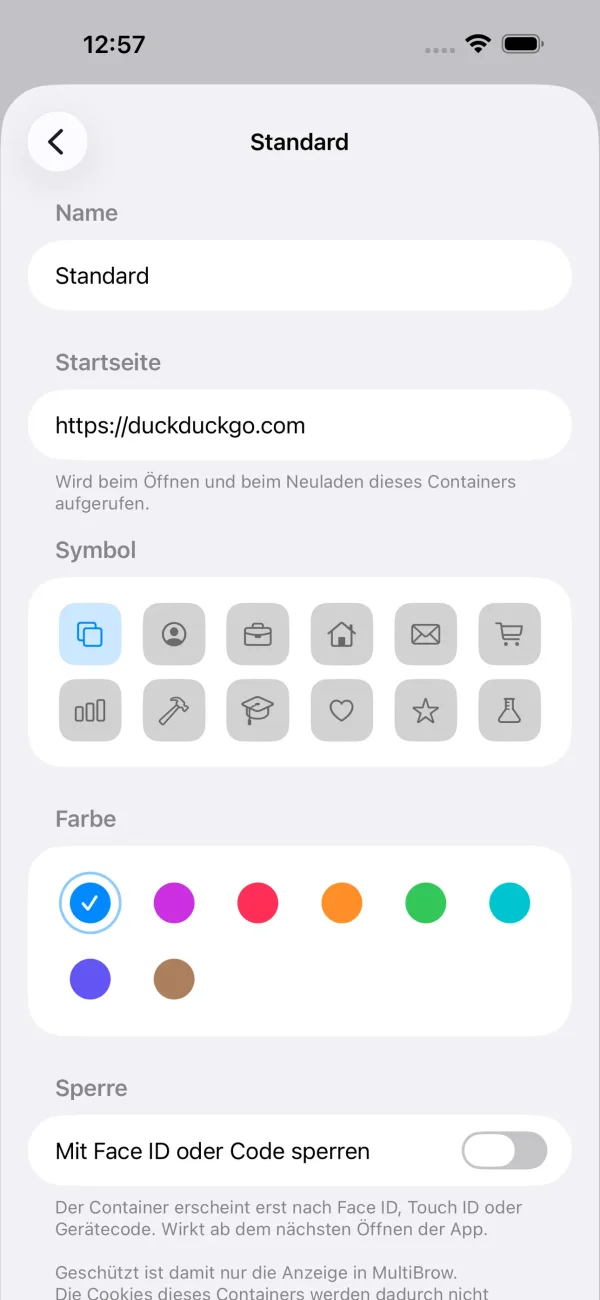
• An overview of all containers as the home screen — create, rename and delete them, each with its own symbol and colour; deleting removes the entire data store
• A freely chosen start page per container; the app is not tied to any particular website
• Bookmarks per container: save, rename, reorder
• History per container, with search and grouped by day
• Downloads with progress, preview and export to the Files app
• Lock individual containers with Face ID, Touch ID or your device passcode
• Find on page
• Siri Shortcuts and Spotlight: open a container by voice or straight from search
• A real iPad app on iPad: Split View, Stage Manager, all orientations, keyboard shortcuts
• Switch from a bar at the top
• An address field per container: type an address or search directly
• Optionally stay on the start page: links to other sites then open in Safari
• Automatic reload after the app has been in the background for more than 30 seconds, keeping pages current whose connection dropped meanwhile
• Pull to refresh; long-press reload clears the cache without losing the sign-in
• Up to twelve containers loaded at once; under memory pressure background containers unload automatically
• Open the current page in Safari
• Usage limits at a glance: when a website reports how much of an allowance is used up and when it resets, the overview shows this per container as bars — usage against elapsed time, so you can see at once whether it is going to be tight. Useful above all with AI services that work in hourly and weekly windows, such as claude.ai. The figures come from the website itself; MultiBrow only reads along and requests nothing
• Keep the screen awake if you want to
• Interface in German and English
PRIVACY
MultiBrow collects no data. No accounts, no analytics, no tracking, no advertising, no developer servers. Cookies and sign-ins stay on your device, separated per container, managed by Apple's WebKit. Bookmarks, history and downloaded files stay on your device as well. Unlocking a container is handled by the system; the app only learns whether it succeeded and never sees your biometric data.
NOTE
MultiBrow uses the system web engine. Websites behave as they do in Safari; their operators are responsible for their content and data processing.
What’s new
Version 1.9.4 · Aug 13, 2026
New: usage limits at a glance. When a website reports how much of an allowance is used up and when it resets, the overview shows this per container as bars — usage against elapsed time. If you have used 80 % but only a quarter of the time has passed, you see it here first. Useful above all with AI services that work in hourly and weekly windows.
• Usage limits per container, with the time left until the reset and an explanation of the bars
• Containers reopen where you left them
• Hiding the address bar now really does free up space — the whole bar goes
• Tidier toolbar: reload is what stays at the top right
• New keyboard shortcuts on iPad: ⌘D to bookmark, ⌘F to find on page, ⌘⇧O to open in Safari
• Coming back to the app reloads a page after 30 minutes instead of 30 seconds
• Renaming, recolouring or locking a container no longer reloads its page
App privacy
What Chalet Kaiserblick GmbH & Co KG declares on the App Store about how this app handles data.
-
Data not collected
The developer does not collect any data from this app.
Privacy practices may vary, for example with the features you use or your age.
Information
- Seller
- Chalet Kaiserblick GmbH & Co KG
- Category
- Utilities
- Version
- 1.9.4
- Updated
- Aug 13, 2026
- Released
- Aug 10, 2026
- Size
- 3.2 MB
- Requires
- iOS 17.0 or later
- Age rating
- 17+
- Languages
- English, German
- Copyright
- © 2026 Chalet Kaiserblick GmbH & Co KG
You might also like
-
 Capsule BrowserPrivate Isolated Web Apps
-
 VoiceLogSpeak it. Get finished text.
-
 Tao Browser by Hostao: PrivateAdblock, Spaces & Face ID Lock
-
 Lean BrowserThe browser that forgets
-
 Browser: MultiTab WorkspacePrivate, Without Ads & Secure
-
 ClipboardNotiClipboard in a notification
-
 InstaDocs: PDF Image ScannerUtilities
-
 Passmaker: Wallet Pass CreatorMake Loyalty Cards & Barcodes
-
 XBrowser: X Private BrowserAloha, Ad Block, Multi Account
-
 One Browser: Private SpacesShare across nearby devices