
- Age rating4+
- CategoryBooks
- DeveloperJonathan Chacon Barbero
- LanguagesEnglish+ 7 more
- Size38.9 MB
Links to the official App Store page
Download.org hosts no file of Vox libri. The button opens its official App Store page, published by Jonathan Chacon Barbero. Listing last checked on Nov 18, 2026.
Screenshots
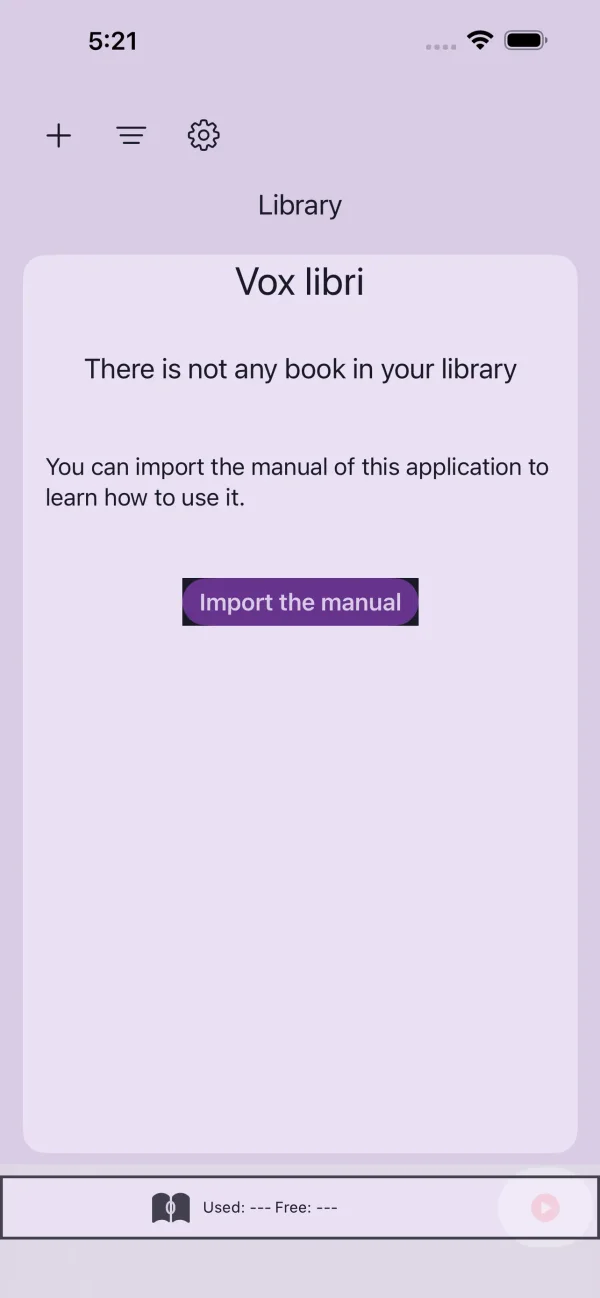
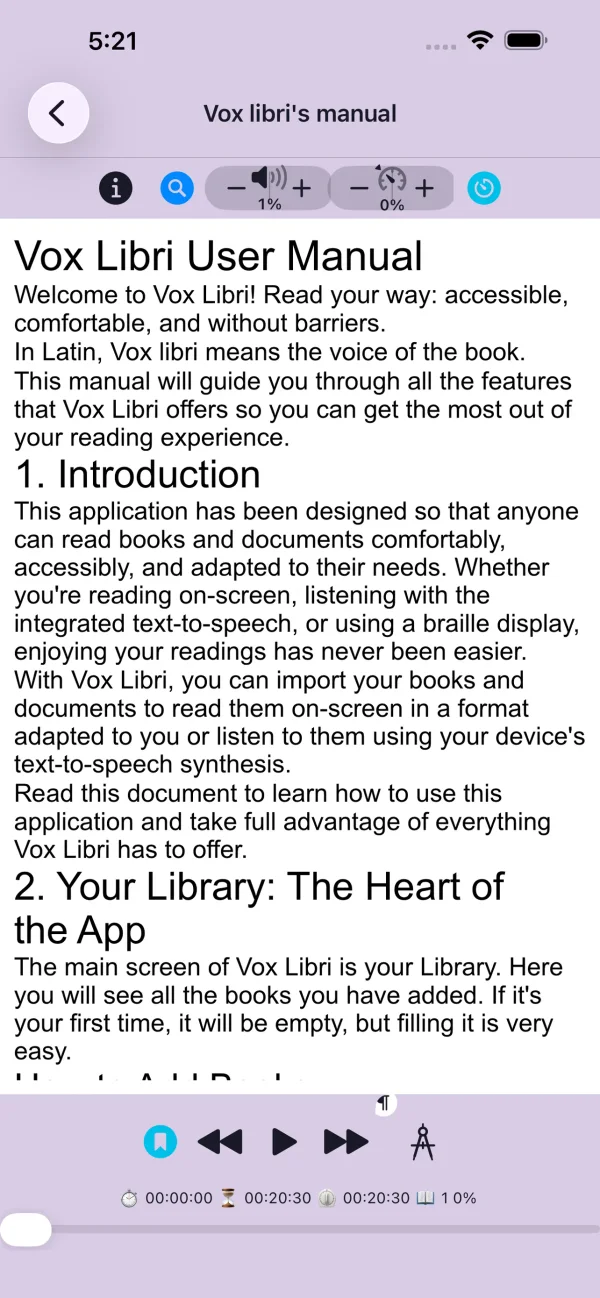


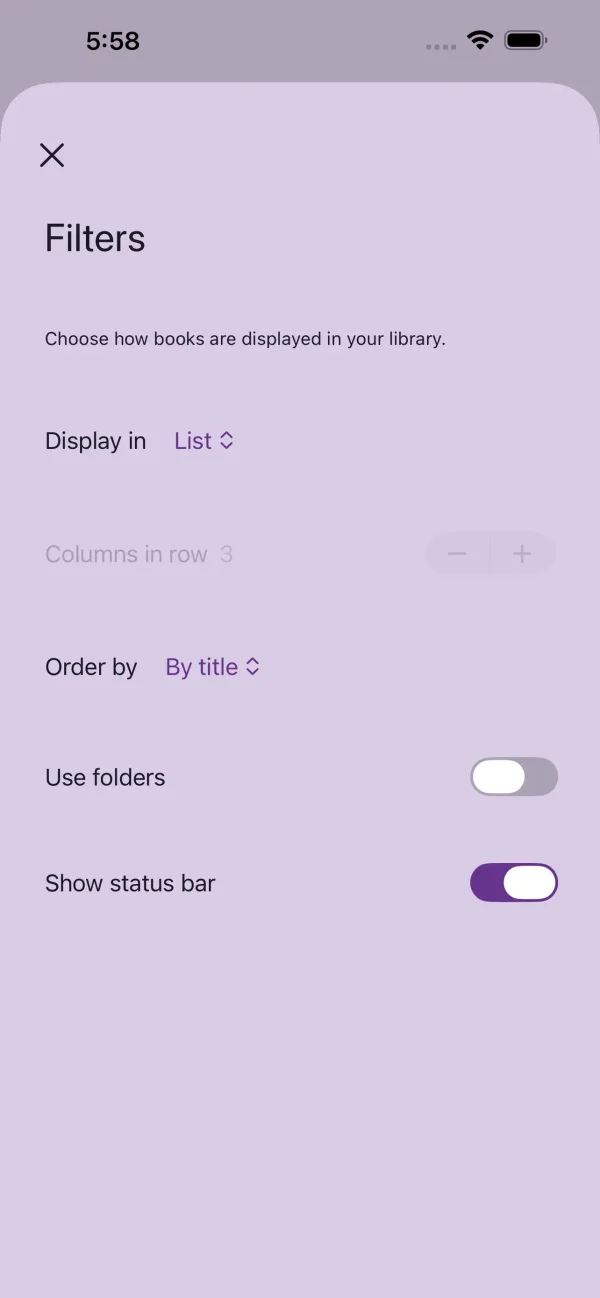
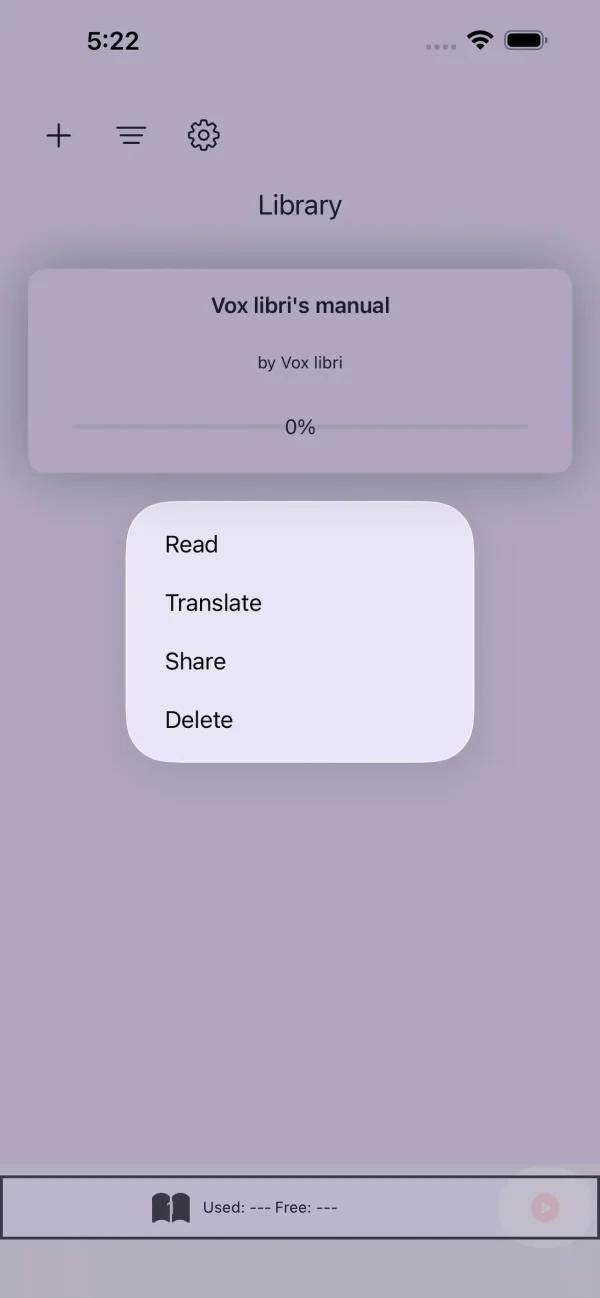
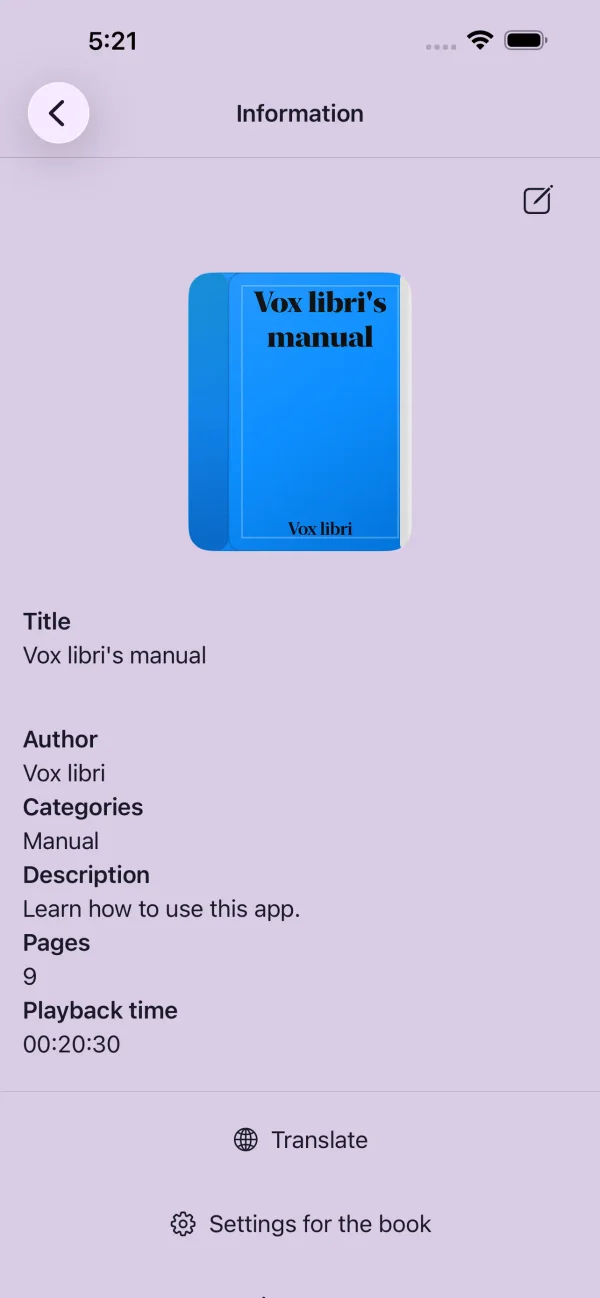
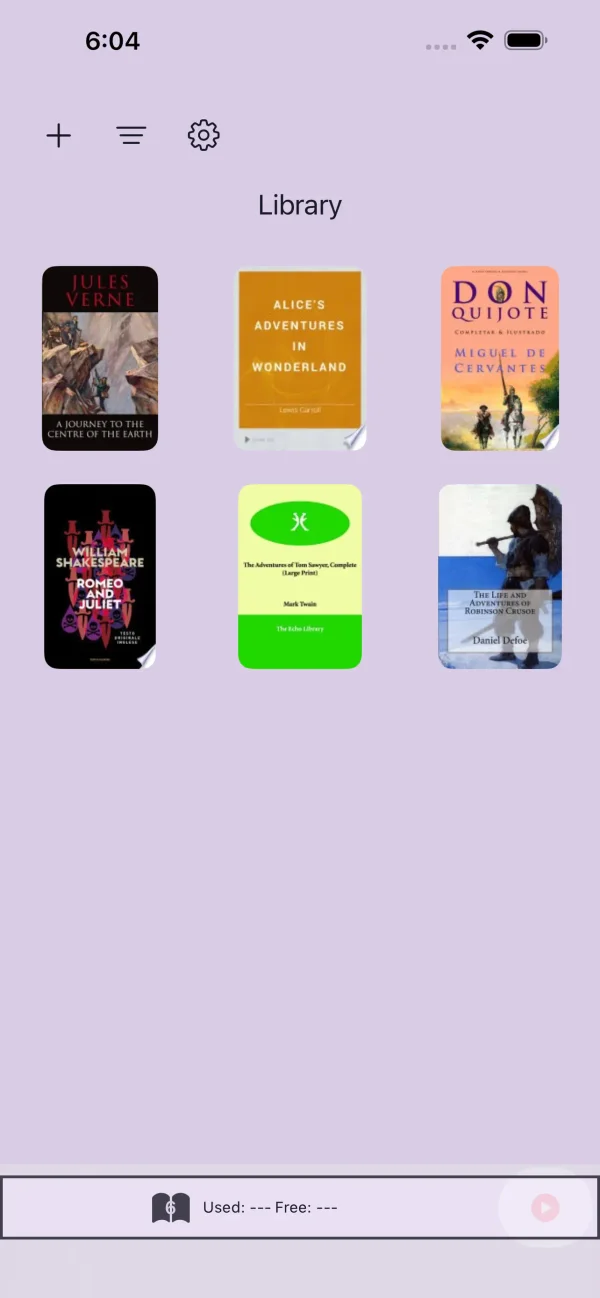
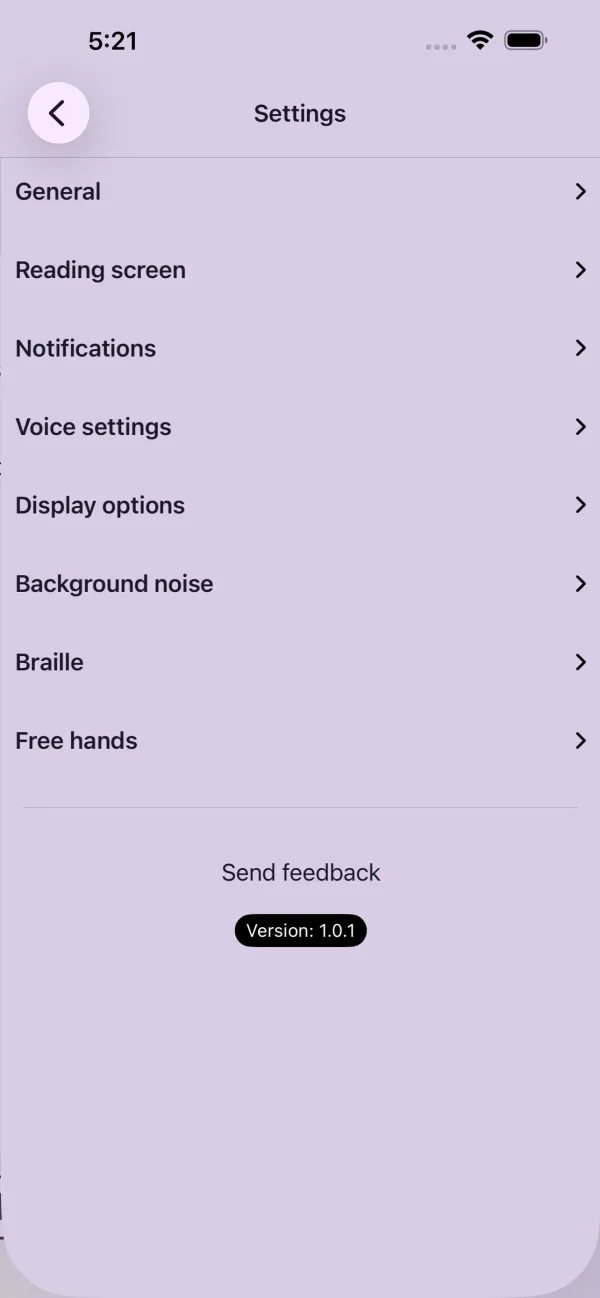
About
Read your way: accessible, comfortable, and without barriers.
Vox Libri is designed to help anyone read books and documents in a flexible, personalized, and fully accessible way. Whether you prefer reading on screen, using a braille display, or listening with high-quality text-to-speech, enjoying your content has never been easier.
Lightweight, fast, and built for readers who want a comfortable, distraction-free, and inclusive reading experience.
Key Features
• High-quality text-to-speech for natural and expressive read-aloud. This application uses the voices installed on your device.
• Braille reading mode, fully compatible with braille displays.
• Customizable reading screen with adjustable font, size, colors, spacing, and themes.
• Support for major document formats, including TXT, PDF, DOCX, RTF, HTML, Markdown, and EPUB.
• Fully accessible interface, optimized for blind users, low-vision users, and people with reading difficulties.
• Smart navigation through chapters, headings, pages, bookmarks, and document sections.
• Hands-free reading via headphone controls.
• On-device AI translation, summarization, and simplification when supported by the device.
• Full Spanish, English, Italian, French and Greek support across the interface and reading experience.
Vox Libri is perfect for people with dyslexia, low vision, braille users, students, professionals, or anyone who wants a more comfortable and customizable reading experience. Carry your entire library with you and read however you prefer.
What’s new
Version 1.22 · Nov 15, 2026
Improvements to the feature that lets you ask questions about your book: it now understands your questions better, finds the answers in the text more accurately, and replies faster.
When you import a web page the app now waits until the page has loaded all of its content, and you can choose between importing only the main content or the whole page.
When you import a book in TXT format you can now choose its text encoding, in case the book comes out with strange characters.
New pause between paragraphs while you listen to a book: you can add up to 5 seconds of silence after each paragraph, so you have time to take in what you just heard.
On iPhone and iPad, VoiceOver continuous reading in manual reading mode now turns the page on its own and announces the page you are on.
Support for iPhone Duo: the reading screen adapts to the size of the screen, with the phone folded and unfolded.
The send feedback button no longer slows down the settings screen.
App privacy
What Jonathan Chacon Barbero declares on the App Store about how this app handles data.
-
Data not collected
The developer does not collect any data from this app.
Privacy practices may vary, for example with the features you use or your age.
Information
- Seller
- Jonathan Chacon Barbero
- Category
- Books
- Version
- 1.22
- Updated
- Nov 15, 2026
- Released
- Dec 31, 2025
- Size
- 38.9 MB
- Requires
- iOS 18.0 or later
- Age rating
- 4+
- Price
- $4.99
- Languages
- English, French, German, Greek, Italian, Japanese, Korean, Spanish
- Copyright
- © Tyflos Accessible Software 2025 All rights reserved
You might also like
-
 Listen2: Text to Speech ReaderHear PDFs, Books & Articles
-
 Paperback MobileBooks
-
 BookCraft AudioConvert & listen to audiobooks
-
 Dot BookBooks
-
 Start SpeakingRead anything, anywhere!
-
 Gestor ONCE libros digitalesBooks
-
 Dolphin EasyReaderReading app for Dyslexia & VI
-
 Synopsia - Book SummariesRead. Listen. In 20 minutes.
-
 AudioBooth: Audiobooks PlayerAudiobookshelf made simple
-
 BARD MobileFree Braille and Audio Books