
- Age rating17+
- CategoryTravel
- DeveloperGOICHI NAGATANI
- LanguagesJapanese+ 1 more
- Size5.2 MB
Links to the official App Store page
Download.org hosts no file of Voyage Planner. The button opens its official App Store page, published by GOICHI NAGATANI. Listing last checked on Nov 17, 2026.
Screenshots


About
All your travel essentials in one place.
With this app, both overseas trips and business travels are stress-free.
Recommended for:
- Those who want to organize and manage all their travel or business trip information in one place
- Those who want to tidy up scattered booking details saved on paper or screenshots
- Those who want quick access to passport or driver’s license information
- Those who want to check their packing list, shopping list, or TODO list before departure
Initial Setup:
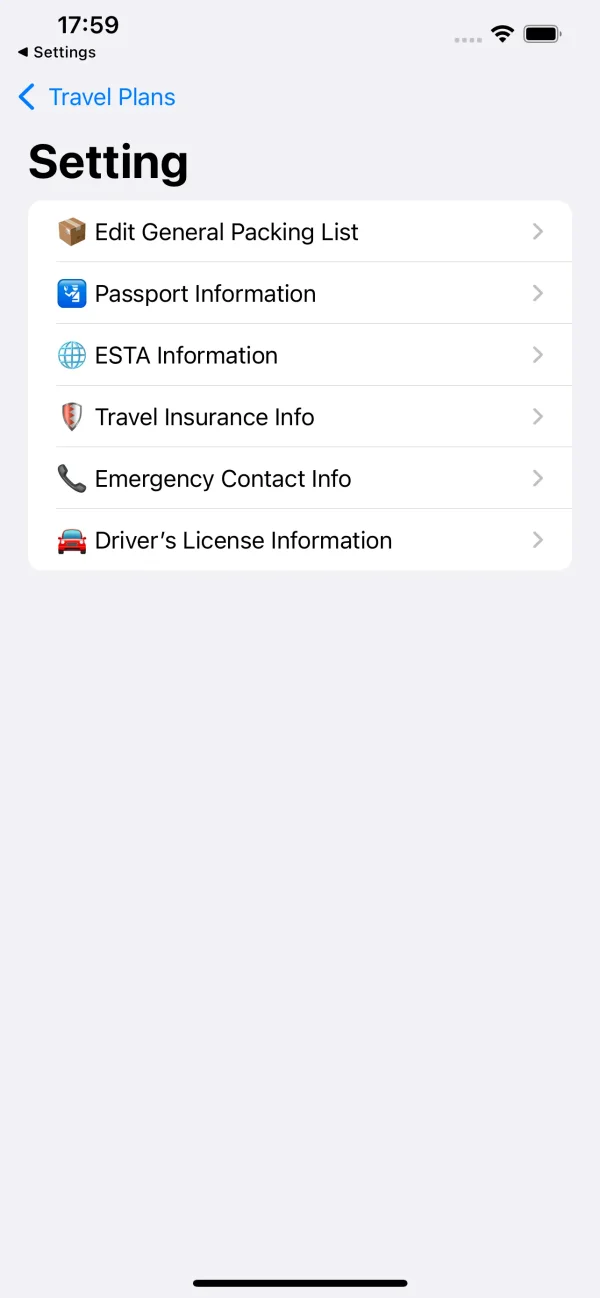
When you open the app, tap the gear icon in the top right to set up the information you need for overseas travel.
In particular, registering your driver’s license details in English is useful. In countries like Hawaii, where you can drive with just a Japanese license, you’ll be able to smoothly present the required license information to rental car companies.
You can also edit the default packing list to create your own personalized packing checklist.
Every time you create a new travel plan, this list will be automatically copied, making it very convenient.
Adding a Travel Plan:
Tap the plus button on the home screen to create a new travel plan.
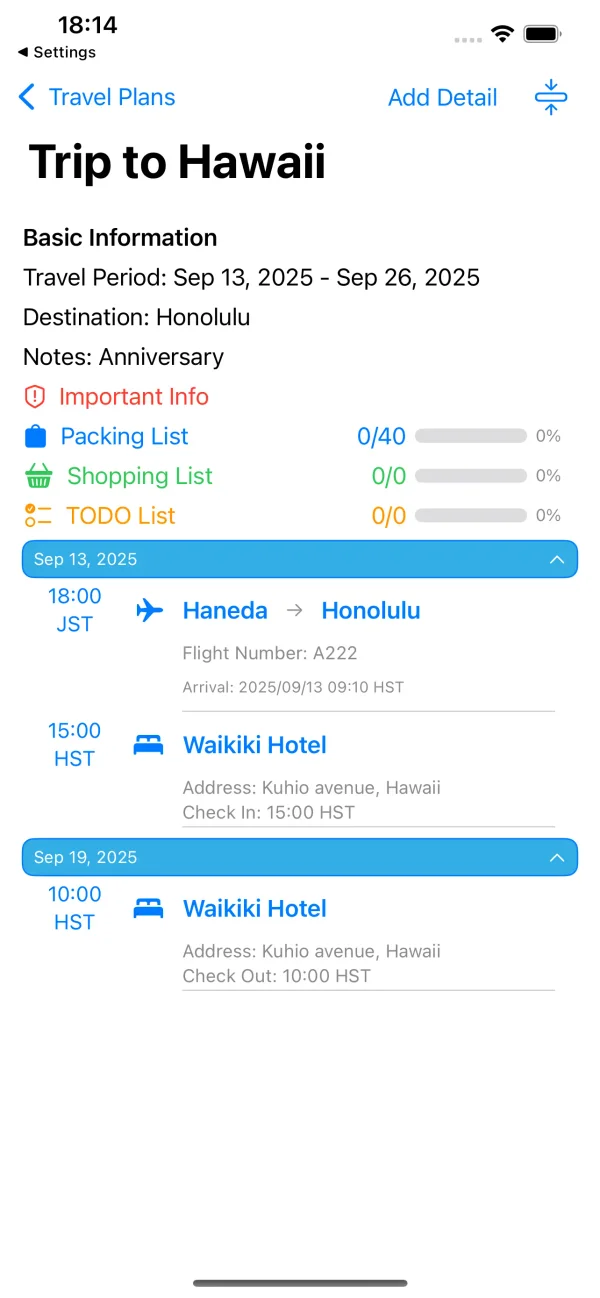
Each plan gives you access to essential information, packing list, shopping list, and TODO list, with progress tracking available for each.
You can also edit the packing list to tailor it to your trip (e.g., adding snorkeling gear).
Adding Detailed Plans:
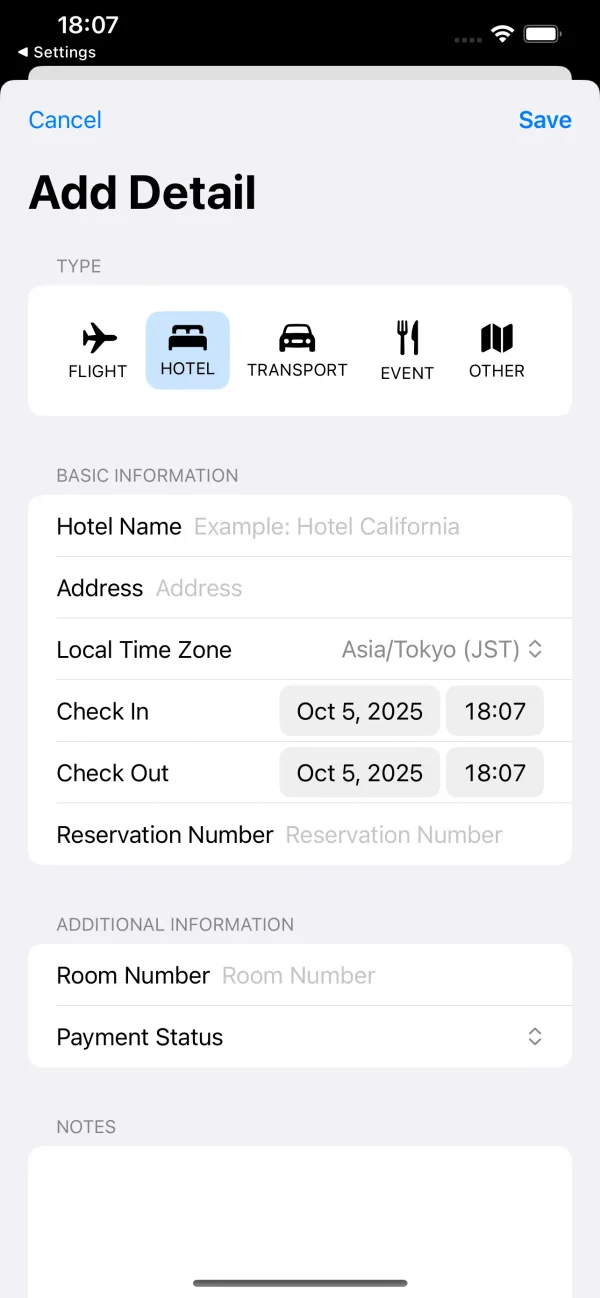
Open your travel plan and tap the “Add Detail” button in the top right to register flights, hotels, activities, and more.
Time zones are automatically set based on the location name, but you can adjust them manually if incorrect.
By setting the correct time zone, your itinerary will always display at the right local time.
Viewing Your Travel Plan:
Travel plans are folded by day, and on the actual day, that day’s schedule will automatically expand.
If you want to see all schedules at once, press the “Expand” button in the top right.
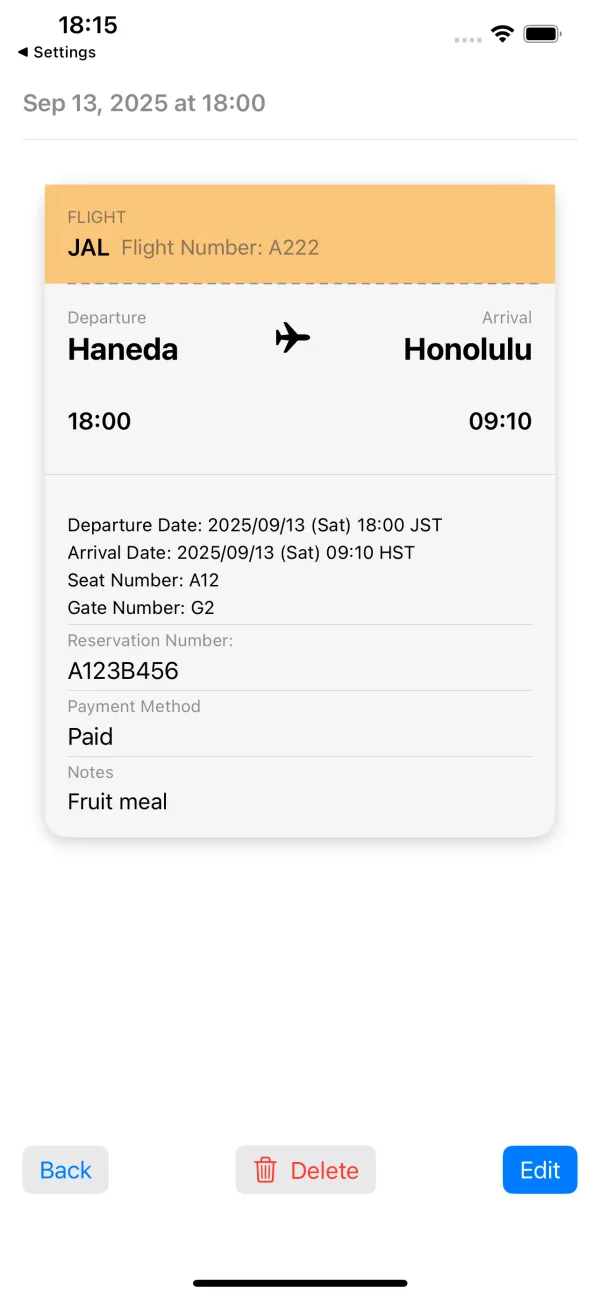
Tap each detail to see it displayed in an easy-to-read card format, and swipe to move to the next schedule.
Links or phone numbers entered in the notes field can be tapped to open a browser or make a call directly.
By simply filling in your travel plan, the excitement for your trip will build.
Now all that’s left is to enjoy your journey to the fullest.
Have a great trip! Bon Voyage!
What’s new
Version 1.0.2 · Dec 12, 2025
Add English Explanation.
App privacy
What GOICHI NAGATANI declares on the App Store about how this app handles data.
-
Data not collected
The developer does not collect any data from this app.
Privacy practices may vary, for example with the features you use or your age.
Information
- Seller
- GOICHI NAGATANI
- Category
- Travel
- Version
- 1.0.2
- Updated
- Dec 12, 2025
- Released
- Oct 3, 2025
- Size
- 5.2 MB
- Requires
- iOS 18.5 or later
- Age rating
- 17+
- Languages
- Japanese, English
- Copyright
- © 2025 NeuroCyber Tech
You might also like
-
 GoTravelAI: Plan a TripPhoto-first AI trip plans
-
 TripTuneSmart Travel, Money Management
-
 たびのしおり - 旅行計画アプリTravel
-
 TAVIWA 旅行のしおり・計画を簡単綺麗に作成できるアプリTravel
-
 タビナリー | あなただけの旅手帳Travel
-
 AllTheStreetEasy way to find Korea
-
 旅のアプリ inkline.jp | 一人旅もグループ旅行もTravel
-
 たびごえ - みんなで作る旅のしおりTravel
-
 旅マネ - 旅行計画と旅費管理Travel
-
 Tabiji - Plan trips with easePlan and share your trips