
WabiTime
Know where the hours went
Designed for iPhone, iPad, Mac
Free · In-app purchases
- Age rating4+
- CategoryProductivity
- DeveloperJoseph Slomowitz
- LanguagesEnglish+ 10 more
- Size19.0 MB
Links to the official App Store page
Download.org hosts no file of WabiTime. The button opens its official App Store page, published by Joseph Slomowitz. Listing last checked on Nov 23, 2026.
Screenshots

About
Know where the hours went.
WabiTime is a quiet timer for days split between subjects, clients or projects. Name what you're working on, start the timer, and WabiTime keeps the record.
START WITH ONE TAP
Type a task into quick start and the timer runs. Projects are optional. File a task when you're ready, or leave it on its own.
THREE WAYS TO TIME
• Countdown, for a fixed block of work
• Stopwatch, for work that runs as long as it runs
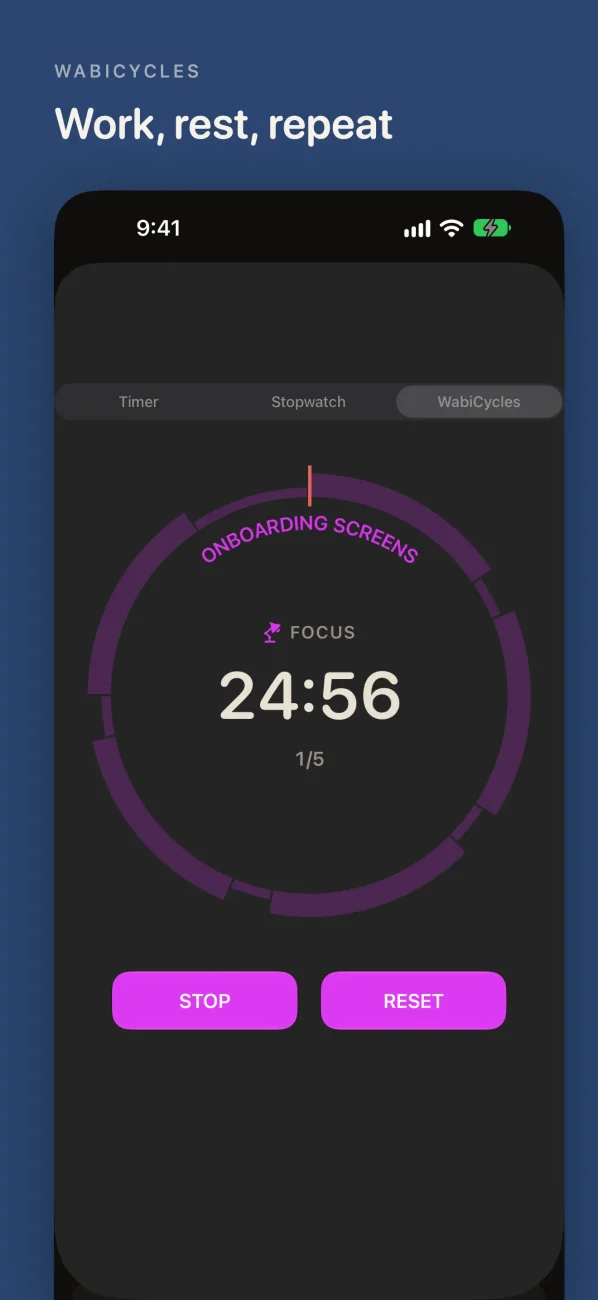
• WabiCycles, alternating work and rest, with the whole session laid out around the ring
SEE WHERE THE TIME WENT
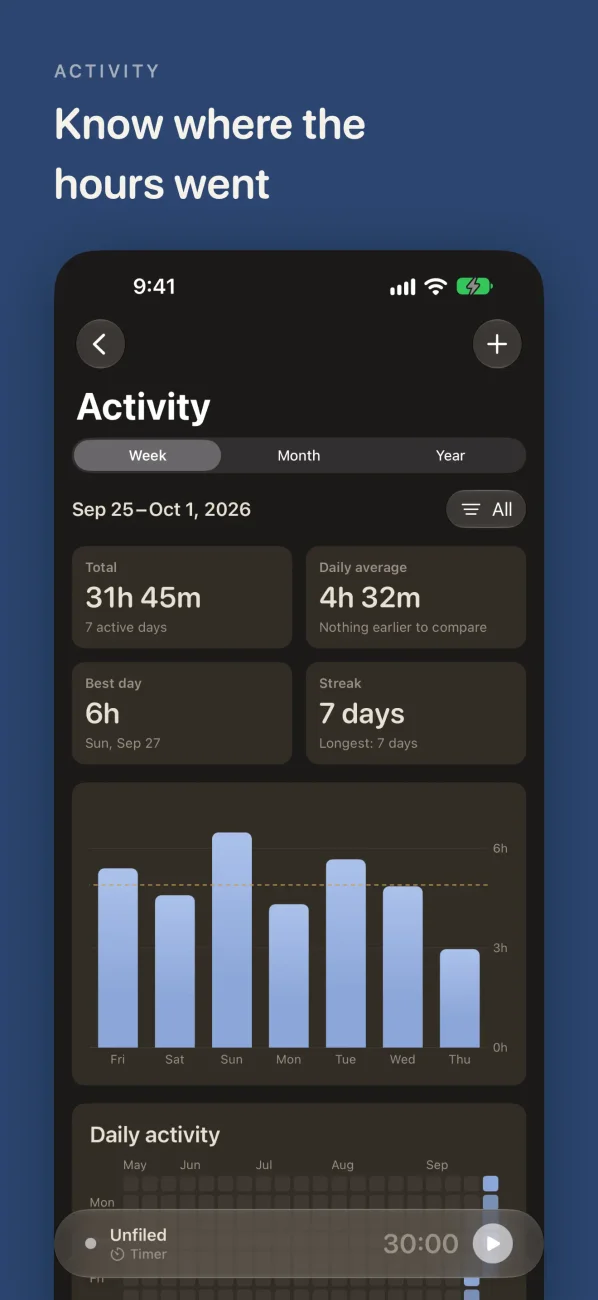
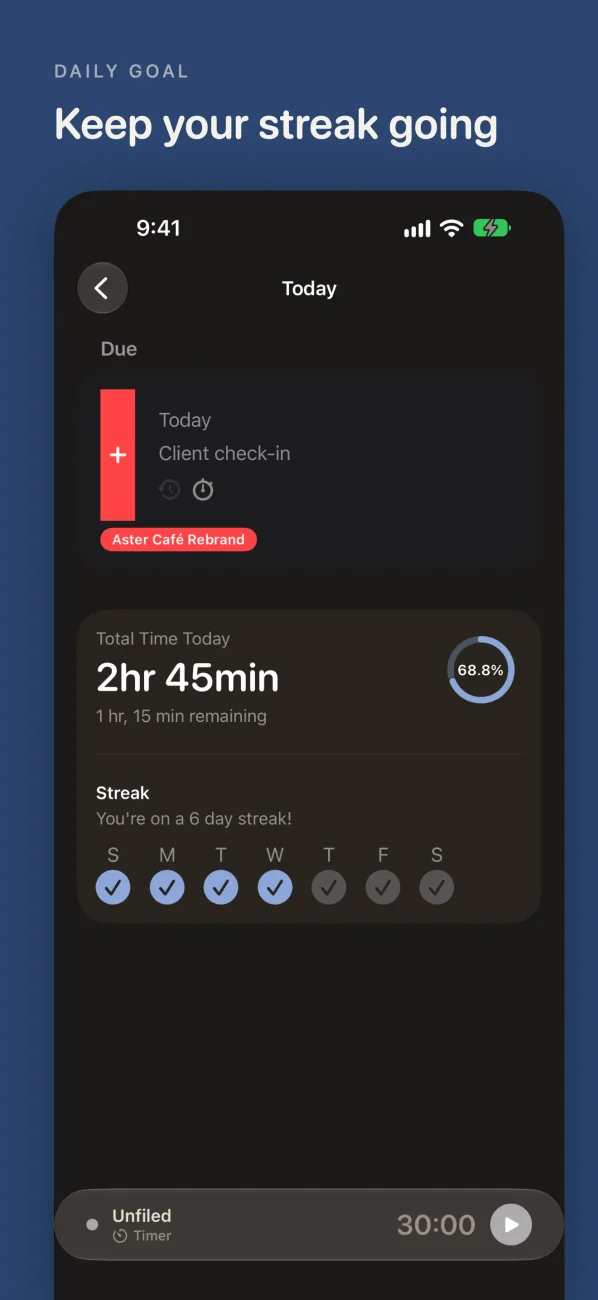
Activity shows your history on a scrolling timeline, with totals for the week, month and year. Set a daily goal and watch it fill.
ON iPHONE AND iPAD
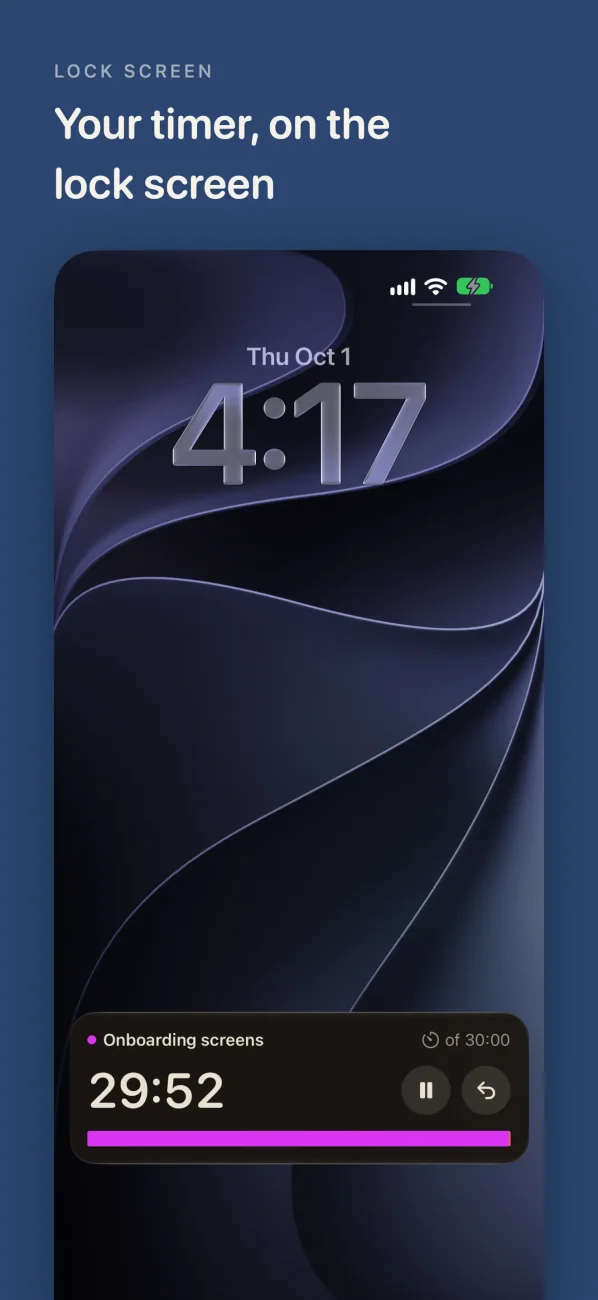
• A Live Activity and Dynamic Island for every timer mode
• Today and Quick Start widgets
• Start a task's timer with Siri and Shortcuts
• Strict mode: lay your phone face down to start, and pick it up to stop
• A full iPad layout with a sidebar, keyboard and pointer support
WABITIME PLUS
The timers, daily goals and your overall activity are free and always will be, along with one project and two tasks. WabiTime Plus adds:
• Unlimited projects and tasks
• Templates for work you repeat
• Activity broken down by project
• iCloud sync across iPhone, iPad and Mac
Every feature in WabiTime started as someone's suggestion, so tell us what you'd like next.
Made in Australia.
Terms of Use: https://www.wabitime.com/terms-of-use
What’s new
Version 4.0.2 · Nov 8, 2026
• A new streak celebration when you hit a daily goal milestone.
• Bug fixes and improvements.
App privacy
What Joseph Slomowitz declares on the App Store about how this app handles data.
-
Data not linked to you
May be collected but is not linked to your identity.
- Usage data
- Diagnostics
Privacy practices may vary, for example with the features you use or your age.
Information
- Seller
- Joseph Slomowitz
- Category
- Productivity
- Version
- 4.0.2
- Updated
- Nov 8, 2026
- Released
- Mar 6, 2018
- Size
- 19.0 MB
- Requires
- iOS 26.0 or later
- Age rating
- 4+
- Price
- Free
- In-app purchases
- Yes
- Languages
- English, Dutch, French, German, Italian, Japanese, Korean, Portuguese, Russian, Simplified Chinese, Spanish
- Copyright
- © 2026, Joseph Slomowitz
You might also like
-
 Focora: Daily PlannerPomodoro Timer & To Do List
-
 MeetCost – Meeting TimerTrack Meeting Costs Live
-
 blitzTime – 時間ログProductivity
-
 Meeting Cost: Live TickerLive Salary Ticker per Minute
-
 Focus Craft: ポモドーロ集中タイマーProductivity
-
 Pomodoro Focus Timer: PomTimerStudy & Work Hours Tracker
-
 Kickstart:AI Action PlannerBeat ADHD & Procrastination
-
 TT NetworkProductivity
-
 Versatile Notes ProSave notes,data and passwords.
-
 bubbly: Your brain dumping appBrain Dump to Lock Screen