
- Age rating4+
- CategoryGraphics & Design
- Developerkenta isomi
- LanguagesEnglish+ 8 more
- Size7.4 MB
Links to the official App Store page
Download.org hosts no file of Glyphiz. The button opens its official App Store page, published by kenta isomi. Listing last checked on Nov 20, 2026.
Screenshots

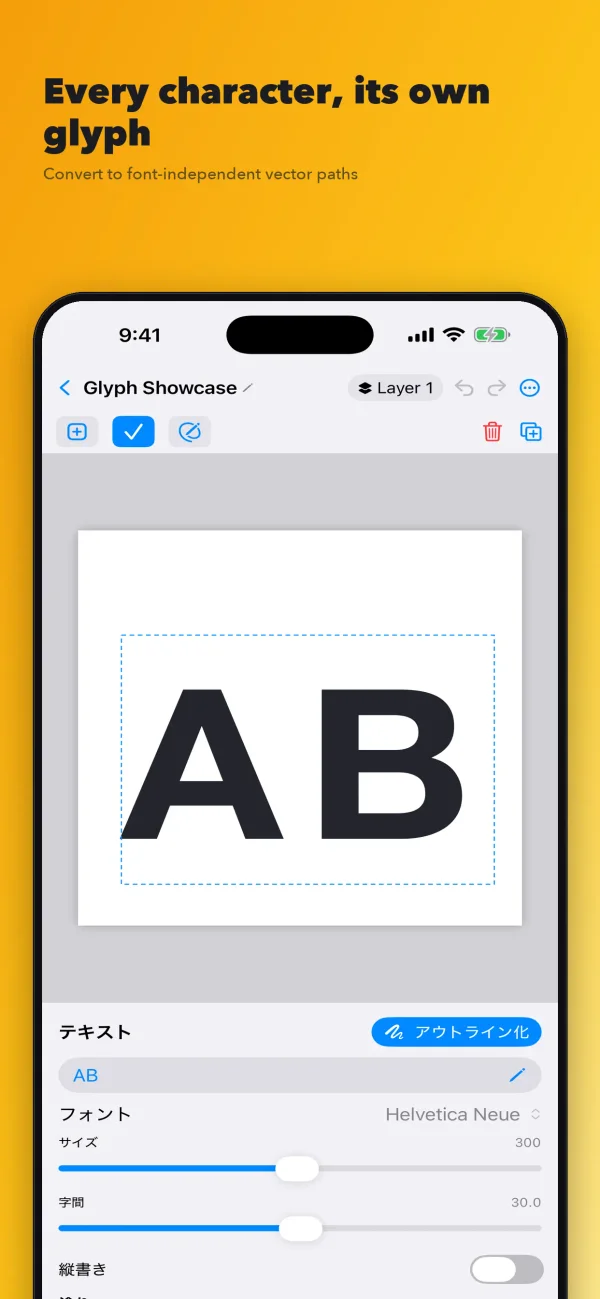

About
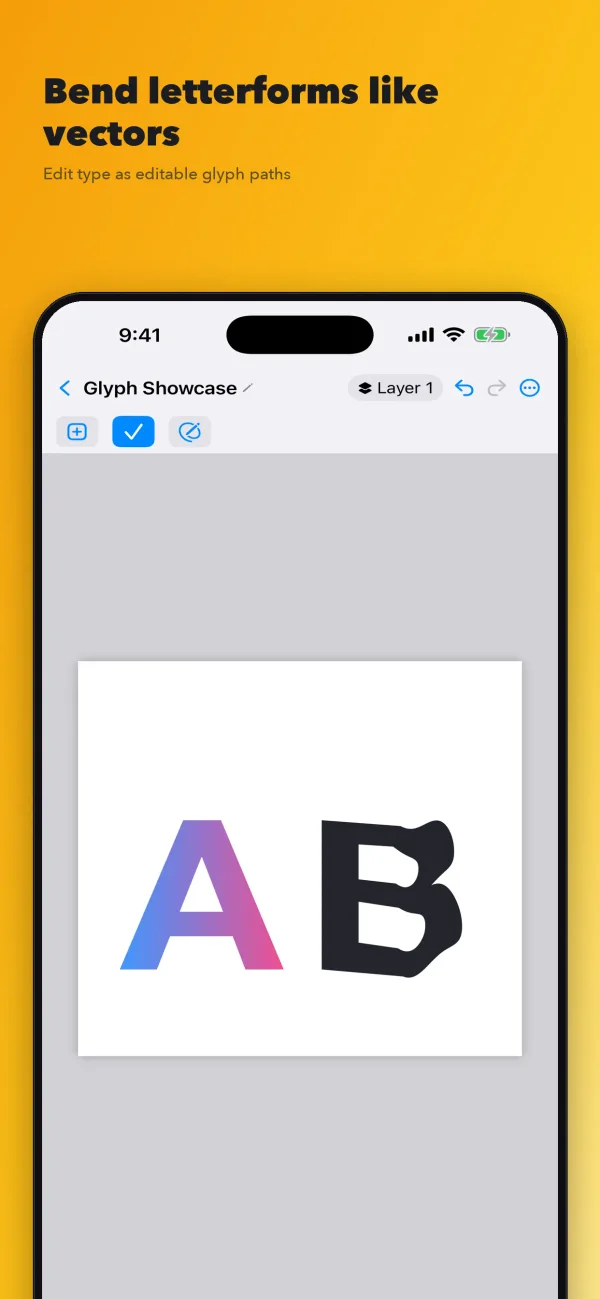
Glyphiz is a glyph editor for iPhone and iPad that treats the text you type as individual glyphs and lets you edit and deform the font outlines as vector paths. Beyond ordinary text entry, converting letters to outlines turns the letterforms themselves into free-form vector objects. It's built for design work where the shape of the type is the point — logos, headlines, posters, and title art for social media.
■ Text and Glyph, kept separate
Every character in a string is managed as its own object. Adjust font, size, tracking and vertical writing, then convert to outlines to get vector "Glyphs." From that point on the artwork no longer depends on the original font — it is rebuilt from the stored paths.
■ Edit Bézier paths directly
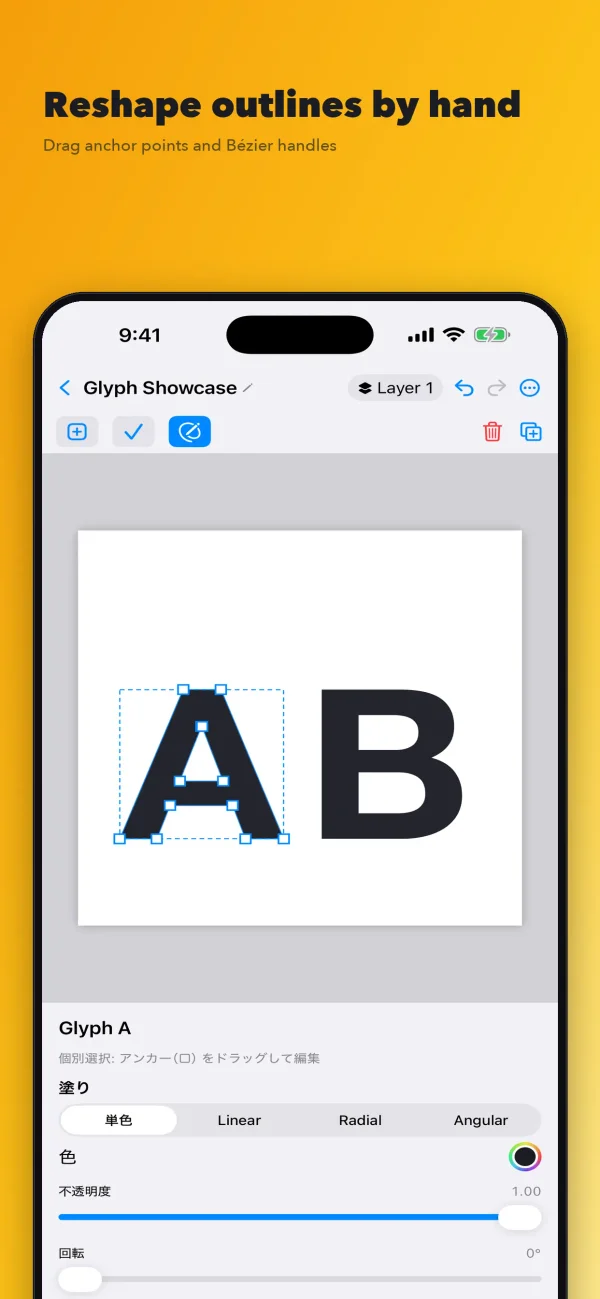
Drag anchor points and control handles to reshape a letter's outline. Add and remove anchors, and marquee-select a run of anchors to move them together.
■ Non-destructive deforms
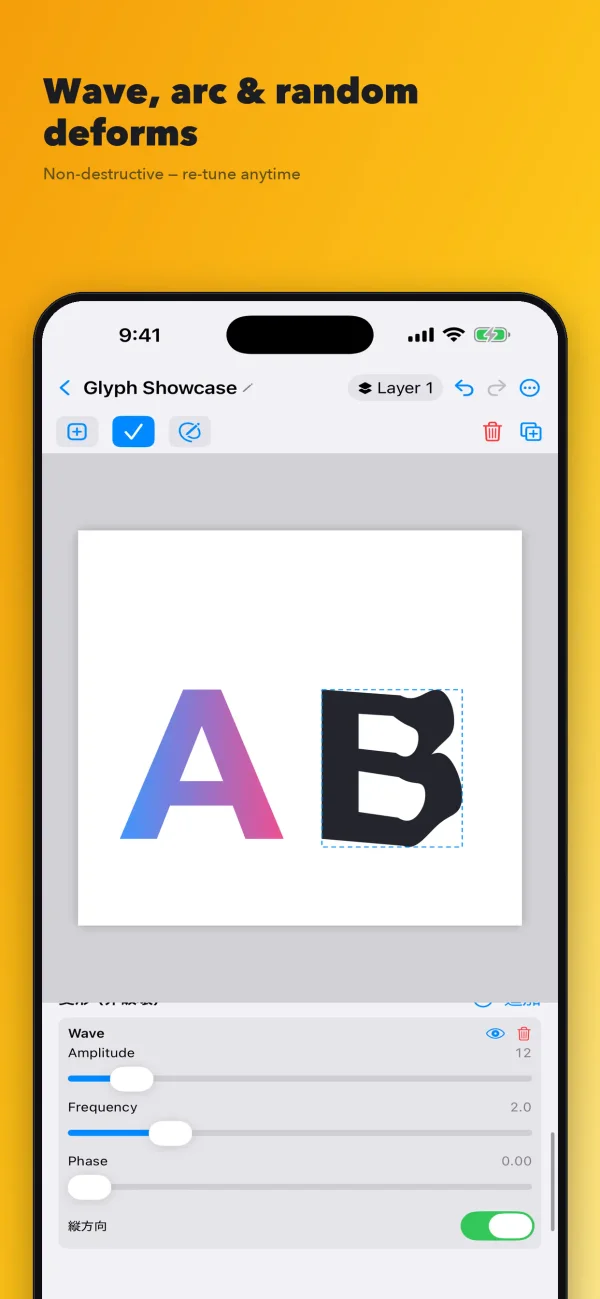
Wave, Arc and Random deforms are stored as parameters you can re-tune at any time. Random keeps its seed, so reopening a project reproduces exactly the same result. Move, scale, rotate and angle are non-destructive too.
■ Layers, canvas, background
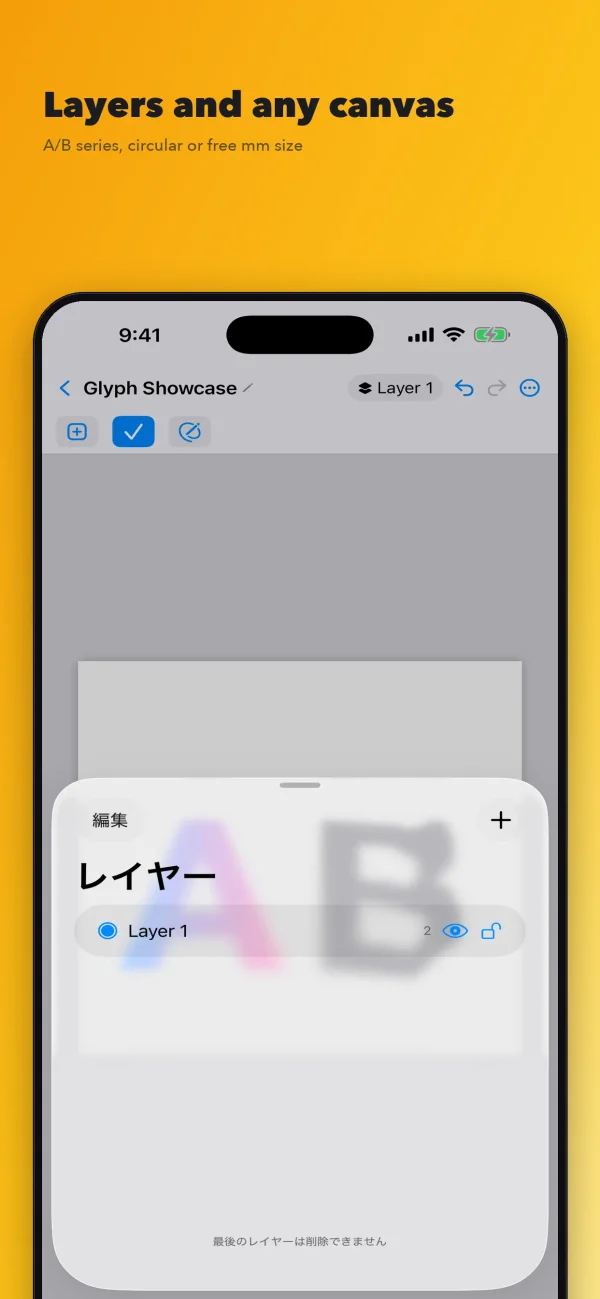
Add, delete, duplicate, reorder, show/hide and lock layers. Canvas presets cover A0–A7, B0–B7, circular, and a free size in millimetres. Backgrounds can be transparent, solid, gradient or image; transparent shows a checkerboard in the editor and exports as genuinely transparent PNG.
■ Color
Solid fills plus Linear, Radial and Angular gradients, with editable colors, positions and angle.
■ Placing images
Import a photo from your library and place it on the canvas. Move, scale and rotate it (Glyphiz does not edit the image itself — no color correction, cropping, and so on).
■ Export
- PNG (1x / 2x / 3x, transparency supported)
- JPG (1x / 2x / 3x)
- Vector PDF (glyphs are exported as paths, not rasterized — ideal for high-resolution print)
Projects are saved on device in the app's own ".glyphiz" format (JSON-based) and stay fully re-editable.
■ Gestures
One-finger drag to select and move, two-finger drag to pan the canvas, pinch to zoom, two-finger rotate to rotate, tap to select, long-press for a context menu. Undo / Redo included.
■ Privacy
No sign-in, no account. All project data is stored on your device and is never sent to an external server. The core editing features work offline.
Note: this app displays ads.
What’s new
Version 1.0.5 · Oct 9, 2026
・Redesigned the text editing menu for better readability
・Other minor fixes
App privacy
What kenta isomi declares on the App Store about how this app handles data.
-
Data used to track you
May be used to track you across apps and websites owned by other companies.
- Diagnostics
-
Data not linked to you
May be collected but is not linked to your identity.
- Diagnostics
Privacy practices may vary, for example with the features you use or your age.
Information
- Seller
- kenta isomi
- Category
- Graphics & Design
- Version
- 1.0.5
- Updated
- Oct 9, 2026
- Released
- Sep 7, 2026
- Size
- 7.4 MB
- Requires
- iOS 17.0 or later
- Age rating
- 4+
- Price
- Free
- Languages
- English, French, German, Italian, Japanese, Korean, Simplified Chinese, Spanish, Traditional Chinese
- Copyright
- © kenta.isomi
You might also like
-
 Letter LabsCreate your own font
-
 Affont Pocket: Font MakerDraw letters, make real fonts
-
 HandLetter: Font & Card MakerHandwriting, Mail Merge, Print
-
 DearscriptTurn handwriting into fonts
-
 LayerPocketOffline PSD Layer Editor
-
 Megalith: Text Poster MakerQuotes, lyrics & bold type
-
Affont for iPad: Font MakerDraw letters, make real fonts
-
 Font Studio: Font EngineerCreate, Edit & Engineer Fonts
-
 GlyphSnap AI: Photo to FontDraw letters. Generate fonts.
-
 JaMo - Font Design ToolCreate fonts that express you