
- Age rating4+
- CategoryUtilities
- DeveloperWaratah NZ Ltd
- LanguagesEnglish+ 23 more
- Size34.5 MB
Links to the official App Store page
Download.org hosts no file of WaratahMate. The button opens its official App Store page, published by Waratah NZ Ltd. Listing last checked on Nov 15, 2026.
Screenshots


About
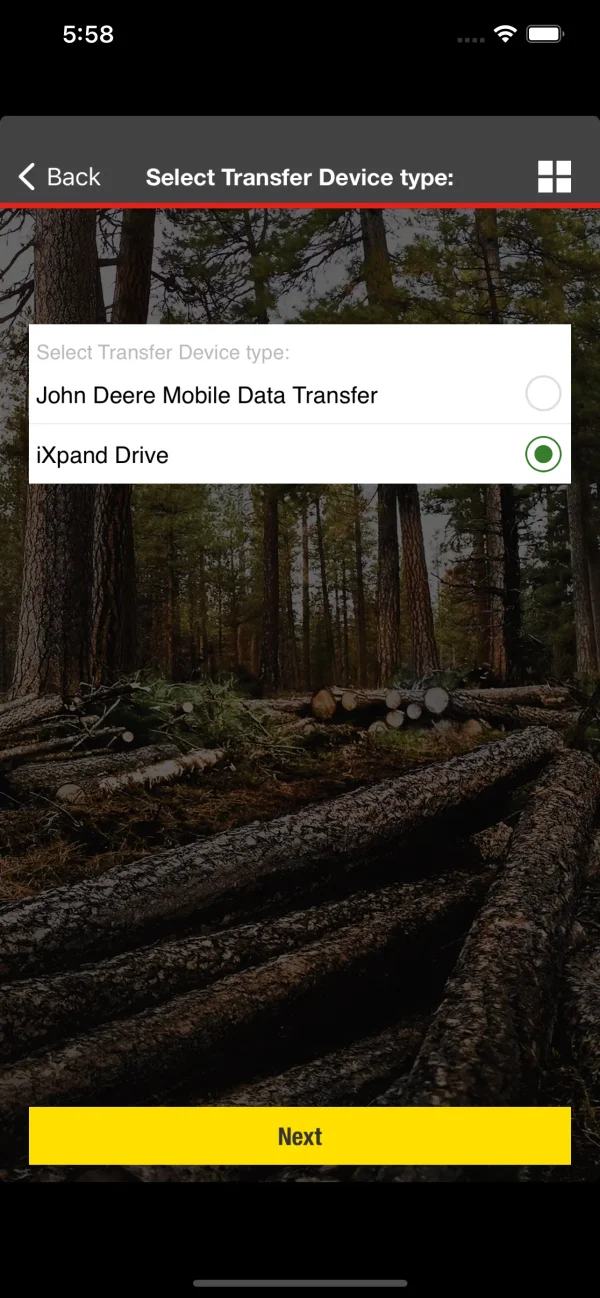
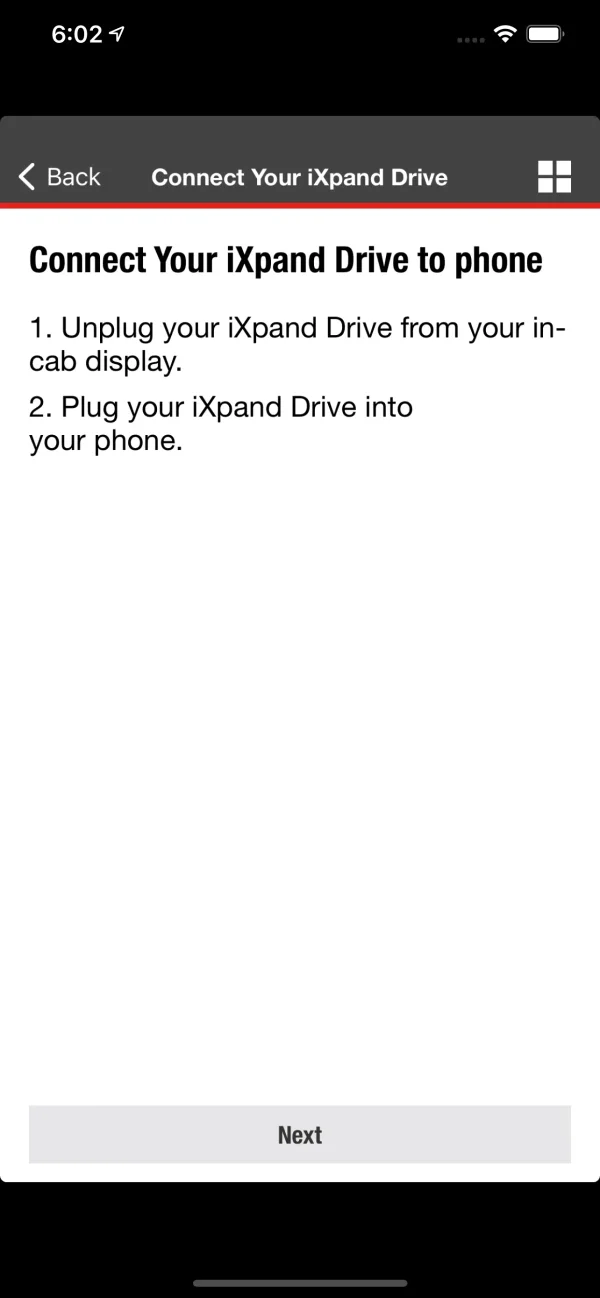
“WaratahMate 2.0 builds on the success of the WaratahMate platform by enabling data transfer from your mobile device to the Waratah MDT device or to SanDisk iXpand drive.
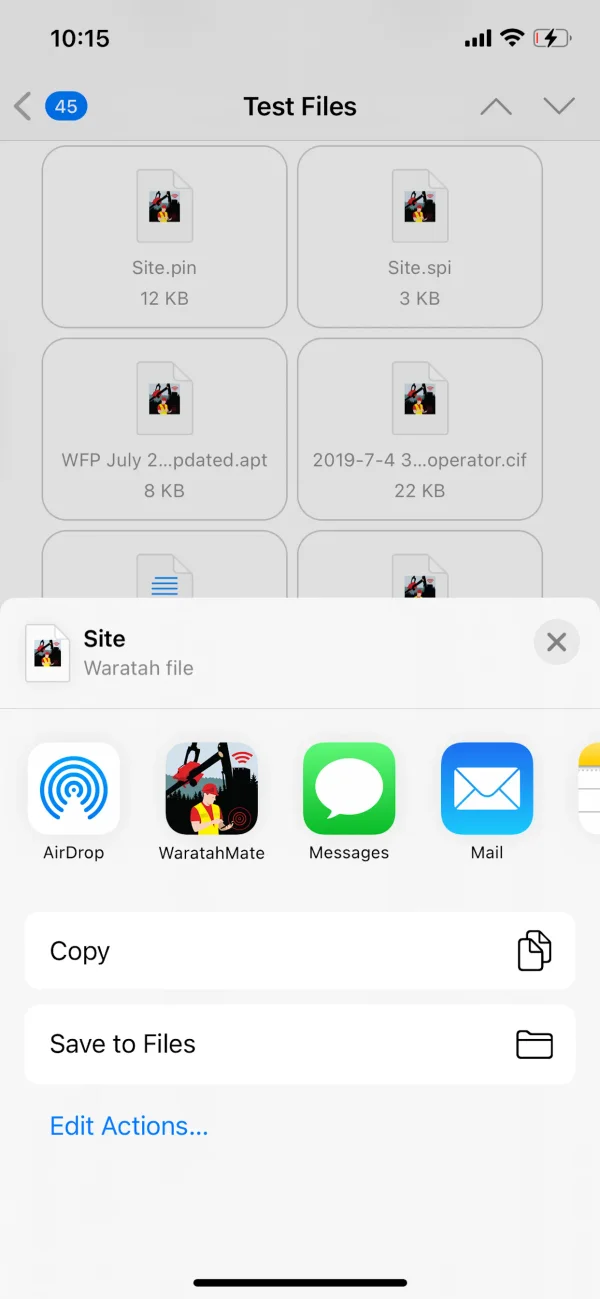
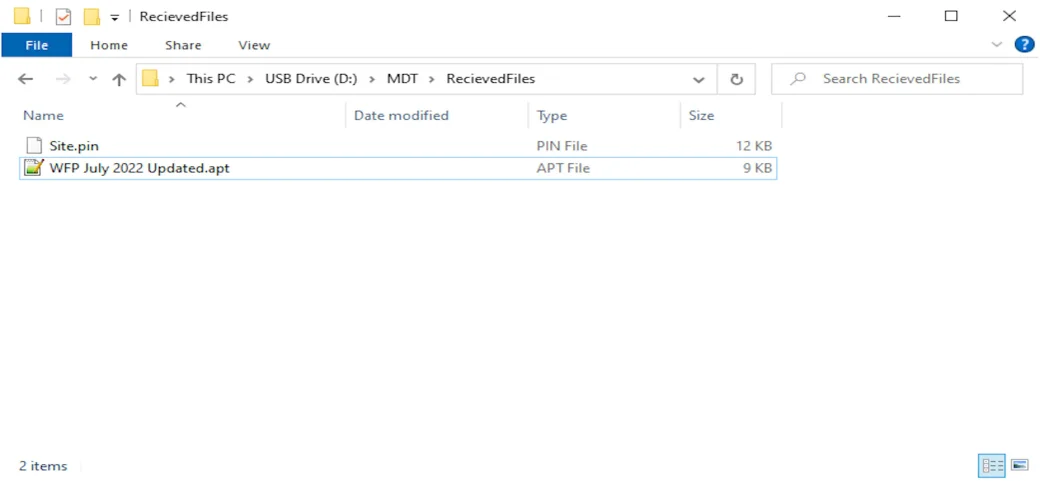
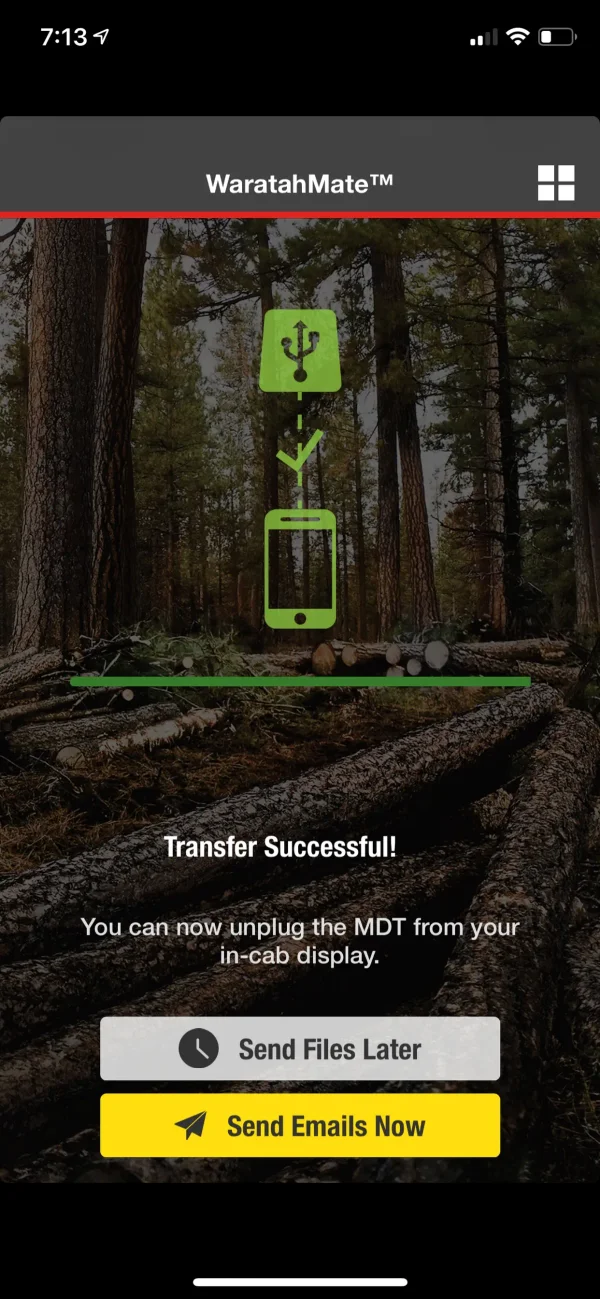
To send a file from your mobile device, simply tap on the file and select to share it with WaratahMate. If you are connected to the MDT via wifi or have a compatible USB drive attached to your device, the file will transfer automatically. Once transfer is complete, simply insert the USB drive into your PC (or unplug and reinsert the MDT) and open the files from the drive location (D:\MDT\ReceivedFiles\)
WaratahMate is compatible with all files associated with TimberRite 30H, 30L, TimberRite H16 and mapping files.”
The new WaratahMate™ iPhone app from Waratah, makes it faster, easier, and more reliable than ever to get data sent to your forest company without delay.
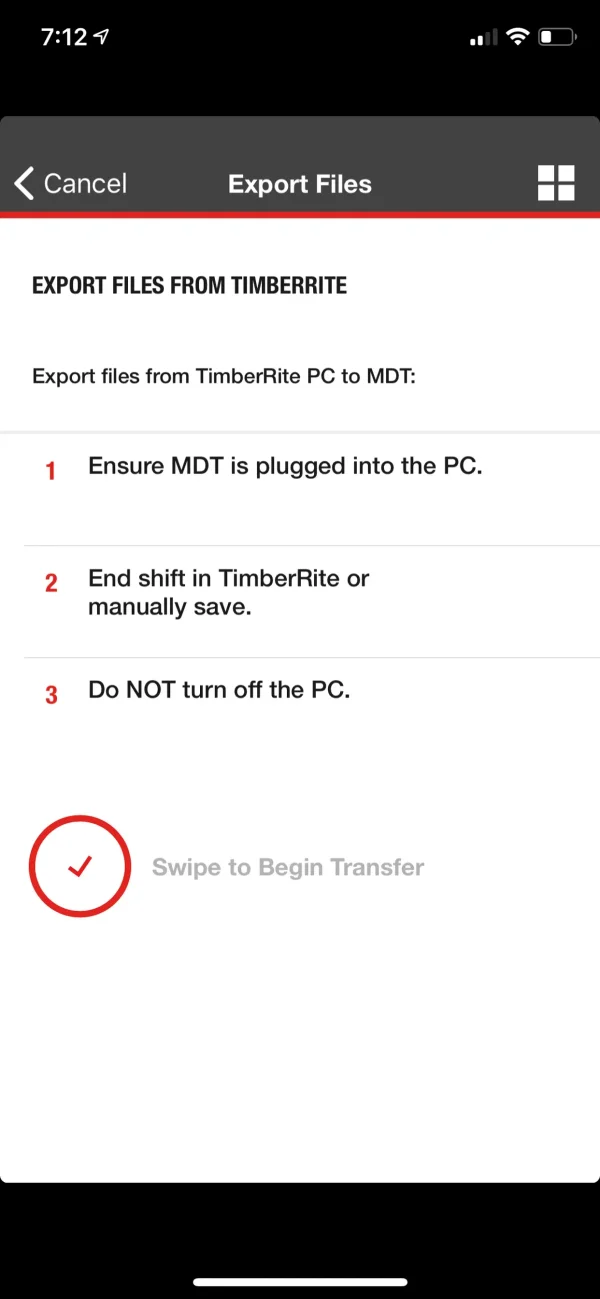
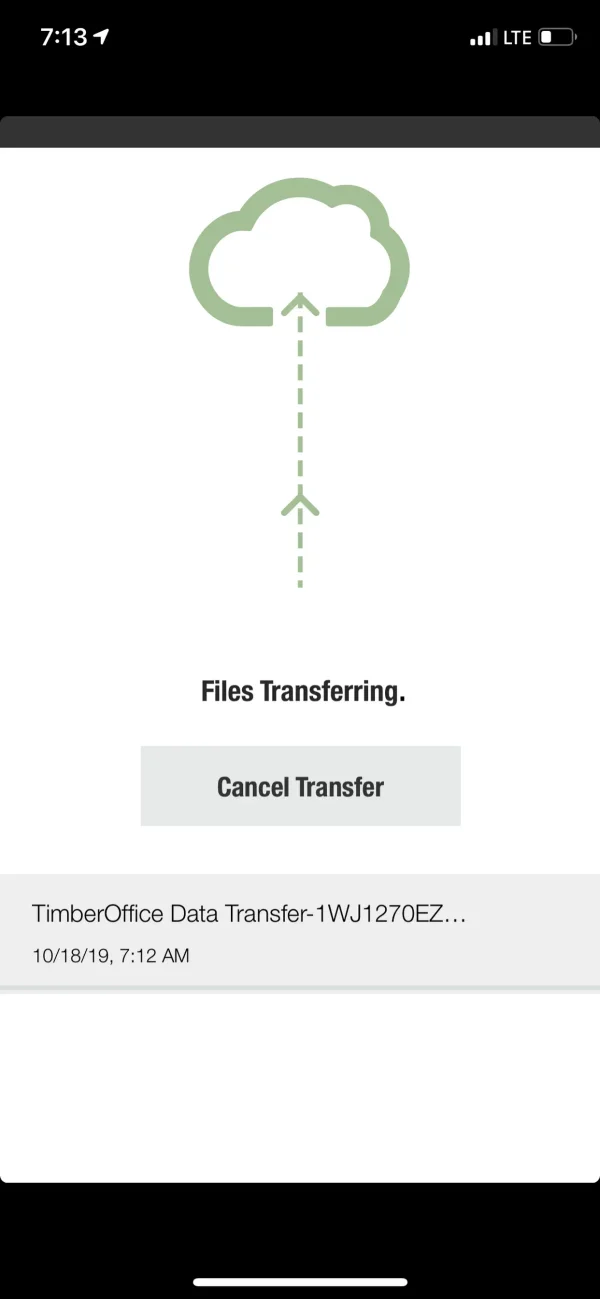
Developed exclusively for Waratah customers, the WaratahMate app transfers data directly from the TimberRite™ measuring and control system via WiFi to your phone. The app then reliably sends the data files through the cellular network to assigned email servers.
This new time-saving app from Waratah reduces regular work interruption to manually access, extract, and transfer vital production data and other files, reducing data gaps, omissions, and transfer errors.
APP FEATURES:
• One touch data transfer
• Unique Mobile Data Transfer Naming
ADDITIONAL FEATURES:
Developed exclusively for Waratah customers, it simplifies transfer of measuring system data, such as:
• Production files
• Cutting lists
• Calibration files
• Machine settings
Setup at a glance:
USER PROFILE:
Detailed information can be entered as to the contractor/operator name
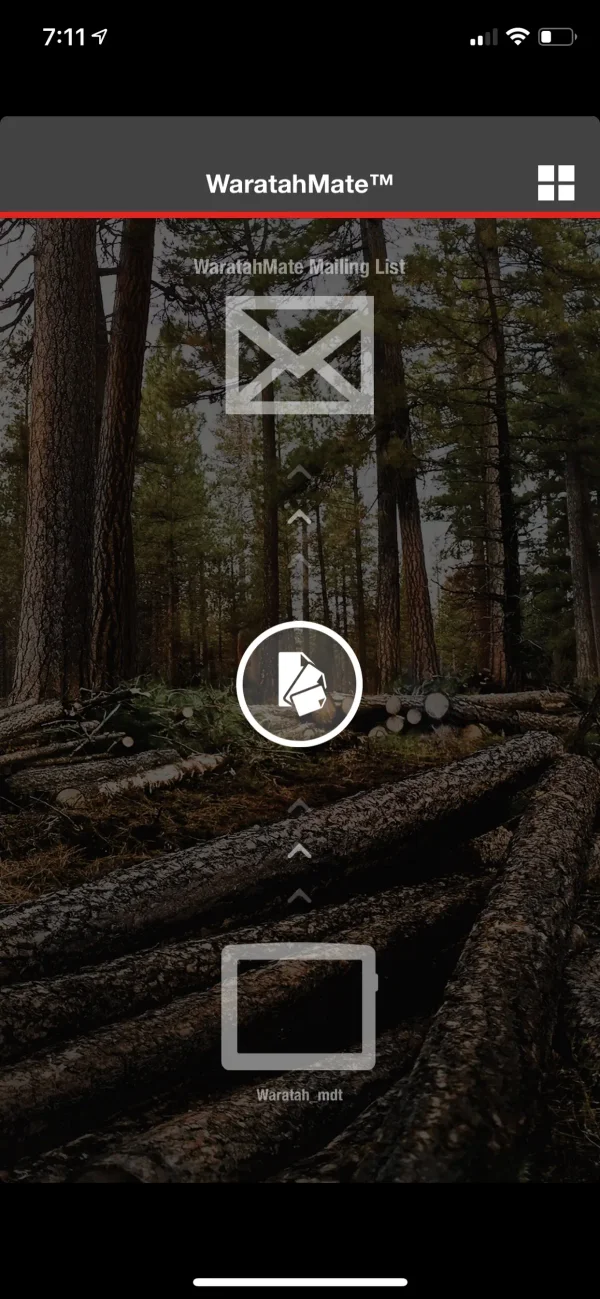
MAILING LIST:
Send selectable StanForD supported file types to up to ten user-assigned email receiver accounts
CONNECTION SETTINGS:
Upload Automatically:
Rather than continuously searching for network connection, the app waits until the device has moved out from the forest sites using background location services. It will then complete the upload process when internet connection becomes available.
Please enable location services to use the automatic upload mode. Otherwise, you can manually send the files by swiping up in the home screen.
Wi-Fi Only:
You can restrict the upload to Wi-Fi Only if you do not wish to upload over cellular network.
NAME YOUR MDT:
Multiple machines? Name and connect to a unique Mobile Data Transfer dongle (MDT) for transferring files
WaratahMate is designed to work with TimberRite versions 3.1.1 (H) or 1.8.8 (L) or higher and requires a WaratahMate Mobile Data Transfer (MDT) dongle, available from your local Waratah dealer.
Note:
Continued use of GPS running in the background can dramatically decrease battery life.
What’s new
Version 2.3.1 · Oct 9, 2026
Bug fixes
App privacy
What Waratah NZ Ltd declares on the App Store about how this app handles data.
-
Data not collected
The developer does not collect any data from this app.
Privacy practices may vary, for example with the features you use or your age.
Information
- Seller
- Waratah NZ Ltd
- Category
- Utilities
- Version
- 2.3.1
- Updated
- Oct 9, 2026
- Released
- Jan 30, 2016
- Size
- 34.5 MB
- Requires
- iOS 15.0 or later
- Age rating
- 4+
- Price
- Free
- Languages
- English, Bulgarian, Croatian, Czech, Danish, Dutch, Estonian, Finnish, French, German, Hungarian, Italian + 12 more
- Copyright
- © 2017 Waratah NZ Ltd
You might also like
-
 The Pit LogYour garage, in your pocket.
-
 United Construction & ForestryMyUNITED customer portal
-
 Christman Fuel ServiceUtilities
-
 TecnoGPSUtilities
-
 MarsAppReportReport
-
 Stealth Device Detector FindGlint Finder, Rf Scanner
-
 MicroforestForestry Business Application
-
 Wood & Tree ID - LasWoodIdentify any wood or tree fast
-
 Signal Finder 5gLocate Towers & Test 5G Speed
-
 HFpagerUtilities