
- 対象年齢4+
- カテゴリユーティリティ
- 開発元Waratah NZ Ltd
- 言語英語ほか23言語
- サイズ34.5 MB
WaratahMateは現在App Storeで入手できない可能性があります
前回の確認時、ストアのページにアクセスできませんでした。リンク先は引き続きApp Storeの公式ページです。
スクリーンショット




概要
開発元はこのテキストをお使いの言語で提供していません。
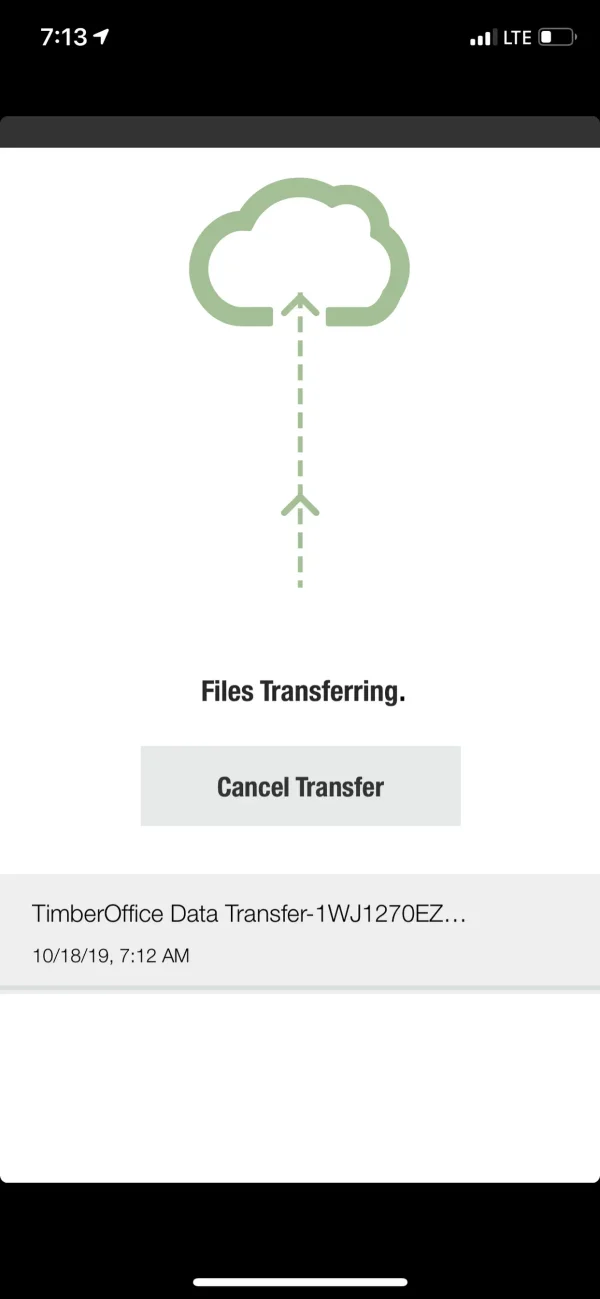
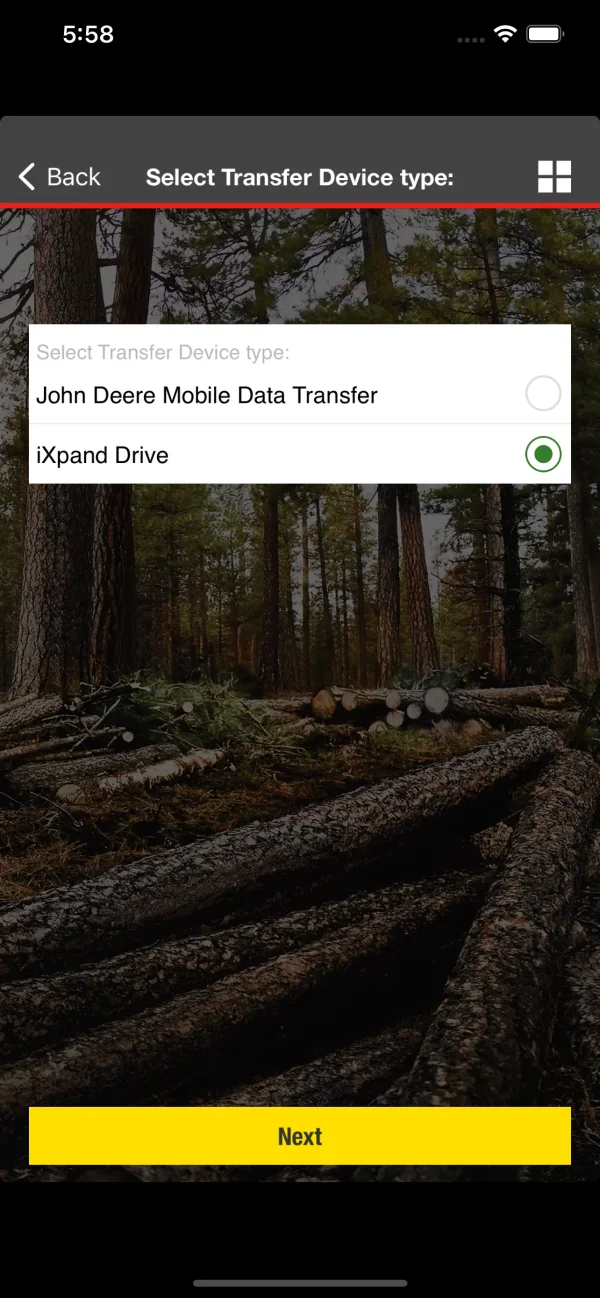
“WaratahMate 2.0 builds on the success of the WaratahMate platform by enabling data transfer from your mobile device to the Waratah MDT device or to SanDisk iXpand drive.
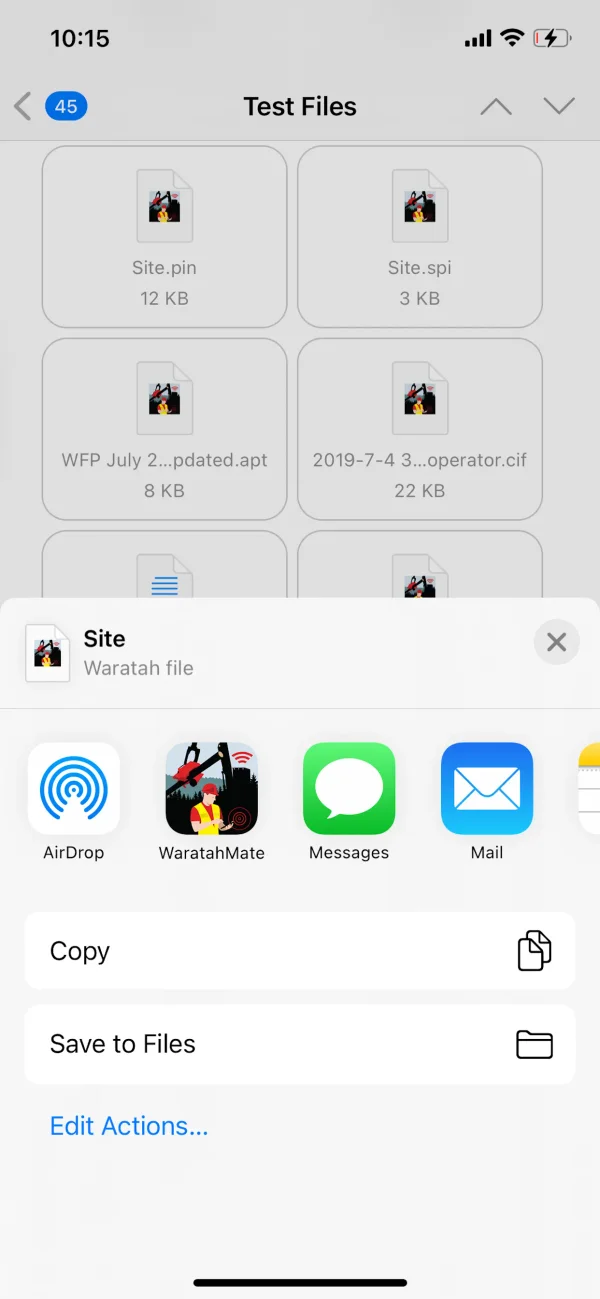
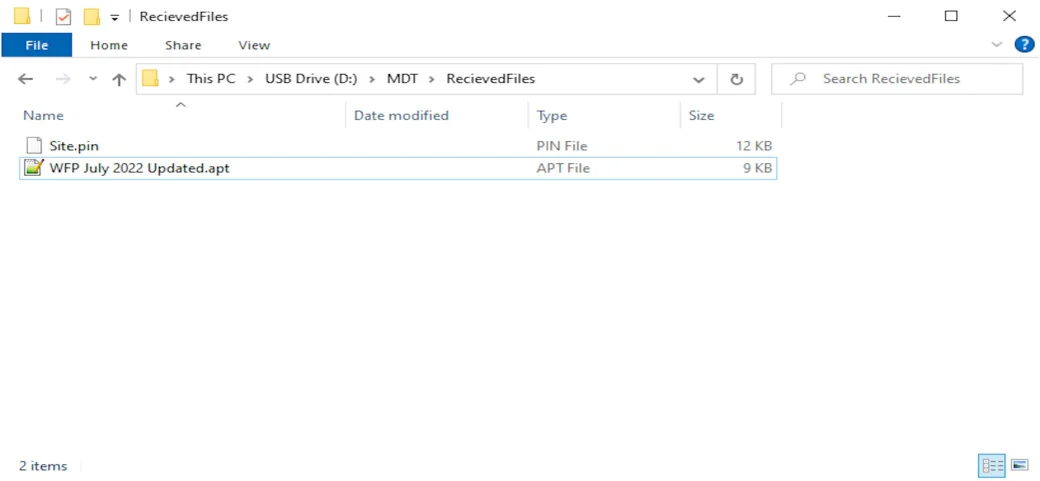
To send a file from your mobile device, simply tap on the file and select to share it with WaratahMate. If you are connected to the MDT via wifi or have a compatible USB drive attached to your device, the file will transfer automatically. Once transfer is complete, simply insert the USB drive into your PC (or unplug and reinsert the MDT) and open the files from the drive location (D:\MDT\ReceivedFiles\)
WaratahMate is compatible with all files associated with TimberRite 30H, 30L, TimberRite H16 and mapping files.”
The new WaratahMate™ iPhone app from Waratah, makes it faster, easier, and more reliable than ever to get data sent to your forest company without delay.
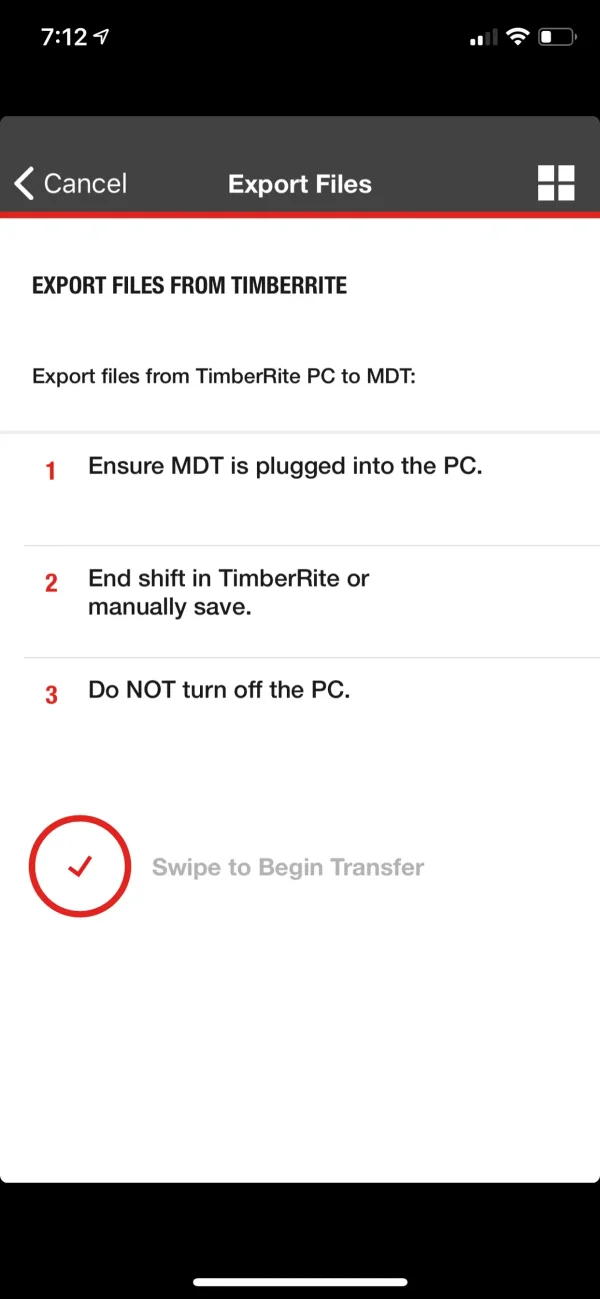
Developed exclusively for Waratah customers, the WaratahMate app transfers data directly from the TimberRite™ measuring and control system via WiFi to your phone. The app then reliably sends the data files through the cellular network to assigned email servers.
This new time-saving app from Waratah reduces regular work interruption to manually access, extract, and transfer vital production data and other files, reducing data gaps, omissions, and transfer errors.
APP FEATURES:
• One touch data transfer
• Unique Mobile Data Transfer Naming
ADDITIONAL FEATURES:
Developed exclusively for Waratah customers, it simplifies transfer of measuring system data, such as:
• Production files
• Cutting lists
• Calibration files
• Machine settings
Setup at a glance:
USER PROFILE:
Detailed information can be entered as to the contractor/operator name
MAILING LIST:
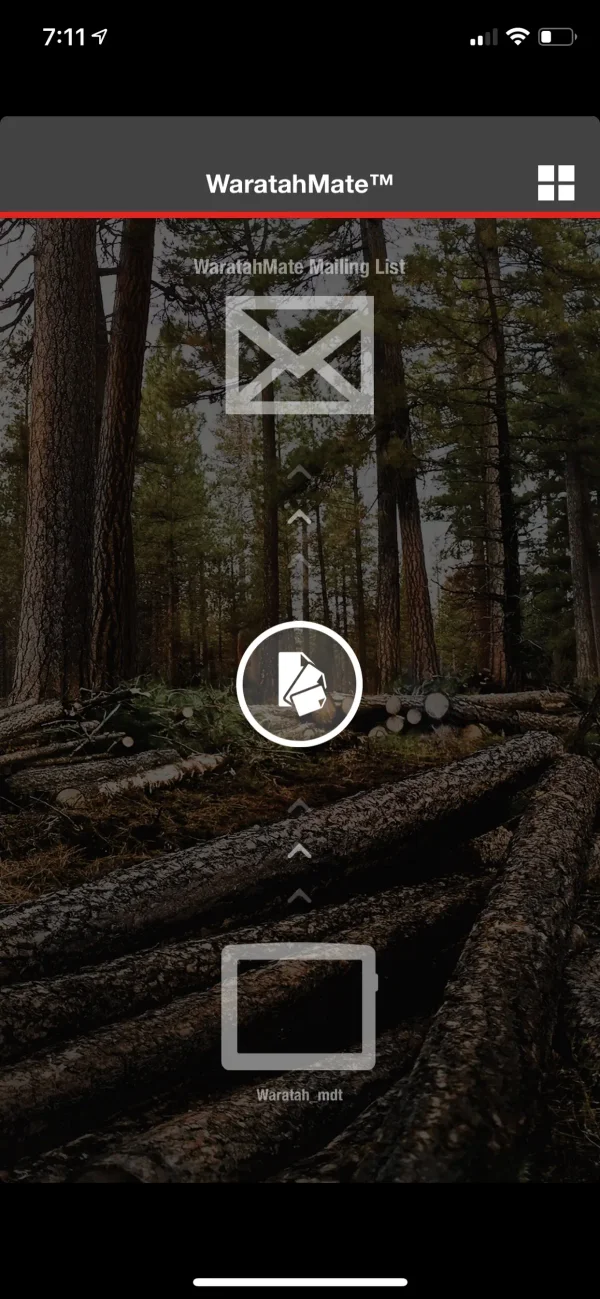
Send selectable StanForD supported file types to up to ten user-assigned email receiver accounts
CONNECTION SETTINGS:
Upload Automatically:
Rather than continuously searching for network connection, the app waits until the device has moved out from the forest sites using background location services. It will then complete the upload process when internet connection becomes available.
Please enable location services to use the automatic upload mode. Otherwise, you can manually send the files by swiping up in the home screen.
Wi-Fi Only:
You can restrict the upload to Wi-Fi Only if you do not wish to upload over cellular network.
NAME YOUR MDT:
Multiple machines? Name and connect to a unique Mobile Data Transfer dongle (MDT) for transferring files
WaratahMate is designed to work with TimberRite versions 3.1.1 (H) or 1.8.8 (L) or higher and requires a WaratahMate Mobile Data Transfer (MDT) dongle, available from your local Waratah dealer.
Note:
Continued use of GPS running in the background can dramatically decrease battery life.
新機能
バージョン 2.3.1 · 2026/10/9
Bug fixes
アプリのプライバシー
このアプリのデータの取り扱いについて、Waratah NZ LtdがApp Storeで申告している内容です。
-
データの収集なし
開発元はこのアプリからデータを収集しません。
プライバシーの取り扱いは、ご利用の機能やお客様の年齢などに応じて異なる場合があります。
情報
- 販売元
- Waratah NZ Ltd
- カテゴリ
- ユーティリティ
- バージョン
- 2.3.1
- 更新日
- 2026/10/9
- リリース
- 2016/1/30
- サイズ
- 34.5 MB
- 必要条件
- iOS 15.0以降
- 対象年齢
- 4+
- 言語
- 英語, ブルガリア語, クロアチア語, チェコ語, デンマーク語, オランダ語, エストニア語, フィンランド語, フランス語, ドイツ語, ハンガリー語, イタリア語 ほか12言語
- 著作権
- © 2017 Waratah NZ Ltd