- Age rating4+
- CategoryUtilities
- DeveloperTomoharu Iseki
- LanguagesEnglish+ 7 more
- Size15.1 MB
Links to the official App Store page
Download.org hosts no file of WebDAV Explorer. The button opens its official App Store page, published by Tomoharu Iseki. Listing last checked on Nov 23, 2026.
Screenshots


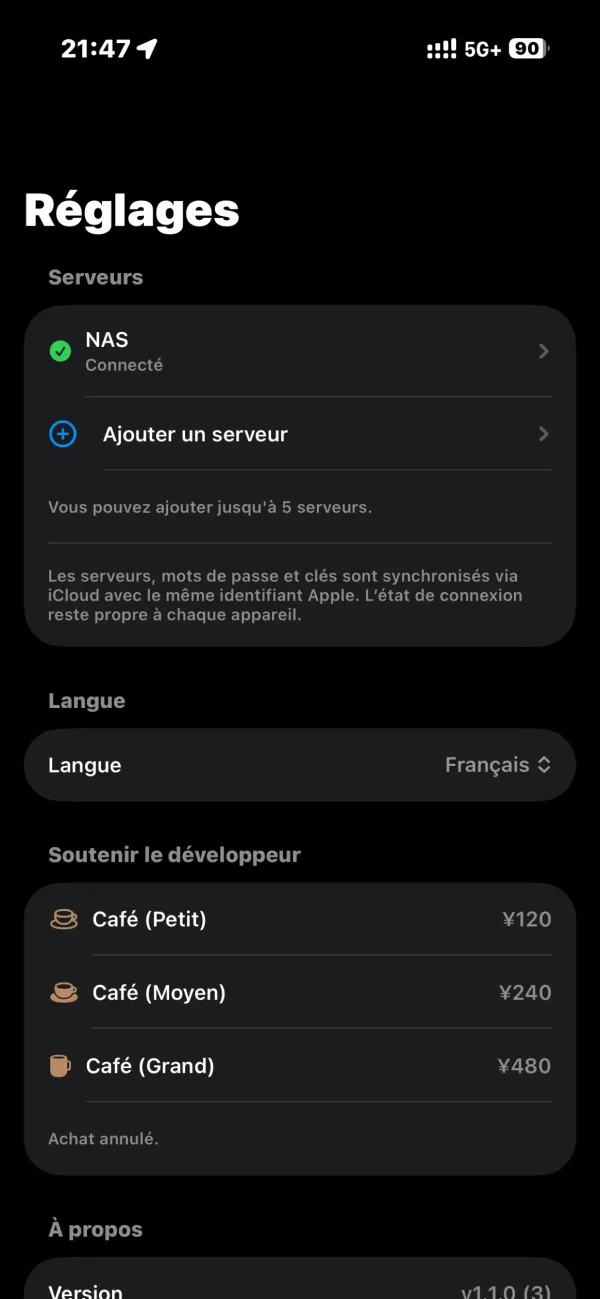


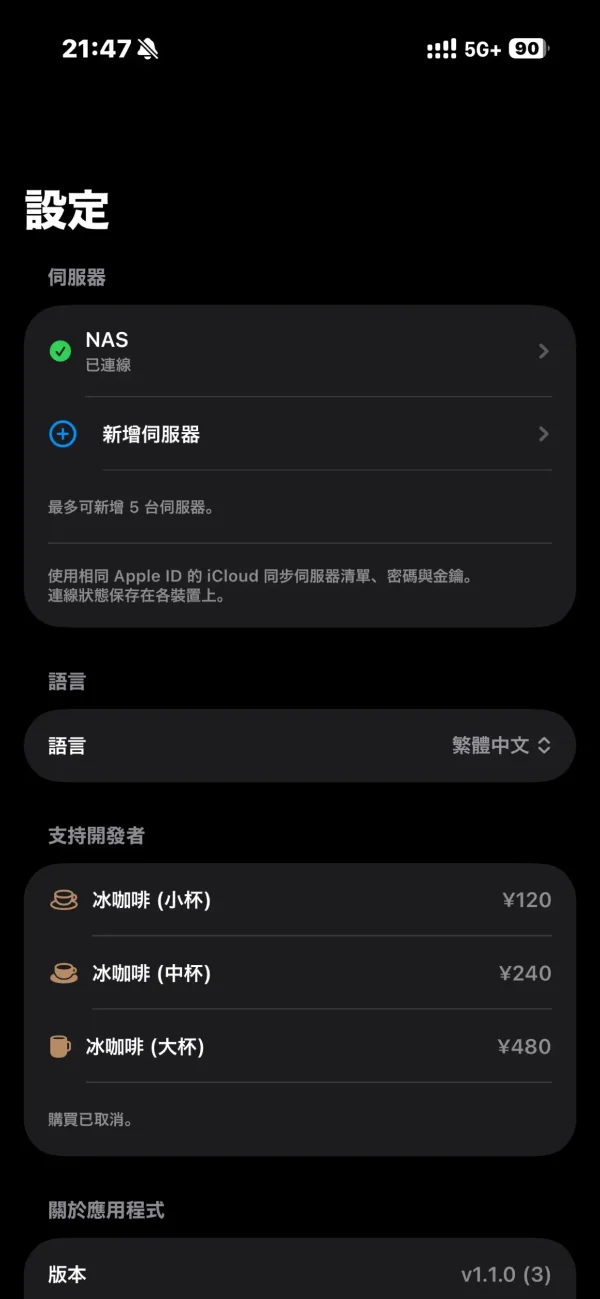
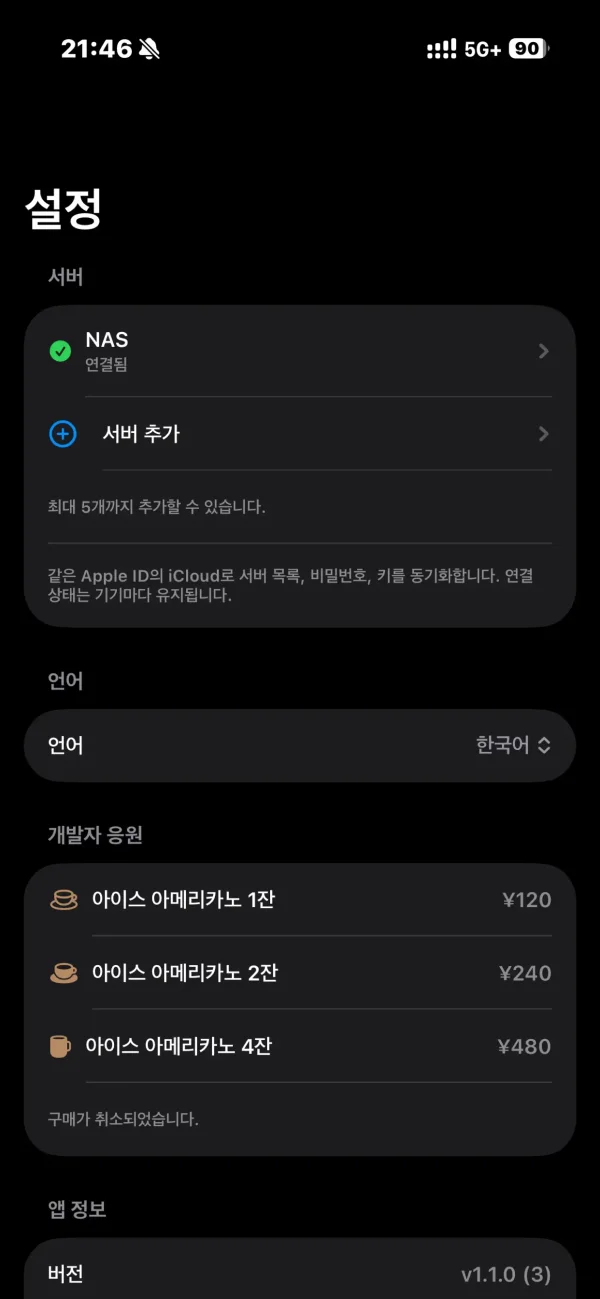
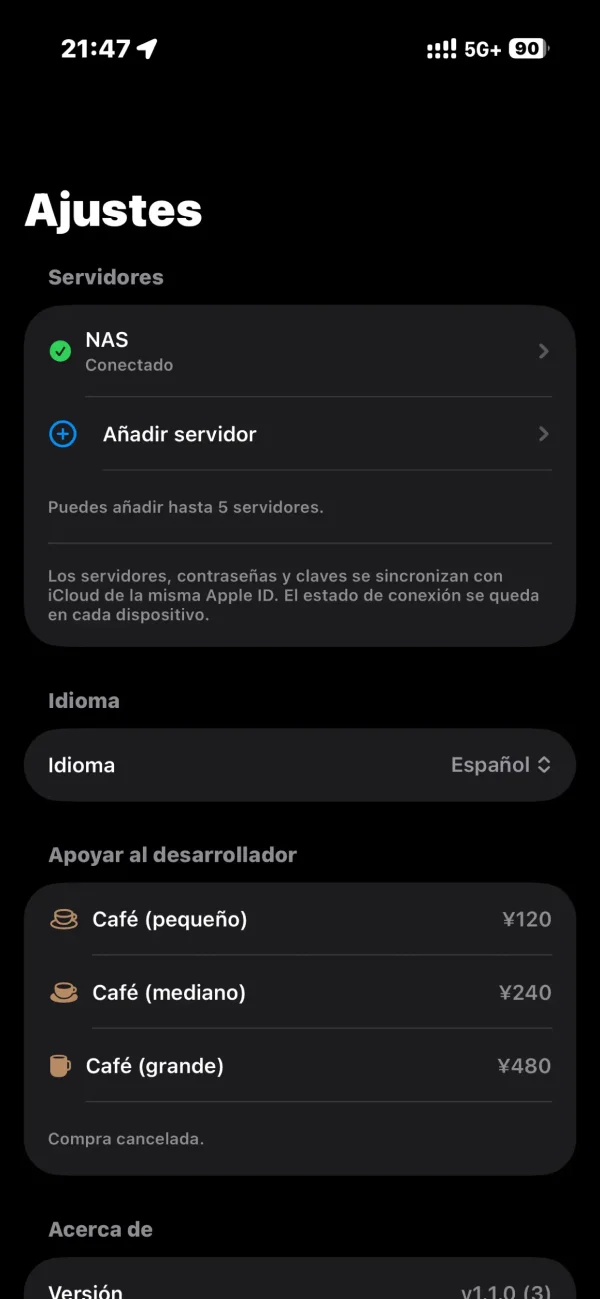
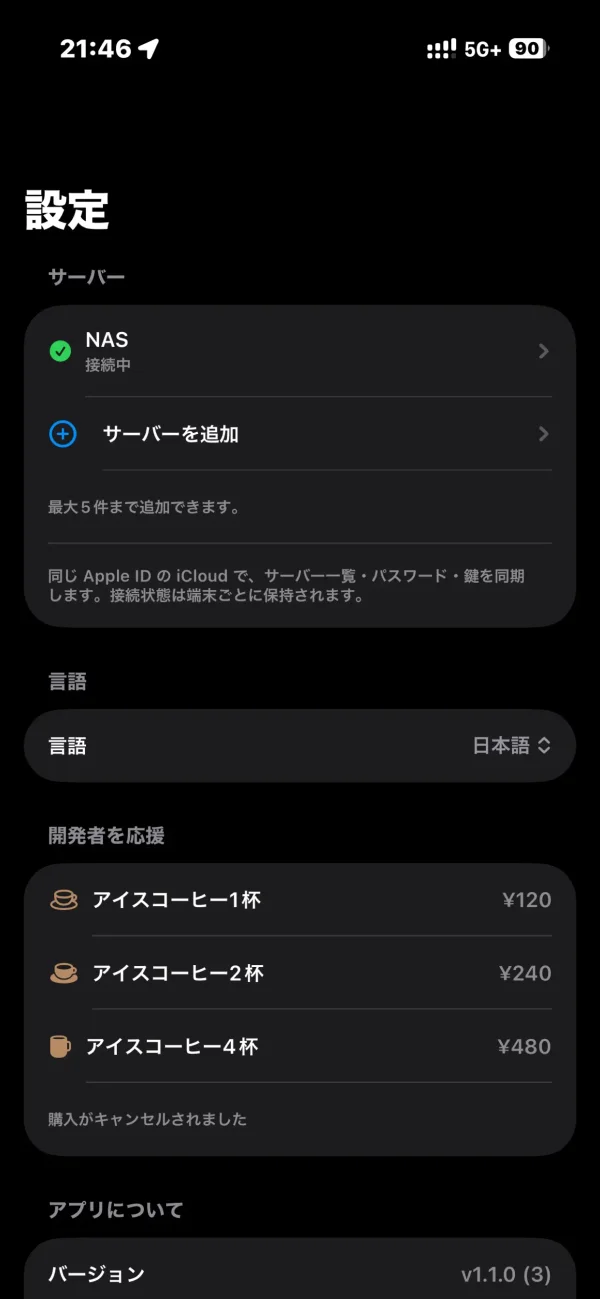

About
[How the iOS Files app works]
For a file on a server connected with this app, edits made while sync is paused revert to the original when sync resumes. Choosing “Remove Download” also fetches the server copy, so the edit is discarded. This is how iOS works, and this app cannot change it.
[All features are free. Support (the price of one coffee) is optional.]
An iPhone and iPad app that puts your WebDAV or SFTP server in the Files app. Open NAS boxes, home servers, Nextcloud, and other shared folders with the same file actions you already use. The server list can sync with the Mac app via iCloud when you use the same Apple ID.
[Works with Files]
After you connect, each server appears as a location in Browse. Copy, move, rename, and create folders in Files, and those actions go to the server. This app does not need to stay open.
[Features]
Mount in Files: Work in the standard Files app, not a custom window. Each server is its own location.
Multiple servers: Register up to 5 WebDAV or SFTP accounts.
SFTP key auth: Load an OpenSSH RSA or Ed25519 private key, or use a password. For an encrypted key, enter the passphrase in the password field.
iCloud sync: Servers, passwords, and keys sync across Mac, iPhone, and iPad with the same Apple ID. Connection state stays on each device.
8 languages: Japanese, English, Korean, Traditional Chinese, German, French, Spanish, Portuguese.
[Policy]
Completely free / no ads
Privacy-first (credentials stay on-device. They sync through iCloud only if you use the same Apple ID. File traffic goes only to the server you specify)
Support is optional “coffee” in-app purchase only
What’s new
Version 1.1.0 · Nov 21, 2026
Fixed minor bugs and improved the UI.
App privacy
What Tomoharu Iseki declares on the App Store about how this app handles data.
-
Data not collected
The developer does not collect any data from this app.
Privacy practices may vary, for example with the features you use or your age.
Information
- Seller
- Tomoharu Iseki
- Category
- Utilities
- Version
- 1.1.0
- Updated
- Nov 21, 2026
- Released
- Sep 21, 2026
- Size
- 15.1 MB
- Requires
- iOS 17.0 or later
- Age rating
- 4+
- Price
- Free
- In-app purchases
- Yes
- Languages
- English, French, German, Japanese, Korean, Portuguese, Spanish, Traditional Chinese
- Copyright
- © 2026 Tomoharu Iseki
You might also like
-
 WebDAV File BrowserWebDAV Browser & Cleanup
-
 WebDAV BrowserStream NAS files & videos
-
 Pocket MCPVide coding on your phone
-
 VaultGuard SecureSelf-hosted vault client
-
 CardDAV ContactsAll DAV Providers & Protocols
-
 NumableWidgets for numbers you watch
-
 WETOX-V2L/V2H PowerShareVehicle to Everything
-
 Usage! — Device MonitorStorage, data, RAM & battery
-
 XFiles: SFTP, FTP & NAS FilesDual-Pane File Manager & SSH
-
 Driio: Network Drive ClientSMB, SFTP, NFS, WebDAV & S3