- Age rating4+
- CategoryProductivity
- DeveloperAlexander Kvamme
- LanguagesEnglish+ 9 more
- Size18.7 MB
Links to the official App Store page
Download.org hosts no file of Weekly Calendar App. The button opens its official App Store page, published by Alexander Kvamme. Listing last checked on Nov 17, 2026.
Screenshots



About
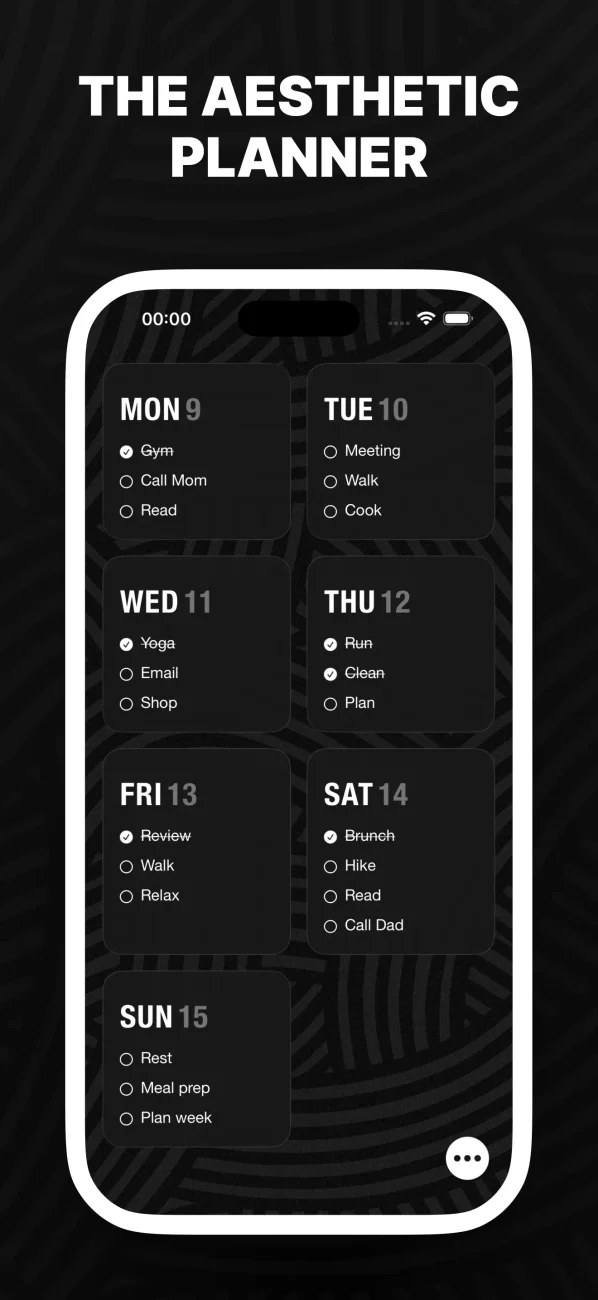
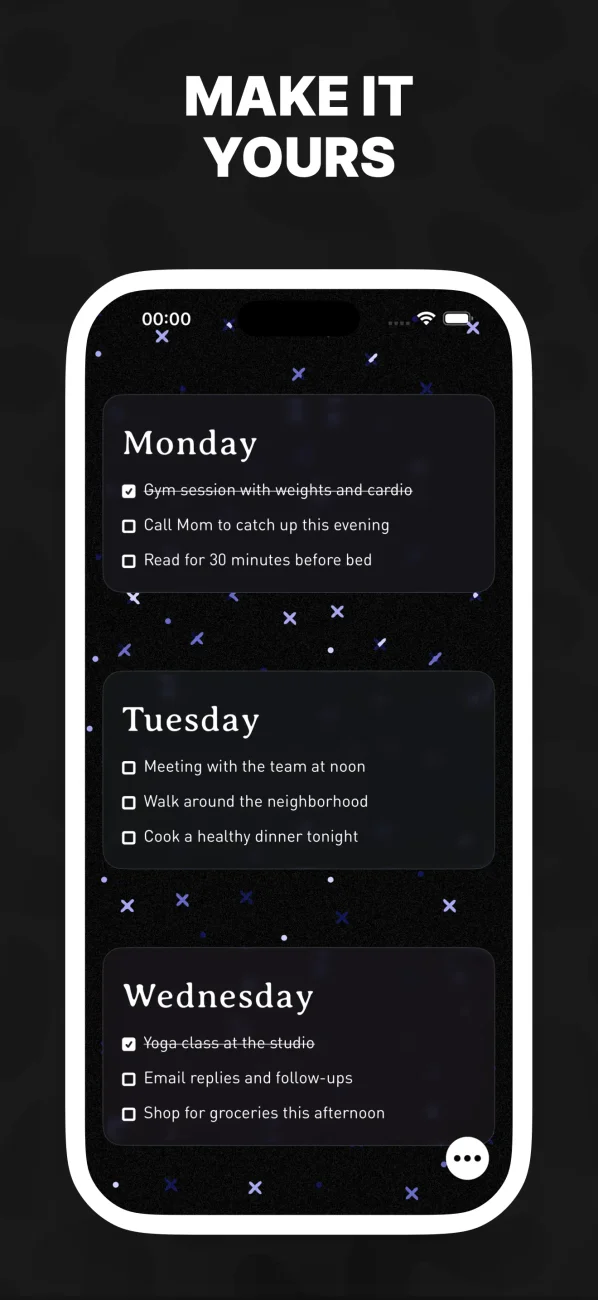
Weekly is the simplest way to plan your week. No complex features, no overwhelming options - just a beautiful weekly view that helps you stay organized.
PLAN AT A GLANCE
See your entire week in one view. Add tasks to any day with a single tap. Drag and drop to reschedule. It's that simple.
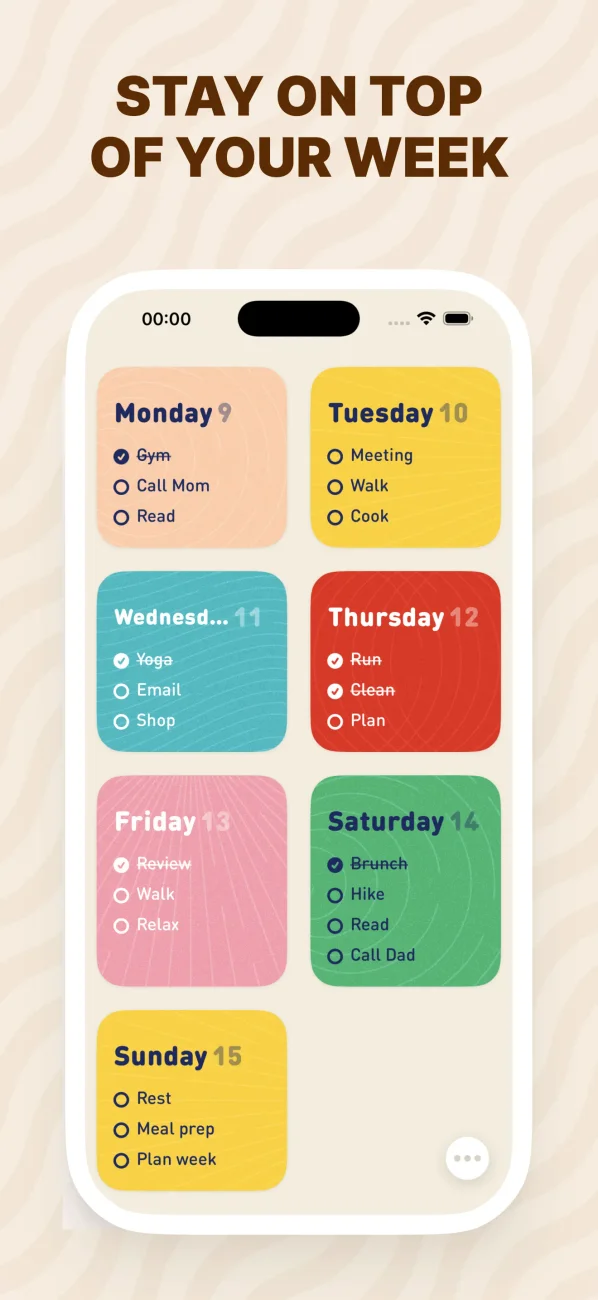
BEAUTIFUL THEMES
Choose from 10+ stunning color themes to match your style. From vibrant Berry to elegant Crystal, from playful Meadow to sophisticated Black Stallion - find the look that inspires you.
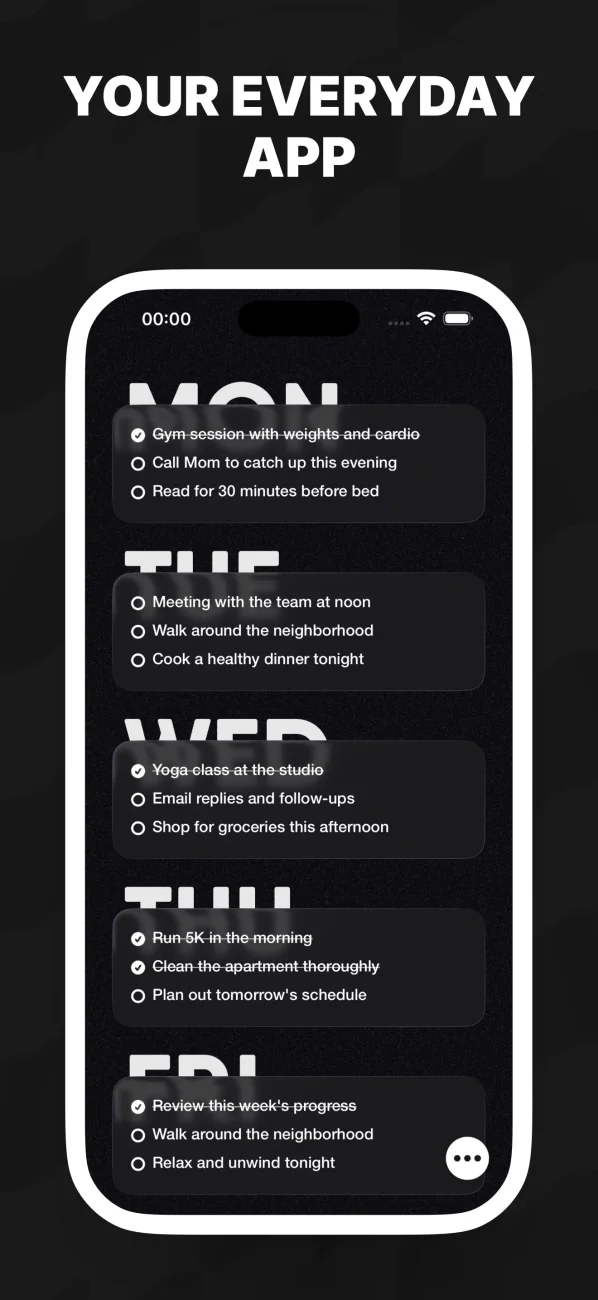
FLEXIBLE LAYOUTS
Switch between Grid and Rows layout to find what works best for you. Customize card styles with rounded corners, indented cards, or the unique animated Marching Ants effect.
CUSTOMIZE EVERYTHING
- Multiple font styles (Hard, Soft, Code)
- Adjustable font sizes
- Alternate app icons for every theme
- Dark mode support
PRIVACY FIRST
Your data stays on your device. No account required. No tracking. No ads.
Weekly Pro unlocks all themes, fonts, and customization options.
Terms of Use (EULA): https://www.apple.com/legal/internet-services/itunes/dev/stdeula/
What’s new
Version 1.0.29 · Oct 5, 2026
- New: Home Screen widgets in small, medium and large, styled exactly like your cards
- Give each widget its own day and colour: touch and hold it, then choose Edit Widget
- Tap a widget to jump straight to that day
- The app now opens scrolled to today
App privacy
What Alexander Kvamme declares on the App Store about how this app handles data.
-
Data not collected
The developer does not collect any data from this app.
Privacy practices may vary, for example with the features you use or your age.
Information
- Seller
- Alexander Kvamme
- Category
- Productivity
- Version
- 1.0.29
- Updated
- Oct 5, 2026
- Released
- Jan 15, 2026
- Size
- 18.7 MB
- Requires
- iOS 18.2 or later
- Age rating
- 4+
- Price
- Free
- In-app purchases
- Yes
- Languages
- English, French, German, Japanese, Korean, Portuguese, Russian, Simplified Chinese, Spanish, Traditional Chinese
- Copyright
- © 2026 Home Offices International
You might also like
-
 Weekly Calendar App - Week+Aesthetic Planner & To-Do list
-
 Weeklo: Weekly Planner & ToDoSchedule, Tasks, Notes & AI
-
 52 Week Planner: To-Do ListWeekly Calendar & Task Manager
-
 Someday - Weekly PlannerOne week at a time
-
 Cubby CalendarYour Personal Happy Calendar
-
 Agendo Week CalendarYour weekly planner, your way
-
 Weeklist: Weekly PlannerTo-Do List and Reminders
-
 Daily Planner: Week OrganizerHabit Tracker, Notes & Tasks
-
 PlanDaySimple & Elegant Daily Planner
-
 Weeklane: Weekly To-Do PlannerTask List, Focus & App Blocker