What Road?
My location, street & address
Designed for iPhone, iPad
Free · In-app purchases
- Age rating4+
- CategoryNavigation
- DeveloperSamuel Blackburn
- LanguagesEnglish
- Size15.7 MB
Links to the official App Store page
Download.org hosts no file of What Road?. The button opens its official App Store page, published by Samuel Blackburn. Listing last checked on Nov 12, 2026.
Screenshots



About
Know exactly what road you're on, in one tap.
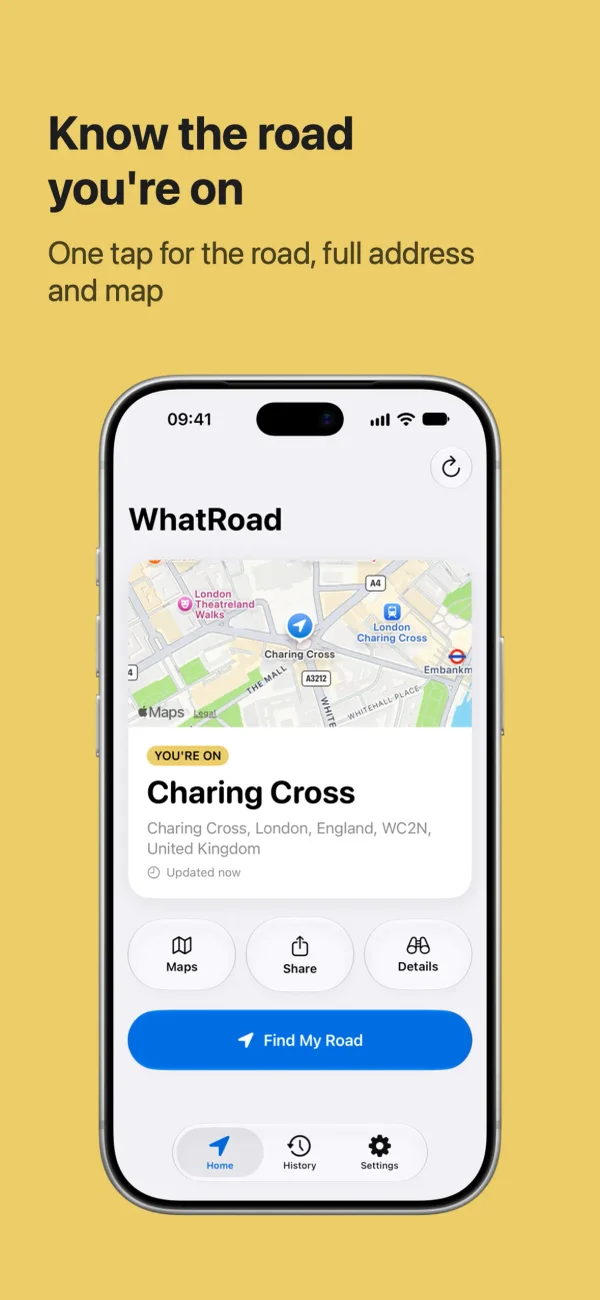
WhatRoad finds the road you're on and shows its name, the full address and a map. It's ideal when you need to tell someone where you are: a recovery driver, a taxi, a delivery or a friend you're meeting.
ONE TAP, OR JUST ASK
• Tap Find My Road for the road name, full address and a map
• Ask Siri "What road am I on in WhatRoad" for a spoken answer without opening the app
• Add the Find My Road control to Control Center, the Lock Screen or the Action button
ALWAYS TO HAND
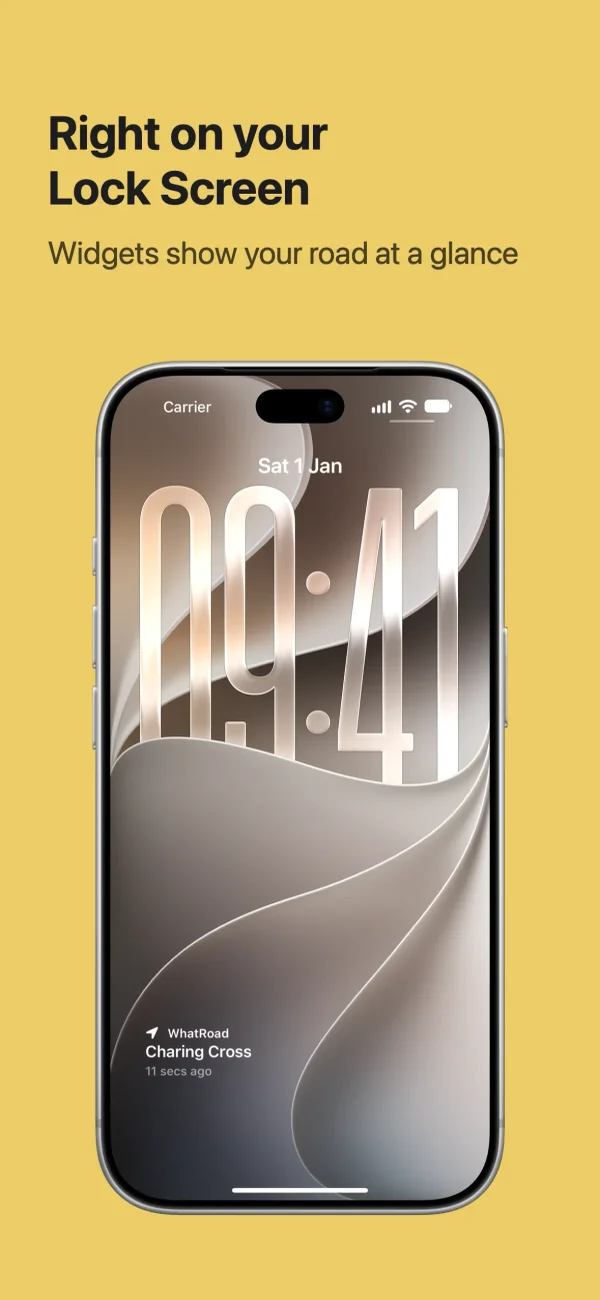
• Home Screen and Lock Screen widgets show your current road at a glance, in StandBy too
• An Apple Watch app with its own lookups and complications for every watch face
SHARE EXACTLY WHERE YOU ARE
• Share the address with an Apple Maps link in seconds
• Copy the address or GPS coordinates
• Open in Apple Maps, or check the spot with Look Around
EVERY ROAD, SAVED
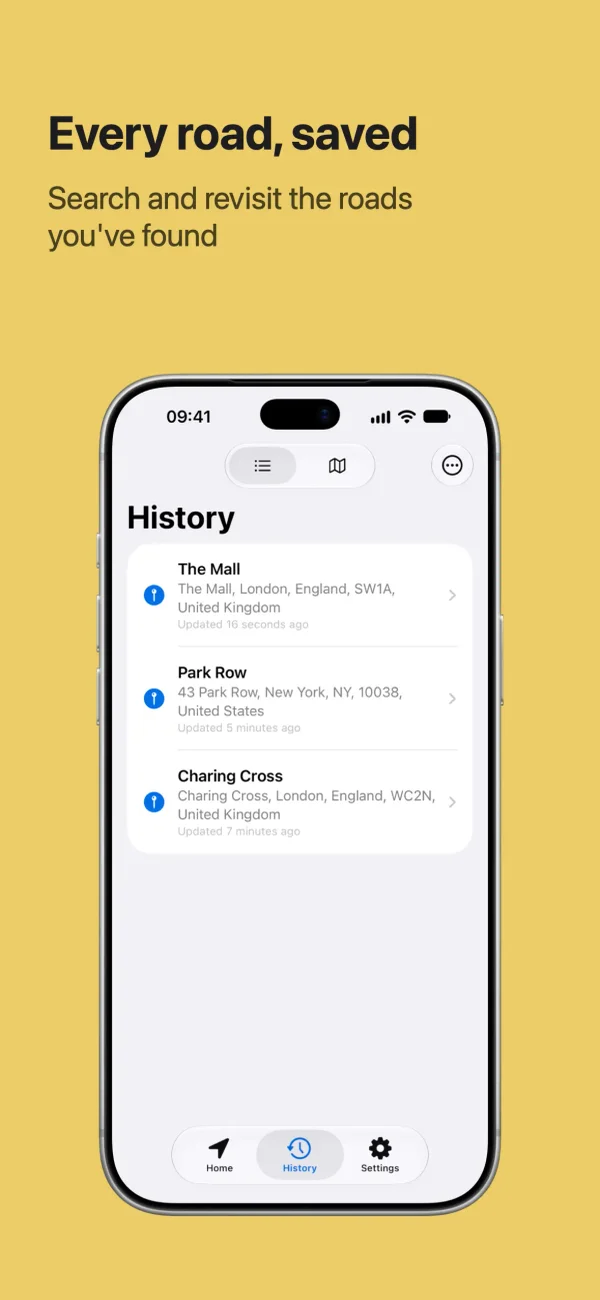
• Your lookups are saved to a searchable history on your device
• Long-press any road to copy, share or open it in Maps
• Your history syncs to your Apple Watch
WHATROAD PRO
A single one-time purchase, shared with your family:
• No ads
• See every saved road on one map
• Export your history as a spreadsheet (CSV)
PRIVATE BY DESIGN
• Location is only used while you use WhatRoad, or its widgets if you allow it
• Your history stays on your device and your Apple Watch, with no account
• Works with VoiceOver, Dynamic Type and Dark Mode
Questions or ideas? Email contact@samuelblackburn.com
What’s new
Version 2.0 · Nov 2, 2026
WhatRoad 2.0 is a complete rebuild, and your saved roads and Siri shortcuts come with you.
• A fresh design with a new icon, plus dark and tinted versions
• Home Screen, Lock Screen and StandBy widgets
• A Find My Road control for Control Center and the Action button
• Ask Siri "What road am I on in WhatRoad" for an answer without opening the app
• A new Apple Watch app with complications
• Details for every road: Look Around, coordinates, sharing and copy
• Searchable history, with long-press shortcuts
• WhatRoad Pro: remove ads, see every road on a map and export your history
Thank you for using WhatRoad. If you enjoy it, a rating really helps.
App privacy
What Samuel Blackburn declares on the App Store about how this app handles data.
-
Data used to track you
May be used to track you across apps and websites owned by other companies.
- Identifiers
- Usage data
-
Data linked to you
May be collected and linked to your identity.
- Identifiers
- Usage data
-
Data not linked to you
May be collected but is not linked to your identity.
- Diagnostics
Privacy practices may vary, for example with the features you use or your age.
Information
- Seller
- Samuel Blackburn
- Category
- Navigation
- Version
- 2.0
- Updated
- Nov 2, 2026
- Released
- May 17, 2021
- Size
- 15.7 MB
- Requires
- iOS 17.0 or later
- Age rating
- 4+
- Price
- Free
- In-app purchases
- Yes
- Languages
- English
- Copyright
- © Samuel Blackburn
You might also like
-
 What Street?GPS Location Finder & Tracker
-
 Localizer - Where am IGPS Coordinates, Altitude, …
-
 Address Finder: Where Am I?Live Location, GPS Coordinates
-
 Geographic LocationGeoLocation
-
 PatrolNav GPSGPS for law enforcement
-
 Where Am I - Find My AddressInstant Location Information
-
 My GPS Coordinates °Find your current location.
-
 what3words: Navigation & MapsNavigate to any exact location
-
 HERE WeGo Maps & NavigationEnjoy the journey
-
 GPS TracksGPS Tracker and Offline Maps