- Age rating4+
- CategoryProductivity
- DeveloperHenrik Lexow
- LanguagesEnglish
- Size1,013.0 KB
Links to the official App Store page
Download.org hosts no file of Whiteboard Lens. The button opens its official App Store page, published by Henrik Lexow. Listing last checked on Nov 15, 2026.
Screenshots


About
Whiteboard Lens turns your iPhone into a professional whiteboard scanner. Point the camera at any whiteboard, glass board, or flip chart — the app automatically detects it, corrects the perspective, and delivers a sharp, readable document ready to share.
How it works
Open the app and point at a whiteboard. Whiteboard Lens finds the board automatically and highlights its corners. Tap the shutter, fine-tune the crop if needed, then choose black & white or colour output. Export as PNG and share directly to any app.
Why Whiteboard Lens
- Automatic whiteboard detection and perspective correction
- Shadow removal and contrast enhancement for crisp, readable output
- Black & white or colour modes
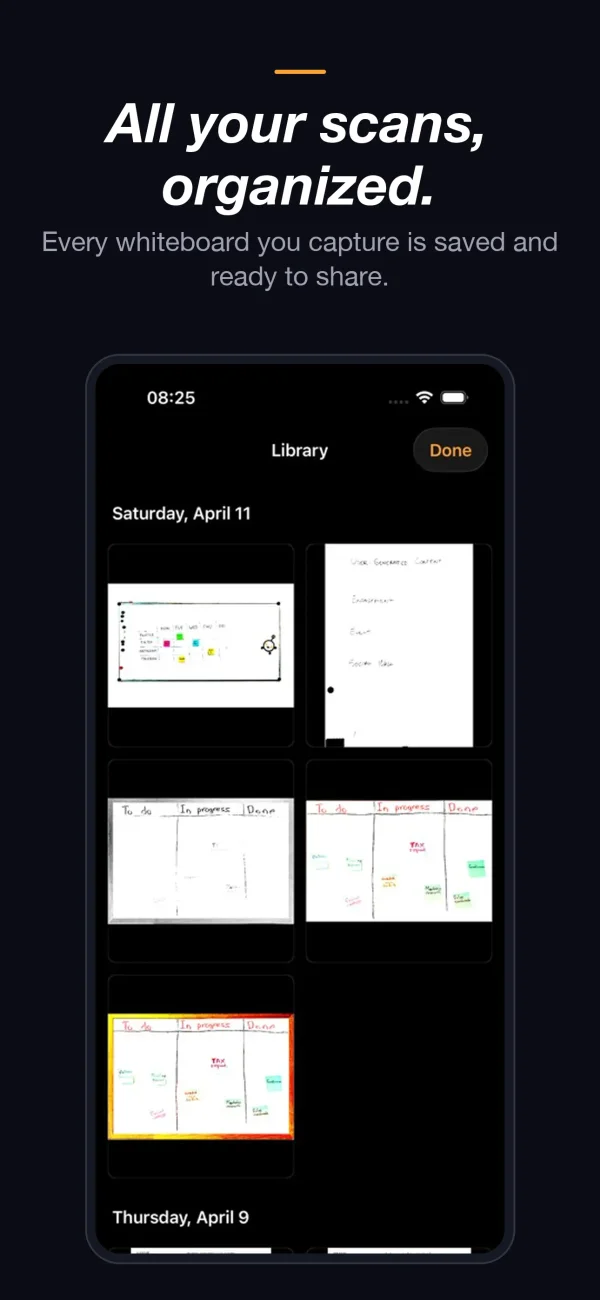
- Saves every scan to your library
- Export as PNG
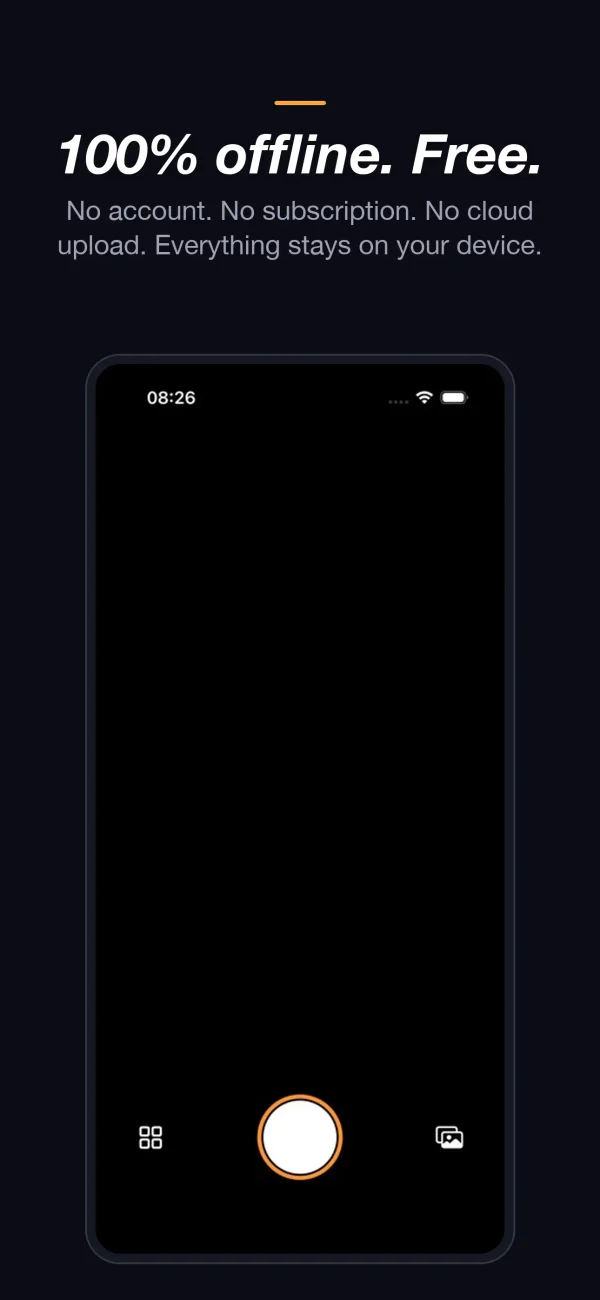
- 100% offline — no account, no subscription, no cloud upload
- Free, with no paywalls or trial limits
What’s new
Version 1.1.1 · Apr 13, 2026
Minor metadata update.
App privacy
What Henrik Lexow declares on the App Store about how this app handles data.
-
Data not linked to you
May be collected but is not linked to your identity.
- Identifiers
Privacy practices may vary, for example with the features you use or your age.
Information
- Seller
- Henrik Lexow
- Category
- Productivity
- Version
- 1.1.1
- Updated
- Apr 13, 2026
- Released
- Apr 9, 2026
- Size
- 1,013.0 KB
- Requires
- iOS 16.0 or later
- Age rating
- 4+
- Price
- Free
- Languages
- English
- Copyright
- © 2026 Henrik Lexow
You might also like
-
 SlatCam: Whiteboard ScannerNo Subscription or Ads. Simple
-
 SlideCrop: Slide Scanner & PDFScan & Crop Lecture Slides
-
 SlideCamAI: Slide ScannerCapture Lectures & Documents
-
 Crisp ScanPrivate scanner. Pay once.
-
 SnapNote AIProductivity
-
 Scan.neraiCollege Note Scan & Organize
-
 HumanDriveYour Memory Vault
-
 ScanWave ProID Card & Document Scanner
-
 OFFBITFor camera crew, on set.
-
 ShareCart: Shopping ListShared Grocery & Budget