- Age rating4+
- CategoryProductivity
- DeveloperBhupesh Gurung
- LanguagesJapanese+ 2 more
- Size41.4 MB
Links to the official App Store page
Download.org hosts no file of ScanWave Pro. The button opens its official App Store page, published by Bhupesh Gurung. Listing last checked on Nov 12, 2026.
Screenshots


About
Scanwave Pro is a scanner you buy once and own forever — no subscriptions, no monthly fees, no "unlock pro" pop-ups.
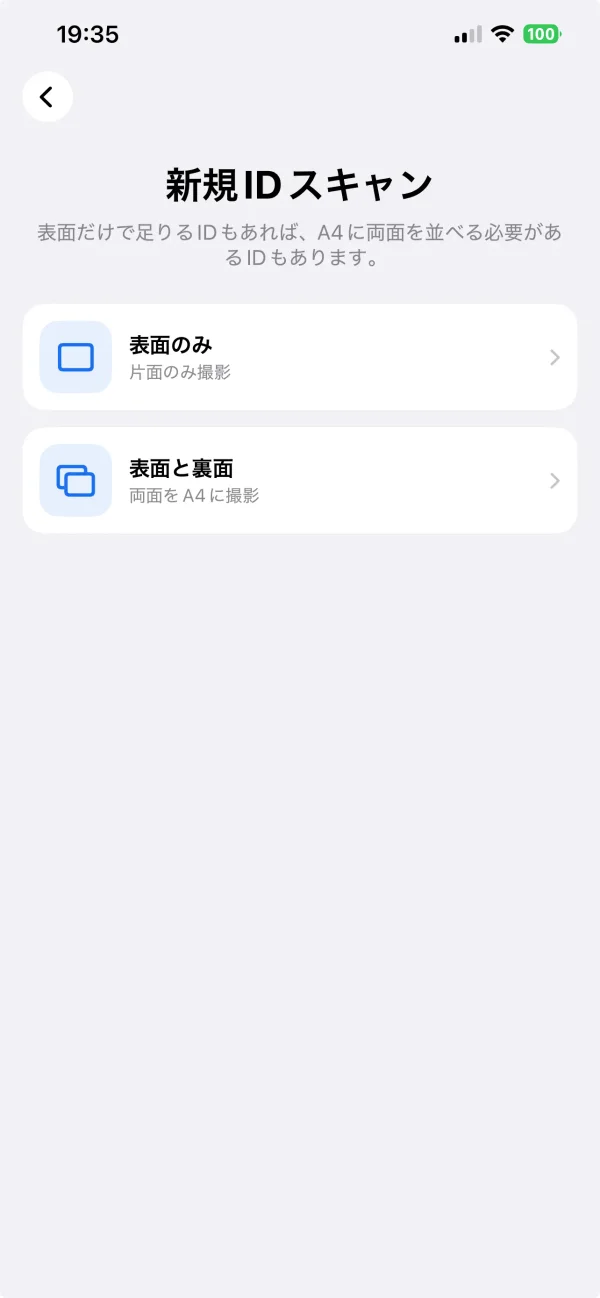
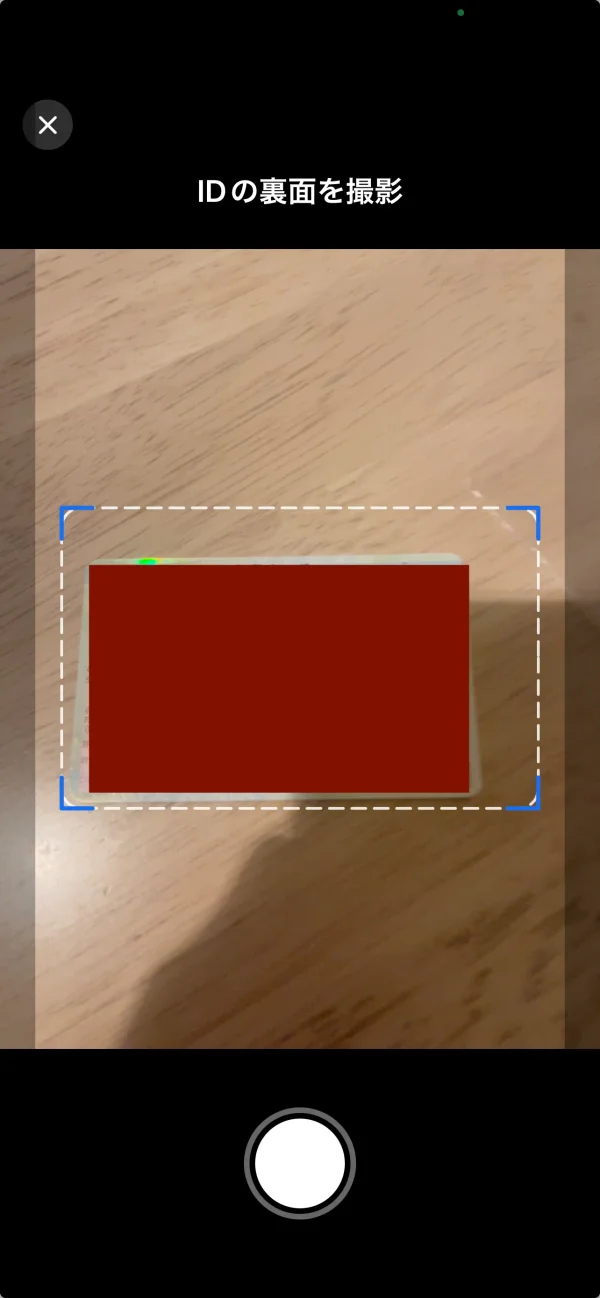
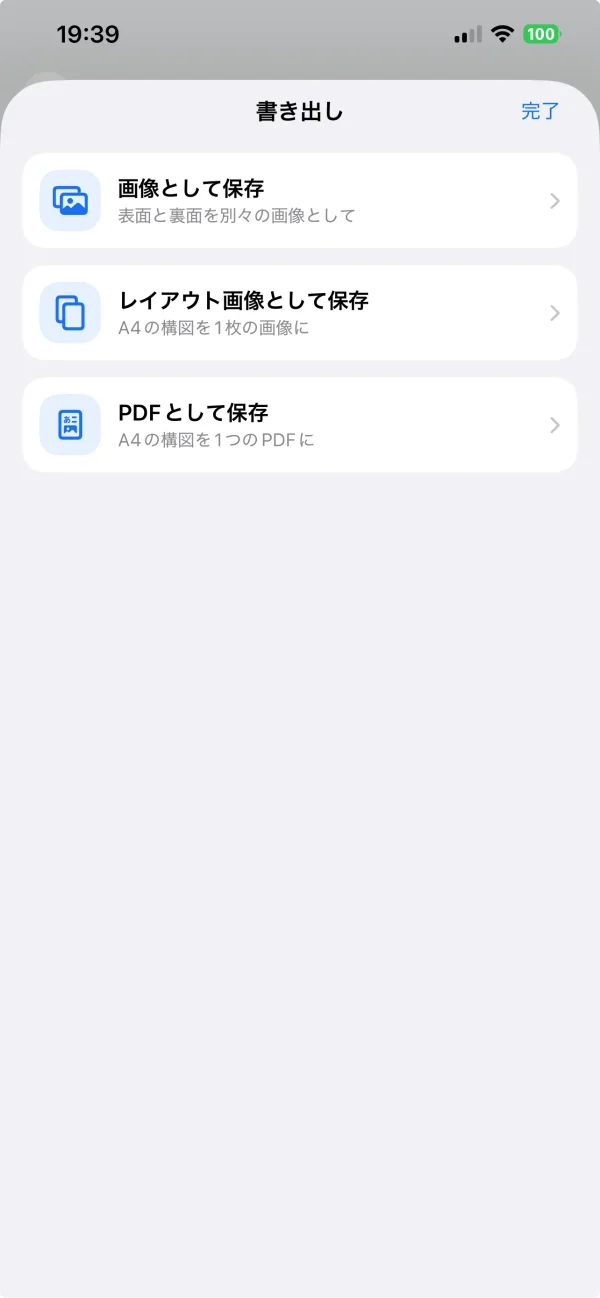
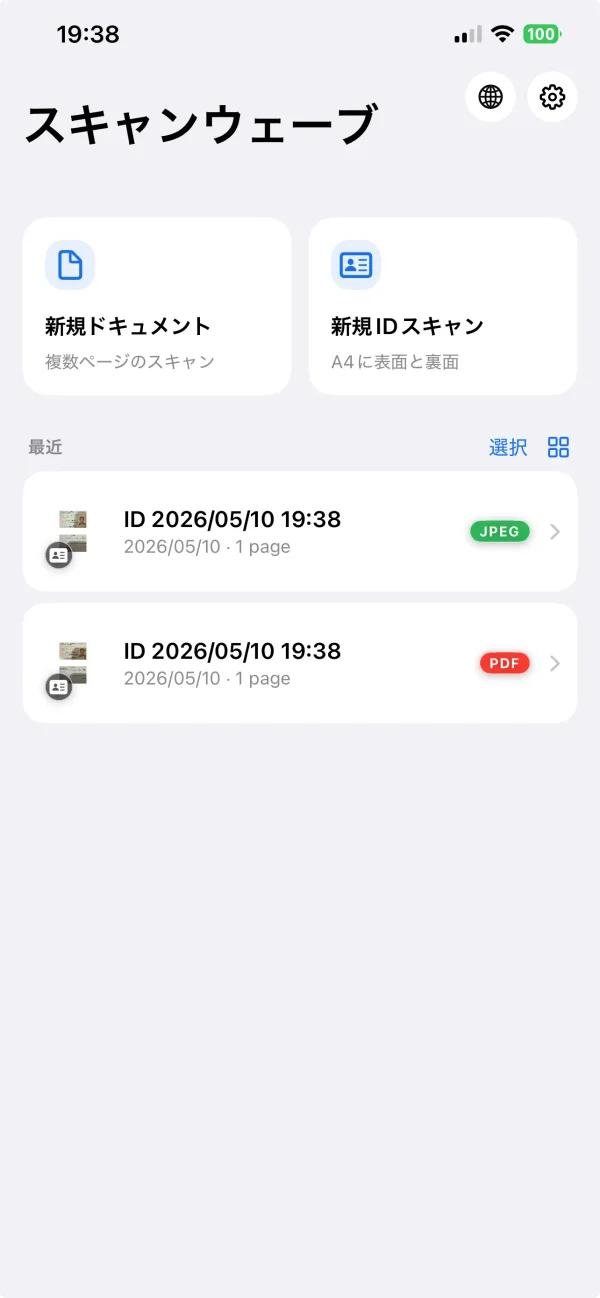
Built for the Japanese practice of copying ID cards onto A4 paper. Capture an ID and lay it onto a page in Actual Size or Fill Page layout — the standard formats for Residence Card, Driver's License, and Health Insurance Card copies that landlords, banks, and city halls ask for every day.
ONE-TIME PAYMENT
• Pay once, use forever
• No subscription, no in-app purchases
• All updates included for life
• No "free trial that auto-renews" tricks
DOCUMENT MODE
• Multi-page capture with automatic edge detection
• Manual corner adjustment with magnifier loupe
• Filters: Original, Grayscale, Black & White, Enhance
• Drag-to-reorder pages, retake, swipe-to-delete
• Multi-page PDF export with 1-up, 2-up, or 4-up layouts
ID MODE
• Front-only or front + back capture
• Composed onto A4 in actual size or fill-page layout
EXPORT
• Save as JPEG or PNG to Photos
• Save as PDF to Files (visible under On My iPhone → ScanWave)
• Share to AirDrop, Mail, Messages, or any installed app
• Multi-select on the Home screen for bulk share or delete
PRIVACY
• All processing on device
• No cloud, no account, no analytics, no tracking
• No third-party SDKs
• Photos and documents stay on your iPhone or iPad
LANGUAGES
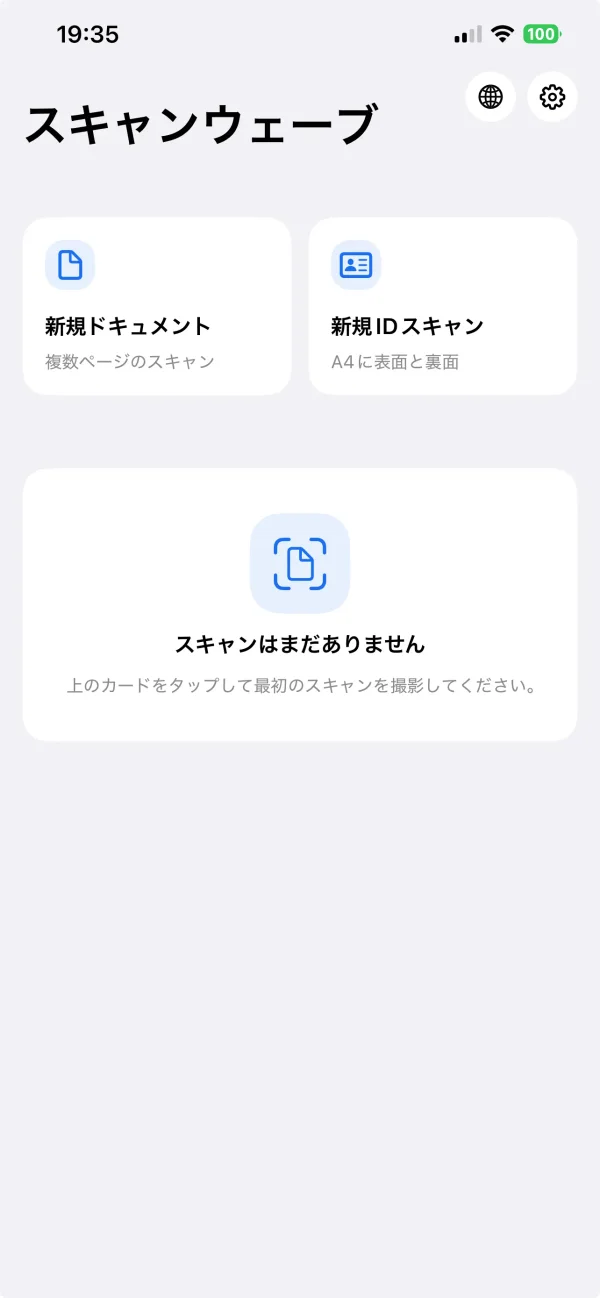
English, 日本語, नेपाली. Switch any time from the globe button on the Home screen.
What’s new
Version 1.1.2 · Aug 27, 2026
Bug fixes: iCloud sync reliability, PNG export saves as PNG, JPEG quality setting now applied, confirmation before deleting or discarding scans, paywall localized in Japanese, camera recovers after interruptions.
App privacy
What Bhupesh Gurung declares on the App Store about how this app handles data.
-
Data not collected
The developer does not collect any data from this app.
Privacy practices may vary, for example with the features you use or your age.
Information
- Seller
- Bhupesh Gurung
- Category
- Productivity
- Version
- 1.1.2
- Updated
- Aug 27, 2026
- Released
- May 14, 2026
- Size
- 41.4 MB
- Requires
- iOS 16.0 or later
- Age rating
- 4+
- Languages
- Japanese, Nepali, English
- Copyright
- © 2026 Bhupesh Gurung
You might also like
-
 ScanPDF: Document ScannerReceipts, Invoices, Contracts
-
 Scan PDF – 高速スキャンでPDF化Productivity
-
 Scanly: Scanner & PDFScan, OCR, sign & lock PDFs
-
 Snap書類Productivity
-
 Crisp ScanPrivate scanner. Pay once.
-
 Paperjet: Printer App & ScanWireless Document & Photo PDF
-
 Whiteboard LensFree Whiteboard Scanner
-
 Paperlane: Scan to PDFDocument Scanner, PDF & OCR
-
 Marklens: Markdown ReaderRead Markdown. Nothing else.
-
 Tree NotebookTree-like notes organizer