
Wi-Fi QR: Code Generator
Share WiFi Password & QR Signs
Designed for iPhone, iPad
Free · In-app purchases
- Age rating4+
- CategoryUtilities
- Developerabdelrahman mohamed
- LanguagesEnglish+ 12 more
- Size11.8 MB
Links to the official App Store page
Download.org hosts no file of Wi-Fi QR: Code Generator. The button opens its official App Store page, published by abdelrahman mohamed. Listing last checked on Nov 25, 2026.
Screenshots
About
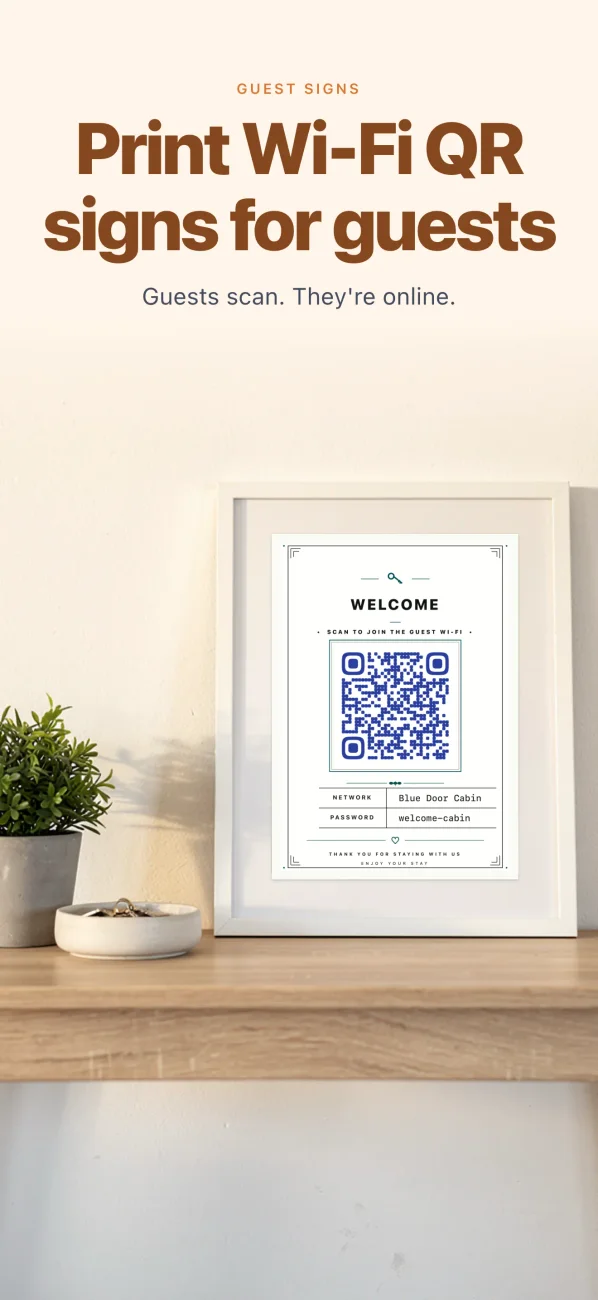
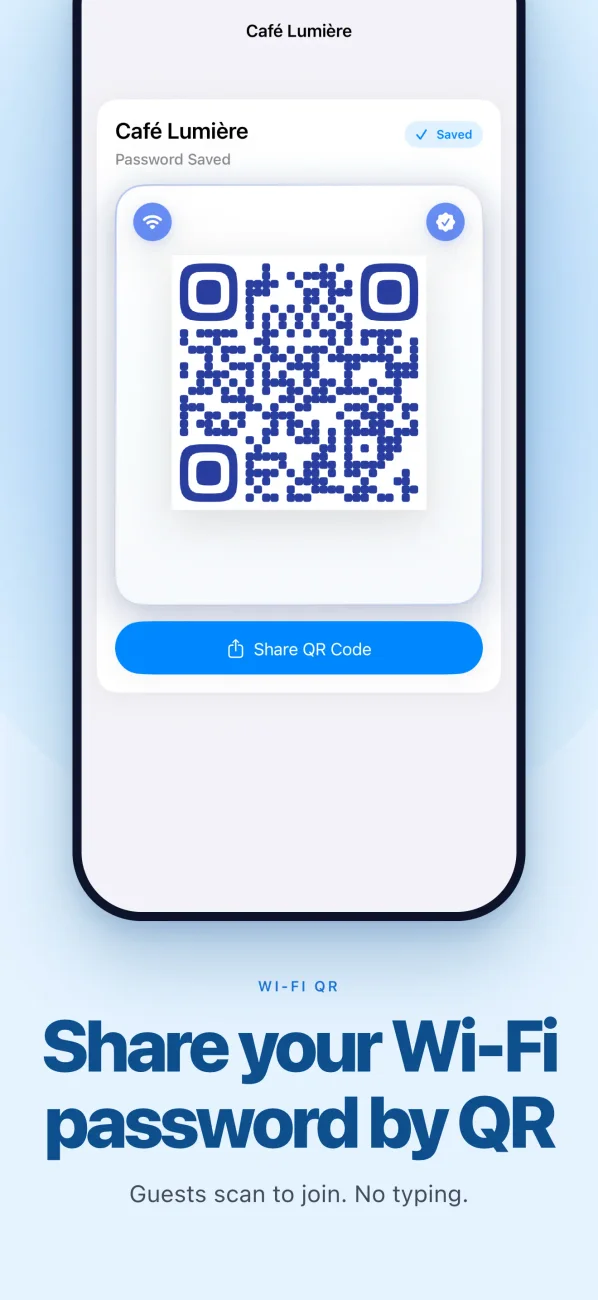
Make it effortless for guests to get online. Wi-Fi QR turns your network name, security type and password into a polished QR code you can share, save or print as a guest Wi-Fi sign for your home, office, cafe, guest room or vacation rental.
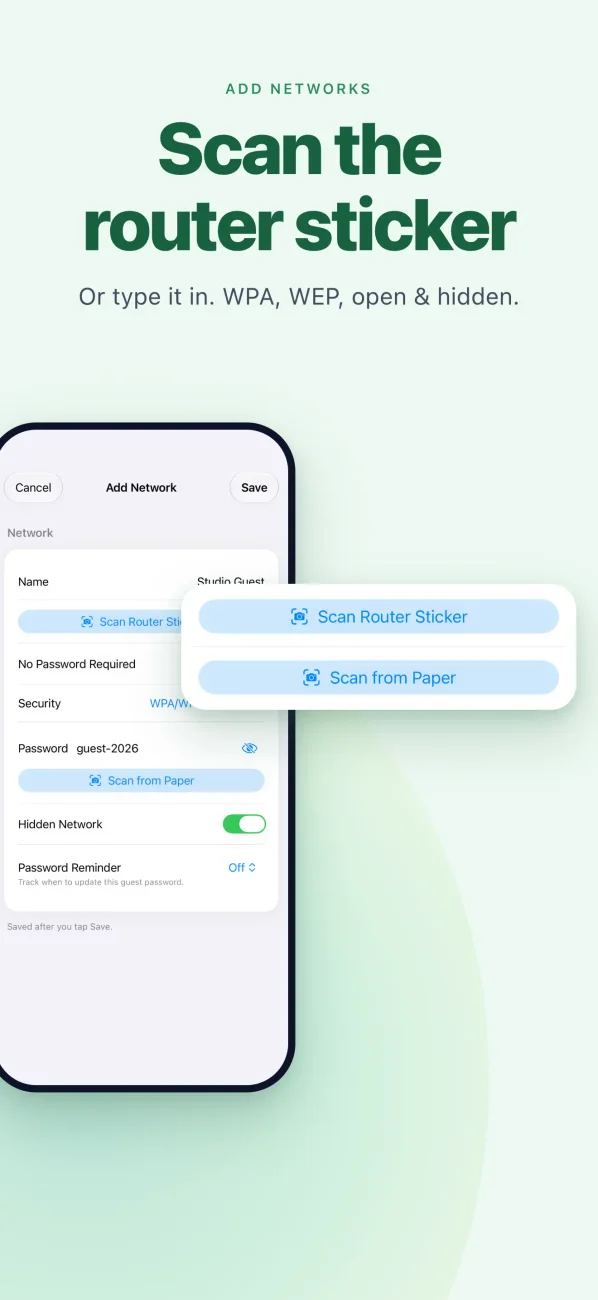
• Create Wi-Fi QR codes for WPA/WPA2/WPA3, WEP, open and hidden networks
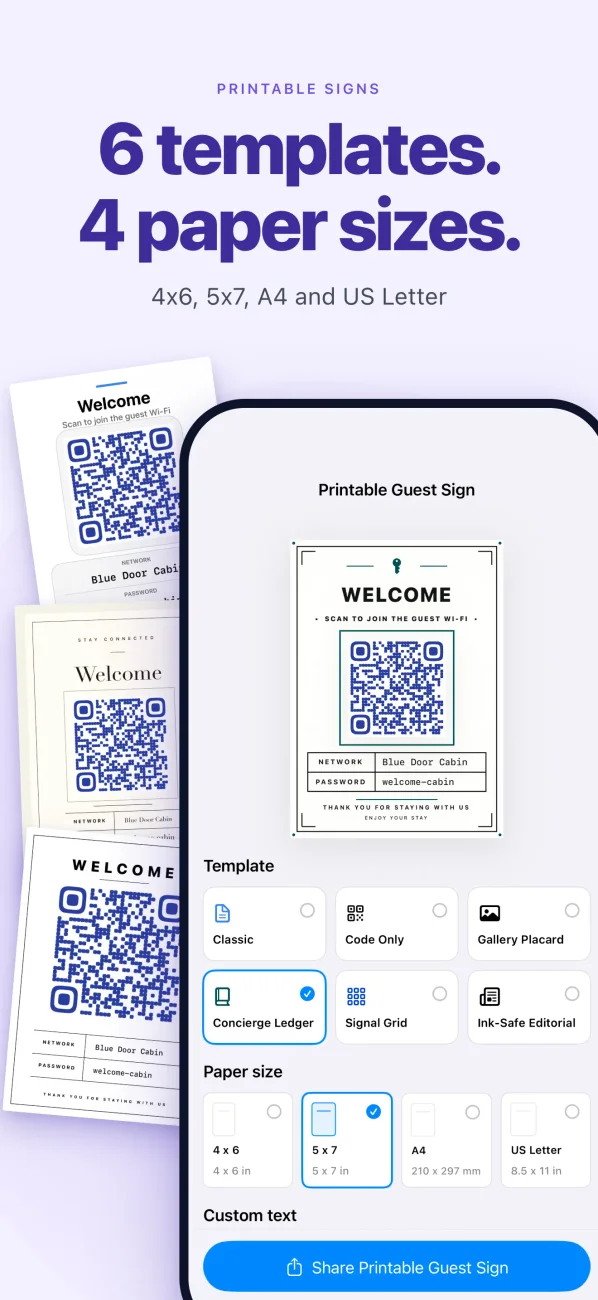
• Print clean guest signs with high-contrast QR artwork and readable network details
• Share a QR image through the iOS share sheet
• Detect the current network name when iOS permissions allow
• Scan text from a router label or printed password card, then review it before saving
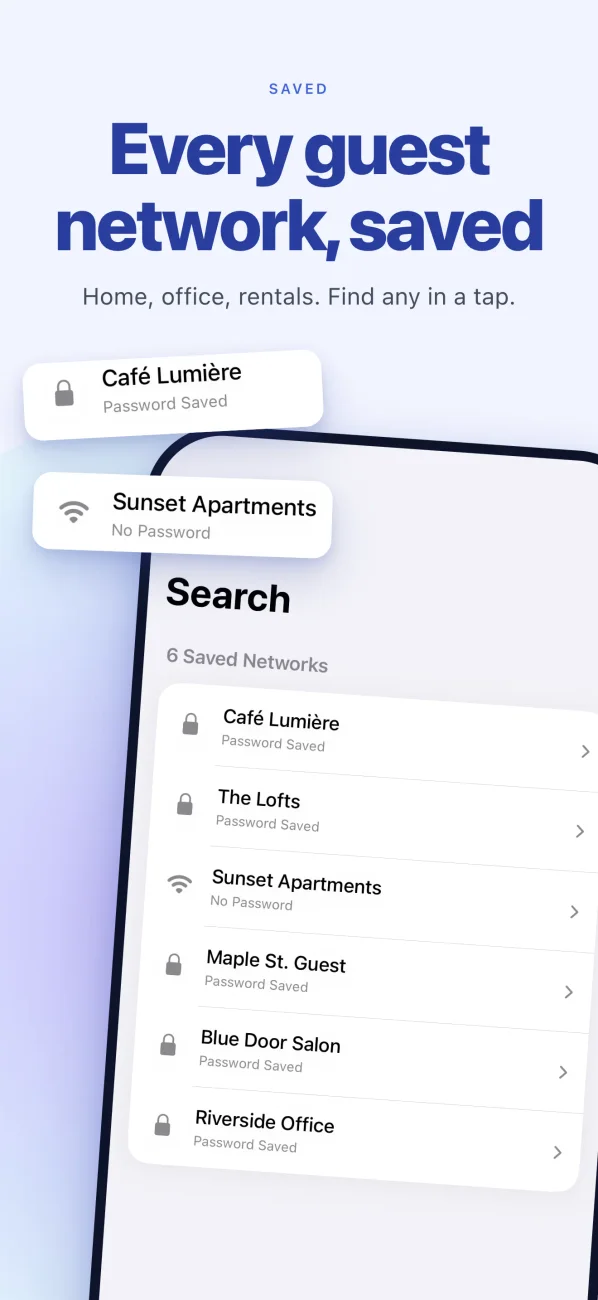
• Save multiple networks for quick reuse
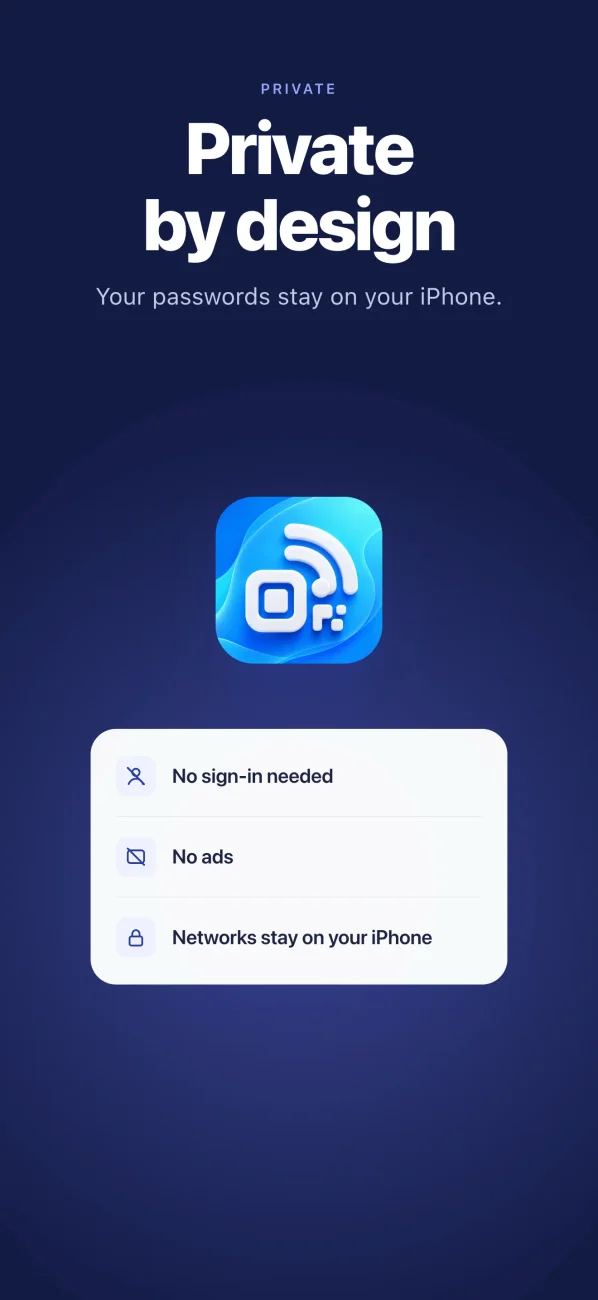
Privacy by design: no account and no ads. The app records app behavior events only; Wi-Fi names, passwords, QR payloads, scanned text and custom sign text are not logged. Your saved networks and passwords stay on your device unless you choose to share a QR code or printed sign.
Wi-Fi QR does not recover or reveal saved system Wi-Fi passwords. You enter the password, or scan printed label text that you can review before using.
What’s new
Version 1.9 · Nov 23, 2026
Version 1.9 brings faster sharing, widgets, and custom brand styling to Wi-Fi QR.
• Home & Lock Screen widgets: pin a scannable Wi-Fi QR to your Home Screen or launch straight from your Lock Screen.
• Full-screen bright QR mode: tap any QR code to expand it at peak brightness for effortless guest scanning.
• Copy Password & Send as Text: copy passwords with auto-expiring clipboard protection or share Wi-Fi details as text for laptops and TVs.
• Custom QR styles & brand logo (Pro): choose QR dot patterns, pick a high-contrast brand color, add your logo to QR codes and guest signs, and save unlimited networks.
• Read Wi-Fi QR codes from router sticker photos or saved screenshots, plus one-tap password paste and setup help.
App privacy
What abdelrahman mohamed declares on the App Store about how this app handles data.
-
Data linked to you
May be collected and linked to your identity.
- Purchases
- Location
- Identifiers
- Usage data
-
Data not linked to you
May be collected but is not linked to your identity.
- Diagnostics
Privacy practices may vary, for example with the features you use or your age.
Information
- Seller
- abdelrahman mohamed
- Category
- Utilities
- Version
- 1.9
- Updated
- Nov 23, 2026
- Released
- Jun 4, 2026
- Size
- 11.8 MB
- Requires
- iOS 17.0 or later
- Age rating
- 4+
- Price
- Free
- In-app purchases
- Yes
- Languages
- English, Arabic, Dutch, French, German, Italian, Japanese, Korean, Portuguese, Russian, Simplified Chinese, Spanish + 1 more
- Copyright
- © 2026 Abdo Eaita
You might also like
-
 Send Mate : Fast File TransferFast & Private File Transfer
-
 Aura: Video to MP3 ConverterExtract & Trim Audio Tracks
-
 CHECKurl: Safe Link InspectorSafe link & redirect tracer
-
 Discount Calculator - SaleFinal Price, Tax & Coupons
-
 iCalculator: Widget & HistorySmart Calculator with Notes
-
 CompressifyAppcompares photo and save space
-
 JPEG to PNG: Image ConverterConvert JPEG to PNG Photo/File
-
 Decision Wheel - Random PickerSpin the Wheel for Choices
-
 احسبها | Ahsebha CalculatorUtilities
-
 Aura Notes AIRecord, Transcribe, Summarize