
Send Mate : Fast File Transfer
Fast & Private File Transfer
Designed for iPhone, iPad, iPod touch
Free
- Age rating4+
- CategoryUtilities
- DeveloperAthip Chonsawad
- LanguagesEnglish
- Size83.5 MB
Links to the official App Store page
Download.org hosts no file of Send Mate : Fast File Transfer. The button opens its official App Store page, published by Athip Chonsawad. Listing last checked on Nov 18, 2026.
Screenshots
About
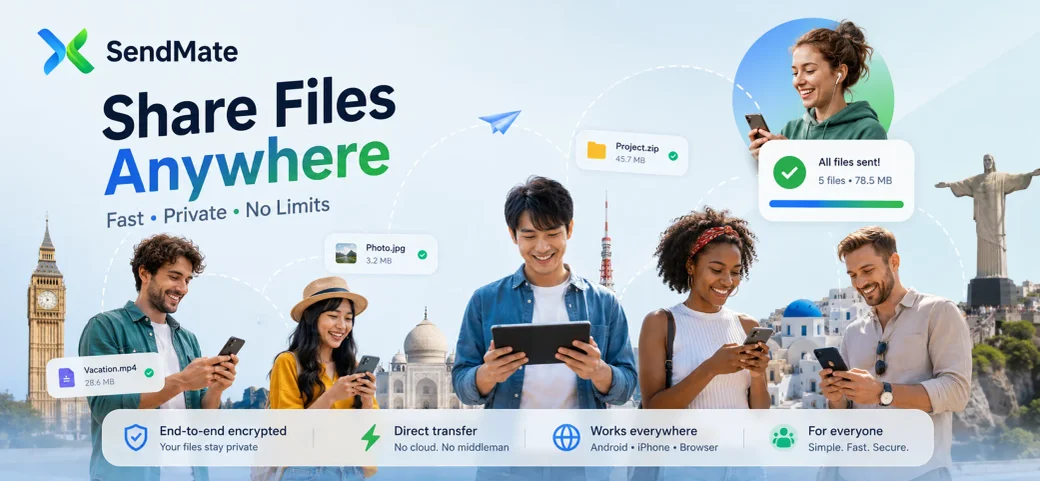
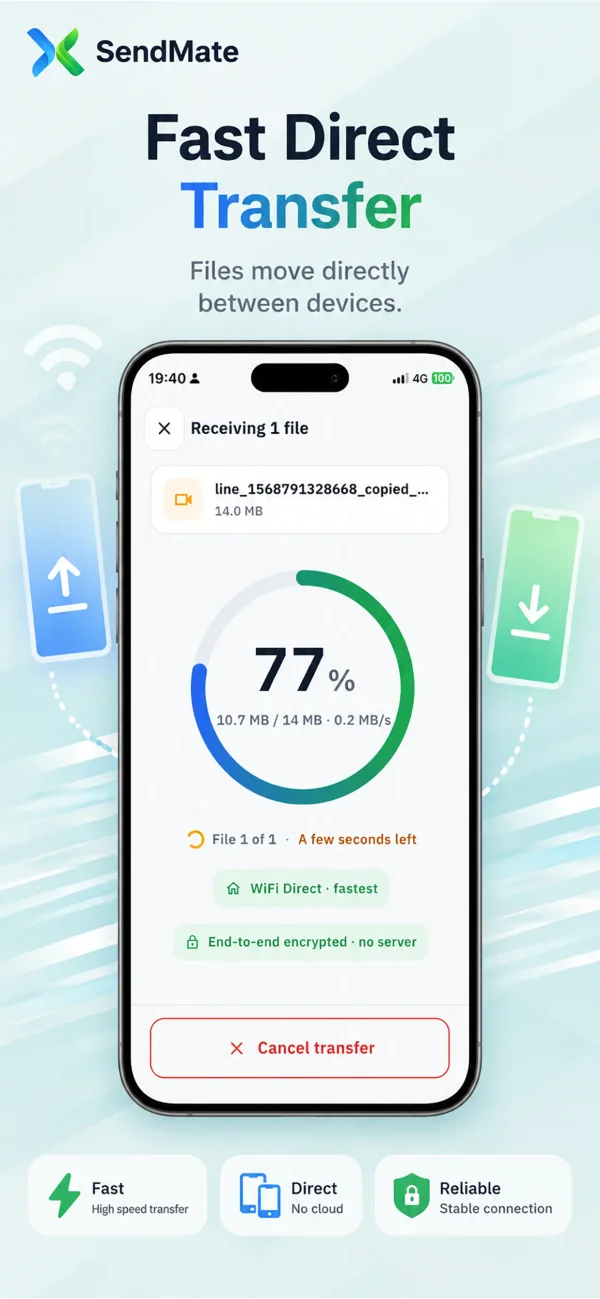
SendMate lets you transfer files between Android, iPhone and any modern web browser.
Send photos, videos, documents and large files directly between devices with end-to-end encryption.
No account. No sign up. No file size limits.
No desktop software required.
WHY SENDMATE
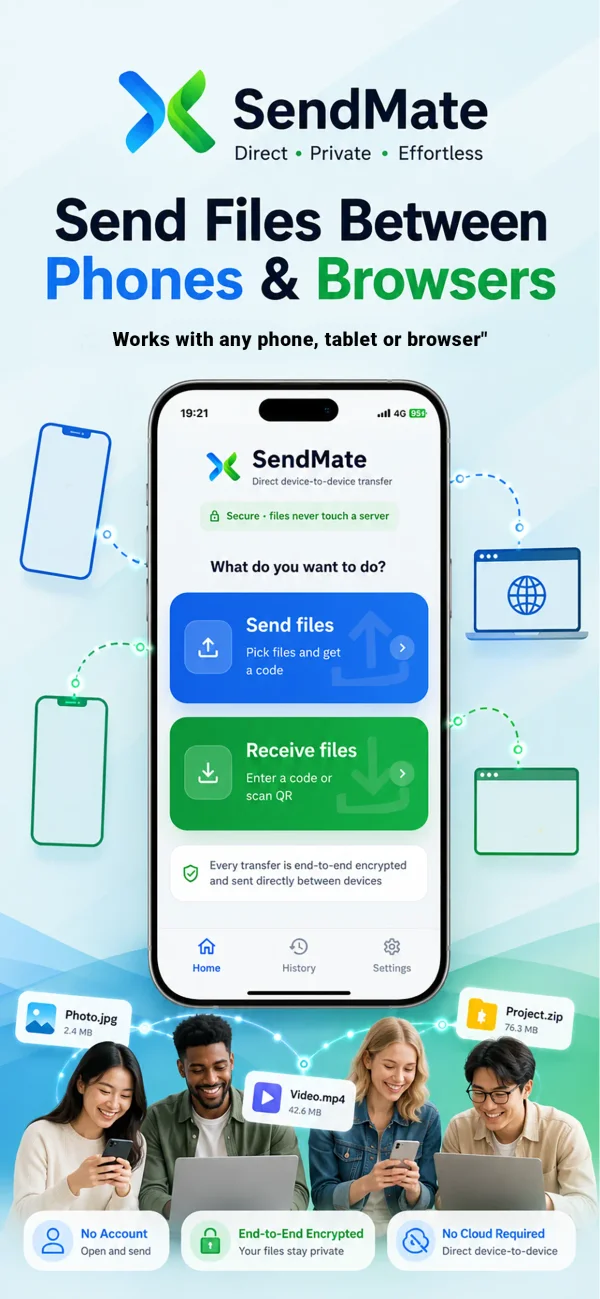
Send Files Between Phones and Browsers
Works across:
- Android
- iPhone
- Chrome
- Edge
- Safari
- Firefox
Send files from your phone directly to any browser.
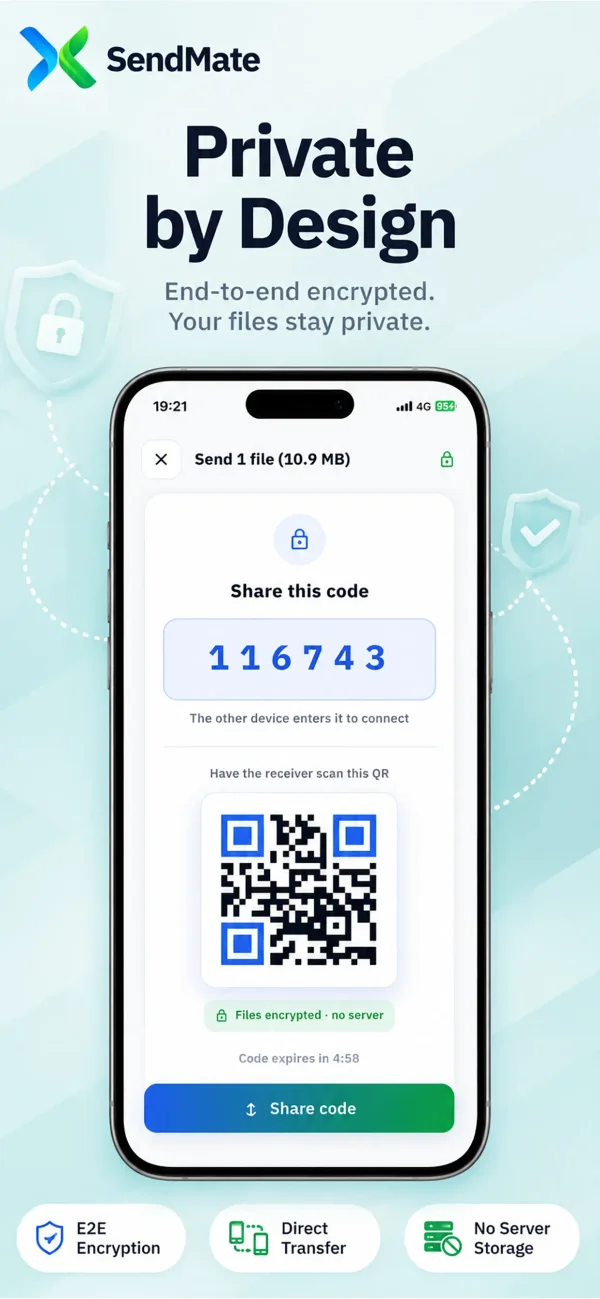
Private by Design
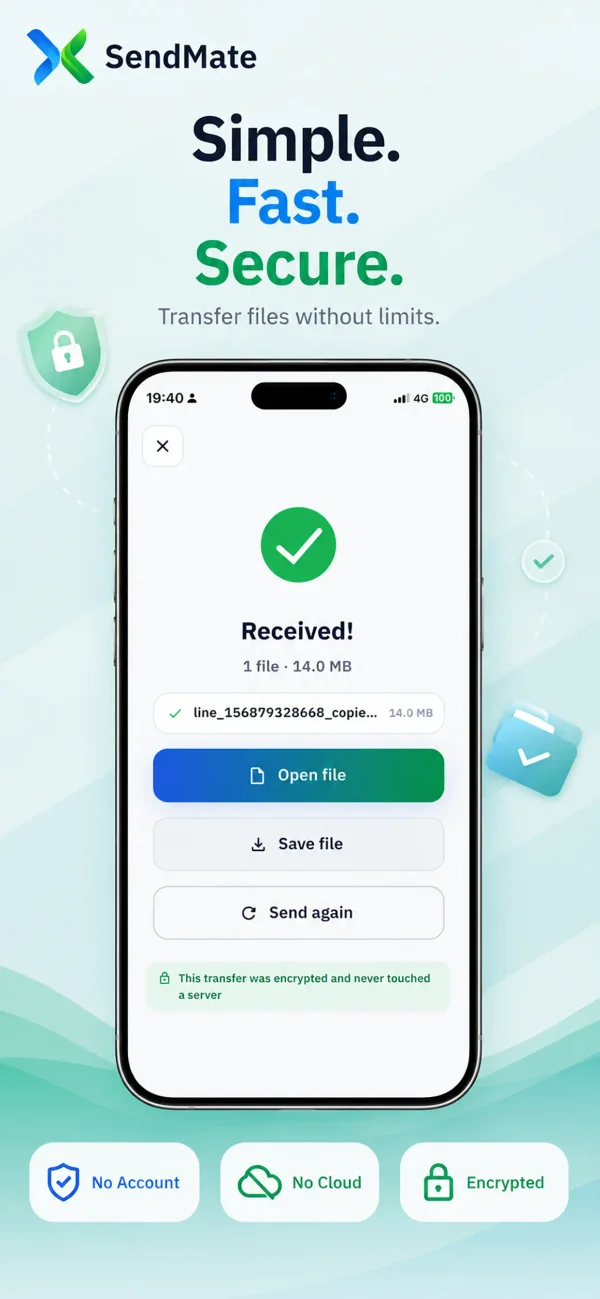
Your files are protected with end-to-end encryption.
Files travel directly between devices and are never stored on our servers.
Not even SendMate can access your files.
No Account Required
No registration.
No login.
No email address.
Open the app and start transferring files instantly.
No Desktop Installation Required
Receive files directly in your browser.
No desktop client.
No software installation.
Just open a browser and connect.
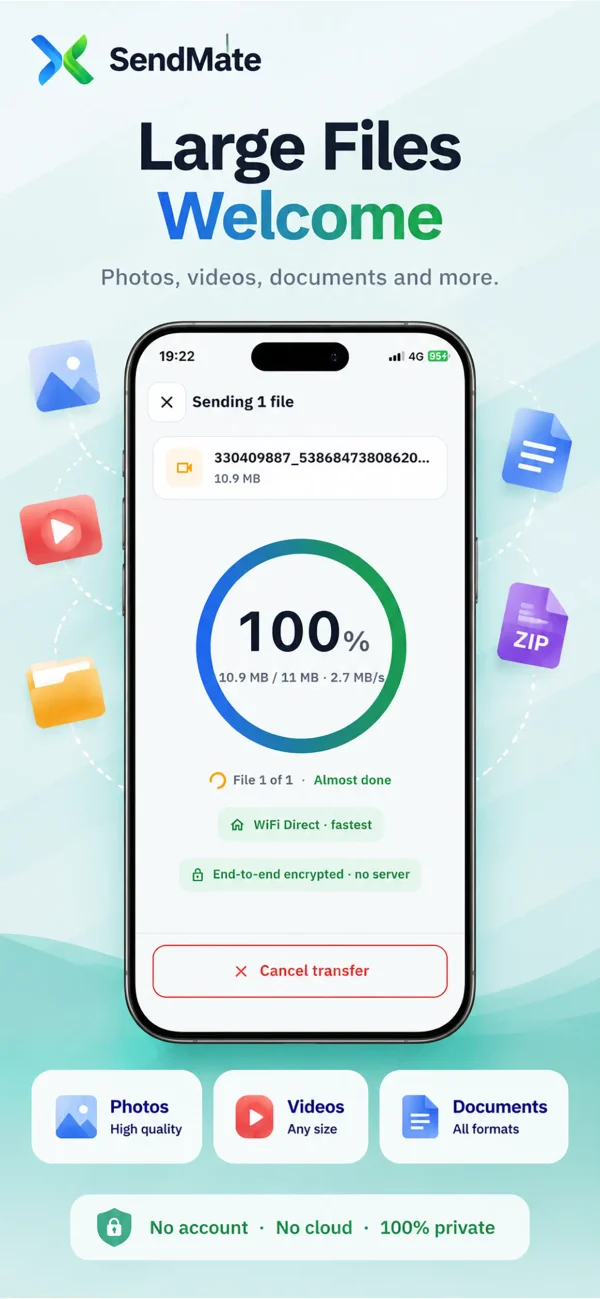
No File Size Limits
Send:
- Photos
- Videos
- Documents
- ZIP files
- Large project files
Without uploading them to cloud storage first.
Fast Direct Transfers
Files move directly between participating devices whenever possible.
Avoid unnecessary cloud uploads and downloads.
Your History Stays on Your Device
Transfer history stays on your device.
Clear it anytime.
HOW IT WORKS
1. Choose files on the sending device
2. Share a 6-digit code or QR code
3. Open SendMate on the receiving device
4. Enter the code or scan the QR
5. Transfer begins instantly
SECURITY
SendMate protects every transfer using modern end-to-end encryption.
Encryption keys remain on participating devices.
PERFECT FOR
- Phone to phone transfer
- Phone to browser transfer
- Moving files to a computer
- Sending large videos
- Sharing documents securely
- Cross-device file sharing
- Quick transfers without cloud storage
What’s new
Version 1.0.6 · Oct 7, 2026
- Add Share Feature
App privacy
What Athip Chonsawad declares on the App Store about how this app handles data.
-
Data used to track you
May be used to track you across apps and websites owned by other companies.
- Usage data
- Diagnostics
-
Data not linked to you
May be collected but is not linked to your identity.
- Usage data
- Diagnostics
Privacy practices may vary, for example with the features you use or your age.
Information
- Seller
- Athip Chonsawad
- Category
- Utilities
- Version
- 1.0.6
- Updated
- Oct 7, 2026
- Released
- Jun 17, 2026
- Size
- 83.5 MB
- Requires
- iOS 15.0 or later
- Age rating
- 4+
- Price
- Free
- Languages
- English
- Copyright
- © Prime App
You might also like
-
 Aura: Video to MP3 ConverterExtract & Trim Audio Tracks
-
 Wi-Fi QR: Code GeneratorShare WiFi Password & QR Signs
-
 CHECKurl: Safe Link InspectorSafe link & redirect tracer
-
 Discount Calculator - SaleFinal Price, Tax & Coupons
-
 Smart Tools!Level, Measure & Build Tools
-
 iCalculator: Widget & HistorySmart Calculator with Notes
-
 Decision Wheel - Random PickerSpin the Wheel for Choices
-
 Cardugo - Offline Card WalletNo Tracking. Fully Encrypted.
-
 0.05 Player0.05-16x / Reverse / A-B Loop
-
 Remote Mate SetupUtilities