WidgetAI - Custom AI Widgets
Unlimited Widgets!
Designed for iPhone, iPad, Mac
Free · In-app purchases
- Age rating12+
- CategoryProductivity
- DeveloperQuassum MB
- LanguagesEnglish
- Size47.7 MB
Links to the official App Store page
Download.org hosts no file of WidgetAI - Custom AI Widgets. The button opens its official App Store page, published by Quassum MB. Listing last checked on Nov 27, 2026.
Screenshots

About
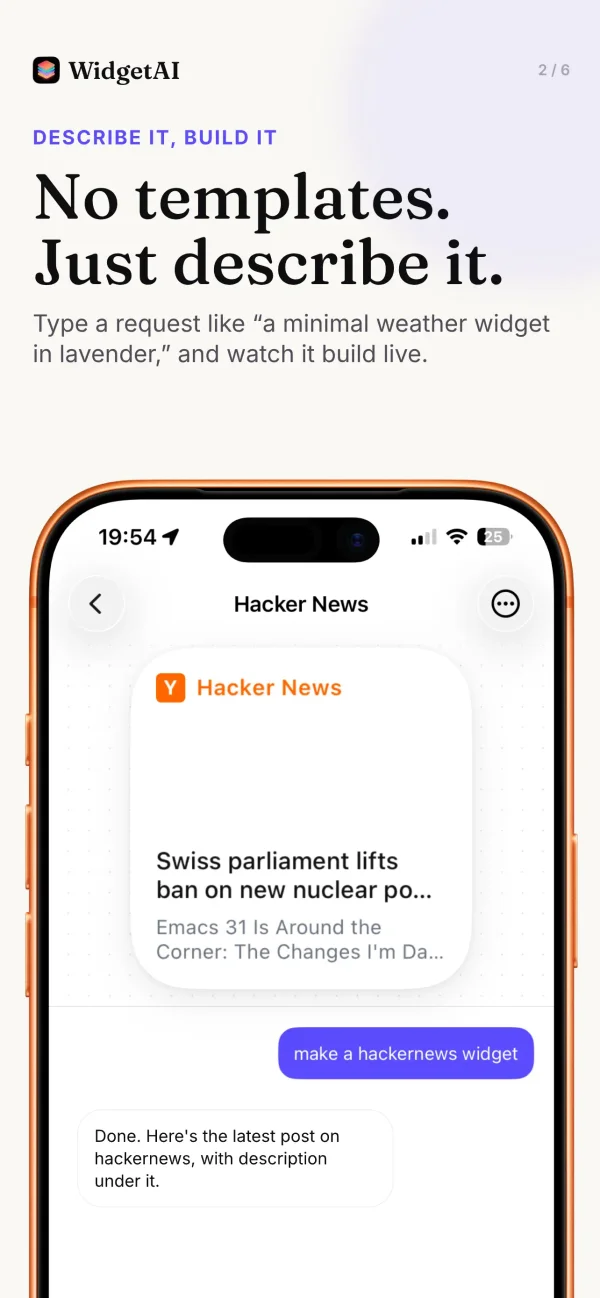
Build any widget you want for your iPhone, Lock Screen or Mac, just by describing it.
Tell WidgetAI what you have in mind. It designs and builds the widget while you watch, then you refine it in plain language until it's exactly right. Show it a photo of a look you like, or a screenshot of what's wrong, and it works from that. When it looks the way you want, it goes straight to your Home Screen.
Start from a template or from a blank canvas. No menus, no hundred toggles. Type what you want and watch it appear.
WHAT YOU CAN BUILD
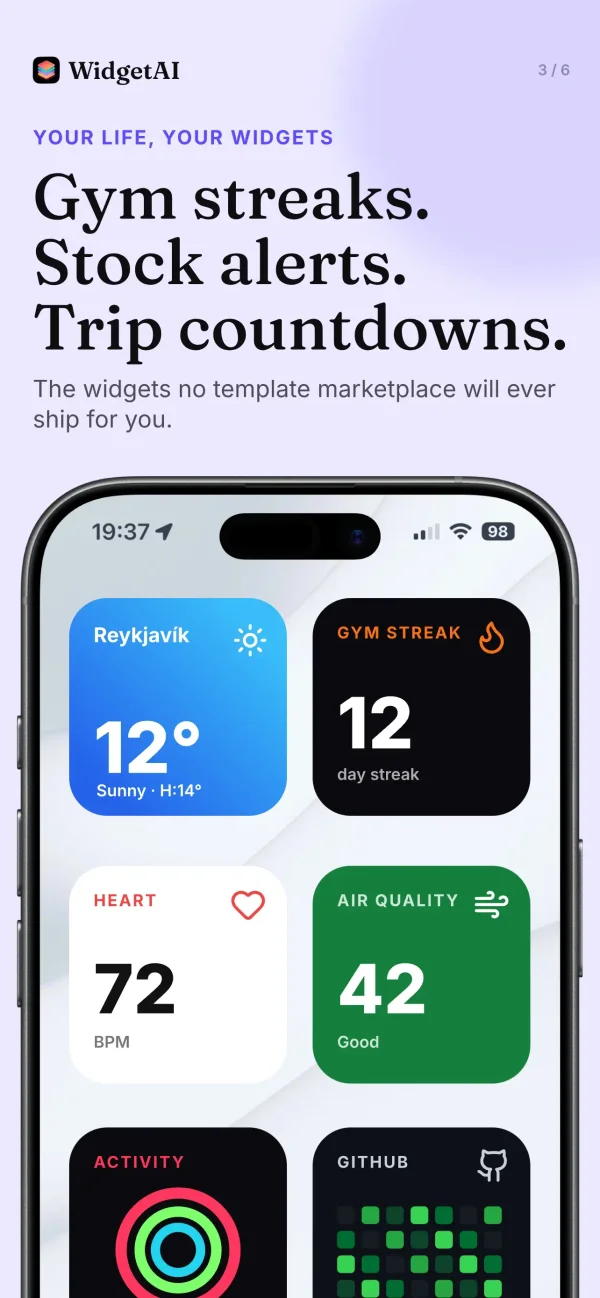
The widgets the big template packs will never make for you:
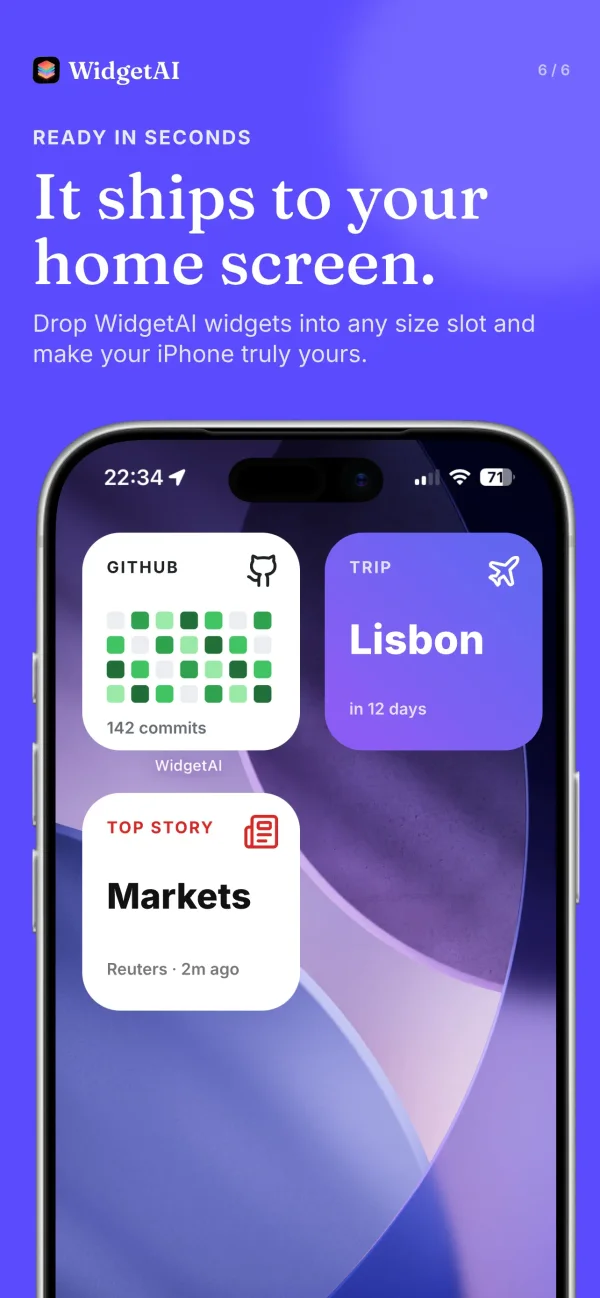
- A countdown to your next flight
- Your favourite photo, or one you pick, with the date over it
- Your GitHub contribution streak, and nothing else
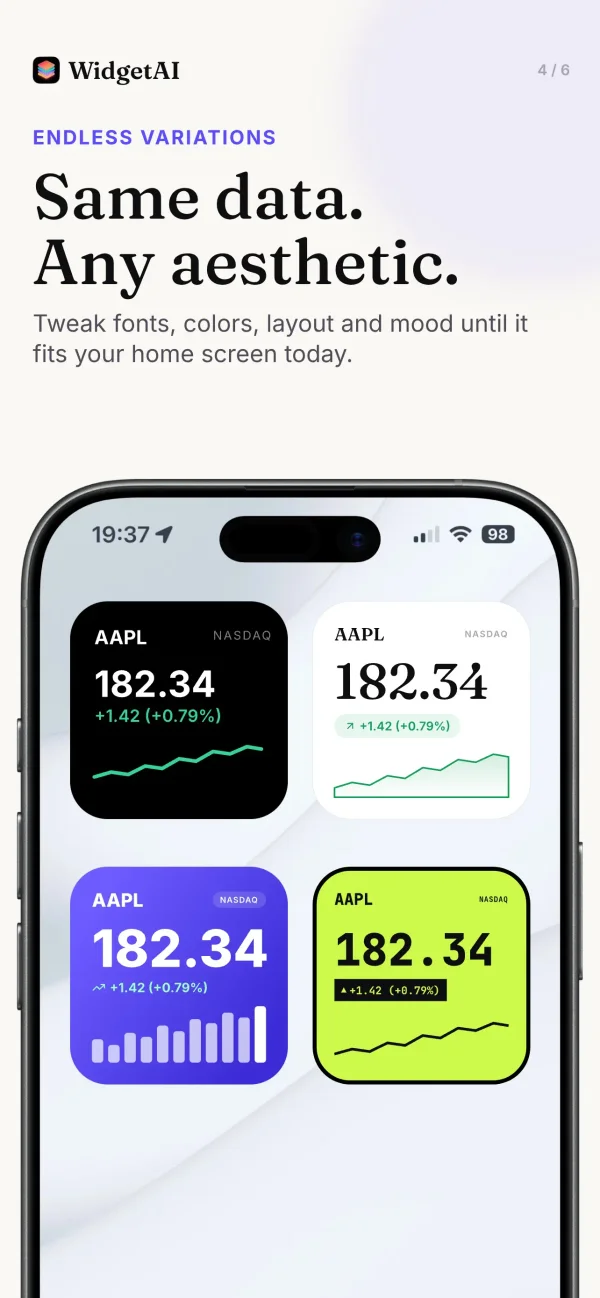
- A stock you're watching, with your own target price
- Days since your last coffee
- The weather, but only when it's actually cold
- Your next meeting, the way you'd actually want to see it
- Small and medium Home Screen widgets, plus circular, rectangular and inline Lock Screen widgets
If you can describe it in a sentence, you can put it on your screen.
DESIGN IT YOUR WAY
One sentence is all it takes to try a whole new look. Classic, minimalist, monochrome, retro, brutalist. Tweak the fonts, colours, layout and mood until it fits your Home Screen today. Change your mind tomorrow.
Widgets look right in the tinted and Clear Home Screen styles too.
CHANGE IT WITHOUT ASKING
Ask for a control and the widget gets one: a colour, a city, a target date, a number. Change it yourself in the app, no AI edit needed.
CONNECT REAL DATA
Your widgets can show live information, not just static art:
- Your photos
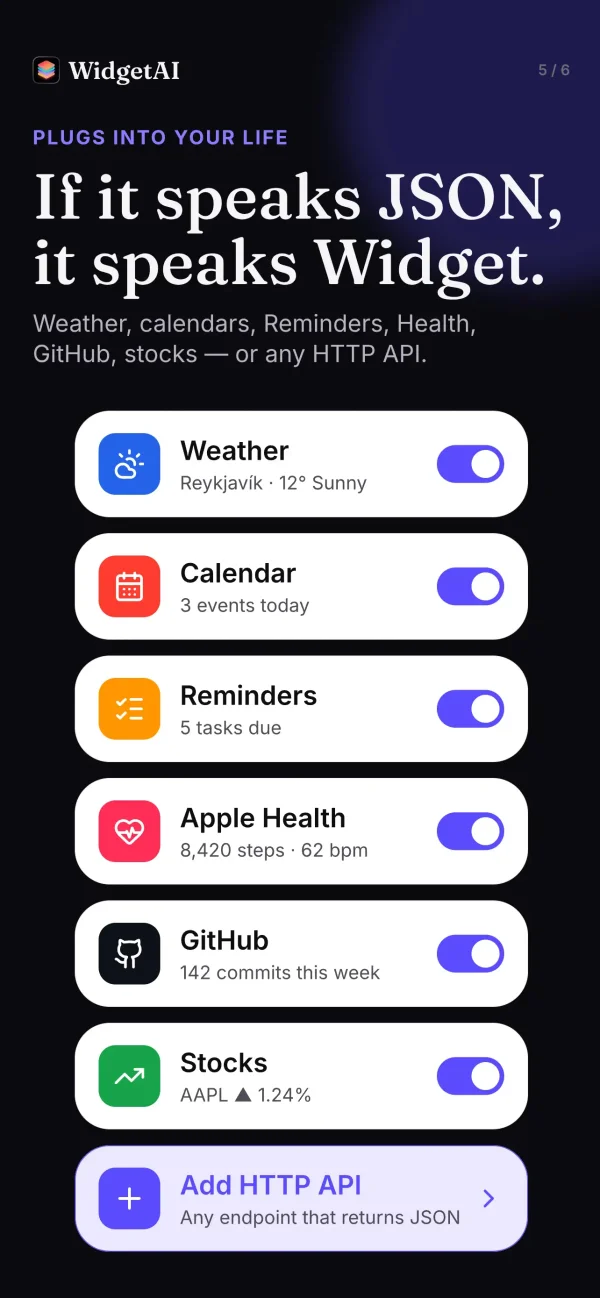
- Weather and air quality
- Calendar and reminders
- Health and activity
- Battery
- What's playing in Apple Music
- Stocks and crypto
- GitHub activity
- World clocks
- RSS and news feeds
- Any HTTP API you can point it at
Once a widget is on your Home Screen it keeps itself up to date.
LEARN AS YOU GO
Nine short built-in guides take you from your first widget to custom data sources.
PRIVATE OR SHARED
Keep your widgets to yourself, or publish the good ones for other people to use.
PRICING
Free to try: 1 widget and 5 AI edits a month, and you can build and preview before you ever pay.
Pro: 50 AI edits a month, unlimited widgets, premium templates and custom HTTP APIs.
Max: 250 AI edits a month, everything in Pro.
Terms of Use (EULA): https://www.getwidgetai.com/legal/terms
Privacy Policy: https://www.getwidgetai.com/legal/privacy
What’s new
Version 2026.11.3 · Nov 25, 2026
See how to add a widget
• A short animation above your widgets shows each step of putting one on your Home Screen.
Countdowns count calendar days
• A countdown to a date now changes at midnight, so tomorrow always reads as one day away.
Fixes
• The chat scrolls to your new message and keeps following the reply.
• Tapping the message field no longer freezes the app.
• Tiles line up with the Home Screen grid on the newest iPhone Pro models.
• The widget picker shows clearer names.
App privacy
What Quassum MB declares on the App Store about how this app handles data.
-
Data not linked to you
May be collected but is not linked to your identity.
- Contact info
- Identifiers
- Usage data
- Diagnostics
Privacy practices may vary, for example with the features you use or your age.
Information
- Seller
- Quassum MB
- Category
- Productivity
- Version
- 2026.11.3
- Updated
- Nov 25, 2026
- Released
- Jun 28, 2026
- Size
- 47.7 MB
- Requires
- iOS 18.6 or later
- Age rating
- 12+
- Price
- Free
- In-app purchases
- Yes
- Languages
- English
- Copyright
- © Quassum MB
You might also like
-
 Tilekit: AI Widget BuilderAI widgets with your live data
-
 Facet: AI Widget Maker & ThemeCustom widgets for school+life
-
 ro - minimal widgetsDistraction-free home screen
-
 Glance - Home Screen FeedsFollow widgets & get updates
-
 Shortcutly: Automation HubShortcut library automate jobs
-
 Jarvis - Voice AI AssistantAn AI that remembers you
-
 Left: Widgets for Time LeftCountdown, Habits, Streaks
-
 Easlo ExperimentsExperiment Your Way
-
 Fish: Text to Speech AI AudioClone Your Voice & Narrate
-
 AnyWidget: Lock Screen WidgetsThemes,Shortcuts,Launcher App