
Winter OPS
Smart Holdover Times & SNOWTAM
Designed for iPhone, iPad
Free · In-app purchases
- Age rating4+
- CategoryWeather
- DeveloperAvimont GmbH
- LanguagesEnglish
- Size68.3 MB
Links to the official App Store page
Download.org hosts no file of Winter OPS. The button opens its official App Store page, published by Avimont GmbH. Listing last checked on Nov 17, 2026.
Screenshots


About
Winter OPS supports aviation professionals during winter operations with fast access to Holdover Time information, De-/Anti-Icing guidance and SNOWTAM decoding — all in one purpose-built application.
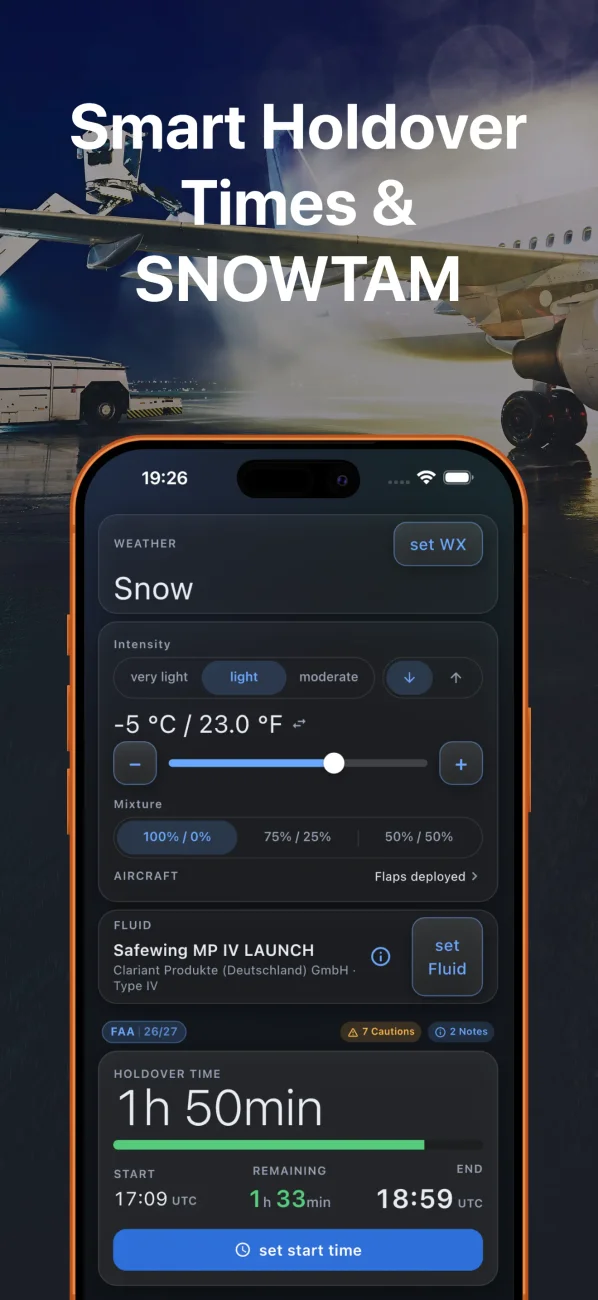
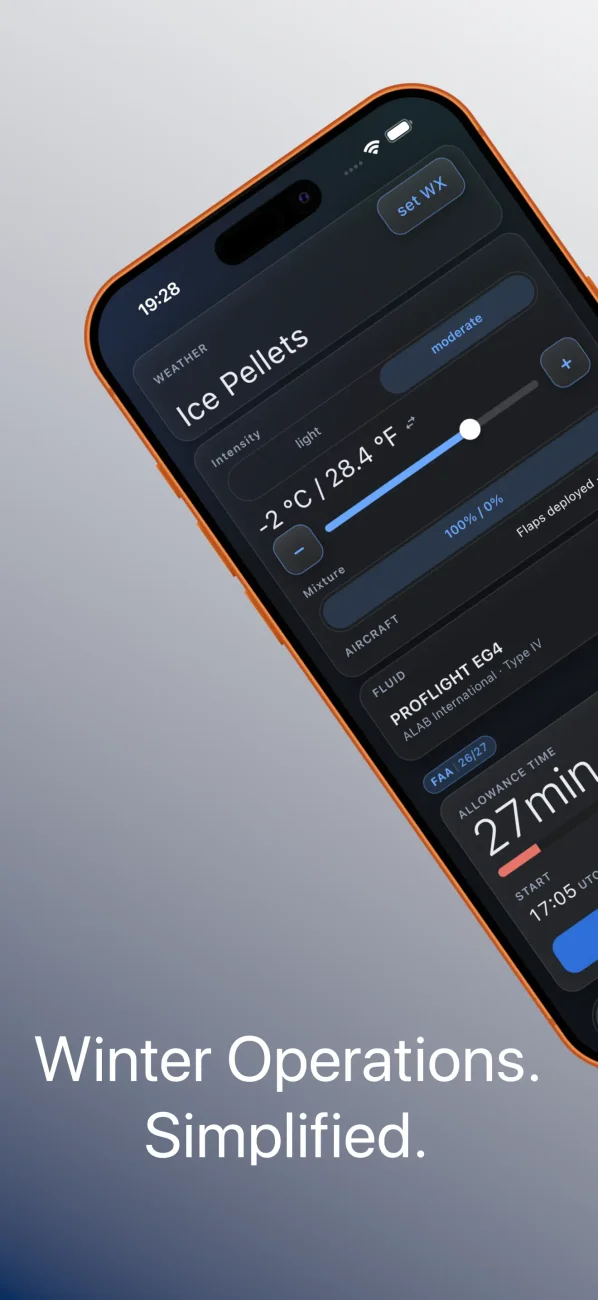
Configure the relevant operational conditions, select the applied fluid and quickly determine the corresponding Holdover Time (HOT). Compare available fluids at a glance and monitor the remaining HOT with configurable warnings and notifications.
HOLDOVER TIMES:
- Access Holdover Time (HOT) information based on supported FAA and Transport Canada guidance
- Configure weather condition and precipitation intensity
- Select outside air temperature in °C or °F
- Configure fluid type and fluid/water mixture
- Compare HOT values for available fluids at a glance
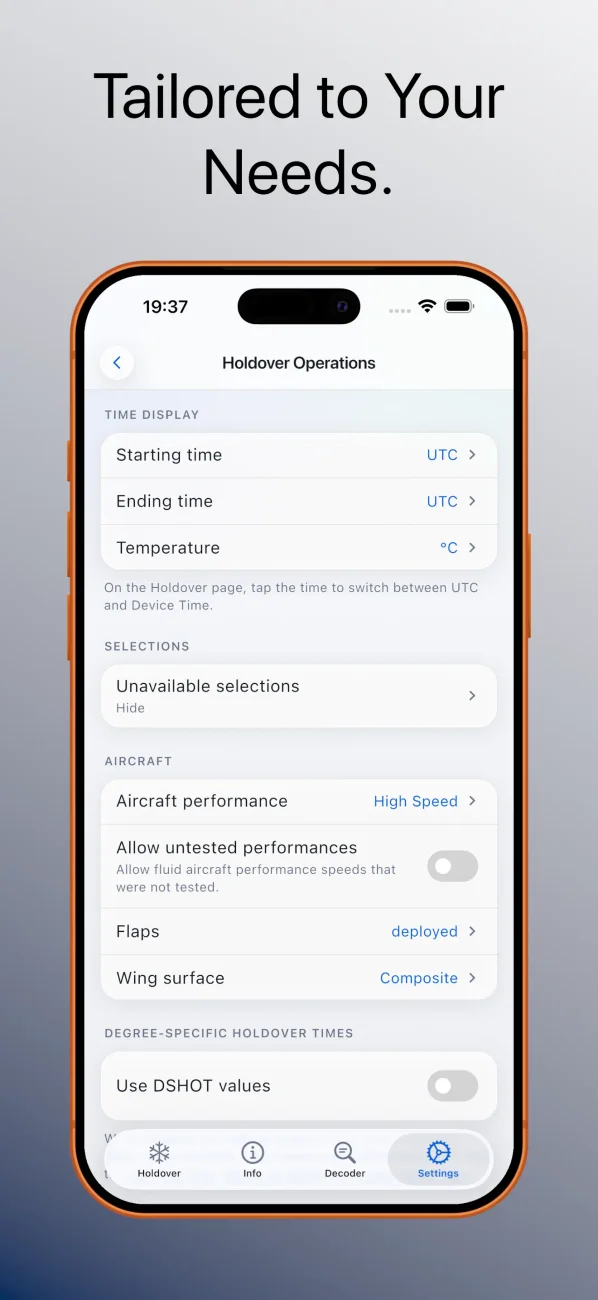
- Consider operational parameters including wing surface, flap setting, precipitation speed and rotation speed
- Display HOT start and end times using UTC, device time or countdown
- Degree-Specific Holdover Times (DSHOT) available where permitted by your operator procedures
HOT MONITORING:
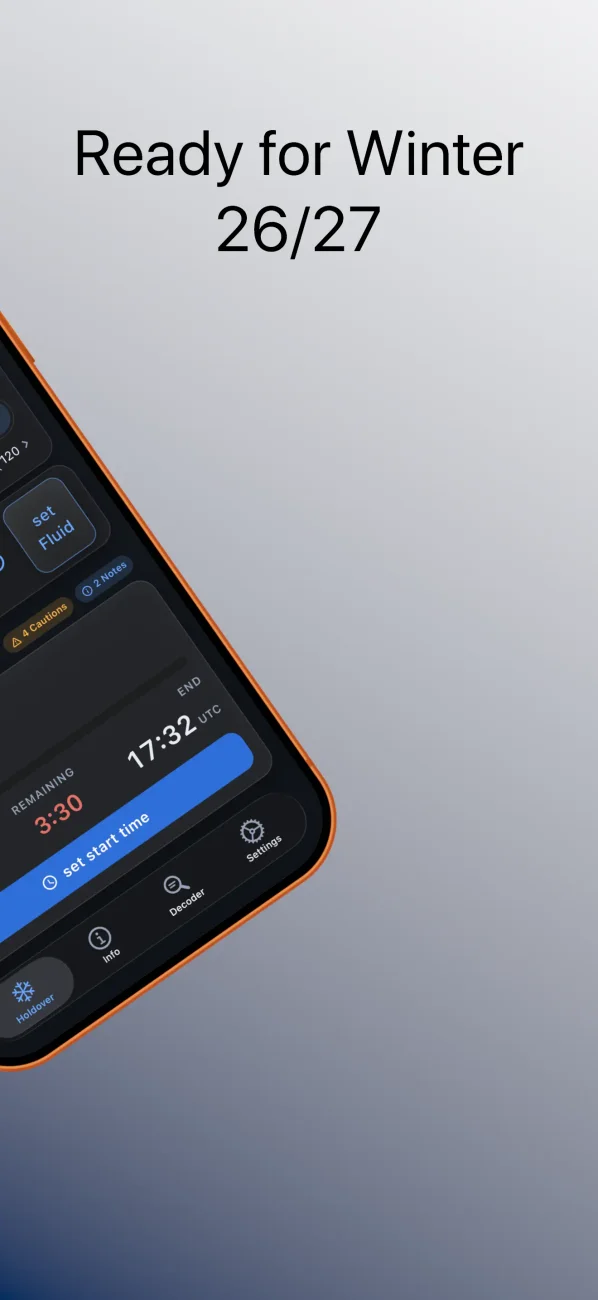
Keep track of your remaining Holdover Time during winter operations.
Configure individual warning levels for:
- Initial Warning
- Last Warning
- HOT Expiry
DE-/ANTI-ICING REFERENCE:
Quickly access useful operational reference information including:
- One-step and two-step application guidelines
- Application guidance by fluid and temperature
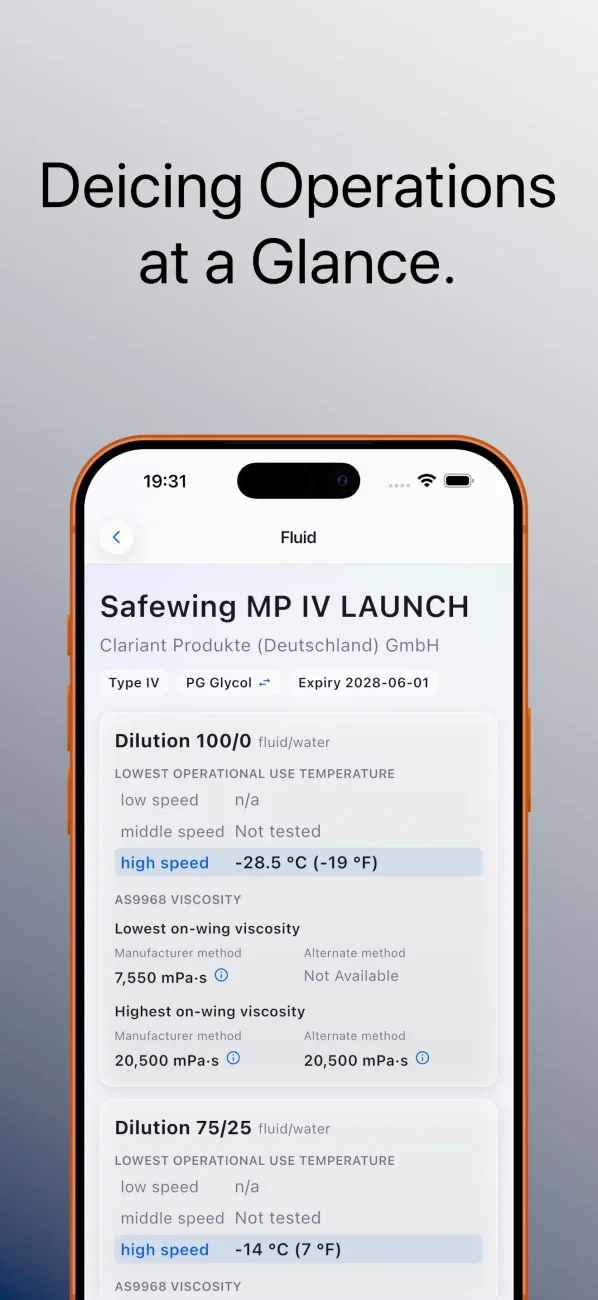
- Qualified fluid information
- Weather definitions
- De-Icing and Anti-Icing terminology and definitions
SNOWTAM & WINTER WEATHER:
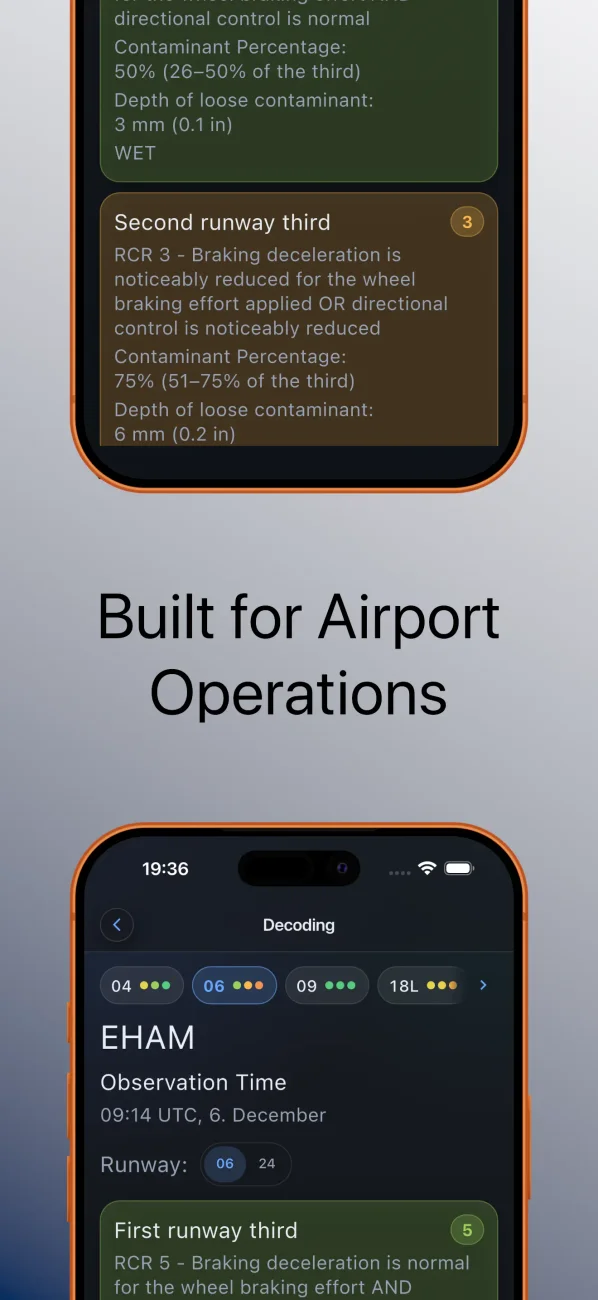
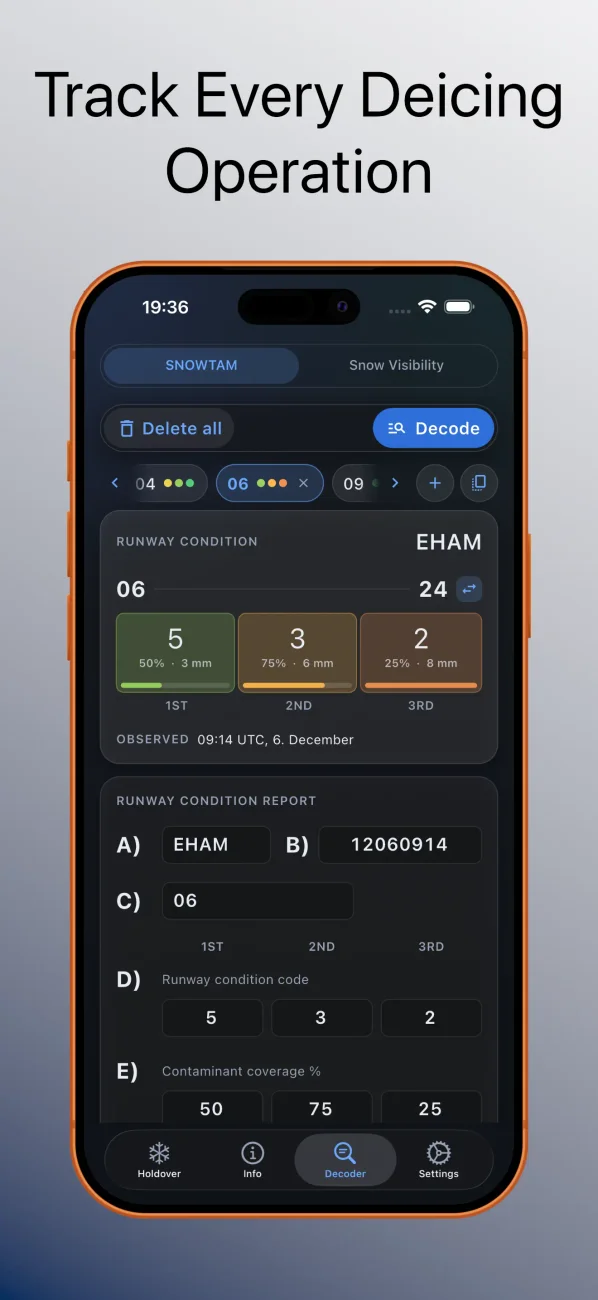
- Decode SNOWTAM information using the Global Reporting Format (GRF)
- Snow intensity and visibility decoder
- Present complex winter operations information in a clear and structured format
DESIGNED FOR AVIATION OPERATIONS:
Winter OPS is designed for pilots, flight operations, dispatch, ground operations and De-/Anti-Icing personnel who need relevant winter operations information without navigating through multiple documents and tables.
The interface is optimized for quick access to operational information and can be configured according to individual requirements.
Additional features include:
- Light and Dark Mode
- Configurable notification settings
- UTC and local device time support
- De-/Anti-Icing information sharing with Operations
- Portrait support on iPhone
- Portrait and landscape support on iPad
DATA & GUIDANCE:
Winter OPS uses Holdover Time data and guidance published for aircraft ground De-/Anti-Icing operations, including FAA and Transport Canada information and relevant EASA guidance.
Applicable data is provided through annual subscriptions.
Operators must always verify that the applicable data, procedures and winter season are approved for their operation.
IMPORTANT:
A subscription is needed for either all Fluids or Generic Fluids, available through in App Purchase or the respective individual Applications available in the AppStore.
Winter OPS is an operational reference and support tool. It does not replace operator procedures, aircraft manufacturer documentation, applicable regulations or the professional judgement and responsibility of flight and ground personnel.
Local authority requirements, operator documentation and aircraft-specific procedures must always be followed.
What’s new
Version 5.1.0 · Nov 13, 2026
What is new since 5.0, and where to find it.
Weather report (METAR)
On the Holdover page, the cloud button beside set WX
opens the weather report. Fetch the aerodrome's current METAR from
aviationweather.gov with one tap, paste it from ACARS or your briefing app.
Import the relevant values for the hodlovertime calculation
SNOWTAM decoder
Four aerodromes per flight: departure, destination and two alternates,
each with its own runways. Paste the whole briefing package and the reports are filled in with every normalised or refused value
marked on its field.
Where the airport data knows the aerodrome, a diagram draws its runways with the condition code on each third, read from the end you are
landing on with the condition codes and reduced length/width if applicable.
Audit trail
Each de-icing with a start time set on the Holdover page is recorded on
its own: the window, the fluid, the mixture and the conditions as the page
showed them. Add the flight, the de-icing truck, the quantities and the
outcome afterwards, from the record button on the Holdover page. The SNOWTAMs
of each flight are kept as you enter them.
Both histories are in Settings → Audit trail and on their own pages, and
export as text or PDF through the share sheet.
The countdown outside the app, and stand mode
The holdover countdown is now able to run while the app is in the background: on
the Lock Screen and, on iPhones that have one, in the Dynamic Island; on
Android as an ongoing notification. Switch it on under Settings →
Notifications → Countdown.
Stand mode shows the window full-screen, to be read from
across the cockpit or from a tablet in a mount. Settings → Holdover
Operations → Stand mode.
Also in 5.1
- Taxi margin. Enter the expected taxi and queue time,
when the taxi should begin at the latest.
- Start from outside the app. A Home Screen quick
action on iOS, an app shortcut on Android, Siri and the Action Button set
the start time to now.
- After expiry. The holdover card quotes what your
regulation says comes next, and whether a pre-takeoff contamination check
is an option under your operator's approval.
- Snow intensity from visibility. The visibility table
can set the intensity on the Holdover page, from the Intensity label there
or from the decoder.
- How the time was derived. The ⓘ beside the holdover
time names every input and the band the lookup landed on, and copies a
one-line summary for the journey log.
- Managed by your operator. An operator can set fluids,
regulation and settings through its device management; what is managed is
listed in Settings.
- Feedback. Settings → About → Feedback opens an e-mail
draft to us for problems and suggestions. You read it and send it
yourself.
App privacy
What Avimont GmbH declares on the App Store about how this app handles data.
-
Data not linked to you
May be collected but is not linked to your identity.
- Purchases
Privacy practices may vary, for example with the features you use or your age.
Information
- Seller
- Avimont GmbH
- Category
- Weather
- Version
- 5.1.0
- Updated
- Nov 13, 2026
- Released
- Jan 10, 2012
- Size
- 68.3 MB
- Requires
- iOS 16.0 or later
- Age rating
- 4+
- Price
- Free
- In-app purchases
- Yes
- Languages
- English
- Copyright
- © 2011 - 2026 Avimont GmbH
You might also like
-
 Holdover CalculatorPre-departure anti-ice advisor
-
 Holdover Times CalculatorDe-icing app
-
 Safe Sky - Airside SyncAirside reporting made easy
-
 SITA eWAS for iPhoneWeather
-
 SkyPath ProTurbulence alert system
-
 ATIS RelayLive ATIS for 160+ airports
-
 WSI Pilotbrief OptimaWeather
-
 AeroWeather ProCurrent and precise weather
-
 StationWeather - METAR and TAFAviation Weather and Maps
-
 ATIS AppDigital ATIS for US Airports!