
Wireless Printer & PDF Scanner
AirPrint Scan & Wireless Print
Designed for iPhone, iPad, iPod touch
Free · In-app purchases
- Age rating4+
- CategoryUtilities
- DeveloperMuzammil Shahid
- LanguagesEnglish
- Size999.0 KB
Links to the official App Store page
Download.org hosts no file of Wireless Printer & PDF Scanner. The button opens its official App Store page, published by Muzammil Shahid. Listing last checked on Nov 13, 2026.
Screenshots

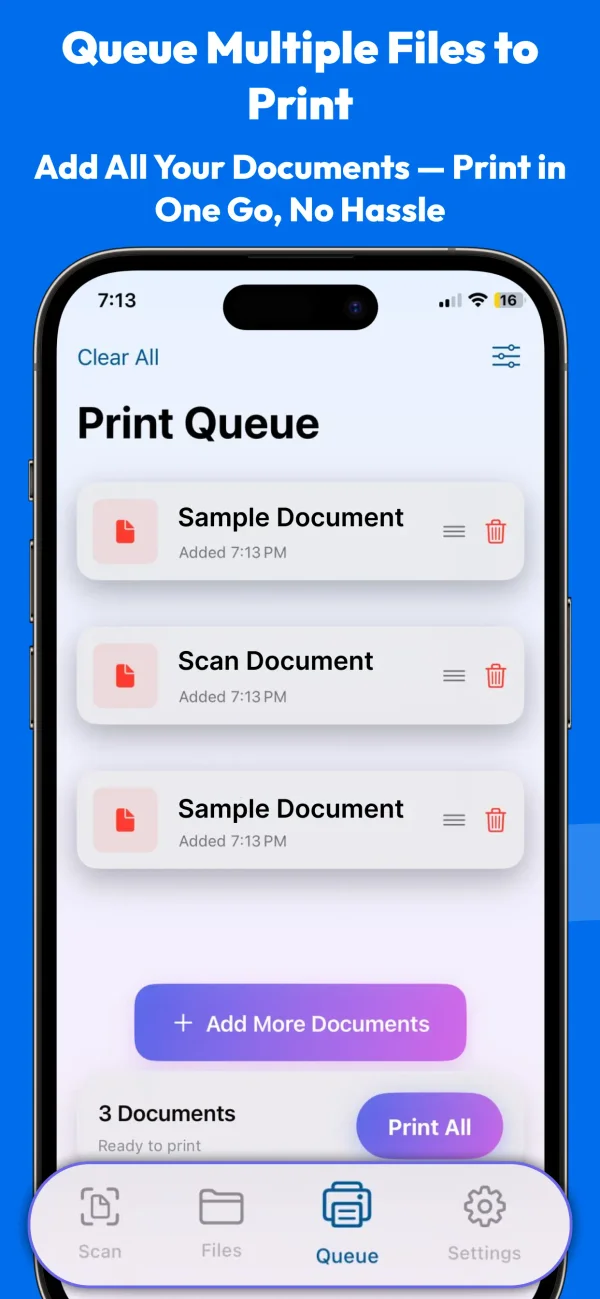
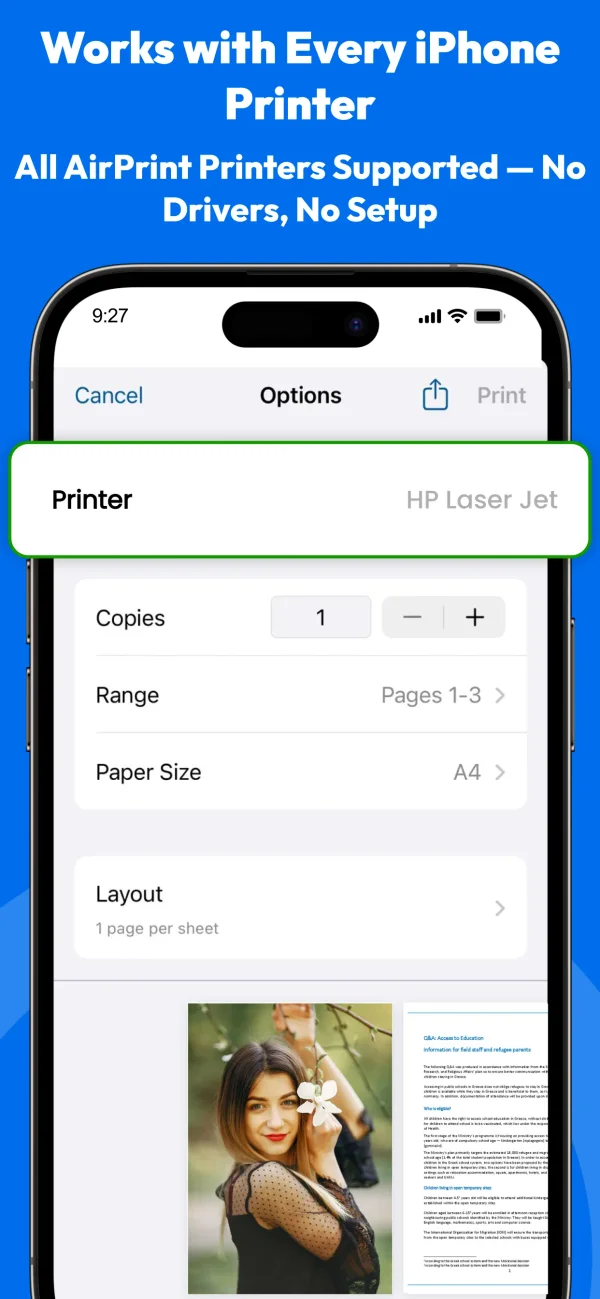

About
Wireless Printer & PDF Scanner — The Simplest Way to Print from iPhone & iPad
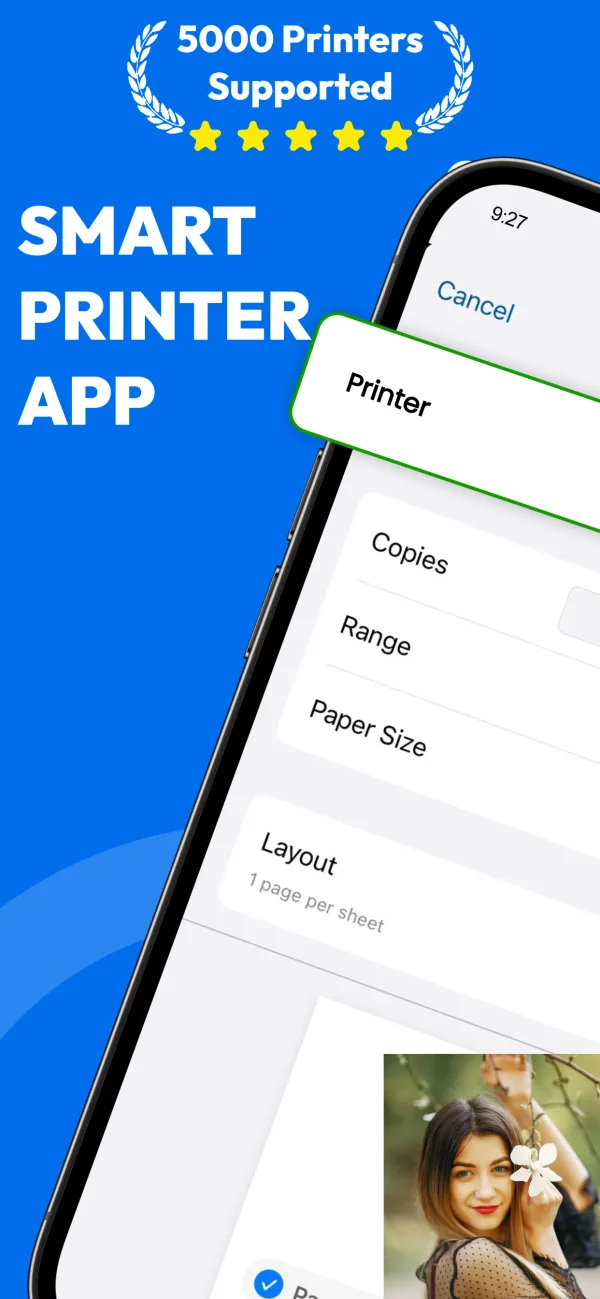
No drivers. No setup. Just tap and print wirelessly to any AirPrint-enabled printer in seconds.
Whether you're at home, the office, or on the go — Printer App connects instantly to your Wi-Fi printer and lets you print documents, photos, and PDFs straight from your iPhone or iPad.
PRINT ANYTHING
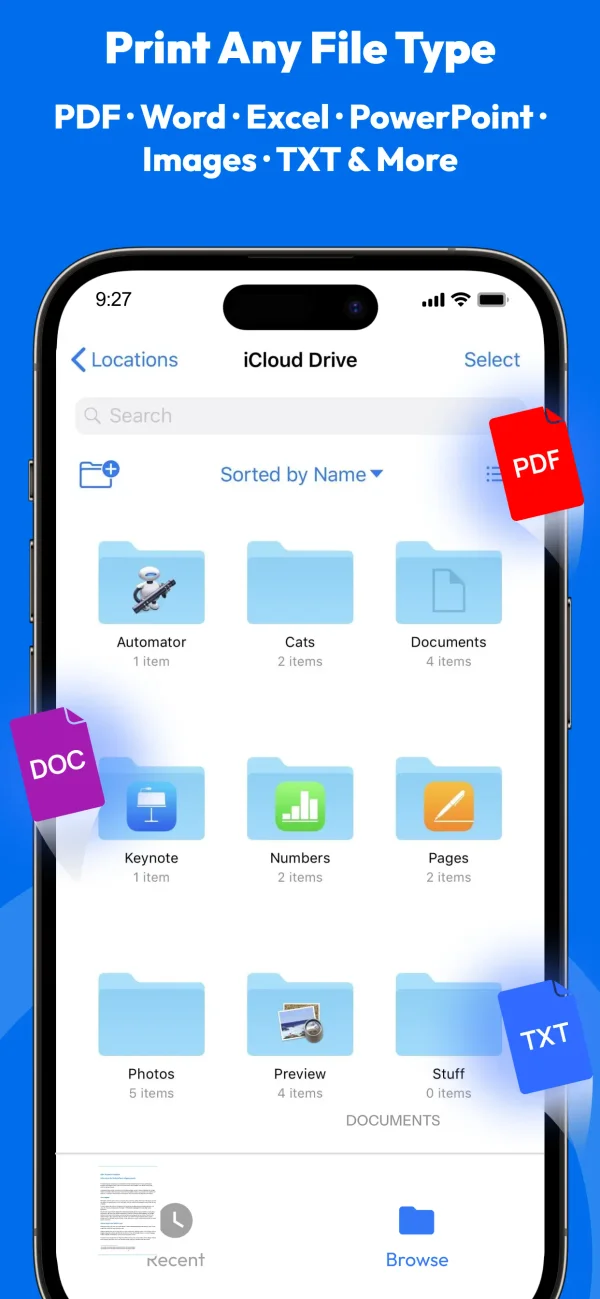
• Print PDFs, photos, Word, Excel & PowerPoint files
• Print emails, web pages, notes & clipboard text
• Select page range, copies, color or B&W, paper size
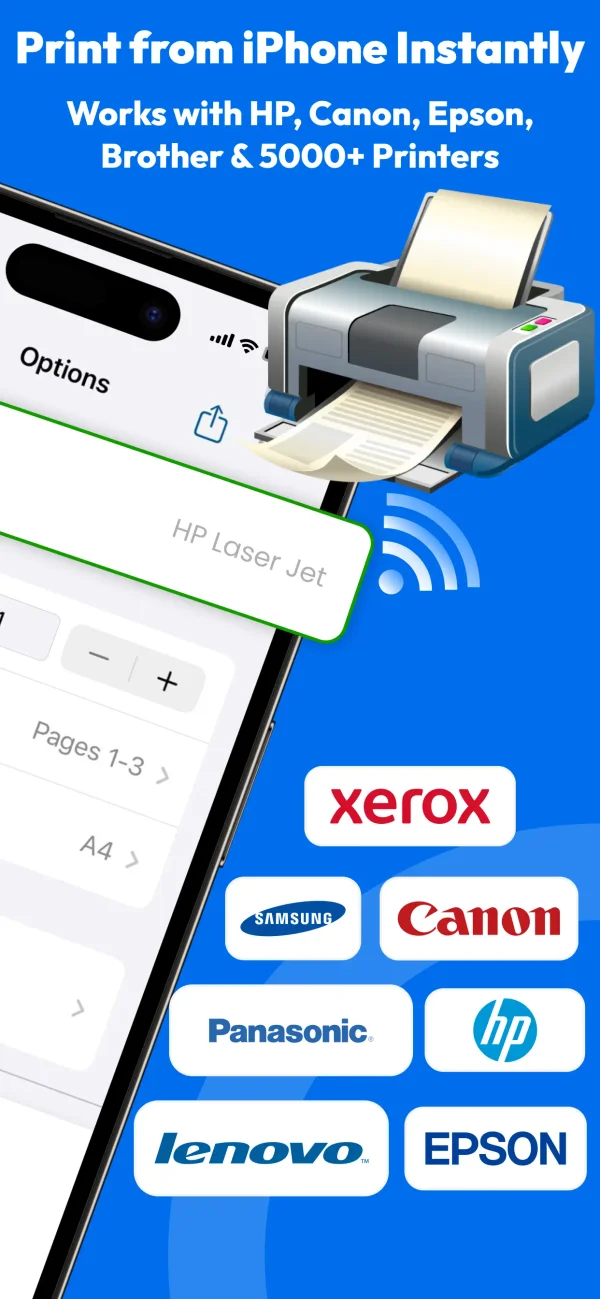
• Supports AirPrint — works with HP, Canon, Epson, Brother & 5000+ printers
SCAN WITH YOUR CAMERA
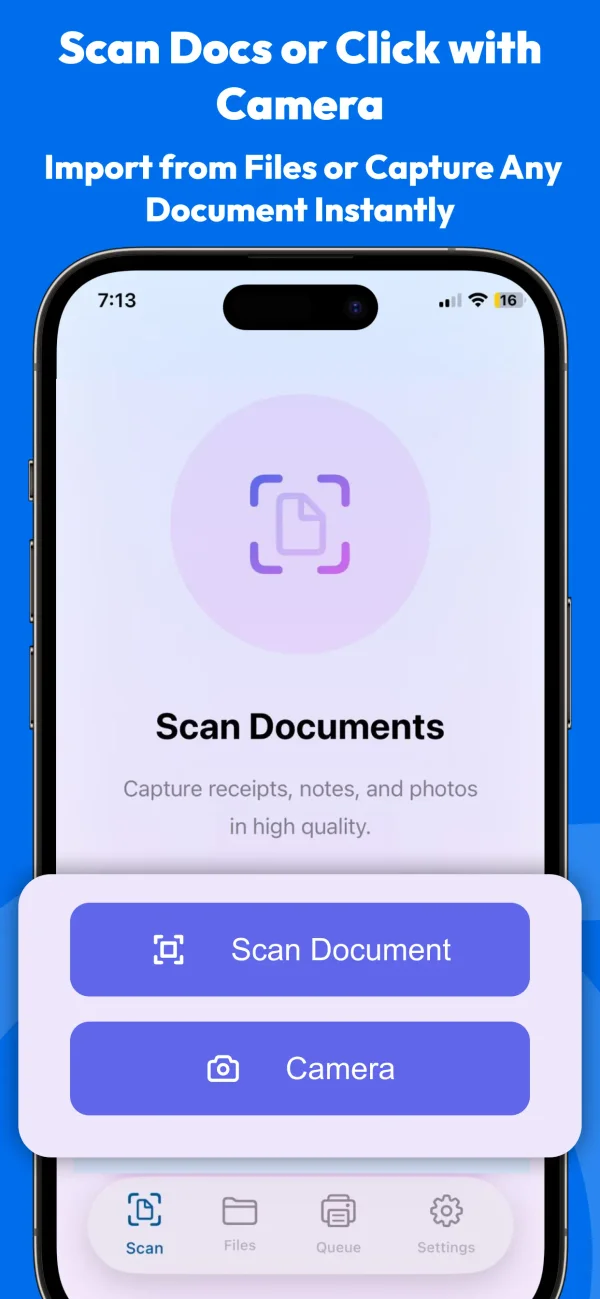
• Scan documents, receipts, ID cards & multi-page files
• Auto edge detection for perfectly cropped scans
• Image enhancement for sharp, clear output
• Save scanned files as PDF or image instantly
PDF TOOLS
• View, annotate & organize PDF files
• Merge, crop and manage pages
• Export and share via email, iCloud, Google Drive & Dropbox
PRIVACY FIRST
• No account or sign-up required
• Your documents stay on your device — never uploaded
• Camera used only for scanning
WORKS WITH ALL MAJOR BRANDS
HP, Canon, Epson, Brother, Samsung, Xerox, Dell, Lexmark, RICOH, Kyocera, Toshiba, Panasonic & more.
Perfect for students printing assignments, professionals printing contracts, and families printing memories.
Terms of Use: https://sites.google.com/view/printer-app-print-scan/terms-and-conditions
Privacy Policy: https://sites.google.com/view/printer-app-print-scan/privacy-policy"
What’s new
Version 1.7 · Apr 27, 2026
Camera Scan Rotation Fixed
App Improved
App privacy
What Muzammil Shahid declares on the App Store about how this app handles data.
-
Data not collected
The developer does not collect any data from this app.
Privacy practices may vary, for example with the features you use or your age.
Information
- Seller
- Muzammil Shahid
- Category
- Utilities
- Version
- 1.7
- Updated
- Apr 27, 2026
- Released
- Feb 23, 2026
- Size
- 999.0 KB
- Requires
- iOS 15.6 or later
- Age rating
- 4+
- Price
- Free
- In-app purchases
- Yes
- Languages
- English
- Copyright
- © Muzammil Shahid
You might also like
-
 Countdown Days: Events&WidgetsReminders, Sync & More
-
 NetScope: IP & LAN ToolkitScan, diagnose and inventory
-
 Network Scanner ToolkitWiFi Analyzer & IP Scan Tools
-
 Smart Printer App: Scan ePrintFor HP, Epson, Canon, Brother
-
 Escapement: Watch Time SyncAccurate clock, minute signal
-
 CIPrtFor 4G printing
-
 Smart Printer:Print & Scan.Print Documents,PDF and Photos
-
 Universal Printer & ScannerWi-Fi, Photo & PDF Printing
-
 Unlock Verizon Network DevicesUnlock Device - IMEI Guide
-
 Jiji PurintoThermal Mini-Printer Companion