
Word Clock Pro: Widget
Time into type art
Designed for iPhone, iPad, Mac, iPod touch
$3.99
- Age rating4+
- CategoryUtilities
- DeveloperVasic Stefan
- LanguagesEnglish
- Size40.2 MB
Links to the official App Store page
Download.org hosts no file of Word Clock Pro: Widget. The button opens its official App Store page, published by Vasic Stefan. Listing last checked on Nov 14, 2026.
Screenshots


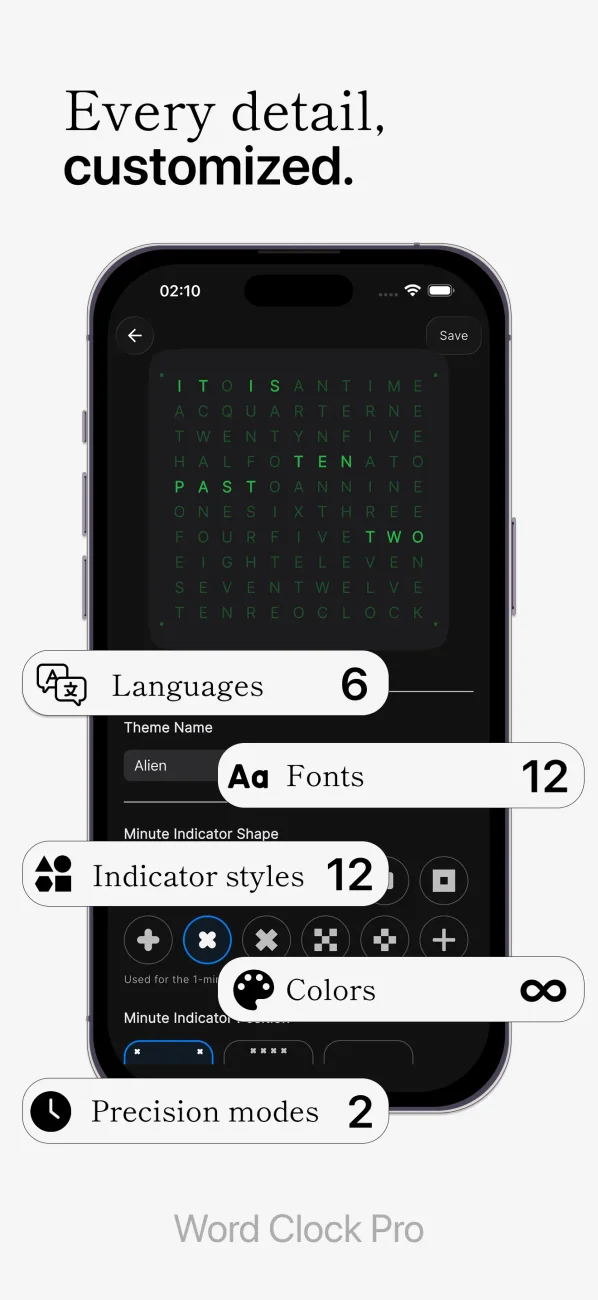
About
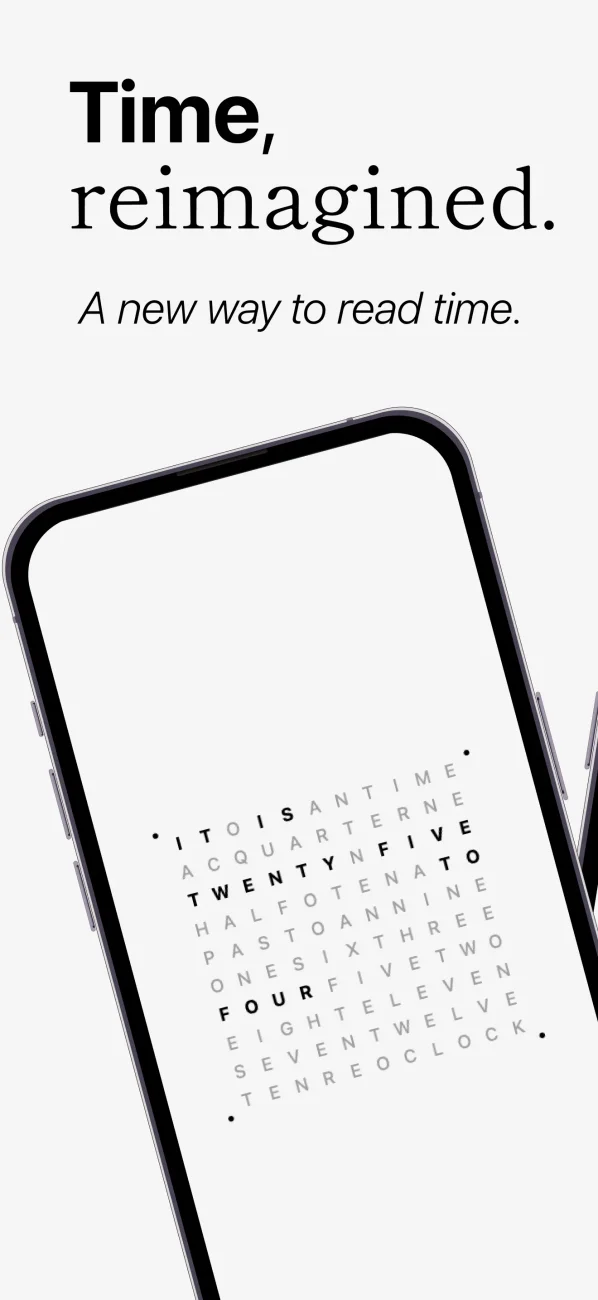
Turn time into typography with Word Clock Pro—a customizable word clock, home screen widget, desk clock, and ambient display for your Apple devices.
Instead of ordinary digits, Word Clock Pro expresses the time in words. Create a minimalist clock that matches your home screen, desk, nightstand, Mac, Apple Watch, or Apple TV.
WORD CLOCK WIDGETS
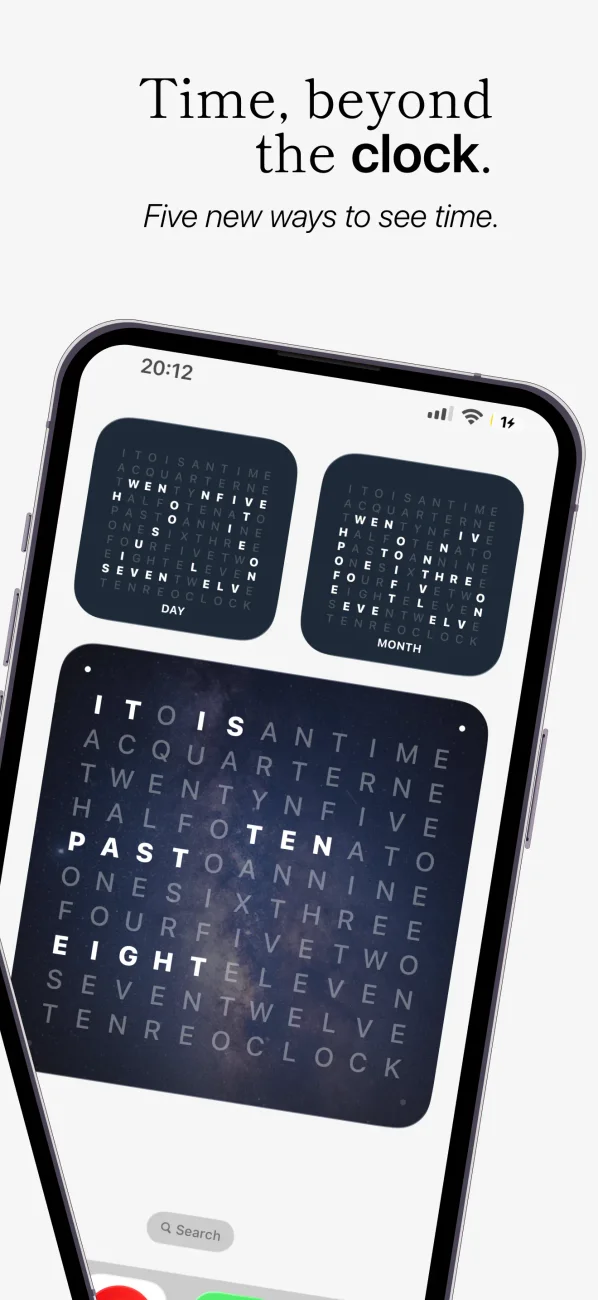
Add elegant word clock widgets to your iPhone, iPad, or Mac. Choose from small and large layouts, customize their appearance, and use your own images as widget backgrounds.
PROGRESS & COUNTDOWN WIDGETS
Visualize more than the current time with dedicated widgets for:
• Day progress
• Week progress
• Month progress
• Year progress
• Custom countdowns
Create countdowns for birthdays, holidays, events, deadlines, and other important dates.
DESIGN YOUR OWN CLOCK
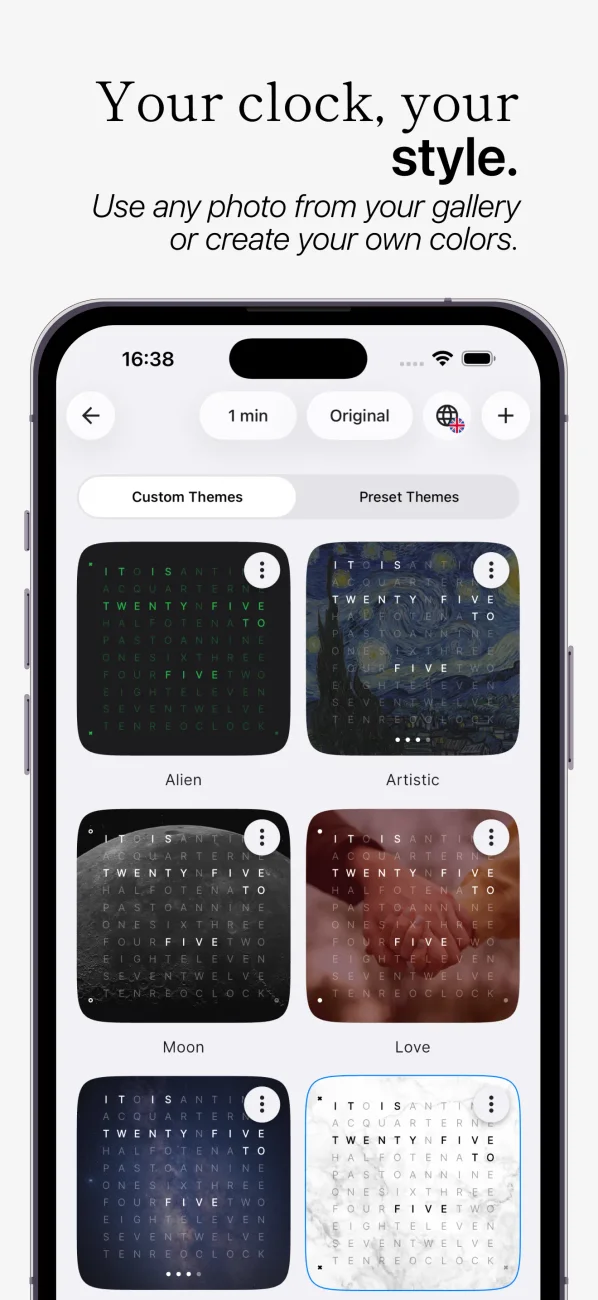
Build unlimited themes with complete control over:
• Background and letter colors
• Image backgrounds
• Fonts and typography
• Inactive-letter opacity
• Minute indicator position
• Indicator color, opacity, size, and shape
• One-minute or classic five-minute precision
Start with 15 professionally designed presets or create a completely original look with live previews.
DESK & AMBIENT CLOCK
Turn your iPhone or iPad into a calm bedside, desk, or kiosk display. Ambient Mode can keep the screen awake, allowing your word clock to remain visible without automatic locking.
SIX CLOCK LANGUAGES
Display time in:
• English
• German
• Dutch
• French
• Spanish
• Italian
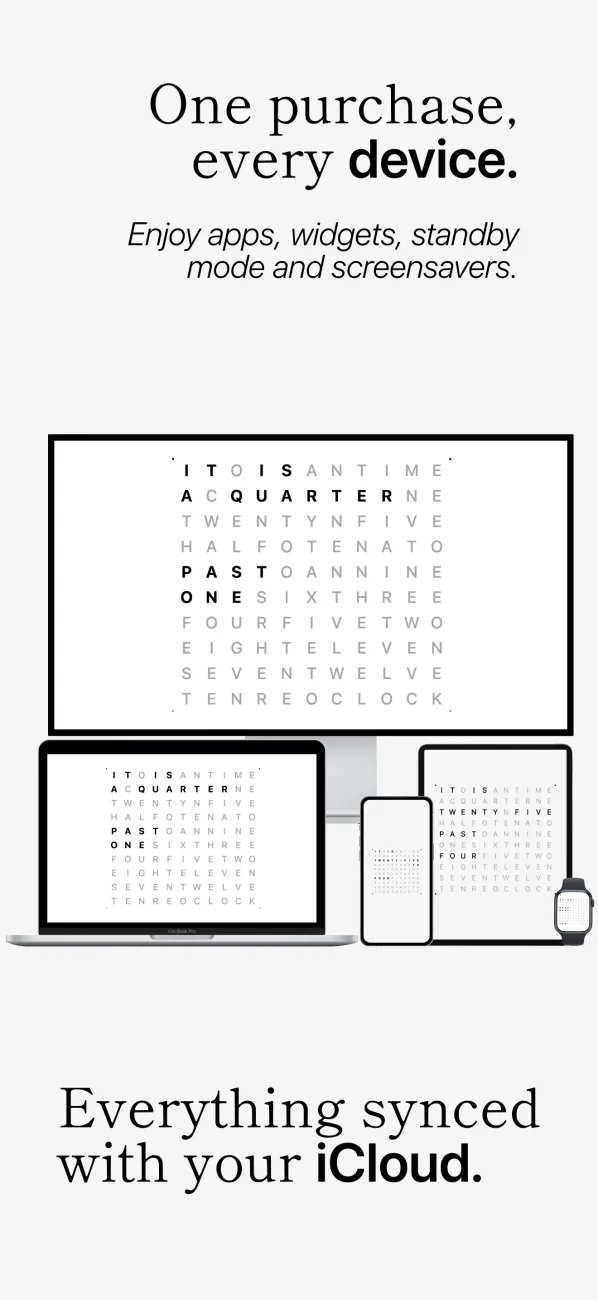
ACROSS THE APPLE ECOSYSTEM
• iPhone and iPad
Home screen widgets, StandBy support, countdowns, progress widgets, and fullscreen clock modes.
• Mac
A native macOS app, desktop widgets, and a dedicated word clock screensaver.
• Apple Watch
A glanceable word clock with customizable themes.
• Apple TV
A large-format ambient word clock designed for viewing across the room.
ICLOUD SYNC
Keep your custom themes and settings synchronized across supported Apple devices.
ONE-TIME PURCHASE
Buy Word Clock Pro once and use it across iPhone, iPad, Mac, Apple Watch, and Apple TV.
No subscriptions. No in-app purchases.
What’s new
Version 6.0.0 · Nov 5, 2026
Improved word spacing and phrase readability across all supported languages.
App privacy
What Vasic Stefan declares on the App Store about how this app handles data.
-
Data not collected
The developer does not collect any data from this app.
Privacy practices may vary, for example with the features you use or your age.
Information
- Seller
- Vasic Stefan
- Category
- Utilities
- Version
- 6.0.0
- Updated
- Nov 5, 2026
- Released
- Dec 29, 2025
- Size
- 40.2 MB
- Requires
- iOS 15.0 or later
- Age rating
- 4+
- Price
- $3.99
- Languages
- English
- Copyright
- © Orionity
You might also like
-
 WordClock Widget - Text ClockFor your StandBy & Home Screen
-
 Text Clock WidgetUtilities
-
 A Word ClockTime in Words
-
 Word Clock · Text Time WidgetRetro · Flip · Neon · Tile
-
 HangulClock - Time in KoreanWhere Time Becomes Words
-
 Checkpoint EASexpertUtilities
-
 SplitZipSplit large files locally
-
 Unit (Converter)Over 700 units to convert
-
 Rouiksi CalBirthUtilities
-
 TimeCalcula: Time CalculatorSimple Time Calculator