WordCloudMaster: Word Cloud
Word Art & Tag Cloud Maker
Designed for iPhone, iPad, Mac, iPod touch
$8.99 · In-app purchases
- Age rating4+
- CategoryGraphics & Design
- Developer辉章 何
- LanguagesEnglish+ 37 more
- Size42.5 MB
Links to the official App Store page
Download.org hosts no file of WordCloudMaster: Word Cloud. The button opens its official App Store page, published by 辉章 何. Listing last checked on Nov 20, 2026.
Screenshots
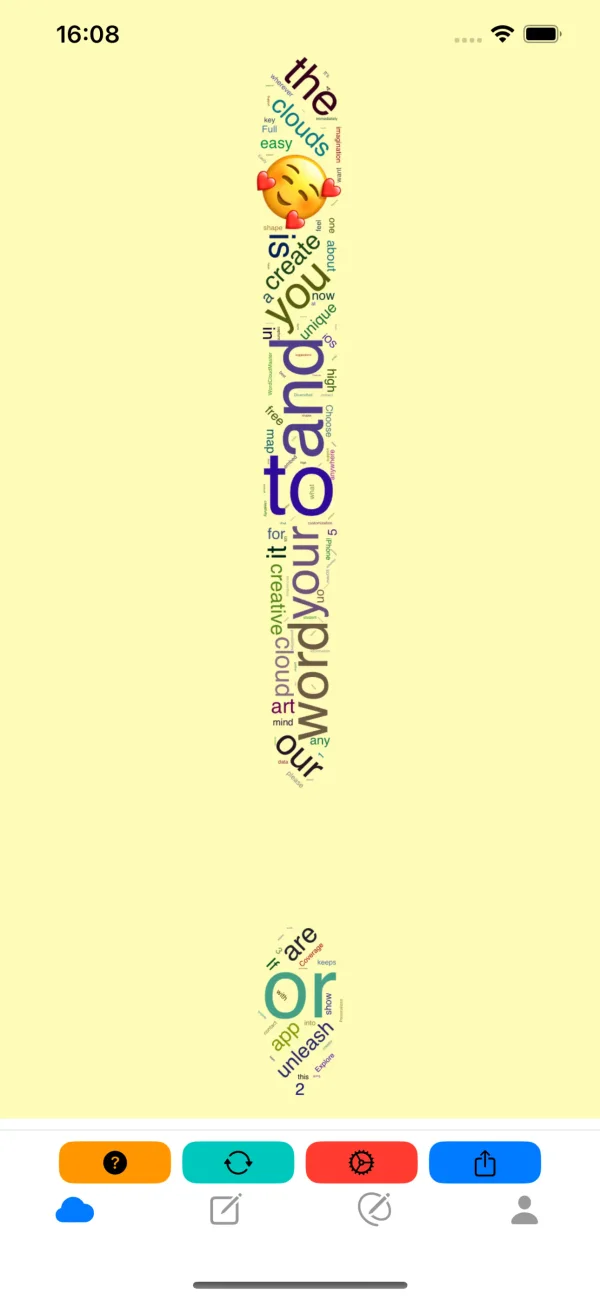
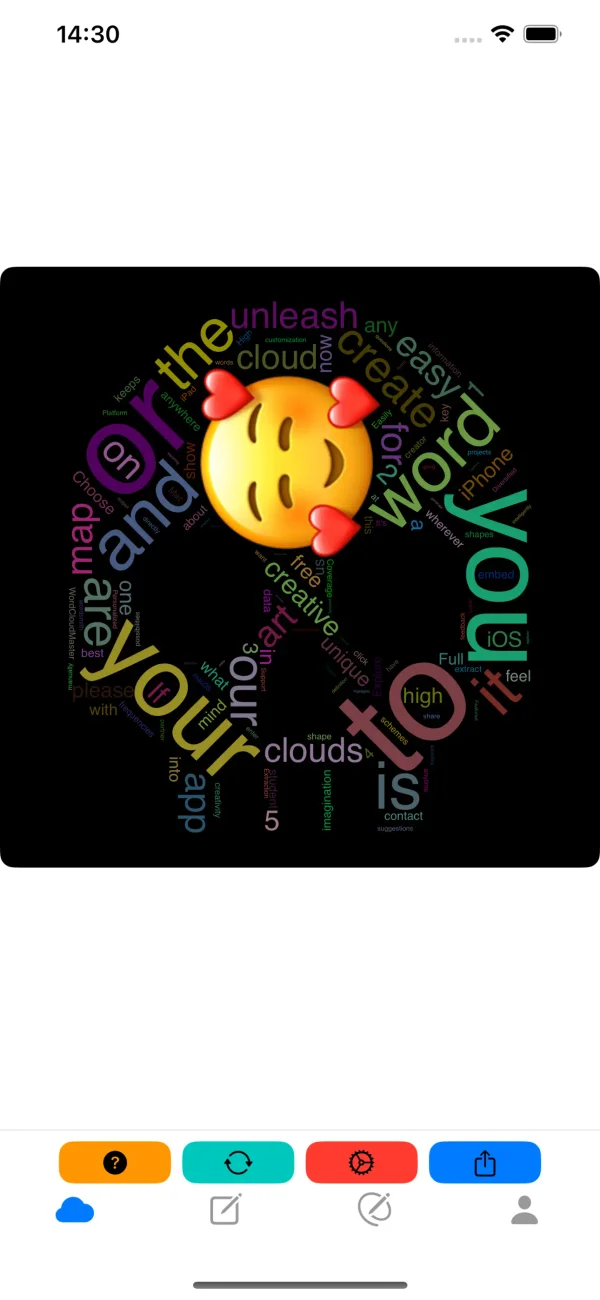
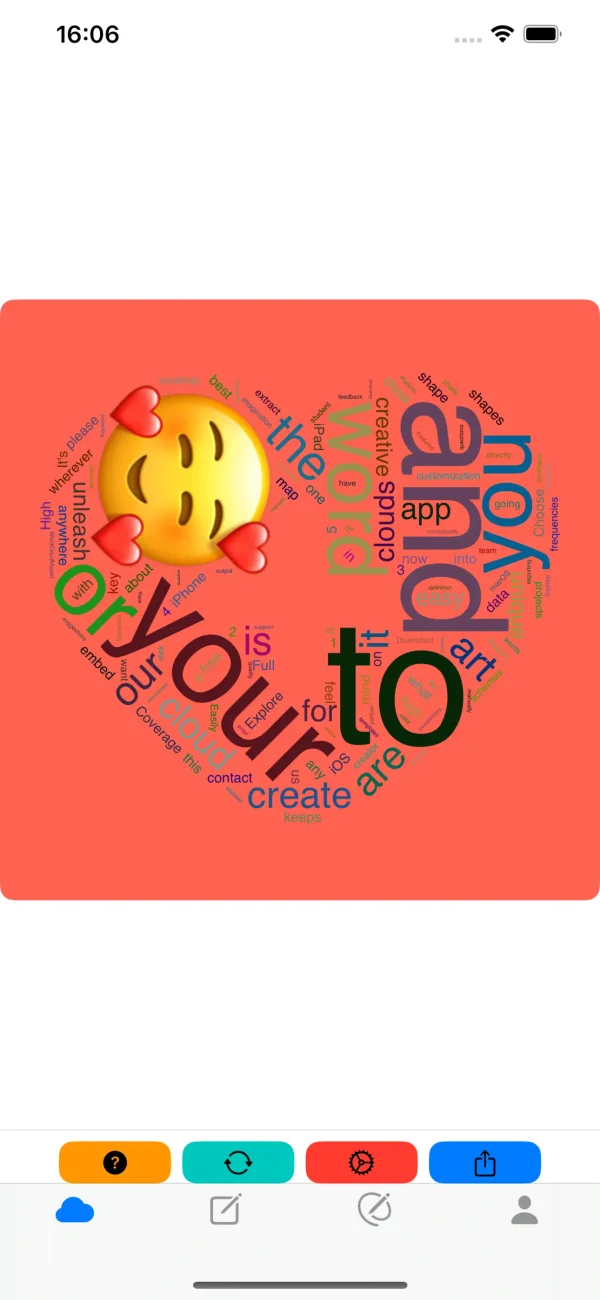
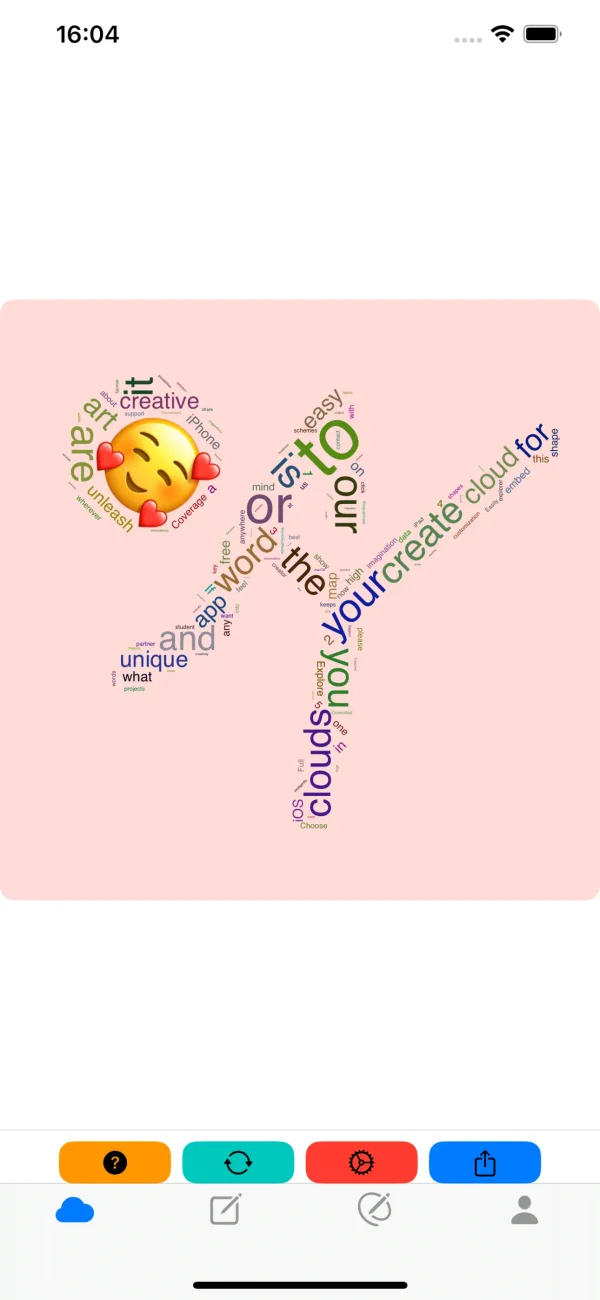

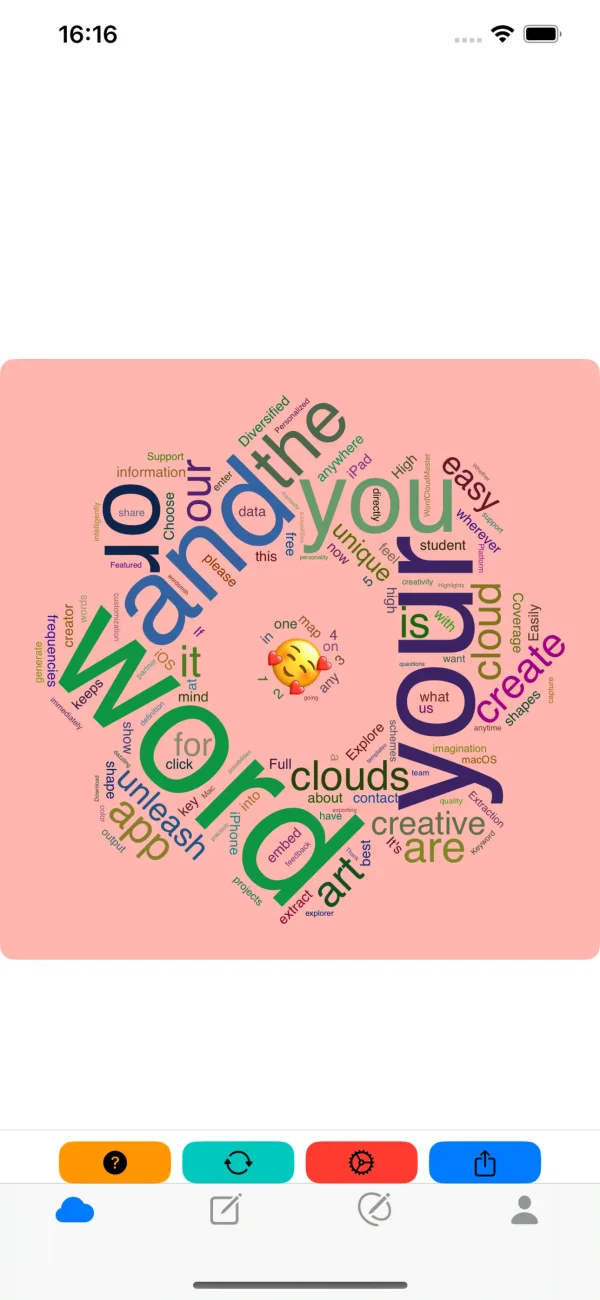
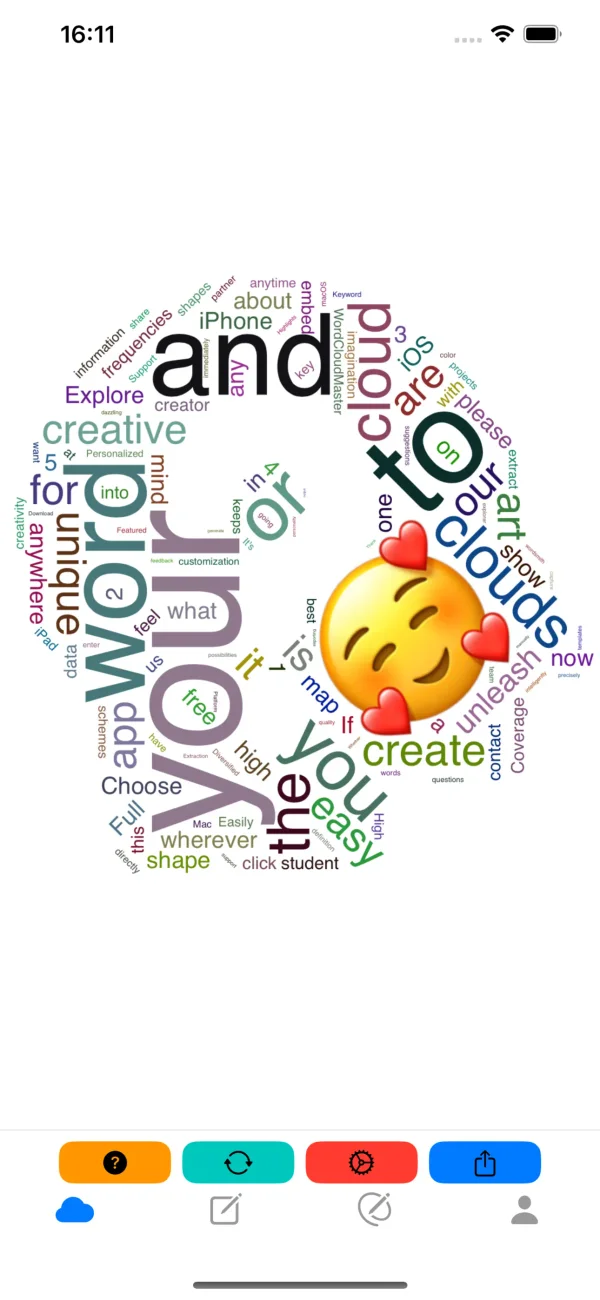
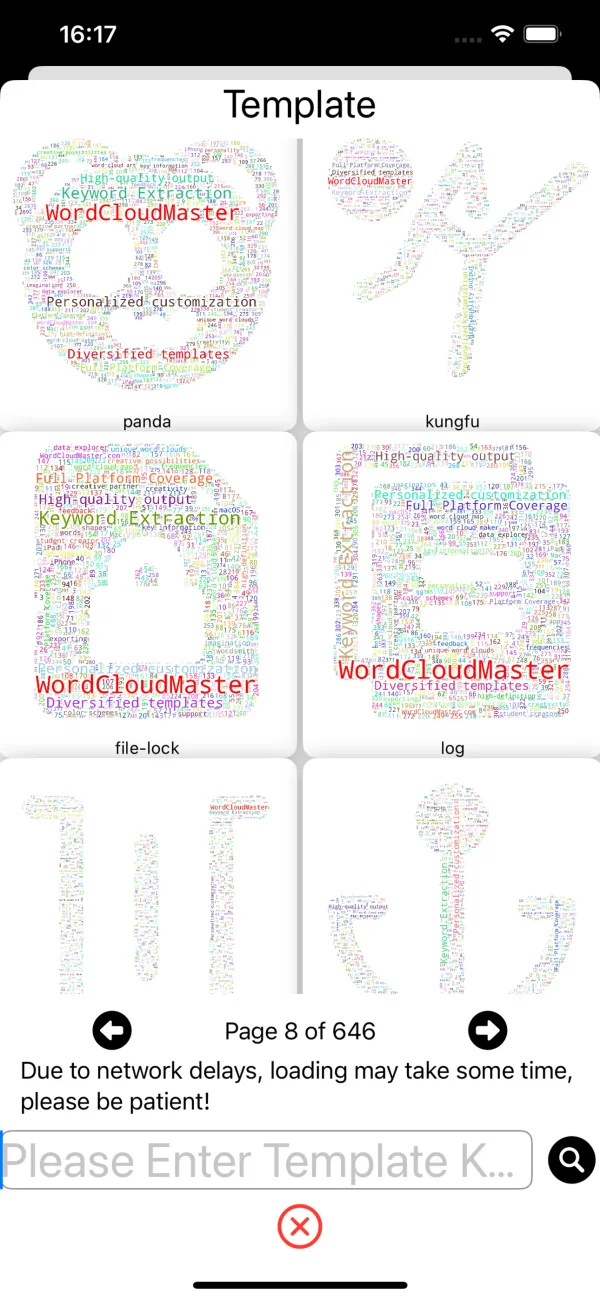
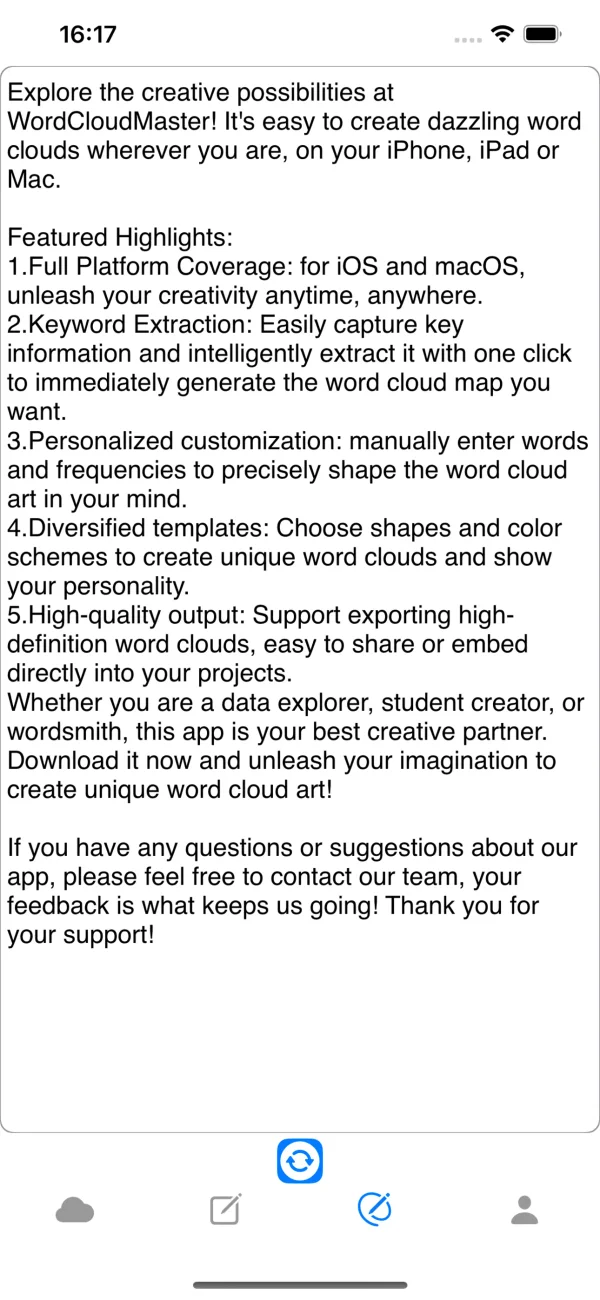

About
Why choose WordCloudMaster ?
• Custom templates: Meet your unique needs by personalising your templates.
• Massive fonts: More than 1700+ fonts are available to beautify the word cloud font style.
• Vast Template Library: 11000+ templates, while still growing with user demand, to meet a variety of customization needs.
• Seamless Video Recording: Capture the entire word cloud rendering process in stunning high-definition video. Perfect for showcasing your creations or sharing with others.
• Dynamic GIF Animation: Convert the word cloud rendering process into eye-catching GIF animations. Ideal for quick sharing and visually appealing displays.
• Enhanced Stop Words Processing: Automatically filter out common stop words when extracting key information from texts or articles, ensuring more precise and relevant data.
• Transparent background: support word cloud map background color transparency adjustment to meet more style customization needs.
• Rapid Text Extraction: Quickly extract and visualize data from various text sources.
• Precise Keyword Adjustment: Fine-tune keywords and word frequencies for perfect customization.
• Data import/export: Seamlessly manage large amounts of data with import and export functionality.
• Easy Image Export and Copy: Effortlessly export word clouds as images or copy them directly to the clipboard for instant use.
• Cross-Platform Compatibility: Enjoy flexibility and accessibility across various platforms.
• High-quality sharing: Share with one click, or copy to the clipboard for ready access.
• Multi-language support: The software supports up to 46 mainstream languages, so you can use it easily no matter where you are.
• High-quality pictures: Supports output of high-definition word cloud pictures.
Where to use WordCloudMaster?
• Marketing Campaigns: Create eye-catching word clouds for promotional materials, advertisements, and social media posts to engage your audience and convey your message effectively.
• Educational Projects: Enhance classroom presentations, study materials, and educational posters with visually appealing word clouds that make learning interactive and fun.
• Business Reports: Visualize key data and insights in business reports, proposals, ppt, and presentations to make complex information more accessible and understandable.
• Social Media Content: Design unique and shareable word clouds for your social media profiles, posts, and stories to boost engagement and reach.
• Data Analysis: Analyze and present textual data in an easy-to-understand visual format, making it perfect for data scientists, researchers, and analysts.
• Creative Projects: Bring your creative ideas to life by integrating word clouds into graphic design projects, artwork, and personal projects.
• Event Invitations: Craft beautiful word cloud invitations for events, parties, and gatherings to add a personal touch and impress your guests.
• Customer Feedback Visualization: Display customer feedback and reviews in a visually engaging way to identify key trends and sentiments.
• Book and Movie Summaries: Summarize books, movies, and other content into captivating word clouds that highlight key themes and concepts.
• Team Building Activities: Use word clouds in team-building exercises to visually represent group ideas and discussions.
• Public Speaking and Presentations: Enhance speeches and presentations with word clouds that emphasize key points and engage the audience.
• Apparel and Merchandise Design: Create unique word cloud designs for T-shirts, hoodies, and other merchandise.
• Wedding and Event Decor: Design word cloud decorations for weddings, parties, and special events.
• Gift Customization: Personalize gifts such as mugs, posters, and cards with word clouds.
• Real Estate Marketing: Use word clouds to highlight key features in property listings and advertisements.
Terms of use: https://www.apple.com/legal/internet-services/itunes/dev/stdeula
Privacy: https://app.emperinter.info/privacy.html
What’s new
Version 1.68 · Mar 31, 2026
• Optimize the WordCloudMaster UI/UX
• Fixed an error in word cloud video/animation generation
App privacy
What 辉章 何 declares on the App Store about how this app handles data.
-
Data not collected
The developer does not collect any data from this app.
Privacy practices may vary, for example with the features you use or your age.
Information
- Seller
- 辉章 何
- Category
- Graphics & Design
- Version
- 1.68
- Updated
- Mar 31, 2026
- Released
- Sep 10, 2023
- Size
- 42.5 MB
- Requires
- iOS 14.0 or later
- Age rating
- 4+
- Price
- $8.99
- In-app purchases
- Yes
- Languages
- English, Arabic, Bulgarian, Catalan, Croatian, Czech, Danish, Dutch, Estonian, Finnish, French, German + 26 more
- Copyright
- © emperinter
You might also like
-
 美寄词云Graphics & Design
-
 WordCloud AIGenerate beautiful wordclouds
-
 3D文字云Graphics & Design
-
 Gradient Wallpapers: MeshingAesthetic Lock Screen Maker
-
 Wordsalad: Word Cloud MakerAnimated Word Art & Wallpaper
-
 Bead StudioPhoto to Bead Patterns
-
 Shapego - Word Cloud CreatorWord Art Wallpaper LockScreen
-
 Moldora: AI 3D Model GeneratorSculpt, Paint & Render
-
 Studio Brushes for ProcreateStamps, Fonts, Paper Patterns
-
 Templates for MS Office SuiteWord, Excel & PPT Templates