WordSprout: Spelling Practice
Turn spelling lists into games
Designed for iPhone, iPad
Free · In-app purchases
- Age rating4+
- CategoryEducation
- DeveloperDon Kallail
- LanguagesEnglish+ 6 more
- Size71.6 MB
Links to the official App Store page
Download.org hosts no file of WordSprout: Spelling Practice. The button opens its official App Store page, published by Don Kallail. Listing last checked on Nov 25, 2026.
Screenshots

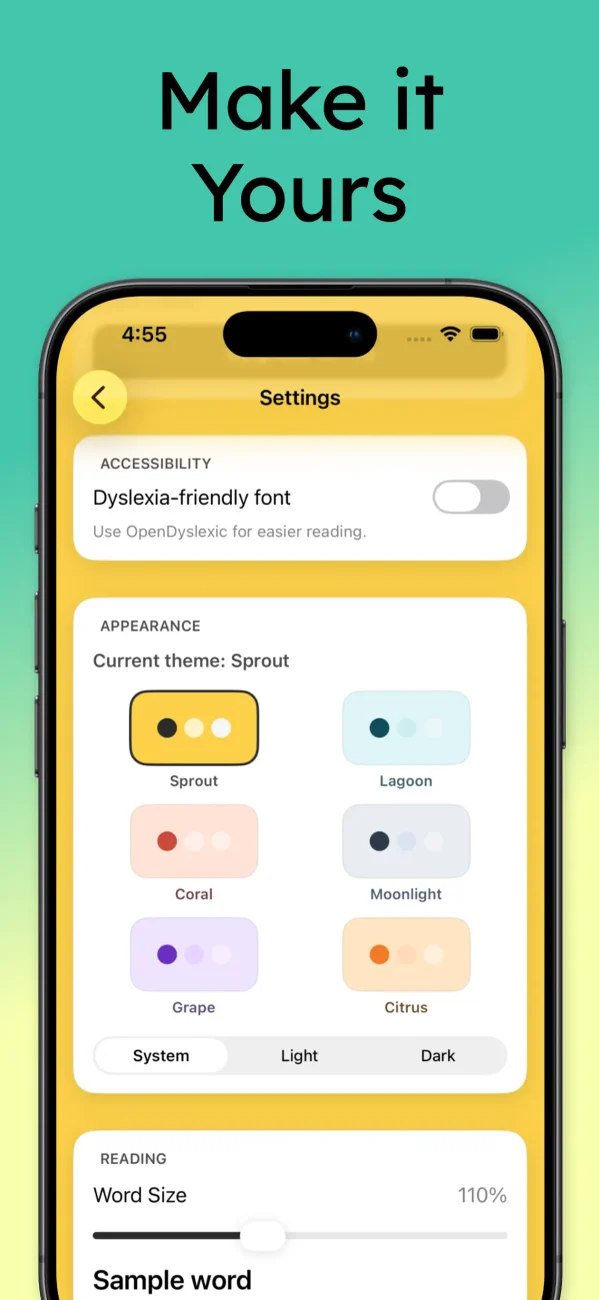
About
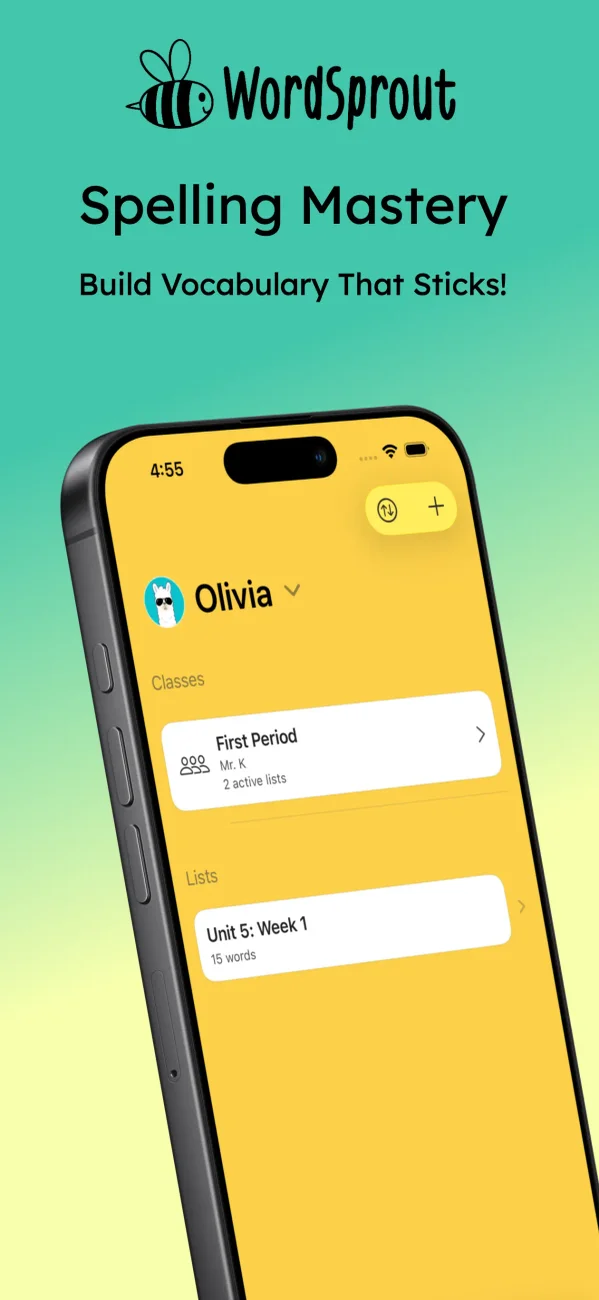
WordSprout turns this week's spelling list into a few minutes of play. Add the list your child brings home from school, and they practice it in short games with every word read aloud. You see which words need practice, so they're ready for test day. Made for kids in K–5 and the grown-ups who help them.
Works offline. No account needed to start.
THIS WEEK'S LIST, IN SECONDS
• Type the words, paste a list, or snap a photo of the spelling sheet (photo scan with Pro)
• Set a test day, and this week's list comes first on your child's home
• Add a sentence to any word, so your child hears it in context during spelling checks and tests
GAMES THAT FOCUS ON THE LIST
• Practice in one go: a few games, then a quick spelling check
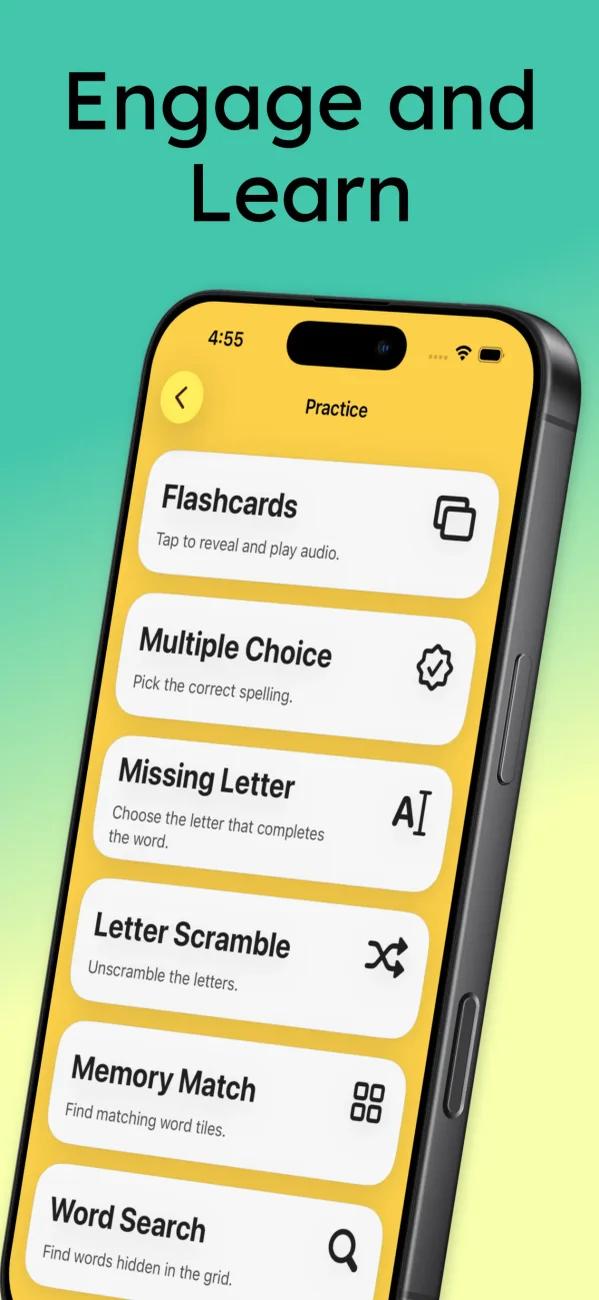
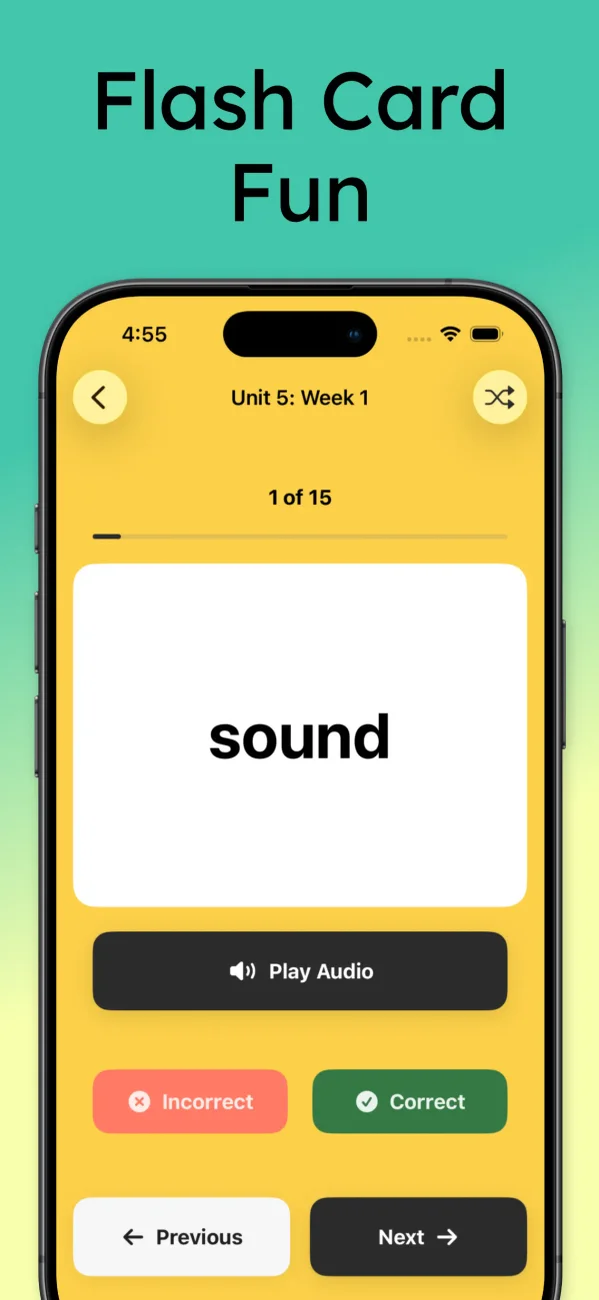
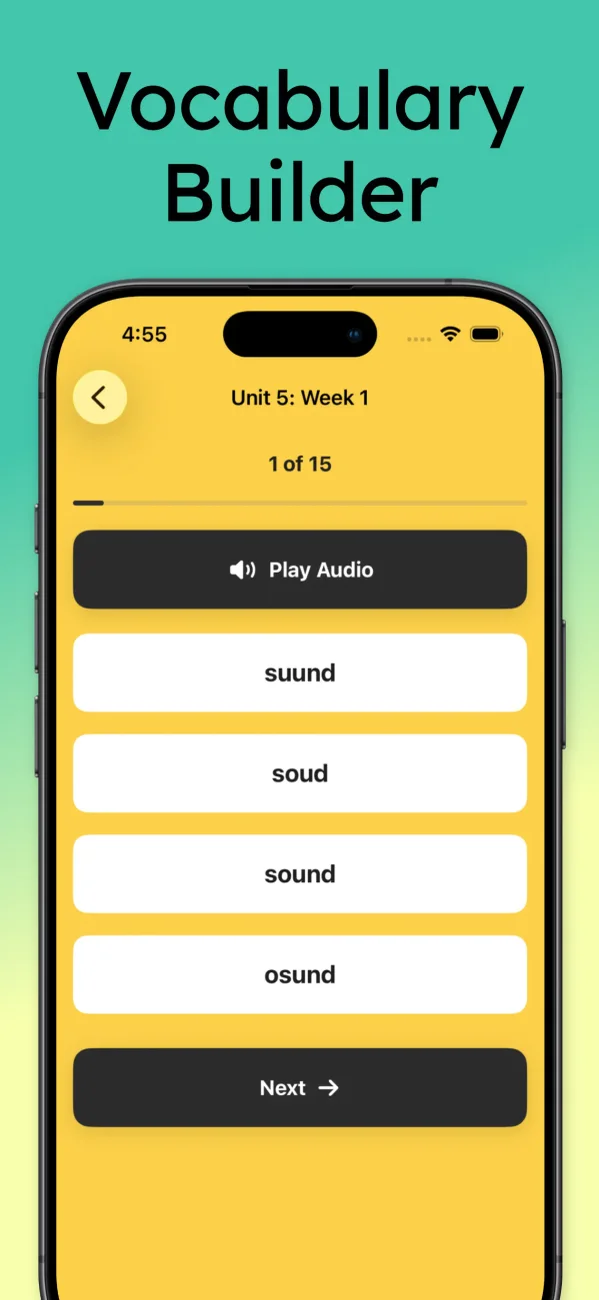
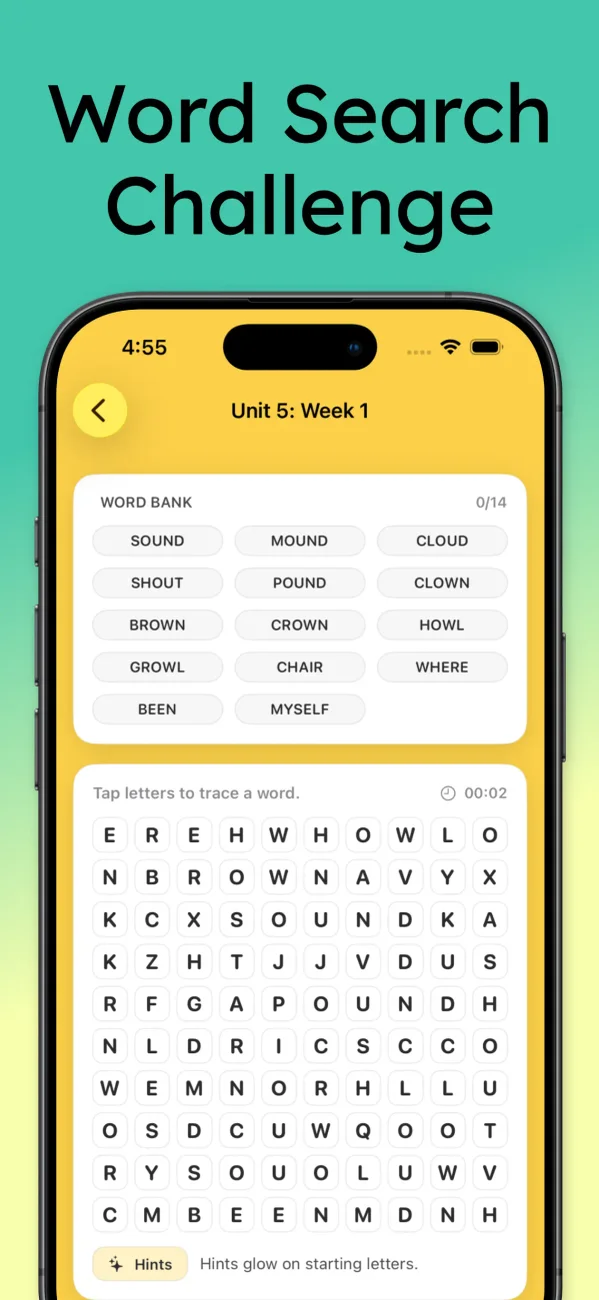
• Six games: Missing letter, Scramble, Pick it, Flashcards, Memory match and Word search
• Games fill up with the words your child is still learning, and a missed word comes back for another try
• Mix lists: practice the words still being learned from the lists you pick
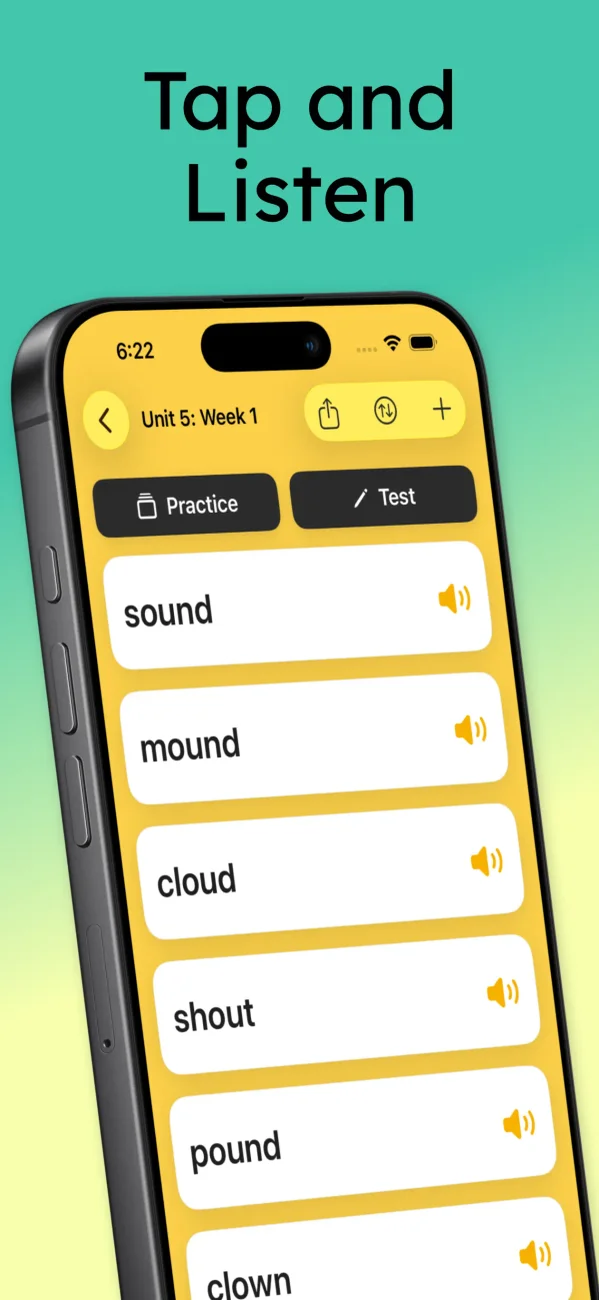
EVERY WORD READ ALOUD
• Every word on your list is spoken, in your own voice or the device voice
• Record a whole list in your voice in one go
SEE WHICH WORDS NEED PRACTICE
• Word strength bars show how close each word is to Ready, and a flag marks words that need practice
• Tap any word to see every answer and what comes next
• See each child's week at a glance, and tap a day for minutes practiced, games played, scores and missed words
• A report card for every list: practice time, tests, the words missed most and how long it took to finish
• A star for every finished list, with the day it was finished
READY FOR TEST DAY
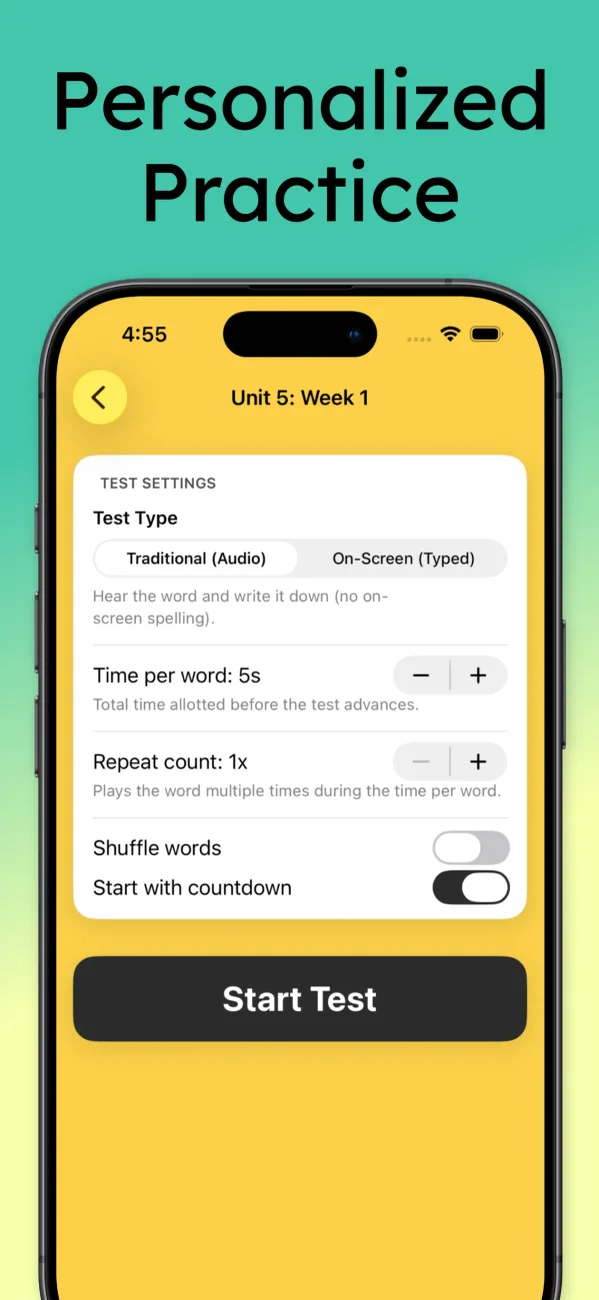
• Spelling tests four ways: Written, Typed, Tiles and Pick it
• Shorter tests that start with the words your child is still learning
• A test reminder at the day and time you choose, with how many words are Ready
• Kids can mark their own paper test, or turn on a grown-up check
SIGHT WORDS
• Dolch and Fry sight words to hear and practice
• A Reading test: your child reads each word out loud, and the words they can read add up
• Choose which Dolch and Fry sections each child sees
A LITTLE EVERY DAY
• A daily practice reminder for each child
• 3 words a day: a one-minute round on the words that need it most
KID MODE
• Hand over your phone: your child practices, and can't change your lists or settings
• Each child has their own home, lists and progress
WORLDS TO GROW
• Each child picks a garden, a dino island, a galaxy or monster trucks
• Every word on this week's list grows as they practice: a seed becomes a flower, an egg hatches a dino, stardust becomes a planet, a wheel becomes a monster truck
• Milestones mark real progress. No streaks, and nothing wilts on a day off.
FREE TO USE Everything above is free except photo scan. Share lists as files, and add a list another family shares with a code.
WORDSPROUT PRO (one-time purchase, no subscription)
• Words from a photo: turn a spelling sheet into a practice list
• Back up and sync lists, recordings and progress across your devices
• Link your child's own iPad or iPhone and see their practice on your phone
• Make share codes, so other families can add your list in one tap
• Family Sharing supported
Privacy Policy: https://wordsprout.co/privacy/
Terms and Conditions: https://wordsprout.co/terms/
What’s new
Version 3.7.1 · Nov 23, 2026
• Clearer recordings: the start of a word no longer gets cut off
• Fixed Sign in with Apple
App privacy
What Don Kallail declares on the App Store about how this app handles data.
-
Data not linked to you
May be collected but is not linked to your identity.
- Contact info
- User content
- Diagnostics
Privacy practices may vary, for example with the features you use or your age.
Information
- Seller
- Don Kallail
- Category
- Education
- Version
- 3.7.1
- Updated
- Nov 23, 2026
- Released
- Feb 11, 2025
- Size
- 71.6 MB
- Requires
- iOS 18.0 or later
- Age rating
- 4+
- Price
- Free
- In-app purchases
- Yes
- Languages
- English, French, German, Japanese, Portuguese, Simplified Chinese, Spanish
- Copyright
- © 2026 Thirdly
You might also like
-
 Top Speller Spelling Bee GamesWord Tests for Kids, Grade 1-7
-
 Spelling Practice: Spell4FunHear, spell, repeat. No ads
-
 Better Speller - Spelling TestSpelling With Your Own Words!
-
 Spell My ListPractice custom spelling lists
-
 Spelling Stream: Practice TestKids Games, Your Weekly List
-
 Spelly: Kids Spelling GamesScan & practice school words
-
 Snap Spell: Spelling ListsWord Dictation, Test & Review
-
 WonderSpell - Spelling TestsScan & Practice Spelling Words
-
 Spell Quest - Kids SpellingSpelling Practice & Dictation
-
 Easyspell: Kids SpellingWeekly Lists, Friday Ready