Work Counter: Hours Tracker
Time tracking, Hour management
Designed for iPhone, iPad, Mac
Free · In-app purchases
- Age rating4+
- CategoryBusiness
- DeveloperYouri Berentsen
- LanguagesEnglish+ 20 more
- Size32.8 MB
Links to the official App Store page
Download.org hosts no file of Work Counter: Hours Tracker. The button opens its official App Store page, published by Youri Berentsen. Listing last checked on Nov 24, 2026.
Screenshots
About
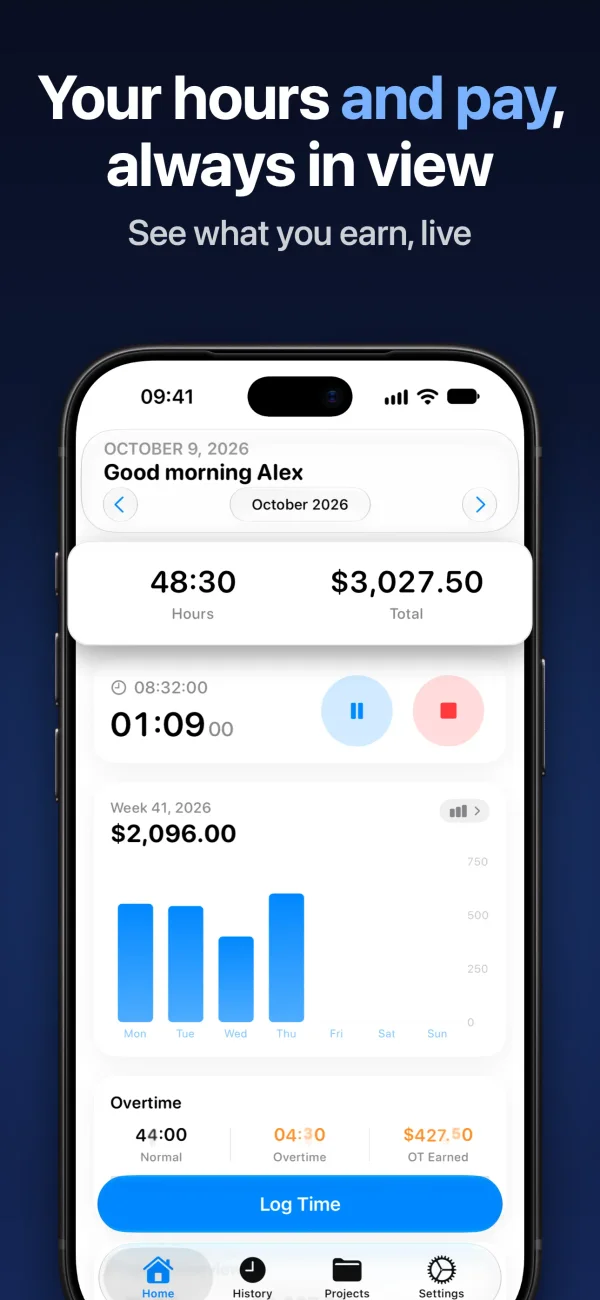
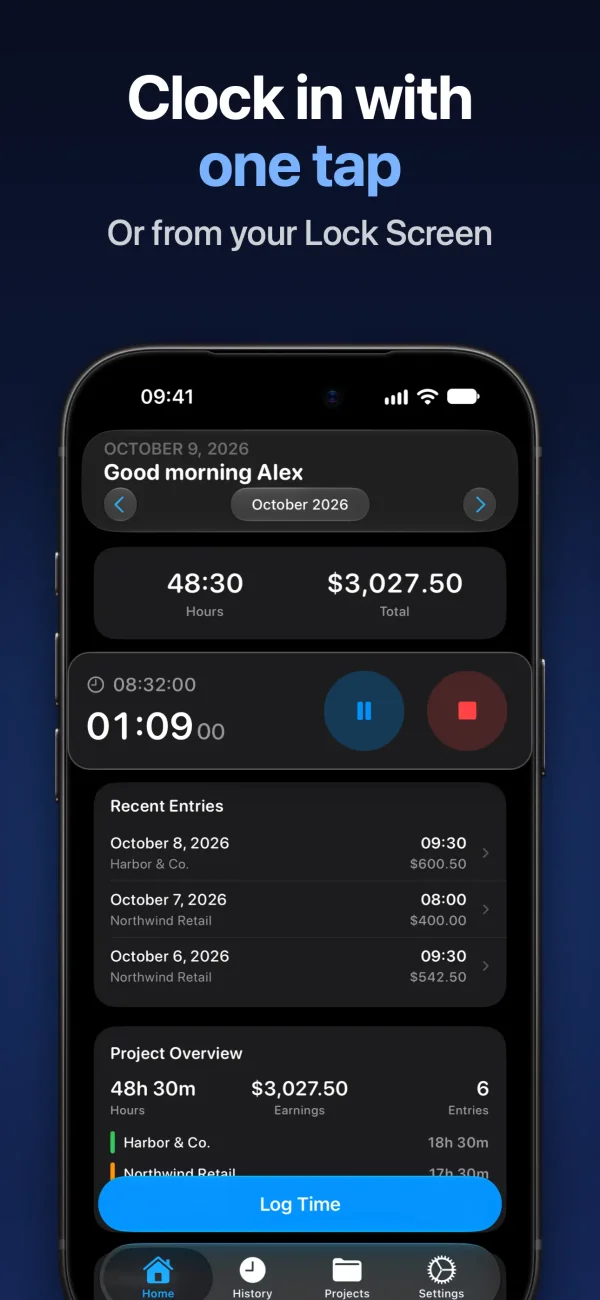
Work Counter shows you exactly what you worked and earned, per project or in total, overtime included. Clock in with one tap, take a break, clock out: your hours, pay and timesheet are done. No account needed, and your data stays on your device and in your own iCloud.
• Clock in and out from the app, Lock Screen, a widget, Siri or Apple Watch
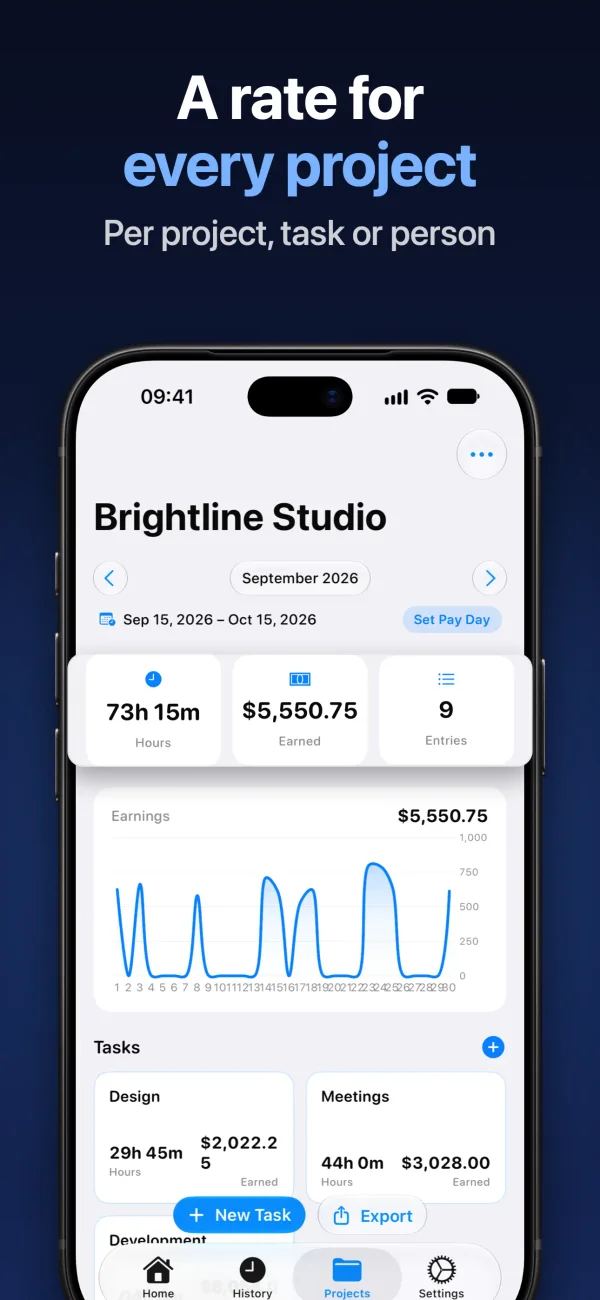
• Organize your hours by project and task, with totals and charts per project
• Pause for a break, it is subtracted automatically
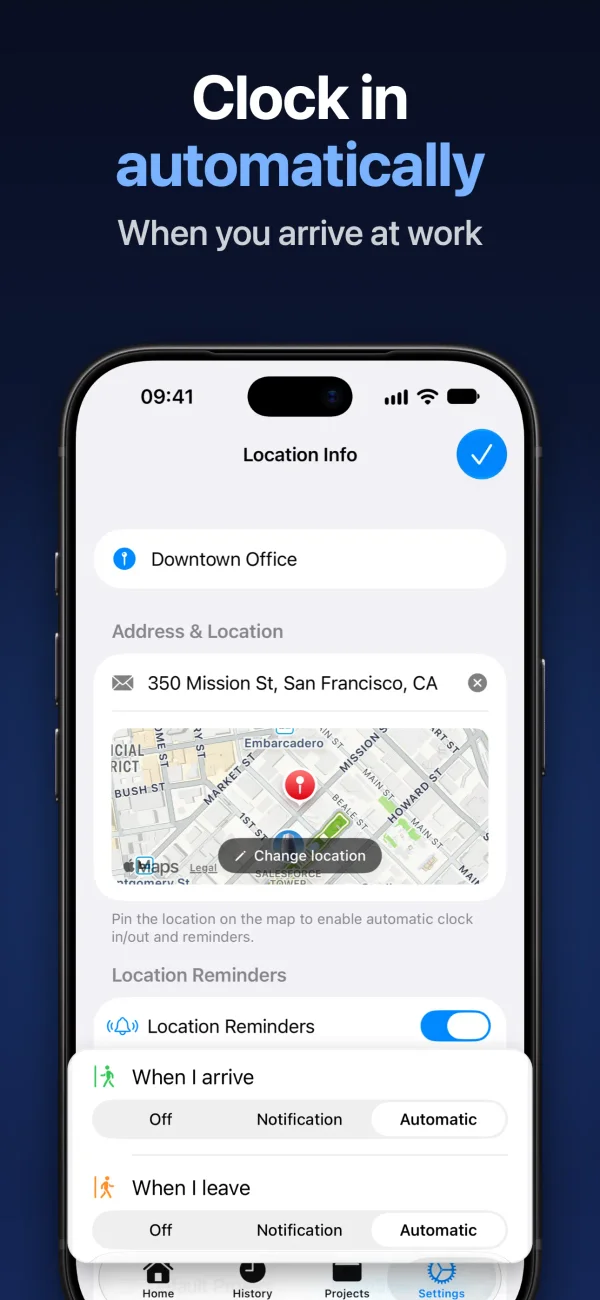
• Clock in automatically when you arrive at work
• Hourly rates per project, task, person or weekday
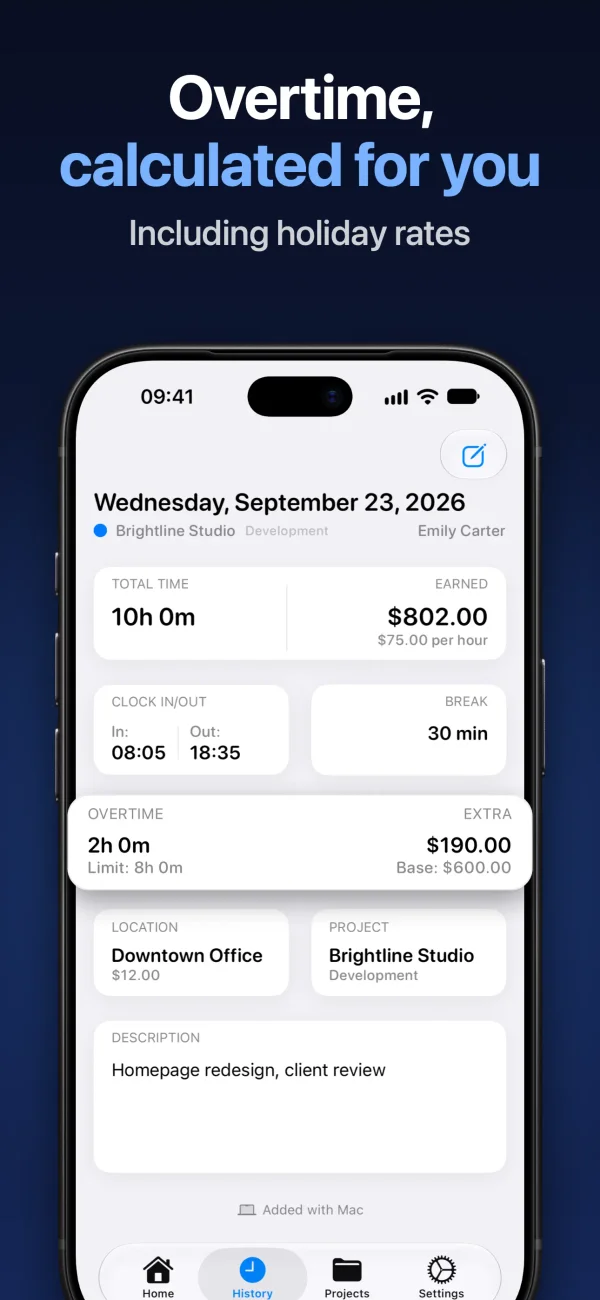
• Overtime calculated automatically, with its own rate
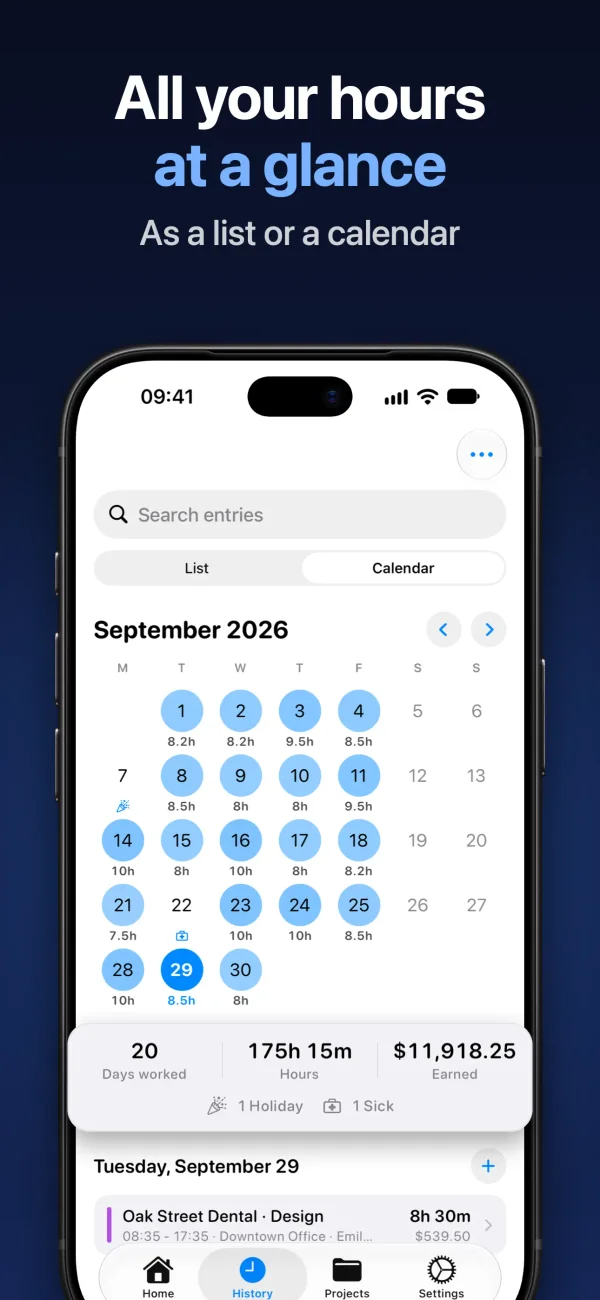
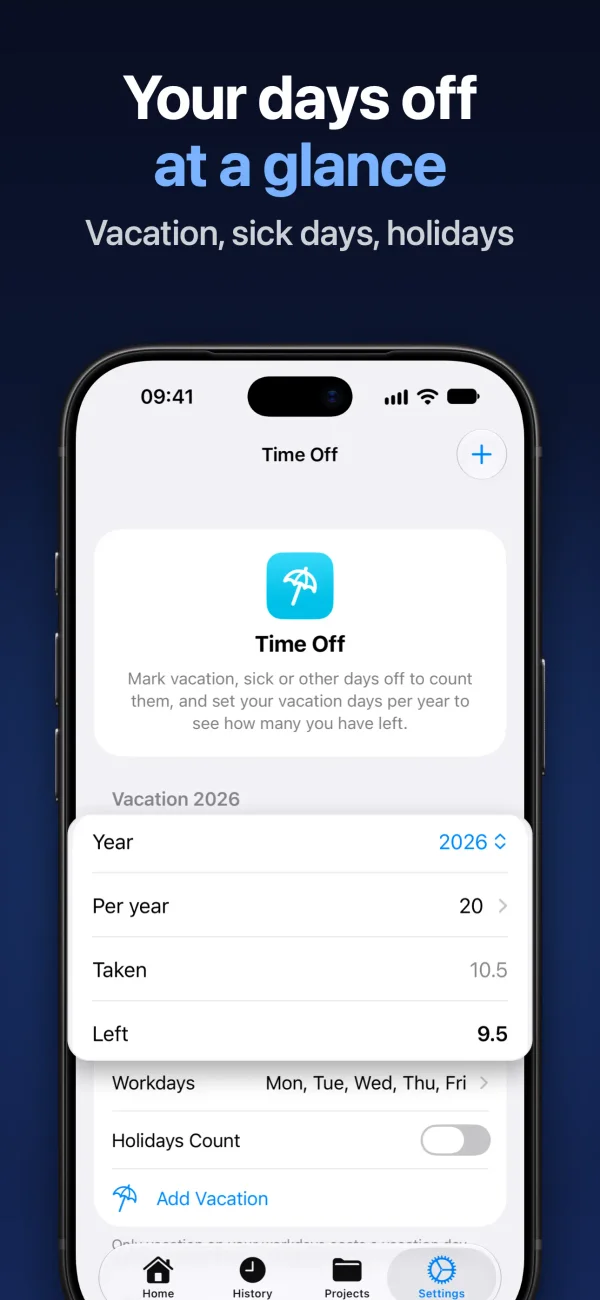
• Holidays, sick days and vacation, with your vacation balance
• A calendar of your month that shows workdays you forgot to log
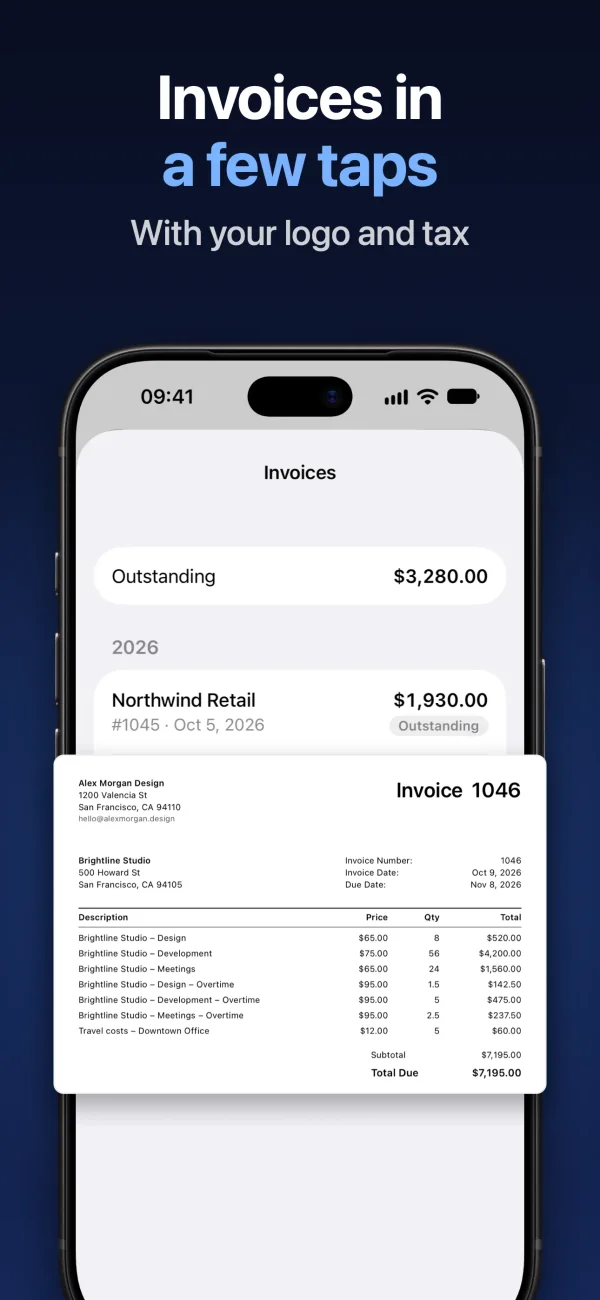
• Invoices with your logo, saved to open again, change or mark as paid
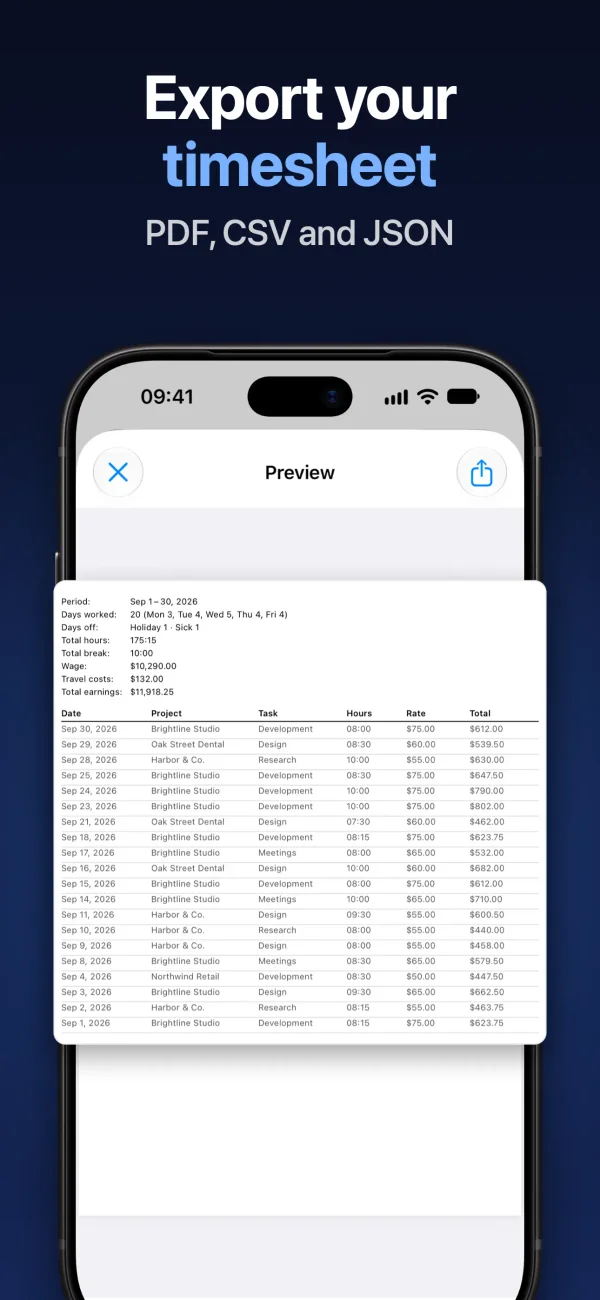
• Export your timesheet to PDF, CSV or JSON, for all projects or just one
• Travel costs per work location and pay periods per project
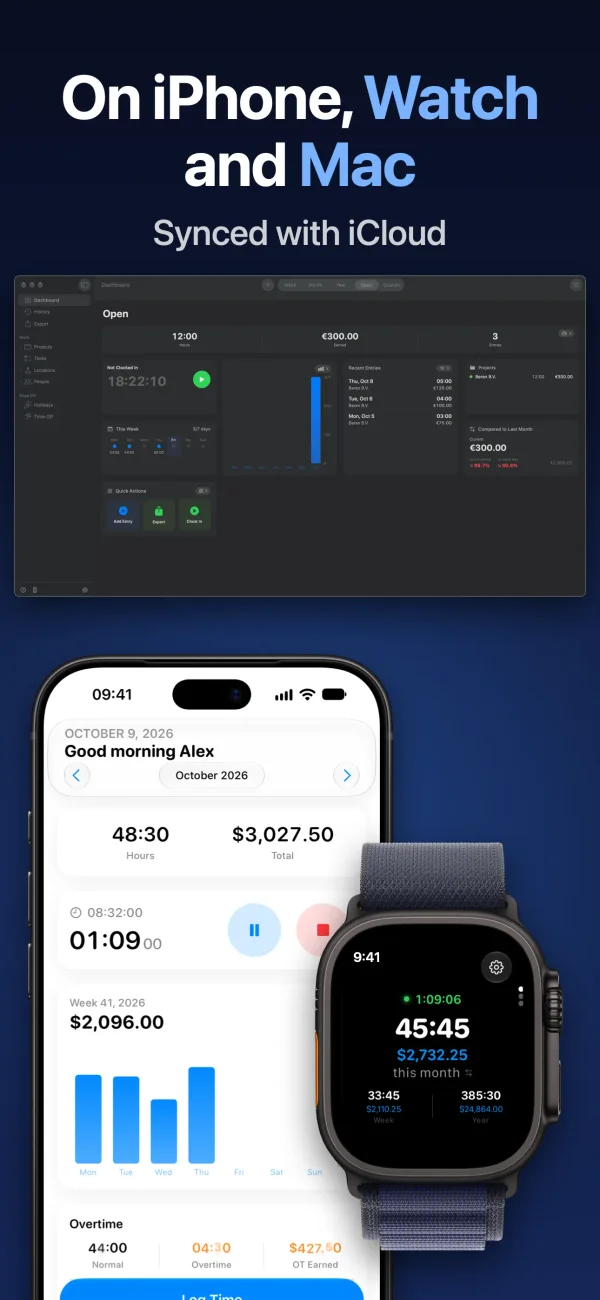
• iPhone, iPad, Mac and Apple Watch, synced with iCloud
Made for freelancers, shift workers, contractors, temps and employees who want to check their paycheck.
Start for free. Premium unlocks unlimited entries and projects, automatic clock in and out, holiday pay and more.
Terms of Use: https://www.apple.com/legal/internet-services/itunes/dev/stdeula/
What’s new
Version 4.6.2 · Nov 23, 2026
• Fixed: opening a location or person from Settings no longer jumps back to the list.
• Fixed: when you pick the start time of a new entry, the end time no longer moves along. Enter your hours after your shift and they're right straight away.
• Fixed: 12-hour clock times fit on one line again in an entry's details.
• Bug fixes and improvements.
App privacy
What Youri Berentsen declares on the App Store about how this app handles data.
-
Data not linked to you
May be collected but is not linked to your identity.
- Identifiers
- Usage data
Privacy practices may vary, for example with the features you use or your age.
Information
- Seller
- Youri Berentsen
- Category
- Business
- Version
- 4.6.2
- Updated
- Nov 23, 2026
- Released
- Mar 8, 2020
- Size
- 32.8 MB
- Requires
- iOS 17.0 or later
- Age rating
- 4+
- Price
- Free
- In-app purchases
- Yes
- Languages
- English, Czech, Danish, Dutch, Finnish, French, German, Greek, Hebrew, Italian, Japanese, Korean + 9 more
- Copyright
- © 2026 Beren Software
You might also like
-
 iboChron - Work Time TrackerHours Keeper & Calculator NFC
-
 Hours & Pay Tracker: atWorkTime Clock & Work Timesheet
-
 Punch time clock - FlexishiftFlex hours tracker and worklog
-
 WorkTime: Hours Tracker LogTrack work time & salary
-
 WorkTimes - Work Hours TrackerTime Clock, Overtime Timesheet
-
 timr - Time & Mileage TrackerTime and Mileage Tracking
-
 WorkingHours • Time TrackerWork Log & Timesheet Export
-
 Timesheet: Work Hours TrackerShift Work & Pay Calculator
-
 TimeSheet - IS -Manage your working hours
-
 Working Hours 4bProductivity