WorkingHours • Time Tracker
Work Log & Timesheet Export
Designed for iPhone, iPad
Free · In-app purchases
- Age rating4+
- CategoryProductivity
- DeveloperTimo Partl
- LanguagesEnglish+ 31 more
- Size30.4 MB
Links to the official App Store page
Download.org hosts no file of WorkingHours • Time Tracker. The button opens its official App Store page, published by Timo Partl. Listing last checked on Nov 17, 2026.
Screenshots
About
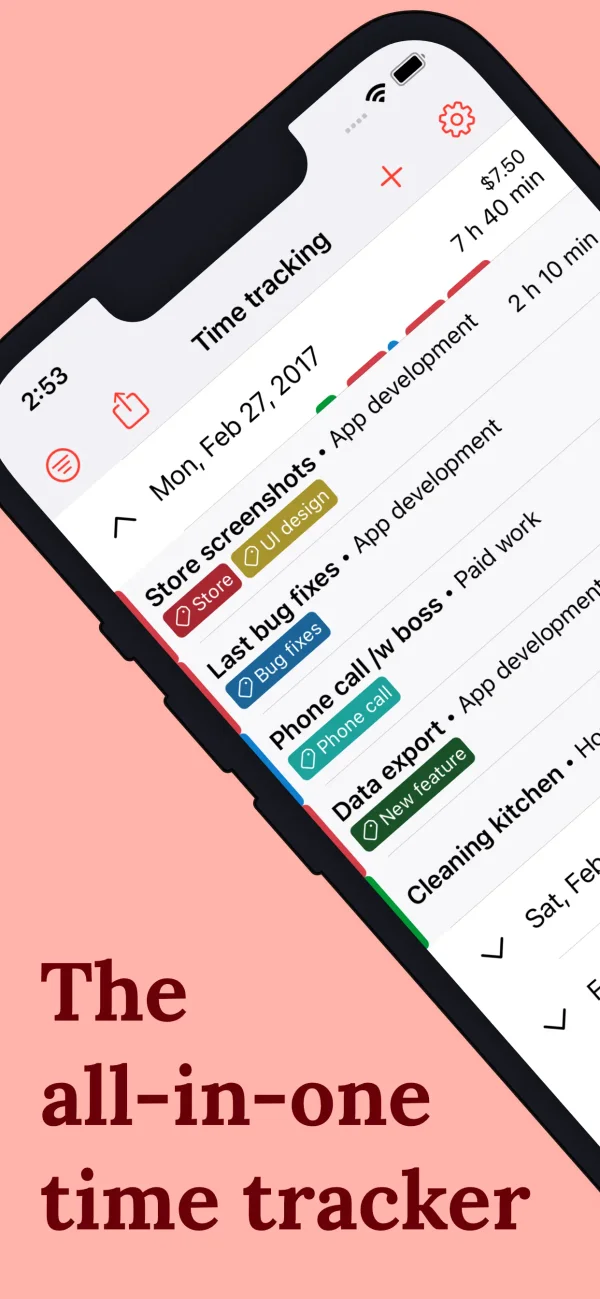
Track work time, keep accurate timesheets, and prepare billable records without a subscription. WorkingHours is a personal time tracker for freelancers, hourly workers, employees, contractors, consultants, and anyone who wants a clear record of their workday.
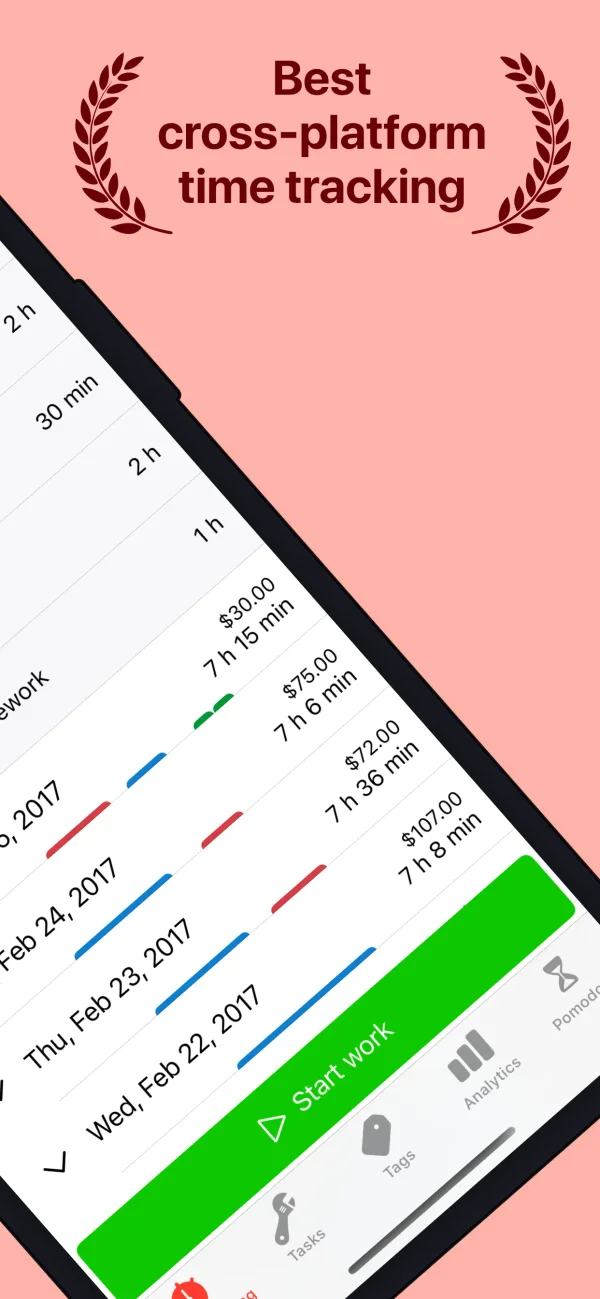
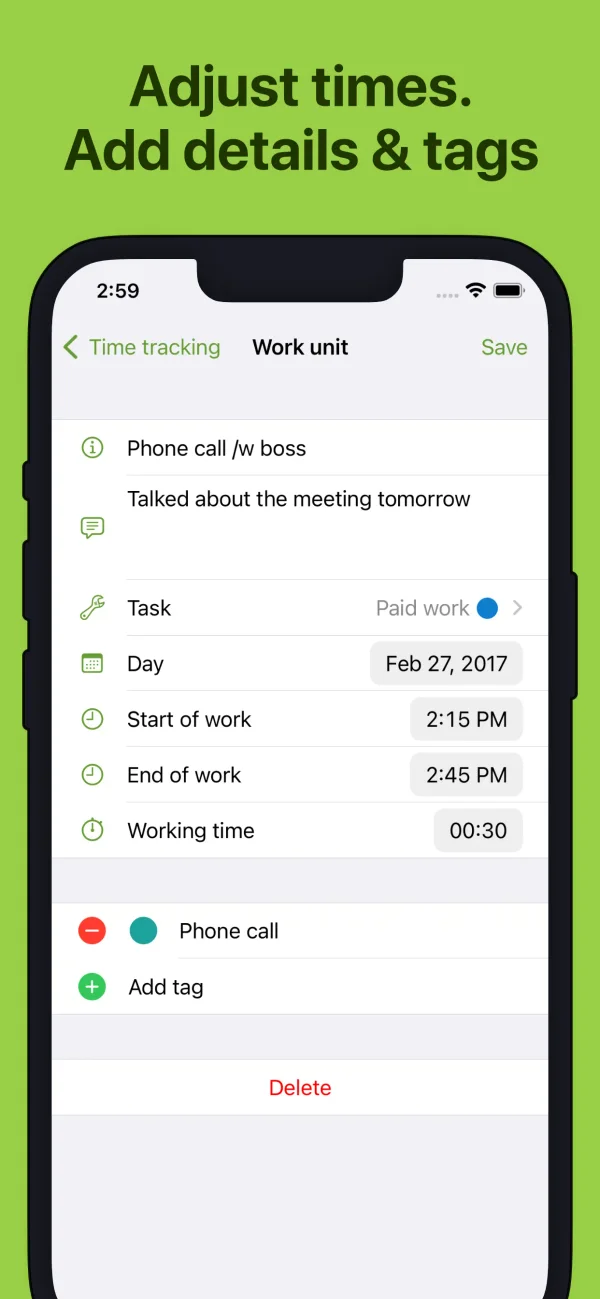
Start the timer when work begins, pause and resume for breaks, then stop when you are done. Breaks can be subtracted automatically. If you forget to track something, add or edit entries manually and correct the details later. Sessions that cross midnight can be split automatically.
Keep your hours organized and useful.
• Assign time to tasks or projects
• Add tags, notes, and descriptions
• Automatically apply tags to projects or new entries
• Track overtime, hourly rates, earnings, and fixed fees
• Adjust time or earnings with flexible tag rules
• Search and filter entries quickly
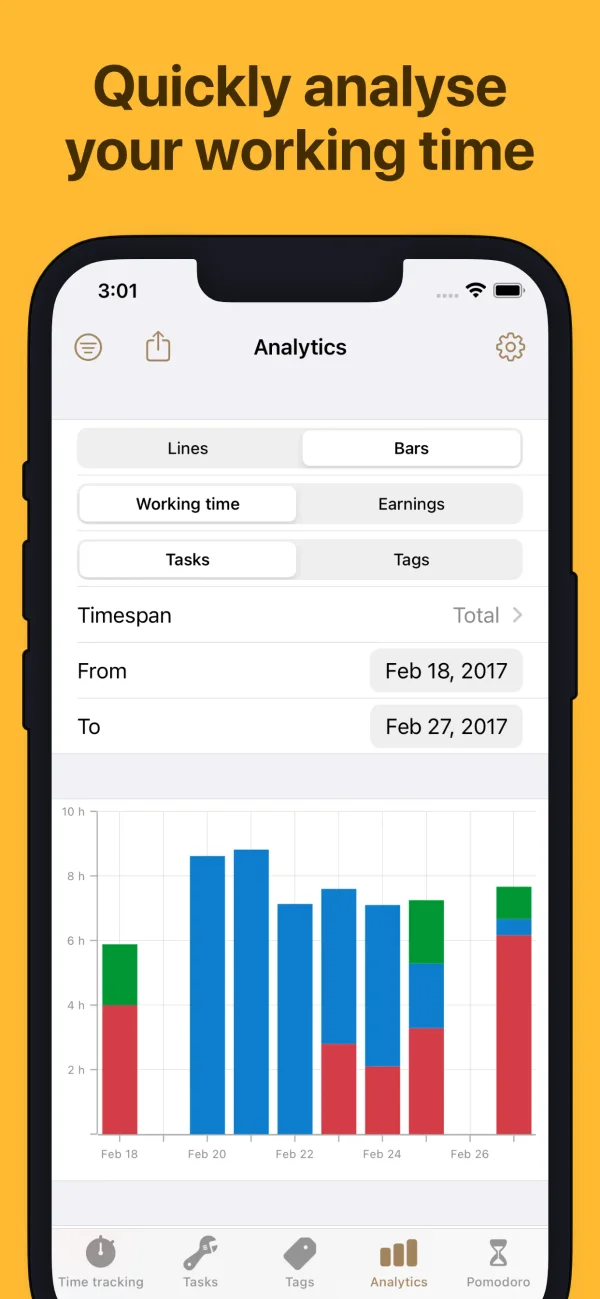
Understand where your time goes with charts and visual reports. Switch between duration and revenue to review work patterns, check billable hours, or prepare records for clients and managers.
Export timesheet data in the format you need.
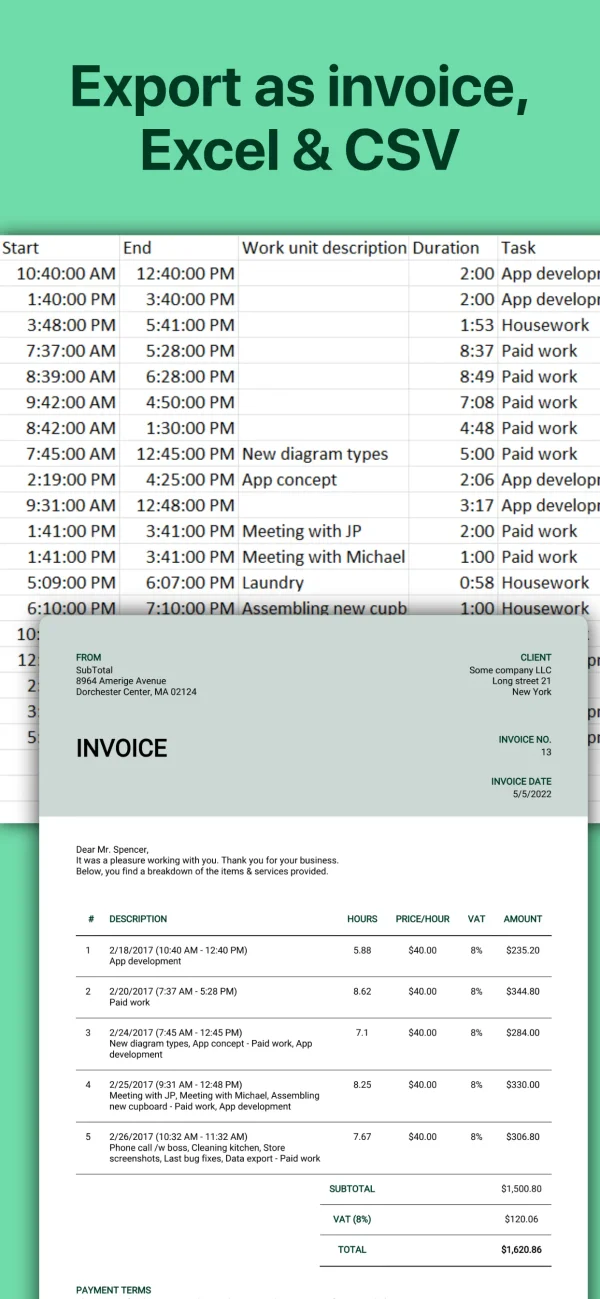
• Export to Excel or CSV
• Choose which columns to include
• Group records by day, week, month, task, or tag
• Create PDF invoices from tracked data with SubTotal
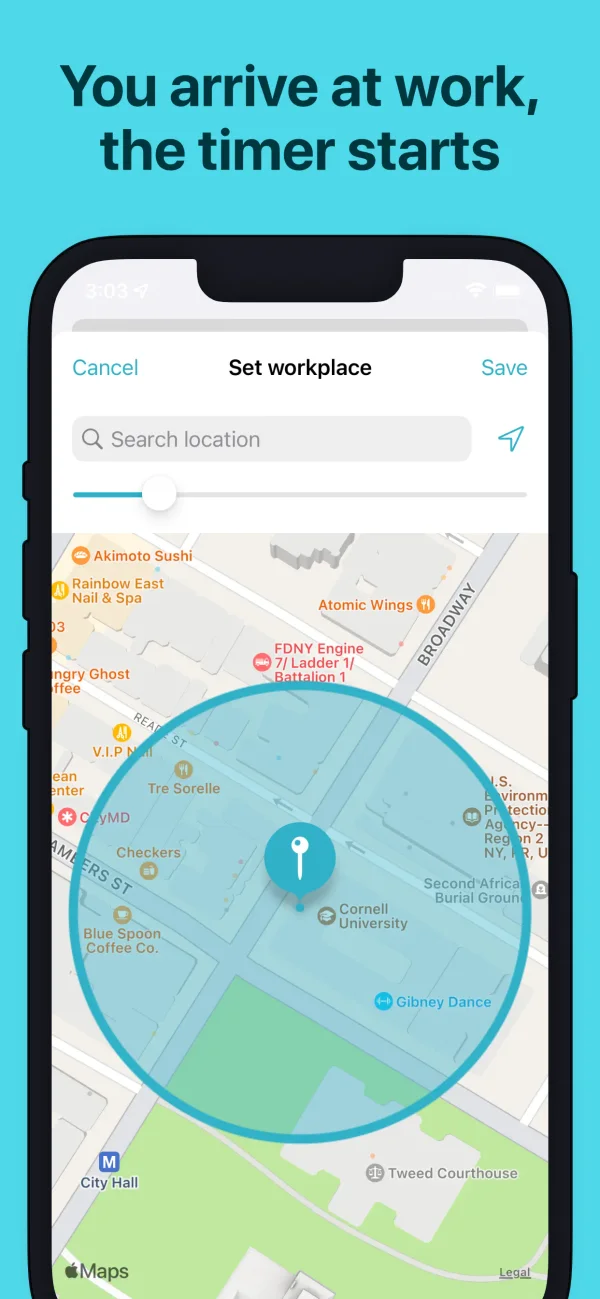
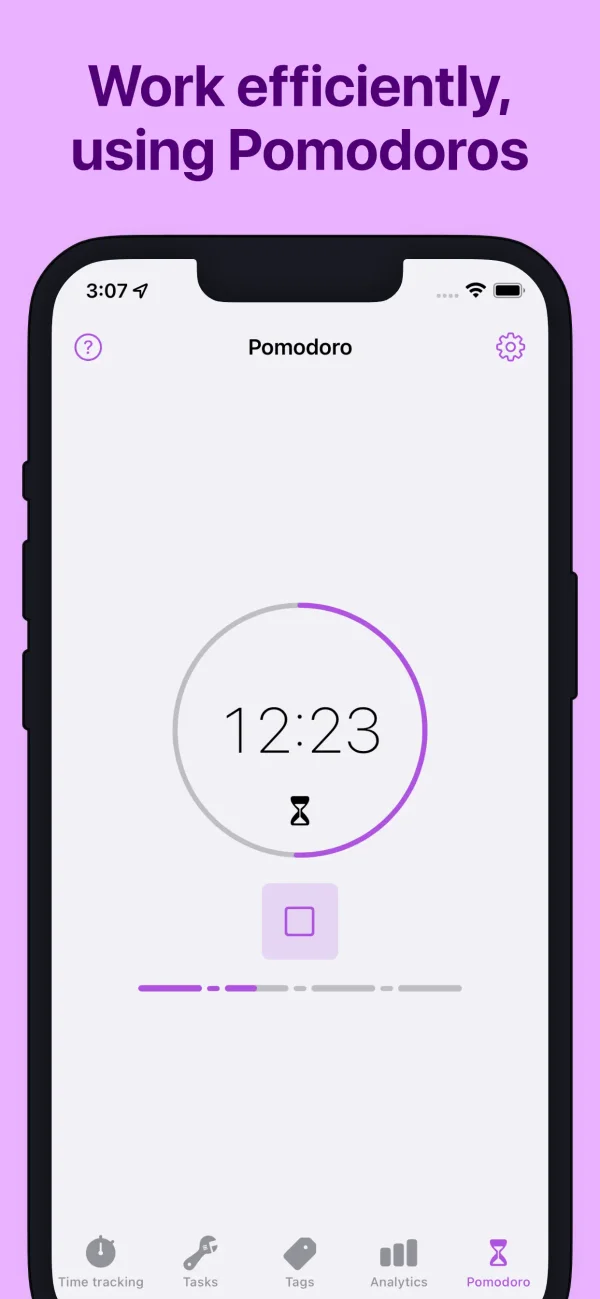
Capture time with less friction using widgets, notifications, NFC tags, and Apple Watch timer controls. Geofencing can detect workplace arrivals and departures, while Pomodoro focus sessions help structure concentrated work. You can also use Apple Shortcuts and view or import appointments from your calendar or Outlook.
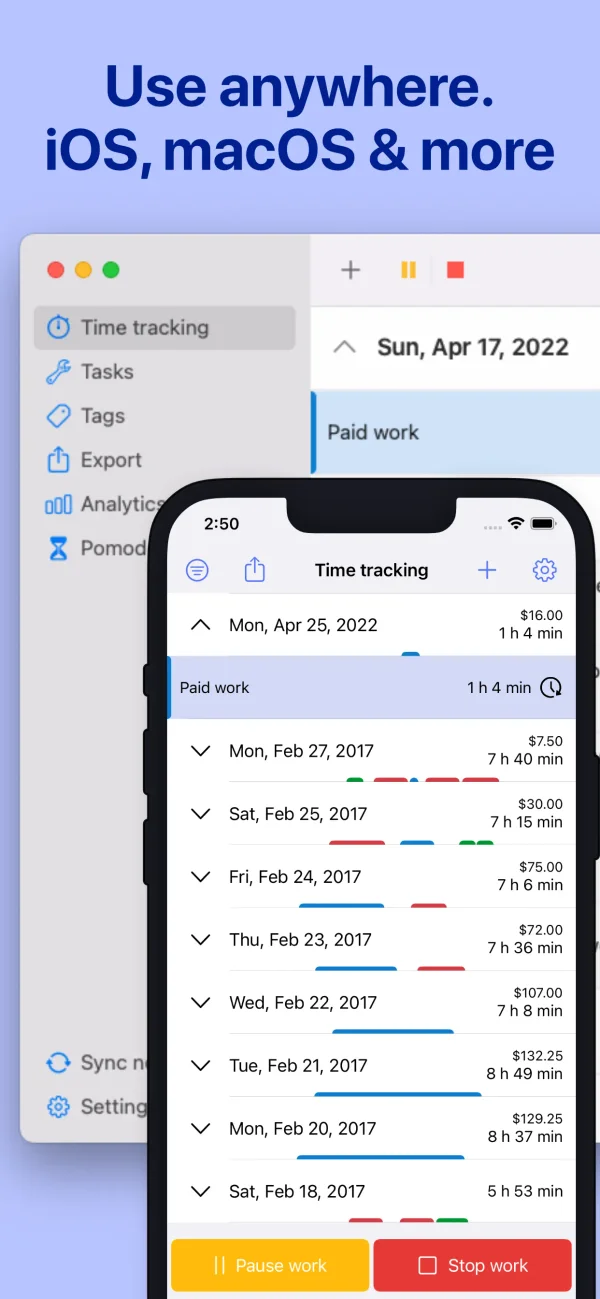
Optional sync keeps your work available across supported phone, tablet, laptop, and desktop versions. It uses your own iCloud, OneDrive, Google Drive, Dropbox, or WebDAV storage, so no WorkingHours account or registration is required.
WorkingHours is free to use, and Pro features can be tested with a 7-day trial. Pro is a one-time purchase linked to your Apple ID that unlocks Pro for iOS/iPadOS; a separate purchase may be required on other platforms.
What’s new
Version 2.19.3 · Oct 27, 2026
• Workplace detection now supports up to 5 locations, each with its own task
• Improved database, analytics and export performance
• Improved Cloud Sync reliability
App privacy
What Timo Partl declares on the App Store about how this app handles data.
-
Data not linked to you
May be collected but is not linked to your identity.
- Diagnostics
Privacy practices may vary, for example with the features you use or your age.
Information
- Seller
- Timo Partl
- Category
- Productivity
- Version
- 2.19.3
- Updated
- Oct 27, 2026
- Released
- Oct 6, 2018
- Size
- 30.4 MB
- Requires
- iOS 17.4 or later
- Age rating
- 4+
- Price
- Free
- In-app purchases
- Yes
- Languages
- English, Arabic, Bulgarian, Catalan, Czech, Danish, Dutch, Finnish, French, German, Greek, Hebrew + 20 more
- Copyright
- © 2017-2026 Timo Partl
You might also like
-
 Memento - Better RemindersThe simple, quick to-do list
-
 Photo Todo Lists - PhotodoManage tasks with image & text
-
 V2T: Whisper AI TranscriptionAudio to text converter
-
 LifeWheel Goal Habit TrackerDaily Vision Board, Mood
-
 HabitDone -Daily Habit TrackerGoal & Daily Planner &HabitKit
-
 AI-Story: Write, Talk & ChatAI.Chat - No Filter, 18+ AI
-
 Cleaning Schedule: NeatNookHouse Chores Tracker
-
 Cat Calendar:Schedule PlannerCountdown. Organizer. Reminder
-
 Habit & Goal Tracker – GoalKitDaily Goal Setting & Progress
-
 SleepScout® : Sleep RecoderSleep Music & Snoring Tracker