
Work Hours Tracker: Time Clock
Time Tracker for Work & Shifts
Designed for iPhone, iPad, iPod touch
Free · In-app purchases
- Age rating4+
- CategoryUtilities
- DeveloperSindre Juberg Skive
- LanguagesEnglish
- Size101.8 MB
Links to the official App Store page
Download.org hosts no file of Work Hours Tracker: Time Clock. The button opens its official App Store page, published by Sindre Juberg Skive. Listing last checked on Nov 14, 2026.
Screenshots
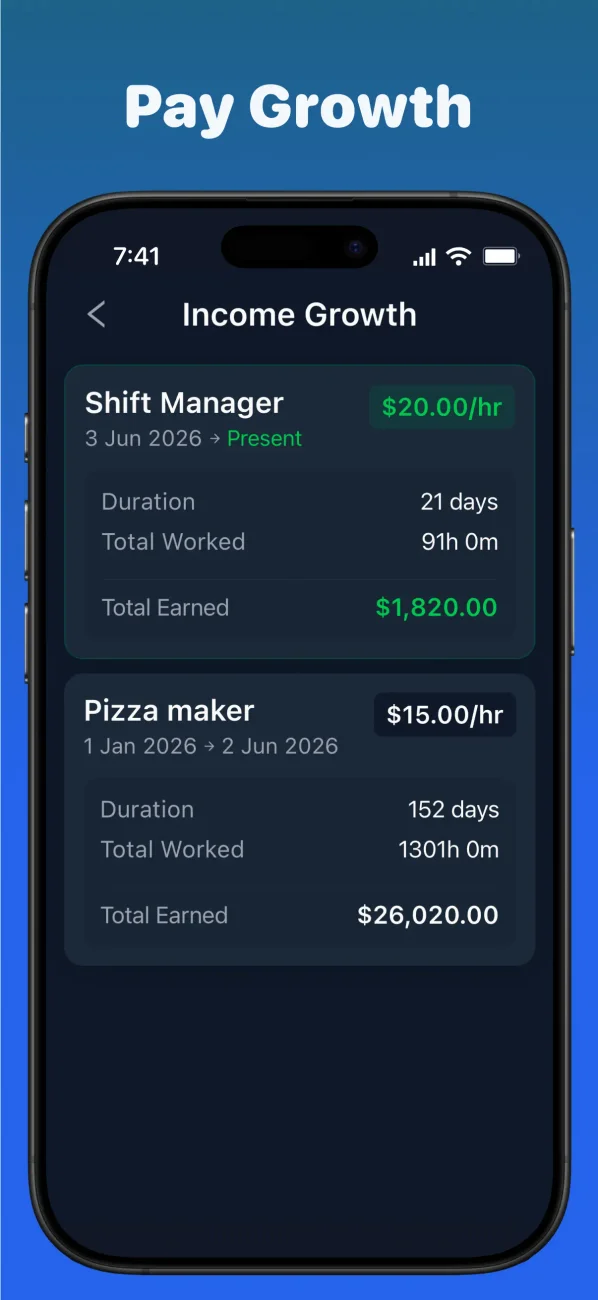
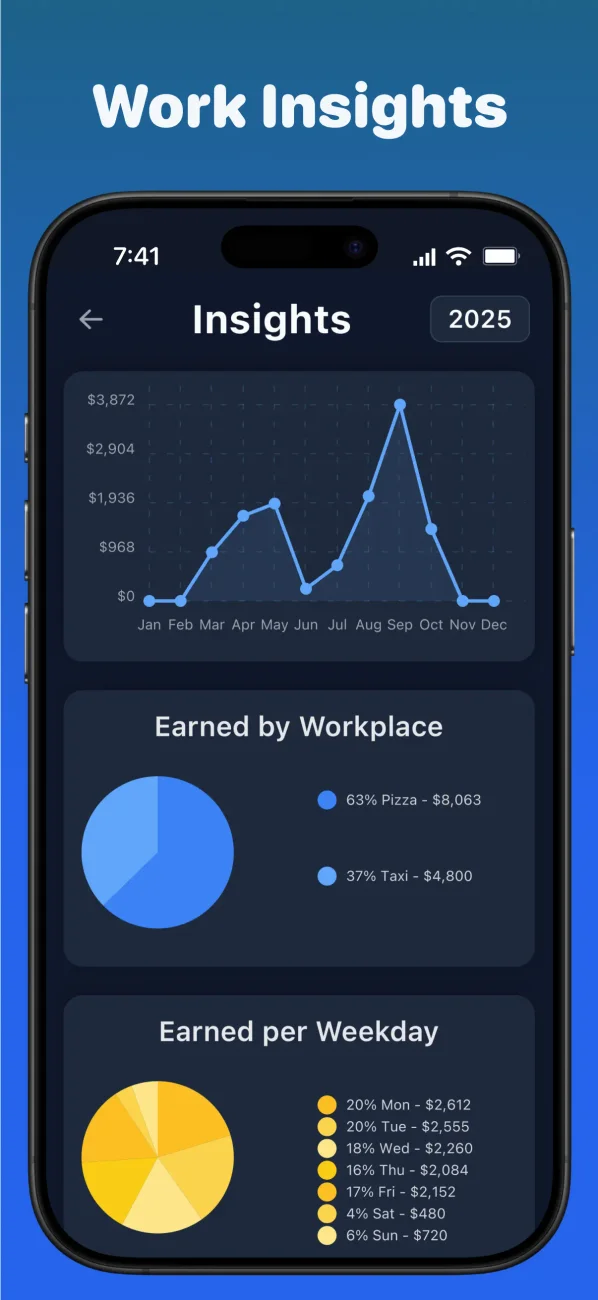
About
Work Tracker is a powerful time tracker, hours tracker, work log, shift tracker, time calculator, and work hours tracker built for hourly workers, freelancers, and small teams. Easily log shifts, breaks, and tips while tracking your income, salary growth, and real take-home pay after taxes. Set smart goals and get AI-driven insights to boost your earnings.
-- Key Features --
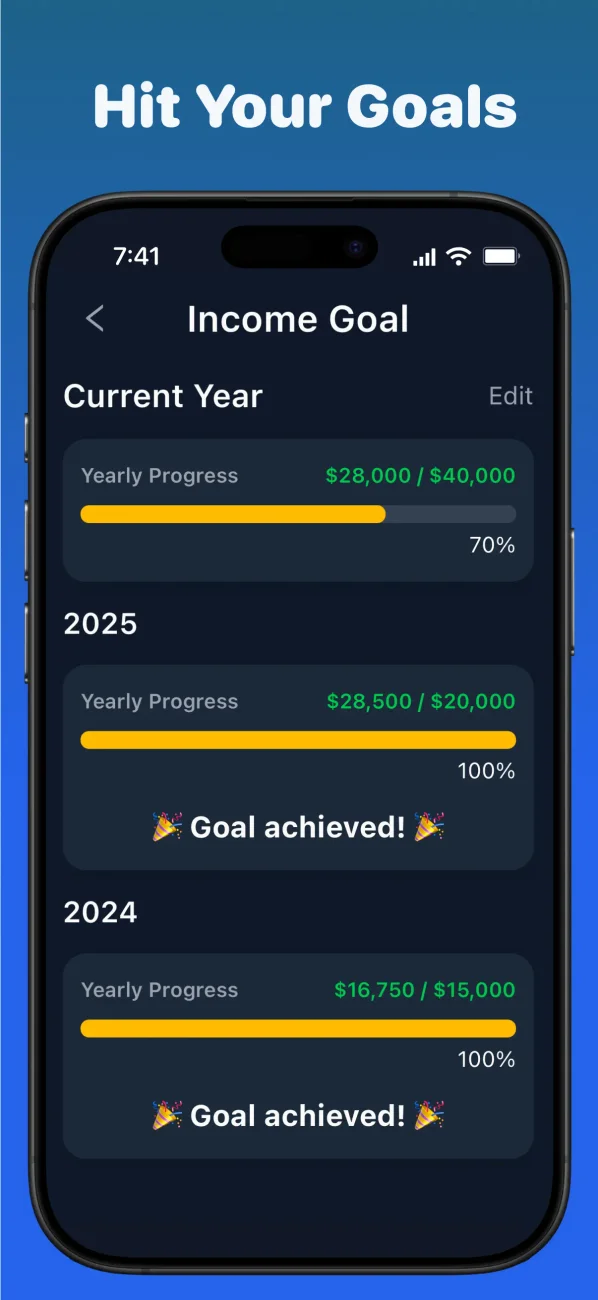
• AI-Powered Insights & Smart Goals
Get personalized income suggestions based on your country’s average wages. Set yearly income goals by job or client, and track your progress with real-time updates.
• Tax Rate Calculation for Real Payouts
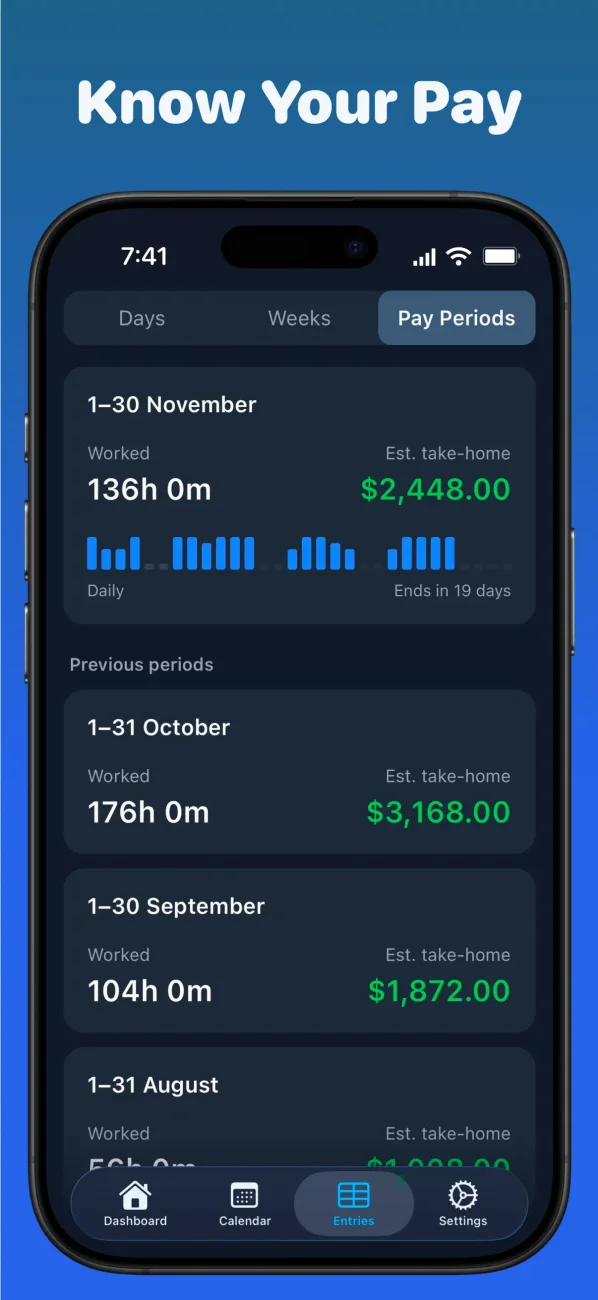
Enter your tax rate and instantly see your estimated take-home pay across shifts, weeks, months, or custom pay periods.
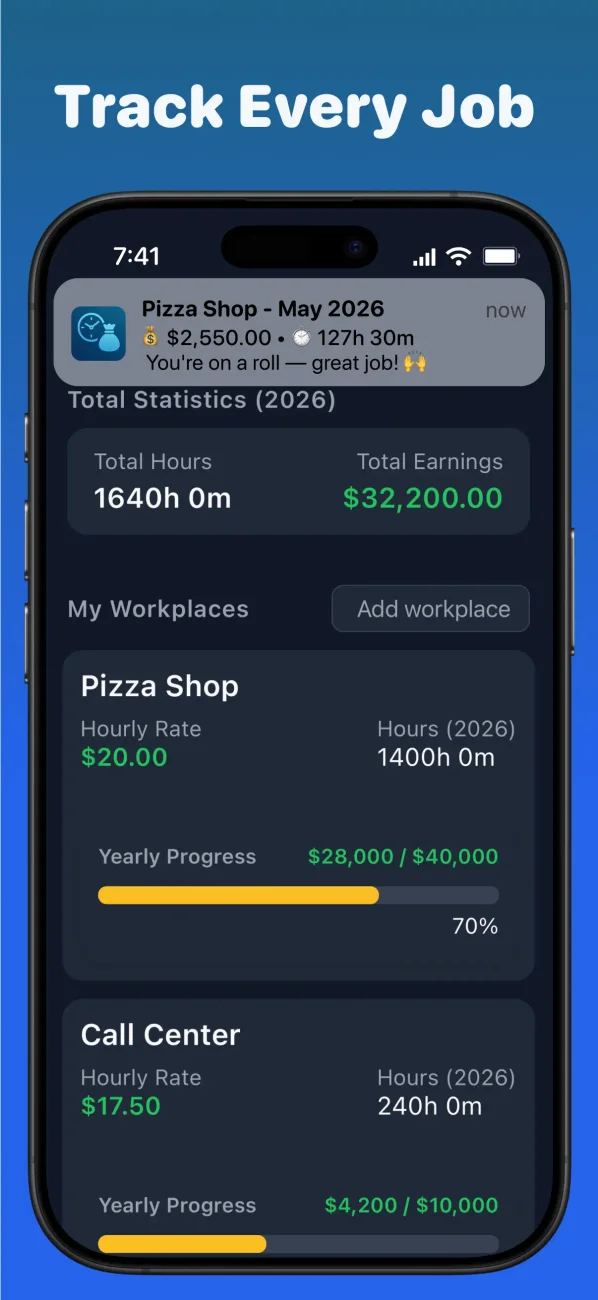
• Time Tracking for Unlimited Jobs
Track hours and pay across multiple jobs or clients, each with custom pay rates, schedules, and settings.
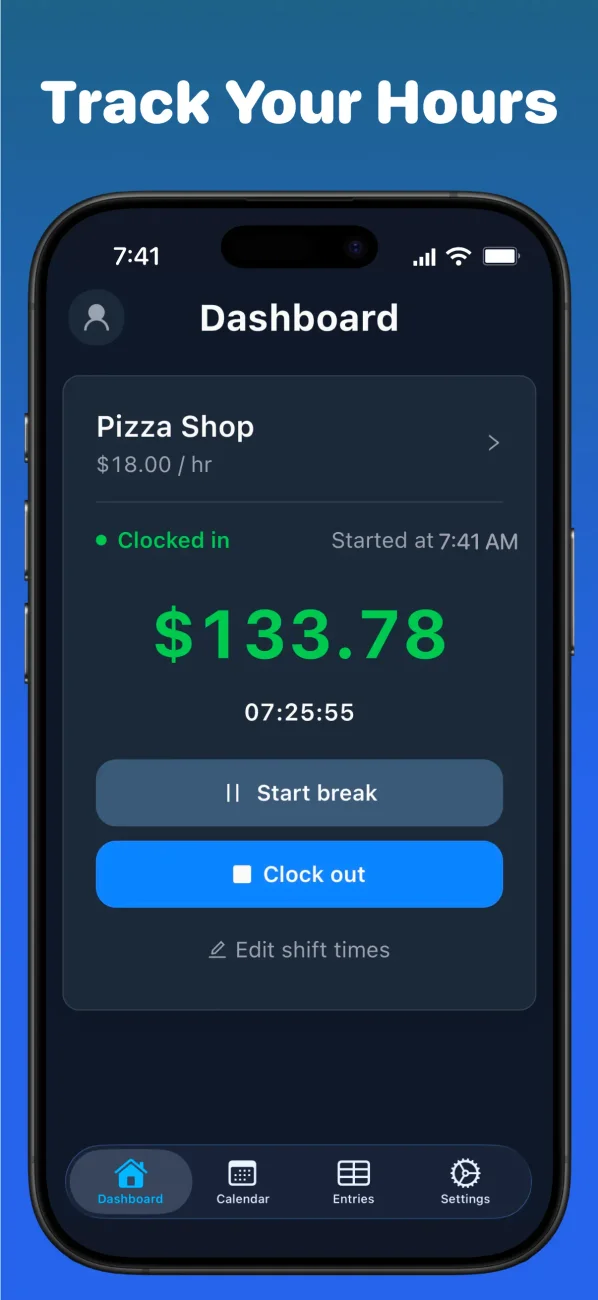
• Smart Clock In & Out with Breaks and Tips
Log your shift start, breaks, and tips with just a few taps. All data is saved securely — even if you lose connection or battery.
• Manual Shift Logging & Editing
Add or edit past shifts with ease. Perfect for correcting missed clock-ins or logging backdated work.
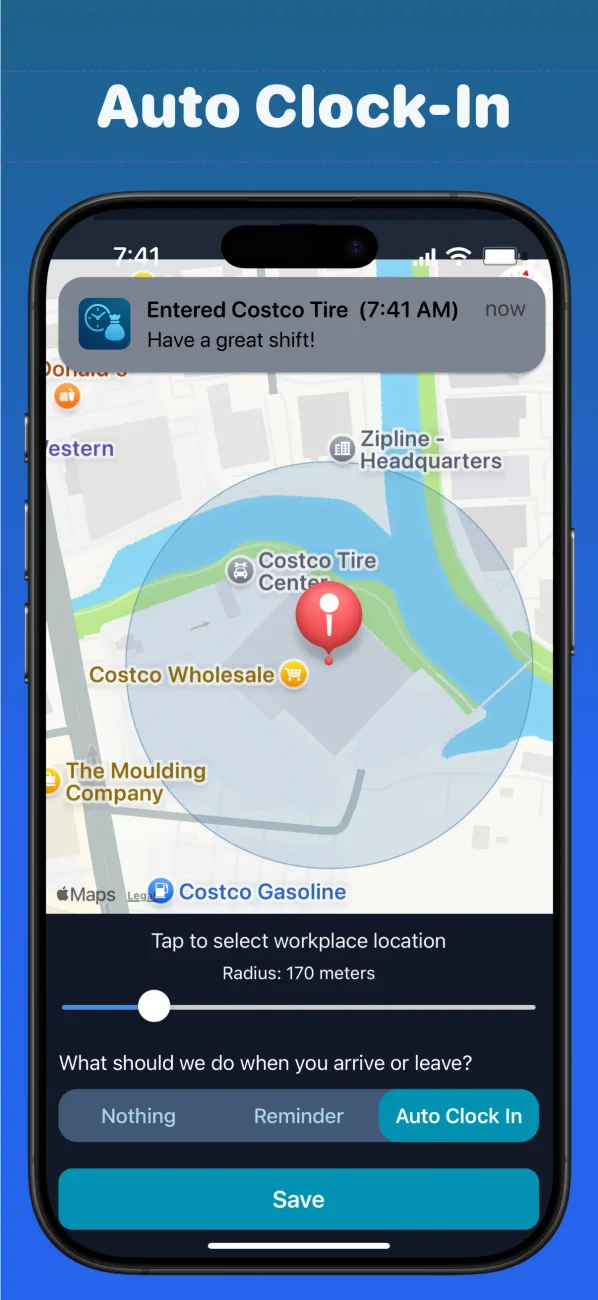
• Real-Time Location-Based Clocking (Optional)
Set your workplace location and choose automatic clock-in/out or location-based reminders when you arrive or leave.
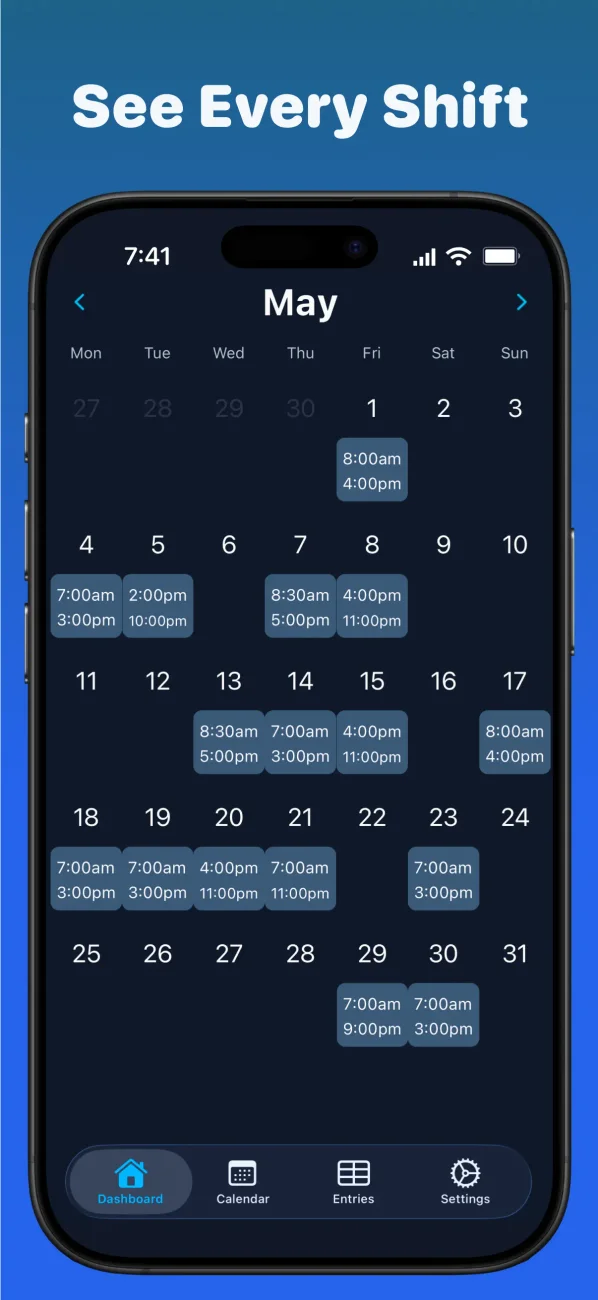
• Interactive Calendar View
See when and where you worked in a sleek calendar interface. Tap any date to view or add shift details and daily earnings.
• Pay Period & Income Tracking
View total hours and earnings by day, week, month, or custom pay period — with or without taxes. Always know what you're owed.
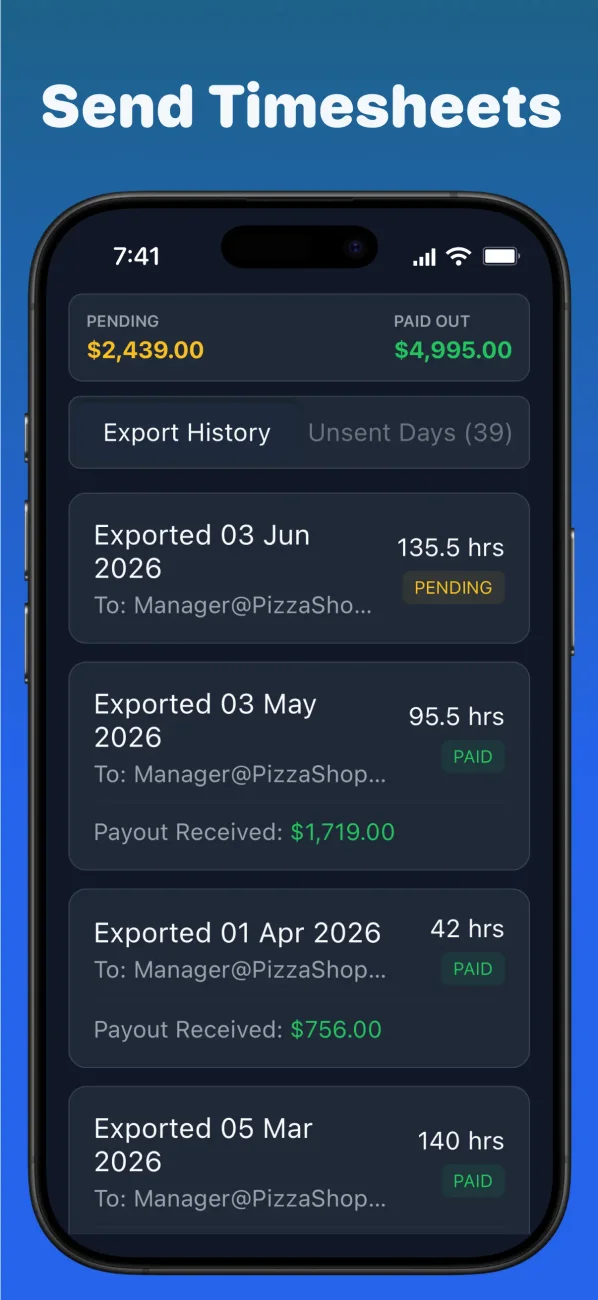
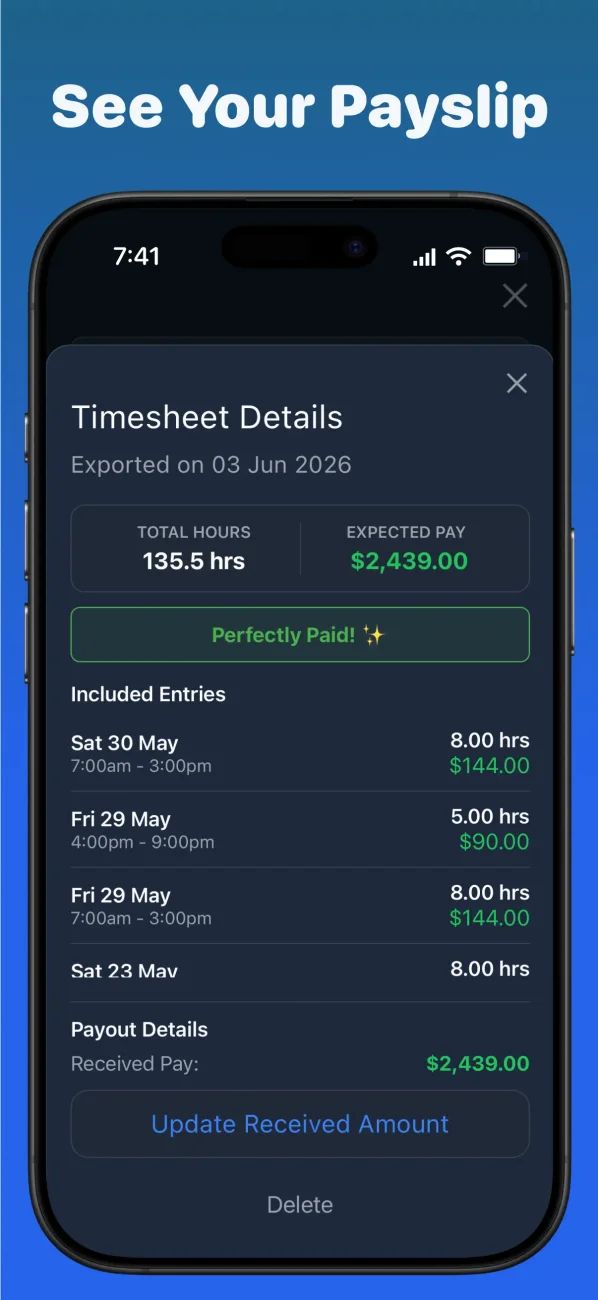
• Exportable Timesheets
Generate and send detailed timesheets instantly via email — ideal for payroll, tax filings, or personal records.
• Earnings Breakdown & Raise Tracking
Track base pay, tips, and salary growth. See when you got a raise, how much more you're earning, and how your income is progressing over time.
• Personal Dashboard
Get a complete view of your work life — total hours, job history, raises, performance, and income goal progress, all in one place.
• Super Smooth & Reliable
Enjoy a fast, seamless experience on every iPhone — including older models. Works offline with full backup.
**Perfect For:**
- Hourly workers & shift employees
- Freelancers & independent contractors
- Gig economy pros (Uber, DoorDash, etc.)
- Small business teams & managers
**Why Choose WorkTracker?**
- AI-powered income insights & smart goals
- Interactive calendar & location-based clock-ins
- Tracks tax-adjusted take-home pay
- No ads, no clutter — just clean design
- Offline mode & unlimited job tracking
- Built for real-world hourly work
Start tracking your time, income, and financial progress — smarter, faster, and stress-free.
Download WorkTracker today and take full control of your work life.
You can read our Terms of Use and Privacy Policy for more information.
https://www.termsfeed.com/live/5ce93805-1a0a-48df-81f6-786a0ae633bf
What’s new
Version 1.7.4 · Nov 13, 2026
General improvements
App privacy
What Sindre Juberg Skive declares on the App Store about how this app handles data.
-
Data used to track you
May be used to track you across apps and websites owned by other companies.
- Location
-
Data not linked to you
May be collected but is not linked to your identity.
- Purchases
- Location
- Identifiers
- Usage data
- Diagnostics
Privacy practices may vary, for example with the features you use or your age.
Information
- Seller
- Sindre Juberg Skive
- Category
- Utilities
- Version
- 1.7.4
- Updated
- Nov 13, 2026
- Released
- May 8, 2025
- Size
- 101.8 MB
- Requires
- iOS 15.1 or later
- Age rating
- 4+
- Price
- Free
- In-app purchases
- Yes
- Languages
- English
- Copyright
- © 2025 Sindre Skive
You might also like
-
 Hours Tracker & Work LogHourly Work Time Tracker
-
 Daily Work Hours Tracker & PayTime Clock & Work Countdown
-
 Hours Tracker: Shift Clock InWork Schedule, Time Calculator
-
 Timesheet: Hours TrackerHours Calculator,Time Tracking
-
 Work Hours Tracker: Pay LogTime Clock, Shift Timesheet
-
 Shift & Hours Tracker: Pay LogTimesheet, Overtime & Work Log
-
 Hours Tracker: Time Tracking .Hourly Work Log Tracker
-
 Hours Tracker Time ClockTimesheet & Pay Calculator
-
 Hours Tracker: Time Tracking +Hourly Work Log Timesheet
-
 Work Hours Tracker - HoursPalTime Tracker、Hours Calculator